What is Anything?
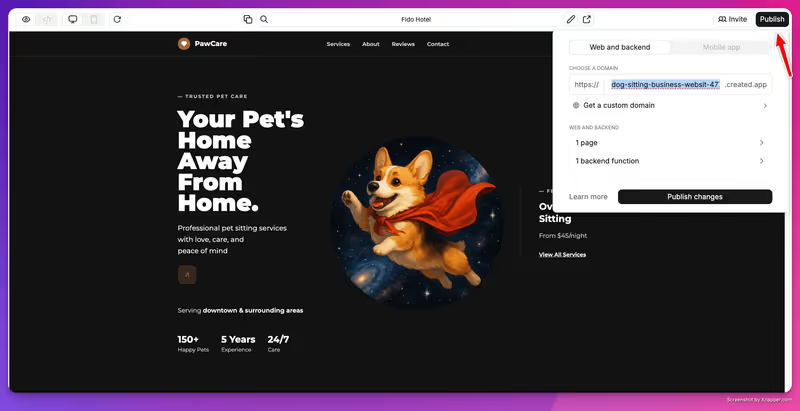
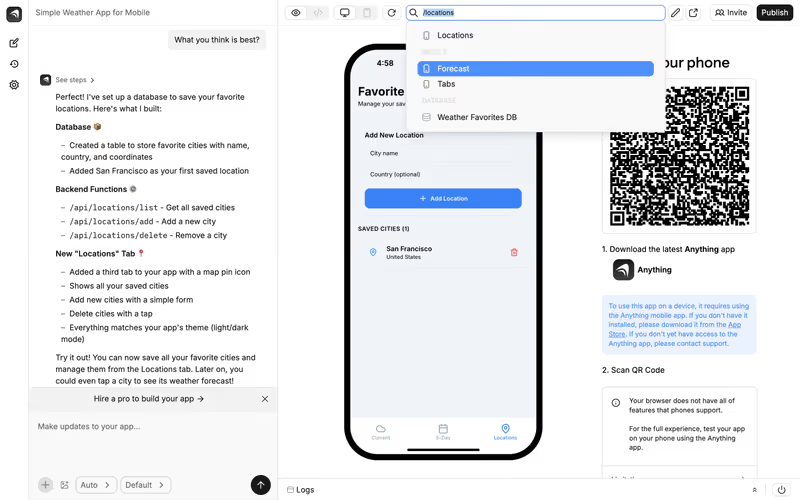
Anything, formerly known as Create.xyz, is an AI-powered design and application workspace. It combines a visual design canvas with text prompts. Instead of coding or manually dragging boxes, users can click on an area of their interface and type a prompt (e.g. “change this login box to include a Google authentication button”) to have the AI write and compile the code.
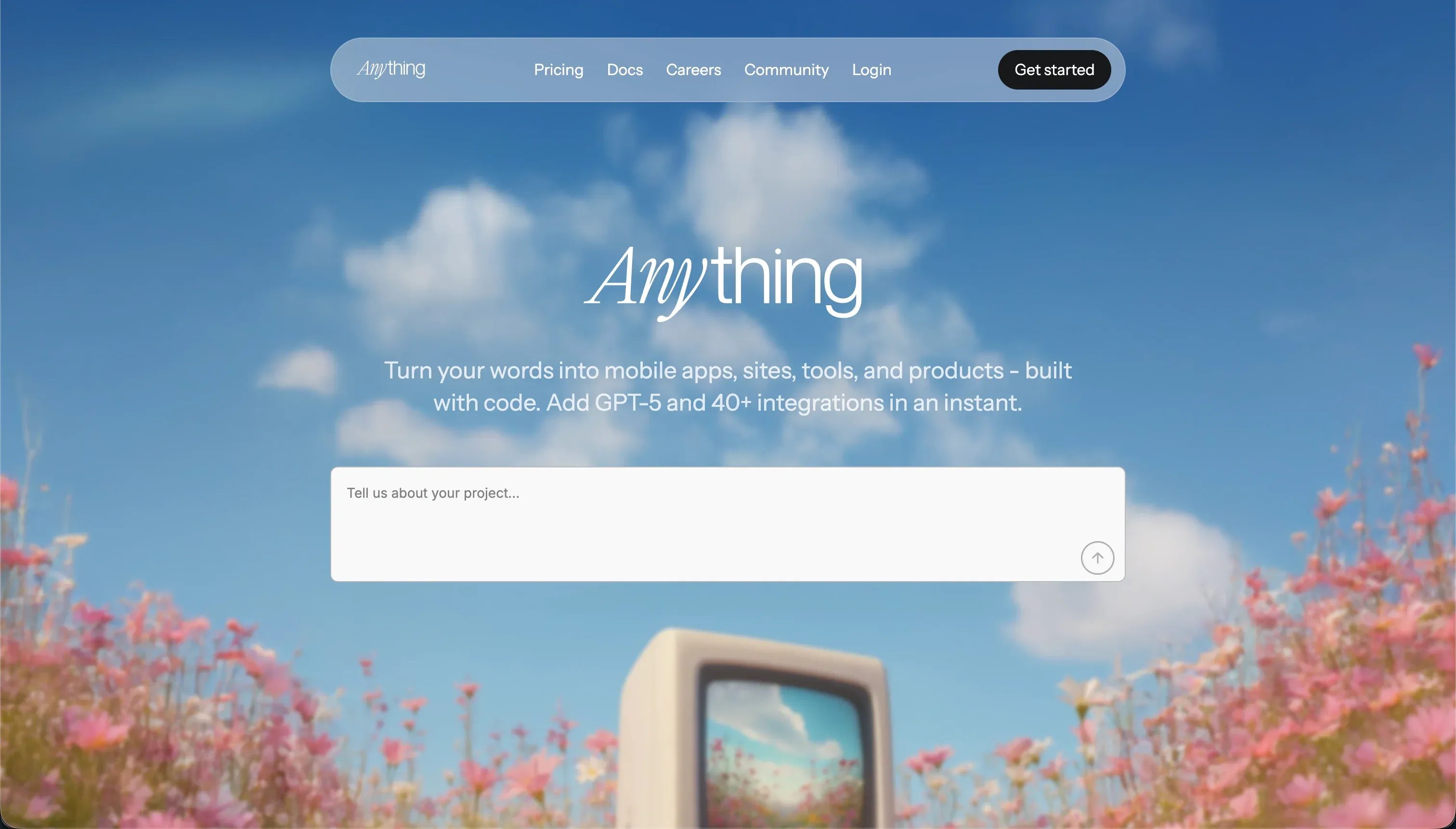 Anything product snapshot
By blending the visual control of a canvas with the speed of AI code generation, Anything aims to make it easy to scaffold web mockups, dashboards, and landing pages.

What types of applications can you build with Anything?
Anything is suitable for rapid frontend mockups and basic data capture forms. You can use it to build:
- Interactive Landing Pages: Scaffold visual sections, pricing models, and contact buttons.
- Basic Dashboard Layouts: Display visual widgets, charts, and table rows from mock data.
- Single-user Web Utilities: Create calculators, calendar views, or simple note-taking forms.
However, because the application is built on top of AI-generated code snippets that are compiled client-side, scaling it to handle hundreds of active, concurrent users with strict access controls presents security and maintenance challenges.

Where Anything genuinely shines
Anything’s primary benefit is component-level prompting. Rather than rewriting the entire screen when you ask for an update, the platform allows you to select a specific container and prompt the AI to modify only that component. This keeps your layout stable and reduces context errors.
It also supports exporting and downloading your generated React/TypeScript code files. This gives developers a clear way to take their scaffolding off Anything and host it on their own platforms.

The engineering overhead & setup complexity
Despite its conversational interface, transition issues present operational hurdles:
- Platform Rebrand Instability: During its transition from Create.xyz to Anything, multiple users reported that active production web projects suddenly became read-only, broke, or lost editor permissions.
- Regression in Multi-Step Prompts: While editing a single component is straightforward, chaining several visual updates together frequently introduces design regressions, where older components revert or break.
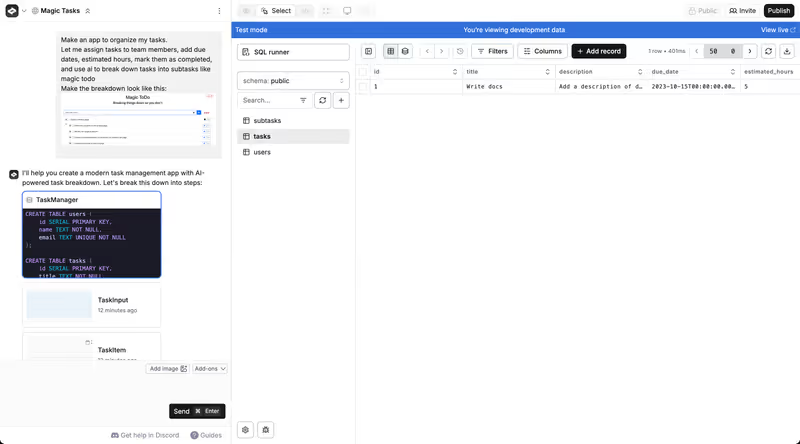
- Complex Data Management: Managing relational databases is done through natural language prompts. If the AI misconfigures your data columns or keys, fixing it requires manual database adjustments.
The pricing gotchas & token/credit model
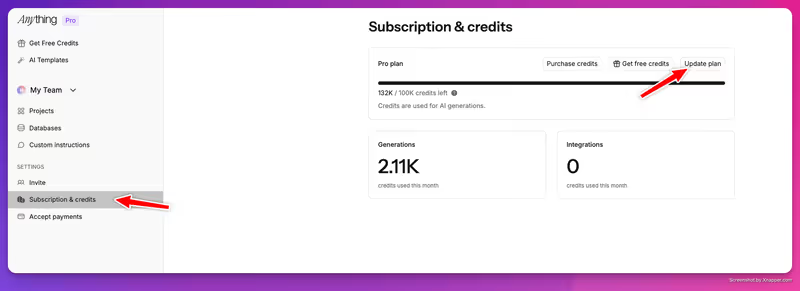
Anything uses a credit-based subscription model:
- Credit Consumption on Edits: The free plan allows you to create up to 20 projects, but places limits on AI generations. Iterating on design systems quickly exhausts these credits, forcing you to upgrade to the $19/month Pro tier.
- The Error Burn Rate: If the editor introduces compilation errors, you must spend credits asking the AI to diagnose and repair the bug, essentially paying for the platform to fix its own errors.
- Paying for Integrations: Connecting payment processors (like Stripe) or external database servers requires a Pro subscription, which increases the monthly cost for basic project validation.
Public Sentiment & Community Consensus
Feedback on Trustpilot and shipper blogs reveals concerns about project durability:
- Migration Frustrations: Users have expressed significant frustration regarding lost project access during the rebrand, advising against hosting production-grade businesses on the platform.
- Friction with Fine Visual Tweaks: While initial prompt layout generations are fast, adjusting small details (like form validation rules or image uploads) is often buggy.
- Helpful Free Tier Project Allowance: The 20-project limit on the free tier is highly appreciated by students and hobbyists prototyping concepts.
For operations teams and agencies looking to build secure B2B portals, team dashboards, or client hubs, a tool like Softr is a much better fit. Softr’s AI Co-Builder generates a complete app from a single prompt - database, pages, user permissions, and navigation - and you can also build or adjust anything manually without re-prompting. Because Softr produces no generated code, there’s nothing to debug and no regressions to chase. It stores data in its own built-in database (or connects to 17 external sources like Airtable and Google Sheets), and ships with role-based user groups and authentication out of the box. The app you launch on day one is the same stable app you’re running six months later.

Verdict: Who is it actually for?
Best for: Startup founders, developers, and designers who need to rapidly scaffold a frontend MVP or landing page and plan to export the code for custom development.
Not for: Business teams building B2B portals or client databases where project stability, database permissions, and long-term platform reliability are critical.