

VibeCode and Anything are both AI-first builders that turn prompts into working software, but they aim at different screens. VibeCode is a mobile-first platform that generates native iOS and Android apps with a built-in backend, while Anything, formerly Create.xyz, pairs a visual web canvas with conversational prompts to scaffold landing pages, dashboards, and web mockups. The choice is really about what you are shipping: a native mobile app, or a browser-based frontend.
The people deciding between these two are usually solo creators, designers, and early-stage founders validating an idea fast. What is at stake is not just the first demo, but where the project lands after it: whether you can export and own the code, whether iterating drains your credits, and whether the platform will still hold your project intact months later. One of these tools carries a recent track record of broken projects, so the day-two question is not theoretical here.
Meet the Contenders
What is VibeCode?
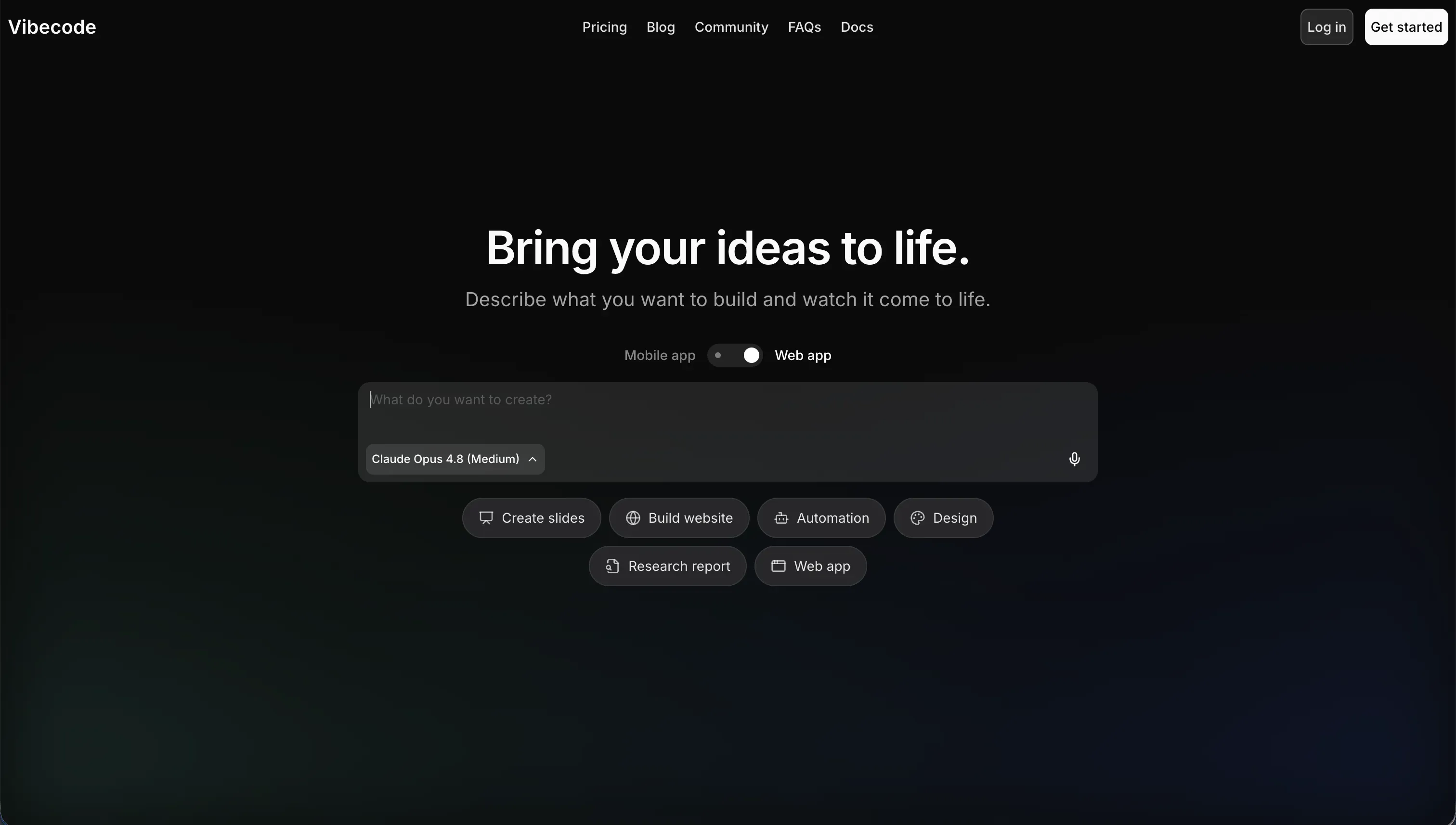
VibeCode is an AI-powered, mobile-first development platform that builds, tests, and publishes native mobile applications from natural language. It runs on the “vibe coding” idea, where you describe features in plain English and the AI generates the mobile interfaces, database, and API integrations underneath. Unlike web-first builders, it is specifically tailored for shipping iOS and Android apps to the official stores.
In practice, VibeCode provisions a backend database, user authentication, and cloud storage through VibeCode Cloud automatically, then lets you preview the app instantly on mobile web or on your own phone. Two capabilities stand out: direct App Store and Google Play publishing on paid tiers, and SSH access that connects VibeCode to external editors like Cursor or VS Code so you can refine the generated code locally. Its credit model is also transparent, with $1 in credits mapping to $1 of raw AI usage and unused credits rolling over.
VibeCode is genuinely built for mobile prototypers and non-technical creators who want native utilities, simple games, or MVPs without learning Swift, Kotlin, or React Native. It gets frustrating once apps grow complex: the AI can lose context across a larger codebase, hallucinate code, or hit a wall on custom data pipelines, and the lack of code export on the Free and Plus tiers can leave base-tier users feeling locked into the in-browser interface.
| Spec | Details |
|---|---|
| Primary Stack | AI-generated native mobile app code with a built-in VibeCode Cloud backend |
| Interface | Prompt-based mobile builder with instant on-device preview |
| Primary Deployment Target | Native iOS and Android apps published to the App Store and Google Play |
| Key Advantage | Direct native app-store publishing plus transparent no-markup credit pricing |
What is Anything?

Anything, formerly Create.xyz, is an AI-powered design and application workspace that blends a visual canvas with text prompts. Instead of coding or dragging boxes manually, you click an area of the interface and type a prompt, and the AI writes and compiles the code for that part. It is aimed at scaffolding web mockups, dashboards, and landing pages quickly.
In practice, the headline feature is component-specific prompting: you select a single container and instruct the AI to modify only that component, which keeps the rest of the layout stable and reduces context errors. Anything also ships a built-in relational database that you configure through natural language, pre-built login and sign-up flows, native integrations for Stripe and external REST APIs, and the ability to export and download the generated React and TypeScript files to host the app yourself.
Anything is built for founders, designers, and developers who want to scaffold a frontend MVP or landing page fast and possibly export the code afterward. It becomes risky for anything production-grade: the transition from Create.xyz to Anything left multiple paid users with read-only or broken projects, multi-step visual edits frequently cause design regressions, and fixing editor-introduced bugs can quietly burn through your credit pool.
| Spec | Details |
|---|---|
| Primary Stack | AI-generated React and TypeScript compiled from canvas prompts |
| Interface | Visual canvas with component-level AI prompting |
| Primary Deployment Target | Web apps, landing pages, and basic dashboards (self-hostable via export) |
| Key Advantage | Click-to-edit component prompting plus React/TypeScript code export |
The Core Difference
The biggest difference is the target platform and the maturity of the platform itself. One builds native mobile apps on a stable pipeline, the other builds web frontends on a platform still recovering from a disruptive rebrand.
- VibeCode generates native iOS and Android apps from prompts with a built-in backend, transparent credits, and an SSH escape hatch on higher tiers.
- Anything generates web frontends through a visual canvas with component-level prompting and code export, but carries documented post-rebrand instability and credit-burn issues.
Head-to-Head Comparison
We evaluated both platforms across the categories that matter most for these two tools.
1. Developer Experience & Iteration Speed
VibeCode’s first-run experience is fast and mobile-native. You describe an app, the AI scaffolds the screens and a backend, and you preview it on your own phone in an afternoon. For native MVPs, fitness trackers, daily logs, and simple utilities, that loop is genuinely quick, and non-technical creators consistently praise how fast an idea becomes a running mock.
Iteration gets harder as the app grows. VibeCode’s AI can lose context across a larger codebase, sometimes overwriting existing blocks or introducing bugs, and when it produces compilation errors or invalid API calls, non-technical builders often cannot debug without exporting to a local editor. The SSH-to-Cursor path on Pro helps experienced developers, but it shifts the work from prompting to real coding.
Anything’s iteration model is built around its canvas. Clicking a single component and prompting a change to only that element is a smart way to keep edits contained and reduce context errors, and the first layout generation is fast. That focused editing is a real strength for landing pages and simple dashboards.
The weakness shows up across multi-step changes. Chaining several visual updates frequently introduces design regressions where older components revert or break, and fine details like form validation and image uploads are reported as buggy and need repeated retries. Each retry can also consume credits, so iteration friction is both a time cost and a money cost.
Edge: VibeCode, because its iteration slows mainly on large apps, while Anything’s regressions and credit-burning retries hit even routine multi-step edits.
2. Code Quality & Portability
VibeCode lets you own your output, with a caveat. Full source code download and SSH access are available, but only on the Pro plan at $50 per month and above, so Free and Plus users have no export at all. For developers who do upgrade, connecting to Cursor or VS Code is a clean way to refine and audit the generated code.
The quality side is mixed. Generating a complex mobile app purely through vibe coding can leave structural issues, unoptimized assets, and security gaps, which is why experienced developers caution against shipping it without manual review. The exported code is a real starting point, but it still needs engineering attention before it is production-ready.
Anything makes export more accessible. You can download the generated React and TypeScript files and host the app on your own servers, and the research does not gate that behind a specific paid tier the way VibeCode does. For a developer who wants to take a frontend scaffold and keep building, that is a friendlier ownership story.
The trade-off is the same underlying reality: this is AI-generated code that can regress when prompted in multiple steps, and managing relational data still falls back to manual database adjustments when the AI misconfigures keys or columns. You own the files, but you also own the cleanup.
Edge: Anything, narrowly, because both export AI-generated code, but Anything’s export is not locked behind a $50 tier the way VibeCode’s is.
3. Database & Backend Capabilities
VibeCode ships a backend out of the box: a database, user authentication, and cloud storage through VibeCode Cloud, all provisioned automatically. For mobile MVPs and utilities that need to store records and sign users in, that is enough to get a real app working without separate setup.
Its ceiling arrives with complexity. Custom data pipelines, complex authentication patterns, and custom native device integrations can cause the AI to struggle, leading to hallucinated code or broken logic. So VibeCode is comfortable with structured mobile CRUD, but shakier once the backend needs to behave like a real system.
Anything provides a built-in relational database configured through natural language prompts, plus pre-built login and sign-up flows and native connections to Stripe and external REST APIs. That covers data capture forms, basic dashboards, and simple web utilities reasonably well.
The risk is configuration reliability and scale. If the AI misconfigures columns or keys, you are back to manual database work, and because the app compiles from AI-generated snippets client-side, scaling to many concurrent users with strict access controls raises security and maintenance concerns. Neither tool offers governed, visual row-level permissions.
Edge: VibeCode, because its provisioned backend with auth and cloud storage is more complete out of the box than Anything’s prompt-configured database.
4. Hosting & Deployment Options
VibeCode’s deployment story is its signature feature. Paid tiers can publish native iOS and Android apps directly to the Apple App Store and Google Play, with active deployment counts scaling from 1 on Plus to 5 on Max. For a creator who wants a real listing, not just a web link, nothing in Anything competes here.
The deployment caveat is store review. Because vibe-coded apps can carry security gaps and edge-case crashes, you should run a manual audit before submitting, or risk failing review. The pipeline exists, but it does not remove the responsibility of shipping something store-worthy.
Anything deploys to the web. You can run apps in its cloud or export the React and TypeScript and host them yourself, with custom domains available on the Pro tier. For landing pages and dashboards, that is a reasonable path, and self-hosting the export gives you control over where it runs.
The reliability question is the platform itself. During the Create.xyz to Anything rebrand, multiple paid users reported active projects becoming read-only or breaking entirely, which is a serious mark against trusting it to host anything important. Deployment is easy, but durability has been a documented problem.
Edge: VibeCode, because native App Store and Google Play publishing is a capability Anything simply does not have.
5. AI Quality & Reliability
VibeCode’s AI is the whole build engine, and it is transparent about cost: payments convert directly to raw AI model usage from providers like Anthropic and OpenAI with no markup, and unused credits roll over and do not expire. That predictability is a real advantage when you are iterating a lot. The reliability limit is context: on larger codebases the model can lose track of structure and produce messy or buggy code.
Because the AI is the only path to changes on base tiers, a context slip can be expensive to recover from without exporting to a local editor. VibeCode mitigates this for paying developers through SSH and code export, but non-technical users on Free or Plus are more exposed to the AI’s mistakes.
Anything’s AI is integrated into the canvas, and component-specific prompting is a genuinely good reliability idea because it narrows the context the model has to reason about per edit. For a single-component change, that keeps results predictable and limits collateral damage.
Reliability falls apart across chained edits and bug-fixing. Multi-step visual modifications introduce regressions, and when the editor itself creates a compilation error, you spend credits asking the AI to diagnose and repair its own mistake. Paying to fix the platform’s errors is a poor reliability and cost combination.
Edge: VibeCode, because its no-markup roll-over credits make AI cost predictable, while Anything’s error-burn model charges you to repair its own regressions.
Pricing Comparison
VibeCode:
- Free - $0/mo, $2.50 included AI credits, access to premium models, prompt-based building (no app-store deployments)
- Plus - $20/mo, $20 included credits, 1 active deployment, custom domains (no code export or SSH)
- Pro - $50/mo, $55 included credits, 3 active deployments, full code export and SSH access, 24/7 priority support
- Max - $200/mo, $220 included credits, 5 active deployments, full code export and SSH access, priority support
- Note: $1 in credits equals $1 of raw AI usage with no markup, and unused credits roll over.
Anything:
- Free - $0/mo, up to 20 projects, basic AI credit limits, standard templates
- Pro - $19/mo, advanced AI models, API integrations, higher monthly credit limits, custom domains
- Max - Custom pricing, heavy development credit limits, production-scale data options, priority support
- Note: credits are consumed when the AI generates pages, updates components, or resolves database queries, and fixing bugs iteratively can deplete them fast.
Use Case Fit: When to use which?
When to choose VibeCode
- Choose VibeCode when you need a native iOS or Android app published to the App Store or Google Play, not just a web link.
- Choose VibeCode when you want transparent, no-markup credits that roll over, and you expect to iterate heavily on a mobile prototype.
- Choose VibeCode when you are technical enough to use SSH and code export on Pro to refine and audit the generated code in Cursor or VS Code.
When to choose Anything
- Choose Anything when you are scaffolding a web landing page, frontend MVP, or basic dashboard and want a visual canvas with click-to-edit prompting.
- Choose Anything when accessible React and TypeScript code export matters and you plan to self-host the result.
- Choose Anything when a low base price and a generous 20-project free tier outweigh the platform’s recent stability concerns for throwaway prototypes.
When neither VibeCode nor Anything is the right fit
For native mobile apps with more flexibility
VibeCode does publish native apps, but it is a prompt-only mobile builder that hits a complexity wall on custom pipelines and native device integrations. Anything does not produce native binaries at all. If your mobile app needs more serious flexibility and a closer path to polished app-store output, a dedicated native builder serves you better.
For that job, look at FlutterFlow or Adalo. FlutterFlow is the stronger option when you need real native-app control and a credible route to App Store and Google Play releases, while Adalo is the more beginner-friendly native builder when you want simplicity over depth.
For internal tools and client portals
Neither tool is built for business software with real roles and permissions. VibeCode aims at consumer mobile utilities and Anything at web frontends, and both rely on AI-generated code that can regress, plus backends that lack governed row-level access control for sensitive B2B data.
For operational apps, Softr is the more practical fit, with Retool as the alternative for more technical teams. Softr’s AI Co-Builder generates the database, pages, permissions, and navigation from a prompt and produces no code to debug, so there are no regressions to chase, and it ships role-based user groups, row-level restrictions, and SOC 2 Type II security from day one starting with Softr Databases. Retool makes sense when your team wants a developer-leaning internal-tools platform with heavier custom logic.
For professional developer environments
If you want source control, a terminal, package management, and full ownership of the stack, both tools are too abstracted. They generate code for you, but they are not real development environments, and the export still leaves you with AI-written code to clean up.
In that case, look at Cursor or Replit. Cursor fits developers who already live in an IDE and want AI pair-programming on a real codebase, while Replit suits those who want a browser-based environment with a database, terminal, and deployment tooling built in.

Verdict
Pick VibeCode if your goal is a native mobile app you can actually publish to the App Store and Google Play. It gives you a provisioned backend, transparent no-markup credits that roll over, and an SSH and code-export escape hatch on Pro for refining the output in Cursor. The tradeoff is the complexity wall: as the app grows, the AI can lose context and introduce bugs, and real ownership costs $50 per month before export unlocks.
Pick Anything if you are scaffolding web landing pages, frontend MVPs, or basic dashboards and value its component-level canvas and accessible React and TypeScript export. The tradeoff is platform risk: the rebrand from Create.xyz broke or froze paid users’ projects, multi-step edits regress, and fixing those bugs can burn through your credits. That is a lot of uncertainty to accept for production work, so keep Anything to throwaway prototypes.
The day-two reality is where the comparison really lands. The first demo is rarely the expensive part; every change after it is, especially when real users depend on the app and a broken edit touches live operations. Between these two, VibeCode is the more dependable choice for native mobile prototyping, while Anything’s instability makes it hard to trust beyond quick experiments. If the app is actually business software with roles and permissions, neither is the right tool, and Softr or Retool will age far better.

Summary Comparison Table
| Criterion | VibeCode | Anything |
|---|---|---|
| Best for | Native mobile MVPs and utilities | Web landing pages and frontend mockups |
| Output type | Native iOS and Android apps | Web apps (React/TypeScript) |
| Database | Built-in VibeCode Cloud backend with auth | Prompt-configured relational database |
| Visual permissions | Basic, no governed row-level controls | Basic, AI-written access logic |
| Pricing metric | No-markup credits that roll over | Credits consumed per AI generation |
| App-store publishing | Yes, native App Store and Google Play | No, web only |
| Code export | Yes, but Pro tier ($50/mo) and SSH | Yes, downloadable React/TypeScript |