What is FlutterFlow?
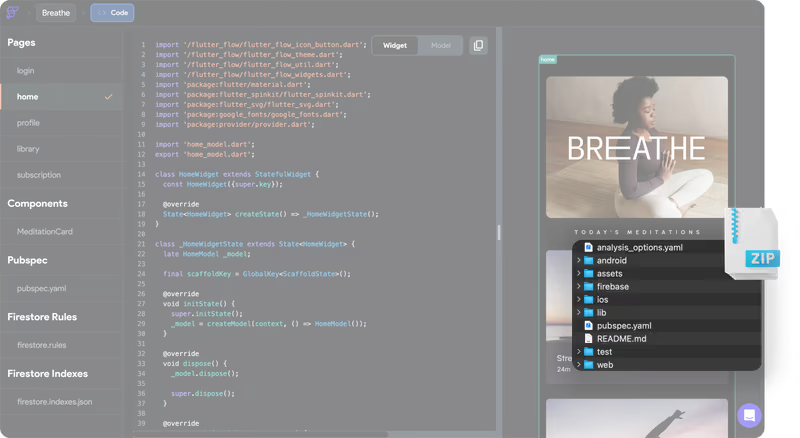
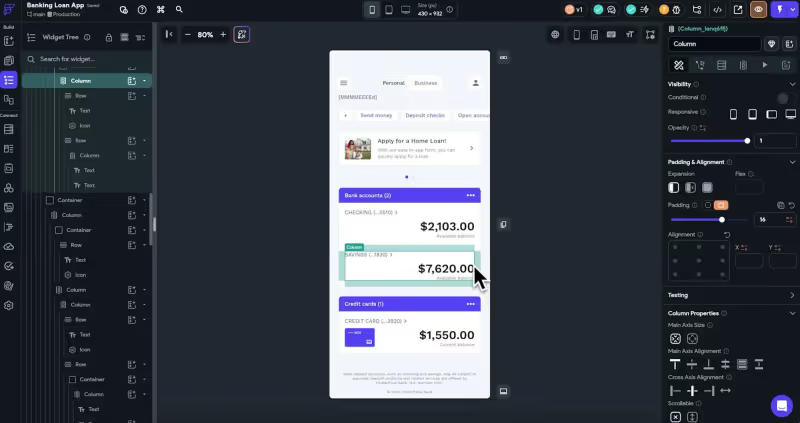
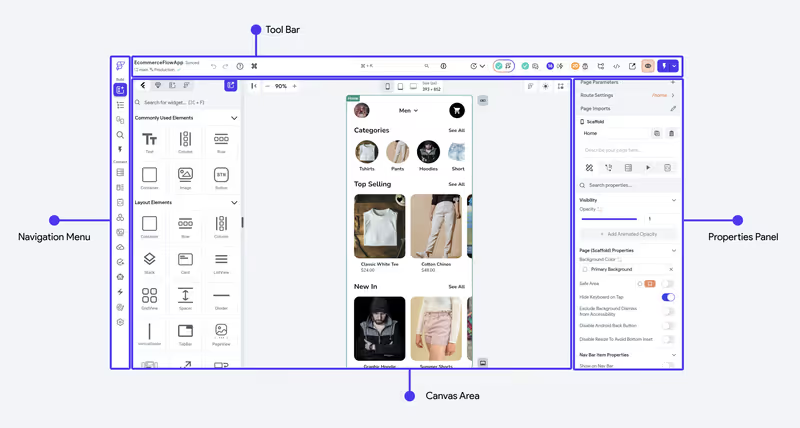
FlutterFlow is a visual development environment designed to build cross-platform mobile and web applications on top of Google’s Flutter framework. Operating as a visual IDE, FlutterFlow represents layouts as widget trees (columns, rows, containers, grids) and compiles these designs into standard Dart code.
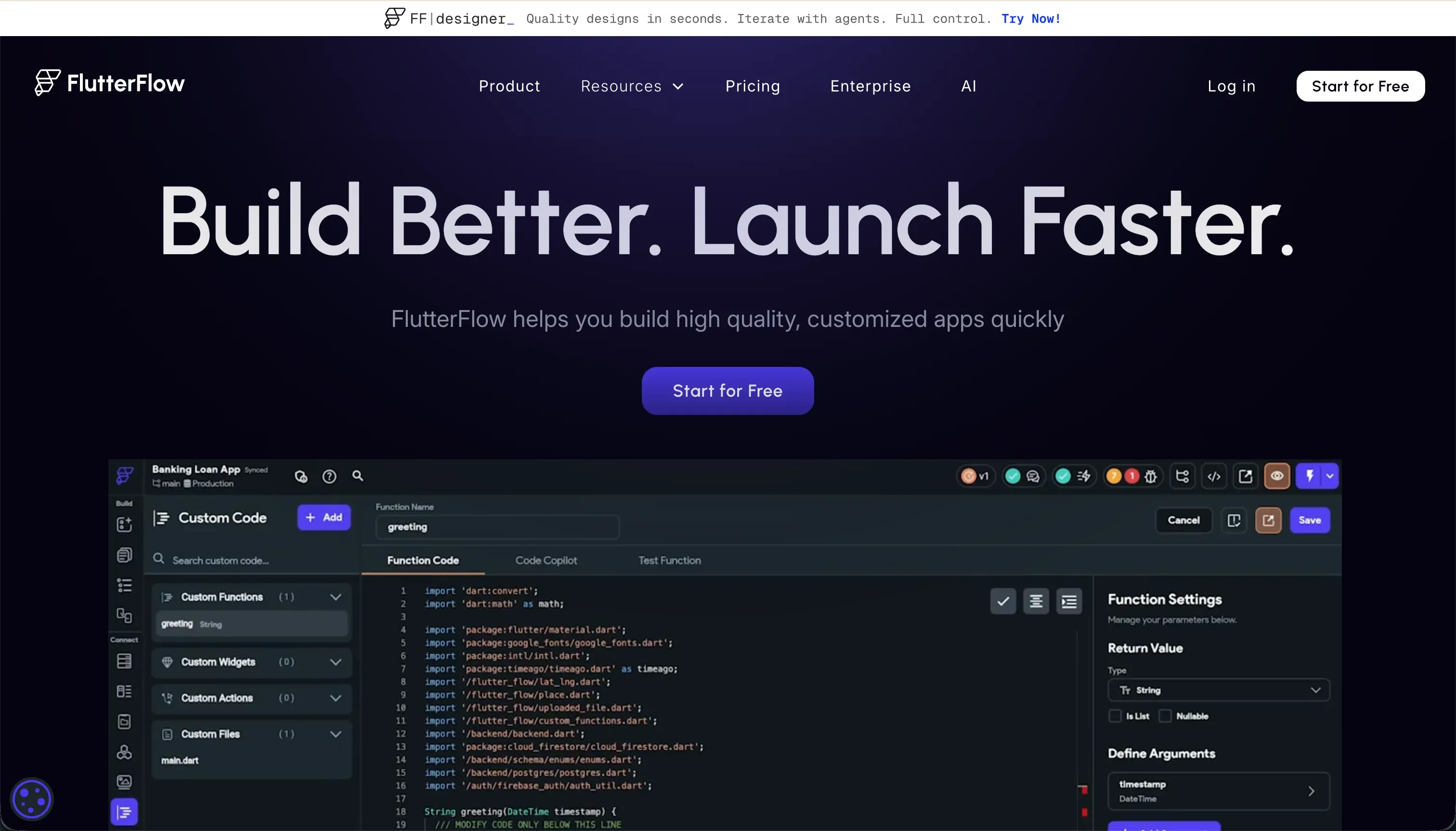 FlutterFlow product snapshot
The platform targets creators and developers looking to bypass the tedious boilerplate of mobile development while retaining code ownership, allowing users to export their complete codebase to run locally in VS Code or Android Studio.
What types of applications can you build with FlutterFlow?
FlutterFlow is optimized for native mobile platforms:
- Native Mobile Apps (iOS & Android): Build booking tools, social networks, chat interfaces, and offline trackers.
- Firebase-powered Systems: Create multi-user mobile apps with real-time sync, photo uploads, and push notifications.
- Custom Dart integrations: Package custom APIs and logic controllers for mobile hardware (such as camera and location access).
However, because Flutter compiles for the web using CanvasKit canvas renders, pages are heavy and slow to load, making FlutterFlow less suitable for public, SEO-indexed web directories or enterprise desktop dashboards.
Where FlutterFlow genuinely shines
FlutterFlow is highly capable for mobile-first app store delivery. It integrates directly with Apple TestFlight and Google Play, handling the packaging process codelessly. You can download the Dart source files at any time, ensuring you are never locked into FlutterFlow’s cloud platform.
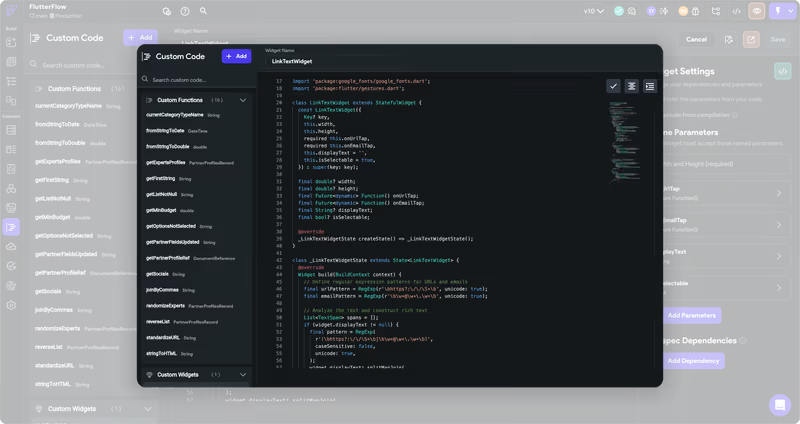
The visual builder integrates natively with Firebase and Supabase database engines, simplifying authentication setup. Its built-in AI generators also help builders generate visual layouts, database schemas, and custom Dart code snippets.
The engineering overhead & setup complexity
Despite its drag-and-drop designer, building and scaling a FlutterFlow app requires engineering expertise:
- The Flutter Widget Learning Cliff: Understanding widget layout constraints, state variables, and relational schemas requires a programmer’s logical mindset.
- Firebase Configuration Complexity: Setting up database rules, security keys, user indexes, and cloud functions in Firebase or Supabase must be done manually, which is a hurdle for beginners.
- Debugging Errors without Context: When compilation errors occur in custom code blocks, FlutterFlow’s compiler can fail to provide clear line numbers, forcing builders to export the code to local IDEs to diagnose issues.
The pricing gotchas & token/credit model
FlutterFlow uses a subscription model that gates code export and store publishing:
- Export Restrictions: The free tier lets you build visual mockups, but you cannot download Dart code or package compiled binaries unless you subscribe to the Standard tier ($30/month) or higher.
- Codeless Store Delivery Costs: Publishing packages directly to Apple and Google store targets requires the Pro tier ($70/month), which can be costly for startups testing an early concept.
- Browser Editor Lag: As your application design grows past 12-15 screens, the visual browser tab lags and consumes significant CPU, slowing down visual edits on standard laptops.
Public Sentiment & Community Consensus
Discussions on Reddit and Product Hunt highlight the following patterns:
- Fast Prototyping Praise: Builders value how quickly they can spin up a mobile MVP within two weeks compared to coding Flutter from scratch.
- Warehouse/Inventory Scaling Limits: Users warn that larger applications handling complex logic and heavy inventories can suffer from stability issues.
- Mediocre Support Response: Paid users report feeling neglected by official support channels, frequently relying on complex community forums to resolve setup bugs.
For business teams looking to build secure B2B client portals, internal dashboard tables, or company databases, compiling a heavy mobile framework is unnecessary. If you’re building desktop-first business software, Softr is much more practical. Softr’s AI Co-Builder generates a complete app from a prompt - database, pages, permissions, and navigation included - with no generated code to debug later. It stores data in Softr’s own built-in database or connects to any of 17 external sources, and ships with role-based access controls, built-in authentication, and SOC 2 security from day one. Business teams can deploy stable client portals or internal tools in a day, with no Firebase rules to configure and no App Store packages to compile.
Verdict: Who is it actually for?
Best for: Mobile developers, designers, and agencies who need to build native cross-platform mobile apps visually and want the freedom to export clean Dart code.
Not for: Non-technical business teams building SEO-focused directories, CRM portals, or internal databases that run desktop-first.