

Choosing between Replit and FlutterFlow is a choice between a cloud-based multi-language code IDE and a visual builder dedicated to cross-platform mobile app development. Replit provides an open-ended terminal, multi-language VM hosting, and autonomous AI agents designed to build full-stack code directly within your web browser. FlutterFlow operates as a visual layout editor specifically optimized for assembling Flutter widget trees and compiling clean, production-ready Dart code.
This decision is typically faced by founders, product designers, and technical teams who are weighing conversational code generation against visual UI design libraries. The strategic stakes involve significant tradeoffs in developer resource costs, deployment environments, database scalability, and the long-term maintenance of the compiled application codebase.
Meet the Contenders
What is Replit?
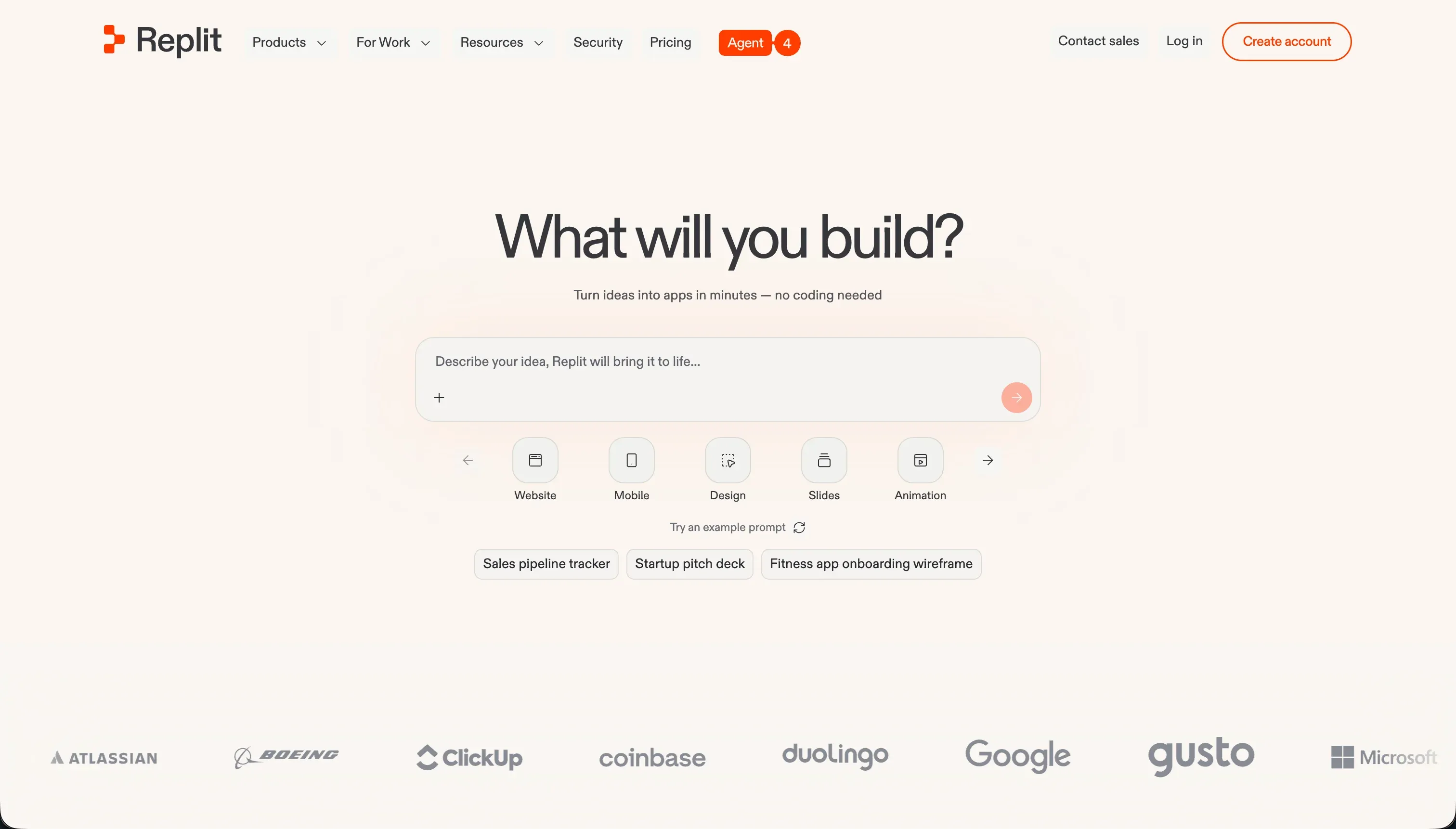
Replit is a cloud-based development environment that supports multiplayer collaborative coding, AI-guided application building, and managed virtual machines. It acts as an open-ended program sandbox where developers can start engineering instantly without local workstation installation, utilizing complete network and container virtualization.
In practice, developers configure and execute full-stack code from terminal commands or chat. Crucial features supporting this setup include the Replit Agent, which installs package modules and scaffolds workspace files autonomously, and Ghostwriter AI for context-aware code translation, inline refactoring, and debugging. Additionally, the workspace includes built-in managed PostgreSQL databases, database rollbacks, and instant web cloud deployment tools.
The platform is genuinely built for makers, software engineers, and technical builders who want to test raw coding concepts, write API servers, or deploy operational SaaS scripts. However, non-technical teams are regularly frustrated by its terminal console layout, the manual troubleshooting required for configuration dependencies, and rapid credit drain during the agent’s circular debugging loops.
| Spec | Details |
|---|---|
| Primary Stack | Cloud-based virtual machines with terminal-level support for Python, JavaScript, and 50+ languages |
| Interface | Code editor terminal, project directory file explorer, and conversational AI agent chat |
| Primary Deployment Target | Hosted custom container server environments with autoscaling on <app>.replit.app subdomains |
| Key Advantage | Direct access to virtual containers with AI agents capable of installing and running custom software directories |
What is FlutterFlow?
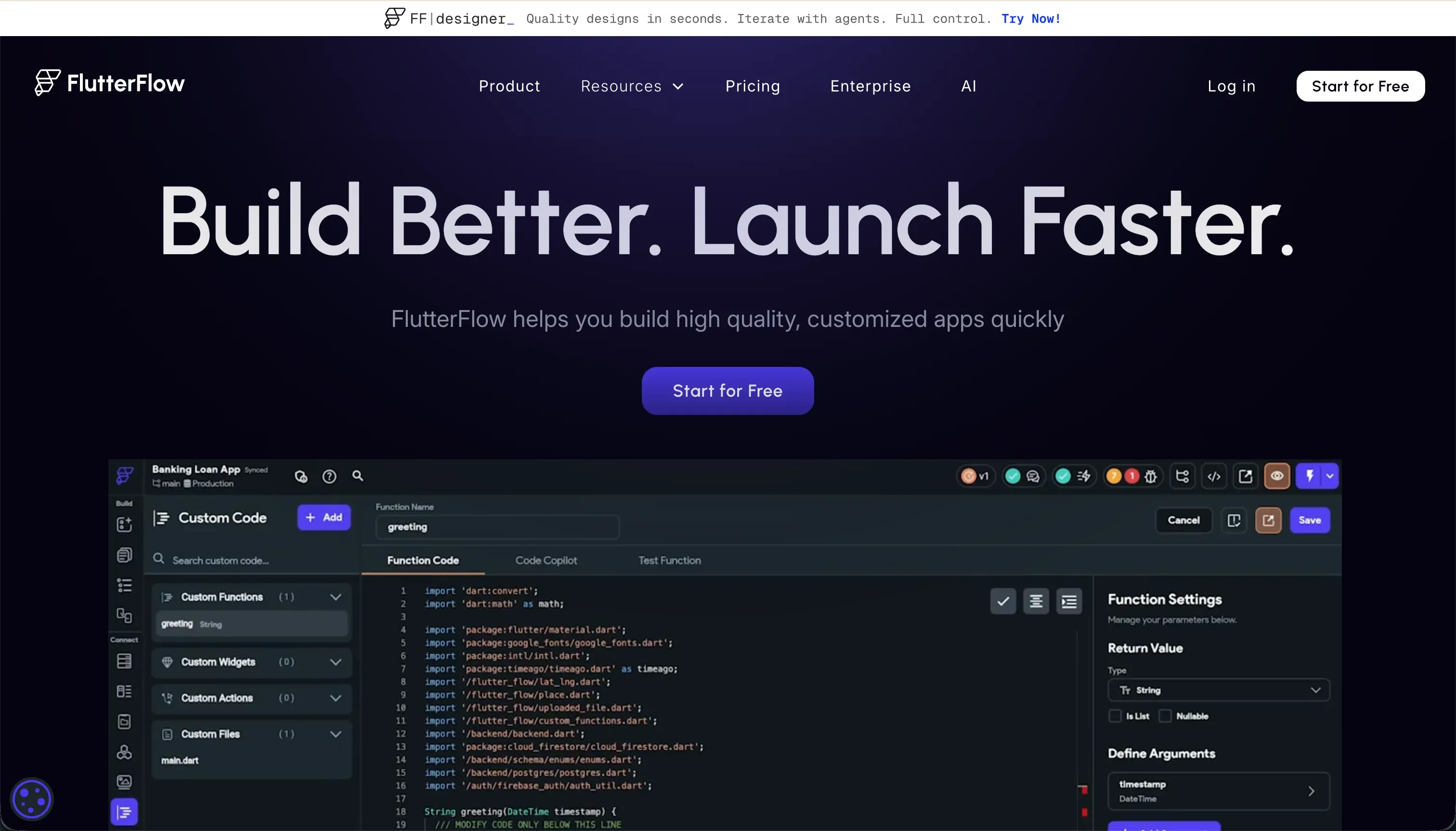
FlutterFlow is a visual builder optimized for creating native mobile and web applications without starting from scratch. It abstracts layout construction by representing standard Flutter layouts as drag-and-drop components, enabling builders to assemble app screens that resolve directly to professional source code.
In practice, users structure UI widgets visually, control state logic via contextual action managers, and connect database modules through clean visual properties. Highlighted capabilities include direct App Store deployment pipelines pushing bundles directly to Google Play and Apple TestFlight, and a robust code export system allowing developers to download clean Dart arrays. FlutterFlow also embeds AI Gen tool properties to build visual screens and coordinates database rules for services like Firebase and Supabase.
The platform is built for product teams, visual developers, and startup founders who need a rapid pipeline to launch real mobile binaries on iOS and Android. However, builders frequently struggle with its steep widget tree learning curve, the manual complexity of styling custom constraints, and heavy initial loading performance when compiled targets are deployed on desktop web browsers.
| Spec | Details |
|---|---|
| Primary Stack | Visual compile system producing standard, native cross-platform Dart and Flutter code portfolios |
| Interface | Visual layout builder representing widget hierarchies (Containers, Rows, Columns, Stacks) |
| Primary Deployment Target | Native iOS, Android App Store builds, and direct custom domain web hosting |
| Key Advantage | Complete code export of standard Dart files coupled with direct visual App Store deployment |
The Core Difference
The core difference between these two platforms is the level of visual abstraction and the primary delivery target. While both can export code, they structure the development cycle from opposite coordinates.
- Replit is a terminal-first developmental sandbox where an AI agent program builds multi-file code directories that you host and debug entirely on visual virtual machines.
- FlutterFlow is a layout-first designer where you write visual app constraints, managing variables and animations from dropdown UI settings while Flutter handles code generation in the background.
Head-to-Head Comparison
We evaluated both platforms across four core categories.
1. Developer Experience & Iteration Speed
Replit offers an incredibly rapid workspace creation flow because VMs spawn in the cloud instantly. You describe your project requirements in the chat screen, and the Replit Agent sets up files, configures standard packages, and starts local servers automatically. For spinning up quick CLI tools, running server-side bots, or testing multi-language algorithms, the zero-setup workflow is extremely efficient.
However, iterating past that first draft is a major frustration. Users consistently report infinite agent loops where the assistant invents false fixes, gets stuck in repetitive debugging loops, and claims things are repaired when they are actually broken. Because of this context limits can quickly throttle back-and-forth instructions, forcing you to step into the terminal yourself to trace file-level errors.
FlutterFlow operates with a layout-focused drag-and-drop environment representing standard column and row widgets. Designing screens is dynamic and accelerated by the FlutterFlow AI Gen system, which converts simple text commands into visual component blocks to kickstart layout drafts. Building user actions, configuring local state, and mapping custom API endpoints is done through distinct, nested visual panels.
But as your application layout scales, the browser engine can experience massive lag, particularly on projects of more than 12 complex interfaces. Furthermore, debugging inside the editor is highly challenging; error messages can feel cryptic, and resolving layout boundary conflicts requires a strict understanding of visual coordinates that visual builders rarely explain cleanly.
Edge: FlutterFlow, because its visual workspace guards against simple syntax bugs while Replit’s agent often slips into costly, credit-draining bug loops.
2. Code Quality & Portability
Replit creates standard, raw application code across any selected technology stack without wrapping logic in proprietary frameworks. Technical teams have total control over the resulting repos, and can inspect, modify, and review packages or assets directly in the files. This high visibility is useful for developers who want complete architectural control and need to verify every script file.
However, because the code is produced autonomously by an AI agent, its execution quality is highly dependent on prompt structure. The code is frequently unorganized, lacks structured test coverages, and can quickly accumulate technical debt. Developers must invest significant effort into reviewing, renaming, and refactoring agent codes to keep them manageable.
FlutterFlow compiles designs directly to high-quality, production-ready Flutter and Dart code. The major distinction is its robust code export; Pro users can download the raw Dart files with. a single click or sync them to GitHub. This results in zero proprietary hosting lock-in, as any mobile developer can run the project locally or compile it in standard development terminals.
The resulting Dart code is exceptionally structured, logical, and closely mirrors files crafted by professional human engineers. Although you are locked into visual configurations while editing in FlutterFlow’s editor, the compiled output is clean, organized, and free of the chaotic styling patterns common in AI agent platforms.
Edge: FlutterFlow, because it generates clean, standardized Flutter files with seamless GitHub sync and zero proprietary framework lock-in.
3. Database & Backend Capabilities
Replit provides a built-in managed PostgreSQL database instance out of the box, offering secure credentials, manual rollbacks, and direct visual data management panels. Technical teams can write standard database queries, manage tables, and execute migrations inside the playground terminal. This makes backend configurations highly flexible, allowing the agent to establish complex database linkages and WebSockets.
The pricing and scaling represent the biggest risk. Because the database is linked directly to agent VM checkpoints, users have reported unexpected database charge bills of up to $1,500 due to rapid backup generations during extensive agent iterations. Additionally, managing row-level security and access permissions must be manually programmed into your server logic, representing a real security risk if done poorly.
FlutterFlow relies entirely on third-party cloud database platforms like Google Firebase and Supabase, managing structural schemas visually through unified API settings. Connecting Firebase registers user authentication, cloud storage, page rules, and push notifications with ease, allowing you to link data attributes directly to your layout components.
The disadvantage is the manual integration overhead required to connect these servers. Builders must manually configure security profiles, establish redirect scopes, and manage Firestore index configurations on separate dashboards. This setup demands developer-level comprehension of database normalization, leaving non-technical users exposed to security leaks.
Edge: Replit, because it provides a native database instantly, bypassing the tedious multi-platform setup parameters of FlutterFlow.
4. Hosting & Deployment Options
Replit simplifies deployment for web applications and backend scripts with autoscaling container hosting managed automatically. With a single click, your software compiles and publishes live under a <app>.replit.app subdomain, complete with system environment secrets and configuration ports. This ease is perfect for deploying web hooks, APIs, and functional browser scripts in a fast sandbox.
However, because Replit runs raw Linux-like containers, builders are fully responsible for package updates, memory leaks, and server performance metrics. There is no automated visual system to manage high production scale, meaning hosting large client databases or transactional SaaS backends requires hands-on virtual machine management.
FlutterFlow is built specifically to handle native mobile deployments with codeless publishing modules. It includes automated build pipelines that compile and push your code files directly to Apple TestFlight, the App Store, and Google Play, making app store deployment far simpler than normal manual terminal compilation.
The weakness lies in web-app hosting. Because Flutter compiles web packages to HTML or heavy CanvasKit files, web deployments usually suffer from poor desktop performance, slow page load latency, and weak SEO accessibility, making visual compiled pages poor choices for standard marketing websites.
Edge: FlutterFlow, because its automated pipeline pushes builds directly to Apple and Google store targets, which Replit cannot support natively.
5. Learning Curve & Onboarding
Replit is an open development playground that requires a high technical baseline from day one. Non-programmers will face immediate friction, as they must interact with terminal directories, trace server logs, manage virtual machine memory, and verify configurations manually. While the chat interface is approachable, resolving layout bugs requires standard code expertise.
This platform is a masterclass in code education, giving students direct feedback as they write scripts across 50+ languages. But if your goal is strictly to build and launch a stable business layout, Replit forces you to learn complex console management habits that are entirely unnecessary for straightforward app delivery.
FlutterFlow presents a steep learning curve despite being a visual editor. Because it operates strictly on Flutter logic, builders must understand native visual rules like padding constraints, nested widget structures, data types, and state management. The visual config panels are dense and full of specialized menus.
Learning to navigate these interfaces is comparable to mastering a professional visual programming studio. While there is a rich documentation database, finding answers within convoluted developer community forums is slow, meaning makers should expect several weeks of training to execute visual data rules cleanly.
Edge: Tie, as both require developer thinking, with Replit demanding code-level terminal skills and FlutterFlow requiring strict visual layout logic.

Pricing Comparison
Replit:
- Starter: $0/mo (Free daily dynamic agent credits, 1 public cloud project, and direct database access)
- Replit Core: $20/mo billed annually ($25/mo monthly) with $25.00 monthly credits, 2 parallel agents, and unlimited workspaces
- Replit Pro: $95/mo billed annually ($100/mo monthly) with $100.00 monthly credits, 10 parallel agents, and database rollbacks
- Enterprise: Custom pricing with custom limits, SSO/SAML visual controls, and single-tenant VPC setups
FlutterFlow:
- Free: $0/mo (Visual widget tree builder, Firebase integration, and visual UI libraries)
- Standard: $22/mo billed annually ($30/mo monthly) with visual compilation, APK downloads, and custom domains
- Pro: $50/mo billed annually ($70/mo monthly) with clean code export, Git connection, and codeless App Store deployments
- Teams: $50/seat/mo billed annually ($70/seat/mo monthly) with shared team workspace design elements and central billing assets
Use Case Fit: When to use which?
When to choose Replit
- You are a developer or technical pupil wanting direct, prompt-driven access to a cloud-hosted development vm container
- You are building server-side applications, background bots, or API backends that deploy natively across diverse programming languages
- You want an open-ended database and terminal coding playground to test and write code with collaborative multiplayer tools
When to choose FlutterFlow
- You are designing native iOS and Android packages intended specifically for Apple and Google app environments
- You need a visually driven visual developer setup that converts visual design structures into clean visual Flutter and Dart repositories
- You want zero platform hosting lock-in and require full, regular code exports to continue code work inside local workspaces
When neither Replit nor FlutterFlow is the right fit
For business applications, client portals, and company tools
Both Replit and FlutterFlow are developer environments that force you to think about widget parameters, package imports, database checkpoints, and container configurations. When your actual business goal is to build a company tracker, a secure vendor directory, or an onboarding portal, managing standard virtual machines or mobile build scripts results in high operational debt. This is why Softr represents the pragmatist’s visual choice.
Softr enables visual builders to connect simple interfaces safely, prioritizing native Softr Databases first before linking with 17 external sources. Every single app ships fully functional on day one, including pre-built billing setups, authentication structures, custom subdomains, and granular permissions rules that you design visually. Because Softr avoids code generation entirely, you eliminate technical debt and can easily modify records or visibility profiles without developer intervention.
For classic visual programming without mobile compile environments
If you are focusing entirely on building high-performance web applications, directory portals, or SaaS projects, FlutterFlow’s CanvasKit-based web outputs often create heavy loading lags and lack optimized search capabilities. Similarly, Replit’s raw container setup forces you to coordinate complex front-end frameworks by hand, adding hours of design debugging.
For complex web logic that remains visually designed, platforms like Bubble or WeWeb are far better suited. These visual platforms are optimized from the ground up for desktop browser performance, providing visual database controls and responsive layout rules that load immediately for public users without Flutter’s rendering constraints.

Verdict
Choose Replit if you are a programmer or technical founder who wants an open-ended programming setup to write, debug, and run code directories across multiple languages using AI agents. You must be prepared to accept surprise credit billing structures, manage system container servers, and step into the terminal yourself when the agent slips into loop bugs. It remains an excellent coding environment for prototyping, testing bots, and learning system controls natively.
Choose FlutterFlow if you are designing native mobile-first applications and want complete ownership of standard, production-ready Dart code. You will need to invest several weeks to master mobile layout constraint rules and manually handle third-party database credentials with platforms like Firebase. It delivers smooth mobile screen transitions, but requires developer-level planning to align database variables and layouts correctly.
However, neither of these platforms is optimized for business operators managing operational portals or portals on day two. Non-technical departments looking to deploy CRMs, directory trackers, or client spaces will find both developer suites require too much maintenance. For business-critical tools, a platform built on code-free logic like Softr represents a much more reliable path, as any teammate can visually adjust data rules, permissions, and dashboards within minutes.

Summary Comparison Table
| Criterion | Replit | FlutterFlow |
|---|---|---|
| Best for | Makers and engineers writing custom software and server hooks | Teams building native cross-platform mobile apps using Dart |
| Pricing model | Usage-based credit calculation on virtual runtime | Flat visual program plans with limited per-seat licenses |
| Code export | Immediate terminal-level folder downloads | Clean production Flutter and Dart code packages |
| Database | Built-in managed PostgreSQL console instances | Visual integrations with external Firebase or Supabase tools |
| Interface | Terminal file explorers and conversational chat screens | Drag-and-drop structural visual widget editors |
| Maintenance burden | High development overhead debugging raw files | Medium constraint upkeep on visual screen containers |