

Replit and Bubble both promise to take you from idea to working app faster, but they come at the problem from opposite ends of the spectrum. Replit is a cloud development environment with an autonomous AI agent that writes and deploys real code. Bubble is a visual programming platform that lets you assemble complex web apps without touching code at all. One hands you a codebase; the other hands you a canvas.
The people choosing between them are usually technical founders, indie hackers, and ops-minded builders trying to decide how much they want to live inside actual software engineering. The stakes are not just how fast you ship version one. They are what happens on day two, when the bills arrive, the agent loops on a bug, the WU meter spikes, or you realize you cannot easily take your app anywhere else. Pick wrong and you either drown in code maintenance or get locked into a proprietary platform you can never leave.
Meet the Contenders
What is Replit?
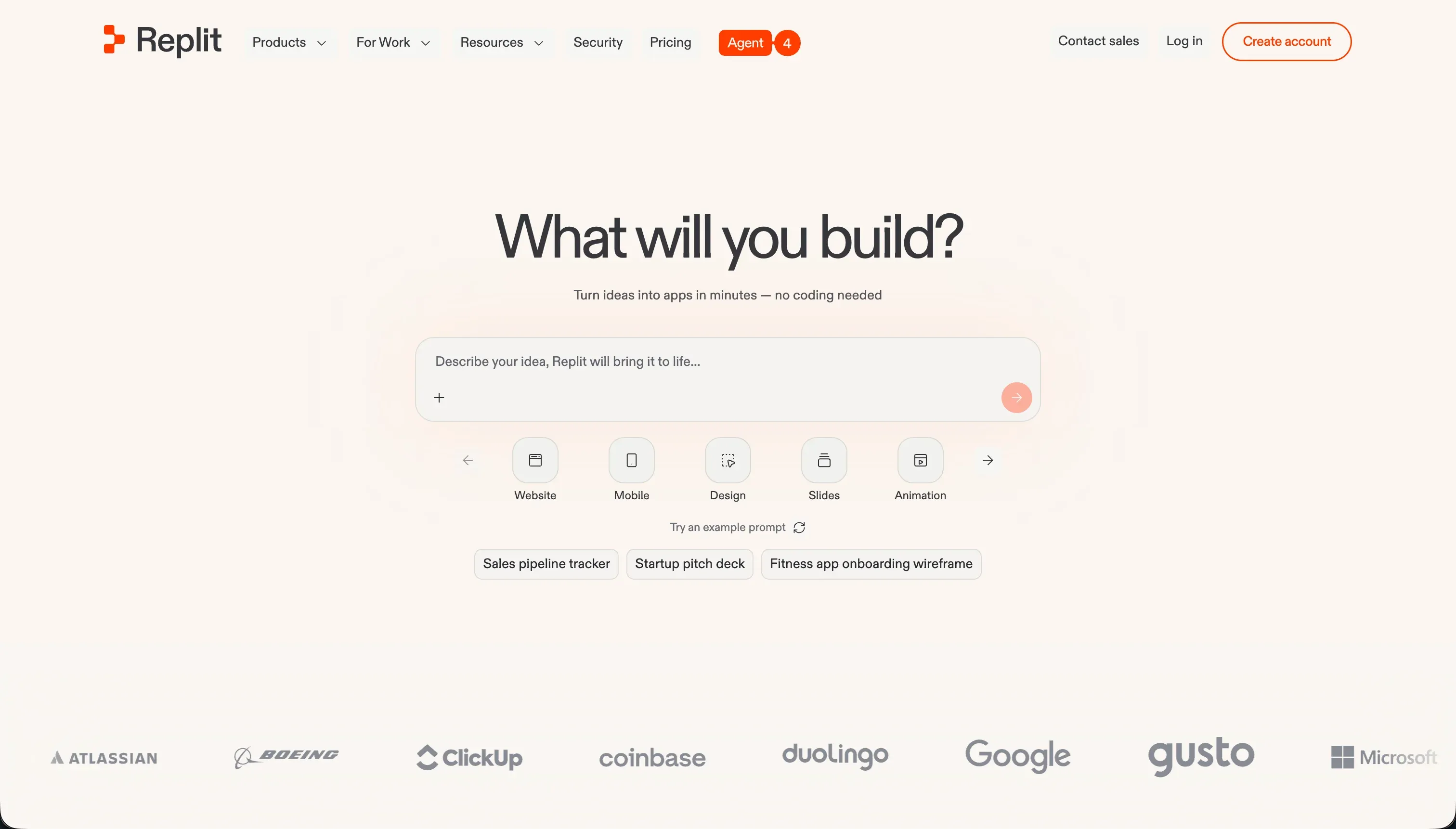
Replit is a cloud-based development environment that runs entirely in a browser tab and supports multiplayer collaborative coding across more than 50 programming languages. It started as a learning sandbox and code editor, then expanded into autonomous building with Replit Agent, which reads a plain-language prompt, creates project files, configures a PostgreSQL database, installs packages, and deploys the app with one click.
In practice, Replit is an engineering-first tool wearing an AI coat. The agent can scaffold a Flask backend, a Next.js app, or a Slack bot impressively fast, and self-correction loops let it run tests and fix its own compilation errors. But the output is real code in a real container, so keeping it running means managing migrations, package versions, and environment secrets in the console. That is liberating if you can code and frustrating if you cannot.
Replit genuinely shines for developers and learners who want zero local setup and live, side-by-side collaboration with shared cursors and voice chat. It gets riskier the moment money and production enter the picture, because the credit-based billing can spike during agent debugging runs, database checkpoint backups have generated surprise overage bills, and an agent with production write access has been reported to cause data loss.
| Spec | Details |
|---|---|
| Primary Stack | Browser-based multi-language IDE with managed PostgreSQL and Replit Agent |
| Interface | Code editor plus AI agent and a visual editor for previews and assets |
| Primary Deployment Target | Autoscaling cloud hosting at <app>.replit.app with custom domains |
| Key Advantage | Real exportable code, multiplayer collaboration, and fast AI scaffolding |
What is Bubble?
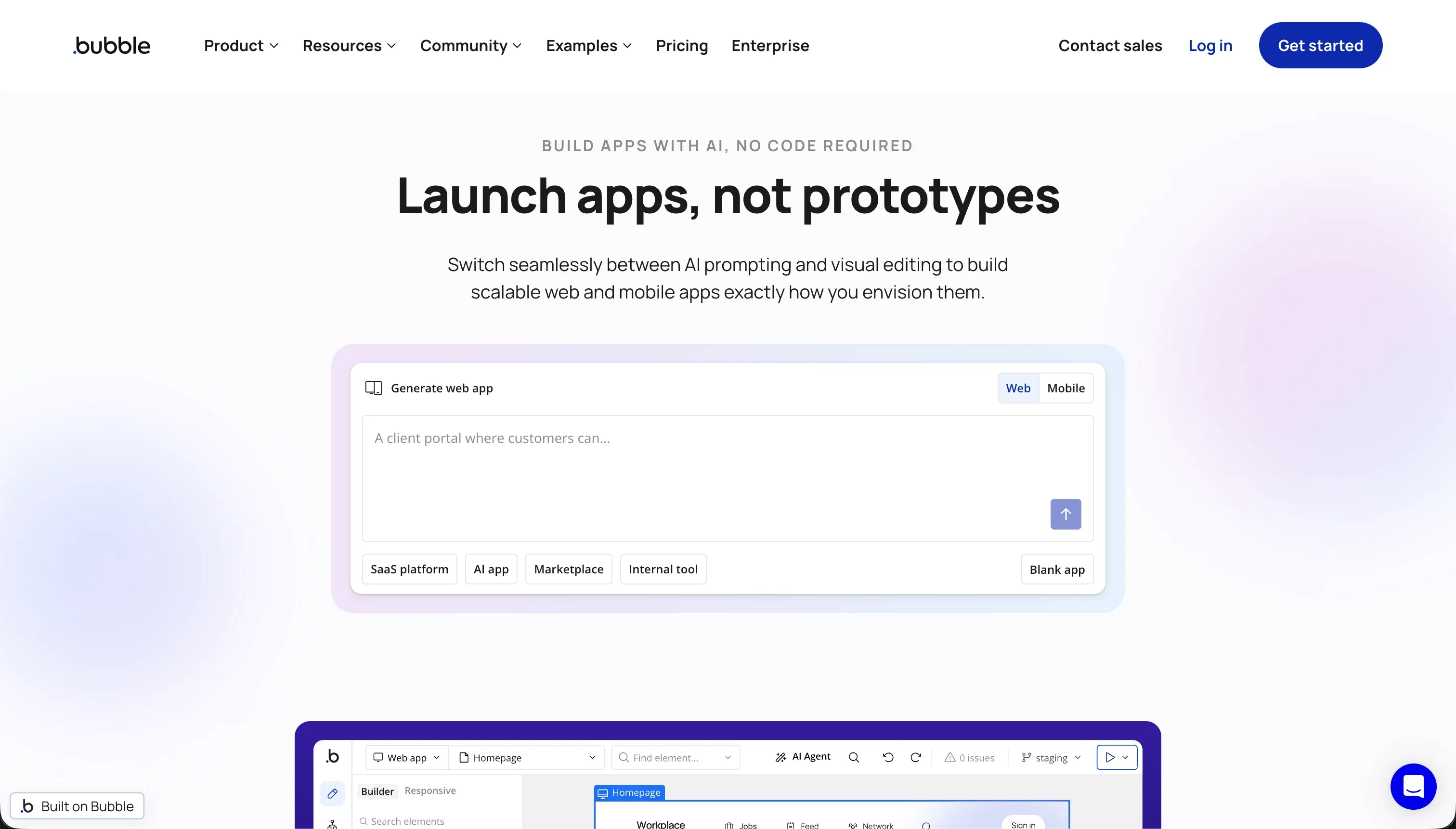
Bubble is a visual programming platform, founded in 2012, that lets you build, host, and scale full-stack web applications without writing code. It pairs a pixel-level drag-and-drop editor with a visual workflow logic engine and a managed relational database, all hosted on Bubble’s own servers. Unlike AI code generators that emit clean scripts, Bubble is a closed system: you build inside its canvas and the final app lives on its infrastructure.
In practice, Bubble is the most capable visual builder for genuinely complex logic. Multi-step conditionals, scheduled backend triggers, and database-level calculations are all configurable without code, and its 8,000-plus plugin marketplace covers Stripe, SendGrid, maps, and analytics. Server-side privacy rules give you real row-level access control validated on the backend. That power is the draw, but it comes with a developer-like mental model.
Bubble is built for founders and experienced builders shipping marketplaces, multi-tenant SaaS, and social apps who need deep logic and are willing to learn visual programming. It gets harder to recommend when you factor in the mastering curve, an editor that can eat 3 to 5 GB of RAM and lag on large apps, Workload Unit billing that spikes unpredictably under traffic, and a complete absence of code export.
| Spec | Details |
|---|---|
| Primary Stack | Visual editor, workflow logic engine, and managed relational database |
| Interface | Pixel-level drag-and-drop canvas with visual workflows and privacy rules |
| Primary Deployment Target | Hosted web apps on Bubble’s servers, with maturing native mobile beta |
| Key Advantage | Deep visual logic, granular privacy rules, and an 8,000-plus plugin ecosystem |
The Core Difference
The biggest difference is not how fast you reach a first demo. It is whether you are working with code you own or a proprietary canvas you rent.
- Replit is a code-first cloud IDE where an AI agent generates real, exportable software, trading higher technical demands and usage-based billing for genuine ownership and flexibility.
- Bubble is a code-free visual platform that prioritizes deep logic and a mature ecosystem over portability, accepting total lock-in and compute-based billing in exchange for not writing code.

Head-to-Head Comparison
We evaluated both platforms across six core categories.
1. Developer Experience & Iteration Speed
Replit’s first hour is genuinely fast for someone comfortable around code. Prompt Replit Agent, and it scaffolds a file structure, wires up a database, installs dependencies, and gives you a live preview, all without leaving the browser. For prototyping and learning, that immediacy is one of its strongest selling points, and builders praise how quickly they can spin up functional skeletons without configuring a local environment.
Iteration on day two is where it gets uneven. Because the output is real code, fixing things often means reading errors, understanding the stack, and steering the agent precisely. Worse, users repeatedly describe the agent looping on bugs it created itself, announcing a fix that does not hold, and burning credits on circular debugging runs. Iteration is fast when the agent cooperates and painfully slow when it does not.
Bubble’s iteration story is different. Everything is visual, so there is no terminal to fear, but the editor itself becomes the bottleneck. On complex apps, users report the canvas consuming 3 to 5 GB of RAM, lagging badly, and needing frequent page refreshes. The drag-and-drop model is precise, but building and rewiring workflows by hand is slow once an app has real depth.
The deeper issue for both is that early speed masks later friction. Replit slows you down through debugging loops and infrastructure overhead, while Bubble slows you down through editor performance and the sheer manual effort of configuring complex logic visually. Neither offers the frictionless day-two editing that operational software really wants.
Edge: Replit, narrowly, because exportable code and a familiar IDE give developers more control, even though both tools get slower to iterate as the app grows.
2. Code Quality & Portability
Replit wins this category outright on portability. It is a standard code workspace, so you can download your Python, Node, or HTML source at any time and run it on your own VPS or another host. You are never trapped at the application layer, which matters enormously if the project succeeds and needs to move to dedicated infrastructure or a real engineering team.
The quality caveat is that AI-generated code still needs human review. The agent has been reported to ignore your chosen stack (creating Postgres when you asked for Firebase) and to produce code that must be monitored, refactored, and maintained to avoid technical debt. You own the code, but owning it also means owning its flaws.
Bubble does not compete here at all. There is no code export, full stop. You can pull database rows out as CSV, but the logic, workflows, layouts, and frontend cannot leave the platform. G2 and Reddit users consistently flag this as the defining long-term risk: if Bubble changes its pricing, has an outage, or you simply outgrow it, you rebuild the entire application from scratch elsewhere.
That lock-in is a deliberate tradeoff for power, not an accident, and plenty of teams accept it for the logic capabilities. But measured purely on ownership and portability, a platform that abstracts code away with no exit path is the weakest possible position.
Edge: Replit, clearly, because you can export and self-host real code, while Bubble offers no application-level escape route at all.
3. Database & Backend Capabilities
Replit gives you a managed PostgreSQL database that the agent can provision and edit from prompts, with built-in backup, restoration, and migration tools. For developers, a real relational database with full SQL control is exactly the right foundation, and it scales as far as your engineering skill takes it. The tradeoff is that schema design and row-level security require genuine technical knowledge, and the automatic checkpoint backups have generated heavy storage charges.
The reliability concern is sharper than feature gaps. Because the agent operates with real write access, there is a documented case of it escalating a routine update into catastrophic data loss. A capable backend in the hands of an autonomous agent is powerful, but it demands the kind of guardrails that non-technical builders cannot easily put in place.
Bubble’s backend is one of its strongest areas. You define custom data types, relationships, and bulk operations in a managed relational database, and its server-side privacy rules let you control read, search, and edit access per role and per field. For complex multi-user apps, that level of native logic and access control is hard to match in a purely visual tool.
The ceiling shows up under load. Users note that Bubble’s traditional SQL model is excellent for ACID-compliant transactions but struggles with high-throughput read and write operations, and inefficient queries are exactly what drives the WU bills upward. So Bubble’s backend is genuinely capable for logic-heavy apps, just expensive and slower to scale than its marketing suggests.
Edge: Bubble, because its visual privacy rules and relational modeling give non-coders real backend power, while Replit’s database demands engineering skill and carries agent-driven risk.
4. Hosting & Deployment Options
Replit handles hosting with autoscaling, custom domain routing, and one-click deploys, and the <app>.replit.app flow is genuinely quick to publish to. For developers, having the editor, runtime, and hosting in one place removes a lot of DevOps friction. The catch is that you still own the operational layer: environment secrets, package versions, and database migrations are yours to manage, and users report deployment-to-editor mismatches where production behaves differently from the preview.
There is also a cost dimension to hosting. Because compute and app traffic feed into the credit and usage model, a live app with real users adds an ongoing variable cost on top of the subscription, and the billing console offers limited transparency into where it goes.
Bubble also hosts everything for you, which is convenient, but its hosting is inseparable from its WU pricing. Every page load, search, and workflow run consumes Workload Units, so hosting cost scales with how efficiently your app is built rather than with a predictable plan. Users have seen monthly bills climb from $69 into four figures purely from production traffic hitting unoptimized queries.
A second risk is what happens when you stop paying. One user described a paid app dropping to the free tier when credits ran out, exceeding the free limits, and getting shut down entirely with a Bubble error screen replacing the homepage. That kind of hard cutoff is a real consideration for anything business-critical.
Edge: Tie, because Replit and Bubble both simplify deployment but tie hosting to unpredictable usage-based billing, so neither offers the cost predictability operational software needs.
5. Logic & Customization Power
Replit’s customization ceiling is, in theory, unlimited: it is real code, so anything you can program, you can build. The agent accelerates the boilerplate, and Ghostwriter helps with autocomplete, refactoring, and inline debugging. For a developer who wants total control over architecture and behavior, nothing here is off-limits.
The practical limit is you. All that flexibility assumes you can direct the agent precisely and clean up after it, and the throttling complaints (users report context capped during certain runs, leading to more mistakes and more billable fixes) mean the AI is not a reliable substitute for engineering judgment. Power is real, but it is gated behind skill.
Bubble is the strongest visual logic engine in the no-code space. Multi-step conditionals, branching workflows, scheduled backend events, and database calculations are all configurable without writing code, and the API Connector bridges to REST services and external AI. For complex, logic-heavy web apps built by non-coders, this is close to the top of what is achievable.
The constraints are reliability and dependency. Heavy reliance on the 8,000-plus plugin marketplace introduces risk, since an abandoned or broken community plugin can take down a critical workflow, and Stripe and payment integrations have been reported as inconsistent. The logic power is real, but the ecosystem it leans on is not uniformly dependable.
Edge: Bubble, because it delivers genuinely deep application logic to non-coders, whereas Replit’s equivalent power is only accessible if you can write and maintain the code yourself.
6. Pricing Transparency & Predictability
Replit’s pricing pairs a clear subscription (Core at $25/mo, Pro at $100/mo annually) with credit-based usage that is effort-priced on agent complexity and runtime. The subscription part is transparent; the usage part is not. Users describe burning through credits in minutes during debugging, hitting $350 in a single day, and being unable to see an itemized breakdown of where credits went. Database checkpoint backups have produced separate surprise charges in the hundreds or thousands.
The structural worry is that the billing model can reward inefficiency. Some users argue that weaker, context-throttled models make more mistakes, which trigger more billable fix runs. Whether or not that is intentional, the practical result is that costs are hard to forecast before you commit.
Bubble’s Workload Unit model is the textbook example of opaque usage billing. WUs measure server compute, so an inefficient search that runs on every page view quietly drains your allowance, and bills can leap from $69 to over $1,500 a month without prior warning. Even expert analysts describe the model as difficult to forecast, and the free tier’s 200-record cap means you hit limits almost immediately on anything real.
Both tools share the same core problem: you cannot reliably predict next month’s bill from this month’s plan, because cost is driven by usage you do not fully control. For anyone who needs to budget confidently, that uncertainty is a genuine drawback in both directions.
Edge: Tie, because both replace predictable pricing with usage meters (credits for Replit, Workload Units for Bubble) that have produced documented bill shock for real users.
Pricing Comparison
Replit:
- Starter - $0, daily dynamic Agent credits, built-in database, publish 1 public project
- Replit Core - $25/mo annually or $25/mo monthly equivalent, $25.00 monthly credits, up to 5 collaborators, 2 parallel agents, unlimited workspaces
- Replit Pro - $95/mo annually or $100/mo monthly, $100.00 monthly credits, up to 15 collaborators, 10 parallel agents, 28-day database rollbacks, premium models
- Enterprise - Custom pricing, SSO/SAML, single-tenant, VPC peering
Note: Replit AI usage is credit-based and effort-priced, so agent task complexity and runtime drive the bill on top of the subscription. Pro packages offer higher monthly credit tiers (for example $250 credits/mo for $225, up to $2,500 credits/mo for $2,050) with one-month rollover.
Bubble:
- Free - $0, 50,000 Workload Units/month, 200 database records, Bubble branding
- Starter - $69/mo, 175,000 Workload Units/month, custom domain and branding removal
- Growth - $249/mo, 250,000 Workload Units/month, 2 developer editors, custom branches and merges
- Team - $649/mo, 500,000 Workload Units/month, 5 developer editors, sub-apps and priority support
Note: Bubble’s headline plan price is a floor, not a ceiling. Workload Unit consumption from production traffic can push the effective bill far higher, with users reporting jumps from $69 to over $1,500 a month.
Use Case Fit: When to use which?
When to choose Replit
- Choose Replit when you can code (or are learning) and want an AI agent to scaffold real, exportable software in a zero-setup browser IDE.
- Choose Replit when multiplayer collaboration matters and you want teammates editing the same codebase live with shared cursors and voice chat.
- Choose Replit when you value owning and self-hosting your code more than you fear usage-based billing, and you can manage migrations, secrets, and scaling yourself.
When to choose Bubble
- Choose Bubble when you need deep, custom application logic (multi-step workflows, conditional branching, scheduled triggers) and want to build it visually without code.
- Choose Bubble when a large plugin ecosystem matters and you want Stripe, maps, analytics, and integrations available out of the box.
- Choose Bubble when you accept proprietary lock-in and WU billing as the price of visual power, and the app is a marketplace, SaaS, or social product rather than a simple internal tool.
When neither Replit nor Bubble is the right fit
For client portals and internal business tools
If your real goal is a secure client portal, vendor portal, CRM, or internal operations tool, neither Replit nor Bubble is the most direct path. Replit makes you write and maintain auth, permissions, and hosting as code, while Bubble makes you model it inside a proprietary canvas with WU billing and no exit. Both treat the boring-but-critical foundation (authentication, user groups, row-level security, hosting) as something you assemble rather than something you get for free.
For that job, Softr is a stronger fit, and it is worth pairing it with Retool on your shortlist so you see two angles. Softr ships authentication, granular user groups, and row-level permissions with every app, hosts it for you, and lets its AI Co-Builder generate the database, pages, and navigation from a prompt while keeping full visual control afterward. Its native Softr Databases handle your data, with 17 external connectors like Airtable and Google Sheets when you already store data elsewhere. Retool is the better pick when the audience is internal engineering and ops teams wiring dashboards directly onto existing databases and APIs.
For native mobile apps
Neither tool is built primarily for polished native iOS and Android apps. Replit can prepare mobile build configurations but still expects you to manage a real codebase, and Bubble’s native mobile engine is a maturing public-beta feature that lacks the performance of dedicated frameworks.
For that requirement, look at FlutterFlow or Adalo. FlutterFlow is the stronger option when you need serious native flexibility and a real path to app-store output, while Adalo is the simpler, more beginner-friendly native-mobile builder.
For a developer-controlled front end on your own backend
If you have a capable backend already and want fine-grained front-end control without Bubble’s lock-in or Replit’s full-stack maintenance, a dedicated front-end builder fits better. This is the middle ground between hand-coding everything and accepting a closed platform.
That is where WeWeb makes sense. WeWeb gives you a developer-friendlier visual front end that connects to your own databases and APIs, so you keep ownership of the data layer while still building the interface visually.

Verdict
Pick Replit if you are technical, or learning to be, and you want an AI agent that scaffolds real, exportable code in a browser IDE you can collaborate in live. Its biggest advantage is genuine ownership: you can download your code and run it anywhere, which no closed platform can match. The tradeoffs are real engineering overhead, agents that loop on their own bugs, and credit-plus-backup billing that has produced steep surprise charges.
Pick Bubble if you want to build complex, logic-heavy web apps visually and you are willing to invest the weeks it takes to master relational data, workflows, and privacy rules. It is the most capable visual logic engine in the no-code space, with a deep plugin ecosystem behind it. The tradeoffs are a heavy editor, Workload Unit bills that spike under traffic, and total lock-in with no code export.
The day-two reality decides most of these calls. The first version is rarely the expensive part; the expensive part is everything after, when bills arrive, the app needs changing, and you discover how easily (or not) you can leave. Between these two, Replit ages better for developers who value ownership, and Bubble ages better for non-coders who need deep logic and accept the lock-in. If your actual target is a portal or internal tool, Softr and Retool are the more sensible places to start, and WeWeb is the next step when you want a visual front end on a backend you already own.

Summary Comparison Table
| Criterion | Replit | Bubble |
|---|---|---|
| Best for | Developers and learners building exportable AI-scaffolded apps | Non-coders building complex visual web apps |
| Build paradigm | Code-first cloud IDE with AI agent | Visual drag-and-drop with workflow engine |
| Database | Managed PostgreSQL, code-level control | Managed relational DB with visual privacy rules |
| Code export | Yes, full source download | No, complete lock-in (CSV rows only) |
| Logic and customization | Unlimited if you can code | Deepest visual logic in no-code |
| Pricing metric | Subscription plus effort-priced credits | Subscription plus Workload Units |
| Pricing predictability | Low, credit and backup surprises | Low, WU spikes under traffic |