

Bubble and FlutterFlow sit in the same broad no-code builder category, but they solve different jobs. Bubble is a proprietary visual programming platform for full-stack web apps, while FlutterFlow is a Flutter-based visual builder aimed at native mobile and cross-platform apps with exportable code. The overlap is real, but the center of gravity is different.
The people actually comparing them are usually founders, product teams, agencies, or ambitious solo builders who need to decide what kind of pain they are willing to own. With Bubble, the risk is workflow complexity, WU pricing, and hard lock-in. With FlutterFlow, the risk is a steeper developer mindset around Flutter, backend setup, and debugging. What is at stake is not just first-week speed, but whether the app is still maintainable once users, screens, and edge cases pile up.
Meet the Contenders
What is Bubble?
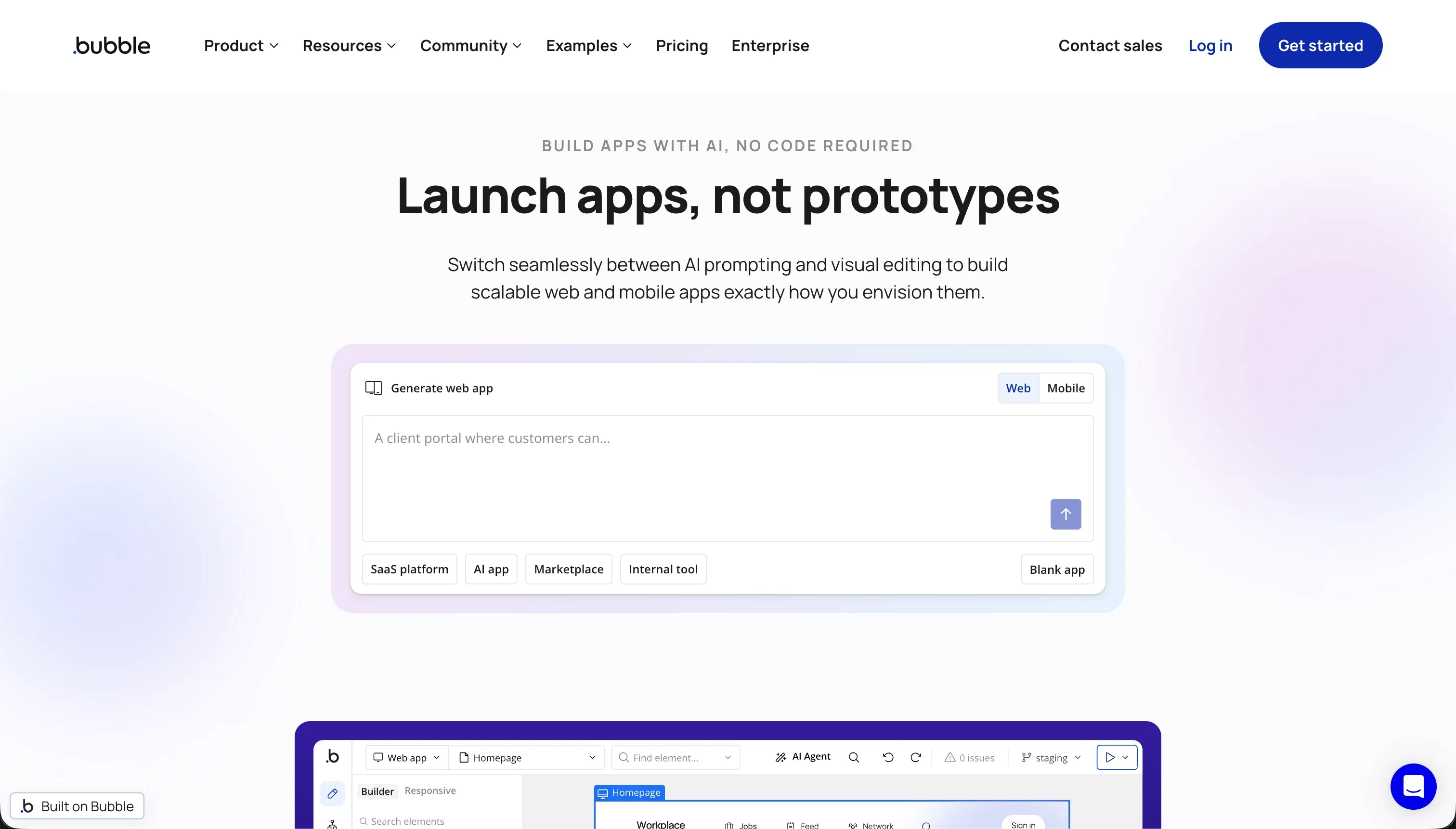
Bubble is a visual programming platform for building and hosting full-stack web applications without writing code. It combines a drag-and-drop UI builder, a managed relational database, and workflow automation inside one proprietary environment.
In practice, Bubble works like a visual IDE for web apps. You design responsive pages, define backend and frontend workflows, set privacy rules on database records, and extend the platform through its API Connector and a plugin marketplace with more than 8,000 community-built plugins. It now also has a maturing native mobile layer, but its real strength is still browser-based web apps with dense custom logic.
It is genuinely built for builders who want a lot of control without opening a traditional code editor. It frustrates people who expect a light no-code toy, because Bubble quickly starts demanding real understanding of data modeling, security rules, workflow conditions, and performance optimization. It also frustrates teams that care about an exit path, because there is no source code export.
| Spec | Details |
|---|---|
| Primary Stack | Proprietary visual web app platform with managed relational database and server-side workflows |
| Interface | Pixel-level drag-and-drop editor with visual workflow builder and privacy rules |
| Primary Deployment Target | Hosted web applications, with native mobile support still maturing |
| Key Advantage | Deep custom logic and multi-user workflow control without writing code |
What is FlutterFlow?
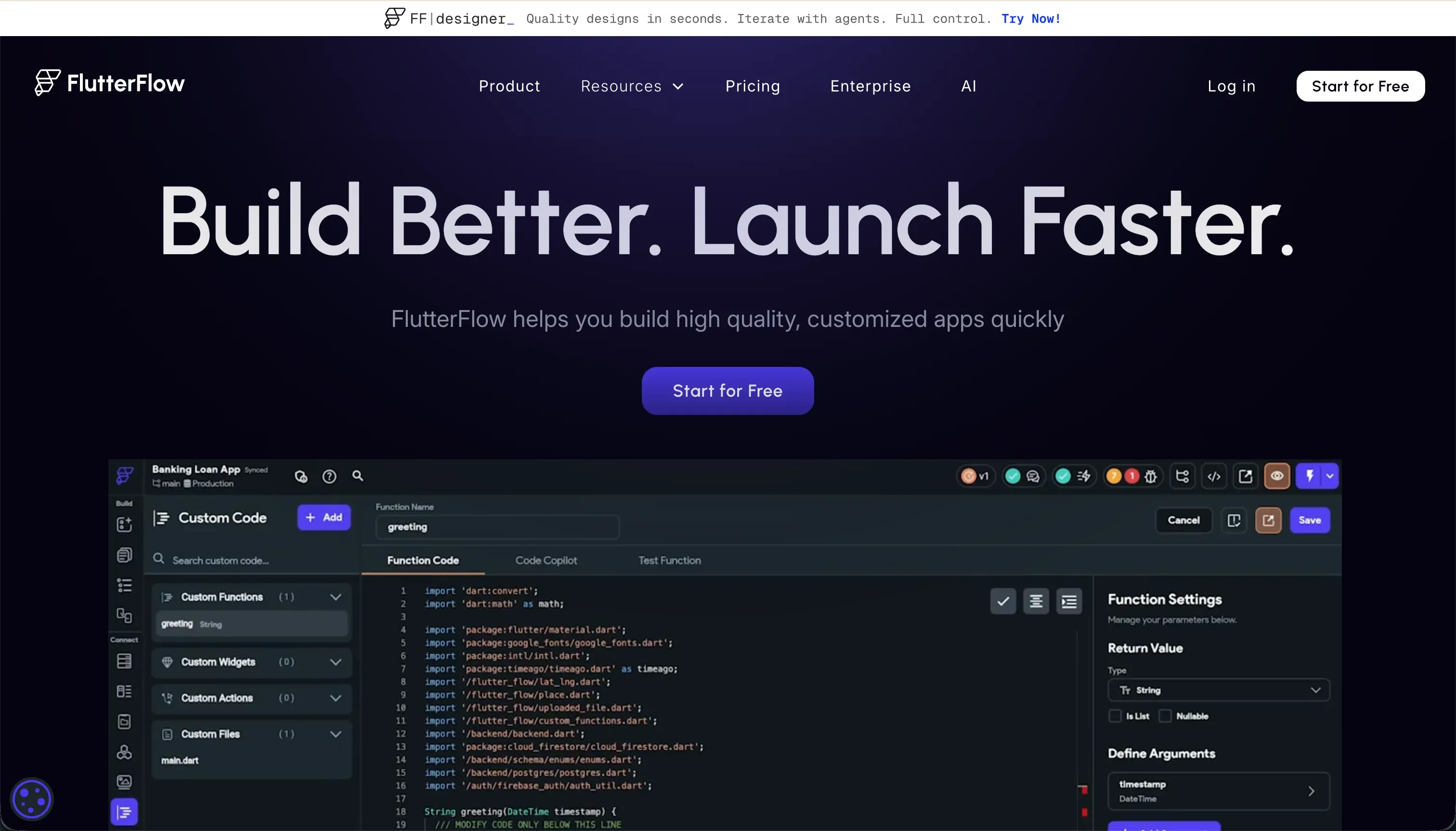
FlutterFlow is a visual builder for native mobile and web applications built on Flutter. Its big promise is that you can design app screens visually, connect real backends, and still export the underlying Dart code.
In practice, FlutterFlow gives you a widget-tree builder, visual action configuration, AI generation for screens and custom Dart functions, and direct deployment pipelines to Google Play and Apple TestFlight or the App Store. It also supports Firebase, Supabase, and REST APIs, which makes it feel much closer to a visual mobile IDE than a simple no-code canvas.
It is genuinely built for designers, freelancers, and developers who want to ship mobile apps faster without giving up code ownership. It frustrates non-technical users who underestimate the amount of Flutter thinking still required, especially around layout constraints, state, authentication setup, and backend rules. It also frustrates teams that expect frictionless web performance, because Flutter web output can feel heavy.
| Spec | Details |
|---|---|
| Primary Stack | Flutter-based visual builder that outputs Dart code |
| Interface | Drag-and-drop widget tree editor with visual actions and AI generation |
| Primary Deployment Target | Native iOS and Android apps, plus Flutter web |
| Key Advantage | Real code export and direct app-store-oriented mobile deployment |
The Core Difference
The biggest gap is not no-code versus code. It is whether you want a proprietary visual web app runtime with deep logic controls, or a visual Flutter builder that can leave the platform with you.
- Bubble runs as a proprietary visual programming system optimized for complex hosted web apps, with more logic depth than code portability.
- FlutterFlow runs as a visual layer on top of Flutter, giving you stronger native mobile output and real code export at the cost of a more developer-shaped workflow.

Head-to-Head Comparison
We evaluated both platforms across four core categories.
1. Developer Experience & Iteration Speed
Bubble is powerful once you understand its mental model. You can build pages, workflows, database types, API calls, and privacy rules in one place, and for experienced Bubble builders that all-in-one setup can be extremely fast for complex web products.
The downside is that Bubble stops feeling simple very quickly. User reports regularly mention a steep learning curve, complex conditional logic, and even editor bloat, with some Reddit complaints describing 5GB+ RAM usage per tab and lag severe enough to require browser restarts. Iteration is fast only after you have already paid the learning tax.
FlutterFlow feels faster than traditional app development when you already think in Flutter. Building screens visually, wiring actions, generating custom functions with AI Gen, and pushing builds toward TestFlight or Google Play can compress a lot of mobile development work.
But it is not beginner-easy in the way the marketing sometimes implies. Reviewers repeatedly complain about buried settings, debugging difficulty without clear error messages, and browser lag once projects exceed roughly 12 screens. Iteration is decent for mobile-focused builders, but the tool still assumes you understand layout constraints, state, and backend setup.
Edge: Bubble, because for sheer in-platform iteration on complex app logic it still gives more control once you know the system.
2. Code Quality & Portability
Bubble loses badly on portability. You can export database rows, but not the application source code, interface logic, or real underlying architecture, which means migration away usually turns into a rebuild rather than a handoff.
That proprietary lock-in is one of the most repeated complaints in community discussions and review sites. If you build a serious product on Bubble, you are effectively betting that Bubble remains the place you want to stay, because there is no clean GitHub sync or code export escape hatch.
FlutterFlow has a much stronger ownership story because it offers Dart code export. Even the Standard plan includes code export and local run, while Pro adds full code export and Git integration, which gives technical teams a real exit route.
That does not make migration painless. Some users still describe the platform as feeling locked into its own conventions, and custom code limitations mean not every native Flutter pattern is equally accessible through the builder. But compared with Bubble, FlutterFlow is plainly more portable.
Edge: FlutterFlow, because real Dart code export is a fundamentally better exit path than Bubble’s closed runtime.
3. Database & Backend Capabilities
Bubble’s managed database is deeply integrated with the UI and workflow engine, which makes it strong for relational web apps. You can define custom data types, relationships, bulk operations, backend workflows, and privacy rules without leaving the platform.
The weakness is scale predictability and architectural openness. Bubble users repeatedly report performance issues on large read-write apps, and Bubble’s own WU model means inefficient queries or searches can become expensive fast. It is a capable backend for visual builders, but one you have to optimize carefully.
FlutterFlow is more flexible than complete. It connects well to Firebase, Supabase, and REST APIs, which is great if you want to plug into modern backend services rather than live inside a managed platform database.
The tradeoff is setup overhead. Authentication, database rules, and backend structure are not abstracted away to the same extent, so builders need to configure more themselves. For technical teams that is a strength, but for non-technical teams it often feels like the app builder only solved the UI half of the problem.
Edge: Bubble, because its integrated database, workflows, and privacy rules are stronger out of the box than FlutterFlow’s bring-your-own-backend model.
4. Hosting & Deployment Options
Bubble keeps web deployment simple because hosting is built in. You publish the app on Bubble infrastructure, and for web SaaS or internal tools that all-in-one hosting model removes a lot of operational work.
The catch is that hosting simplicity is tied to vendor dependence. If performance dips, WUs spike, or a plan issue pushes you back to the free tier, your app can be affected directly. One cited Reddit case even described an app showing a Bubble error screen after a paid plan expired and the app exceeded free-tier limits.
FlutterFlow is much stronger when deployment means native mobile distribution. Pro includes codeless deployment to App Stores, and the platform is explicitly designed around TestFlight, Google Play, and APK delivery rather than just pushing another hosted web app.
Its weakness is web. Flutter web can be heavy on initial load because of CanvasKit or HTML rendering, so if your primary target is a fast-loading browser app, FlutterFlow is less convincing. Still, for actual mobile deployment targets, it is operating in a lane Bubble only partially covers.
Edge: FlutterFlow, because native app delivery to iOS and Android is a clearer and more mature fit than Bubble’s still-maturing mobile story.
5. AI Quality & Reliability
Bubble is not primarily sold as an AI scaffolding tool, and that is honestly fine. Its value is visual programming depth, not one-prompt magic, so buyers are usually leaning on workflows, plugins, and APIs rather than expecting the platform to invent the full app for them.
That also means AI is not a major differentiator here. Bubble’s real reliability concerns come from elsewhere: plugin fragility, workflow complexity, performance tuning, and WU optimization. If you are choosing based on AI-assisted generation, Bubble is not the obvious reason to buy Bubble.
FlutterFlow leans harder into AI generation with FlutterFlow AI Gen for screens, components, custom Dart functions, and database schemas. For mobile teams trying to scaffold UI and repetitive logic quickly, that can remove a lot of grunt work.
But the user feedback is mixed. Complaints about unclear errors and time lost debugging generated or configured behavior suggest the AI layer does not eliminate the need to think like a developer. It helps with scaffolding, but it does not save you from Flutter complexity once the project becomes real.
Edge: FlutterFlow, because it offers a broader AI-assisted creation layer that is more central to the product than anything Bubble currently emphasizes.
6. Learning Curve & Onboarding
Bubble’s onboarding problem is that the interface looks visual, but the concepts are not simple. To build production apps you still need to understand relational data, server-side privacy rules, workflow branching, API integrations, and performance tradeoffs, which many review sites call out directly.
For determined builders, that learning curve pays off with control. But it is not a casual tool. Even supporters often describe it as excellent for MVPs and complex logic after a serious time investment, not as something a random ops teammate can master in an afternoon.
FlutterFlow also has a steep learning curve, but of a different kind. The challenge is less about learning a proprietary web app runtime and more about learning Flutter concepts through a visual wrapper: widget hierarchy, state, layout constraints, and backend configuration.
For developers and designers already leaning mobile, that is a more transferable curve because you are learning Flutter-shaped ideas, not only FlutterFlow itself. Multiple reviewers still call the feature set buried and hard to navigate, but at least the knowledge maps more cleanly to the underlying stack.
Edge: FlutterFlow, because its learning curve is still steep but more transferable thanks to Flutter and code export.

Pricing Comparison
Bubble:
- Free - $0 with 50k WU/month and 200 records
- Starter - $69/mo with 175k WU/month
- Growth - $249/mo with 250k WU/month
- Team - $649/mo with 500k WU/month
FlutterFlow:
- Free - $0 with visual builder, Firebase integration, and basic UI components
- Standard - $22/mo annually or $30/mo monthly with APK downloads, custom domain, code export, and local run
- Pro - $50/mo annually or $70/mo monthly with full code export, Git integration, push notifications, codeless deployment to App Stores, and translation
- Teams - $50/seat/mo annually or $70/seat/mo monthly with collaborative building, shared design library, and team billing
Use Case Fit: When to use which?
When to choose Bubble
- Choose Bubble when your main goal is building a complex web app with deep visual workflows, privacy rules, and relational data inside one hosted platform.
- Choose Bubble when you are willing to accept proprietary lock-in in exchange for more in-platform logic depth than most no-code builders offer.
- Choose Bubble when your team is optimizing for browser-based SaaS or internal web software rather than native mobile app distribution.
When to choose FlutterFlow
- Choose FlutterFlow when native iOS and Android output is a real requirement and you want App Store deployment built into the workflow.
- Choose FlutterFlow when code export, Git integration, and a real exit path matter more than having the deepest no-code workflow engine.
- Choose FlutterFlow when your team is comfortable with Flutter concepts and wants a faster path to cross-platform mobile apps than hand-coding from scratch.
When neither Bubble nor FlutterFlow is the right fit
For internal tools and client portals
This is the question neither tool answers especially well for non-technical business teams. Bubble can handle internal tools, but it often becomes a visual-programming project with WU optimization, privacy-rule tuning, and plugin risk. FlutterFlow can connect to backends and ship polished mobile UIs, but it still expects a developer mindset around Firebase or Supabase and is overkill if the real need is an operational portal.
That is where Softr is the more pragmatic choice. It starts with Softr Databases as the native option, then lets teams generate with AI or configure visually without code, while built-in user groups, row-level permissions, workflows, and hosting are already production-ready. For CRMs, vendor portals, partner dashboards, intranets, and other business software, it ages better because maintenance does not turn into either Bubble-style visual programming or FlutterFlow-style mobile engineering.
For professional developer environments
If you actually want to shape architecture directly, neither Bubble nor FlutterFlow is the ideal home base. Bubble is too proprietary and hides too much behind its own runtime, while FlutterFlow is better but still centers a visual builder before real engineering workflows.
In that situation, Cursor or Replit make more sense. Cursor is better if you already work locally and want AI help inside a serious coding environment, while Replit is better if you want a browser-based dev environment with files, runtime control, and fewer visual-builder constraints.
For simpler web frontends with less overhead
Sometimes both tools are simply too much. Bubble brings a heavy proprietary workflow engine and pricing model tied to workload units, while FlutterFlow brings Flutter complexity and web output that can feel heavier than a normal browser-first frontend.
If the job is a flexible web interface on top of existing APIs or a simpler app frontend, WeWeb or Glide are often cleaner fits. WeWeb is stronger when you want a more frontend-oriented web builder with external backend flexibility, and Glide is better when speed and ease matter more than maximum custom logic.

Verdict
Pick Bubble if you are building a serious web app and want the deepest visual workflow engine of the two. The tradeoff is that you are accepting proprietary lock-in, WU-based pricing volatility, and a builder that increasingly behaves like software development without the safety valve of exported code.
Pick FlutterFlow if mobile is the center of the project and you care about owning Dart code, shipping to app stores, and staying closer to a real underlying framework. The tradeoff is that you are not escaping engineering thinking very much, because layout constraints, backend configuration, and debugging still demand a Flutter-shaped mindset.
The day-two reality is that both tools hand you real complexity once the app moves beyond demo mode. Bubble makes you manage a proprietary visual runtime, while FlutterFlow makes you manage a visual wrapper around mobile engineering. If the actual project is a business app like an internal tool, CRM, or client portal, Softr usually ages better because it gives you Softr Databases first, visual permissions, workflows, and AI-assisted building without turning maintenance into either code debt or visual-programming debt.
Summary Comparison Table
| Criterion | Bubble | FlutterFlow |
|---|---|---|
| Best for | Complex hosted web apps with deep visual logic | Native mobile and cross-platform apps with code export |
| Build paradigm | Proprietary visual programming | Visual Flutter builder with exportable Dart code |
| Database model | Managed integrated relational database | Firebase, Supabase, and REST-first backend model |
| Pricing metric | Monthly plans gated by workload units | Flat subscription tiers, with seat pricing for Teams |
| Code export | No | Yes |
| Primary deployment target | Web apps on Bubble hosting | iOS, Android, and Flutter web |
| Maintenance burden | High if workflows, plugins, or WUs get messy | High if Flutter concepts and backend setup outgrow the builder |