What is Glide?
Glide is a visual no-code development platform built to generate mobile-responsive web interfaces on top of existing spreadsheet data. By connecting Glide to a Google Sheet, Airtable base, or Excel file, you can instantly bootstrap structured list views, search elements, and input screens.
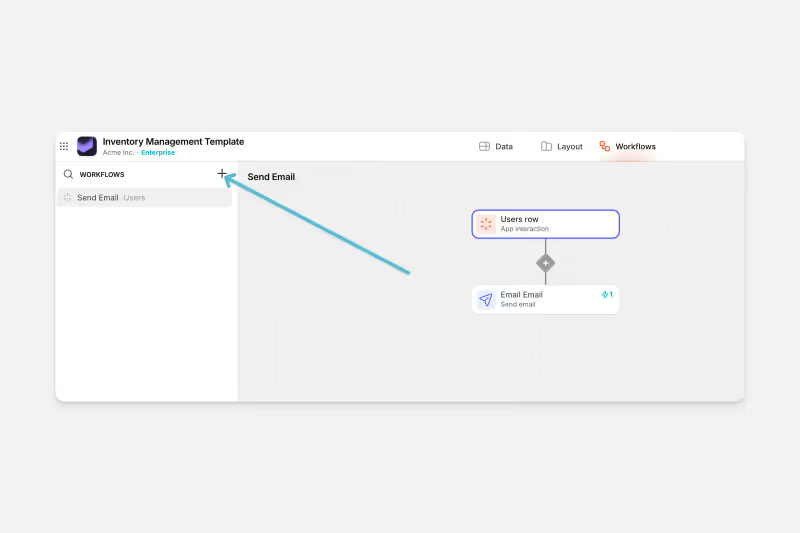
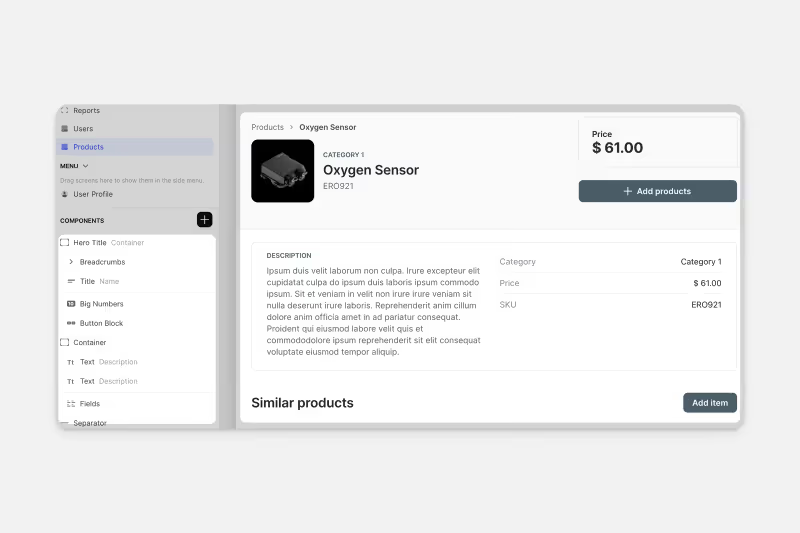
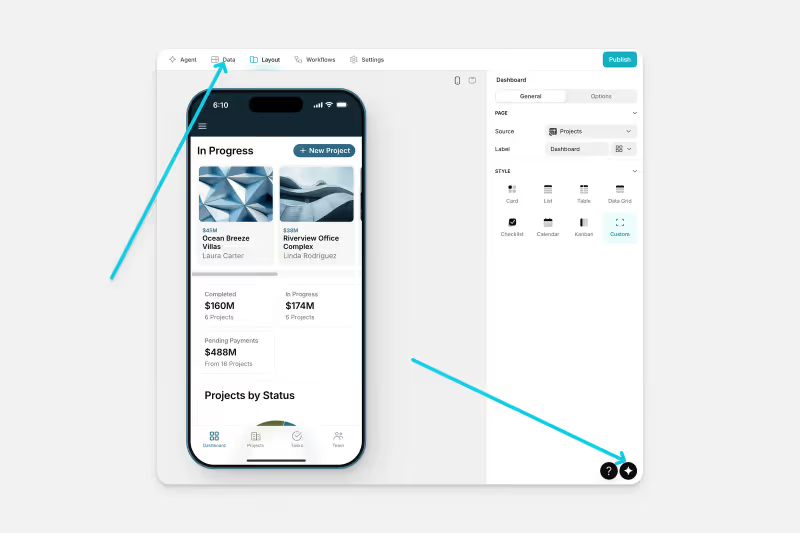
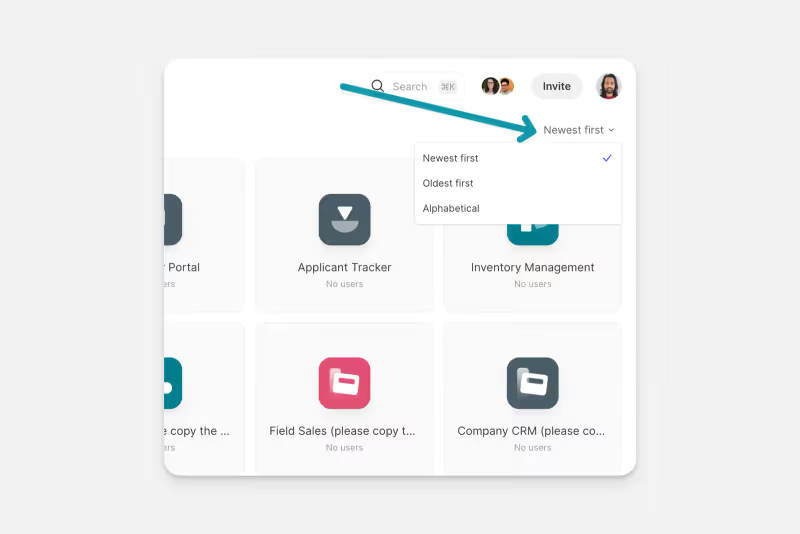
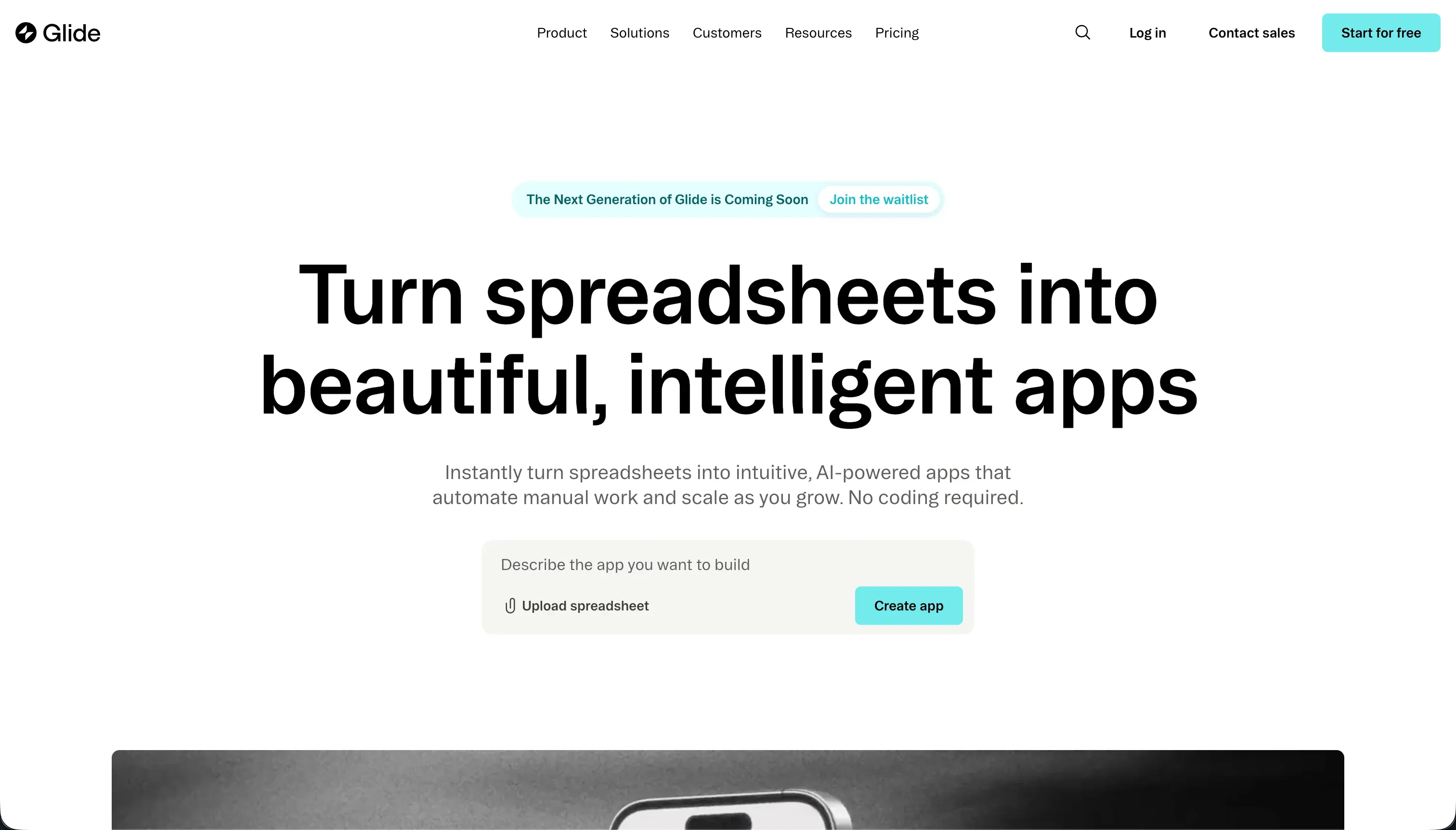 Glide product snapshot
Glide operates on a template-based design framework. Unlike freeform canvas editors, Glide restricts visual positioning in favor of pre-styled visual components, ensuring that your layout scales to desktop and mobile screens.

What types of applications can you build with Glide?
Glide is designed for data-centric operational workflows. You can use it to build:
- Internal Inventory Trackers: Monitor quantities, barcode scans, and location updates.
- Employee CRM Pipelines: Scaffold client lists, call logs, and sales tasks.
- Asset Check-in Check-out Tools: Build trackers for vehicle fleets, office hardware, and tools.
However, because Glide’s styling is locked to pre-styled blocks, you cannot build heavily custom interfaces, consumer-facing social networks, or games.
Where Glide genuinely shines
Glide’s main benefit is speed. Because it derives its structure directly from your spreadsheet columns, a working CRUD app can be deployed in under 5 minutes. Its native database engine, Glide Tables, is fast and supports lookup fields and Excel-like math formulas.
The platform also includes “Glide AI” columns. This allows builders to run large language model calls directly within database tables, simplifying automated translation, image tagging, and text summaries.
The engineering overhead & setup complexity
While initial setup is minimal, scaling custom logic reveals platform limitations:
- Strict visual templates: You cannot drag elements freely, adjust padding, or change visual grids. Custom CSS updates require subscribing to expensive pricing tiers.
- Lack of Code Portability: Because Glide is a proprietary platform with no code export, you are fully locked into its cloud system. If your app hits a scaling wall, you must rebuild it from scratch.
- Fragile Spreadsheet syncs: While sheets sync, complex Airtable formulas or Excel automations can cause data delays, requiring database optimizations.
The pricing gotchas & token/credit model
Glide’s pricing has faced criticism due to its user seat constraints:
- The Seat-License Trap: Glide’s Standard plan starts at $125/month, but pricing is tightly restricted by the number of active users. Maker plans ($60/month) allow up to 25 shared users, but exclude core databases like Airtable.
- Expensive Client Portals: If you are building a portal for external customers or vendors, paying per shared user is prohibitively expensive, forcing teams into custom enterprise contracts.
- Moving features behind paywalls: Paid users complain that features like database lookup rollups are frequently migrated from Maker plans to higher Business tiers, causing surprise subscription upgrades.
Public Sentiment & Community Consensus
Discussions on no-code subreddits outline consistent feedback:
- Praise for internal operations: Operational teams find Glide to be the fastest option for building simple internal forms and logistics lists.
- Generic Visual Branding: Users report that their apps look identical to other Glide projects due to the inability to inject custom CSS styles.
- Outrageous Business seat caps: Small businesses express frustration at having to pay hundreds of dollars to share simple database views with small teams.
For operations teams and agencies looking to build secure B2B client portals, vendor dashboards, or client hubs, Glide’s per-user seat model can become a pricing bottleneck. If you’re building client-facing applications, Softr is worth a close look. Softr includes its own built-in database, so you can start building immediately without needing to wire up an external spreadsheet or Airtable base first. Its AI Co-Builder lets you describe the app you need and it generates the full structure - pages, database schema, user groups, and permissions - ready to go. You can also use templates or build manually; it’s a hybrid, not a black box. Built-in auth, role-based access control, and flat-rate pricing mean you can give hundreds of external clients or vendors their own portal without watching your bill climb per seat.

Verdict: Who is it actually for?
Best for: Internal operations teams, SMB owners, and logistics managers who need to build simple internal trackers and CRUD views on top of existing spreadsheets.
Not for: Entrepreneurial startups building consumer apps, or agencies building B2B client portals with high external user lists and custom design layouts.