

Glide and Softr both sit in the no-code business app category, but they solve different versions of the same problem. Glide is a spreadsheet-first low-code builder optimized for fast internal tools and mobile-friendly data apps. Softr is an AI-powered business app builder designed for production-ready portals, internal systems, and operational software with built-in auth, permissions, and hosting.
The people actually deciding between these two are usually ops leads, founders, and implementation teams replacing spreadsheets or stitching together a client portal. What is at stake is not just launch speed, but what happens after launch when user counts rise, permissions get messy, and someone asks for a workflow that the original app structure did not anticipate. Pick wrong, and you either overbuild on day one or hit a pricing and flexibility wall on day two.
Meet the Contenders
What is Glide?
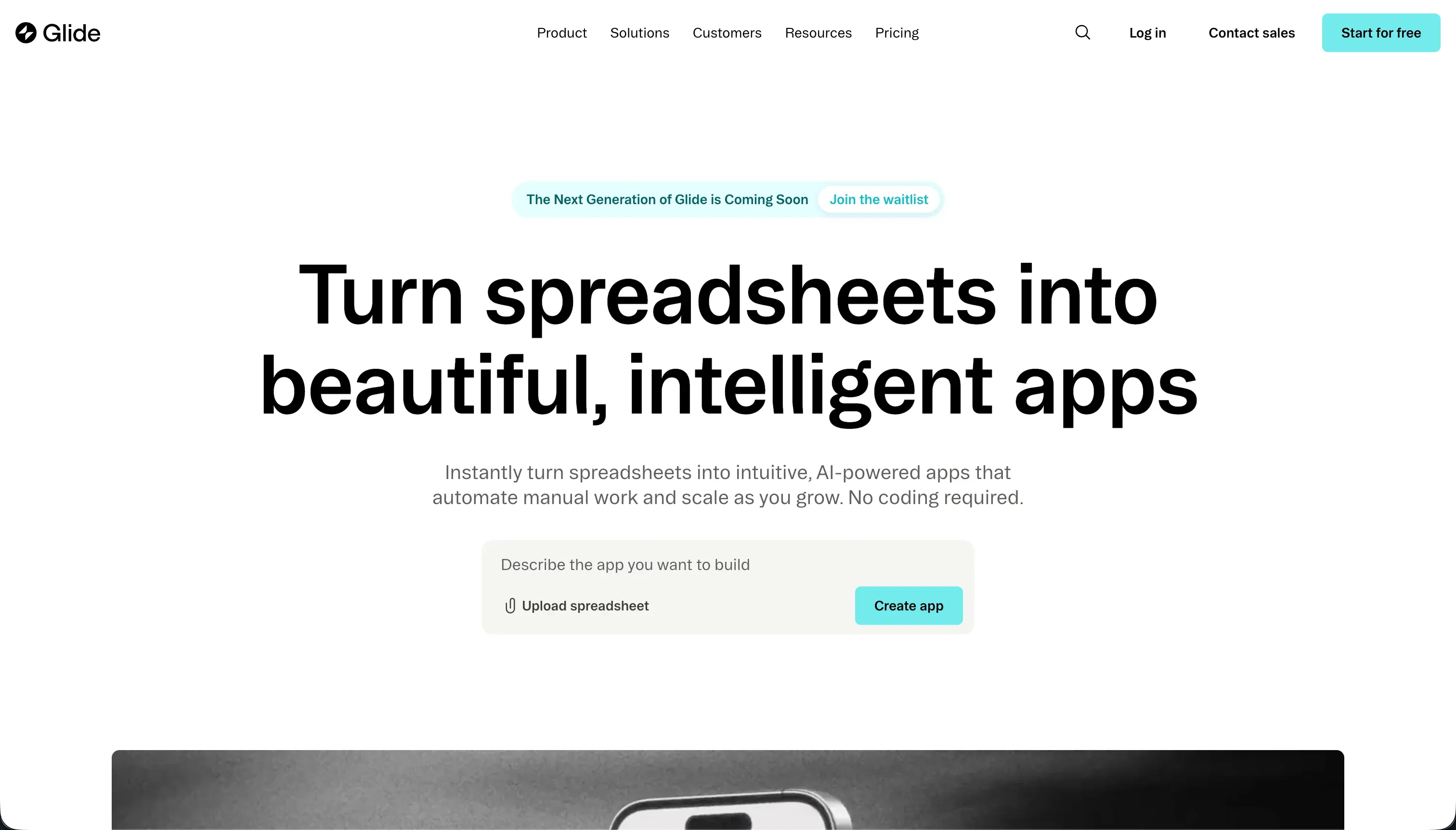
Glide is a low-code app builder that turns spreadsheets and database tables into web and mobile-style apps. Its core appeal is speed: point it at structured data and it scaffolds a usable interface quickly, especially for inventory trackers, simple CRMs, field tools, and internal dashboards.
In practice, Glide works best when your app is data-centric and the interface can fit Glide’s packaged patterns. It supports Google Sheets, Airtable, Excel, and Glide Tables, plus relations, lookup fields, rollups, forms, and AI-powered columns for tasks like summarization or classification. The tradeoff is that layout freedom is limited, branding control is constrained on lower tiers, and deeper logic or more complex backend needs can push you into a ceiling faster than the polished UI initially suggests.
Glide is genuinely built for operators who want something up and running fast without touching code. It gets more frustrating for teams that need pixel-level branding, nuanced role-based visibility, or large external user bases, because that is where its shared-user pricing and rigid layout system start feeling less like helpful guardrails and more like a locked room.
| Spec | Details |
|---|---|
| Primary Stack | Spreadsheet-connected builder with Glide Tables as the native database layer |
| Interface | Visual low-code editor with pre-configured components and mobile-friendly layouts |
| Primary Deployment Target | Responsive web app / PWA-style deployment for internal and data-centric business apps |
| Key Advantage | Very fast spreadsheet-to-app scaffolding with polished default UI |
What is Softr?
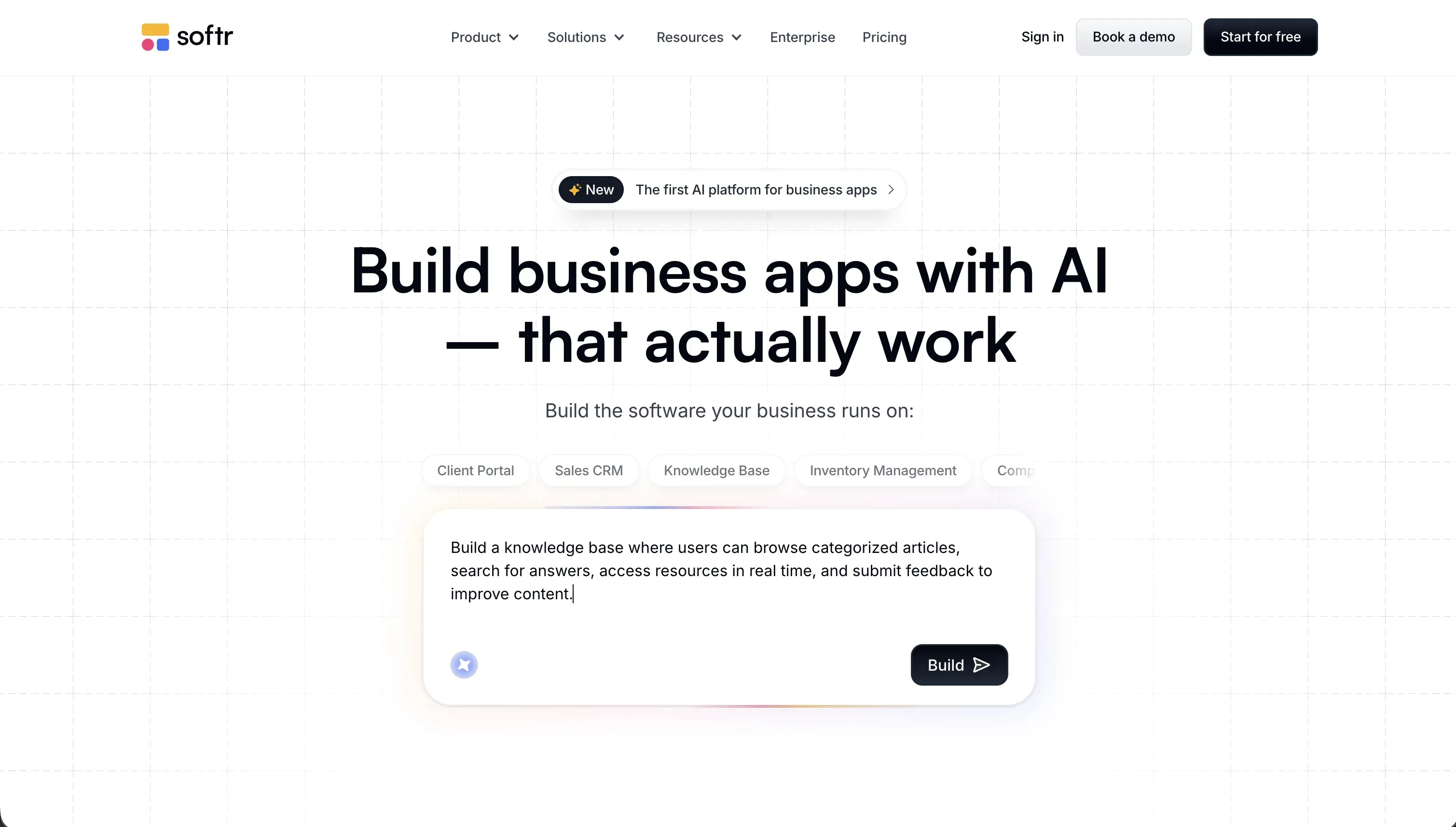
Softr is an AI-powered platform for building business software without code. You can describe the app you want and Softr’s AI Co-Builder generates the database, pages, navigation, and user roles, but you can also start from a template or build manually from scratch.
In practice, Softr is a fuller operating system for business apps than Glide. It starts with native Softr Databases, then layers on a visual interface builder, built-in authentication, granular user groups, row-level restrictions, workflows, standalone forms, and a Vibe Coding block for custom React components when standard blocks are not enough. The important distinction is that AI is the fast path, not the only path, so you can switch from prompting to direct visual control whenever you need precision.
Softr is built for teams shipping real internal tools, client portals, vendor portals, CRMs, intranets, and operational dashboards. It is especially strong for non-technical operators who need software that works with real users from day one, and less ideal for buyers whose main priority is code export or building a fully custom consumer product with native app-store distribution.
| Spec | Details |
|---|---|
| Primary Stack | Softr Databases, visual interface blocks, workflows, and native forms |
| Interface | AI Co-Builder plus visual no-code editor with manual configuration parity |
| Primary Deployment Target | Hosted web apps and PWAs for internal tools and external portals |
| Key Advantage | Granular permissions, production-ready infrastructure, and predictable portal pricing |

The Core Difference
The biggest difference is not speed to first version. It is what each tool assumes about the app you are building once real users, permissions, and maintenance enter the picture.
- Glide is a fast, opinionated spreadsheet-app builder that prioritizes quick scaffolding and polished defaults over deep customization and advanced access control.
- Softr is an AI-first but not AI-only business app platform that prioritizes secure infrastructure, granular permissions, and long-term maintainability over rigid template speed.
Head-to-Head Comparison
We evaluated both platforms across four core categories.
1. Developer Experience & Iteration Speed
Glide is excellent at the first hour experience. Connect a sheet or table, let the platform infer structure, and you can get a functional inventory tracker, CRM, or field app online absurdly quickly. That is why it still gets praised as one of the fastest ways to turn structured business data into a usable internal interface.
The problem is what happens after that first clean demo. Because Glide uses strict layout patterns, later iteration often means working around the builder rather than shaping it freely. Community complaints about features moving upmarket, CSS customization being gated, and rollups or lookups triggering a Big Table upsell all point to the same thing: iteration is fast until the app asks for more than Glide wants to expose.
Softr’s first-run experience is now also fast, but in a different way. Its AI Co-Builder can generate an entire app from a prompt, including Softr Databases, pages, navigation, and user groups, then you can continue editing visually without going back to the AI for every change. That hybrid flow is a big deal for teams who want speed without turning maintenance into a prompt loop.
Iteration on day two is where Softr pulls ahead. You can change a permission, add a page, adjust a filter, or update a workflow manually in the studio, and the app’s core infrastructure does not get regenerated under you. The tradeoff is that Glide still feels slightly more immediate for very small spreadsheet apps, while Softr asks you to think a bit more about app structure because it is designed for more serious use cases.
Edge: Softr, because both tools are quick to start, but Softr is much easier to evolve once the app stops being a toy spreadsheet wrapper.
2. Code Quality & Portability
Glide does not really compete on code ownership. It is a proprietary hosted builder with no meaningful code export path, and users on Reddit explicitly call out the lack of code export as part of the pricing pain. If your long-term plan involves taking the app out of Glide and running it yourself, Glide gives you very little landing gear.
That said, Glide’s value proposition was never exportable React or GitHub sync in the first place. It is meant to abstract implementation away, which is fine if you accept the lock-in and just want the app to work. It is much less fine if you are a technical founder who knows the app may need to outgrow the platform.
Softr also does not offer code export, so this is not a clean win on raw ownership. You are still building inside a hosted proprietary platform, and if your benchmark is Bubble plus self-hosted backend or a code-generating tool, that matters.
Where Softr does better is data portability and operational control. Softr Databases are native and exportable, and if you connect external sources after that, the underlying records remain in those systems. In other words, you may not own the rendering layer as code, but you do avoid the worst version of lock-in where both the app shell and the business data become hard to separate.
Edge: Softr, narrowly, because neither exports code, but Softr gives a clearer data portability story and a more stable long-term operating model.
3. Database & Backend Capabilities
Glide’s backend story is solid for lightweight operational data. Glide Tables support relations, lookups, rollups, formulas, and AI columns, which is enough for plenty of simple apps. If your source of truth is already a spreadsheet or Airtable base, Glide is comfortable and familiar.
But Glide’s backend ceiling arrives sooner than many teams expect. User feedback mentions needing to move to Big Tables mid-project for features like rollups and lookups, and broader complaints describe a hard wall when apps require deeper logic or a more capable backend. That makes Glide good at structured CRUD, but shakier for apps that turn into real systems of record.
Softr starts by pushing you toward Softr Databases, which is the right call for performance and simplicity. Its native database supports relational links, rollups, row-level permissions, AI agents as fields, AI schema generation, and instant workflow triggers when you stay inside the native stack. After that, it can also connect to 17 external data sources like Airtable and Google Sheets when you need to plug into an existing system.
The bigger advantage is not just feature count, but how tightly the database connects to the app layer. Permissions, logged-in user filters, workflows, comments, forms, and Ask AI all sit on top of the same governed structure. For internal tools, client portals, and multi-tenant apps, that coherence matters more than Glide’s spreadsheet familiarity.
Edge: Softr, because its native database, row-level restrictions, workflows, and app-layer integration support more serious business systems.
4. Hosting & Deployment Options
Glide handles hosting for you and produces responsive apps that feel good on mobile, which is one of its enduring strengths. For internal operations teams who just want to publish a browser-based tool without DevOps, that convenience is real.
The drawbacks are less about setup and more about reliability expectations and packaging limits. Users report system lags multiple times per year and poor support response, and Glide remains a PWA-style deployment rather than a native mobile app pipeline. So deployment is easy, but it is not especially flexible or enterprise-comforting once the app becomes business-critical.
Softr also hosts everything for you, but with a more explicit business-software posture. Every app ships with authentication, user management, permissions, hosting, and security from the start, supports custom domains, and runs in SPA mode for a snappier app experience. You do not need a handoff to engineering to publish something real.
On the trust side, Softr has SOC 2 Type II compliance and hosts user data in Europe, specifically Germany. That is a materially stronger answer for companies deploying external client or partner portals than ‘it publishes fast.’ You still are not getting self-hosting or native binaries, but you are getting a more production-oriented environment.
Edge: Softr, because both simplify deployment, but Softr is better equipped for business-critical hosting, security, and external-facing rollout.
5. AI Quality & Reliability
Glide’s AI is mostly additive rather than foundational. AI columns can help with summarization, transcription, classification, and other data tasks directly inside the database, which is useful if your app is basically a structured data workflow with a few smart enrichments.
What Glide does not appear to offer is the same full-app AI scaffolding and cross-layer co-building experience that newer AI-first platforms are pushing. Its AI helps the data model do more work, but it does not fundamentally change how you maintain layouts, permissions, or workflows. That makes it useful, but not transformative.
Softr’s AI is broader and better integrated into the whole build cycle. The AI Co-Builder can generate the app, database schema, blocks, and user groups, then keep helping inside the editor to add pages, configure actions, generate workflows, or create a custom Vibe Coding block. Importantly, every AI-built piece also has a manual visual fallback.
That reliability matters more than raw novelty. Softr does use AI credits, ranging from 5 on Free to 100 on Business, but running low does not freeze the project because the same changes can still be made manually. That is the right design for business software, where AI should accelerate the work instead of becoming a mandatory dependency.
Edge: Softr, because Glide’s AI is helpful at the column level, while Softr’s AI actually speeds up app creation and maintenance without creating AI lock-in.
6. Learning Curve & Onboarding
Glide is easier to grasp in the first sitting. If you understand rows, columns, and forms, you can usually understand Glide’s mental model immediately. That is why it remains attractive to small teams that want a quick internal tool and do not want to study a full platform.
The flip side is that its simplicity partly comes from saying no. Once you need more nuanced permissions, richer navigation, or custom layouts, the learning curve becomes a frustration curve because the builder does not open up much more power. You are not so much learning advanced Glide as discovering its limits.
Softr is also beginner-friendly, but it asks users to think more like app owners than spreadsheet tinkerers. The upside is that its AI Co-Builder, templates, and manual-from-scratch options remove blank-canvas fear, while the editor stays approachable for non-developers. Multiple G2 reviews describe it as intuitive, easy to set up, and particularly strong for internal tools and portals.
The extra surface area is real, though. Because Softr includes databases, workflows, forms, user groups, and permissions in one platform, there is simply more to learn than in Glide. The good news is that this complexity maps to real business needs, not arbitrary builder quirks.
Edge: Glide for total beginners, but only for small apps; Softr is the better onboarding path if you already know the project will need real roles, workflows, or external users.

Pricing Comparison
Glide:
- Free - $0, up to 1 published app, 100 rows of data, Glide branding
- Maker - $49/mo annually or $60/mo monthly, unlimited personal users, up to 25 shared users, 25,000 rows, custom domain
- Team - $99/mo annually or $125/mo monthly, up to 50 shared users, 50,000 rows, Airtable and Excel integrations, Glide AI features
- Business - $249/mo annually or $310/mo monthly, up to 100 shared users, 100,000 rows, advanced integrations, higher-capacity Glide AI
- Enterprise - Custom pricing
Softr:
- Free: $0, 5 app users, 5,000 database records, 500 workflow actions, 5 AI credits
- Basic: $19/mo annually or $25/mo monthly, 5 Team and 5 Client app users, 50,000 database records, 2,500 workflow actions, 10 AI credits
- Pro: $99/mo annually or $119/mo monthly, 10 Team and 50 Client app users, 500,000 database records, 10,000 workflow actions, 50 AI credits
- Business: $329/mo annually or $395/mo monthly, 30 Team and 100 Client app users, 1,000,000 database records, 25,000 workflow actions, 100 AI credits
- Custom: Custom pricing
Use Case Fit: When to use which?
When to choose Glide
- Choose Glide when your source of truth already lives in spreadsheets or Airtable and you want a lightweight internal app live this week.
- Choose Glide when polished default mobile-friendly layouts matter more than deep branding, advanced permissions, or backend flexibility.
- Choose Glide when the user base is small enough to fit comfortably inside shared-user caps and you do not expect the app to become a complex system.
When to choose Softr
- Choose Softr when you are building a real internal tool, CRM, vendor portal, or client portal that needs authentication and granular user groups from day one.
- Choose Softr when you want AI to accelerate setup but still need full visual control over pages, blocks, permissions, workflows, and database structure afterward.
- Choose Softr when pricing predictability for external users matters more than shaving a few minutes off the first scaffold.
When neither Glide nor Softr is the right fit
For native mobile apps
Neither Glide nor Softr is the right pick if your actual requirement is publishing native iOS and Android binaries to the App Store and Google Play. Glide is fundamentally a PWA-style web app experience, and Softr also ships responsive web apps and PWAs rather than native compiled packages.
For that job, look at FlutterFlow or Adalo. FlutterFlow is the stronger option when you need more serious native-app flexibility and a closer path to real app-store output, while Adalo is simpler if you want a more beginner-friendly native-mobile builder.
For professional developer environments
If your team wants source code control, terminal access, Git workflows, package management, and the ability to own the stack end to end, neither Glide nor Softr is the right abstraction. Both are managed platforms first, which is helpful for non-technical operations teams but limiting for developers who know the app will need custom architecture.
In that case, look at Cursor or Replit. Cursor is the better fit for developers already living in an IDE and wanting AI pair-programming on a real codebase, while Replit makes more sense if you want a browser-based coding environment with deployment and runtime tooling built in.
For highly custom web apps with deeper logic
Both Glide and Softr trade some flexibility for speed and operational simplicity. If your app needs deeply custom interactions, unusual UX flows, or a level of logic orchestration that starts to resemble full application engineering, you will eventually feel the constraints in both tools, just at different points.
That is where Bubble or WeWeb make more sense. Bubble is still the heavyweight choice for complex visual web app logic, while WeWeb is more attractive if you want a developer-friendlier front-end layer connected to your own backend systems.

Verdict
Pick Glide if your app is basically a clean operational layer on top of structured data and you value speed over flexibility. It is still one of the fastest ways to turn a spreadsheet into something your team can actually use. The tradeoff is accepting template rigidity, tighter user caps, and a real risk that pricing and capability ceilings show up right when the app starts succeeding.
Pick Softr if the app needs to behave like actual business software, not just a polished spreadsheet front end. It gives you a stronger foundation for permissions, external users, branding, workflows, and long-term maintenance, and its AI layer speeds up creation without trapping you in AI-only editing. The tradeoff is that it can feel like more platform than you need for a tiny internal tracker.
The day-two reality is simple: the first version of an app is rarely the expensive part. The expensive part is every change after that, especially when more people rely on it and mistakes touch real operations. Between these two, Softr ages better for most internal tools and portals, while Glide remains the better quick-hit tool for small data apps; if you outgrow both, Bubble or WeWeb are the next places to look depending on how much control you need.

Summary Comparison Table
| Criterion | Glide | Softr |
|---|---|---|
| Best for | Fast internal spreadsheet apps | Production business apps and portals |
| Build paradigm | Spreadsheet-first visual builder | AI Co-Builder plus visual no-code editor |
| Database | Glide Tables plus Sheets/Airtable/Excel | Softr Databases first, plus 17 external sources |
| Permissions | More limited for complex multi-role apps | Granular user groups and row-level restrictions |
| Pricing metric | Shared-user tiers and row caps | Plan-based app users, records, workflows, AI credits |
| Maintenance burden | Low at first, rises when app complexity grows | Lower long-term for operational software |
| Code export | No | No |