

Bolt and Softr approach application development from fundamentally different angles, representing two unique paths in the modern software landscape. Bolt is a browser-native developer workspace that uses conversational AI to scaffold complete, exportable React and Node.js codebases. Softr is a secure, AI-powered no-code platform engineered specifically for building B2B portals, internal tools, and relational database systems on stable, human-maintainable visual infrastructure.
Founders, operators, and engineering teams find themselves choosing between these systems when deciding whether to own raw generated code or avoid the technical debt of maintaining it. At stake are the long-term operational costs of scaling user seats, the hour-to-hour frustration of debug loops, and the vital security requirements of client data access models. Making the wrong choice means either getting stuck with unmaintainable AI spaghetti code or facing rigid structural constraints on custom visuals.
Meet the Contenders
What is Bolt?

Bolt is a browser-native developer environment and AI code generation platform built to scaffold full-stack web applications from plain language. By running a complete Node.js server directly inside the browser using WebContainers web technology, it allows builders to generate, edit, and run code instantly without local configurations.
In practice, Bolt translates prompt requests into actual React components, routing, PostgreSQL schemas, and backend API logic. Users watch the AI construct their interface in real time on a live staging site hosted at .bolt.host, with the ability to install npm packages, view a simulated terminal, and execute browser-side shell processes directly inside the workspace.
It is genuinely built for developers, technical founders, and rapid prototypers who want a custom codebase without writing the initial boilerplate manually. However, non-technical operators often become highly frustrated by its opaque token limits, the persistent code regressions during iterative prompting, and the complete lack of a visual database interface, which forces them to troubleshoot complex setups like Supabase to handle basic data storage.
| Spec | Details |
|---|---|
| Primary Stack | React, Node.js, and managed PostgreSQL running client-side inside WebContainers. |
| Interface | Conversational chat builder paired with an in-browser code editor and terminal. |
| Primary Deployment Target | Instant hosting on .bolt.host staging domains or one-click exports to Netlify and GitHub. |
| Key Advantage | Rapid generation of highly customized raw source code with complete frontend exportability. |
What is Softr?
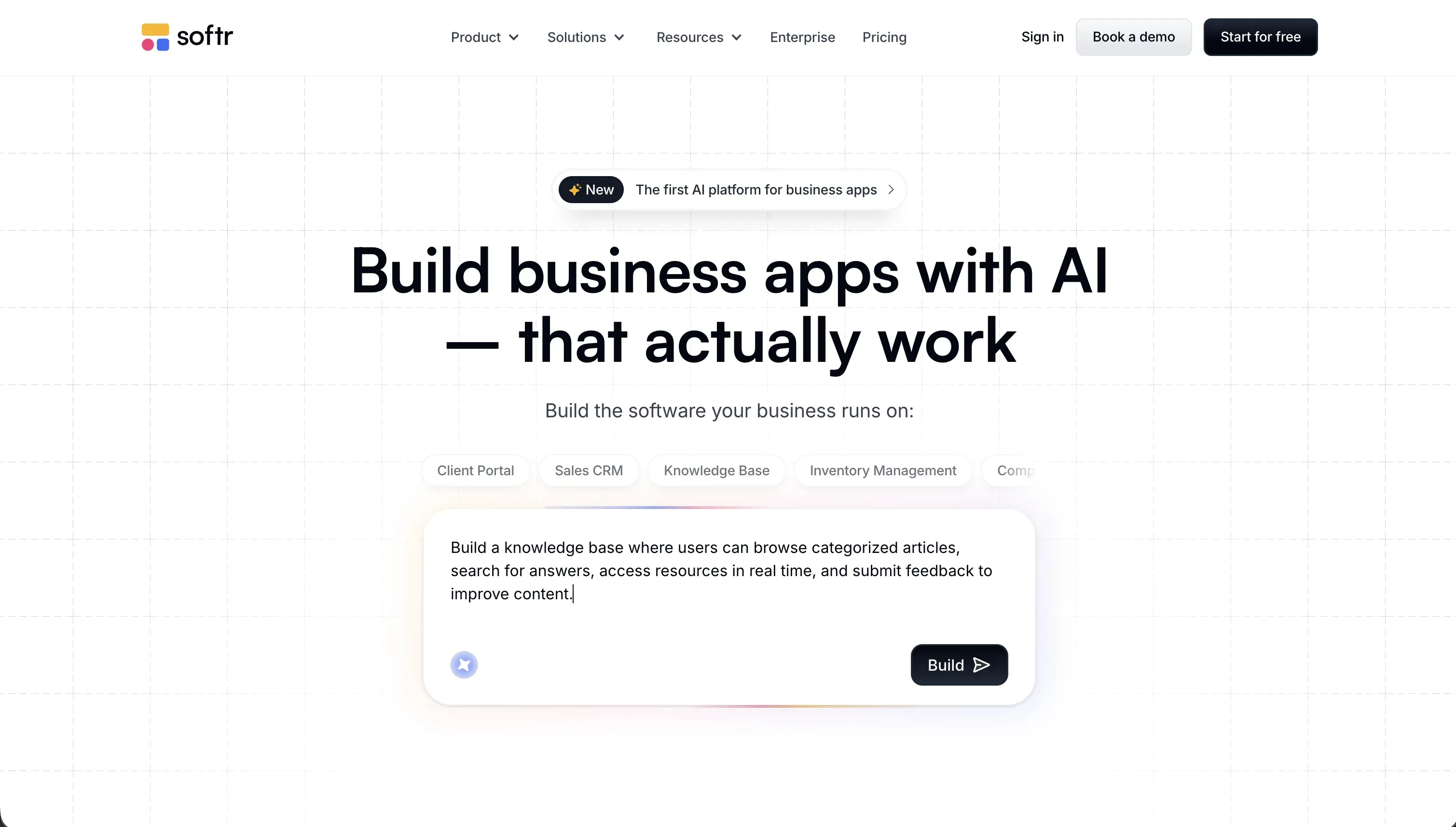
Softr is an AI-powered platform designed for building secure business application systems and portals completely without code. Unlike pure text-to-code builders, Softr establishes a secure visual infrastructure where builders collaborate and combine AI-generated components with native, pre-certified no-code layout blocks.
In practice, the platform pairs an AI Co-Builder with native features including Softr Databases, multi-platform workflows, standalone forms, and secure authentication methods like SAML SSO and Magic Links. Builders construct apps with granular, group-based user permissions, letting managers and clients safely access different datasets and actions inside a unified white-labeled portal.
This system is engineered for business operators, operational directors, and department heads who need reliable internal databases, CRMs, or customer-facing portals that require no developer overhead to adapt. Builders seeking to construct native mobile apps with App Store binaries or developers who require raw backend database sovereignty and source-code exportation will find Softr’s visual constraints limiting.
| Spec | Details |
|---|---|
| Primary Stack | Native Softr Databases, visual layout blocks, robust workflow engine, and hosted SPA infrastructure. |
| Interface | Context-aware AI Co-Builder alongside a drag-and-drop structural visual block editor. |
| Primary Deployment Target | Hosted web applications and Progressive Web Apps (PWAs) with white-labeled custom domains. |
| Key Advantage | SOC 2 Type II secure business apps with visual, role-based visibility and no code maintenance. |
The Core Difference
The core difference lies in whether the AI is generating raw application code or configuring a secure, visual visual framework.
- Bolt runs as a browser-based IDE that writes full-stack code blocks from scratch, giving developers maximum code customization but burdening them with manual debugging and structural maintenance.
- Softr positions AI as a collaborative optimizer on top of pre-verified, secure corporate database and interface infrastructure, giving business users immediate production readiness without technical debt.

Head-to-Head Comparison
We evaluated both platforms across four core categories.
1. Developer Experience & Iteration Speed
Bolt excels at modern prompt-to-app speed, letting you spawn a functional visual prototype in under a minute simply by describing your vision. The built-in Prompt Enhancement feature refines messy text requests into complete coding prompts, while WebContainers let you install custom libraries instantly to try new frontend concepts. It is an outstanding playground for starting a SaaS MVP.
However, the day-two experience can involve serious friction for non-technical teams. Real users routinely report visual regressions on subsequent prompts, where the AI rewrites functional elements or introduces breaking build errors during iterative edit cycles. Because every change consumes package tokens from the monthly allotment (such as the base 10 million in the Pro tier), builders frequently burn credits trying to get the AI to fix runtime failures it created.
Softr approaches iteration speed through a hybrid builder strategy that balances AI generation with manual visual controls. The AI Co-Builder can generate whole dashboard architectures, table relations, and pages in seconds, but builders are never locked into prompt cycles. If you need to change a navigation bar links, adjust a button routing, or alter CSS styles, you simply change it with a visual control panel in minutes.
While this hybrid approach lacks the prompt-driven visual playfulness of Bolt’s infinite canvas, it provides massive predictability for business apps. Builders do not suffer from sudden visual regressions or crash errors because the interface is built on stable, pre-tested layout systems. If you run low on your monthly AI credit allowance (ranging from 5 to 100 depending on plan), you can continue building, styling, and configuring manual permissions indefinitely without getting blocked.
Edge: Softr, because visual direct editing preserves stability and prevents the token-burning regression loops common to code generators.
2. Code Quality & Portability
Code ownership is Bolt’s primary selling point, as it outputs standardized developer-friendly assets like React, Vite, and Node.js without proprietary formats. Higher tiers allow automatic synchronization with GitHub repositories, so software developers can pull the generated source code into local code editors like Cursor or deploy directly to Netlify.
The critical caveat is backend dependency. While the frontend code exports cleanly, the managed database components and API routes remain heavily tied to Bolt’s hosting environments, or require complex manual migration to third-party databases like Supabase. For non-developers, owning a raw React codebase they cannot debug natively does not solve the long-term maintenance burden.
Softr is a fully managed cloud platform, which means there is no option to export the visual interface source code or compile the app for self-hosting on private servers. If you decide to cancel your subscription, the frontend visual layers and routing rules cannot be migrated to another system, creating undeniable platform lock-in.
However, Softr ensures absolute portability for your business datasets. The primary data layer uses Softr Databases, which are fully exportable via REST APIs, CSV downloads, or official automation links to systems like Zapier and Make. Because Softr also integrates natively with external repositories like Airtable or Google Sheets, the operational data is easily accessible and portable even if the frontend layouts are proprietary.
Edge: Bolt, as its clean React exports and direct GitHub syncing provide a genuine transition path for developer takeovers.
3. Database & Backend Capabilities
Bolt generates PostgreSQL schemas and API endpoints on demand, letting builders spin up relational app structures easily during the initial prompt. The AI automatically configurations backend data routing, state management, and user data models for custom SaaS concepts.
But the platform lacks a native visual database administration panel. Because there is no simple spreadsheet-like UI to edit data directly, non-technical users are forced to write queries or prompt the AI to change static details, which makes basic records maintenance highly tedious. Furthermore, establishing row-level security and complex relation rules demands precise prompting that code-level AI can easily misconfigure or hallucinate.
Softr is built around Softr Databases as its primary, native relational backend, equipped with imports from CSV, linked tables, rollups, and local AI helpers for written formulas. It also supports 17 external data platforms, ensuring your workflows remain structured and scalable without slow API bottlenecks.
And Softr’s security and visibility mechanics represent its biggest competitive advantage. Permissions are handled through a visual visibility manager where different user groups (such as Admins, Clients, and Employees) see entirely different sections, records, and action buttons. Softr also includes active MCP hosting, allowing external agents like Claude to safely read and write database structures via natural language.
Edge: Softr, thanks to its visual database interface, secure row-level permission logic, and native relational engine.
4. User Authentication & Day-One Security
Bolt scaffolds operational security elements by writing prompt-driven authentication routines and custom script layers. It can generate standard email and password screens, validate basic form inputs, and hook database records to security parameters.
However, because authentication workflows must be written and deployed as code blocks within browser WebContainers, they are prone to hidden compliance and execution vulnerabilities. If the AI hallucinations miss an edge case in the login logic or the security validation script fails, you risk exposing raw records. Bolt lacks built-in SOC 2 compliance, demanding developer audit support before shipping live customer apps.
Softr ships with standard-to-enterprise security infrastructure pre-tested and active on day one without code configuration. Visually configure your sign-up flows with invite-only access, magic links, domain restrictions, or complete SAML Single Sign-On (SSO) for corporate compliance.
Every security component - from reset-password flows to encrypted login screens - is built natively on SOC 2 Type II compliant hosting based in Europe (specifically Germany). The AI Co-Builder never hallucinates core authentication rules, giving operations leads absolute confidence when publishing secure client portals and staff databases to real users.
Edge: Softr, as certified SOC 2 compliance and visual group permissions eliminate the structural risks of AI-generated security.
5. Cost & Scaling Economics
Bolt starts with an appealingly cheap Pro tier at $25/month for 10 million tokens, scaling up to specialized enterprise levels like $2,000/month for 1.2 billion monthly tokens. Teams pay a starting member fee of $30/month, allowing collaborative developers to manage shared token rollover pools.
The real financial issue is token depletion during troubleshooting. Builders frequently report spending their monthly quotas within a few days when trying to debug complex React or server-side build crashes, requiring immediate expensive top-ups. Furthermore, scaling a Bolt-built app means managing external developer fees to ensure the backend hosting, third-party database connections, and API pipelines stay active.
Softr charges transparent flat monthly prices, starting at $25/month monthly ($19 billed annually) for Basic up to $395/month monthly ($329 billed annually) for Business. The crucial distinction is that Softr workspace plans allow unlimited collaborators to build and adjust applications at no extra charge.
While user tiers limit active logged-in app users (ranging from 10 to 500 across plans), the pricing scales predictably without unpredictable compute charges, database requests fees, or prompt token multipliers. Because AI is a tool, not a dependency, your active applications run indefinitely on standard flat costs even if you have exhausted your visual AI generation credits for the billing cycle.
Edge: Softr, because flat pricing plans with unlimited builders prevent the predatory token-burn surprises of code tools.

Pricing Comparison
Bolt:
- Free Plan: $0/mo including 1 million base tokens per month and basic hosting limits.
- Pro Plan: Starts at $25/mo for 10 million monthly tokens, custom domain options, and token rollover limits.
- Teams Plan: Starts at $30/member/mo and includes team workspace access controls and token rollover support.
- Scaling Tiers: Pricing scales based on token volume from 26 million ($50/mo for Pro) up to 1.2 billion monthly tokens ($2,000/mo).
Softr:
- Free Plan: $0/mo allowing 10 app users, 5,000 database records, and unlimited collaborators to build.
- Basic Plan: $49/mo (billed annually) or $59/mo (billed monthly) supporting 20 app users and 50,000 database records.
- Professional Plan: $139/mo (billed annually) or $167/mo (billed monthly) supporting 100 app users and custom user permissions.
- Business Plan: $269/mo (billed annually) or $323/mo (billed monthly) supporting 500 app users and SQL database integrations.
Use Case Fit: When to use which?
When to choose Bolt
- Choose Bolt when you are a software developer who wants a rapid prompt-to-code React/Vite scaffolding tool to skip building basic UI components.
- Choose Bolt when your development pipeline demands complete application source-code ownership and automatic synchronization with GitHub.
- Choose Bolt when you are building consumer-facing SaaS web applications and have the technical skills to configure and maintain custom databases like Supabase.
When to choose Softr
- Choose Softr when you need a production-ready client portal, vendor directory, CRM, or team intranet published and secure in a single afternoon.
- Choose Softr when you want to avoid the ‘Day Two’ problem of maintaining, diagnosing, and fixing complex AI-generated codebases.
- Choose Softr when your operations demand strict group-based user login access, row-level data visibility, and certified compliance.
When neither Bolt nor Softr is the right fit
For native mobile apps with App Store publishing
Neither Bolt nor Softr is designed to build native mobile binaries for publication on the Apple App Store or Google Play. Bolt generates React codebases that are primarily optimized for desktop browsers, while Softr supports Progressive Web Apps (PWAs) that sit on mobile home screens but lack native app utilities.
If your business demands a native iOS or Android product, FlutterFlow or Adalo are the appropriate tools. FlutterFlow gives you complete developer-focused visual controls to build and export standard Dart and Flutter configurations, while Adalo simplifies drag-and-drop mobile builders for non-programmers.
For professional online developer environments
If you are an experienced software engineer seeking maximum flexibility, both Bolt’s browser container constraints and Softr’s visual layout rules will feel restrictive. Working on a larger file list in Bolt’s browser environment often triggers memory overloads, and you miss out on local Git tools and debugger custom plugins.
For real developer setups, you should rely on Cursor or Replit. Cursor integrates advanced AI assistant capabilities directly into an elite local VS Code setup, while Replit provides a powerful online development server that doesn’t limit your operational database capabilities.

Verdict
Choose Bolt if you are a technical builder or React developer who wants to jump-start custom SaaS prototypes without hand-matching UI boilerplate. By accepting the tradeoff of browser-native WebContainers, you inherit complete frontend code portability but must commit to debugging code regressions, resolving container memory limitations, and managing manual server database integrations.
Choose Softr if you are an operational lead or small-business founder who needs to connect internal databases to secure customer-facing dashboards, worker trackers, or client intake portals. The tradeoff is strict visual structure - you will not have raw code files to download - but you gain immediate security, a visual relational database, and predictable pricing.
In the long run, the ‘Day Two’ reality matters far more than first-day generation speed. While visual code generators create exciting early demonstrations, they often saddle non-technical teams with fragile technical debt that breaks unexpectedly during basic upkeep. Because operational software requires reliable data compliance, simple visibility rules, and manual maintenance that cannot fail, Softr remains the more robust, dependable choice for business applications.
Summary Comparison Table
| Criterion | Bolt | Softr |
|---|---|---|
| Best for | Prototyping custom React SaaS apps | Portals, CRMs, and internal tools |
| Build Paradigm | Generative React workspace | Hybrid visual block builder with AI Co-Builder |
| Database | Code-generated PostgreSQL | Native relational database with 17+ link sources |
| Permissions | Prompted code restrictions | Visual user groups & row-level visibility |
| Code Export | Frontend React source with GitHub sync | No code export, but full data export |
| Pricing Metric | Token-based scaling plans | Predictable flat user-tiered plans |