What is Adalo?
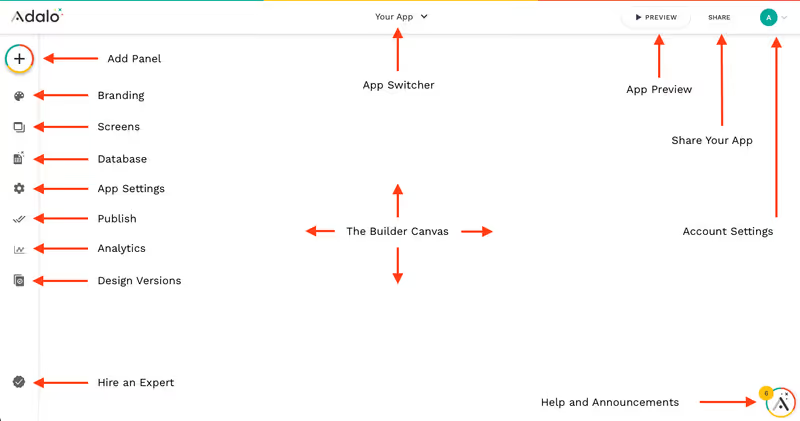
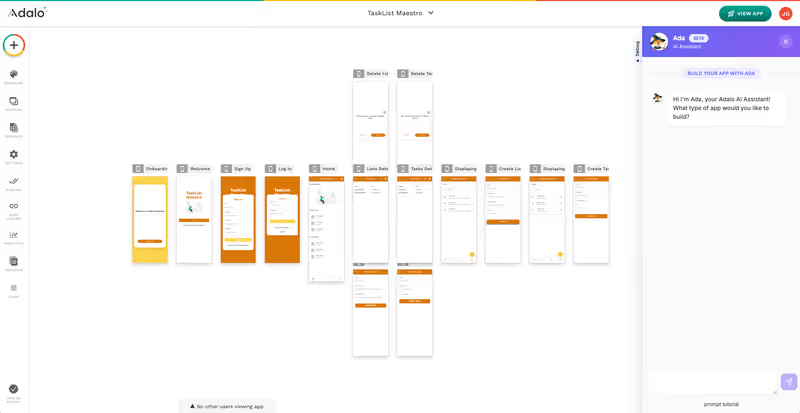
Adalo is a visual, no-code app builder designed to let founders and designers build mobile and web applications without writing code. With its pixel-level drag-and-drop canvas, you can sketch out screens, link them together with basic action workflows, and save user submissions to a built-in relational database.
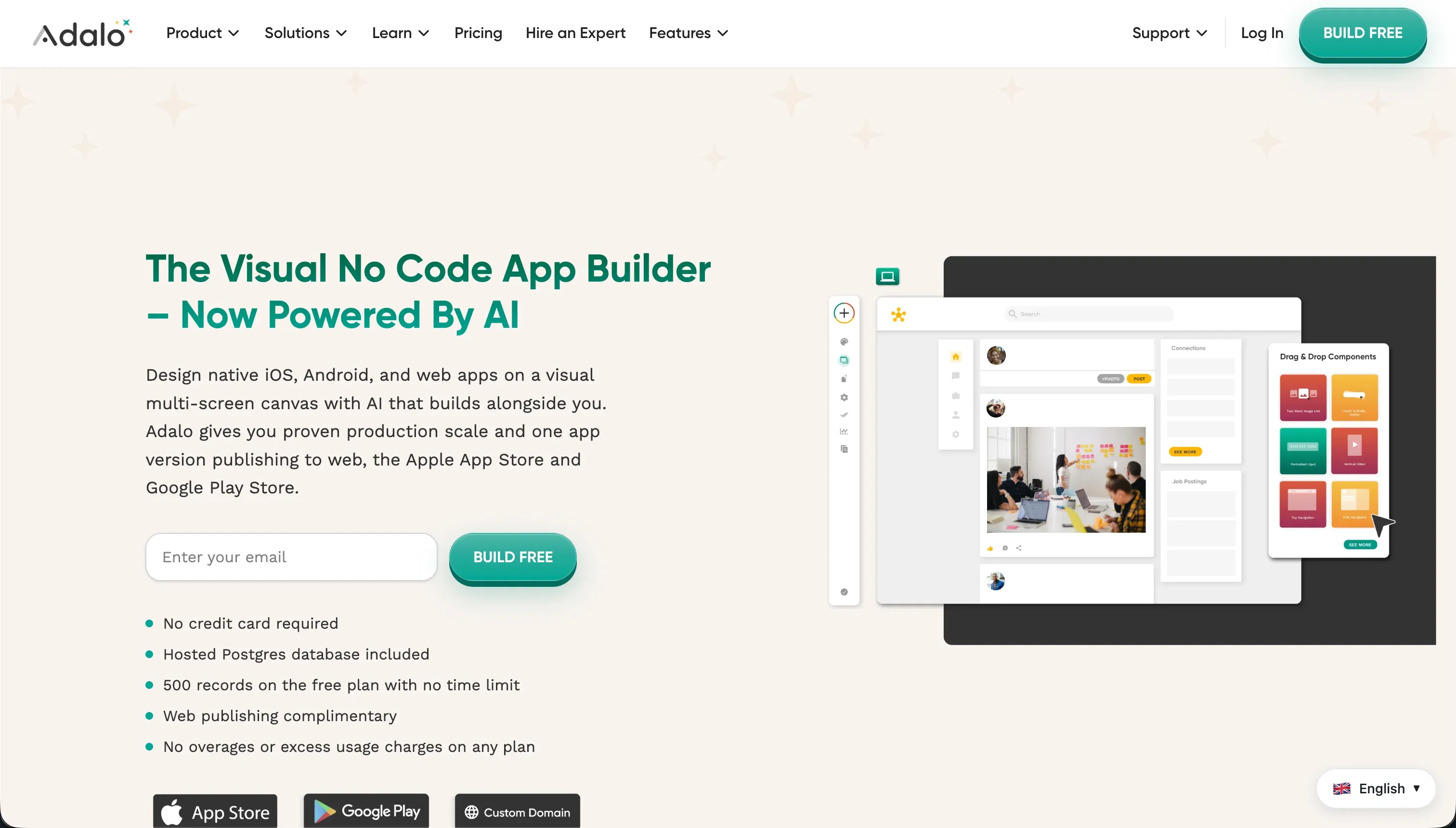 Adalo product snapshot
Adalo’s primary appeal lies in its simplicity. Rather than overwhelming users with complex relational database management schemas, Adalo provides pre-built UI components (lists, forms, buttons) that connect directly to data sheets.
What types of applications can you build with Adalo?
Adalo is best suited for mobile-first prototypes and directory listing applications. You can use it to build:
- Simple Native Mobile MVPs: Scaffold basic social networks, booking calendars, and localized business directories.
- Basic Internal Lists: Create simple inventory trackers or employee lists for phone screens.
- Prototyping Clickable Mockups: Build functional visual mockups to pitch investors prior to hiring developers.
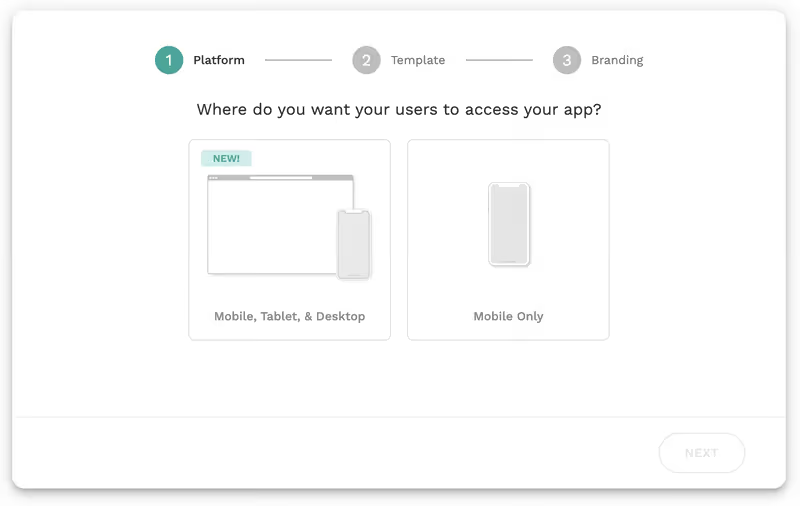
However, because Adalo’s responsive designer is built around a fixed-width screen container, desktop layouts look like stretched phone designs, rendering Adalo unsuitable for professional B2B client portals or dashboards.
Where Adalo genuinely shines
Adalo’s main advantage is its native mobile publishing support. It abstracts away the complex build settings required to compile iOS and Android packages, helping creators submit their applications directly to the Apple App Store and Google Play Store.
The learning curve is very low. A beginner can configure database connections and map screen-to-screen transitions in a single afternoon. Its component marketplace also provides a variety of community-made visual packages (like Stripe buttons or audio players) that speed up prototype creation.
The engineering overhead & setup complexity
While Adalo is simple to learn, scaling projects exposes significant engineering limitations:
- Severe Performance Latency: Adalo apps frequently suffer from sluggish transitions and slow loading times when handling datasets with images or complex relationships.
- Complex Element Visibility Filters: Centralized role-based access control is not supported. Building multi-role access controls requires setting manual visibility filters on every individual screen element, which is tedious to maintain and carries security risks.
- API Connector Fragility: When integrating external web APIs, making layout tweaks frequently requires rebuilding the API definition from scratch rather than modifying existing configurations.
The pricing gotchas & token/credit model
Adalo’s pricing relies on database record limits and published app counts:
- Strict Database Record Limits: The free plan restricts apps to 200 records. Starter plans ($45/month) expand this to 10,000 records. As soon as your users log interactions, write entries, or upload assets, you will quickly hit these caps and be forced to upgrade.
- Expensive Add-ons: Relying on basic integrations (like connecting to external tables) requires subscribing to the Professional tier ($65/month) or higher. Many marketplace components also charge separate usage fees.
- No Built-in AI Acceleration: In an era of AI co-builders, Adalo offers no visual prompt generation. You must build every button, navigation connection, and database link manually.
Public Sentiment & Community Consensus
Reviews on Capterra and no-code forums highlight recurring frustrations:
- Sluggish Native Performance: Users report that compiled native Android applications run much slower than standard Progressive Web Apps, making them feel unresponsive.
- Data Loss Concerns: Developers complain that database entries can occasionally disappear due to system migration glitches.
- Delayed Technical Support: Solving runtime bugs through official support tickets can take several days without helpful resolutions.
For businesses looking to build client portals, customer hubs, or operational databases, using a mobile-first prototyping canvas is inefficient. If you’re building B2B systems, a platform like Softr is much more suitable. Softr gives you a built-in database (Softr Databases) to start from scratch, or you can connect to 17 external sources including Airtable and Google Sheets - but the database is never the main point. The AI Co-Builder generates a complete app from a text prompt: database schema, pages, user permissions, and navigation, all in one shot. Auth, role-based access, and hosting are built in from day one, so your client portal or internal tool is production-ready immediately, with no generated code to debug or maintain.
Verdict: Who is it actually for?
Best for: Founders and designers looking to build a mobile-first app prototype or native directory MVP to submit to app stores with minimal onboarding effort.
Not for: Teams building B2B portals, enterprise dashboard systems, or complex applications with heavy database loads and desktop web layout requirements.