

Adalo and Glide both sit in the no-code app builder category, but they solve different problems. Adalo is a mobile-first visual builder aimed at simple apps you can publish to app stores, while Glide is a data-centric builder designed to turn spreadsheets and structured tables into usable business apps. On the surface they look interchangeable. In practice, they are not.
The people actually deciding between these two are usually founders, operators, and small product teams trying to avoid a custom build. What is at stake is not just speed on day one, but what happens when the app needs more users, more data, or more logic. Pick the wrong one and you either hit pricing walls, rigid templates, or maintenance headaches. This comparison is really about choosing your constraint upfront.
Meet the Contenders
What is Adalo?
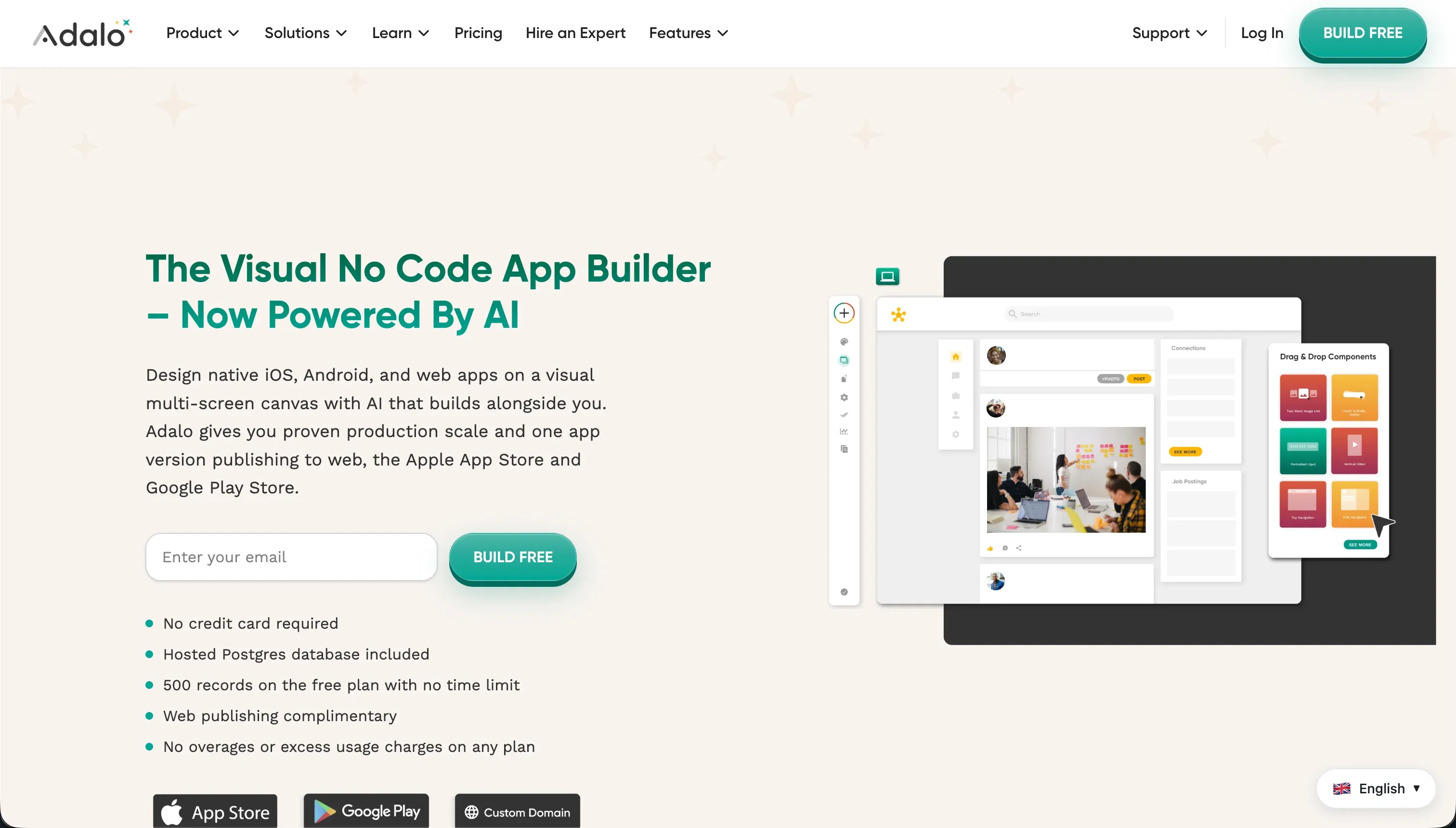
Adalo is a no-code visual builder for mobile and web applications. It gives you a drag-and-drop canvas, a built-in database, and the ability to publish either to the web or to native mobile app stores, which is still the main reason people keep considering it.
In practice, Adalo works like a screen-by-screen designer with actions attached to components. You place buttons, text, forms, and images on a canvas, connect them to Adalo’s relational database, and wire up workflows like navigation, database updates, push notifications, REST API calls, or marketplace plug-ins such as Stripe-related components. The upside is that you can get a basic mobile MVP running without writing code. The downside is that many users report sluggish performance, fixed-width layout issues on web, and painful friction when trying to build more complex functionality.
Adalo is genuinely built for creators, startup founders, and designers who want to launch a simple mobile app or validate an idea quickly. It gets much less convincing for teams trying to build serious multi-role business software, especially if they need granular permissions, larger datasets, or stable external-facing portals. The people most frustrated by Adalo tend to be the ones who started with an MVP mindset and then tried to turn that MVP into an actual operating system for their business.
| Spec | Details |
|---|---|
| Primary Stack | Built-in relational database with visual canvas editor and action workflows |
| Interface | Drag-and-drop screen builder with custom actions and marketplace components |
| Primary Deployment Target | Web apps plus native iOS and Android app store publishing |
| Key Advantage | Lower-friction path to simple native mobile MVPs than heavier tools |
What is Glide?
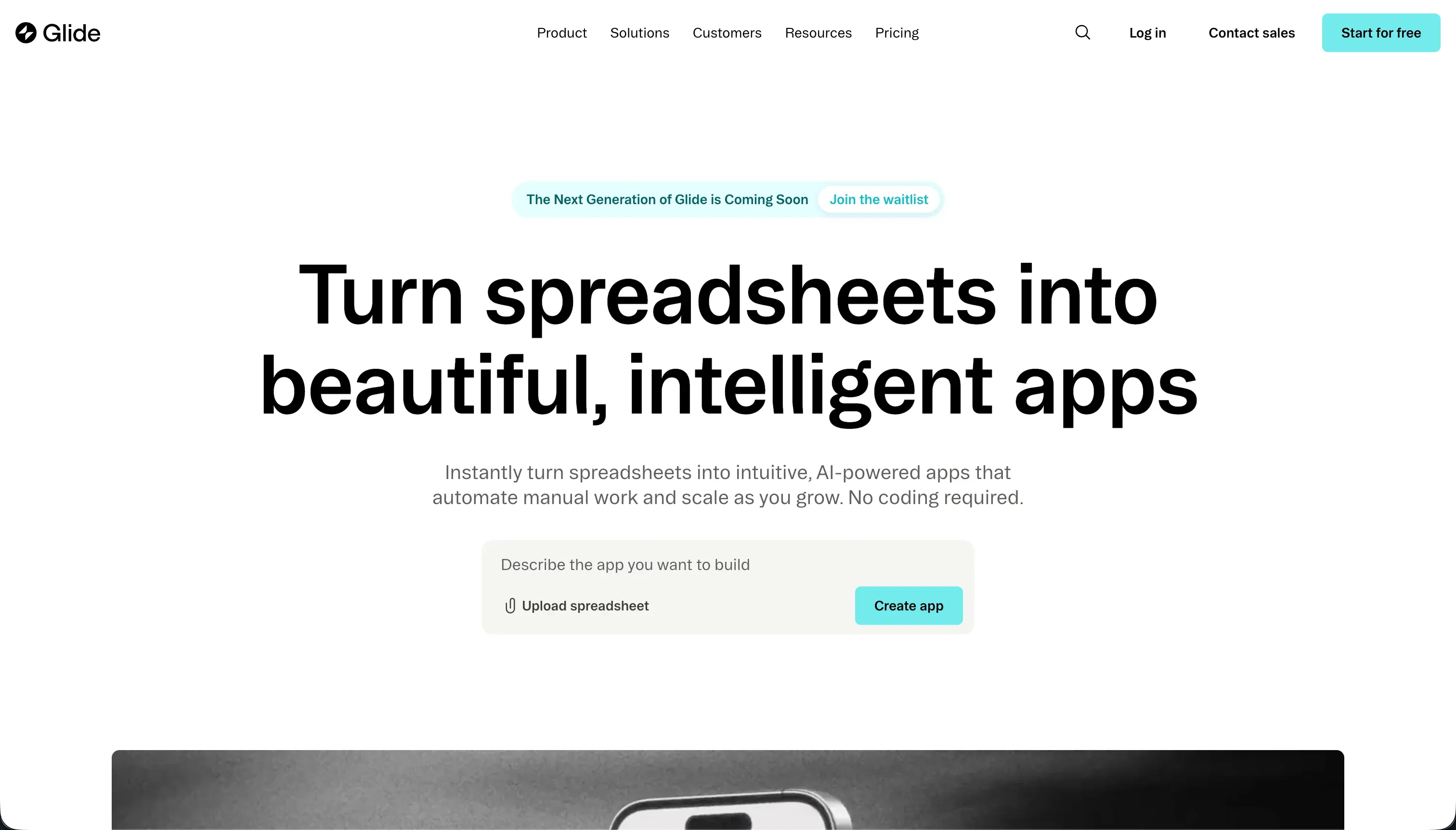
Glide is a low-code builder that creates web and mobile-friendly interfaces on top of spreadsheets and databases. Its whole pitch is speed: take structured data from Google Sheets, Airtable, Excel, or Glide Tables, and turn it into an app without designing every screen from scratch.
In practice, Glide is much more opinionated than Adalo. Instead of a free-position canvas, it gives you pre-configured components, responsive layouts, and a native data layer with relations, rollups, lookups, and AI-powered columns for tasks like text summaries or classification. That makes it very fast for inventory tools, CRMs, field apps, and internal dashboards. The tradeoff is design rigidity, limited CSS freedom on lower tiers, and seat-based pricing that can get ugly if you need lots of shared or external users.
Glide is genuinely built for operations teams, SMB founders, and departments that already live in spreadsheets and want a polished internal app fast. It is much less ideal for founders who want a highly customized consumer app or pixel-perfect branded UI. The people most frustrated by Glide are usually the ones who love the initial speed, then run into pricing tiers, external-user caps, or the platform’s hard ceiling on deeper backend logic.
| Spec | Details |
|---|---|
| Primary Stack | Spreadsheet-connected builder with Glide Tables, relations, and AI columns |
| Interface | Template-driven visual builder with responsive components |
| Primary Deployment Target | Web apps and PWAs optimized for mobile and desktop use |
| Key Advantage | Fastest path from structured spreadsheet data to a polished internal app |
The Core Difference
The biggest difference is not mobile versus web. It is freedom versus structure. Adalo gives you more screen-level layout freedom and native app store distribution, while Glide gives you a much more opinionated but usually faster system for data-centric business apps.
- Adalo runs on a free-form visual canvas that is attractive for simple mobile MVPs, but that freedom comes with weaker scalability, weaker permissions, and more reported instability.
- Glide runs on structured data and prebuilt responsive layouts, which makes it faster and cleaner for operational apps, but more restrictive if you want custom UI or broad external-user scale.

Head-to-Head Comparison
We evaluated both platforms across four core categories.
1. Developer Experience & Iteration Speed
Adalo feels approachable at first because the canvas is visual and the mental model is simple: place components on screens and attach actions. For a straightforward MVP, that can be enough to get from idea to prototype quickly, and its onboarding is generally seen as lighter than something like FlutterFlow.
The problem is iteration speed once the app becomes real. Adalo users repeatedly report that even basic flows like forgot password, multi-image uploads, or updating external API definitions become tediously manual. Multiple Capterra reviews also call out bugs, internal server errors, and support delays measured in days, which turns what should be a visual builder into a time sink.
Glide is one of the quickest builders in this category for turning existing data into a usable app. If your data is already in Google Sheets, Airtable, Excel, or Glide Tables, the scaffolding is fast, and the preconfigured components remove a lot of design decisions that slow down less opinionated tools.
That speed comes from constraint, not flexibility. Glide users regularly praise how easy it is to learn, but also complain that once you need more logic, deeper backend behavior, or more custom layouts, the platform hits a ceiling fast. So the first build is often faster than Adalo, but the long-term iteration story depends on how comfortable you are staying inside Glide’s box.
Edge: Glide, because its opinionated data-first workflow gets useful apps live faster and with less friction than Adalo’s increasingly brittle canvas setup.
2. Code Quality & Portability
Adalo is still a closed no-code platform. You are not getting exportable source code, GitHub sync, or a clean migration path to your own stack, so portability is weak from the start.
That lock-in is harder to accept because the platform’s own reliability has been questioned by users reporting data loss, API rework loops, and native app performance issues. If you cannot export code and you also do not fully trust the runtime, the platform risk rises fast.
Glide also does not give you code export. Like Adalo, you are operating inside a proprietary platform, which means no direct repo ownership and no smooth path to self-hosting your app.
Where Glide is slightly easier to live with is that its model is more transparently data-centric. If your source of truth stays in Airtable, Excel, or Google Sheets, you at least keep control over the raw data layer. But there is still no code ownership, and several users explicitly mention that the lack of export makes the pricing harder to justify.
Edge: Glide, slightly, because while both are locked-down platforms, Glide more often sits on top of data sources you can keep outside the app layer.
3. Database & Backend Capabilities
Adalo includes a built-in relational database, which is enough for simple collections and basic linked data. It also supports external connections like Airtable and REST APIs, but the research consistently frames Adalo’s internal database as a bottleneck once data volume or complexity grows.
The hard limits show up quickly in pricing too. The free plan caps you at 200 database records, Starter at 10,000, Professional at 30,000, Team at 100,000, and Business at 250,000. Combined with user reports of slow queries and even one report of 70% of a database disappearing, Adalo is hard to recommend for data-heavy operational systems.
Glide is stronger here. Glide Tables support relations, lookup fields, rollups, and basic math formulas, and the platform was built around structured data rather than around a visual canvas first. That makes it much better suited to inventory trackers, CRM pipelines, and other data-centric internal apps.
It is not perfect. Glide users still report hitting paywalls around table scale and advanced data features, including complaints that rollups and lookups suddenly required moving to Big Tables. But compared with Adalo, the backend story is simply more mature and more predictable for business use.
Edge: Glide, because its table model, relations, and rollups are better aligned with real business data than Adalo’s tighter record-limited database.
4. Hosting & Deployment Options
This is Adalo’s clearest differentiator. It can publish to the web and also package apps for Apple App Store and Google Play, which matters if discoverability, native install flows, or app store credibility are part of your product strategy.
The catch is that Adalo’s native story is weakened by performance complaints, especially on Android. One reviewer said the Progressive Web App on the same device was about 10 times faster than the native Android app, which is about the most brutal indictment a native-first builder can receive.
Glide is web-first and PWA-first. Its apps are responsive and generally feel polished on mobile, but there is no real native app store path in the same way Adalo offers, and that immediately takes Glide out of the running for some consumer app ideas.
For internal distribution, that tradeoff is often fine. PWAs are easier to update, easier to share, and remove app store review friction. But if your deployment requirement is specifically APKs, IPAs, or app store presence, Glide does not answer that need well.
Edge: Adalo, because it is one of the few no-code tools in this bracket that still offers a native app store publishing path.
5. AI Quality & Reliability
Adalo has basically no meaningful AI story in the current market context. The research explicitly calls out the lack of built-in AI generation, vibe coding, or AI-driven app customization as a major gap.
That absence matters because competitors are increasingly using AI scaffolding to compress setup time, especially for repetitive database and UI work. Adalo is not just behind on AI hype. It is behind on practical AI assistance that reduces builder effort.
Glide does have a more modern AI layer. Its AI functions can act as columns in your data model for tasks like text summaries, translation, transcription, and classification, which is genuinely useful for operational workflows.
Still, Glide’s AI is narrower than full AI scaffolding platforms. It helps inside the data layer rather than reinventing the whole build experience, and it does not solve the platform’s pricing or flexibility constraints. But compared with Adalo, Glide at least offers practical AI capability today.
Edge: Glide, because it ships usable AI columns while Adalo currently has no serious built-in AI building or enrichment layer.
6. Learning Curve & Onboarding
Adalo’s initial learning curve is not terrible. The screen-based canvas feels familiar to designers and non-technical founders, and compared with heavier visual logic tools it can feel refreshingly straightforward at the beginning.
The issue is that simplicity fades when you need production-grade behavior. Reviewers complain that basic features are oddly tedious, fixed-width layouts require awkward manual handling across screen sizes, and support often redirects users back to documentation or paid experts. So the onboarding is easy, but the confidence curve drops later.
Glide is broadly easier for beginners who already understand spreadsheets. It scaffolds layouts from data, handles responsiveness by default, and is frequently described as slick and easy to learn by users even when they criticize the pricing.
The onboarding experience weakens less because Glide keeps forcing you into its own patterns. That can feel limiting, but it also means fewer chances to build yourself into a corner early. The main confusion point is pricing and user limits, not the builder itself.
Edge: Glide, because its spreadsheet-first model and responsive defaults make it easier for non-technical operators to get something usable without layout drama.

Pricing Comparison
Adalo:
- Free - $0, 1 published web app, 200 database records per app, Adalo branding
- Starter - $36/mo billed annually or $45/mo billed monthly, 1 published web app, custom domain, 10,000 database records
- Professional - $52/mo billed annually or $65/mo billed monthly, 2 published apps including 1 native app, custom fonts, Airtable integration, 30,000 database records
- Team - $160/mo billed annually or $200/mo billed monthly, 5 published apps, native supported, team collaboration, 100,000 database records
- Business - $200/mo billed annually or $250/mo billed monthly, 10 published apps, priority support, 250,000 database records
Glide:
- Free - $0, up to 1 published app, 100 rows of data, Glide branding
- Maker - $49/mo billed annually or $60/mo billed monthly, unlimited personal users, up to 25 shared users, 25,000 data rows, custom domain
- Team - $99/mo billed annually or $125/mo billed monthly, up to 50 shared users, 50,000 data rows, Airtable and Excel integrations, Glide AI features
- Business - $249/mo billed annually or $310/mo billed monthly, up to 100 shared users, 100,000 data rows, advanced integrations, higher-capacity Glide AI
- Enterprise - Custom pricing, unlimited users, dedicated security, custom integrations, SLAs
Use Case Fit: When to use which?
When to choose Adalo
- Choose Adalo when native iOS and Android app store publishing is a non-negotiable requirement.
- Choose Adalo when you are building a simple mobile MVP, directory, or lightweight consumer app and can live with a smaller database ceiling.
- Choose Adalo when you want a freer visual canvas than Glide’s rigid component system and you are not building a data-heavy operations tool.
When to choose Glide
- Choose Glide when your app starts with structured data in spreadsheets, Airtable, Excel, or a simple internal database.
- Choose Glide when you need an internal tool, inventory app, CRM, or field workflow that should look polished quickly without custom design work.
- Choose Glide when responsive web delivery matters more than native app store distribution and you can tolerate seat-based pricing.
When neither Adalo nor Glide is the right fit
For native mobile apps with more headroom
FlutterFlow is the better alternative if you need real native mobile ambition rather than a lightweight no-code MVP. It gives you a more serious path for mobile product work, especially if you expect the app to grow beyond a simple first version and need more control than Adalo’s canvas provides.
That does mean a steeper learning curve. But if your plan is an actual mobile product, not just a proof of concept, both Adalo and Glide feel cramped for different reasons: Adalo because of reliability and scalability complaints, Glide because it is fundamentally a web and PWA-first platform.
For internal tools and client portals
Softr is the better fit when the real job is building business software, not just an app shell. Start with Softr Databases as the native backend, then add role-based interfaces, user groups, row-level data restrictions, workflows, and auth from day one. It is AI-first, but not AI-only, so you can co-build with the AI Co-Builder and then switch to direct visual editing whenever you want precision.
This matters because both Adalo and Glide get awkward once the app becomes a serious client portal, CRM, intranet, or multi-role internal tool. Adalo’s permissions are too manual and fragile, while Glide’s shared-user pricing can become painful for external access. Softr is the cleaner day-two answer for business apps that need real users, real security, and predictable upkeep.
For professional developer environments
If your team is already technical and wants code ownership, use a real coding environment like Cursor or Replit instead. Both Adalo and Glide are proprietary app platforms, which means you are accepting lock-in and no clean code export path from the start.
That tradeoff can be fine for non-technical teams. It is much less fine for product teams that care about repos, frameworks, version control, or long-term migration paths. In that situation, a code-first environment with AI assistance ages better than either closed builder.

Verdict
Pick Adalo if your main priority is shipping a simple native mobile app and getting it into app stores without learning a more complex builder. That is still its best argument. The tradeoff is that you are accepting a shakier backend story, stricter record ceilings, and a lot of public user frustration around performance, support, and reliability.
Pick Glide if your app is really a data workflow in disguise: inventory, CRM, approvals, field ops, or a team tool layered on top of spreadsheets or structured tables. It is easier to learn, faster to scaffold, and stronger than Adalo on backend capability and responsive UX. The tradeoff is rigidity. You get less design freedom, no native app store route, and pricing that can get expensive as shared users pile up.
The day-two reality is that neither tool is a great answer for serious business apps that need granular permissions, scalable external access, and long-term maintainability. Adalo breaks down on reliability and structure. Glide breaks down on pricing and flexibility. For internal tools, CRMs, and client portals, Softr usually ages better because the database, permissions, workflows, and hosting are already designed for production use rather than just first-launch speed.

Summary Comparison Table
| Criterion | Adalo | Glide |
|---|---|---|
| Best for | Simple native mobile MVPs | Spreadsheet-driven internal apps |
| Build paradigm | Free-form visual canvas | Structured data-first builder |
| Output type | Web apps plus native mobile publishing | Responsive web apps and PWAs |
| Database strength | Basic built-in relational DB with tight record caps | Stronger tables, relations, rollups, and lookups |
| Permissions | Basic roles, more manual setup | Better for internal sharing, still weaker for large external portals |
| Pricing model | Plan-based with record limits and app limits | Plan-based with shared-user and row limits |
| Maintenance burden | Higher, due to reported bugs and performance issues | Moderate, until pricing or logic ceilings appear |