What is v0?
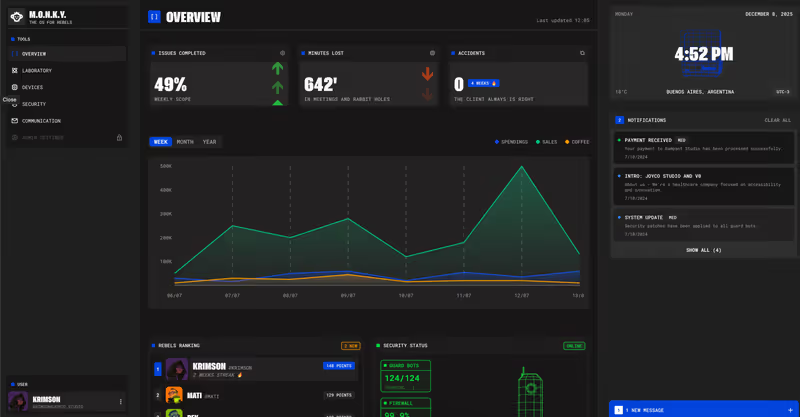
v0 is Vercel’s generative AI assistant designed to construct front-end user interfaces from natural language descriptions and design prompts. By combining large language models with modern design patterns, v0 acts as a visual UI sandbox. You describe the interface you need-whether it is a complex grid layout, a navigation bar, or an entire landing page layout-and v0 generates React component structures styled with Tailwind CSS and utilizing shadcn/ui visual tokens.
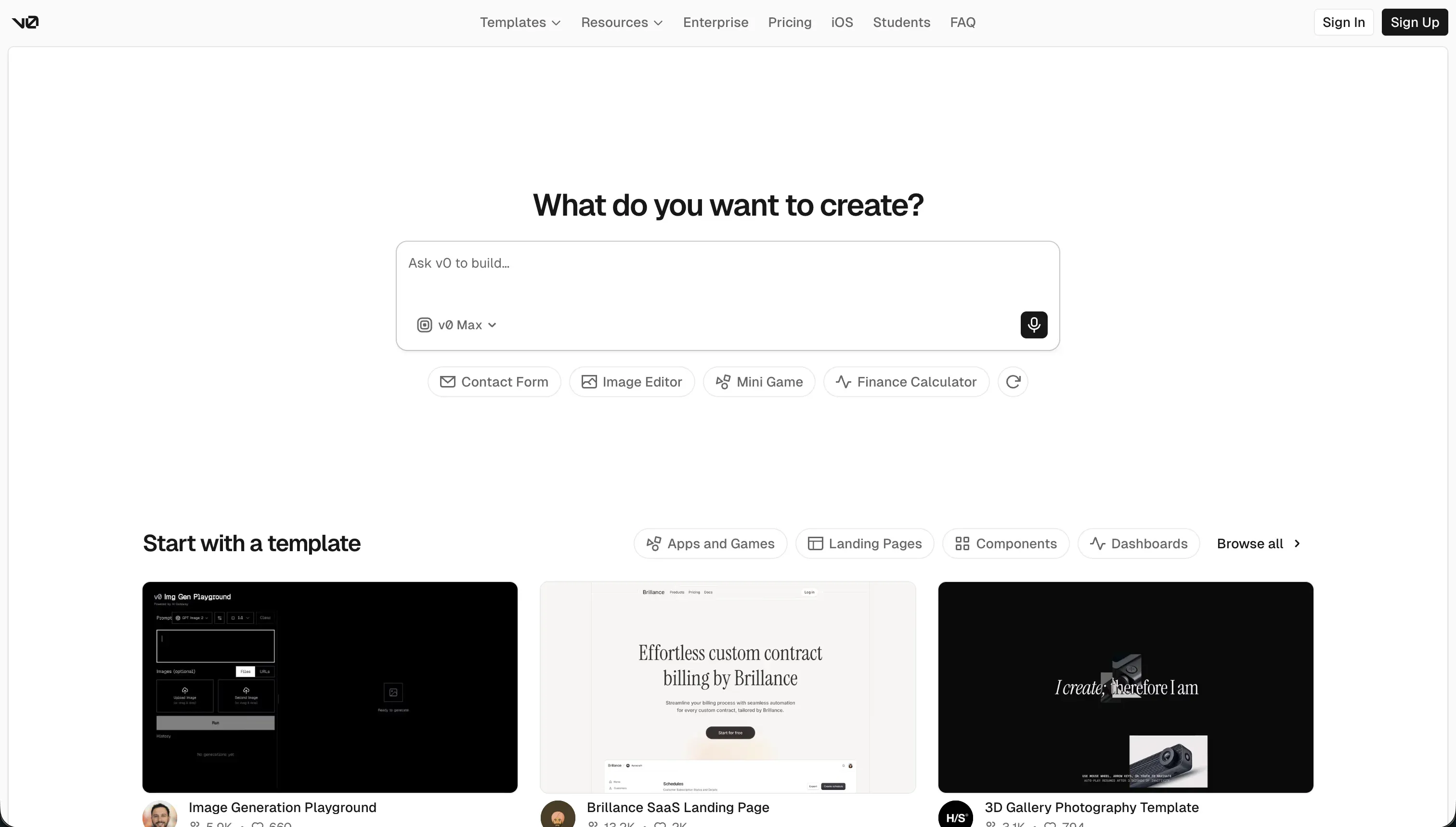 v0 product snapshot
Built explicitly to shorten the front-end layout prototyping cycle, v0 allows developers to visually inspect and copy clean React source code. It has become a popular utility in modern React developer workflows, giving programmers a starting design system they can customize locally.
What types of applications can you build with v0?
It is important to clarify that v0 is a front-end UI generator, not an all-in-one full-stack app builder. Consequently, you can use it to construct:
- Interactive Frontend Dashboards: Build visually complex charts, table components, and admin panels with rich layout spacing.
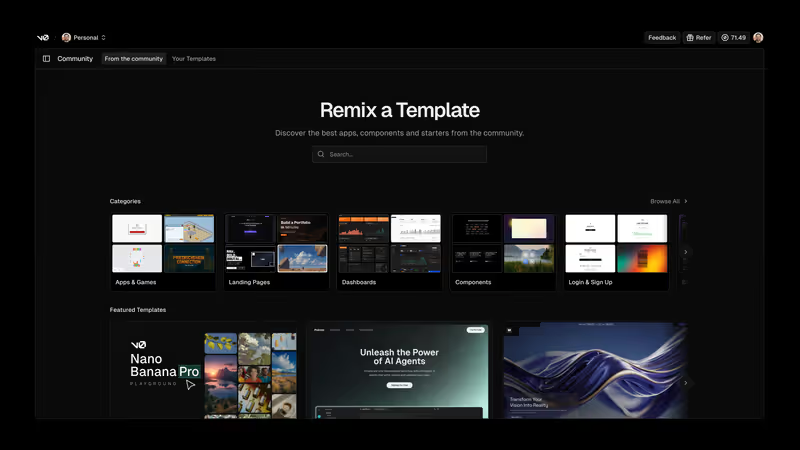
- Landing Pages & SaaS Marketing Pages: Generate highly polished, responsive marketing pages with custom layout columns and card structures.
- Component Libraries: Prototype specific interactive components-like custom modal sliders, calendar schedulers, and multi-step inputs-to import into larger React projects.
- Mockups & Design Prototypes: Upload a design sketch or layout screenshot to quickly scaffold a corresponding frontend layout outline.
However, you cannot use v0 to build functional business applications-like client portals, internal databases, or team workflow tools-without writing custom database connections, hosting infrastructure, and authentication layers yourself.
Where v0 genuinely shines
v0 is at its best when it comes to visual execution and styling polish. By outputting clean React, TypeScript, and Tailwind CSS code configured for the shadcn/ui framework, it ensures that your layouts conform to modern design standards without bloated, proprietary abstractions.
Its “Design Mode” is another major strength. You can upload visual design mockups, wireframe drawings, or layout screenshots, and v0 will generate a surprisingly accurate frontend structure matching the source image. Its tight integration with Vercel’s global CDN means you can publish your generated frontend interfaces to preview URLs in a single click, allowing developers and designers to collaborate and iterate on design variables rapidly.
The engineering overhead & setup complexity
Because v0 restricts its output strictly to the client-facing UI, building a complete web application introduces significant engineering overhead:
- No Managed Databases or Backends: You get polished React components, but no databases, database schemas, API routes, or backend logic. Developers must manually write the database configuration, database queries, and REST/GraphQL APIs to connect the frontend to live data.
- No Built-in Authentication: Gating pages, managing login states, and protecting data requires engineering custom authentication layers (e.g. NextAuth) from scratch.
- Annoying Local Migrations: Getting v0 layouts to run inside a local IDE can be frustrating. Because v0 uses the latest React packages, running
npm installlocally frequently triggers package dependency conflicts that require developer skills to debug. Additionally, when frameworks upgrade, differences in version configurations (like Tailwind v3 vs v4 syntax) can cause local deployment failures.
The pricing gotchas & token/credit model
Initially offering an unlimited prompt usage tier, Vercel transitioned v0 to a restrictive usage-based credit model, which drew substantial criticism from the developer community. Under the current structure:
- Token-Based Credit Consumption: Generations consume credits from your monthly pool based on the token usage of the model selected (v0 Mini, Pro, Max, or Max Fast).
- Pay-for-Mistakes Model: If the AI generates an incorrect layout, imports deprecated libraries, or introduces a compilation bug, users must spend additional credits to prompt fixes-effectively paying out of pocket for the system to correct its own errors.
- Rapid Allocation Exhaustion: For developers iterating on complex components or handling debugging loops, the standard $20/month credit allocation can easily be consumed within a single afternoon, leaving users with slow, near-unusable fallback prompt queues.
Public Sentiment & Community Consensus
Developer forums (such as Next.js and Vercel subreddits) highlight a consistent pattern when using v0:
- Degraded Iteration Quality: While the first 2-3 prompt messages yield highly polished UI results, the context window drifts quickly on longer chat sessions. Past the 5th message, v0 frequently begins bloating code, creating duplicate React hooks, or introducing bugs that break the layout.
- Opaque Billing Backlash: Users complain that the transition to usage-based pricing makes the editor expensive to use as an everyday tool.
- Hallucinated Dependencies: Developers note that v0 frequently tries to import non-existent modules or deprecated subcomponents from visual packages, requiring manual code cleanups.
For team operations, building client-facing portals, internal databases, or team tools from raw generated code means taking on heavy technical debt. In these B2B use cases, teams are better served by Softr. Softr’s AI Co-Builder generates a complete app from a prompt - database, pages, permissions, and navigation all wired together from the start - so you’re not assembling the pieces yourself after the fact. The data layer is Softr’s own native database, with built-in auth, user groups, and role-based permissions that ship ready for production. There’s no generated code to debug, no re-prompting cycle every time something breaks. Business teams shipping client portals, CRMs, or internal tools can go from prompt to working app in hours, then keep editing visually without touching a terminal.
Verdict: Who is it actually for?
Best for: Frontend developers and Next.js builders who need an aesthetic starting point for React/Tailwind UI layouts and are comfortable engineering their own backend databases and API connections.
Not for: Non-technical operators or business founders who need to build fully functional web systems (like client dashboards, portals, or team databases) without code maintenance or developer budgets.