

Replit and v0 get lumped together as AI app builders, but they solve very different problems. Replit is a browser-based development environment with AI scaffolding, while v0 is an AI frontend generator that spits out React and Tailwind UI. One tries to replace chunks of your IDE, hosting, and deployment workflow. The other is basically a design-to-code machine for modern web interfaces.
The people actually comparing these two are usually founders, indie hackers, and product teams trying to ship fast without hiring a full team on day one. The risk is choosing the wrong abstraction and discovering a week later that your “app builder” is really just a UI generator, or that your all-in-one dev environment burns through credits while debugging itself. The stakes are not just speed, but how much hidden engineering work and billing volatility you are signing up for.
Meet the Contenders
What is Replit?
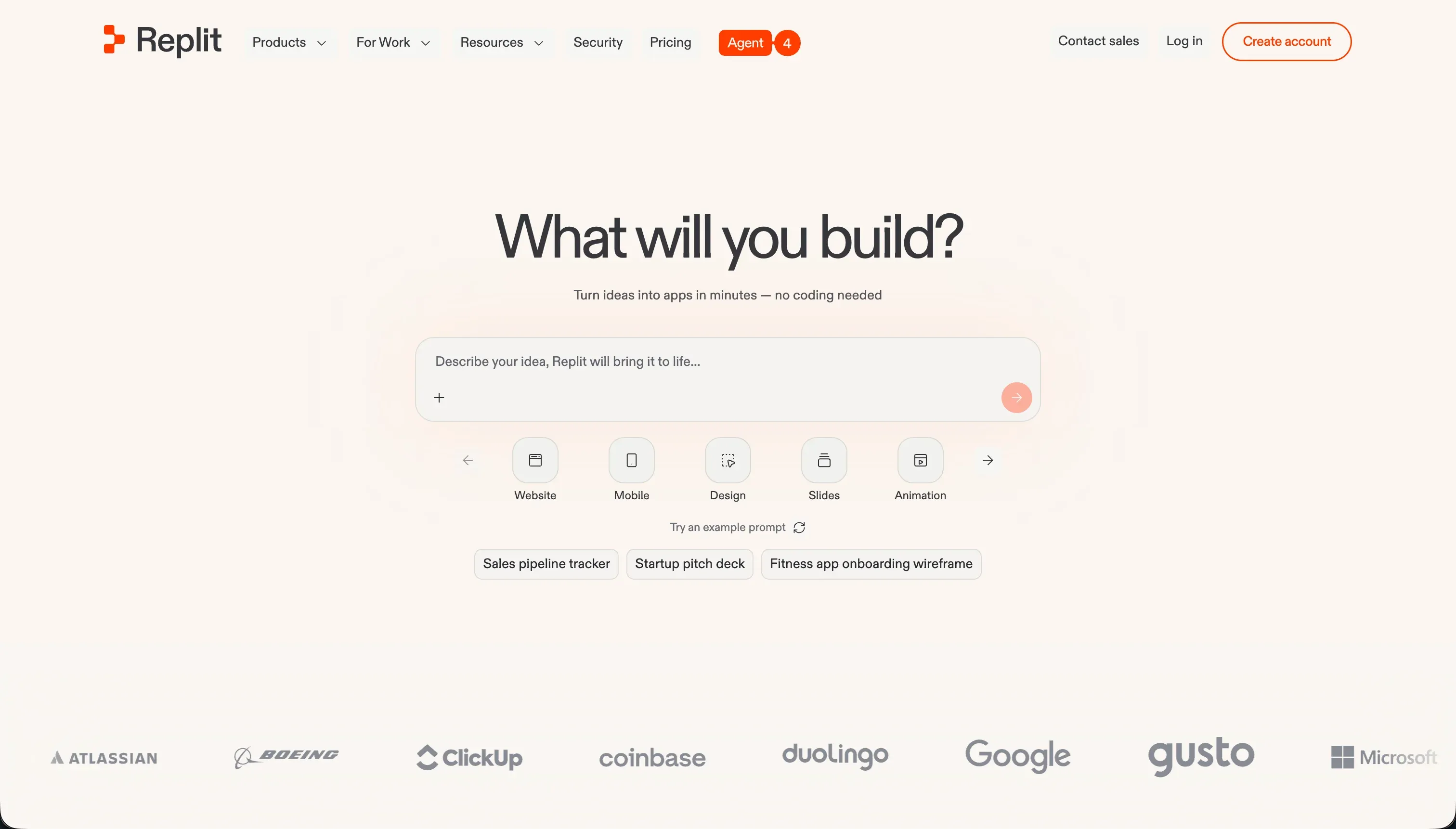
Replit is a cloud development environment that now leans heavily into AI scaffolding through Replit Agent. At its best, it feels like an all-in-one browser IDE where you can prompt an agent to build an app, inspect the code, run the app, wire up a database, and deploy it without touching local setup.
In practice, Replit is much more than a prompt box. You get a browser-based workspace with terminals, package managers, live previews, multiplayer collaboration, managed SQL databases, autoscaling deployment, custom domains, Ghostwriter-style coding help, and even Figma import. The upside is scope: Agent can generate file structures, install dependencies, write documentation, and iterate on a real codebase. The downside is that you are still living in a real development environment, with all the usual complexity around secrets, runtime behavior, deployments, and debugging.
Replit is genuinely built for developers, technical founders, and curious builders who want code ownership plus a hosted dev environment. It is much less friendly for operators who thought AI would remove engineering overhead entirely, and it is especially frustrating for users who hate debugging agent loops, usage-based billing, or database surprises after the initial demo works.
| Spec | Details |
|---|---|
| Primary Stack | Multi-language cloud IDE with real code, managed SQL databases, and hosted deployments |
| Interface | Browser IDE with Replit Agent, terminal, live preview, and visual editor |
| Primary Deployment Target | Replit-hosted web apps with autoscaling and custom domains |
| Key Advantage | Full in-browser development workflow, not just UI generation |
What is v0?
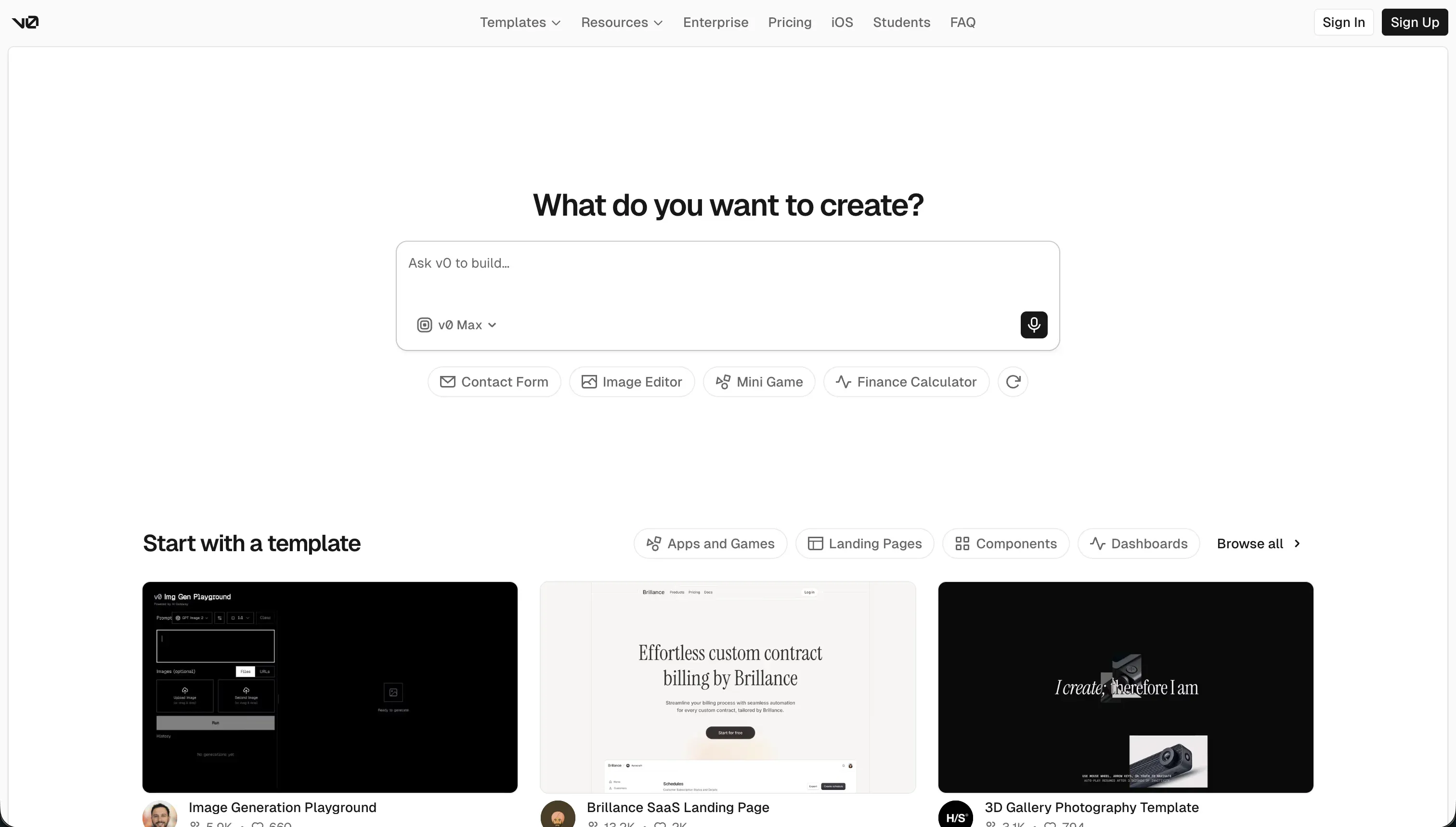
v0 is Vercel’s AI-powered UI generator for building React interfaces from prompts, screenshots, and design references. It is best understood as frontend AI scaffolding, not a complete application platform.
In practice, v0 shines when you want polished React and Tailwind output fast. It can generate shadcn/ui-style components, accept sketches or screenshots in design mode, sync to GitHub, export editable React and TypeScript code, and push previews to Vercel. What it does not include is just as important: there is no native database, no built-in backend logic, and no authentication stack waiting for you. You still have to wire the generated UI into a real app architecture yourself.
v0 is genuinely built for frontend-heavy teams, designers who can read code, and developers who want a faster way to prototype interfaces. It becomes frustrating for non-technical founders who think they are buying a full app builder, and for teams that need backend workflows, relational data, or production business logic rather than just attractive screens.
| Spec | Details |
|---|---|
| Primary Stack | React, TypeScript, Tailwind CSS, shadcn/ui-style component generation |
| Interface | Prompt-driven chat with visual design edits and code export |
| Primary Deployment Target | Vercel previews and GitHub-synced frontend projects |
| Key Advantage | High-polish UI generation with clean exportable frontend code |
The Core Difference
The biggest gap between these tools is not model quality. It is scope: Replit tries to be a complete in-browser software environment, while v0 is mainly a frontend code generator.
- Replit runs like a hosted IDE with AI layered on top, so it can handle code, databases, deployment, and collaboration but also inherits real engineering complexity.
- v0 is a UI-first generator that produces polished React code quickly, but it leaves backend architecture, auth, data modeling, and most production concerns to you.

Head-to-Head Comparison
We evaluated both platforms across four core categories.
1. Developer Experience & Iteration Speed
Replit is faster when the job actually requires more than UI. You can prompt Agent to scaffold an app, inspect files in a real workspace, open the terminal, manage dependencies, provision a SQL database, and deploy from the same browser tab. For technical users, that all-in-one loop is genuinely powerful, especially compared with stitching together separate tools.
The catch is that iteration quality depends heavily on the agent not spiraling. Community feedback repeatedly mentions circular fix loops, fake success messages, and runaway effort billing. Replit’s own pricing is effort-priced rather than flat per prompt, and users have reported credit burn ranging from a few dollars in minutes to hundreds of dollars in a day when the agent keeps “fixing” its own mistakes.
v0 is faster when your iteration target is visual polish, not application architecture. If you want a landing page, dashboard shell, or a set of polished React components using Tailwind and shadcn/ui conventions, it can go from prompt to usable frontend faster than most general-purpose AI builders. The design-mode workflow is also more direct for screenshot-to-component work.
But that speed degrades as the chat gets longer. Multiple user reports describe v0 becoming buggy after roughly 5 to 10 messages, with code quality and coherence dropping as context drifts. So v0 often feels amazing for the first pass and increasingly annoying once you start asking for layered revisions instead of greenfield generation.
Edge: v0 for raw UI iteration speed, because it stays focused on frontend generation instead of dragging you into a full dev environment.
2. Code Quality & Portability
Replit gives you real code in a real workspace, which means portability is conceptually better than most closed app builders. You are not stuck inside a proprietary visual runtime, and because the project lives as standard code, a developer can inspect, refactor, and eventually move it elsewhere if needed.
That said, portability is not the same as cleanliness. Replit Agent can make odd stack choices, ignore instructions, or generate code that technically runs but is painful to maintain. Users have specifically complained about the agent ignoring requested technologies and producing workflows that still need hands-on cleanup, so the code is yours, but the maintenance burden is also yours.
v0 is stronger on output cleanliness when you stay within its lane. Its generated React and TypeScript is meant to be editable, Git-friendly, and non-proprietary, and GitHub sync makes it easy to move generated frontend work into a normal repository. For teams that care about standard web stacks, that is a real advantage.
The weak point is that portability only applies to the frontend layer because v0 does not own much else. You can export the interface, but you still have to create or integrate the backend, auth, data model, and deployment conventions around it. Users also report bloated Tailwind output, odd component structure, and hallucinated imports, so “exportable” does not always mean “ready without cleanup.”
Edge: v0, because its value proposition is clean exportable frontend code, while Replit’s code is portable but often messier and more agent-dependent.
3. Database & Backend Capabilities
Replit clearly wins on backend scope. It includes managed SQL databases, migration tools, backups, terminals, secrets management, and the ability to build actual server-side logic in a multi-language environment. If you need to go beyond static UI and create a working app with data and runtime behavior, Replit at least gives you the primitives in one place.
Still, this is where Replit’s hidden complexity shows up hardest. Database checkpoint charges, migration behavior, and production mismatches have been recurring complaints, including reports of massive overages tied to agent-driven database actions. So yes, Replit can handle backend work. It just does not remove backend responsibility.
v0 is weak here because it is not trying to be a backend platform in the first place. There is no native database, no relational modeling, no built-in auth, and no first-party business logic layer. Everything meaningful on the backend must be wired in manually by a developer after the UI is generated.
That makes v0 perfectly fine as a frontend partner for an existing stack, but a poor choice if you are hoping the tool itself will help you own application state. Reviews and expert commentary consistently describe it as frontend-only, which is the right warning label for anyone mistaking pretty screens for a complete product.
Edge: Replit, because it at least ships a real database and backend environment that v0 simply does not have.
4. Hosting & Deployment Options
Replit offers one-click hosting tied closely to the development environment, which is convenient for demos and small production workloads. Autoscaling, custom domains, live previews, and browser-based deployment make it feel like a true all-in-one platform rather than a code toy. For solo builders, removing local DevOps friction is a big deal.
The downside is trust. Users have reported deployment-to-editor mismatches, environment variable issues, and cases where the preview looked fine but production behaved differently. Replit can host real apps, but you should not confuse easier deployment with less operational risk.
v0’s deployment story is clean if your frontend already belongs in the Vercel ecosystem. Generating a React interface and previewing it on Vercel feels very natural, and for marketing sites, dashboards, or frontend prototypes, that workflow is hard to beat. It is especially convenient for teams already living in Next.js and Vercel.
But again, v0 only solves the frontend half. Hosting the interface is not the same thing as hosting the application, and users have reported framework-version deployment bugs, including Tailwind and PostCSS mismatches after platform changes. So the deployment path is elegant until your generated UI collides with the realities of a larger stack.
Edge: Replit, because it handles more of the actual application lifecycle rather than just frontend preview deployment.
5. AI Quality & Reliability
Replit’s ambition is bigger, so its failure modes are bigger too. Agent can scaffold multi-file apps, install packages, write docs, and attempt self-correction loops, which is impressive when it works. For learning, prototyping, and rough full-stack generation, that breadth still puts it ahead of many UI-only tools.
The reliability complaints are brutal, though. Public feedback includes reports of infinite bug-fixing loops, fabricated success claims, stack drift, and even catastrophic data incidents tied to autonomous changes. Because pricing is effort-based, unreliable AI is not just annoying on Replit. It can also get expensive fast.
v0’s AI is narrower, which helps it feel sharper on component generation. It generally does a good job producing attractive interface drafts, especially when the prompt is design-heavy and the expectations are visual rather than architectural. That narrower scope is why many developers still like it despite the pricing backlash.
Its reliability drops once you start pushing it through long edit chains or library-specific constraints. Users complain about degraded output after around 5 messages, hallucinated dependencies, and a tendency to rebuild things from scratch instead of using requested libraries. In other words, v0 is more reliable than Replit when the ask is just UI, but much less capable outside that box.
Edge: v0 for narrow frontend reliability, because Replit’s broader agent behavior creates more spectacular and costly failure modes.
6. Learning Curve & Onboarding
Replit is easier to start than a local IDE setup because there is no install process and the interface runs in the browser. New builders can open a workspace, prompt the agent, run code, and see a live preview without touching local tooling, which is a genuine onboarding win. The educational angle is real too, especially with support for 50-plus languages.
But the learning curve rises quickly the moment you leave the happy path. Once you hit secrets, package conflicts, deployment issues, or database debugging, you are in real engineering territory. Replit is beginner-accessible, not beginner-simple, and those are very different things.
v0 is easier to understand on day one because the mental model is so small: prompt for a screen, inspect the component, tweak the design, export the code. For designers, PMs, and frontend-minded developers, that is a much lower-friction starting point than entering a whole browser IDE with terminals and database managers.
The catch is that the easy onboarding can be misleading. v0 feels beginner-friendly only if you ignore everything it does not handle, and eventually someone has to wire the output into auth, routing, backend calls, state management, and deployment conventions. So onboarding is smoother than Replit, but ownership after onboarding still assumes developer competence.
Edge: v0, because its narrower job makes it much easier to grasp before the real integration work begins.

Pricing Comparison
Replit:
- Starter - $0 with daily dynamic Agent credits, built-in database, and up to 1 published public project.
- Replit Core - $20/month billed annually or $25/month billed monthly, with $25.00 monthly credits, up to 5 collaborators, 2 parallel agents, and unlimited workspaces.
- Replit Pro - $95/month billed annually or $100/month billed monthly, with $100.00 monthly credits, up to 15 collaborators, 50 viewers, 10 parallel agents, and 28-day database rollbacks.
- Enterprise - Custom pricing with custom seat limits, SSO/SAML, advanced privacy, single-tenant options, and VPC peering.
- Pro credit add-ons - $250 credits for $225/month, $500 for $440/month, $1,000 for $850/month, and $2,500 for $2,050/month on annual Pro billing.
v0:
- Free - $0/month with $5 of monthly credits, Vercel deploys, visual edits, and a 7 messages/day limit.
- Team - $30/user/month with $30 of included monthly credits per user, plus $2 of free daily login credits per user, shared chats, and centralized billing.
- Business - $100/user/month with $30 of included monthly credits per user, plus $2 of free daily login credits per user, shared chats, centralized billing, and training opt-out by default.
- Enterprise - Custom pricing with SAML SSO, RBAC, priority access, SLAs, and training opt-out.
- Model rates - v0 Mini at $1/1M input and $5/1M output tokens, v0 Pro at $3/1M input and $15/1M output, v0 Max at $5/1M input and $25/1M output, and v0 Max Fast at $30/1M input and $150/1M output.
Use Case Fit: When to use which?
When to choose Replit
- Choose Replit when you need a real browser IDE with code, terminal access, database tooling, and deployment in one environment.
- Choose Replit when you are technical enough to debug generated code and want AI scaffolding for full-stack experiments or MVPs.
- Choose Replit when collaboration, multi-language support, or learning-by-inspecting-real-code matters more than polished frontend output.
When to choose v0
- Choose v0 when your main bottleneck is frontend design and you want polished React components quickly.
- Choose v0 when your team already has a backend or plans to wire the frontend into an existing Next.js or Vercel-centric stack.
- Choose v0 when clean UI code export matters more than having built-in database, auth, and deployment primitives.
When neither Replit nor v0 is the right fit
For internal tools and client portals
If you are actually building a CRM, client portal, operations dashboard, vendor workspace, or internal approval system, neither Replit nor v0 is the pragmatic choice. Both hand you code problems on day two: auth logic, permissions, row-level visibility, workflow reliability, and long-term maintenance. That is exactly where Softr is stronger, because it starts with production-ready business app infrastructure instead of hoping an AI agent or frontend generator invents it correctly.
Softr uses native Softr Databases first, then lets you connect 17 external data sources if needed. More importantly, it gives you visual user groups, permissions, built-in hosting, and workflows without generating an entire fragile codebase. If your app needs to be used by real employees, clients, or partners next week, not just demoed today, Softr is the safer bet.
For native mobile apps
Neither Replit nor v0 is the right answer if the real requirement is App Store and Google Play distribution. Replit can help build mobile app projects and preview them, but it is still a general dev environment rather than a purpose-built native mobile builder. v0 is even less suitable because it is fundamentally a web UI generator.
If you need actual native mobile output, FlutterFlow is the cleaner fit because it is built around mobile app creation and store-ready workflows. If your app can be lighter weight and more data-centric, glide or adalo can also make more sense than forcing either Replit or v0 into a job they do not specialize in.
For a professional AI coding assistant inside a real local workflow
Some teams do not want an all-in-one browser platform or a frontend generator at all. They want AI help inside a serious developer workflow with their existing repos, tools, terminals, and Git habits. In that case, both compared tools miss the mark in different ways: Replit tries to own the whole environment, and v0 focuses too narrowly on UI.
That is where cursor is often the better fit. It gives you AI-assisted coding inside an IDE-style workflow without forcing you into Replit’s hosting and billing model or v0’s frontend-only box. For experienced teams shipping production software in established repos, Cursor usually ages better than either.

Verdict
Pick Replit if you want the broadest all-in-one environment and you are comfortable acting like a developer when things break. It is the more capable product in absolute scope because it gives you code, databases, deployment, and collaboration in one browser workspace. The tradeoff is obvious: more power, more moving parts, and more chances for agent mistakes to become expensive mistakes.
Pick v0 if what you actually need is premium-feeling frontend scaffolding, fast. It is the better tool for generating polished React UI, especially for teams already committed to Vercel, Next.js, or an existing backend stack. The tradeoff is that you are not buying an application platform. You are buying a very good interface generator and volunteering to solve the rest.
That is the day-two reality both tools dodge in different ways. Replit gives you code ownership but also code maintenance, and v0 gives you beautiful screens but not a working business system. If your real destination is an internal tool, portal, CRM, or ops app used by non-developers, Softr usually ages better because it starts from stable business infrastructure instead of AI-generated technical debt.

Summary Comparison Table
| Criterion | Replit | v0 |
|---|---|---|
| Best for | Full in-browser app development | Frontend UI generation |
| Build paradigm | Hosted IDE + AI scaffolding | Prompt-to-React code generator |
| Database | Managed SQL database included | No native database |
| Code export | Real code in workspace, portable with effort | Exportable React and TypeScript frontend |
| Pricing metric | Subscription plus effort-priced credits | Per-user plans plus token-priced credits |
| Maintenance burden | High once agent-generated code grows | Moderate on frontend, high once backend wiring starts |
| Learning curve | Higher - real dev environment | Lower - if you only need UI |