
Why people look for v0 alternatives
v0 by Vercel is a great design assistant for generating Tailwind CSS and React component layouts from a prompt. However, turning these frontend mockups into a working, secure web application exposes significant limitations in its scope and pricing model.
Strictly frontend-only capabilities
The biggest limitation of v0 is that it has no backend. It cannot create a database, configure user authentication, write server-side API endpoints, or store files. It merely outputs frontend React code. To build a functioning application, developers must manually copy this code into a local environment, provision databases like PostgreSQL, write API routes, and configure external auth providers like NextAuth.
Predictably high credit consumption costs
Vercel transitioned v0 from unlimited messaging to a usage-based credit system. Every prompt consumes credits depending on which AI model (Mini, Pro, Max, or Max Fast) is selected. Unused team credits do not roll over. Developers complain that during complex UI refinement loops - where the AI repeatedly writes slightly incorrect code - they can burn through a $20 credit pool in a single afternoon simply trying to fix bugs introduced by the generator.
Code quality degradation over long chats
While v0’s first 3 to 5 prompts usually produce clean interfaces, its performance degrades on longer edit sessions. As chat context grows, the AI starts producing buggy code, ignoring styling instructions, duplicating large blocks of JSX, or attempting to import deprecated package modules. This forces you to constantly copy components into new chats to reset the AI context.
Hard migration to local environments
Downloading v0 projects to run locally is frequently painful. Because the generator outputs Next.js structures using the latest package versions, running npm install in your local terminal often triggers dependency conflicts and node module crashes, especially when trying to match local React versions with Vercel’s cloud configurations.
Superficial styling options
Under the hood, v0’s design mode primarily adjusts tailwind color classes. If you do not possess an eye for color palettes and professional spacing, conversational prompting can lead to muddy designs. The generator also struggles to build custom layouts that deviate from standard Vercel and shadcn design guidelines.

The best v0 alternatives, by use case
If you want AI to build a full-stack SaaS app from a prompt
If you want the AI to write your frontend interface but also want it to build the database, handle API routes, and deploy a functioning app, full-stack builders are a better fit.
Bolt

Bolt runs a complete Node.js development container inside your browser using StackBlitz WebContainers. When you prompt Bolt, it doesn’t just output React code - it installs npm packages, configures API routes, scaffolds database tables, and sets up authentication. You get a live preview that updates in real-time, plus a visual workspace terminal where you can execute bash commands and edit files directly. When you are done, you can sync the project to GitHub or download the full React/Vite codebase with zero vendor lock-in.
Pricing: Free tier includes 1 million monthly tokens. Pro plan starts at $25/month for 10 million tokens, with paid tiers scaling up to $2,000/month for 1.2 billion tokens depending on your usage requirements.
Replit
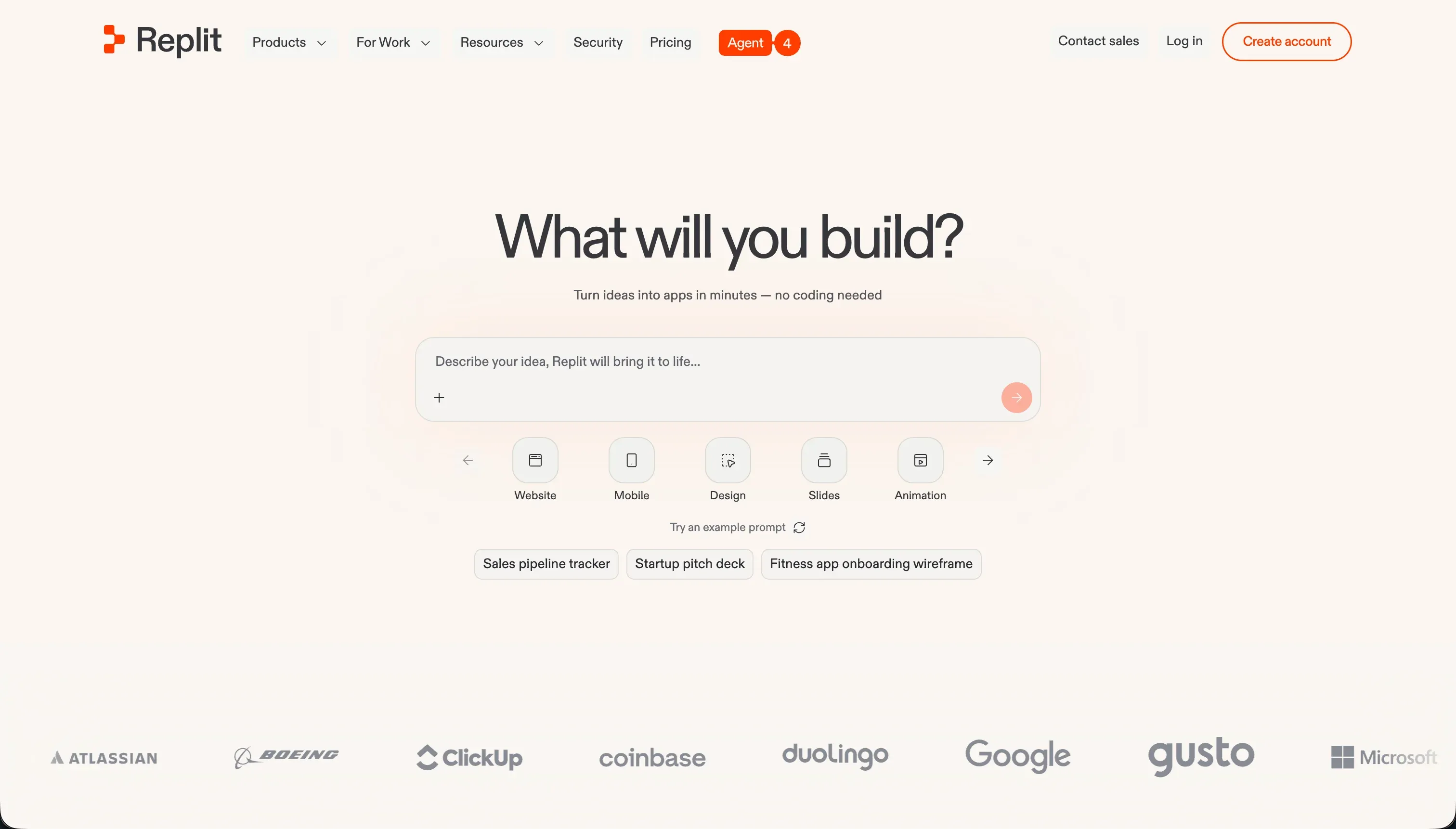
Replit features Replit Agent, which builds and deploys full-stack applications in the cloud from natural language descriptions. Instead of running inside browser-native sandboxes, Replit provisions dedicated virtual machines (Repls) that can run Python, Node.js, Go, or Rust backends. The agent runs self-correcting loops, testing its own code and resolving build errors autonomously before presenting the deployment link. It also includes a managed PostgreSQL database layer that is automatically configured during generation.
Pricing: Replit Core starts at $25/month ($20/month billed annually) with $25.00 of included monthly credits. Credits are consumed based on agent runtime complexity and container resources.
If you’re building internal tools your team needs to maintain
If you are building database-driven admin tools, team dashboards, request managers, or CRM apps, writing and maintaining custom React code is a major liability. You need a secure no-code platform that non-developers can manage.
Softr
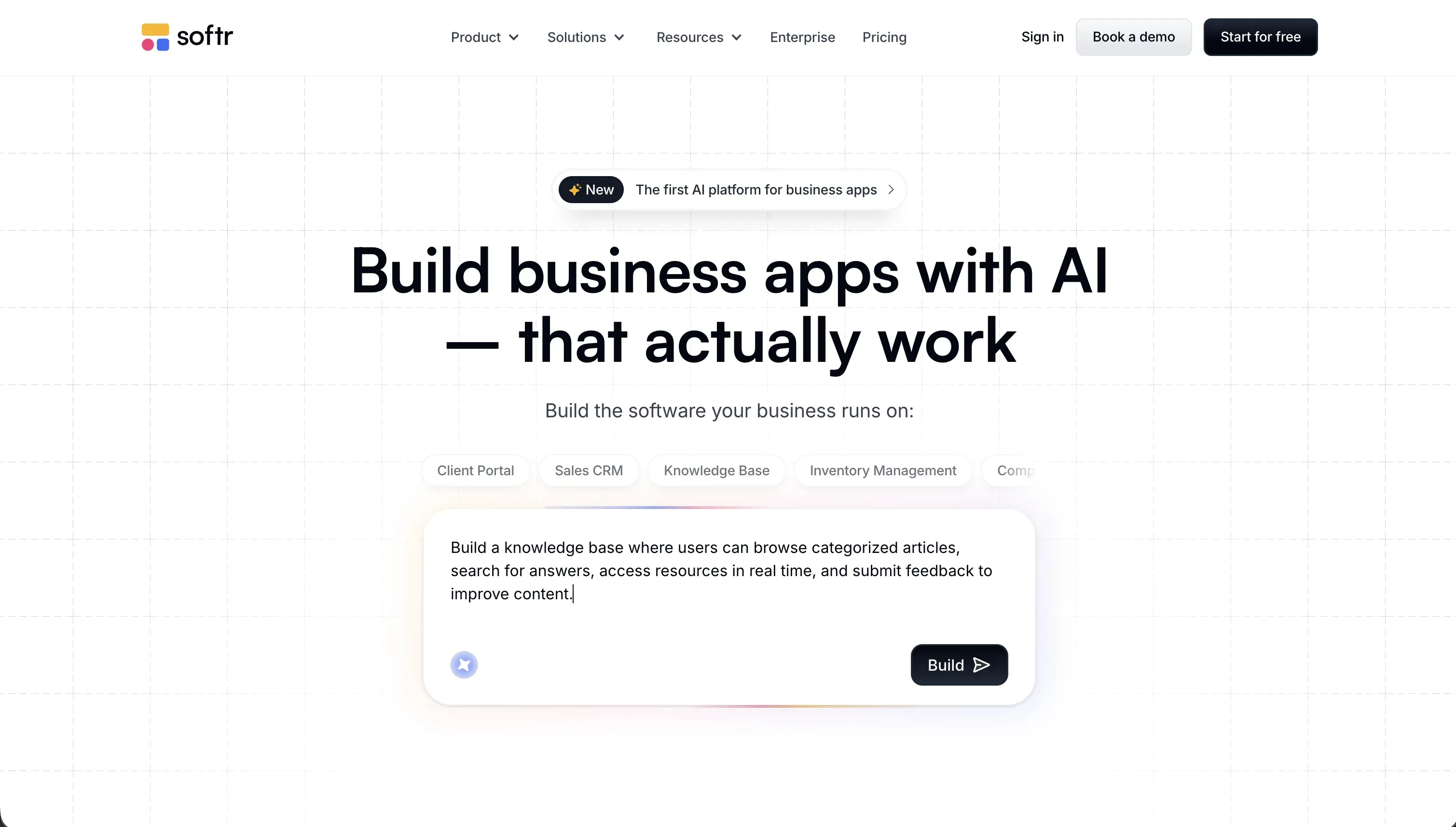
Softr is a no-code platform built for secure business applications. Its AI Co-Builder generates a fully functional web application - containing your database structure, page templates, user permissions, and visual layouts - from a simple prompt. Because Softr is a true no-code builder, your team can update the application visually. If your HR manager needs to add a field, or your operations director wants to modify a workflow, they can do so using the visual editor without prompting an AI or writing Next.js code.
The major advantages of Softr over v0 for business apps:
- Predictable monthly pricing: Softr uses flat monthly pricing (Basic at $19/month, Pro at $99/month, Business at $329/month) with unlimited developer seats. You never have to track token budgets or pay edge execution fees.
- Built-in database and hosting: Softr hosts your application and provides its own database, or integrates with Airtable and Google Sheets. You do not need to configure PostgreSQL or manage database hosts.
- Visual permissions controls: Gating pages, limiting record access, or defining user roles is handled using point-and-click menus, ensuring that sensitive company data is protected.
Softr is used by over a million builders, including teams at Netflix, Google, Stripe, and UPS, to run secure and reliable business dashboards.
Retool

Retool is a low-code builder optimized for creating database-driven admin panels and dashboards. If your company already has an existing PostgreSQL database or custom API, Retool connects to it and provides over 100 pre-built UI components (like tables, search bars, and forms) to display your data. It is faster than v0 because you do not need to wire React components to your database manually. However, building in Retool requires writing SQL queries and JavaScript logic, and its seat-based pricing ($10/user/month on the Team plan) can become expensive for larger teams.
If you want a visual drag-and-drop builder with clean frontend code
If you want visual layout control rather than typing text prompts back and forth, drag-and-drop builders offer more precise styling options.
WeWeb
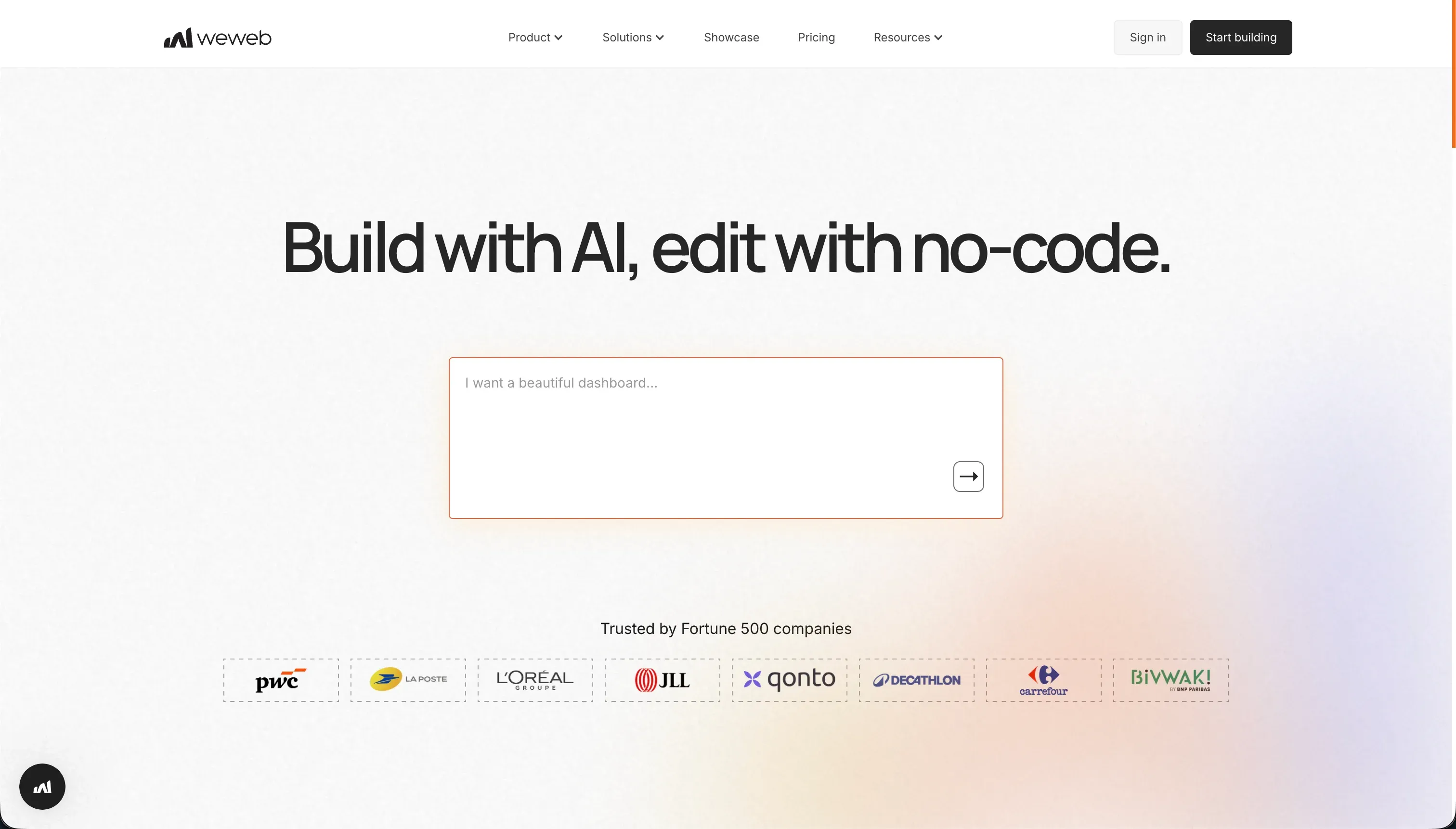
WeWeb is a visual frontend builder designed to connect to your own backend (such as Supabase, Xano, or a REST API). You build the user interface visually on a canvas with pixel-level layout controls, and WeWeb generates clean, production-ready React code. Unlike v0, you are not writing text prompts to adjust styles; you use visual design panels, making it much easier to match precise branding guidelines.
Pricing: Free to design. Paid hosting plans start at $39/month (billed annually) for custom domains and standard feature sets.
FlutterFlow
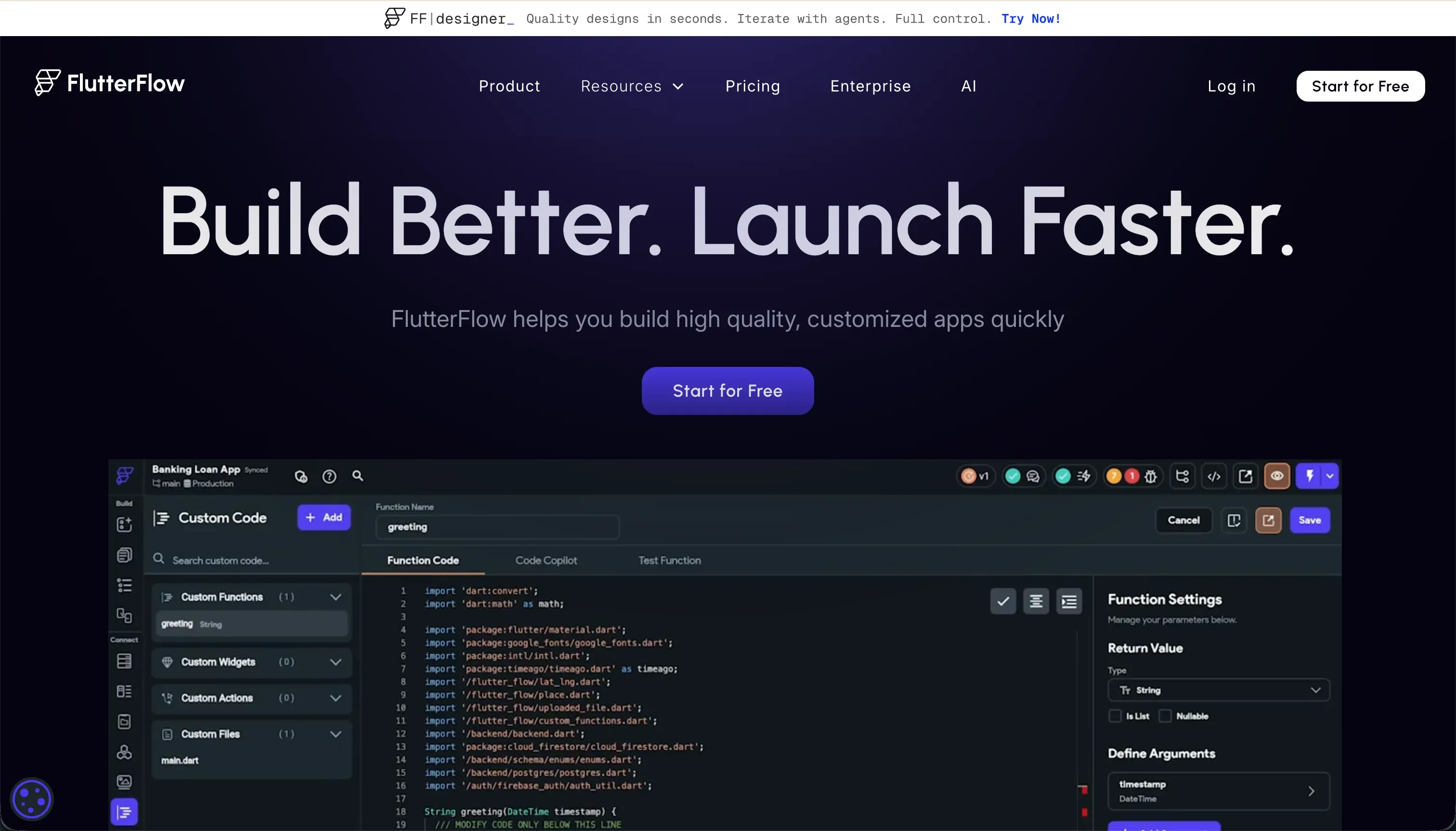
FlutterFlow is a visual development builder that compiles clean Flutter (Dart) code for mobile and web applications. It features drag-and-drop layout components, built-in integrations for Firebase and Supabase, and AI design generation. It is the strongest alternative if you want to build cross-platform mobile apps that deploy natively to the App Store and Google Play.
Pricing: Free tier available. Standard plan starts at $30/month, and the Pro plan is $70/month ($50/month billed annually) for full source code export and direct store deployment.
If you need client portals or external-facing apps with secure logins
Building client-facing portals on v0 is risky because you must write your own database queries, routing logic, and privacy rules to ensure clients cannot access each other’s data.
Softr
Softr provides a secure permissions framework designed for client portals, partner networks, and member hubs. Authenticated user sessions are built in, and you can visually restrict data access. By setting a visual rule like “only show records where Client matches the logged-in user,” you guarantee that clients can only view their own projects and invoices.
Typical portal systems built on Softr:
- Client hubs: Clients log in to view project tasks, upload assets, and make payments.
- Partner networks: Brokers or agents track leads and download co-marketing files.
- Member directories: Organizations run gated member directories with custom profile management.
Softr handles user signup, login, password recovery, and custom domain configuration out of the box, allowing you to launch a secure portal in a weekend without writing custom authentication APIs.
If you want a developer IDE alongside AI
If you are a developer who wants to build Next.js apps with AI assistance, you do not need to work in a browser chat window. You need a professional local code editor.
Cursor
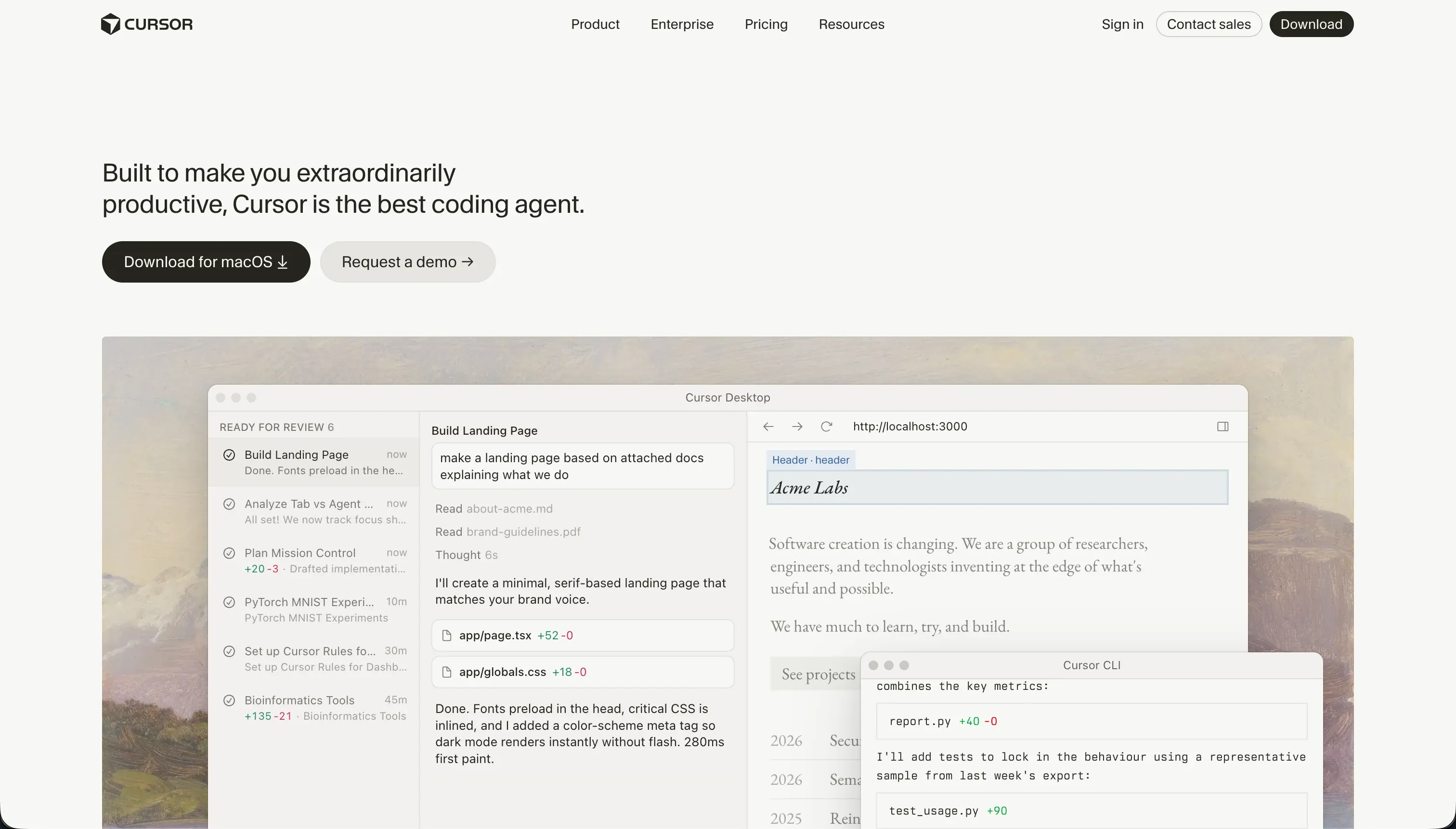
Cursor is a fork of VS Code that integrates AI capabilities directly into your local development workflow. It indexes your entire project folder, letting you ask questions about your custom files and types using @ mentions. In Composer mode, Cursor can plan and write changes across multiple local files at once, allowing you to build full-stack React and Next.js applications directly on your machine.
Pricing: Hobby plan is free with 50 fast queries. Pro plan is $20/month for 500 fast queries, and Pro+ is $60/month for 1,500 queries.
Claude Code

Claude Code is a command-line developer agent developed by Anthropic. It runs directly inside your terminal, scanning your repository to explain complex code, run test scripts, apply refactoring changes, and write git commit messages. It is highly efficient for developers who prefer keyboard-driven environments and want direct terminal access to Claude.
Pricing: Consumption-based, billed directly through your Anthropic developer console API key.

Bottom line
If you are a developer looking for a local code editor with deep project context, use Cursor. If you want to scaffold full-stack React code directly in the browser, choose Bolt. If you want to launch a secure client portal or business application without maintaining code or managing servers, use Softr.
→ Compare v0 vs Softr in detail - feature options, database setups, and pricing models. → Browse all reviewed tools to find the right builder for your stack.
