What is Retool?
Retool is a developer-focused development platform built to accelerate the construction of internal tools, admin consoles, and database managers. Instead of writing custom CSS, HTML routing, and frontend table components from scratch, developers drag pre-built UI components (tables, charts, JSON editors) onto a visual editor and connect them to their databases using SQL queries.
 Retool product snapshot
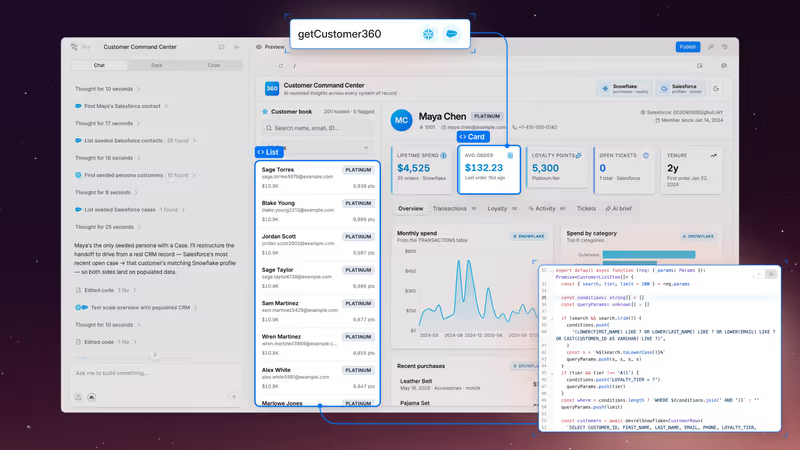
Retool functions primarily as a visual wrapper for your data. You write SQL queries to pull database tables, and use JavaScript to filter inputs, handle state variables, and trigger API calls.
What types of applications can you build with Retool?
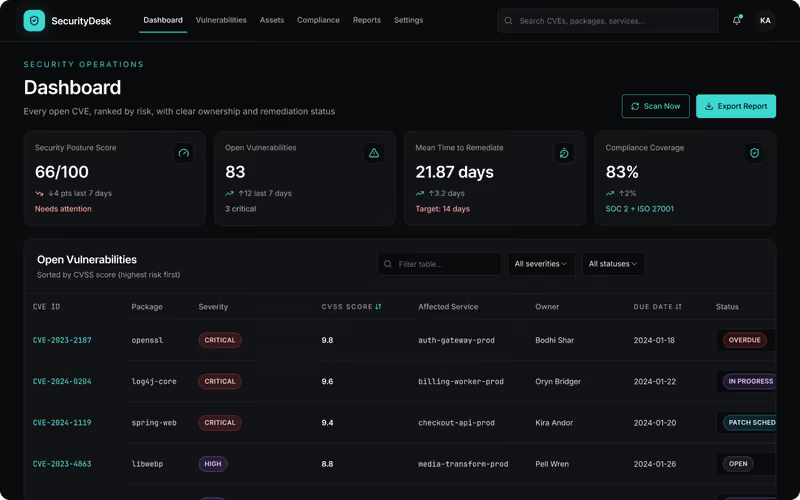
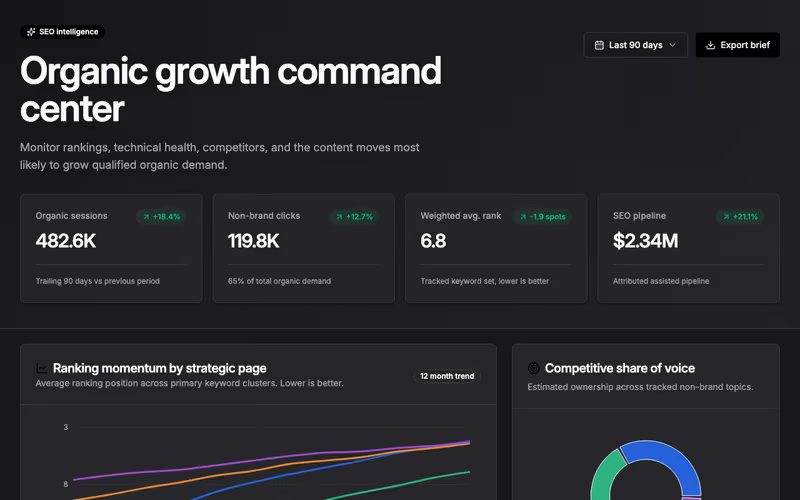
Retool is designed for data-heavy internal dashboard utilities:
- Admin Database Consoles: Build CRUD tools to manage user records, process refunds, and approve accounts.
- Customer Support Dashboards: Integrate Salesforce, Stripe, and internal SQL data into a single support view.
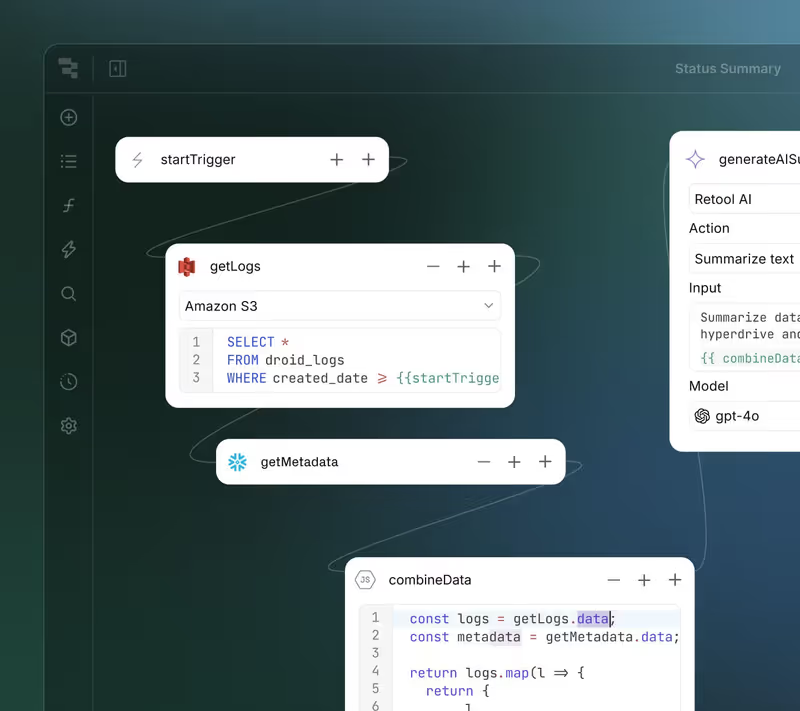
- Background Automations: Scaffold Retool Workflows to process data syncs and trigger webhook alerts.
However, because Retool is designed for internal utility rather than aesthetic custom design, it is unsuitable for building public marketing directories or customer-facing websites.
Where Retool genuinely shines
Retool is the premier platform for connecting directly to databases and APIs with developer-level control. It features native, pre-configured connections for Postgres, MongoDB, Salesforce, Slack, and standard REST/GraphQL endpoints.
It includes professional software management features (like Git commit history, staging/production environment branching, custom CSS overrides, and custom JS libraries). This ensures that engineering teams can manage internal tool releases securely.
The engineering overhead & setup complexity
Despite its visual canvas, Retool requires coding skills:
- High Coding Barrier: Retool is not a true no-code tool. Non-technical operators cannot build on the platform. To load data or configure conditional visibility rules, you must write SQL query scripts and JavaScript logic.
- Lack of Client Onboarding Pages: Retool lacks built-in client login, signup, or password reset portals. If you want to share a dashboard externally, you must manually build authentication connections.
- Bug Deployments: If a developer modifies a query, bugs can propagate to production views. You must keep custom copies of SQL query scripts locally to avoid data loss.
The pricing gotchas & token/credit model
Retool’s pricing structure relies on user seat licenses:
- The Seat Bottleneck: While the free tier supports up to 5 users, paid tiers start at $10/user/month (Team) and jump to $50/user/month (Business). Because you are charged for every active seat, scaling internal consoles is expensive.
- Prohibitive Portal Scaling: If you are building a B2B portal for external clients or vendors, paying seat licensing fees for hundreds of clients is unaffordable, forcing teams to explore alternatives.
- Enterprise Paywall Limits: Enterprise-grade security rules (such as custom SAML SSO authentication, audit tracking logs, and self-hosted on-premise Docker deployments) require upgrading to custom enterprise contracts.
Public Sentiment & Community Consensus
Discussions across G2 and developer forums point to clear trade-offs:
- Saves Developer Time: Engineering leaders praise Retool for saving developers hundreds of hours that would otherwise be spent building admin tools from scratch.
- UI Bug Instabilities: Paid developers report that system updates occasionally introduce layout bugs or corrupt SQL query code boxes.
- Performance Lag: Reviewers note that large dashboards handling thousands of database queries can suffer from slow load times.
For business teams looking to build secure B2B portals, client dashboards, or partner portals, using developer-oriented SQL builders is inefficient. If you’re building external portals, Softr is a much more practical fit. Softr is an AI-powered no-code platform with its own built-in database - you co-build with the AI Co-Builder, which generates a complete app (pages, permissions, navigation) from a prompt, or you start from a template and adjust manually. Auth, user groups, and record-level permissions are included out of the box, with no generated code to debug or maintain. Pricing starts at $49/mo flat - no per-user seat licenses - so scaling a portal to hundreds of clients doesn’t break your budget.
Verdict: Who is it actually for?
Best for: Technical teams, developers, and database managers who need to rapidly build internal administrative consoles, CRUD panels, and dashboards on top of SQL databases.
Not for: Non-technical business teams, SMB founders, or agencies looking to build client-facing onboarding portals or consumer-facing websites.