

WeWeb and Retool both promise to get you from raw data to a working app faster than hand-coding, but they aim at almost opposite users. WeWeb is a decoupled frontend builder that compiles visual layouts into Vue.js single-page apps wired to a backend you supply. Retool is a developer-focused internal tools platform that connects visual components directly to SQL databases and APIs through queries and JavaScript.
The people actually choosing between these two are usually technical: frontend developers and agencies on the WeWeb side, and engineering teams building admin consoles on the Retool side. What is at stake is not just build speed but the shape of your stack and your bill. Pick WeWeb and you commit to assembling and paying for a separate database and auth layer. Pick Retool and you accept seat-based pricing plus a hard requirement to write SQL and JavaScript for anything non-trivial. Choose wrong and you either overbuild a portal that should have been simple, or you hit a cost or skills wall the moment the app succeeds.
Meet the Contenders
What is WeWeb?
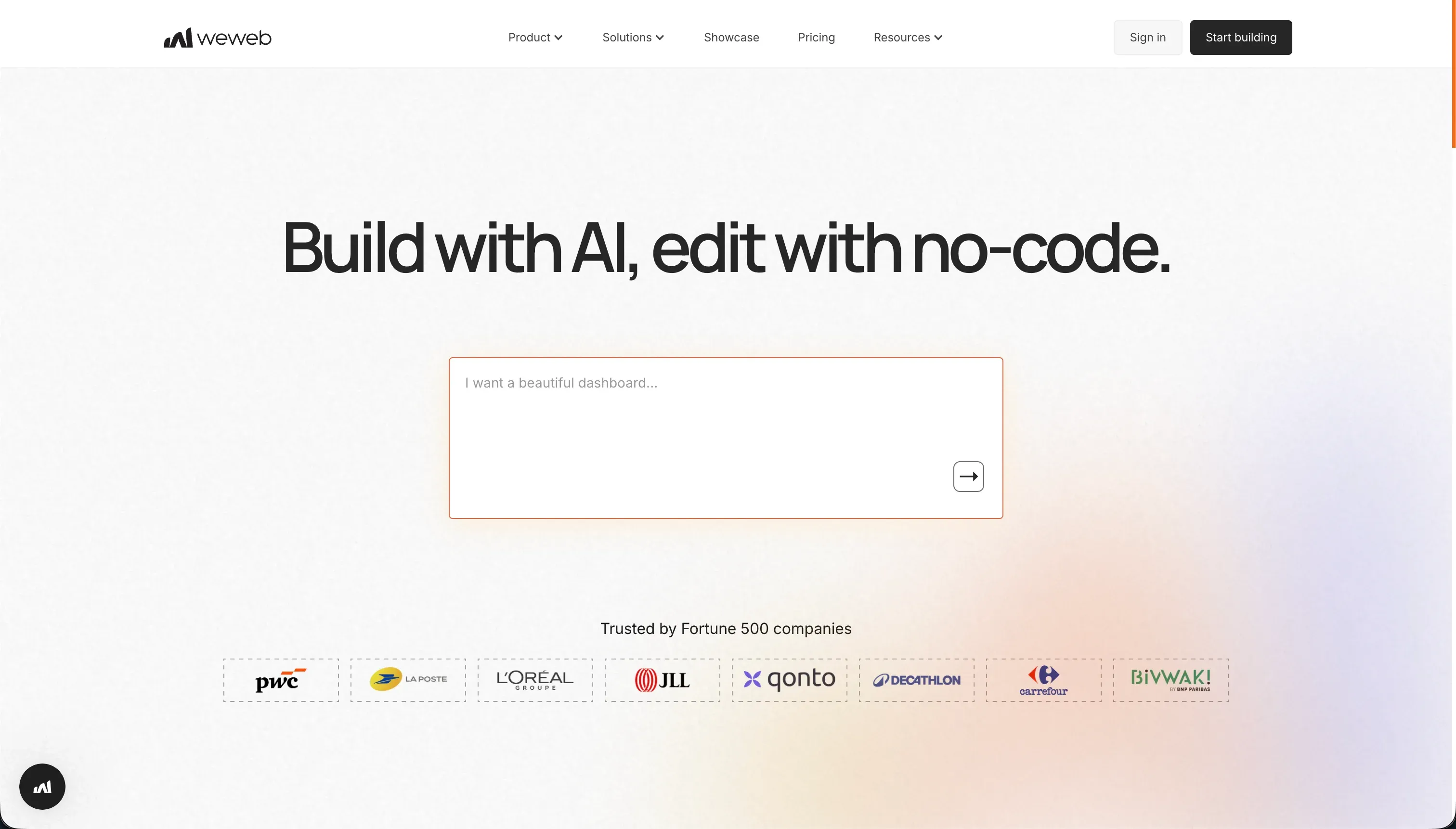
WeWeb is a visual frontend builder for web applications built on a decoupled architecture. Instead of bundling interface and data into one closed ecosystem, it generates only the user interface, compiling your layout into a Vue.js single-page app, and talks to external databases like Xano, Supabase, or Airtable over REST APIs.
In practice, WeWeb is the design-forward option. Its layout engine gives you CSS flexbox, grids, and absolute positioning for pixel-level control, and you wire individual widgets to your backend while managing variables, user-action triggers, and conditional data routing visually. An in-editor AI assistant can generate JavaScript snippets and CSS classes for custom components, and the hybrid rendering engine keeps the compiled SPA SEO-indexable. The catch is that none of this includes a database or authentication, so you build, pay for, and secure that layer separately.
WeWeb is genuinely built for frontend developers, UI designers, and agencies who want Webflow-grade layout freedom over a backend they control. It gets frustrating fast for non-technical operators: setting up state variables, token-based auth, and API payloads takes weeks to learn, and reviewers have flagged slow support, billing cancellation bugs, and documentation that lags behind product updates.
| Spec | Details |
|---|---|
| Primary Stack | Decoupled frontend builder compiling to Vue.js / Nuxt.js, backend supplied separately |
| Interface | Visual layout engine with CSS flexbox, grids, and visual state management |
| Primary Deployment Target | Hosted SPA / PWA web apps connected to external databases via REST APIs |
| Key Advantage | Granular CSS layout control plus Vue/Nuxt code export on higher plans |
What is Retool?

Retool is a developer-focused visual builder for internal tools and dashboards. Rather than coding CSS, routing, and table components from scratch, developers drag pre-built UI elements onto a canvas and connect them to databases using SQL queries, then use JavaScript to handle state and trigger actions.
In practice, Retool functions as a fast visual wrapper around your data. It ships 100+ pre-built components like tables, charts, and JSON editors tuned for data density, a built-in managed PostgreSQL Retool Database you can edit spreadsheet-style, and a SQL and JavaScript console for custom logic. Retool Workflows adds a visual automation builder for scheduled crons and API pipelines, and Retool AI supports vector databases and AI agent automation. It also brings real engineering features like Git commit history, environment branching, and custom JS libraries.
Retool is built for technical team members and developers shipping admin consoles, support dashboards, and database utilities. It is a poor fit for non-developers, since building anything beyond a basic layout requires SQL and JavaScript, and it is awkward for client-facing portals because it has no native auth flows, no first-class forms, and seat-based pricing that punishes large external user bases.
| Spec | Details |
|---|---|
| Primary Stack | Visual components plus SQL and JavaScript over a managed PostgreSQL database and external sources |
| Interface | Drag-and-drop canvas requiring SQL queries and JS for non-trivial logic |
| Primary Deployment Target | Hosted internal web tools and dashboards (self-host on Enterprise) |
| Key Advantage | Direct database connectivity with developer-grade version control and 100+ data components |
The Core Difference
The biggest difference is which slice of the stack each tool owns, and which slice it expects you to bring yourself.
- WeWeb owns the frontend and nothing else, giving you deep visual layout control over a Vue app while you supply and pay for the database and auth layer separately.
- Retool owns the data-to-UI plumbing for internal tools, connecting visual components directly to SQL, but it requires code for real logic and treats external users as an afterthought.

Head-to-Head Comparison
We evaluated both platforms across six core categories.
1. Developer Experience & Iteration Speed
WeWeb gives developers a lot of room once they are past setup. The visual layout engine with flexbox, grids, and absolute positioning lets you shape an interface with real precision, and the in-editor AI assistant can write JavaScript snippets and CSS classes when you need custom behavior. For a frontend developer comfortable with state and APIs, iterating on the look and structure of an app is genuinely pleasant.
The friction is everything before that. Because WeWeb has no backend, your first hour is spent standing up Xano or Supabase, wiring REST connections, and configuring token-based auth, and reviewers describe the visual state logic and API binding as weeks of study. Documentation gaps make it worse: one Capterra reviewer warned you may need to dig deeper because the docs and tutorials have not caught up to updates.
Retool is faster to a first result if you write code. Drag a table onto the canvas, point it at a SQL query, and you have a working data view quickly, which is why engineering leaders credit it with saving hundreds of hours building admin tools. The 100+ pre-built components mean you rarely build a data table from scratch.
But iteration has a tax. Anything past a basic layout needs SQL and JavaScript, and Capterra reviewers report that platform updates have introduced UI bugs and even made SQL query content disappear, forcing some users to keep local copies of their code. Fast to start, fragile to maintain, is a fair summary.
Edge: Retool, because for its target developer audience it reaches a working internal tool faster, even though both demand technical setup.
2. Code Quality & Portability
WeWeb is the stronger story on code ownership. On its Scale plan at $199 per month annually, you can download the compiled Vue.js and Nuxt.js files and host them yourself on Vercel, Netlify, or your own servers. For a developer who fears lock-in, that is a real exit path for the frontend, and the decoupled model means you can also swap the backend without rebuilding the interface.
The limits are worth naming. Code export only arrives at the Scale tier, not the $39 Starter plan, and what you get is the frontend layer, since your backend and auth live in separate services you assembled. So it is portability with caveats rather than full app ownership.
Retool does not offer comparable code export. It is a hosted platform, and while Enterprise plans allow self-hosting through Docker and Kubernetes, that runs Retool’s runtime inside your infrastructure rather than giving you portable source. Where Retool does well is data: your records sit in your own SQL database the whole time, so the data never gets trapped.
The reliability footnote matters here too. Multiple Capterra users describe keeping local backups of their SQL queries after content went missing in an update, which undercuts the peace of mind you would expect from a hosted tool. You own your data, but the app definition stays inside Retool.
Edge: WeWeb, narrowly, because it actually exports frontend code while Retool keeps the application locked to its platform.
3. Database & Backend Capabilities
WeWeb has no database, full stop. That is the defining trait of its decoupled model: you bring Xano, Supabase, Airtable, or any REST API and connect to it. For teams that already run a capable backend, this is flexibility, since you are never boxed into one database. For everyone else it is overhead, because you now own configuring, paying for, and securing that backend, and a Capterra reviewer flagged that weak headless-CMS integration makes parts of the data layer painful.
The upside of the decoupled design is that your data architecture is entirely your call. The downside is that WeWeb cannot help you with relations, permissions, or scale at the data layer, because that layer is simply not its product.
Retool gets much closer to the data. It includes a managed PostgreSQL Retool Database editable in a spreadsheet-like view, and connects directly to most SQL databases plus REST and GraphQL APIs. For data-heavy internal tools, having a real database plus broad connectors in one place is a clear advantage over WeWeb’s bring-your-own approach.
The catch is governance. Row-level filtering and conditional visibility require SQL or JavaScript rather than visual rules, and large dashboards running thousands of queries can suffer slow load times, with reviewers bluntly calling Retool slow at scale. The backend power is real, but accessing it safely assumes you can code.
Edge: Retool, because a built-in PostgreSQL database plus direct connectors beats having no database layer at all.
4. Hosting & Deployment Options
WeWeb handles hosting for you and produces SEO-indexable single-page apps, which is one of its real strengths for public-facing web apps. You can publish to a weweb.io subdomain on Free or a custom domain on Starter and above, and the hybrid rendering keeps the compiled SPA crawlable. If owning the frontend matters, the Scale plan also lets you take the Vue/Nuxt build elsewhere.
The deployment limits are about packaging and reliability. WeWeb is web and PWA only, with no native app-store path, and reviewers note the mobile experience trails the desktop one, with at least one team planning to move mobile to another solution. Page-view caps also shape deployment: 50,000 monthly views on Starter and 250,000 on Scale.
Retool also hosts everything, and uniquely here it offers self-hosting via Docker and Kubernetes on Enterprise, which appeals to teams with strict data-residency or VPC requirements. For internal consoles behind the firewall, that flexibility is a genuine differentiator.
The drawbacks are external reach and polish. Retool has no native auth flows, so any externally shared dashboard needs hand-built login, signup, and reset pages, mobile-friendly layouts require extra dev work, and app-store distribution sits behind an £18k annual paywall per one Trustpilot review. It deploys internal tools well and external portals poorly.
Edge: Retool, because self-hosting and direct deployment of internal tools edges out WeWeb’s web-only model, though both stumble on external-facing rollout.
5. Permissions & External Users
WeWeb can build authenticated apps, but permissions are something you wire together, not something you toggle. Because auth and data live in external services, you are configuring token-based authentication and routing conditional data through visual state logic, and getting that right is part of why the platform is described as weeks of learning. It is doable, but it is engineering work, not a setting.
For external users specifically, WeWeb’s decoupled stack adds risk. Every additional service, the database, the auth provider, the frontend, is another place a client-facing login can break, and slow support makes diagnosing those breaks worse when they happen in production.
Retool is candid that external users are an afterthought. It was built for internal tools, so login, signup, password reset, and onboarding all have to be engineered manually, and forms are not first-class, requiring custom workflows or JavaScript plugins for multi-step or conditional logic. Row-level access control likewise means writing SQL or JS rather than configuring a user group.
That makes Retool excellent for trusted internal teams and poor for client or partner portals. Its seat-based pricing compounds the problem: paying $40 per user per month annually for hundreds of external users is the kind of math that pushes teams to look elsewhere for portals.
Edge: Neither wins cleanly; both require custom engineering for permissions and external users, which is exactly where a no-code portal tool pulls ahead.
6. AI Quality & Reliability
WeWeb’s AI is scoped to the editor. Its assistant generates JavaScript snippets and CSS classes for custom components, which speeds up the part of the build a frontend developer would otherwise hand-write. That is useful, but it is an aid to coding rather than a system that scaffolds whole apps, permissions, or data models for you.
In other words, WeWeb’s AI assumes you are already the builder and just want faster code, which fits its developer audience but does little for someone who cannot read the JavaScript it produces.
Retool’s AI is more ambitious on paper. Retool AI supports vector databases through Retool Vectors and lets you configure AI agent automation workflows, so you can build AI-driven features and background pipelines natively. For teams building data and automation products, that is a meaningful capability set.
The reliability caveat is the same one that shadows the rest of Retool: its AI features, like everything else, are developer-driven and assume scripting knowledge to configure, and the platform’s documented habit of introducing bugs in updates means AI workflows inherit the same maintenance risk as the SQL underneath them.
Edge: Retool, because native vector search and AI agent workflows go further than WeWeb’s code-snippet assistant, provided you can configure them.

Pricing Comparison
WeWeb:
- Free - $0, editor and visual builder access, up to 150 database records, weweb.io subdomain
- Starter - $39/mo annually or $59/mo monthly, 1 published app, custom domain, 50,000 monthly page views, basic integrations
- Scale - $199/mo annually or $249/mo monthly, 3 published apps, 250,000 monthly page views, staging environments, Vue/Nuxt code export
- Enterprise - Custom pricing, self-hosting, unlimited page views, advanced SSO, SLAs
Retool:
- Free - $0, up to 5 users, connects to databases and APIs, basic UI library
- Team - $8/user/mo annually or $10/user/mo monthly, unlimited users, commit history, release management
- Business - $40/user/mo annually or $50/user/mo monthly, SSO (SAML), granular access controls, custom JS libraries
- Enterprise - Custom pricing, self-hosting, audit logs, source control, SLAs
The key difference is the metric. WeWeb bills by published apps and page views, which stays predictable for public apps but excludes the separate cost of your backend services. Retool bills per user seat, which is fine for a few developers but climbs fast, since you pay for every active user including external ones.
Use Case Fit: When to use which?
When to choose WeWeb
- Choose WeWeb when you have frontend developers who want pixel-level CSS layout control over a Vue app and already run a backend like Supabase or Xano.
- Choose WeWeb when SEO-indexable public web apps matter and per-app, per-page-view pricing fits your traffic better than seat licensing.
- Choose WeWeb when owning the compiled frontend code is a requirement and you can justify the $199 Scale plan to unlock export.
When to choose Retool
- Choose Retool when a technical team needs internal admin consoles, support dashboards, or CRUD tools built directly on SQL databases.
- Choose Retool when developer features like Git commit history, environment branching, and custom JS libraries are part of how you ship.
- Choose Retool when users are internal and few enough that per-seat pricing stays reasonable, and self-hosting on Enterprise meets your data-residency needs.
When neither WeWeb nor Retool is the right fit
For internal tools and client portals without code
If you want a real internal tool or client portal but nobody on the team wants to write SQL, manage a decoupled backend, or hand-build auth, neither tool fits well. Retool needs SQL and JavaScript for any non-trivial logic and has no native login flows, while WeWeb makes you assemble and secure a separate database and auth service before a portal even exists.
For that job, look at Softr or Bubble. Softr ships authentication, custom user groups, row-level restrictions, and onboarding out of the box on top of native Softr Databases plus 17 external sources, with flat app-user pricing from $19 per month rather than per-seat fees, so a portal for hundreds of clients does not balloon your bill. Bubble is the alternative if you want one platform that owns both the visual frontend and a built-in database with deeper custom logic, without WeWeb’s bring-your-own-backend overhead.
For native mobile apps
Neither WeWeb nor Retool is the pick if you need native iOS and Android binaries in the App Store and Google Play. WeWeb is web and PWA only with a mobile experience reviewers say trails desktop, and Retool gates app-store distribution behind an £18k annual paywall while requiring extra dev work for responsive layouts.
For native distribution, look at FlutterFlow or Adalo. FlutterFlow is the stronger choice when you want serious native-app flexibility and a real path to app-store output, while Adalo is the simpler, more beginner-friendly native-mobile builder.
For a professional code-first IDE
If your team wants source control, terminal access, package management, and the ability to own the whole stack as code, both tools are the wrong abstraction. Retool wraps your data behind its hosted platform, and WeWeb only exports a Vue frontend while the rest of your stack stays scattered across services.
In that case, look at Cursor or Replit. Cursor suits developers who live in an IDE and want AI pair-programming on a real codebase, while Replit makes more sense if you want a browser-based environment with deployment and runtime tooling built in.

Verdict
Pick WeWeb if you are a frontend developer or agency that values layout control and code ownership, and you already run a capable backend. It is the most visually flexible builder of the two, and the Vue/Nuxt export on Scale gives you a clean frontend exit. The tradeoff is real complexity: you are managing WeWeb plus a database plus an auth service, the learning curve runs into weeks, and support has drawn sharp criticism for slow responses and billing bugs.
Pick Retool if you have developers building data-dense internal tools and dashboards on SQL. Its 100+ components, direct database connectivity, and engineering features like Git history and environment branching make it a fast way to replace hand-built admin consoles. The tradeoffs are that it requires SQL and JavaScript for anything real, treats external users and forms as afterthoughts, has shown a habit of introducing bugs in updates, and bills per seat in a way that punishes scale.
The day-two reality is the same for both: the first version is rarely the expensive part, and the cost shows up when more people rely on the tool and every change needs a developer. Because both assume engineering skills and neither handles external users or visual permissions well, teams building business-facing apps often outgrow them quickly. For client portals, internal tools, and CRMs that non-developers need to own and maintain, Softr tends to age better, while Bubble is the next stop if you want one platform owning both frontend and database with deeper custom logic.

Summary Comparison Table
| Criterion | WeWeb | Retool |
|---|---|---|
| Best for | Frontend devs building Vue apps on their own backend | Developers building internal SQL dashboards |
| Build paradigm | Decoupled visual frontend builder | Visual canvas plus SQL and JavaScript |
| Database | None built in; bring Xano, Supabase, or Airtable | Built-in PostgreSQL plus direct SQL/API connectors |
| Permissions | Token auth and conditional logic, manually wired | Row-level access via custom SQL/JS, internal-only |
| External users | Possible but multi-service and fragile | Afterthought; no native auth, seat-priced |
| Pricing metric | Per published app and monthly page views | Per user seat ($8 to $40/user/mo annually) |
| Code export | Yes, Vue/Nuxt frontend on Scale plan | No portable code; self-host runtime on Enterprise |