

Bolt and WeWeb solve a similar headline problem, but they come from different product categories. Bolt is an AI scaffolding tool with a browser-native coding environment, while WeWeb is a visual frontend builder built around a decoupled backend architecture. The real choice is not AI versus no-code, but prompt-first code generation versus manual visual composition on top of external data.
The people comparing these two are usually technical founders, agencies, and product teams trying to ship web apps without starting from a blank repo. What matters here is not just first-day speed, but how much backend setup, debugging, and vendor dependency you are signing up for. If you choose badly, you either burn tokens fixing generated code or spend weeks wiring APIs, auth, and state by hand.
Meet the Contenders
What is Bolt?

Bolt is an AI-powered app builder that turns prompts into full-stack web apps inside a browser-based development environment. It sits closer to an AI coding tool than a traditional no-code platform, and its pitch is simple: describe the app, get React, backend logic, routing, styling, and database scaffolding quickly.
In practice, Bolt runs on WebContainers, so you get a full Node.js environment in the browser with terminal access, package installs, and live preview. It also supports GitHub sync, code export, prompt enhancement, and one-click deployment to .bolt.host or Netlify, which makes it attractive when you want AI scaffolding without giving up developer-adjacent workflows.
It is genuinely built for builders who still want their hands near the code, especially developers and technical founders moving fast on prototypes. The people who get frustrated are the ones expecting a stable business-app platform, because user reports repeatedly mention token burn, destructive rewrites, project-too-large limits, and container crashes once the app grows.
| Spec | Details |
|---|---|
| Primary Stack | AI-generated React/Vite style web apps with Node.js logic running in browser WebContainers |
| Interface | Prompt-first builder plus browser IDE, terminal, file editor, and live preview |
| Primary Deployment Target | Hosted web apps on .bolt.host with Netlify deployment and custom domains on paid plans |
| Key Advantage | Very fast AI scaffolding with real code export and GitHub sync |
What is WeWeb?
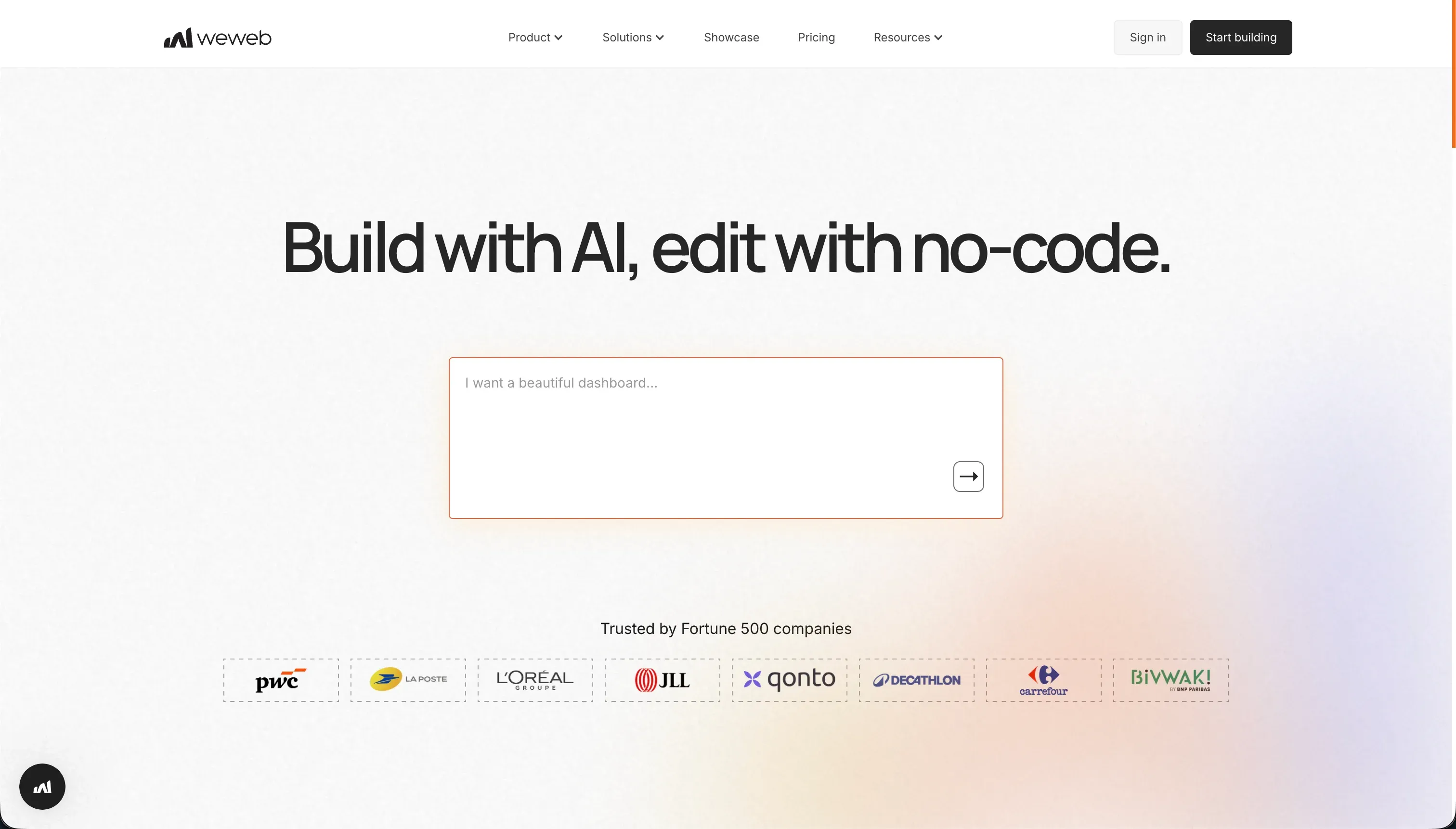
WeWeb is a visual frontend builder for web apps that connects to external backends rather than shipping its own native database layer. It is best understood as a decoupled web-app UI builder, not an all-in-one business app platform.
In practice, WeWeb gives you a layout engine with flexbox, grids, and absolute positioning, plus visual state management and action logic inside the editor. It can connect to APIs and external services like Supabase, Xano, or Airtable, and higher plans add code export as Vue.js or Nuxt.js files, which makes it attractive to teams that want visual frontend control without being fully locked into a proprietary renderer.
It is genuinely built for agencies and frontend-leaning teams that already know how they want to structure backend services. The people who get frustrated are non-technical builders and lean startup teams, because there is no built-in database, setup gets technical fast, and support complaints show up often enough to be a real caution flag.
| Spec | Details |
|---|---|
| Primary Stack | Visual frontend builder connected to external databases and APIs |
| Interface | Drag-and-drop visual editor with layout controls, variables, and action logic |
| Primary Deployment Target | Published web apps and PWAs on WeWeb hosting, with code export on Scale and Enterprise |
| Key Advantage | More visual control over layout and frontend composition than most no-code app builders |
The Core Difference
The biggest gap between these two is where the complexity lives after the first demo. Bolt hides complexity behind AI code generation, while WeWeb exposes it through a visual frontend layer that still expects you to bring your own backend architecture.
- Bolt runs on prompt-driven code generation inside a browser IDE, so speed is high at the start but maintenance stays tied to tokens, generated code quality, and debugging tolerance.
- WeWeb runs as a visual frontend builder on top of external APIs and databases, so you get more manual control over UI structure but also inherit the burden of backend setup and integration logic.

Head-to-Head Comparison
We evaluated both platforms across four core categories.
1. Developer Experience & Iteration Speed
Bolt is faster in the first hour. You can describe an app in plain English, let the AI scaffold React components, backend logic, and PostgreSQL schema, then iterate with live preview inside its WebContainers workspace.
The catch is that iteration speed often degrades as projects grow. Reddit complaints about token-burning edit loops, “project too large” limits, and build failures suggest that Bolt feels brilliant on small greenfield projects and much shakier when you are trying to refine a larger app without wasting monthly tokens.
WeWeb is slower to start because almost nothing important is prewired for you. You need to choose a backend, configure auth, connect APIs, and understand visual state management before the app feels real.
Once that architecture is in place, iteration can be more controlled because you are not asking an AI to rewrite the app every time you want a change. The downside is that this control comes with a steeper learning curve, especially when dealing with API payloads, conditional routing, and token-based authentication.
Edge: Bolt, because its first-pass speed is much better even if that speed becomes expensive and fragile later.
2. Code Quality & Portability
Bolt has the stronger portability story on paper. It offers code ownership, export of standard React/Vite codebases, and built-in GitHub sync, which is a real advantage if a developer wants to take the generated app out of the platform later.
That does not eliminate cleanup work. Generated code often needs manual refinement before it is production-ready, and user complaints about overhauls, regressions, and broken diffs mean exported code is useful mainly if you already have someone technical who can repair it.
WeWeb is more limited at the low end, but Scale and Enterprise plans do include code export as Vue.js or Nuxt.js files. That gives frontend teams a more credible exit path than many closed no-code tools, especially if they already prefer the Vue ecosystem.
The limitation is that export is gated behind a $199 per month annual plan or $249 monthly, and the overall project still depends heavily on whatever backend stack you chose outside WeWeb. So the frontend is portable, but the total system is only as portable as your architecture discipline.
Edge: Bolt, because code export and GitHub sync arrive earlier and fit the developer workflow more naturally.
3. Database & Backend Capabilities
Bolt can generate backend logic and PostgreSQL schemas, which helps it look full-stack from the first prompt. For prototypes, that is convenient because you are not manually building the initial scaffolding for auth, routing, and data structures.
But Bolt does not give you a strong native database admin layer. The research explicitly flags no native database UI or control, which means teams often end up relying on generated code or external data platforms to manage the backend with confidence.
WeWeb is honest about what it is: a frontend builder. It does not store database tables or backend logic natively, and teams must connect external services like Supabase, Xano, Airtable, or custom APIs to make the app actually work.
That decoupled model is powerful for frontend developers who want backend freedom, but it is also where much of the pain lives. You pay for WeWeb and then still pay with time, money, and complexity for the backend, auth provider, and API design outside the product.
Edge: neither is great for turnkey backend management, but WeWeb is slightly cleaner architecturally because it does not pretend the backend problem is solved when it really is not.
4. Hosting & Deployment Options
Bolt keeps deployment simple. You can publish to .bolt.host, connect custom domains on paid plans, and deploy directly to Netlify, which is a strong workflow for demos, internal previews, and fast stakeholder review.
The weakness is reliability confidence. User reports mention web container crashes, out-of-memory issues, and builds failing on larger projects, so the convenience of deployment comes with a real question about whether the environment stays stable under load.
WeWeb also ships hosted web apps and supports custom domains from the Starter plan at $39 annually billed or $59 monthly. For teams building browser-based apps, that is straightforward enough, and higher plans add staging environments that Bolt does not foreground in the same way.
The downside is that hosting is only one part of the equation because the backend is still elsewhere. Deployment in WeWeb is really deployment of a frontend shell plus whatever external services you have wired behind it, which creates more moving parts than the pricing table first suggests.
Edge: Bolt, because its deployment path is simpler for a single builder who wants to go from prompt to live URL quickly.
5. AI Quality & Reliability
AI is the whole point of Bolt. It can scaffold a working app, refine prompts with Enhance, and suggest debugging or refactoring changes, which makes it feel like a very fast AI pair-programmer for web apps.
It is also where many of the platform’s sharpest complaints come from. Users report burned tokens on bad outputs, destructive rewrites, and situations where Bolt rewrites working sections or consumes limits while trying to repair its own mistakes, which is a bad pattern when every retry costs something.
WeWeb’s AI story is much smaller and more contained. Its AI assistant helps generate JavaScript snippets and CSS classes for custom components, but it is not trying to own the entire app-generation workflow the way Bolt does.
That makes WeWeb less magical and less risky at the same time. You are not depending on a large prompt loop to maintain the entire system, but you also are not getting the same dramatic speed-up that attracts people to AI scaffolding tools in the first place.
Edge: Bolt for raw AI capability, but with a major reliability asterisk because the same AI speed is also the source of many user frustrations.
6. Learning Curve & Onboarding
Bolt is easier to understand initially because the mental model is simple: prompt the app into existence and keep iterating. The free plan includes 1 million tokens with a 150K daily cap, which is enough to let people experiment without paying immediately.
The learning curve returns later in a more painful form. Once the app grows, you still need enough development judgment to inspect code, debug runtime issues, manage package problems, and decide when the AI is making things worse rather than better.
WeWeb is harder earlier because its editor exposes frontend concepts directly. Layout control, state variables, API bindings, auth flows, and conditional routing all require a more concrete understanding of how web apps actually behave.
That makes onboarding slower, and the research specifically notes a steep learning curve and documentation that has not always kept up with product changes. For agencies and frontend builders that may be acceptable, but for non-technical teams it is a meaningful barrier.
Edge: Bolt, because it is easier to get started with even if WeWeb may feel more controlled once mastered.
Pricing Comparison
Bolt:
- Free - $0 with 1M tokens per month, a 150K daily cap, basic hosting, and public-only projects
- Pro - starts at $25/month with 10M tokens, private projects, custom domains, and token rollover up to 2 months
- Teams - starts at $30/member/month with 10M tokens per member, centralized billing, team controls, and token rollover
- Pro and Teams can scale from 10M tokens up to 1.2B tokens per month, with top-tier pricing reaching $2,000/month
WeWeb:
- Free - $0 with editor access, visual builder, up to 150 database records, and a weweb.io subdomain
- Starter - $39/month billed annually or $59/month billed monthly for 1 published app, custom domain, and 50,000 monthly page views
- Scale - $199/month billed annually or $249/month billed monthly for 3 published apps, 250,000 monthly page views, staging environments, and code export
- Enterprise - custom pricing with self-hosting, unlimited page views, advanced SSO, and SLAs
Use Case Fit: When to use which?
When to choose Bolt
- Choose Bolt when you want to scaffold a web app fast and you care about prompt-driven speed more than long-term predictability.
- Choose Bolt when GitHub sync and code export matter because you expect developers to take over cleanup later.
- Choose Bolt when the project is a prototype, MVP, or experimental SaaS front end where token burn and occasional regressions are acceptable.
When to choose WeWeb
- Choose WeWeb when you want a visual frontend builder and already know which backend, auth layer, and APIs you plan to connect.
- Choose WeWeb when layout precision, state management, and manual UI control matter more than one-shot AI generation.
- Choose WeWeb when your team is agency-heavy or frontend-leaning and comfortable working through technical setup complexity.
When neither Bolt nor WeWeb is the right fit
For internal tools and client portals
Neither Bolt nor WeWeb is the clean answer if you are building a real operational system for employees, clients, vendors, or partners. Bolt gives you generated code that can become fragile, while WeWeb makes you assemble a decoupled stack with external auth and backend services before the app is actually safe and maintainable.
That is where Softr is the better fit. Softr starts with Softr Databases as the native option, then adds authentication, user groups, permissions, workflows, and hosting in one platform, so a team can co-build with AI and still maintain everything visually later without being trapped in prompt loops or backend plumbing.
For native mobile apps
Bolt and WeWeb both target web apps first. Even though WeWeb supports PWAs and Bolt can ship browser apps quickly, neither is the right answer if your requirement is true App Store or Google Play distribution with native mobile patterns.
For that job, start with FlutterFlow and look at Adalo or Glide depending on how much complexity you need. FlutterFlow is the serious option when native mobile output matters, while Adalo and Glide are easier if your app is simpler and mobile-first rather than architecture-heavy.
For professional developer environments
Bolt gets closer to a real dev environment than WeWeb because of WebContainers and terminal access, but it is still wrapped in an AI app-builder workflow with token constraints. WeWeb is even less suitable here because its strength is visual frontend composition, not code-first architecture work.
If you want an actual developer setup with fewer product-imposed ceilings, look at Cursor or Replit. Cursor makes more sense if you already work locally and want AI inside a serious IDE, while Replit is better if you want a browser-based coding workspace without Bolt’s specific token and project-size frustrations.

Verdict
Pick Bolt if you want the fastest path from idea to working web app and you care about code export, GitHub sync, and browser-based development workflows. The tradeoff is that you are accepting a token-metered workflow, weaker native backend control, and a real chance of spending time repairing AI-generated regressions once the project stops being tiny.
Pick WeWeb if you want a more deliberate visual frontend builder and your team is already comfortable handling backends, APIs, auth, and state logic outside the editor. The tradeoff is that you are buying frontend control, not a complete app platform, so onboarding is slower and total system complexity is higher than the product’s visual canvas first suggests.
The day-two problem is where both tools wobble for business apps. Bolt can leave non-developers with code they are afraid to touch, and WeWeb can leave teams managing a brittle multi-tool architecture, which is why Softr usually ages better for internal tools and client portals: AI can help build fast, but the database, permissions, workflows, and maintenance model stay visual and production-oriented.

Summary Comparison Table
| Criterion | Bolt | WeWeb |
|---|---|---|
| Best for | Fast AI-scaffolded web app prototypes | Visual frontend apps on external backends |
| Build paradigm | Prompt-first code generation in browser IDE | Visual editor with decoupled backend connections |
| Database | Generated schemas, but no strong native DB admin UI | No native database, relies on external services |
| Visual permissions | Mostly code- or prompt-managed | Depends on external backend and app logic |
| Pricing metric | Token-based usage that scales aggressively | Fixed plans plus backend costs outside WeWeb |
| Code export | Yes, with GitHub sync and exportable code | Yes, but mainly on Scale and Enterprise |
| Maintenance burden | High when AI edits start regressing | High because architecture is split across tools |