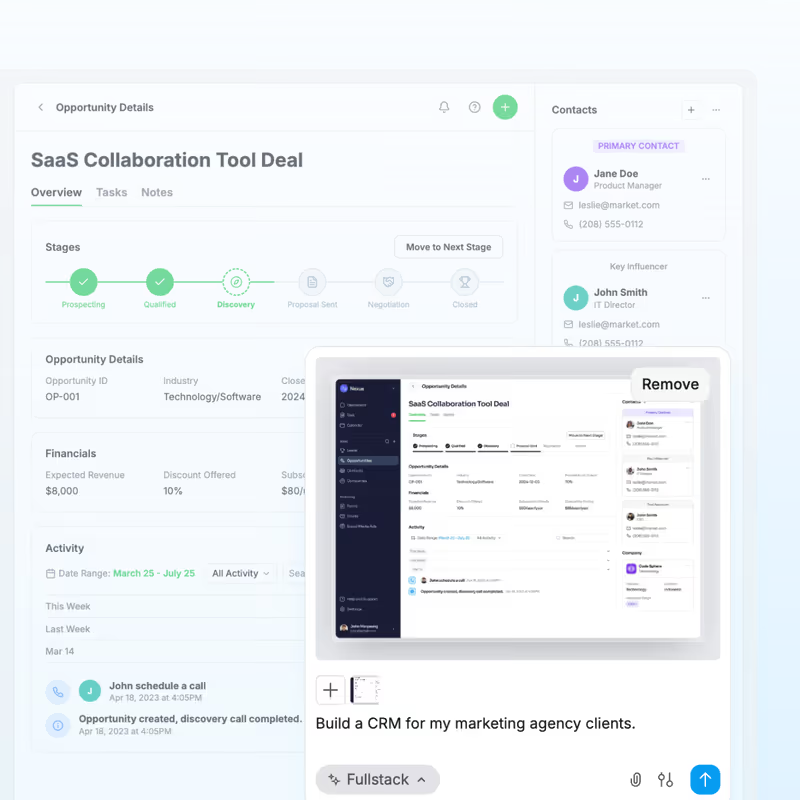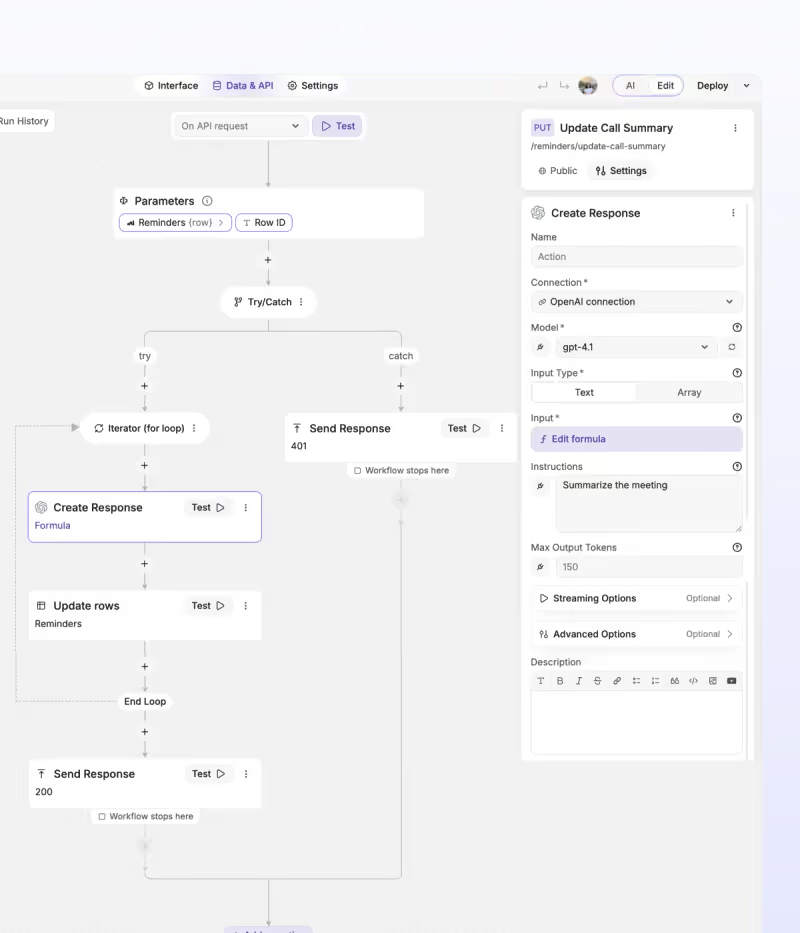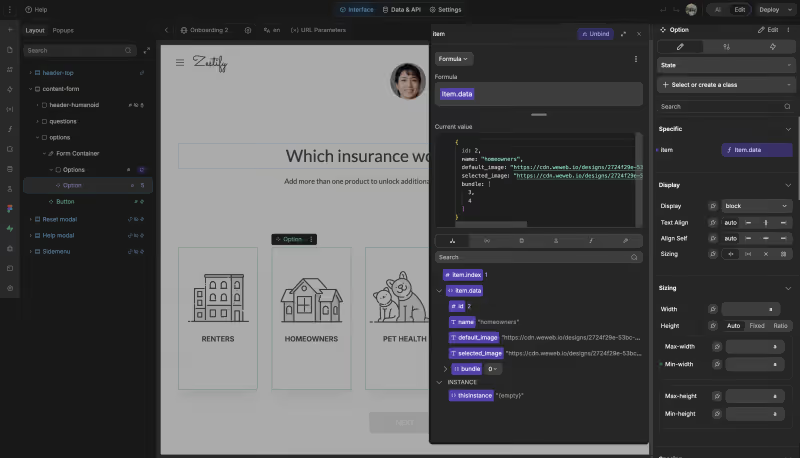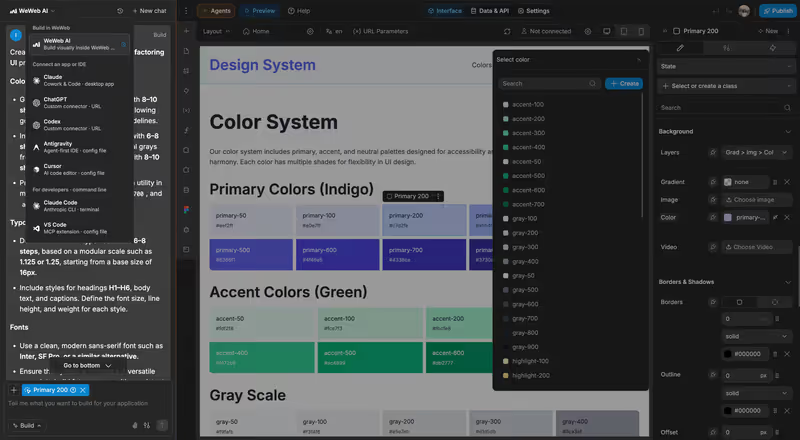
What is WeWeb?
WeWeb is a visual frontend builder designed to construct web applications on top of decoupled database architectures. Instead of packaging visual templates and databases into a single closed ecosystem, WeWeb generates only the user interface (compiling layout designs into Vue.js Single Page Applications) and communicates with external databases via REST APIs.
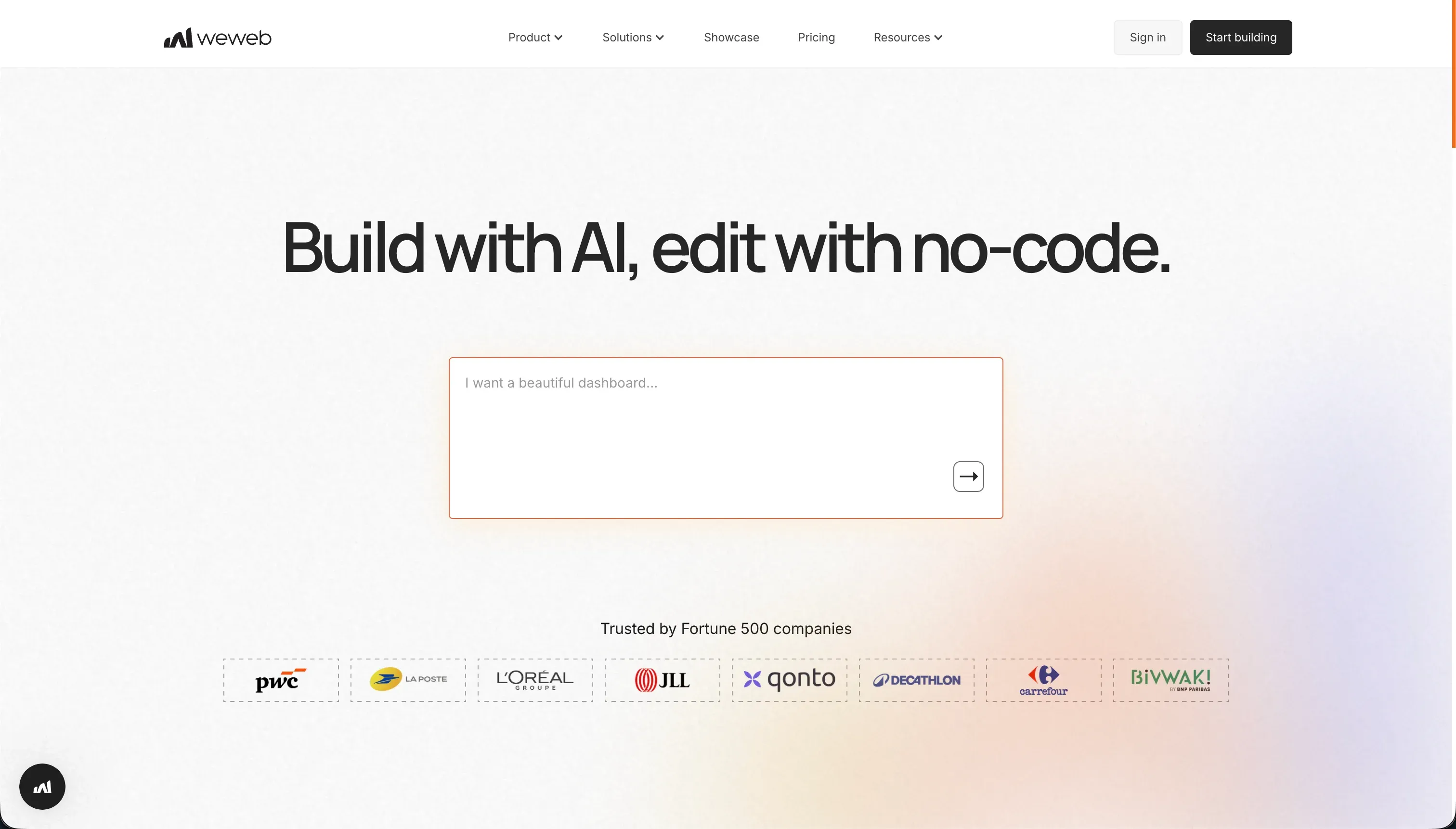 WeWeb product snapshot
You design your layout visually using CSS flexbox rules, and connect individual widgets to database backends like Supabase, Xano, or Airtable.
What types of applications can you build with WeWeb?
WeWeb is designed for custom database dashboards:
- Interactive Frontend Dashboards: Build client panels connected to Supabase backends.
- Complex Data Portals: Create pages that consolidate data from multiple APIs.
- SEO-Indexed Web Apps: Scaffold fast marketing pages and directories that search engine crawlers can index easily.
However, because WeWeb does not provide built-in databases or sign-in management, you must build, pay for, and configure your own database servers elsewhere.
Where WeWeb genuinely shines
WeWeb is the premier visual editor for designers who want granular CSS flexbox control. Its positioning engine allows you to adjust padding, visual grids, and layout rules with pixel precision.
Because of its decoupled structure, you can change your database backend without modifying your user interface. It also allows developers to download the compiled Vue.js/Nuxt.js codebase files on Scale plans, giving you a clean exit path.
The engineering overhead & setup complexity
While WeWeb provides visual freedom, building functional systems requires web development skills:
- Decoupled Stack Complexity: Since WeWeb lacks database storage or auth tables, you are managing multiple tools (e.g. WeWeb for the visual layout, Xano for database tables, and Auth0 for user logins), increasing points of failure.
- Steep Visual State Learning Curve: Configuring state variables, handling page permissions, writing custom JavaScript classes, and mapping API JSON payloads requires weeks of study.
- Horrendous Customer Support: Paid users report significant frustration regarding slow technical ticket resolutions and unresolved billing cancellation errors.
The pricing gotchas & token/credit model
WeWeb’s pricing model is built around published app limits and page views:
- Starter Plan Entry Gaps: The Starter plan costs $59/month, but is limited to a single published custom-domain app.
- Expensive Code Exports: Subscribing to the Scale plan ($249/month) is required to access code exports, a high entry price for early-stage builders.
- No Database/Auth Bundles: You must pay separate monthly subscriptions to your database providers (e.g. Xano or Supabase), driving up the monthly cost of your application stack.
Public Sentiment & Community Consensus
Feedback on developer subreddits and tech platforms highlights:
- Praise for Design Control: Frontend developers value WeWeb as the most visually flexible frontend builder next to Webflow.
- horrendous Support Reviews: Product Hunt threads are filled with complaints about support ticket delays and billing glitches.
- Decoupled Database Learning Curve: Non-technical builders warn that connecting external tables via REST APIs is difficult without developer training.
For business teams looking to build secure B2B portals, client hubs, or internal databases, managing decoupled API servers is expensive and complex. If you need a system your ops team can actually run, Softr is built for that. Softr includes its own native database, built-in user authentication, and role-based permission groups out of the box - no separate backend to configure or pay for. You can co-build with Softr’s AI Co-Builder (describe your app and it generates the database, pages, and permissions for you), use a template, or build manually. Either way, you get a production-ready client portal or internal tool from day one, not a prototype that breaks when real users sign in.
Verdict: Who is it actually for?
Best for: Frontend developers, UI designers, and agencies who want pixel-perfect CSS layout control and are comfortable managing decoupled database systems.
Not for: Non-technical operators or SMB founders who want a simple B2B client portal without integrating separate databases and API services.