

Bubble and WeWeb sit in the same broad no-code category, but they solve different problems. Bubble is a proprietary all-in-one visual programming platform, while WeWeb is a decoupled frontend builder meant to sit on top of APIs and external databases. The real choice is not just feature count, but whether you want one opinionated stack or a more modular architecture.
The people actually deciding between these two are usually founders, agencies, and product teams trying to ship a real web app without hiring a full engineering team first. What is at stake is time to launch, how much backend complexity you are willing to own, and how badly you want an exit path later. Bubble looks simpler at first because more is built in, but its lock-in and workload units can sting. WeWeb looks more flexible, but you pay for that flexibility with more setup work and more moving parts.
Meet the Contenders
What is Bubble?
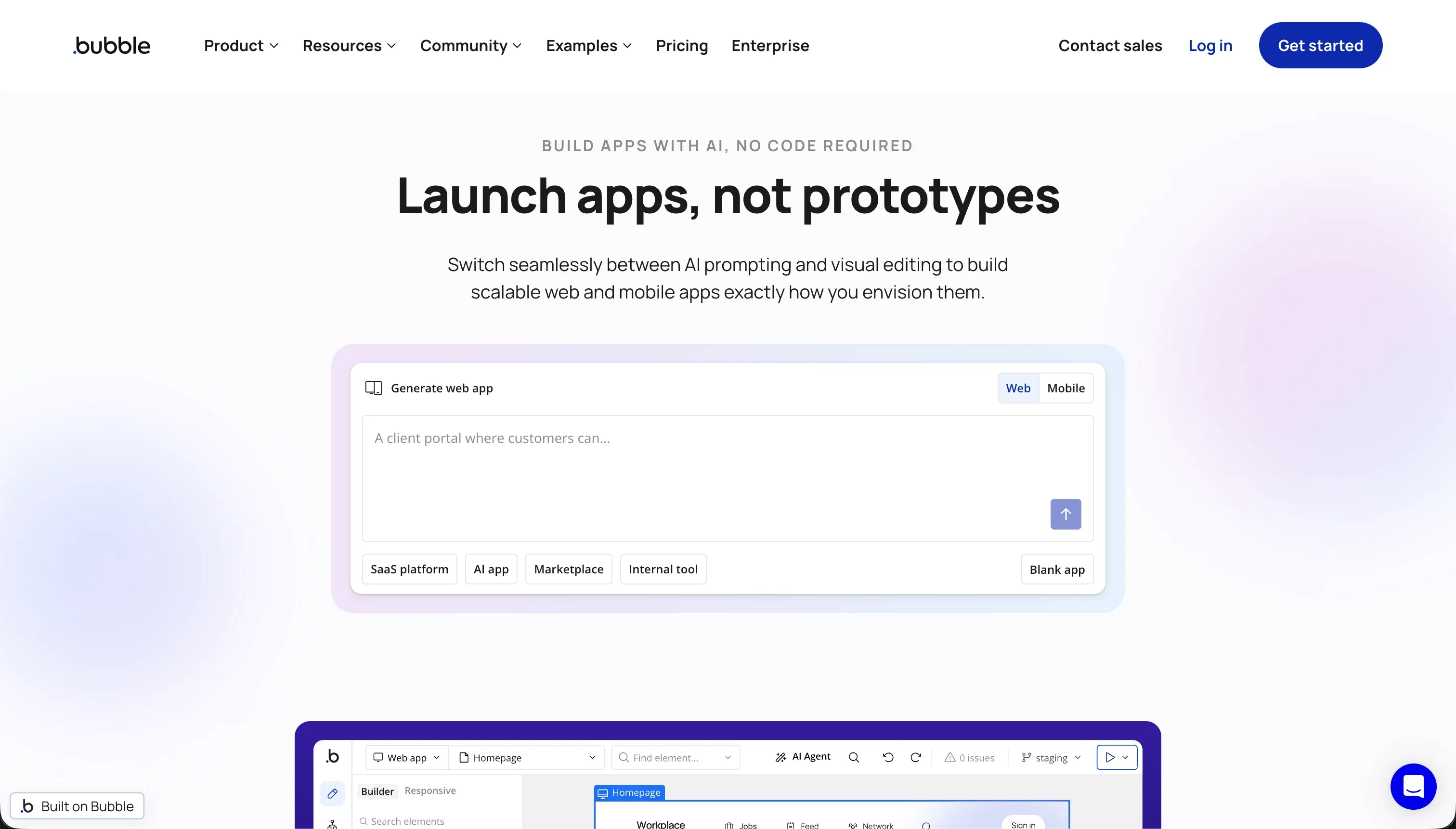
Bubble is a visual programming platform for building and hosting full-stack web apps without writing code. It combines interface building, workflow logic, a managed relational database, hosting, and plugin-based extensions inside one proprietary environment.
In practice, Bubble works like a visual IDE. You design interfaces with its drag-and-drop editor, create multi-step workflows in the visual logic builder, store data in its managed database, and extend functionality through the API Connector or its marketplace of 8,000+ plugins. It also includes server-side privacy rules and supports responsive layouts, which is why ambitious builders can push it far beyond simple CRUD apps.
It is genuinely built for founders and builders who want maximum logic depth without dropping into code. It frustrates people who thought “no-code” meant low complexity, because mastering privacy rules, conditional workflows, plugin dependencies, and workload units starts to feel a lot like software engineering in disguise.
| Spec | Details |
|---|---|
| Primary Stack | Proprietary full-stack visual app platform with managed relational database |
| Interface | Drag-and-drop editor plus visual workflow builder and privacy rules |
| Primary Deployment Target | Bubble-hosted web apps, with native mobile support still maturing in beta |
| Key Advantage | Deep custom logic in one tool, with database, workflows, hosting, and plugins included |
What is WeWeb?
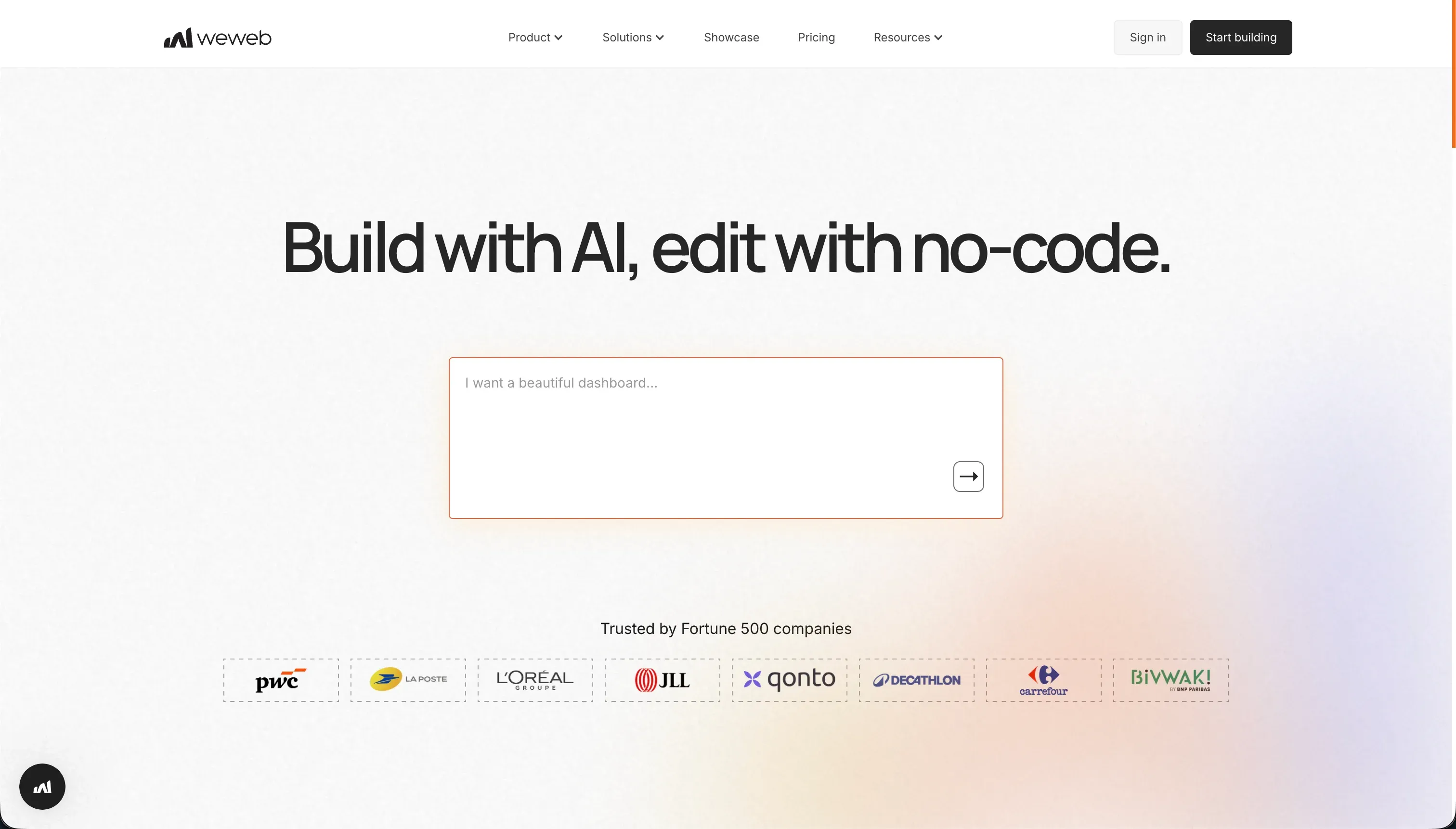
WeWeb is a visual frontend builder for web applications that uses a decoupled architecture. Instead of bundling the whole stack, it focuses on the UI layer and connects to external databases or APIs such as Supabase, Xano, or Airtable.
In practice, WeWeb gives you a layout engine with flexbox, grids, and absolute positioning, plus visual state management for variables, actions, and conditional flows. It also offers an AI assistant that can generate JavaScript snippets and CSS classes, and on higher plans it supports Vue.js and Nuxt.js code export. That makes it feel less like a closed app builder and more like a visual frontend layer for a headless stack.
It is genuinely built for agencies, technical founders, and frontend-leaning teams that already understand APIs, auth flows, and external backends. It frustrates people who expected an all-in-one no-code tool, because there is no native database, no built-in backend logic layer, and no escaping the setup overhead of connecting the rest of the stack yourself.
| Spec | Details |
|---|---|
| Primary Stack | Visual frontend builder connected to external databases and APIs |
| Interface | Visual layout and state editor with AI-generated JS and CSS assistance |
| Primary Deployment Target | Web apps and SPAs, with code export on Scale and Enterprise |
| Key Advantage | More frontend flexibility and better code portability than typical no-code builders |
The Core Difference
The biggest difference is architectural philosophy. Bubble wants to be the entire app stack, while WeWeb wants to be the frontend you place on top of a stack you control elsewhere.
- Bubble runs as an all-in-one proprietary system where UI, database, workflows, hosting, and plugins all live inside Bubble itself.
- WeWeb acts as a frontend-first builder that gives you layout and state control but expects you to bring your own backend, auth, and data architecture.

Head-to-Head Comparison
We evaluated both platforms across four core categories.
1. Developer Experience & Iteration Speed
Bubble is faster to get from blank canvas to a working app because the database, logic, auth patterns, and hosting are all in one place. You can create data types, attach workflows, and publish without first wiring Xano, Supabase, or another backend, which is a real advantage for solo founders trying to validate quickly.
The daily experience gets rougher as complexity grows. Bubble’s editor is repeatedly described by users as heavy and laggy, with reports of 5GB+ RAM usage per tab and editor slowdowns even on 32GB machines. Iteration is also harder when a key feature depends on a community plugin, because your workflow can break when that plugin lags behind Bubble updates.
WeWeb is slower to first launch because you have to think about architecture before you even start building seriously. If auth, database structure, and API payloads are not already clear, the “frontend-first” promise becomes setup work, and beginners feel that immediately.
Once the backend is already defined, iteration on the interface can be cleaner than Bubble. The layout engine is more modern, with flexbox and grid controls instead of Bubble’s older visual metaphors, and teams that already think in frontend terms often find the editing model less claustrophobic. The tradeoff is that every product change can spill into your external backend and API layer instead of staying inside one editor.
Edge: Bubble, because it is much faster to get a full app running without first assembling the rest of the stack.
2. Code Quality & Portability
Bubble is the clear weak spot here. There is no meaningful code export for the application itself, so if you outgrow Bubble you are rebuilding the UI, logic, and architecture from scratch elsewhere. You can export some data rows, but not the actual product you spent months shaping.
That lock-in matters more the longer the app lives. Bubble gives you a huge plugin ecosystem and deep customization inside its walls, but it does not reward teams that want GitHub sync, framework ownership, or a graceful migration path. If code portability is a buying criterion, Bubble simply does not have a serious answer.
WeWeb is much better positioned for teams that care about code ownership. On the Scale plan at $199/month annually or $249/month monthly, it offers code export as Vue.js or Nuxt.js files, which is far more credible than a pure walled garden model.
That said, portability is not free. Your exported frontend is only one part of the system, because your backend still lives in whatever services you chose, and the quality of the final stack depends on how well you designed those integrations. WeWeb gives you more of an exit path than Bubble, but it also expects you to be capable of using that path.
Edge: WeWeb, because Bubble is a harder proprietary lock-in and WeWeb at least offers real frontend code export on higher plans.
3. Database & Backend Capabilities
Bubble wins on built-in backend capability because it actually ships with one. You get a managed database, custom data types, relational structure, privacy rules, backend workflows, and API connectivity all in the same platform. For a lot of internal tools or MVPs, that is enough to avoid touching Xano or Supabase entirely.
The downside is that Bubble’s backend convenience becomes a constraint at scale. Users repeatedly complain about performance on read-heavy or write-heavy apps, and the platform’s own pricing model punishes inefficient workflows through workload units. So yes, Bubble has more native backend power than WeWeb, but it is still a proprietary backend with scaling and cost tradeoffs.
WeWeb has no native database, and that is the central fact buyers need to understand. If you need user data, auth, business logic, or relational storage, you must connect an external backend such as Supabase, Xano, Airtable, or another API-driven system.
For technical teams, that can actually be a strength because you are not forced into WeWeb’s own data model. For everyone else, it is overhead: more tools, more subscriptions, more auth setup, and more chances for something to break across service boundaries. WeWeb is flexible, but it is only strong here if your team already knows what backend they want.
Edge: Bubble, because a built-in database and backend logic beat WeWeb’s bring-your-own-backend requirement for most buyers.
4. Hosting & Deployment Options
Bubble keeps deployment simple because hosting is included from day one. That makes it easy to preview, test, and publish without touching infrastructure, and teams can stay inside the same platform from prototype to production launch.
The catch is that hosting simplicity does not equal deployment confidence. Bubble users have reported abrupt app shutdowns when plans lapse or free-tier limits are exceeded, and the platform’s native mobile story is still described as maturing beta rather than a finished deployment option. You can launch quickly, but you are deeply tied to Bubble’s platform behavior.
WeWeb’s deployment model is more nuanced. Even the Starter plan supports one published app with a custom domain and 50,000 monthly page views, while Scale raises that to 3 apps and 250,000 page views. Enterprise adds self-hosting and unlimited page views, which is a much more serious deployment option than Bubble offers.
That flexibility comes with complexity. WeWeb’s app can be deployed cleanly, but your total production system still depends on the uptime and configuration of your external backend, auth provider, and any API services you have stitched in. It is a better fit for teams that want deployment options, not teams that want deployment decisions removed.
Edge: WeWeb, because Bubble is simpler, but WeWeb offers stronger deployment flexibility and self-hosting paths on higher tiers.
5. Learning Curve & Onboarding
Bubble has a deceptive learning curve. The first impression is approachable because everything is visible in one builder, and you can get basic forms and pages working quickly without thinking about external infrastructure.
But Bubble becomes demanding once you move past toy apps. Privacy rules, data searches, plugin behavior, API integrations, and WU optimization all require developer-like thinking, and public reviews regularly warn that production-ready work on Bubble takes serious time to master. It is no-code in syntax, not in mental load.
WeWeb is harder earlier because it assumes more web knowledge up front. Concepts like token-based authentication, API payloads, visual state, and conditional routing are simply part of the job, so non-technical users often feel the friction immediately.
The upside is that the learning curve is more honest. If your team already speaks frontend and API, WeWeb’s documentation gaps are annoying but survivable, and the platform maps more naturally to modern web architecture than Bubble does. Still, for a non-technical founder, this is not a gentle onboarding experience.
Edge: Bubble, because it is easier to start with for non-technical users even if it becomes harder later.
6. Pricing Predictability & Scaling Risk
Bubble’s sticker price starts at $69/month on Starter, then jumps to $249/month on Growth and $649/month on Team. Those prices are only part of the story, because usage is governed by workload units, and multiple reviews complain that inefficient workflows or rising traffic can make costs difficult to predict.
That unpredictability is the real issue. Bubble users on Reddit and review sites repeatedly call out WU opacity, surprise cost growth, and the feeling that production success gets financially punished. For a builder who likes one monthly number and no hidden compute anxiety, Bubble can become stressful fast.
WeWeb is easier to understand on paper. Free gives you editor access, Starter is $39/month annually or $59/month monthly for one published app and 50,000 monthly page views, and Scale is $199/month annually or $249/month monthly with code export and 250,000 page views.
The caveat is that WeWeb’s real cost is never just WeWeb. Because there is no native backend, you are also paying for Supabase, Xano, Airtable, or whichever services power auth, database, and automations. So WeWeb’s invoice is predictable, but your full-stack bill often is not.
Edge: WeWeb, because Bubble’s workload units create more billing anxiety even though WeWeb usually requires extra backend spend.

Pricing Comparison
Bubble:
- Free - $0 with 50k WU/month and 200 records
- Starter - $69/month with 175k WU/month
- Growth - $249/month with 250k WU/month
- Team - $649/month with 500k WU/month
WeWeb:
- Free - $0 with editor access, up to 150 database records, and a weweb.io subdomain
- Starter - $39/month billed annually or $59/month billed monthly for 1 published app, custom domain, and 50,000 monthly page views
- Scale - $199/month billed annually or $249/month billed monthly for 3 published apps, 250,000 monthly page views, staging, and code export
- Enterprise - Custom pricing with self-hosting, unlimited page views, advanced SSO, and SLAs
Use Case Fit: When to use which?
When to choose Bubble
- Choose Bubble when you want an all-in-one builder with database, workflows, hosting, and privacy rules already inside the product.
- Choose Bubble when your app needs dense visual logic and you are willing to learn Bubble’s proprietary way of doing things.
- Choose Bubble when you care more about shipping a full-stack web app quickly than about code export or long-term portability.
When to choose WeWeb
- Choose WeWeb when you want a frontend-first builder that connects to a backend you already control.
- Choose WeWeb when code portability matters and you are willing to pay for Scale to get Vue.js or Nuxt.js export.
- Choose WeWeb when your team is comfortable with APIs, auth flows, and headless architecture instead of expecting an all-in-one no-code stack.
When neither Bubble nor WeWeb is the right fit
For internal tools and client portals
Neither Bubble nor WeWeb is the cleanest choice if your real goal is a production internal tool, CRM, vendor portal, or client-facing dashboard that non-developers must maintain. Bubble can do it, but the learning curve, plugin dependence, and WU pricing create long-term drag. WeWeb can do it too, but only after you bolt together a backend, auth, and workflows from separate services.
That is exactly where Softr is the more pragmatic option. It starts with Softr Databases as the native foundation, then adds authentication, user groups, row-level permissions, workflows, and hosting in one platform. Its AI Co-Builder can generate the app fast, but unlike AI-only tools, you can keep maintaining everything visually afterward, which is a much better day-two story for business apps.
For native mobile apps
Neither Bubble nor WeWeb is the right recommendation if the requirement is true app-store distribution and a mobile-first product. Bubble’s native mobile support is still described as maturing beta, and WeWeb is fundamentally a web app and PWA-oriented frontend builder rather than a native mobile framework.
If mobile is the brief, start with FlutterFlow and also consider Adalo for a simpler path. FlutterFlow is the stronger choice when you need native app flows, app-store packaging, and a product designed around mobile UI from the beginning instead of stretching a web builder into a mobile role.
For professional developer environments
Neither of these tools is ideal if what you really want is a serious coding environment with terminal access, direct file control, Git workflows, and architecture that is not constrained by a visual builder. Bubble hides too much inside a proprietary runtime, and WeWeb is better than Bubble on portability but still not the same thing as building inside a full developer toolchain.
That is where Cursor or Replit make more sense. Cursor is better if you already work locally and want AI assistance inside a real coding workflow, while Replit is the better pick when you want a browser-based dev environment with code, deployment, and debugging in one place.

Verdict
Pick Bubble if you want the shortest path to a full-stack web app inside one product and you are willing to live inside a proprietary system to get it. It is the better choice for builders who want built-in database, workflows, hosting, and privacy controls without first designing a headless architecture. The tradeoff is obvious: Bubble asks you to accept WU pricing, heavier lock-in, and a learning curve that gets steeper the more serious the app becomes.
Pick WeWeb if you already think in terms of frontend plus backend and you do not want your interface trapped in a closed all-in-one platform forever. It is the better choice for agencies and technical teams that value layout flexibility, decoupled architecture, and code export enough to handle the setup overhead. The tradeoff is that WeWeb is not actually simpler, because there is no native database and your app only works as well as the external stack you wire underneath it.
The day-two reality is that both tools can become demanding in different ways. Bubble’s problem is proprietary sprawl and unpredictable scaling costs, while WeWeb’s problem is stack assembly and operational overhead. If the app is really a business system for employees, clients, or partners, Softr often ages better because it gives you Softr Databases first, visual permissions, workflows, hosting, and AI-assisted setup without forcing you into either Bubble’s lock-in maze or WeWeb’s backend assembly project.

Summary Comparison Table
| Criterion | Bubble | WeWeb |
|---|---|---|
| Best for | All-in-one full-stack no-code web apps | Frontend-first apps on top of external backends |
| Build paradigm | Proprietary visual programming platform | Decoupled visual frontend builder |
| Database | Built-in managed relational database | No native database, external backend required |
| Pricing metric | Monthly plan plus workload units | Monthly plan plus page-view limits |
| Code export | No meaningful app code export | Vue.js and Nuxt.js export on Scale and Enterprise |
| Maintenance burden | Lower at launch, higher as Bubble-specific complexity grows | Higher at launch, cleaner if your team already owns the stack |
| Lock-in risk | High proprietary lock-in | Moderate, with stronger frontend exit path |