

Bolt and Bubble both promise a faster route to web apps, but they come from opposite directions. Bolt is an AI scaffolding tool with a browser-based dev environment, while Bubble is a proprietary visual programming platform for full-stack web apps. One optimizes for code generation and developer control. The other optimizes for visual logic and managed infrastructure.
The people comparing these two are usually founders, solo builders, and product teams trying to decide how much technical debt they are willing to own. What is really at stake is not just speed on day one, but what happens later when the app gets larger, pricing starts to bite, or you need to migrate. Bolt raises questions about token burn, regressions, and backend setup. Bubble raises questions about workload units, editor complexity, and proprietary lock-in. This is less about which tool looks cooler in a demo, and more about which pain you would rather live with.
Meet the Contenders
What is Bolt?

Bolt is an AI-powered app builder that generates full-stack web apps from prompts, but it is really closer to a browser IDE than a classic no-code platform. It is built around React-style code generation, WebContainers, and the idea that you should be able to keep one hand on the architecture while the AI handles scaffolding.
In practice, Bolt gives you a complete Node.js environment in the browser, live previews, terminal access, npm package installs, and AI-powered full-stack generation for components, backend logic, routing, and PostgreSQL schemas. It also supports GitHub sync, code export, custom domains on paid plans, and one-click deployment paths like Netlify or its own .bolt.host hosting.
It is genuinely built for developers, technical founders, and ambitious non-developers who do not mind thinking like developers. It gets frustrating for people who expected pure no-code simplicity, because larger projects can hit token caps, container crashes, “project too large” errors, and debugging loops that still require real engineering judgment.
| Spec | Details |
|---|---|
| Primary Stack | AI-generated React components, Node.js logic, routing, state management, and PostgreSQL schemas |
| Interface | Prompt-driven builder inside a browser IDE with WebContainers, terminal access, and live preview |
| Primary Deployment Target | Hosted web apps via .bolt.host or Netlify, with custom domains on paid plans |
| Key Advantage | Fast AI scaffolding plus exportable code and GitHub sync |
What is Bubble?
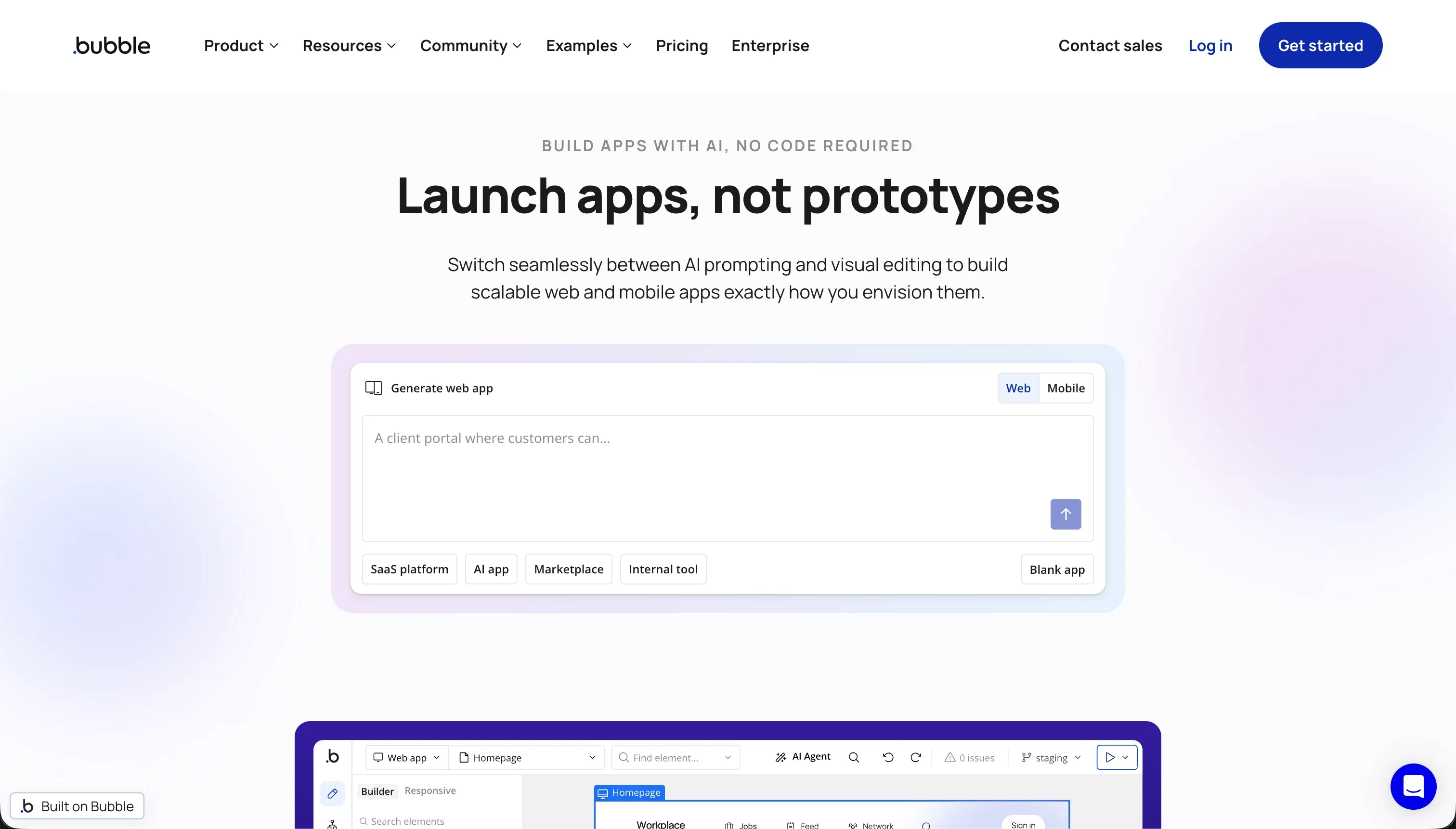
Bubble is a visual programming platform for building and hosting full-stack web applications without writing code. Instead of generating a normal codebase you can take away, it gives you a proprietary visual environment for layout, workflows, database design, privacy rules, and deployment.
In practice, Bubble combines a pixel-level drag-and-drop editor, a visual workflow builder, a managed relational database, privacy rules, an API Connector, and a huge plugin marketplace with more than 8,000 community-built plugins. It also offers responsive design controls and a maturing native mobile path through BubbleGo and app-store-oriented mobile tooling.
It is genuinely built for committed no-code builders who want serious control without opening VS Code. It becomes frustrating for users who underestimate the learning curve, need predictable pricing, or later realize they cannot export their app logic and have to live inside Bubble’s workload unit model forever.
| Spec | Details |
|---|---|
| Primary Stack | Proprietary visual full-stack platform with managed database, workflows, and privacy rules |
| Interface | Drag-and-drop visual editor plus workflow builder and database designer |
| Primary Deployment Target | Hosted Bubble web apps, with mobile tooling in public beta |
| Key Advantage | Deep visual logic control without requiring hand-written code |
The Core Difference
The biggest difference is where each tool puts the complexity. Bolt pushes you toward code generation and developer-style iteration, while Bubble hides code but makes you learn a proprietary visual programming model.
- Bolt runs on AI scaffolding inside a real browser dev environment, so you get more code ownership but also more debugging responsibility.
- Bubble runs on a managed visual programming stack, so you get richer no-code logic tools but accept much deeper proprietary lock-in.

Head-to-Head Comparison
We evaluated both platforms across four core categories.
1. Developer Experience & Iteration Speed
Bolt is excellent in the first hour. You can prompt an app into existence, open a live preview, install npm packages, and run terminal commands inside WebContainers without any local setup. For technical users, that feels much closer to a real dev workflow than most AI builders.
The problem is iteration once the project grows. User reports mention diff-based edits that rewrite working code, web container crashes, OOM issues, and prompts burning tokens without landing stable fixes. Bolt is fast when the AI behaves, but that speed can collapse into expensive rework when the context drifts.
Bubble is slower to feel magical, but once you understand its editor, you can iterate visually across UI, workflows, and data without depending on prompt quality. Its workflow builder and database editor let you make app-wide changes without regenerating code, which is a real advantage over prompt-first products.
The catch is that Bubble’s editor can get heavy and unpleasant. Reddit complaints mention tabs eating 5GB or more of RAM and turning laggy until refreshed, and many builders describe the experience as powerful but mentally exhausting. Bubble is less flashy than Bolt on minute one, but often steadier when the app logic is already mapped out.
Edge: Bubble, because it is slower to learn but less dependent on fragile prompt loops once the app becomes complex.
2. Code Quality & Portability
Bolt has the clear advantage on portability. It generates standard codebases, supports GitHub sync, and lets you export code instead of trapping you in a proprietary runtime. If you want AI scaffolding now and the option for a developer to clean it up later, that is a serious benefit.
But code ownership is not the same as code quality. Bolt’s exported code can still need manual debugging, refactoring, and architecture cleanup, especially after several AI edit cycles. You own the code, but you also inherit the maintenance burden that comes with it.
Bubble is the opposite. You do not get source code export, and migration means rebuilding the interface and logic elsewhere even if you can export some raw data. That is classic proprietary lock-in, and it is the biggest structural reason many technical teams hesitate.
The upside is that Bubble users are not expected to manage a handoff into a code repo. If you commit to Bubble as the permanent platform, the lack of export matters less day to day than it does strategically. Still, if exit paths matter, Bubble loses badly here.
Edge: Bolt, because exportable code and GitHub sync beat Bubble’s proprietary lock-in by a mile.
3. Database & Backend Capabilities
Bolt can generate backend logic and PostgreSQL schemas, but it does not give you the same kind of native database admin experience as a mature no-code backend. Research specifically flags the lack of a direct native database UI and the need to rely on generated code or external services for deeper backend control.
That means Bolt often drifts toward a do-it-yourself backend story. For technical founders, that is acceptable. For non-technical teams, it becomes a problem fast, because auth, RLS, Supabase decisions, and schema fixes still feel like engineering work even if AI wrote the first draft.
Bubble is much stronger as a self-contained backend for no-code builders. It has a managed relational database, custom data types, privacy rules, bulk operations, API Connector support, and workflow logic all inside one platform. For multi-user web apps with lots of conditions and data relationships, Bubble gives you more native backend depth than Bolt.
The weakness is scale and predictability. Bubble’s backend is tied to workload unit pricing, and user feedback repeatedly warns that inefficient searches, workflows, or high read-write usage can make costs spike. Bubble’s backend is richer for non-coders, but not necessarily cheaper or simpler at production scale.
Edge: Bubble, because it actually gives non-developers a full managed backend model instead of pushing them back toward generated code and external setup.
4. Hosting & Deployment Options
Bolt makes deployment feel easy for people who think in code. You can publish to .bolt.host, connect custom domains on paid plans, or use one-click Netlify deployment. That flexibility is useful if you want fast staging links and a more conventional deployment path than a closed no-code host.
Still, hosting convenience does not erase runtime instability. Complaints about build failures, container crashes, and brittle larger projects suggest that Bolt’s deployment story is great for demos and MVPs, but shakier for apps that need boring reliability. It looks modern, but the operations confidence is mixed.
Bubble’s deployment model is simpler in the sense that everything stays inside Bubble. Hosting, database, workflows, and runtime are bundled together, so there are fewer moving parts for non-technical builders. That all-in-one model is one reason Bubble has been popular for SaaS MVPs and internal tools for years.
The tradeoff is dependence on Bubble’s own platform performance and billing structure. If the app gets shut down by plan issues or workload limits, you do not have much room to maneuver, and user complaints have highlighted painful cases of apps reverting to free-tier limits. Bubble is operationally centralized, which is both the convenience and the risk.
Edge: Bubble, because its all-in-one hosting is easier for non-technical teams, even if Bolt offers more flexible deployment paths.
5. AI Quality & Reliability
AI is Bolt’s whole pitch. It can scaffold frontend, backend logic, styling, and database structure from a plain-English prompt, and features like prompt enhancement and smart debugging are meant to keep you moving fast. When it works, Bolt is one of the quickest routes from blank page to a convincing prototype.
The downside is documented all over community threads. Users complain about token burn during failed fix cycles, destructive rewrites of working code, and projects becoming too large to continue prompting. Bolt’s AI is powerful, but it is also the source of most of the product’s volatility.
Bubble is not primarily sold as an AI-first builder, which oddly helps it here. The product’s core value is still visual logic, database modeling, and workflow composition rather than trusting a model to rewrite your whole app. That means fewer AI-specific regressions by design.
Of course, Bubble gives up the instant prompt-to-app thrill that makes Bolt attractive. If your priority is AI generation itself, Bubble will feel slower and older. But if reliability matters more than AI theater, Bubble’s lower dependence on generative edits is a practical advantage.
Edge: Bubble, because less reliance on AI generation means fewer AI-induced regressions and fewer credit-burning repair loops.
6. Learning Curve & Onboarding
Bolt is easier to start. The free plan includes 1M tokens with a 150K daily cap, and the mental model is simple: ask for the app, inspect the result, and keep iterating. For developers or AI-native builders, that is far less intimidating than mastering a giant visual editor.
But Bolt’s ease is front-loaded. Once errors appear, you need to understand code structure, dependencies, backend architecture, and deployment choices well enough to steer the AI. It feels beginner-friendly until the first real bug lands.
Bubble has one of the steepest learning curves in no-code. Layouts, workflows, privacy rules, search constraints, plugin behavior, and workload efficiency all take time to understand, and many reviews say production-ready apps require developer-like thinking even without code.
The payoff is that what you learn is native to the platform and can be reused across projects. If you commit to Bubble as your long-term stack, the pain can be worth it. If you just want speed without a new mental model, Bubble is a slog.
Edge: Bolt, because it is far easier to get started with even if Bubble may reward longer-term commitment.
Pricing Comparison
Bolt:
- Free - $0 with 1M tokens per month, a 150K daily cap, basic hosting, and public-only projects.
- Pro - starts at $25/month with 10M tokens, private projects, custom domains, and token rollover up to 2 months.
- Teams - starts at $30/member/month with 10M tokens per member, team access controls, and centralized billing.
- Pro and Teams can scale from 10M monthly tokens to as high as 1.2 billion tokens, with pricing reaching $2,000/month at the top tier.
Bubble:
- Free - $0 with 50k WU per month and 200 records.
- Starter - $69/month with 175k WU per month.
- Growth - $249/month with 250k WU per month.
- Team - $649/month with 500k WU per month.
Use Case Fit: When to use which?
When to choose Bolt
- Choose Bolt when you want fast AI scaffolding plus a real browser-based coding environment with terminal access and package installs.
- Choose Bolt when code export and GitHub sync matter more than having a fully managed no-code backend.
- Choose Bolt when you have enough technical skill to clean up AI output and can tolerate token-based iteration costs.
When to choose Bubble
- Choose Bubble when you want to build a serious multi-user web app visually and do not want to manage a normal codebase.
- Choose Bubble when complex workflows, privacy rules, and a managed relational database matter more than source-code portability.
- Choose Bubble when you are willing to invest time in learning a proprietary platform in exchange for deeper no-code control.
When neither Bolt nor Bubble is the right fit
For internal tools and client portals
Neither Bolt nor Bubble is the cleanest answer for operational business apps that need real permissions, fast maintenance, and day-two stability. Bolt gives you generated code that someone still has to debug, while Bubble gives you a powerful but heavy visual programming model with WU pricing and lock-in. Those are both awkward tradeoffs when the real goal is just to ship a CRM, vendor portal, intranet, or partner dashboard.
That is where Softr is the more honest fit. It starts with Softr Databases as the native backend, then layers in authentication, user groups, row-level permissions, workflows, and hosting in one platform built for business software. Its AI Co-Builder is the fast path, but not the only path, so teams can generate with AI and then maintain everything visually without being trapped in prompt loops or Bubble-style visual programming complexity.
For native mobile apps
Neither Bolt nor Bubble is the tool to trust if your real requirement is polished native mobile distribution. Bolt is primarily a web app builder, and community feedback explicitly notes that what it produces is not the package you need for the Apple App Store. Bubble has mobile ambitions, but its native mobile engine is still maturing and should not be confused with a dedicated native app stack.
If you need true app-store output, start with FlutterFlow. For a more approachable path, Adalo or Glide can also make sense depending on how complex the product is. They beat both Bolt and Bubble here because they are actually designed around mobile delivery rather than stretching a web-first product into a mobile story.
For professional developer environments
Bolt gets closer to a real developer workflow than Bubble, but it is still an AI-first hosted environment with token constraints and browser-container limits. Bubble is even further from what most engineers want, because it replaces normal source control and architecture choices with a proprietary editor. If your team already works like engineers, both tools can end up feeling like abstractions on top of problems you would rather solve directly.
In that case, Cursor or Replit are better picks. Cursor makes more sense if you already want to work locally with AI assistance inside a serious coding workflow, while Replit is the stronger option if you want a proper cloud development environment with fewer of Bolt’s token-centric constraints and none of Bubble’s visual lock-in.

Verdict
Pick Bolt if you want AI scaffolding that still leaves you with portable code and a developer-adjacent workflow. The tradeoff is that you are accepting token economics, unstable prompt iterations, and the fact that exported code still becomes your problem to debug and maintain.
Pick Bubble if you want a more complete visual app platform with stronger native backend tooling, richer workflow logic, and less dependence on AI edits. The tradeoff is proprietary lock-in, a very real learning curve, and pricing that can get ugly when workload units start climbing.
The day-two reality is that both tools ask you to carry more complexity than their landing pages suggest. Bolt gives you ownership but also hands you the technical debt. Bubble removes code but replaces it with a proprietary mental model and billing risk. For internal tools, portals, and operational apps that need to be maintained by normal business teams, Softr usually ages better because it starts with Softr Databases, built-in permissions, and AI as an optional accelerator rather than the foundation of the whole app.

Summary Comparison Table
| Criterion | Bolt | Bubble |
|---|---|---|
| Best for | AI-assisted web app scaffolding with code ownership | Visual full-stack web apps with complex no-code logic |
| Build paradigm | Prompt-driven code generation in a browser IDE | Proprietary visual programming platform |
| Database | Generated backend schemas, no rich native DB admin layer | Managed relational database with privacy rules |
| Visual permissions | Mostly implemented through generated logic | Native privacy rules and workflow conditions |
| Pricing metric | Token-based plans from 1M free to huge paid tiers | Workload units with plans from $69 to $649 per month |
| Maintenance burden | Higher, because generated code still needs debugging | Medium to high, because visual complexity and WU optimization still matter |
| Code export | Yes, with GitHub sync and exportable code | No source code export |