
Why people look for Bolt alternatives
Bolt earns praise for its browser-native WebContainers that let you spin up a dev server and install npm packages with a single prompt. But transitioning from a basic demo to a production-grade application exposes structural flaws in the platform’s economics and architecture.
Token burn rates and infinite boot loops
Bolt charges a monthly subscription but limits your usage using a token model. During debugging sessions, the AI agent frequently gets caught in recursive loop edits, modifying a file, finding a build error, and rewriting the entire file again. This behavior can drain a monthly token pool within a single afternoon simply trying to fix an error introduced by the AI itself, leaving users unable to prompt without purchasing expensive credit add-ons.
Regression errors on larger codebases
As applications grow, Bolt’s ability to maintain context degrades. Simple prompts to add a button or edit a style can trigger massive, unwanted rewrites of unrelated components. Builders report fully functioning pages suddenly breaking, layout styling resetting, or custom code disappearing when the AI tries to implement minor feature updates on a larger file structure.
Project size blockages
Even if you pay for high-tier plans with millions of tokens, Bolt enforces account limits on repository scale. Once a project reaches a certain complexity, the editor displays a “Project too large” notification and locks editing capabilities. Users are forced to delete files or start entirely new workspaces, losing project history and context in the process.
Complex backend and database setups
Bolt builds frontend layouts quickly, but it lacks a native database interface. To build anything beyond dummy forms, you must prompt the AI to configure databases like Supabase or connect external backend services. Managing Supabase Row Level Security (RLS) or database migrations through AI prompts is fragile, and one wrong prompt can break your production data structure.
Browser memory crashes
Running a full Node.js container, an IDE, and a live browser preview inside a single browser tab takes a heavy toll on system resources. Users on standard developer laptops frequently encounter out-of-memory errors, browser page freezes, and container crashes, requiring constant page refreshes and container restarts to keep working.

The best Bolt alternatives, by use case
If you want AI to build a full-stack SaaS app from a prompt
If you want a prompt-to-app generator but need cleaner code output, better file management, and less token wastage during editing, alternative AI-native builders provide more stable scaffolding.
Lovable
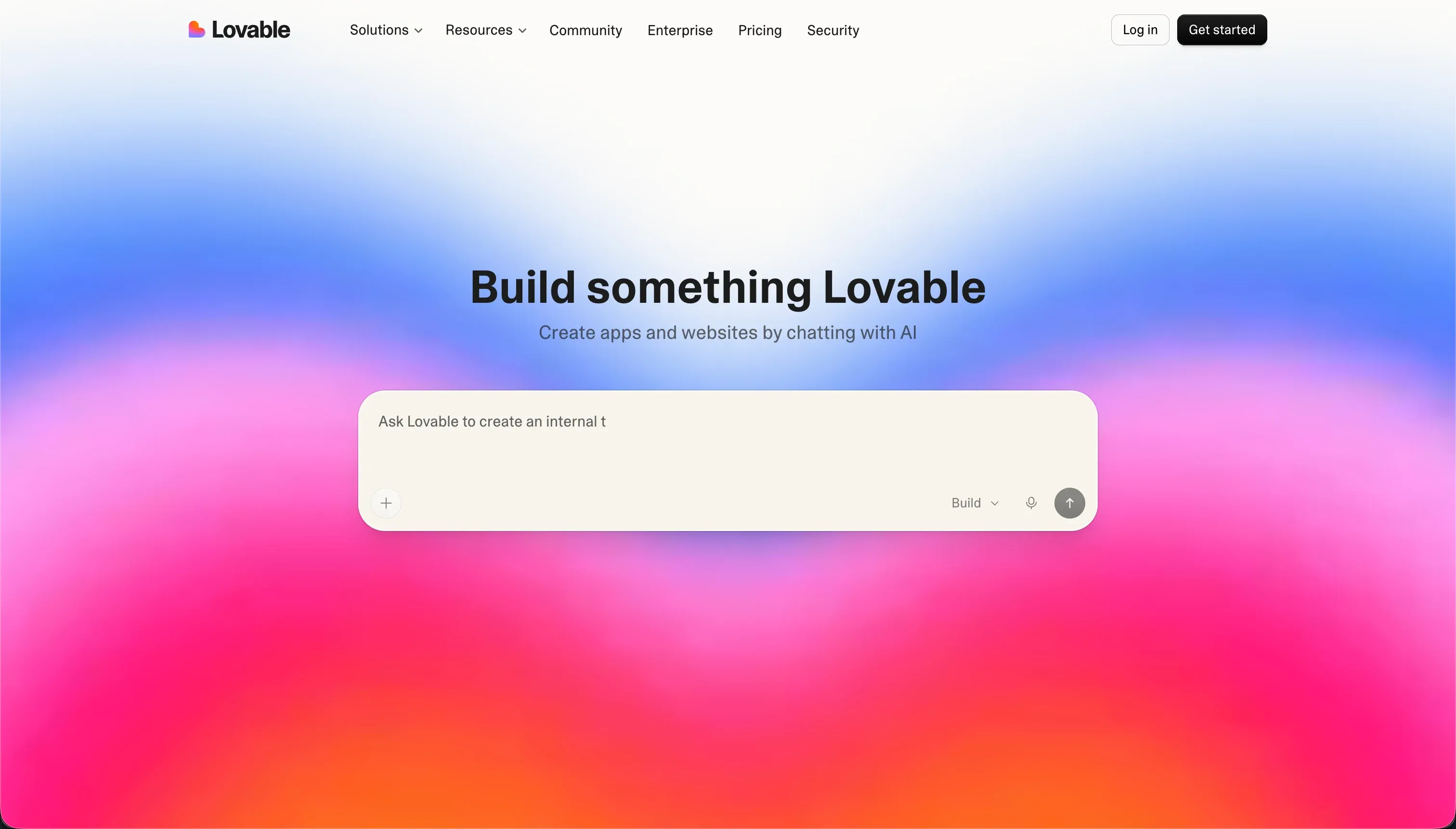
Lovable generates full-stack React frontends, Node.js backend logic, and Supabase databases from natural language prompts. Unlike Bolt’s browser-native container setup, Lovable acts as an agentic assistant that pushes code changes directly to GitHub, allowing you to edit the application in your local IDE alongside the AI. The generated code is highly structured, and the platform’s editing loops are optimized to modify specific files rather than rewriting the entire codebase. This keeps token consumption lower during complex debug phases.
Pricing: Starts at €25/month for 100 credits. While credits are consumed on a per-prompt basis, debugging loops can burn through monthly allocations quickly when resolving backend errors.
Replit
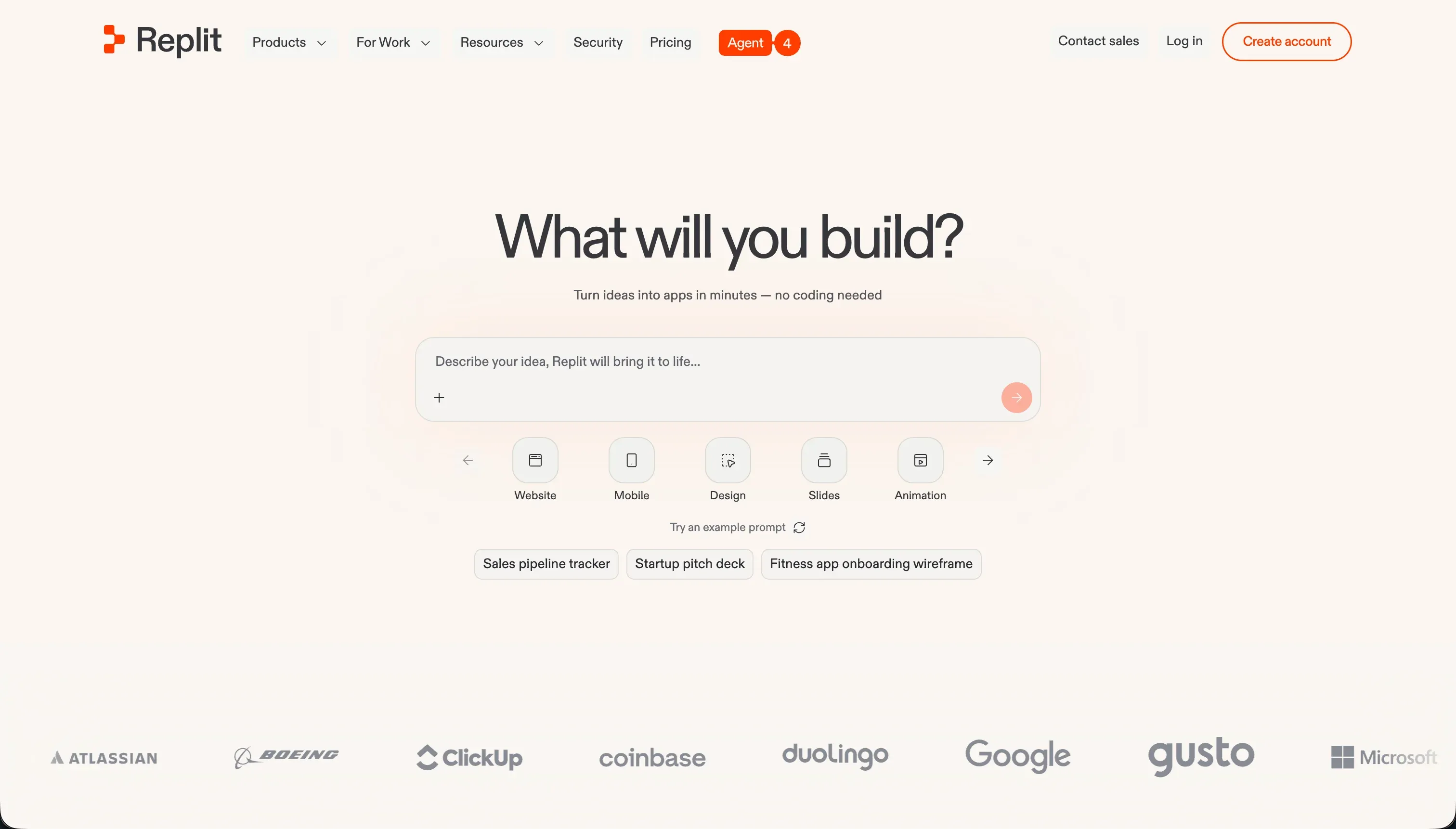
Replit provides a mature, cloud-based development environment that features Replit Agent for prompt-based app generation. Instead of running inside a restricted browser container, Replit runs on dedicated virtual machines in the cloud, giving you access to real databases, terminal instances, and hosting paths. Replit Agent is highly agentic, running self-correction loops to test its own code and resolve build errors before presenting the finished app to you. It is a stronger choice if your app requires complex Python, Go, or Rust backend logic rather than just a React frontend.
Pricing: Replit Core starts at $25/month ($20/month billed annually) with $25.00 of included monthly credits. Performance plans scale up to $100/month for heavier compute and premium AI models.
If you’re building internal tools your team needs to maintain
If you are building directories, trackers, approval flows, admin dashboards, or inventory systems, managing a fragile generated codebase is unnecessary. You need a platform that is secure, fast to build, and maintainable without developer oversight.
Softr
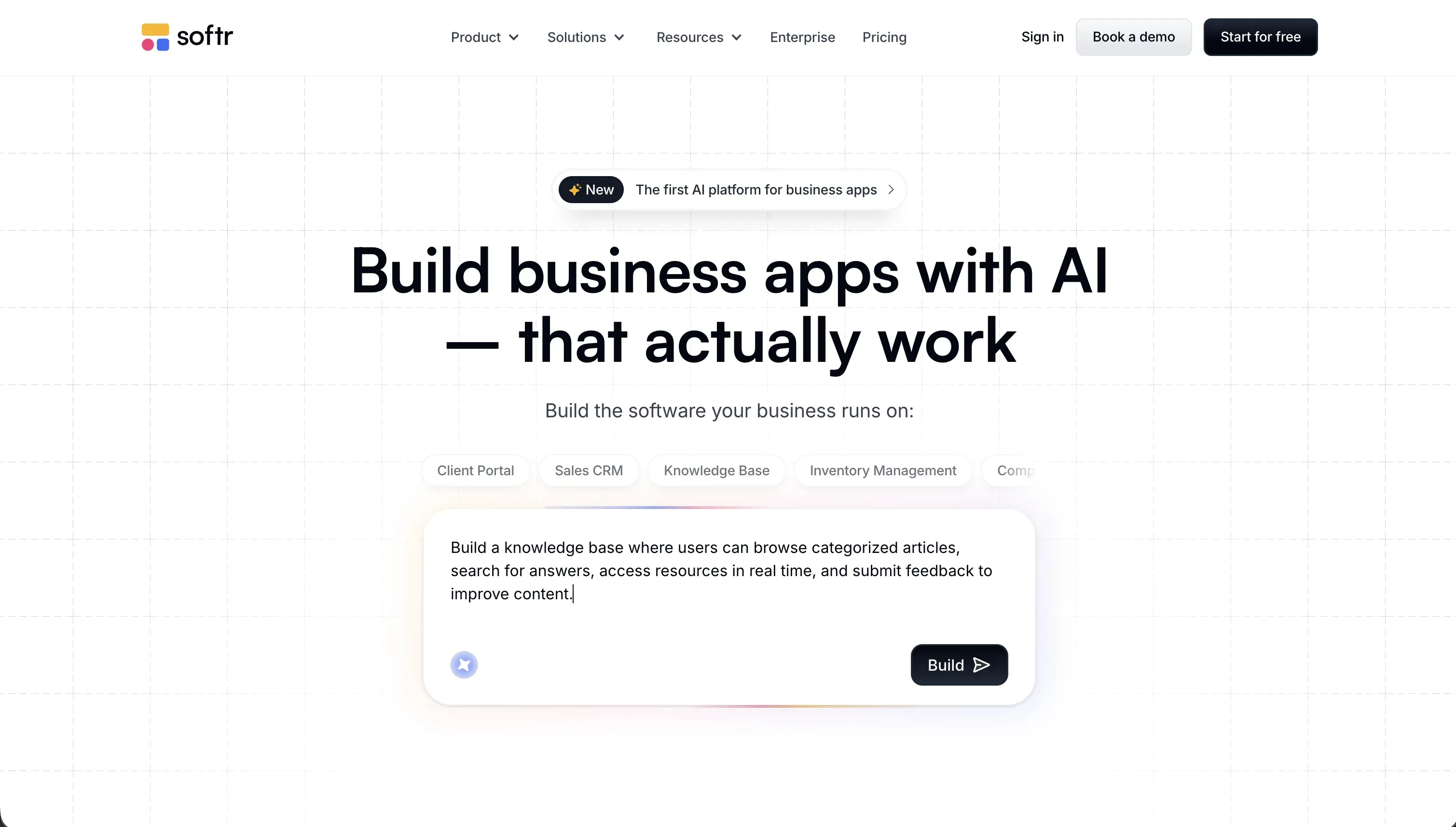
Softr is built specifically for business applications and internal team tools. Its AI Co-Builder generates a complete application - including the database schema, page layouts, user roles, routing, and automations - from a simple prompt. The result is a secure no-code application hosted on Softr’s platform. Your operations team, HR manager, or database administrators can log in and update the layout, edit fields, or add automations visually, with zero risk of breaking package dependencies or crashing the app server.
The direct advantages over Bolt for internal operations:
- Predictable flat-rate pricing: Softr charges flat monthly fees. Basic is $19/month, Pro is $99/month, and Business is $329/month with unlimited collaborator seats. There are no token caps or Edge compute usage fees to monitor.
- Zero code maintenance: Softr manages all hosting, security patches, and database connections. You never have to manually debug React errors, clean up tailwind classes, or manage server containers.
- Visual permissions editor: You can define user roles and set visibility rules for specific blocks, pages, or data rows using point-and-click settings. There is no need to write SQL or configure database RLS rules through AI prompts.
Softr is the standard for operational apps, trusted by teams at companies like Netflix, Google, Stripe, and UPS to run secure internal databases and dashboards.
Retool

Retool is a developer-friendly builder designed for creating internal dashboards and admin panels on top of existing data. If you already have a PostgreSQL database or custom API and want to build a UI layer, Retool connects to your source and provides a library of 100+ pre-built components (tables, charts, forms) optimized for data density. It is faster than prompting Bolt to build a custom dashboard from scratch because the components are pre-engineered. However, Retool is not a no-code tool - you must write SQL queries and JavaScript scripts to handle data logic, and its seat-based pricing ($10/user/month on the Team tier) scales quickly for larger internal teams.
If you need lightweight frontend-only UI generation
If you do not need database hosting, backend routes, or auth systems, and simply want to generate beautiful layouts or copy code into an existing project, lightweight frontend assistants are a cleaner choice.
v0

v0 by Vercel is the industry standard for generating UI components. You describe the interface, and v0 generates clean React code using Tailwind CSS styling and shadcn/ui layouts. You can upload design sketches, screenshots, or design assets to generate corresponding frontend interfaces instantly. Because v0 focuses strictly on frontend code, you avoid the overhead of container setups, and you can copy the generated code directly into your local IDE.
Pricing: Free tier includes $5 of monthly credits (roughly 7 messages per day). Team plan starts at $30/user/month with $30 of included credits and shared team chats.
vibecode
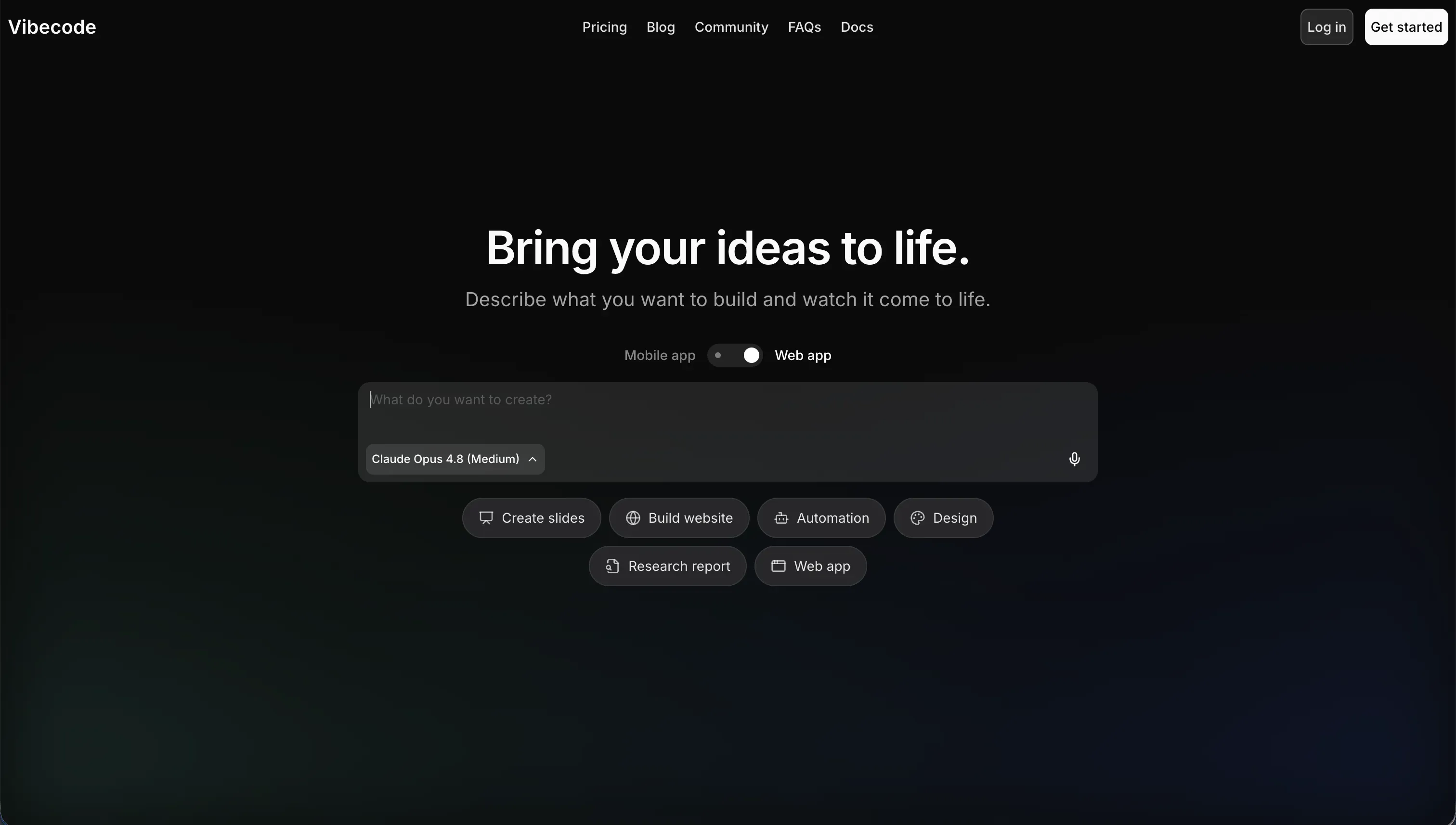
vibecode is a lightweight visual developer assistant focused on rapid frontend page generation and component styling. It is designed for founders and designers who want to sketch out web application screens, customize Tailwind colors, and test interactive components without the complexity of configuring full-stack databases or Node.js environments.
Pricing: Paid plans start at $20/month, focusing on visual export options and design style management.
If you need client portals or external-facing apps with secure logins
For client portals, member directories, and partner hubs, you need to ensure that authenticated users can only view their own data rows. Misconfiguring this in a generated codebase is a severe security risk.
Softr
Softr provides a secure-by-default permissions model designed for client-facing applications. Gating content, setting up client-specific data views, and configuring member directories is handled visually. You set up a simple conditional filter, such as “only show records where the client field matches the logged-in user,” and Softr’s backend enforces the security rule.
Typical portal use cases built on Softr:
- Client portals: Clients log in to view project progress, pay invoices, and upload documents securely.
- Partner networks: Business partners access shared resources and lead-tracking databases.
- Vendor portals: External vendors update inventory status and manage delivery schedules.
Softr includes pre-built signup, login, password reset, and SSO pages, eliminating the need to write custom authentication logic. Pricing scales by app-wide usage rather than charging per client seat, allowing you to serve hundreds of external clients affordably.
If you want a developer-first IDE with deep codebase context
If you are a developer who wants to write custom code with the help of AI, you do not need an assistant in a browser container. You need a professional IDE that understands your local project directory.
Cursor
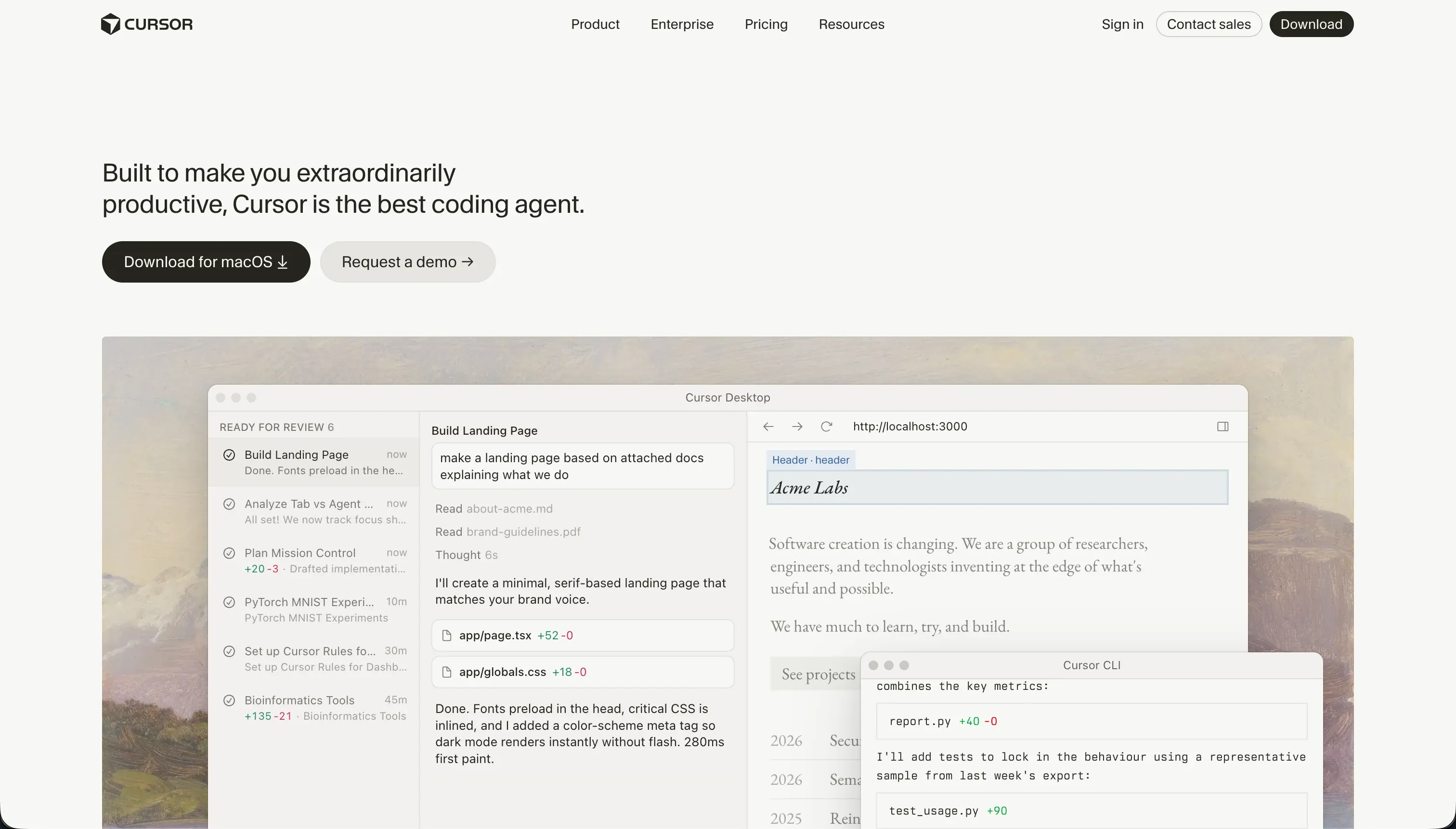
Cursor is a fork of VS Code designed for AI-first software development. It indexes your entire local codebase, letting you reference files, functions, and database schemas in prompts using @ tags. In Composer mode, Cursor acts as a multi-file agent that writes code, fixes bugs, and runs terminal commands directly on your machine. You retain absolute control over your folder structure, Git history, and deploy targets.
Pricing: Hobby plan is free. Pro plan is $20/month and includes 500 fast AI queries, with a Pro+ plan at $60/month for 1,500 queries.
Claude Code

Claude Code is a command-line interface (CLI) agent developed by Anthropic. It runs directly inside your terminal, scanning your codebase to explain code, write tests, refactor methods, and commit changes to git. It is a highly efficient tool for developers who prefer terminal-driven workflows and want deep integration with Anthropic’s latest Claude models without changing their editor.
Pricing: Usage-based, billed directly through your Anthropic Console API key.
Bottom line
If you are a developer who wants complete control over a custom codebase, use Cursor or Replit to manage your local files. If you want to generate frontend components to copy into your project, use v0. If you want to build secure business portals, dashboards, or internal tools without maintaining a codebase, choose Softr.
→ Compare Bolt vs Softr in detail - pricing, backend capabilities, and setup time. → Browse all reviewed tools to find the right builder for your stack.