

Cursor and WeWeb both appeal to people building modern web apps, but they sit on opposite ends of the technical spectrum. Cursor is an AI-first code editor built on a fork of VS Code, aimed squarely at software engineers who want an AI pair-programmer inside their real codebase. WeWeb is a visual frontend builder that compiles layouts into Vue.js Single Page Applications and connects them to external databases through APIs.
The people choosing between these two usually fall into one of two camps: developers deciding whether to lean into raw code with AI assistance, and design-minded builders deciding whether a visual editor can replace front-end coding. What is at stake is not just speed to launch, but how much of the stack you personally have to build, secure, and maintain afterward. Pick wrong and you either drown in infrastructure you did not want to manage or hit a wall when the visual tool cannot express what you need.
Meet the Contenders
What is Cursor?
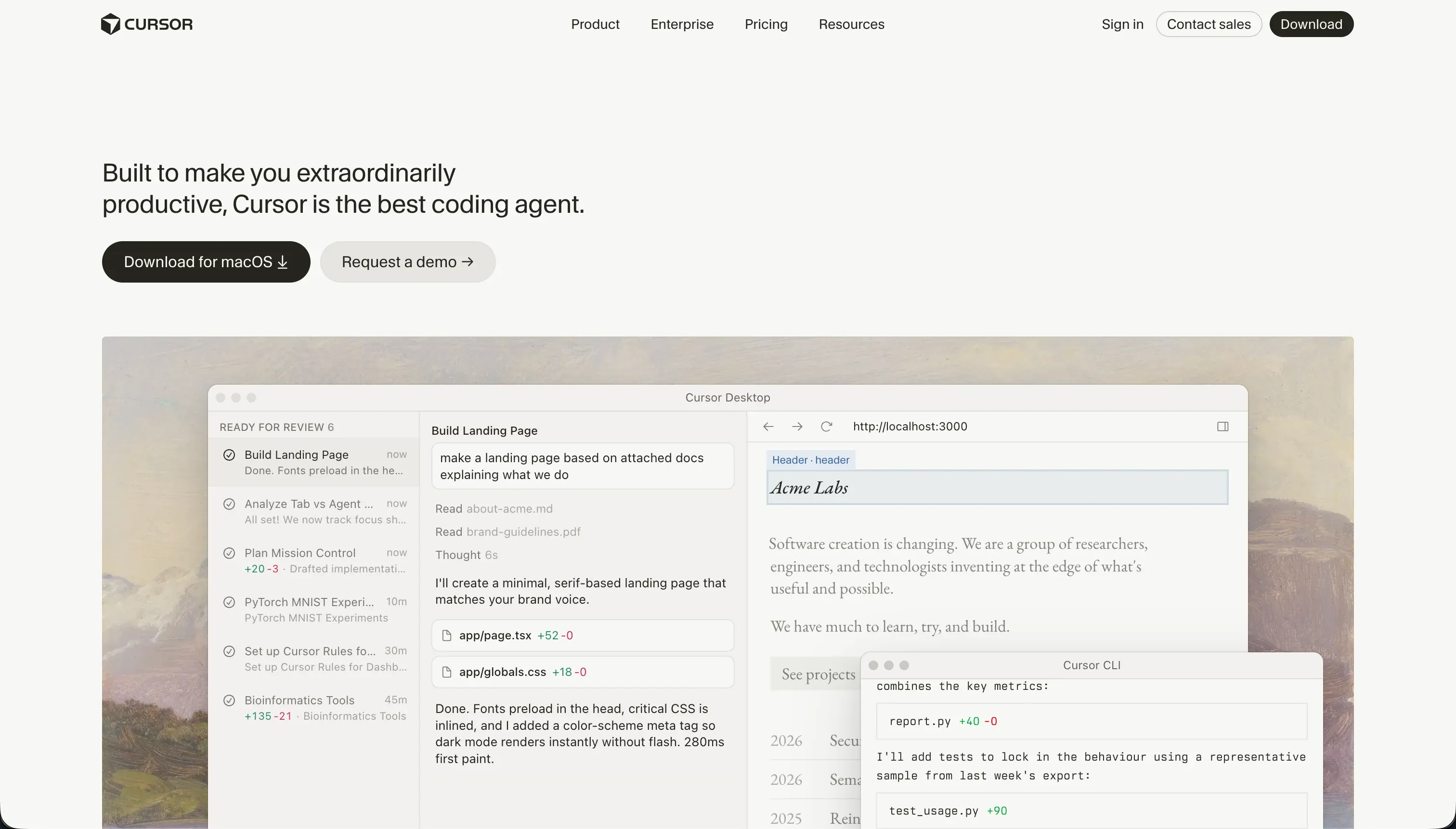
Cursor is an AI-first integrated development environment built specifically for software engineers. Forked from VS Code, it embeds large language models directly into the editor so you can write, refactor, and search code conversationally without copy-pasting to and from an external chat window.
In practice, Cursor works by indexing your entire repository so the AI can reference files, symbols, and functions through @ mentions, which makes its code suggestions accurate to your actual project. Its Composer agent mode can plan, open, edit, and write across multiple files in a single loop, configure server routes, and install npm packages. The tradeoff is that this power assumes you can read, run, and debug the code it produces, because Cursor gives you no visual abstractions and no turnkey hosting or database.
Cursor is genuinely built for developers who want to code twice as fast while keeping full control of their codebase. It becomes frustrating, and effectively unusable, for non-technical operators, because building even a simple form means writing the backend, configuring a database, and deploying server infrastructure yourself.
| Spec | Details |
|---|---|
| Primary Stack | AI code editor forked from VS Code, works on your own repository |
| Interface | Raw source files with inline AI, semantic search, and the Composer agent |
| Primary Deployment Target | Anything you can code and host yourself (web, backend, native mobile) |
| Key Advantage | Full-codebase indexing and multi-file AI edits inside a familiar IDE |
What is WeWeb?
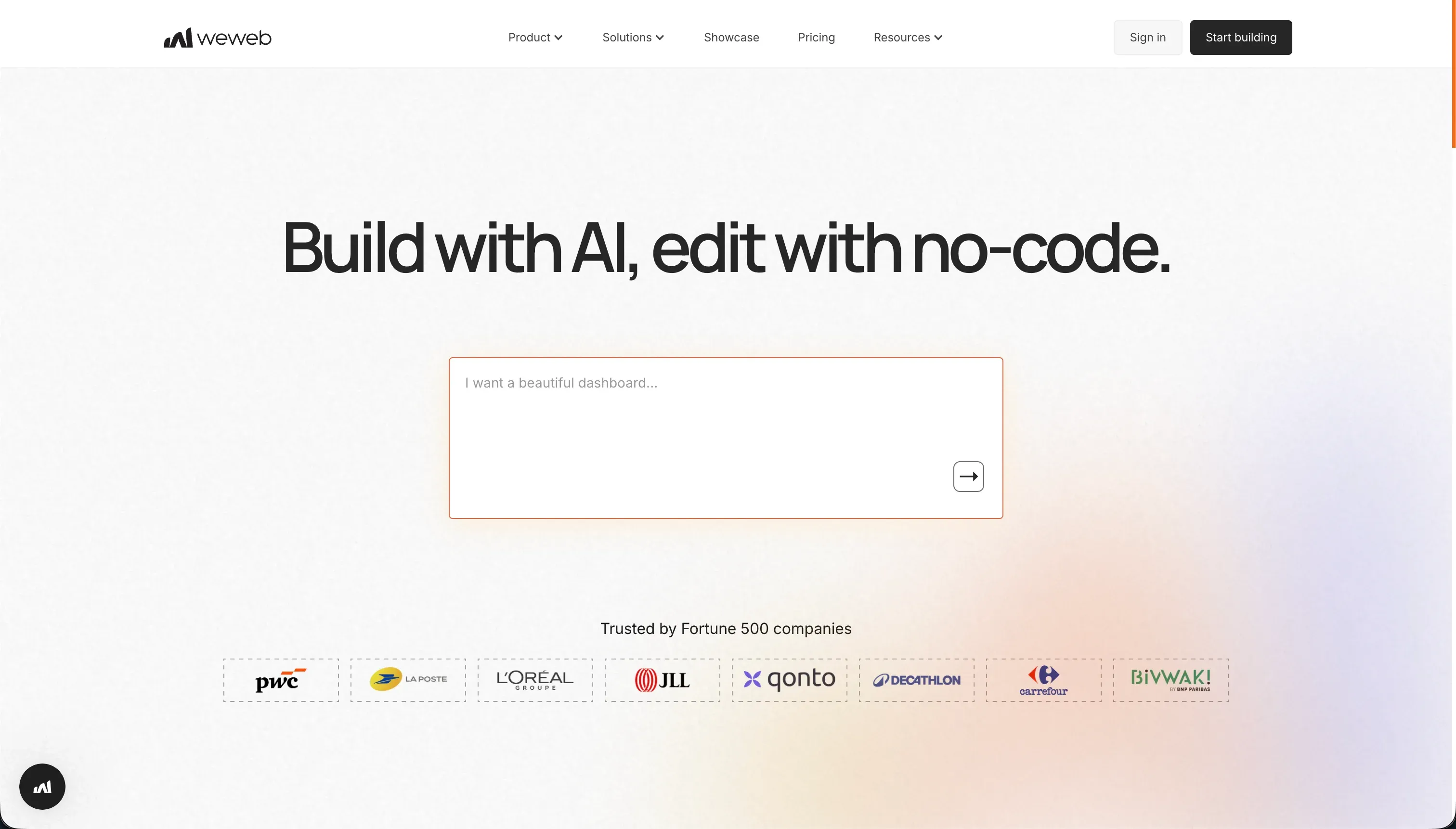
WeWeb is a visual frontend builder designed to construct web applications on top of decoupled backends. Instead of bundling templates and data into one closed system, it generates only the user interface, compiling layouts into Vue.js Single Page Applications that talk to external databases through REST APIs.
In practice, you design layouts visually using CSS flexbox, grids, and absolute positioning, then connect individual widgets to backends like Supabase, Xano, or Airtable. Its visual state management lets you define variables, action flows, and API payloads without writing JavaScript, and an in-editor AI assistant can generate JavaScript snippets and CSS classes for custom components. Because the architecture is decoupled, you can change the backend without touching the interface, and on the Scale plan you can export the compiled Vue.js and Nuxt.js code to host yourself.
WeWeb is built for frontend developers, UI designers, and agencies who want pixel-level layout control and are comfortable managing a separate backend. It is a poor fit for non-technical operators, since it has no built-in database or authentication, and users report a steep learning curve plus slow customer support, including reported billing cancellation bugs.
| Spec | Details |
|---|---|
| Primary Stack | Visual layout engine compiling to Vue.js SPAs, decoupled from data |
| Interface | Visual CSS editor with state management and an in-editor AI assistant |
| Primary Deployment Target | Responsive web apps and PWAs, with optional Vue.js code export on Scale |
| Key Advantage | Granular visual layout control with a backend-agnostic, decoupled model |
The Core Difference
The biggest difference is how much you build by hand and where that effort goes: writing code versus assembling a visual frontend over someone else’s backend.
- Cursor is an AI-assisted code editor that gives you total control of a real codebase, but expects you to write, run, debug, and host everything yourself.
- WeWeb is a visual frontend builder that removes most front-end coding, but pushes the database and authentication out to separate services you have to configure and pay for.

Head-to-Head Comparison
We evaluated both platforms across five core categories.
1. Developer Experience & Iteration Speed
Cursor’s developer experience is its strongest card. Because it is a fork of VS Code, developers can switch over and import their settings, themes, keybindings, and extensions in a single click, so there is almost no transition cost. The @ mentions syntax makes it fast to feed specific files or functions to the AI, and Composer can write multi-file diffs in one pass, which speeds up refactoring, documentation, and test writing.
The friction shows up under load. Users report that Composer can get stuck in loops trying to resolve npm dependency conflicts, in one case breaking a Tailwind configuration and burning through all the fast credits in an hour. Background indexing of large repositories also runs hot, consuming significant CPU and freezing the editor for seconds during multi-file generation. So iteration is fast when things go smoothly and painful when the agent goes off the rails.
WeWeb’s iteration is visual rather than textual. You drag, position, and bind components, and the in-editor AI assistant can generate JavaScript and CSS for custom pieces. For someone designing interfaces, this is quicker than hand-writing layout code, and the decoupled model means you can change the backend without reworking the front end.
The slowdown with WeWeb is the upfront learning curve and the multi-tool reality. Setting up state variables, page routing, and API payload mappings takes weeks to master, and because there is no native backend, every iteration that touches data means coordinating WeWeb with a separate service like Xano or Supabase. Quick visual edits are genuinely quick, but anything involving data is slowed by the decoupled stack.
Edge: Cursor, because for its target developer audience the zero-friction VS Code migration and codebase-aware AI make day-to-day iteration faster than WeWeb’s steep visual-state learning curve.
2. Code Quality & Portability
Cursor wins on ownership by definition. It edits files in your own repository, so the code lives in your Git history on your own machine and there is no proprietary export step to worry about. Whatever quality you can write or supervise, you keep, and you can move it anywhere a normal codebase goes.
The caveat is that quality depends on you. Composer can introduce regression loops and breaking changes across multiple files, and reviewers note it sometimes modifies peripheral config files in ways that introduce subtle dependency issues. The output is portable, but it is only as clean as your review discipline.
WeWeb’s portability is real but conditional. It compiles to Vue.js and Nuxt.js, and on the Scale plan at $249/mo billed monthly you can download those compiled files and host them on Vercel, Netlify, or your own servers. That is a clean exit path for a visual tool, and Vue.js output is a recognizable, maintainable target.
The limits are price and tier-gating. Below the Scale plan there is no code export, so anyone on Free or Starter is locked into WeWeb’s hosting. You also only get the compiled frontend, not your backend, since that lives in whatever external service you connected. Ownership is available, but you pay a premium to reach it.
Edge: Cursor, because you own the full codebase from the start with no paywall, while WeWeb’s export is genuinely useful but locked behind its most expensive standard tier.
3. Database & Backend Capabilities
Cursor offers no database or backend of its own, and that is by design. As a developer IDE, it expects you to build the backend yourself, including SQL database setup, row-level security tables, and authentication systems like NextAuth. The upside is unlimited flexibility: you can build custom full-stack apps, data pipelines, scrapers, and APIs with no platform ceiling.
The cost is that none of it is turnkey. Every backend decision, from schema to auth to deployment, is manual engineering work that you own forever. For a skilled developer that is freedom; for anyone else it is a wall.
WeWeb is also backend-less, but it leans into connecting external ones rather than coding from scratch. It binds visually to Supabase, Xano, or Airtable over REST APIs, and the decoupled model lets you swap that backend later without rebuilding the interface. For data-heavy dashboards pulling from multiple APIs, that flexibility is the whole pitch.
The drawback is operational complexity. Because WeWeb stores no data and has no auth tables, you are running a multi-tool stack with more points of failure, and users specifically flag that connecting tables via REST APIs is hard without developer training. You trade writing backend code for managing and paying for several backend services.
Edge: Cursor, narrowly, because neither ships a backend, but Cursor imposes no structural assumptions on a developer building something custom, whereas WeWeb’s decoupled stack adds coordination overhead and extra subscriptions.
4. Hosting & Deployment Options
Cursor does nothing for hosting, which is consistent with being an editor rather than a platform. You configure database connections, set up authentication, and deploy your server infrastructure yourself. That is total flexibility for someone who wants it, including a real path to native App Store output if you write Flutter or React Native.
The downside is obvious for anyone who does not want DevOps in their life: there is no publish button. Going live is a separate engineering project every time, with all the maintenance that implies.
WeWeb handles frontend hosting for you and produces fast SPAs that retain SEO indexability, which is a genuine strength for public-facing web apps. On paid plans you publish to a custom domain, and the Scale plan adds staging environments so you can test before shipping. For a visual builder, that is a reasonable deployment story.
The packaging limits are worth knowing. WeWeb is web and PWA only, with no native App Store path, and one reviewer noted that mobile performance still trails desktop even with a good responsive setup and a PWA. Hosting your frontend is easy, but you are still hosting and paying for the backend elsewhere.
Edge: WeWeb, because it actually hosts your frontend on a custom domain with staging environments, while Cursor offers no deployment at all and leaves the entire hosting job to you.
5. AI Quality & Reliability
Cursor’s AI is the core of the product, not an add-on. Full-codebase indexing gives it accurate context about your imports, class structures, and file relationships, and Composer can autonomously execute multi-file tasks. When the task is well-scoped, this is among the strongest AI coding experiences available, which is why developers praise the VS Code-native workflow.
Reliability is where it gets uneven. The same Composer that writes clean simple scripts can loop indefinitely on dependency conflicts and exhaust your fast-query pool, and heavy users report blowing through the 500 monthly fast requests in a couple of weeks before dropping to a slow queue where prompts take two to three minutes. The AI is capable but can be expensive and frustrating when it misfires.
WeWeb’s AI is deliberately narrower. The in-editor assistant generates JavaScript snippets and CSS classes for custom components, which helps you build pieces the visual editor does not cover out of the box. It is a helper for specific code generation rather than an agent that builds entire flows.
That limited scope is both a strength and a weakness. It is less likely to run away and wreck your project the way an autonomous agent can, but it also does far less of the heavy lifting, so most of the app-building work still rests on your own visual configuration. It assists; it does not drive.
Edge: Cursor, because its codebase-aware AI does substantially more real work than WeWeb’s snippet assistant, even accounting for Composer’s loop and query-limit reliability issues.

Pricing Comparison
Cursor:
- Hobby - $0, 50 fast queries
- Pro - $20/mo, 500 fast queries per month, unlimited slow queries, Composer agent mode
- Pro+ - $60/mo, roughly 3x limits (about 1,500 fast queries)
- Ultra - $200/mo, roughly 20x limits (about 10,000 fast queries)
- Business/Teams - $40/mo per user, centralized team administration, privacy mode, SSO options
WeWeb (billed monthly):
- Free - $0, visual builder access, up to 150 database records, weweb.io subdomain
- Starter - $59/mo, 1 published custom-domain app, 50,000 monthly page views, basic integrations
- Scale - $249/mo, 3 published apps, 250,000 monthly page views, staging environments, Vue.js code export
- Enterprise - Custom pricing, self-hosting, advanced SSO, SLAs
Remember that neither price includes a backend. Cursor users pay separately for hosting and databases, and WeWeb users pay separate monthly subscriptions to a service like Xano or Supabase on top of the WeWeb plan.
Use Case Fit: When to use which?
When to choose Cursor
- Choose Cursor when you already write code in React, Node, or Python and want an AI pair-programmer inside the VS Code environment you know.
- Choose Cursor when owning and hosting the full stack yourself is a feature, not a burden, including custom backends or native mobile builds.
- Choose Cursor when you are comfortable supervising an AI agent and managing its fast-query limits during heavy multi-file work.
When to choose WeWeb
- Choose WeWeb when you want pixel-level visual layout control over a front end without hand-writing all the CSS and markup.
- Choose WeWeb when you already have or want a separate backend like Supabase or Xano and value being able to swap it without rebuilding the interface.
- Choose WeWeb when you need fast, SEO-indexable SPAs on a custom domain and can absorb both its learning curve and its stacked subscription costs.
When neither Cursor nor WeWeb is the right fit
For internal tools and client portals
If you need a CRM, vendor portal, or client hub, both of these tools make you assemble or hand-code the parts that matter most: authentication, user roles, and row-level data access. Cursor means coding all of it yourself, and WeWeb means wiring WeWeb to a separate backend and auth service, then keeping that multi-tool stack secure. For a business team, that is a lot of ongoing engineering for software that should just work.
This is where Softr is the more honest recommendation. It ships native Softr Databases, built-in authentication, granular user groups, and row-level permissions out of the box, with SOC 2 Type II compliance and data hosted in Europe, so a client portal is production-ready from day one rather than a prototype that breaks at first login. For developer-led teams that want more custom logic but still less infrastructure than raw code, Bubble is a reasonable alternative, since it bundles a database and hosting into one visual platform.
For native mobile apps
Neither tool is the right pick if your actual requirement is shipping native iOS and Android binaries to the App Store and Google Play. WeWeb is web and PWA only with no native packaging path, and while Cursor can technically compile Flutter or React Native, that means doing full native development by hand with all the build and submission work that entails.
For that job, look at FlutterFlow or Adalo. FlutterFlow is the stronger choice when you need serious native-app flexibility and a real path to app-store output, while Adalo is the simpler, more beginner-friendly native-mobile builder when your app is less complex.
For a full in-browser developer environment
If you like Cursor’s code-first approach but do not want to manage local setup, hosting, and runtime separately, neither tool quite covers that gap. Cursor is just the editor and leaves deployment to you, while WeWeb only handles the visual frontend.
In that case, look at Replit. It pairs a browser-based coding environment with built-in hosting, databases, and deployment tooling, so you can write, run, and ship from one place without stitching infrastructure together yourself. It is the natural middle ground between Cursor’s pure editor and a fully managed visual platform.

Verdict
Pick Cursor if you are a developer and the editor is the point. It gives you AI that genuinely understands your codebase, a frictionless migration from VS Code, and complete ownership of your code, which is exactly what an engineer wants. The tradeoff you accept is that Cursor builds nothing for you outside the editor: hosting, databases, and auth are all manual work, and Composer’s loops and fast-query limits can turn a smooth session into a frustrating one.
Pick WeWeb if you want visual front-end control without writing every line and you are comfortable owning a decoupled backend. It delivers granular CSS layout control, fast SEO-friendly SPAs, and a clean Vue.js export on the Scale plan. The tradeoff is a steep learning curve, a multi-tool stack you must configure and secure, stacked subscription costs once you add a backend, and customer support that users describe as slow and at times unresponsive.
The day-two reality is the deciding factor for most non-developers. The first build is rarely the expensive part; the expensive part is every change after launch, especially once real users log in and permissions and data security stop being optional. Both Cursor and WeWeb hand that ongoing burden back to you, either as code to maintain or as a stack to keep glued together. For internal tools and client portals where a non-developer needs to own the app long term, Softr ages better, and developer teams wanting managed infrastructure with code-level escape hatches should weigh Replit or Bubble before committing to either of these.
Summary Comparison Table
| Criterion | Cursor | WeWeb |
|---|---|---|
| Best for | Developers wanting AI inside their IDE | Designers wanting visual frontend control |
| Build paradigm | Code-first AI editor on your own repo | Visual layout builder over external backends |
| Output type | Whatever you code (web, backend, native) | Vue.js SPAs and PWAs |
| Database | None, you build and host it yourself | None, connect Supabase/Xano/Airtable via API |
| Visual permissions | None, code your own auth (e.g. NextAuth) | None native, handled by your backend service |
| Pricing metric | Fast queries per month, per-user on Business | Published apps and monthly page views |
| Code export | Full, it is your own codebase | Vue.js export on $249/mo Scale plan only |