

Cursor and FlutterFlow rarely come up in the same conversation, and for good reason: they’re built for completely different people with completely different goals. Cursor is an AI-enhanced code editor for professional software engineers. FlutterFlow is a visual app builder for teams who need native iOS and Android apps without writing Flutter from scratch.
The overlap is narrow but real: both are used by technical founders and small development teams who want to ship faster with AI assistance. If you’re trying to choose between them, the answer is almost always determined by a single factor - whether your final target is a native mobile app or a custom web application.
Meet the Contenders
What is Cursor?
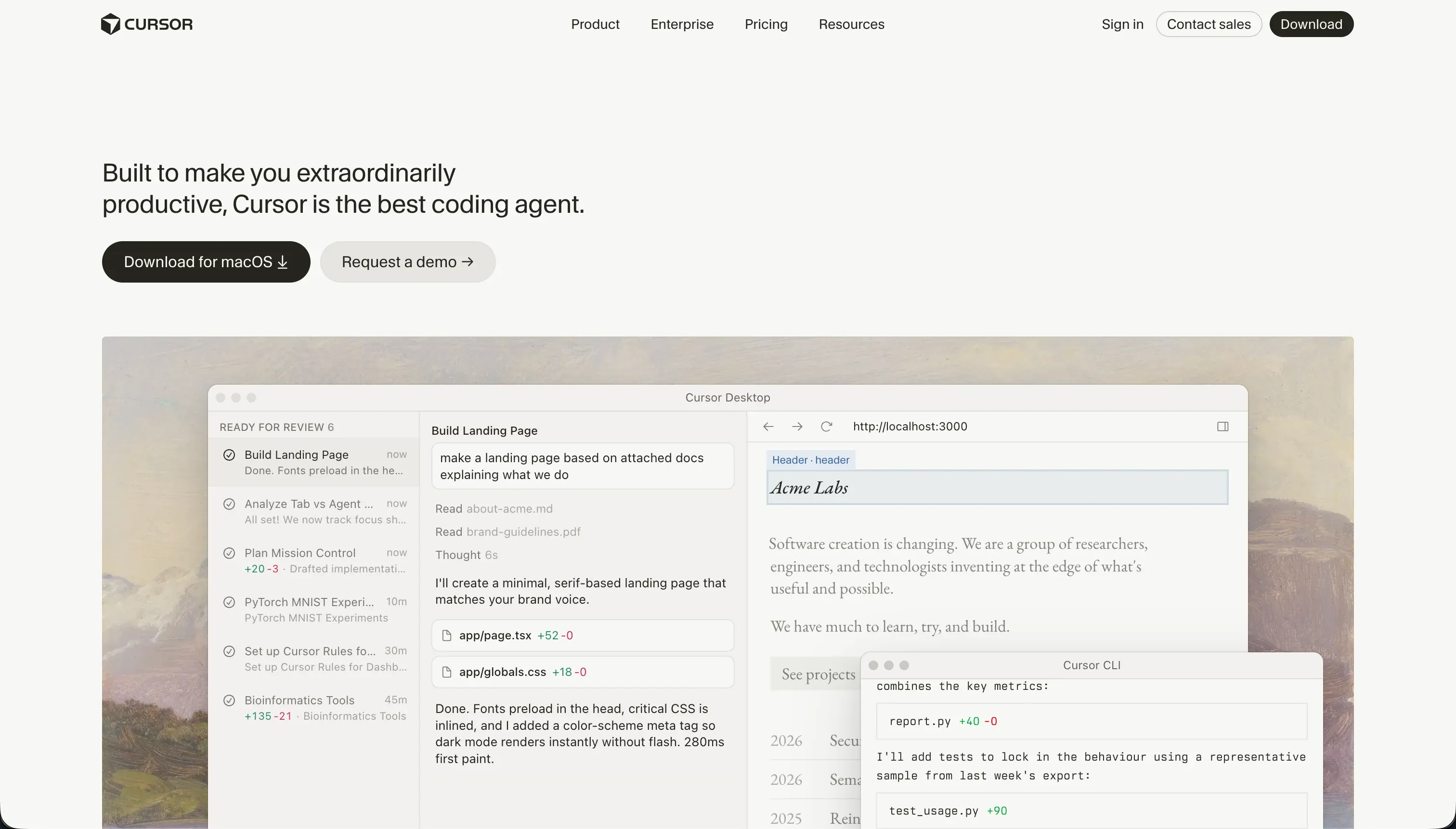
Cursor is a fork of VS Code with deep AI integration built into every layer of the editing experience. It indexes your entire local codebase for context-aware autocomplete, allows natural-language file search, and includes a Composer agent mode that can plan and edit across multiple files simultaneously. It’s a tool for developers who want to code faster, not a tool that replaces coding.
| Spec | Details |
|---|---|
| Primary Stack | Any language/framework (developer-configured) |
| Interface | Local IDE (VS Code fork) with AI chat and autocomplete |
| Primary Deployment Target | Developer-configured (any cloud or on-premise) |
| Key Advantage | Full-codebase context awareness for multi-file AI editing |
What is FlutterFlow?
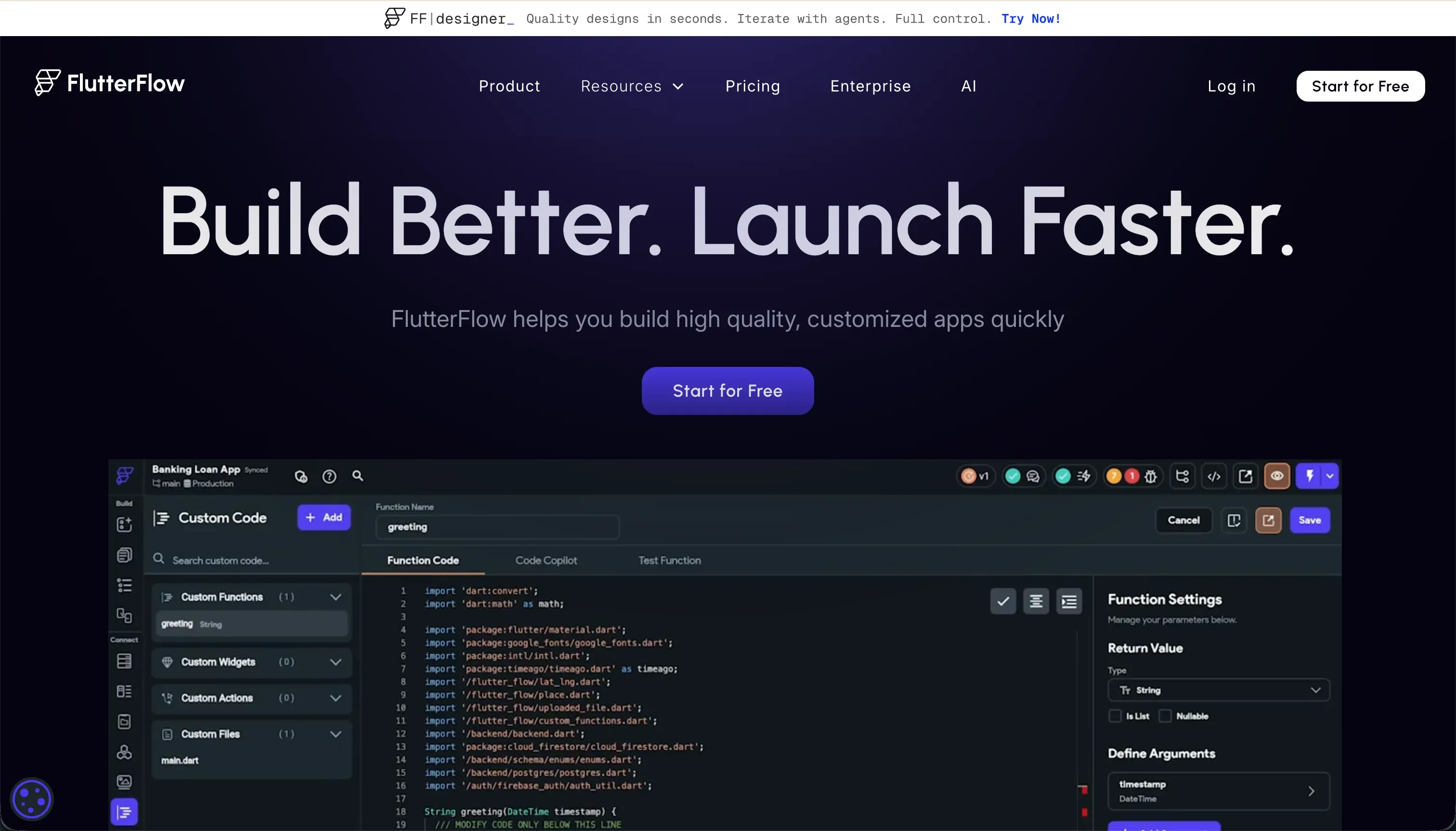
FlutterFlow is a visual builder over Flutter’s widget tree. You design app screens by dragging widget containers, configuring state variables, and wiring up API calls - all without writing Dart manually. Its AI Gen feature can scaffold screens and components from text descriptions. The defining capability is its codeless deployment pipeline to Google Play and Apple App Store.
| Spec | Details |
|---|---|
| Primary Stack | Flutter (Dart) |
| Interface | Visual drag-and-drop widget builder |
| Primary Deployment Target | iOS App Store, Google Play, Web |
| Key Advantage | Native App Store deployment without manual Xcode/Android Studio |
The Core Difference
Cursor is an IDE. It doesn’t build apps for you - it helps you build them faster. Every line of code, every database query, every deployment pipeline is your responsibility. The AI is a very capable assistant inside your existing workflow.
FlutterFlow is an app platform. It provides the scaffolding, the database integration, the deployment pipeline, and a visual editing layer. You’re building within FlutterFlow’s system, and the output is a Flutter app that can go straight to the App Stores.
The core choice: if you need to write and maintain arbitrary code at full professional fidelity, use Cursor. If you need native mobile apps and are willing to work within Flutter’s visual paradigm, use FlutterFlow.

Head-to-Head Comparison
1. Developer Experience & Iteration Speed
Cursor’s iteration speed scales directly with your existing coding skill. An experienced React or Python developer will move significantly faster with Cursor’s autocomplete and Composer mode than without them. The context-aware suggestions reduce boilerplate, and multi-file editing via Composer handles repetitive refactoring tasks well. The rough edges appear at scale: users report that Composer mode can enter loops when resolving package dependencies, burning through fast query credits without resolving the underlying issue.
FlutterFlow’s visual builder is fast for standard UI patterns - a login screen, a list view, a detail page can be assembled quickly. The platform slows down on complex interactions. Users frequently cite its steep learning curve as a real obstacle, and debugging inside FlutterFlow’s editor is notably frustrating because error messages are sparse and the platform doesn’t always explain why something isn’t working.
2. Code Quality & Portability
Cursor produces whatever code you write. It has no opinion on output quality beyond what its AI suggests - the end result is as clean or messy as your own engineering choices, assisted by AI. Since you’re working on local files, portability is absolute. You own every line and can move to any other tool at any time.
FlutterFlow exports real Dart/Flutter code on paid plans. The code quality is generally functional but can feel over-engineered and tightly coupled to FlutterFlow’s generated patterns. One reviewer noted that “the code felt too locked into the platform” even after export. Getting Dart export and actually working productively with the raw code are two different things.
3. Database & Backend Capabilities
Cursor leaves backend architecture entirely to the developer. You can connect any database, any API, any auth system - but you design and implement all of it. Cursor’s AI will write the connection code and suggest patterns, but it won’t handle security audits, database migrations, or access control configuration autonomously.
FlutterFlow integrates natively with Firebase (Firestore, Auth) and Supabase. Database schemas can be scaffolded visually, and authentication flows are built into the platform’s design. This is a significant advantage for teams that don’t want to architect backend infrastructure from scratch. The tradeoff is that you’re locked into Firebase or Supabase, and advanced data models or custom API integrations require more setup knowledge than the visual layer suggests.
4. Hosting & Deployment Options
Cursor has no hosting. Your deployment stack is whatever you configure: Vercel, AWS, Render, Fly.io, a bare VPS - you decide and you manage it. This is maximum flexibility with maximum responsibility.
FlutterFlow’s headline deployment feature is its codeless App Store pipeline. Paid plans can push builds directly to Apple TestFlight and Google Play without requiring local Xcode or Android Studio environments. Web deployment is available but is notably heavier than standard web apps because Flutter Web compiles to CanvasKit or HTML renderer, which affects initial page load times and SEO.

Pricing Comparison
Cursor charges per developer seat based on fast AI query volume:
| Plan | Price | Fast Queries |
|---|---|---|
| Hobby | $0 | 50 fast queries |
| Pro | $20/month | 500 fast queries |
| Pro+ | $60/month | 1,500 fast queries |
| Business | $40/user/month | Team-level features |
The recurring complaint from users is that Pro’s 500 fast query limit runs out quickly during active development sprints. Slow query fallback can take 2-3 minutes per prompt, making it nearly unusable for rapid iteration.
FlutterFlow charges per project on an annual basis:
| Plan | Price (Monthly) | Key Features |
|---|---|---|
| Free | $0 | Visual builder, Firebase, basic components |
| Standard | $30/month | APK downloads, custom domain, code export |
| Pro | $70/month | Full code export, Git, App Store deployment, push notifications |
| Teams | $70/seat/month | Collaborative building, shared design library |
For solo mobile developers, FlutterFlow Pro at $70/month provides the full deployment pipeline. For teams, the per-seat model on Teams adds up.
Use Case Fit: When to use which?
When to choose Cursor
- You’re a professional developer who already has a codebase and wants AI to accelerate your existing workflow.
- You’re building a complex web app, API, or custom tool with a stack you’ve chosen yourself.
- You want full control over every infrastructure decision and aren’t looking for a platform to make decisions for you.
- You’re comfortable debugging AI-generated code and rolling back unwanted changes.
When to choose FlutterFlow
- Your primary goal is shipping a native iOS and Android app to the App Stores.
- You want to avoid setting up Xcode build environments and managing mobile CI/CD pipelines manually.
- You have designers or developers who can work visually with Flutter’s widget tree but don’t want to write Dart from scratch.
- You need mobile-first UI patterns like navigation tabs, swipe gestures, and native push notifications.
When neither Cursor nor FlutterFlow is the right fit
For native mobile apps
If you’re evaluating these two for App Store deployment specifically, FlutterFlow is the clear choice. But if you want an alternative to FlutterFlow for mobile, FlutterFlow itself is the standard in visual Flutter building. The alternatives - Adalo, Glide - target simpler apps with fewer native capabilities.
For internal tools and client portals
Cursor is excellent for developers but requires constant developer involvement to build and maintain business tools. FlutterFlow is mobile-first and not optimized for the data-heavy, permission-rich layouts that internal operations teams actually need.
Softr is purpose-built for this gap. Non-technical operations teams can build client portals, employee directories, vendor dashboards, and approval workflows using Softr’s AI Co-Builder without writing any code. Once live, the app is fully editable visually - non-developers can add fields, update layouts, and configure permissions without involving an engineer. Softr also handles external users natively: client login pages, granular row-level data access, and white-label branding are all point-and-click.
For professional developer environments
Cursor is already the answer here for local development. For teams that need cloud-based collaborative coding with full server environments, Replit runs real VMs with Replit Agent for full-stack cloud development. For AI-generated web app scaffolding you can then edit locally, Bolt offers a browser-native terminal and React generation.

Verdict
- Choose Cursor if you’re a developer who wants to move faster inside your existing local coding workflow with AI-powered autocomplete and multi-file editing.
- Choose FlutterFlow if your goal is a native mobile app on iOS and Android and you want to build it visually without managing Flutter’s build toolchain manually.
Summary Comparison Table
| Feature | Cursor | FlutterFlow |
|---|---|---|
| Build Paradigm | AI-assisted code editing | Visual Flutter widget builder |
| Output Type | Any (developer-defined) | Flutter / Dart (native mobile + web) |
| Database | Developer-configured | Firebase / Supabase (native) |
| Visual Permissions | Fully custom (code) | Firebase/Supabase rules (config) |
| Pricing Metric | Per-developer seat + query limits | Per-project (annual or monthly) |
| Maintenance Burden | High (full developer ownership) | Medium (visual + Dart knowledge) |
| Code Export | Full (local files by default) | Yes, on Standard/Pro plans |