
Why people look for Cursor alternatives
Cursor is a favorite tool among software developers who want to write code faster. However, because it is built on a fork of VS Code, it inherits all the complexities of professional software engineering, making it a poor fit for builders who do not want to manage local code infrastructure.
High barrier of technical entry
Cursor is not a visual builder. It is a text-based code editor. To build an app in Cursor, you must write code or prompt an AI to write it for you. You are responsible for configuring local developer environments, running Node.js or Python terminals, managing package dependencies via npm, and debugging syntax or runtime errors. If the AI generates code that fails to compile, you must know enough about development to fix it.
No built-in database or web hosting
Cursor provides no infrastructure. It only edits text files on your machine. You must manually set up database servers (like PostgreSQL or MySQL), write connection scripts, configure secure user authentication APIs, design routing structures, and manage hosting providers like AWS, Vercel, or Heroku. For teams that want to quickly launch a functioning tool, this backend setup represents a massive developer overhead.
Composer agent loops and breaking changes
Cursor’s Composer mode is a multi-file editing agent. While powerful, it can easily write breaking modifications across peripheral configuration files. During debugging loops, the AI frequently gets stuck in circular edit patterns, breaking CSS styling rules or introducing package mismatches, which can exhaust your monthly “fast query” allowance within an hour.
System resource lag on larger codebases
Because Cursor indexes your entire project to provide context-aware suggestions, it runs heavy background indexing processes. On larger repositories, this indexing consumes massive CPU and RAM resources, causing the editor to freeze, lag, or crash, particularly on standard development laptops.
Corporate data privacy compliance risks
Cursor scans your codebase to provide AI suggestions. Even though the platform offers a “Privacy Mode” that claims to prevent data from being used for model training, many corporate security teams refuse to approve Cursor due to compliance risks associated with uploading source code and intellectual property to external AI servers.

The best Cursor alternatives, by use case
If you want AI to build a full-stack SaaS app from a prompt
If you want an AI to generate a complete application but do not want to manage local file configurations, terminal commands, or database hosting, browser-native AI generators offer a cleaner path.
Lovable
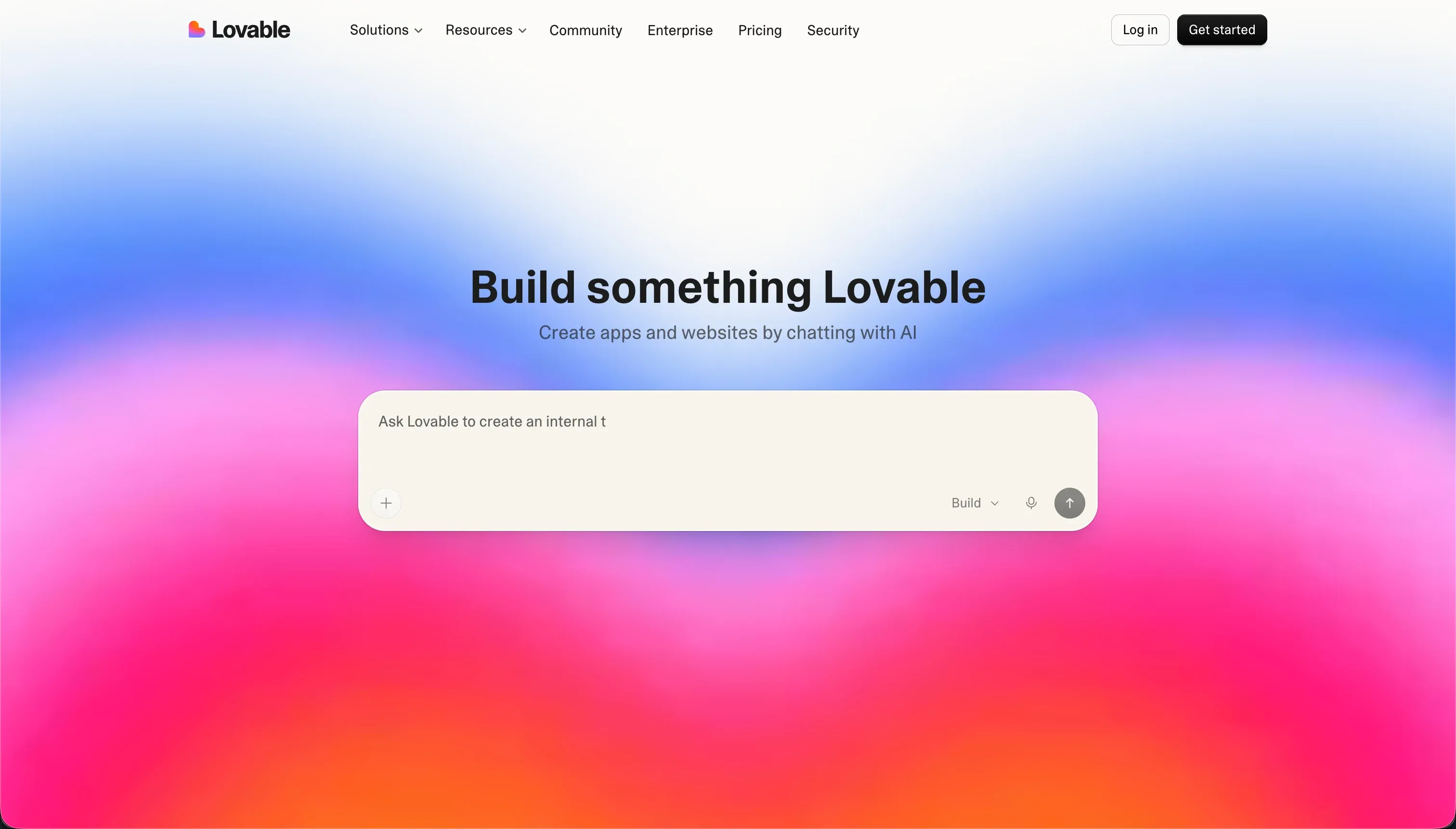
Lovable generates complete full-stack web applications - including the database schema, user authentication, and page routing - from plain-language prompts. Instead of forcing you to configure local environments, Lovable runs the editor in the cloud and syncs directly with GitHub. You can download the React/TypeScript codebase at any time, or continue editing it in Cursor if you decide to write custom code. It is designed to act as an agentic partner that manages the code structure for you.
Pricing: Starts at €25/month for 100 prompts. Paid plans scale up to €2,250/month for enterprise-level iteration volume.
Bolt

Bolt is a browser-native development workspace that runs Node.js containers directly in your browser. You type a prompt, and Bolt scaffolds the entire React frontend and backend database logic. You can install npm packages, execute bash terminal commands, and view a live preview in the same tab. It is a strong alternative to Cursor if you want to experiment with raw code structures without installing a desktop editor or configuring local virtual machines.
Pricing: Free tier includes 1 million monthly tokens. Pro plan starts at $25/month for 10 million tokens, scaling up to $2,000/month for team tiers with high token requirements.
If you’re building internal tools your team needs to maintain
If you are building administrative dashboards, project trackers, or operational tools for your company, managing custom React and database code is overkill. You need a secure visual builder.
Softr
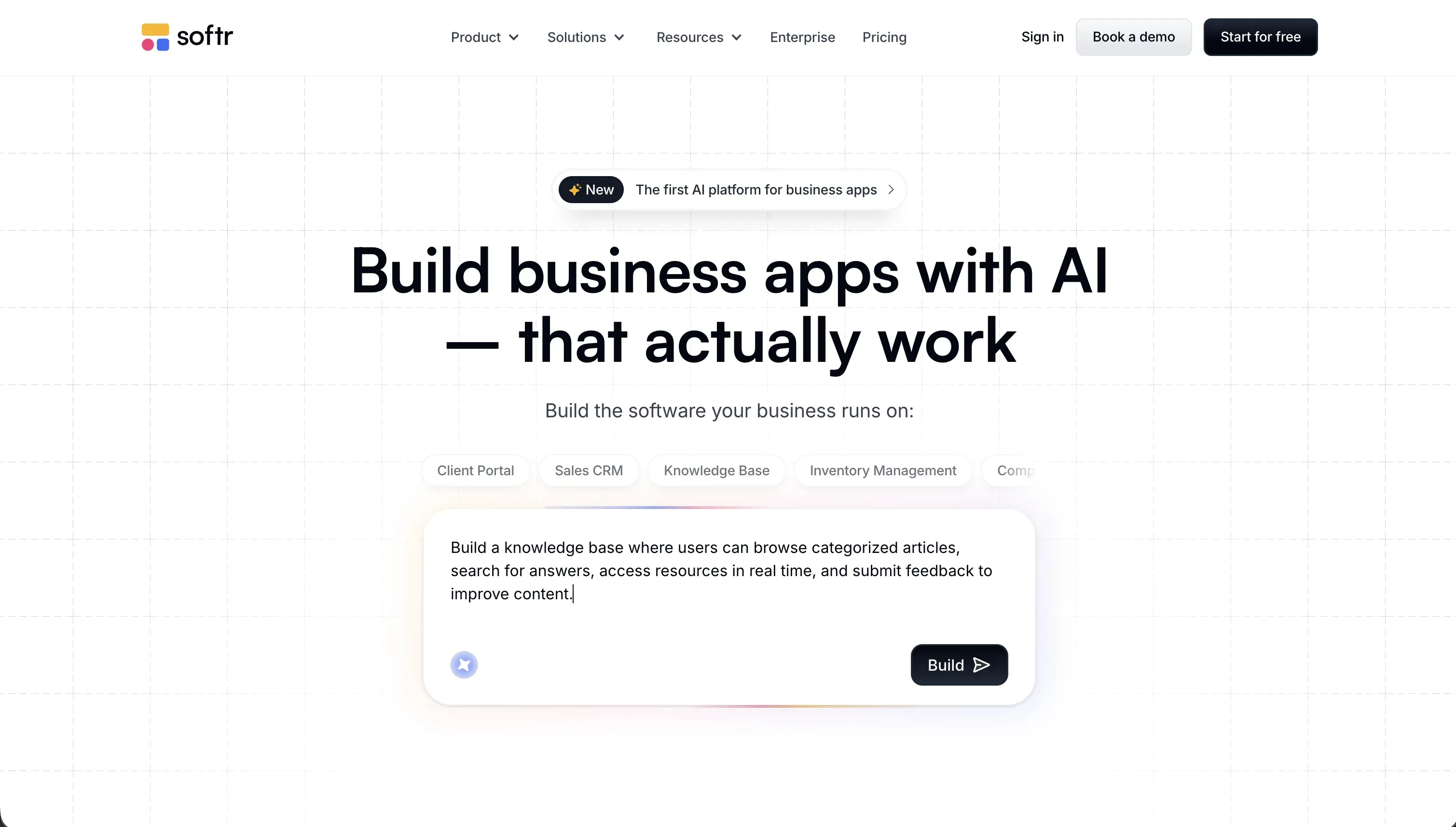
Softr is a no-code builder designed for operational teams. Its AI Co-Builder generates a complete business application - with pages, forms, user access roles, and database tables - in minutes. Because Softr applications are built visually using pre-designed blocks, anyone on your team can update the layout or modify workflows. You do not need to write CSS rules, configure server containers, or worry about code regressions breaking your app.
The advantages of Softr over Cursor for business tools:
- Zero code maintenance: Softr manages all hosting, security patches, and database infrastructure. Non-technical staff can update fields and layouts without developer support.
- Predictable flat-rate plans: Softr plans are flat-rate (Basic at $19/month, Pro at $99/month, Business at $329/month) with unlimited developer seats. You do not have to worry about token quotas or Edge computing fees.
- Visual permissions editor: You can define custom user groups and control exactly which blocks or database records they can view, edit, or delete, ensuring data security.
Softr is used by teams at Netflix, Google, Stripe, and UPS to run secure internal databases, CRM platforms, and operations trackers.
Retool

Retool is a developer platform designed to build internal tools on top of existing databases. If you already have database tables set up, Retool provides a visual editor with over 100 pre-built UI components (like tables and charts) that you can connect to your data using SQL queries and JavaScript. It is faster than building a custom database dashboard in Cursor because the UI components are pre-coded. However, it still requires programming knowledge to configure queries, and its pricing is seat-based ($10/user/month on the Team tier).
If you want AI assistance for frontend components
If you are writing a custom codebase and simply want a fast way to design clean, modern user interfaces without writing CSS from scratch, frontend generators are the best option.
v0

v0 by Vercel is an AI generator optimized for frontend design. You prompt the AI or upload design assets, and v0 generates clean React code using Tailwind CSS styling and shadcn/ui layouts. You can preview the interface in your browser and copy the React code directly into your local project files, eliminating the need to write CSS configurations.
Pricing: Free tier includes $5 of monthly credits (roughly 7 messages per day). Team plan starts at $30/user/month with $30 of included credits and shared team chats.
vibecode

vibecode is a lightweight frontend assistant focused on generating interactive page layouts and component styling. It is designed for founders and designers who want to sketch out web application screens and customize Tailwind colors without the complexity of full-stack developer setups.
Pricing: Paid plans start at $20/month, focusing on visual export options and style configurations.
If you need client portals or external-facing apps with secure logins
Building client-facing apps in Cursor requires you to design, code, and test your own authentication flows, login screens, and row-level database filters. A single security bug can expose sensitive data.
Softr
Softr includes secure user authentication, login pages, and permission roles natively. Gating client access is handled through a point-and-click interface. You can set up client-specific data views (e.g. “only show records where Client matches the logged-in user”) in seconds, ensuring that clients can only view their own projects and invoices.
Typical external use cases built on Softr:
- Client portals: Clients log in to view project tasks, download invoices, and submit feedback.
- Partner networks: Brokers track leads and download co-marketing files.
- Vendor portals: External vendors update delivery schedules and inventory levels.
Softr handles user onboarding, password recovery, and custom domain setup out of the box, letting you launch a secure portal in a weekend without writing custom authentication APIs.
If you want a browser-based developer IDE with collaboration
If you want a developer-first IDE with AI features but prefer to work in a collaborative, cloud-hosted environment rather than a local desktop app, cloud IDEs are the standard choice.
Replit
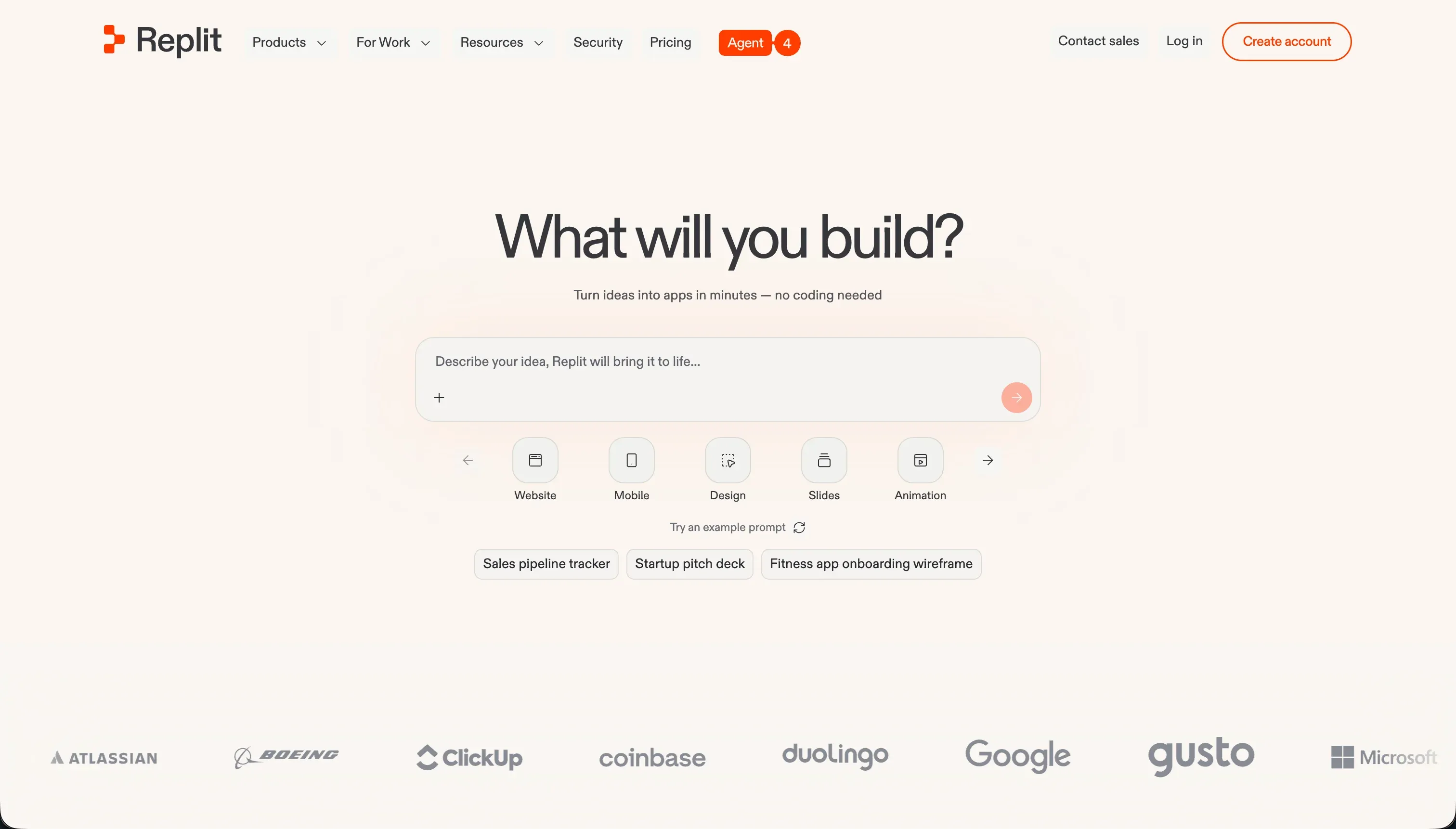
Replit provides a browser-based development workspace supporting over 50 programming languages. It features multiplayer real-time collaboration, allowing multiple developers to edit code, run terminal commands, and review database schemas in the same workspace. It includes Replit Agent for prompt-based app generation, a managed database layer, and one-click cloud hosting.
Pricing: Replit Core starts at $25/month ($20/month billed annually) with $25.00 of included monthly credits. Performance plans scale up to $100/month for heavier compute resources.
Claude Code

Claude Code is a command-line interface (CLI) assistant developed by Anthropic. It runs directly inside your local terminal, scanning your repository to explain code, write tests, refactor files, and commit changes. It is a highly efficient tool for developers who prefer keyboard-driven, terminal-first workflows.
Pricing: Consumption-based, billed directly through your Anthropic developer console API key.

Bottom line
If you are a developer who wants a cloud-hosted workspace with real-time multiplayer editing, use Replit. If you want to generate frontend React layouts to paste into your codebase, use v0. If you want to build and launch secure portals, dashboards, or internal databases without writing or maintaining code, use Softr.
→ Compare Cursor vs Softr in detail - development speed, database hosting, and permissions. → Browse all reviewed tools to find the right builder for your stack.