

Cursor and Same.new both wear the “AI coding tool” label, but they aim at very different jobs. Cursor is an AI-first code editor built on a fork of VS Code, designed to help working developers write and maintain entire applications faster. Same.new, formerly Same.dev, is a narrow frontend utility that clones the look of a website from a URL and hands you React and Tailwind code to tweak.
The people comparing these two are usually developers or technical founders deciding how much of their stack an AI should touch. One side of the question is “I want an AI that lives inside my real codebase and helps me ship.” The other is “I just want to copy a layout fast and worry about the rest later.” Pick wrong and you either reach for a UI cloner when you needed a full engineering tool, or you wrestle a developer IDE when a non-technical platform would have shipped the app in an afternoon.
Meet the Contenders
What is Cursor?
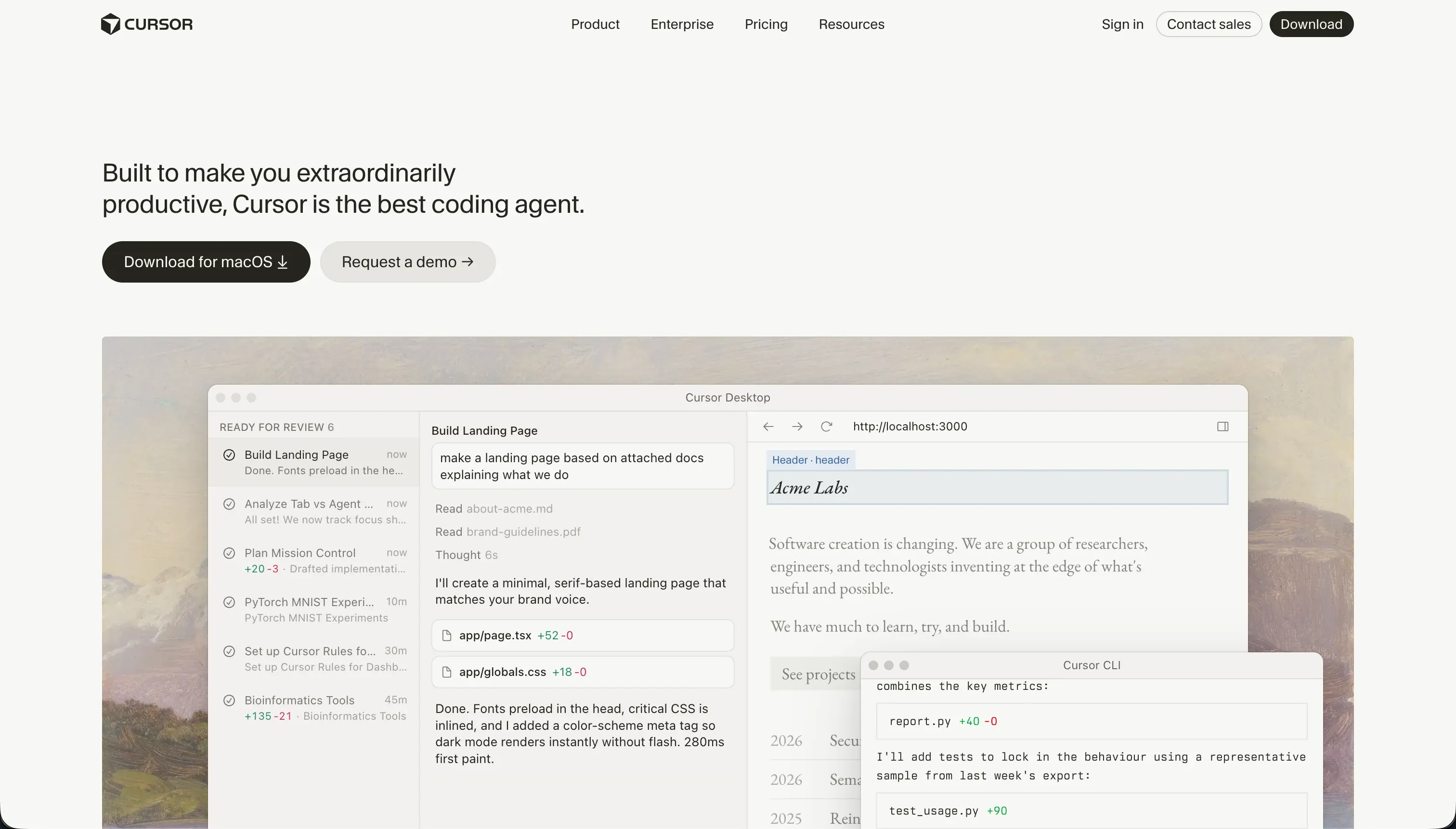
Cursor is an AI-first integrated development environment built specifically for software engineers. Forked from VS Code, it embeds large language models directly in the editor so you can write code inline, refactor methods, and search your codebase in natural language without copy-pasting to an external chat window.
Its defining trait is full-project context. Cursor indexes your entire repository, letting the AI reference files, symbols, types, and class structures through @ mentions, which produces accurate generations on real codebases. Its Composer agent mode goes further, planning and writing edits across multiple files at once: configuring routes, updating controllers, and installing packages. The tradeoff is that Cursor assumes you are a developer. There are no visual panels, no managed databases, and no hosting, so you build, run, and deploy everything yourself.
Cursor is genuinely the gold standard for developer efficiency, especially for engineers who already live in VS Code and want their themes, keybindings, and extensions to carry over. It becomes a poor fit the moment a non-coder tries to use it, or when Composer is handed a task complex enough to send it into a regression loop.
| Spec | Details |
|---|---|
| Primary Stack | AI-first IDE forked from VS Code, editing raw local source files |
| Interface | Code editor with inline AI, semantic search, and Composer agent mode |
| Primary Deployment Target | Any stack you build and host yourself (no turnkey hosting) |
| Key Advantage | Full-codebase indexing and multi-file AI edits inside a real repository |
What is Same.new?
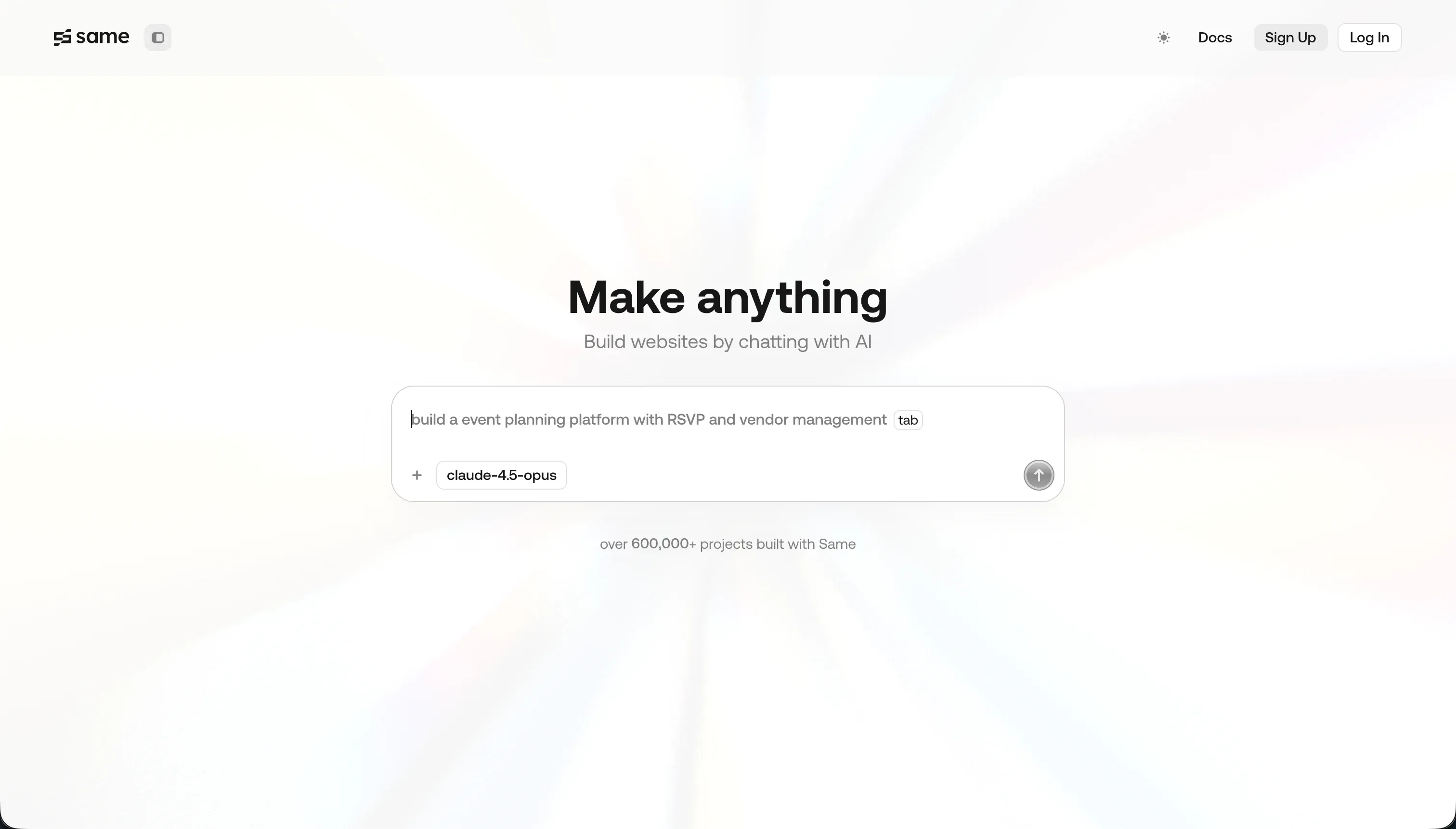
Same.new is a generative frontend utility for cloning and prototyping user interfaces. Paste a live website URL and the AI parses the page’s HTML structure and CSS variables, converting it into a React and Tailwind CSS codebase you can edit through conversational prompts.
In practice, Same.new does one job: replicating the visual design of simple websites into copyable code. You can change colors, realign sections, and fork components by talking to the AI, and you can export the generated React and Tailwind for local development. What it deliberately does not include is the rest of an application. There are no native databases, no APIs, and no user authentication, so any data storage, login flow, or business logic has to be coded and connected by you afterward.
Same.new is useful for designers and developers who want a fast visual draft from an existing reference. It gets risky on anything beyond that: users report that prompts to reorder or add sections can wipe out thousands of lines of working code, the fork feature fails on larger files, and the rebrand from Same.dev to Same.new left some paid projects locked read-only.
| Spec | Details |
|---|---|
| Primary Stack | AI URL cloner that outputs React and Tailwind CSS frontend code |
| Interface | Conversational prompts over a cloned visual layout, with forking |
| Primary Deployment Target | Exported React you host yourself (e.g. Vercel); GitHub sync on Pro |
| Key Advantage | Clones a live website’s layout and styling into editable code in seconds |
The Core Difference
The biggest difference is scope. One tool is built to engineer whole applications, the other to draft a frontend look.
- Cursor is a full developer IDE where AI helps you write, refactor, and maintain real code across an entire repository, assuming you bring the engineering skills.
- Same.new is a single-purpose frontend cloner that turns a URL into React and Tailwind, with no backend, database, or auth, so it can scaffold a look but not build a working app.
Head-to-Head Comparison
We evaluated both tools across six core categories.
1. Scope & What You Can Actually Build
Cursor has effectively no ceiling on what you can build, because you are working in raw source files with a capable AI on top. Developers use it for Next.js dashboards, Python backends, data pipelines, web scrapers, and database APIs. The AI accelerates the work, but the limits are your own engineering skill rather than the tool’s design.
The cost of that range is that nothing comes prebuilt. Cursor gives you no turnkey databases, hosting, or interfaces, so even a simple form means writing backend code, configuring a database, managing libraries, and deploying a server yourself. That is the right tradeoff for engineers and a wall for everyone else.
Same.new is intentionally narrow. It compiles the frontend layout only, which makes it suitable for landing pages, component mockups, and clickable layout prototypes cloned from a reference site. For drafting a look, that focus is genuinely useful.
But because it lacks databases, APIs, and sign-in management, you cannot build a secure multi-user system like a client database, an internal tool, or a portal without coding the backend yourself. Same.new produces the shell of a frontend, not an application, so its scope ends roughly where a real project begins.
Edge: Cursor, decisively, because it can build complete applications while Same.new only generates a frontend layout that still needs a backend bolted on.
2. Code Quality & Ownership
Cursor produces and edits code directly in your repository, so quality tracks the models you use and the review you apply. Because it indexes the whole project and feeds accurate imports and class structures to the AI through @ mentions, its generations tend to fit the existing codebase rather than float in isolation. You own every file outright, in Git, on your machine.
The weak spot is Composer in agent mode. On complex multi-file operations it can get stuck in regression loops, break Tailwind configs, or create dependency conflicts, writing buggy code that needs developer-level debugging. The saving grace is that you work in version control you fully own, so a bad run is recoverable with a revert.
Same.new outputs standard React and Tailwind CSS that you can copy and run locally, which is clean enough for a visual draft. For replicating the styling of a simple landing page, the generated code is a reasonable starting point.
The reliability problems are serious, though. Paid users report that asking the AI to reorder a section can delete thousands of lines of working code, with one Trustpilot reviewer losing 1500+ lines on a single reorder. It also struggles to replicate complex interactive state and nested grids, often needing extensive manual cleanup. Ownership exists on paper, but the platform’s destructive edits and a rebrand that locked some projects read-only undercut the confidence you can place in it.
Edge: Cursor, because both output usable code, but Cursor pairs it with full Git ownership and recoverability while Same.new is prone to destructive, hard-to-undo edits.
3. Reliability & Stability
Cursor’s stability issues are mostly about resource use and the agent. Running semantic indexing on large repositories runs hot, consuming significant CPU and memory and causing editor lag or crashes on standard laptops. Users also report that updates have broken extensions and terminals, with some wishing they could opt out of automatic updates.
Even with those gripes, the failure mode is usually a slow or buggy session rather than lost work, because your files live in version control. You can revert, reinstall an extension, or pin a workflow around the indexing load. The instability is annoying but rarely destructive.
Same.new’s reliability problems strike at the work itself. Beyond the destructive code loss already noted, the transition from Same.dev to Same.new locked active paid projects to read-only and, in some cases, broke existing sites entirely. For anyone who had paid for and shipped something, that is an operational risk, not a minor bug.
The fork and duplicate features also fail frequently on larger files, which removes one of the main ways users tried to protect against destructive edits. When the safety mechanism is itself unreliable, the tool becomes hard to trust for anything you cannot afford to lose.
Edge: Cursor, because its instability shows up as lag and broken extensions you can work around, while Same.new’s failures have wiped out code and locked paid projects.
4. Pricing & Value
Same.new is cheaper to enter. Its Pro plan is $10/month with 2 million tokens included, and additional tokens run $5 per million. For someone who just wants to clone a few layouts, that is a low-commitment price.
The complication is the token model. Same.new historically ran pure pay-as-you-go and only added fixed tiers after users complained about unpredictable burn, and crucially, fixing AI-introduced design bugs consumes more tokens. So a tool that breaks your layout also charges you to repair it, which quietly inflates the real cost.
Cursor costs more but covers far more ground. Pro is $20/month for 500 fast queries, with Pro+ at $60/month for roughly 3x the limits and Ultra at $200/month for 20x. Teams pricing is $40 per user per month with centralized administration. For that money you get a tool that can build and maintain entire applications, not just clone a frontend.
Cursor’s pricing gotcha is the fast-query ceiling. Heavy builders report hitting the limit within two weeks, after which queries fall to a slow queue that can take 2 to 3 minutes per prompt, which makes Composer painful until the next cycle. Both tools meter AI usage in ways that can frustrate power users, so the question is what you get per dollar.
Edge: Same.new on raw entry price, but Cursor on value, because $20 of Cursor builds real software while $10 of Same.new only clones a layout you still have to finish.
5. Backend, Data & Auth
Cursor does not hand you a backend, but it lets you build any backend you want. You can write database controllers, set up Row-Level Security tables, code an auth system like NextAuth, and connect any data source, all in real code. There are no built-in limits on architecture because you are programming it yourself.
That power is also the burden. Nothing is turnkey, so every database connection, login flow, and deployment is manual work that demands software architecture skills. For a developer that is acceptable, for anyone else it is a project’s worth of effort before the app even runs.
Same.new has essentially no backend story. It compiles frontend layouts and explicitly lacks databases, server-side APIs, and user authentication. If you want a form to save entries securely, you write the API endpoints and connect a database like PostgreSQL yourself, entirely outside Same.new.
This is the clearest limit of the tool. A cloned layout with no data layer cannot become a client portal, an internal tool, or any multi-user system without substantial separate engineering. Same.new simply was not built to handle data, permissions, or logins, so it leaves the hardest 80% of an application untouched.
Edge: Cursor, because it can build any backend in code, while Same.new offers no database, API, or auth at all and leaves that entire layer to you.
6. Who Can Use It (Skill Requirements)
Cursor demands real engineering ability. There are no visual abstractions, you edit raw source files, and you must understand project structure, run builds, manage packages, and debug errors. For a developer that is exactly the point, and the VS Code lineage means an easy transition with familiar settings and extensions.
For a non-coder, though, Cursor is a non-starter. Without the ability to read and fix code, the Composer regression loops and manual host-and-database assembly turn the tool into a source of problems rather than a way to ship. It rewards expertise and punishes the lack of it.
Same.new lowers the bar for the cloning step itself: anyone can paste a URL and get a layout. The conversational prompting feels approachable, and the initial result can look impressive for a marketing page or component draft.
The approachability is shallow, though. The instant you need data, logins, or logic, Same.new pushes you back to writing backend code, which most of its visual-first users cannot do. So it feels easy until it abruptly demands developer skills, which is arguably worse than Cursor being honestly hard from the start.
Edge: Cursor for developers who want depth, Same.new for the first five minutes of a frontend draft, but both lock out non-technical builders the moment real software is required.

Pricing Comparison
Cursor:
- Hobby - $0, 50 fast queries, VS Code extension support, standard autocomplete, no Composer
- Pro - $20/mo, 500 fast queries/month, unlimited slow queries, Composer agent mode, advanced model options
- Pro+ - $60/mo, roughly 3x limits (about 1500 fast queries)
- Ultra - $200/mo, roughly 20x limits (about 10,000 fast queries)
- Business/Teams - $40/user/mo, similar to Pro with centralized administration, privacy mode, and SSO options
Same.new:
- Free - $0, limited tokens for basic UI testing and cloning, URL page replication
- Pro - $10/mo, 2 million tokens included, GitHub integration, custom domain hosting; additional tokens at $5 per million
- Fixed Tiers - tiered pricing based on token quotas, added for more predictable billing after pay-as-you-go complaints
Use Case Fit: When to use which?
When to choose Cursor
- Choose Cursor when you can code and want an AI IDE that lives inside a real repository to write, refactor, and maintain full-stack applications.
- Choose Cursor when you already work in VS Code and want your extensions, themes, and keybindings to carry over with one-click import.
- Choose Cursor when you are working on a large codebase and want full-project indexing plus multi-file Composer edits to speed up serious engineering.
When to choose Same.new
- Choose Same.new when you want to clone the visual layout of an existing website from a URL into editable React and Tailwind in seconds.
- Choose Same.new when you need a quick frontend mockup, landing-page draft, or component prototype and accept that you will build the backend elsewhere.
- Choose Same.new when your budget is tight, the work is purely visual, and you can tolerate the risk of destructive AI edits on anything you have not backed up.
When neither Cursor nor Same.new is the right fit
For non-technical teams building business apps
If you are an operator or founder who wants a working internal tool, CRM, or client portal without writing or maintaining code, neither tool fits. Cursor needs full engineering skills, and Same.new only clones a frontend with no database, auth, or permissions behind it.
This is where Softr is the natural fit. Its AI Co-Builder generates a complete app from a prompt, including Softr Databases, pages, navigation, and user groups, and every app ships with authentication, granular permissions, and hosting from day one. Because AI is the fast path rather than the only path, you can switch to visual editing for precision instead of re-prompting, which keeps the app maintainable as it grows. For teams that would rather buy infrastructure than build it, Retool is another sensible option, leaning more technical for internal tools backed by your own databases and APIs.
For native mobile apps
Neither Cursor nor Same.new is aimed at shipping native iOS and Android apps to the App Store and Google Play. Cursor can technically code React Native or Flutter, but it leaves all the setup and build pipeline to you, and Same.new only handles web frontend layouts.
For that job, look at FlutterFlow, which is built for native-app flexibility with a clearer path to real app-store output, or Adalo if you want a simpler, more beginner-friendly native-mobile builder.
For a guided path into real coding
If you want to build a real app but are not yet a confident developer, jumping straight into Cursor’s raw-file IDE or stitching a backend behind a Same.new clone is a steep ask. You want an environment that handles more of the plumbing.
In that case, look at Replit, a browser-based coding environment with deployment and runtime tooling built in, or Bolt if you want an AI builder that scaffolds a full-stack app from a prompt while still giving you real code to grow into.

Verdict
Pick Cursor if you can code and want an AI editor that operates on your real codebase. It can build and maintain entire full-stack applications, it indexes whole repositories for accurate generations, and it keeps everything in Git so even a runaway Composer session is recoverable. The tradeoffs are real: it runs hot on large repos, updates can break extensions, and fast queries can run out mid-sprint, but none of that changes the fact that it is a genuine engineering tool.
Pick Same.new only for a narrow job: cloning a website’s look into React and Tailwind for a quick frontend draft. It is cheap to start and fast for that one task, but it has no database, no auth, and no backend, and its AI has a documented habit of deleting working code on simple edits. Treat its output as a disposable starting point, not the foundation of anything you cannot afford to lose.
For most people typing this comparison into a search bar, Cursor is the stronger answer, because Same.new cannot build a working application on its own. The honest caveat is that both are developer tools. If you are non-technical and want a production-ready business app without code, Softr is the better destination, with Replit as the path for those willing to grow into coding over time.

Summary Comparison Table
| Criterion | Cursor | Same.new |
|---|---|---|
| Best for | Developers engineering full applications | Quick frontend mockups cloned from a URL |
| What it builds | Any stack you can code, frontend and backend | Frontend React and Tailwind layouts only |
| Backend, data, auth | None built in, you code it all yourself | None at all, must be coded separately |
| Code ownership | Full local files in Git, owned outright | Exportable React, GitHub sync on Pro |
| Reliability risk | Composer loops, indexing lag, broken updates | Destructive code loss, projects locked in rebrand |
| Entry pricing | $0 Hobby, $20/mo Pro | $0 Free, $10/mo Pro |
| Skill required | High, full software engineering | Low to clone, high once data is needed |