

Replit and Same.new both sit in the AI app builder conversation, but they solve very different problems. Replit is a browser-based developer environment with AI scaffolding, while Same.new is a frontend cloning and prompt-editing tool for React UI prototypes. One tries to be a full coding workspace. The other tries to make visual imitation and quick frontend drafting absurdly fast.
The people comparing these two are usually founders, indie hackers, designers, or product teams who want speed without getting trapped in the wrong workflow. What is really at stake is not just first-hour output, but whether you are buying a usable development environment or a clever UI demo machine. Replit costs more and asks more of you technically, but it can carry real projects further. Same.new is cheaper and lighter, but the lock-in risk is not code lock-in so much as getting stuck with brittle generated UI that still needs a developer to rescue it.
Meet the Contenders
What is Replit?
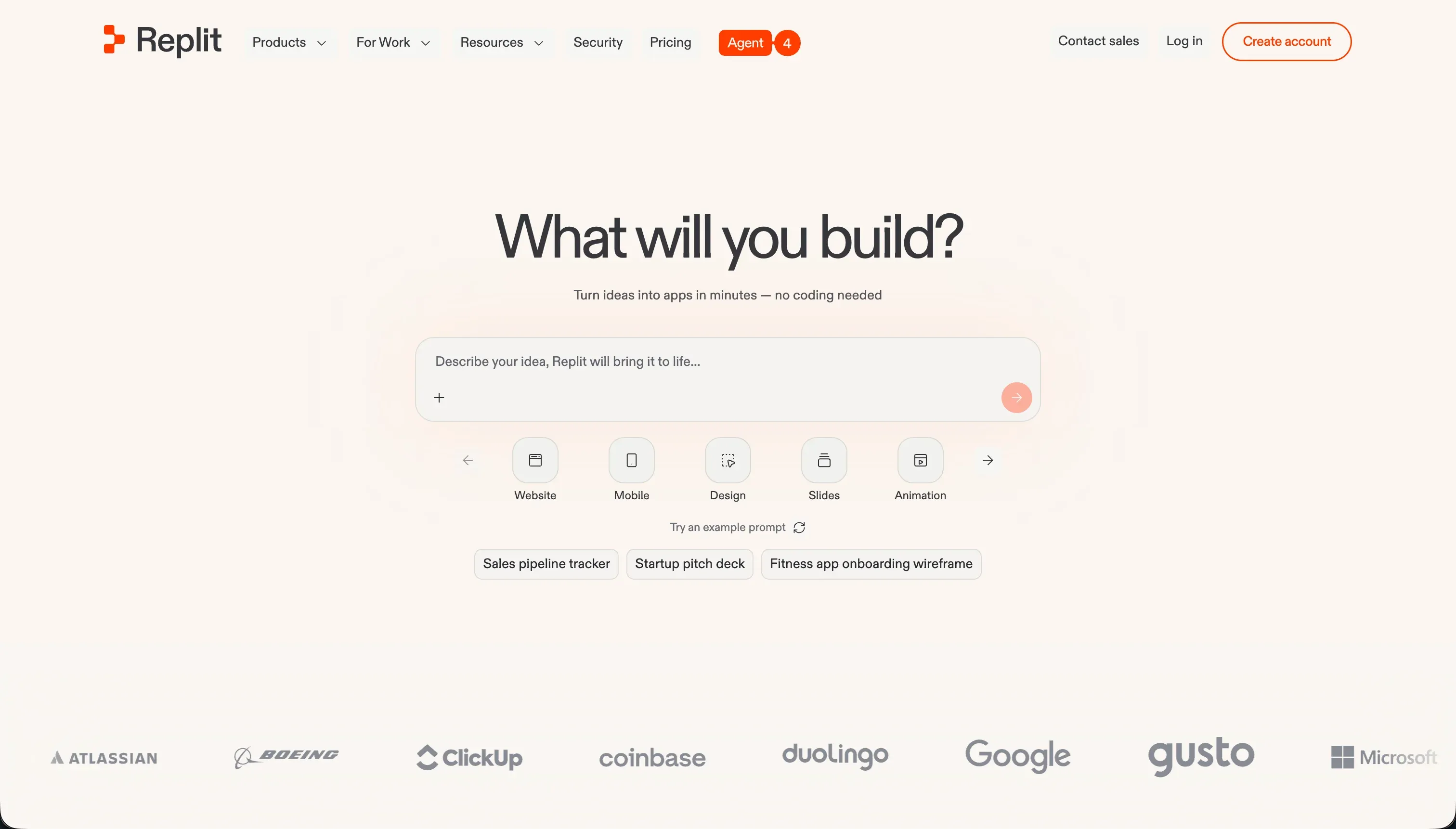
Replit is a cloud development environment that combines a browser IDE, hosting, managed databases, and an AI agent that can scaffold applications from natural language. It is much closer to a real developer workstation than a pure prompt-to-app toy.
In practice, Replit gives you a full terminal, package managers, live previews, managed SQL databases, multiplayer collaboration, and one-click deployment. Its Replit Agent can generate file structures, write code, install dependencies, and run self-correction loops, while Ghostwriter adds autocomplete, explanations, refactoring help, and inline debugging.
It is genuinely built for technical founders, developers, and curious builders who want to move fast without setting up a local machine first. It gets frustrating for non-technical users and budget-sensitive teams because the output is still real code, infrastructure still needs maintenance, and user reports repeatedly complain about credit burn, bug-fix loops, and bills that become hard to predict.
| Spec | Details |
|---|---|
| Primary Stack | Browser IDE for 50+ languages with AI code generation, managed databases, and hosted deployment |
| Interface | Cloud coding workspace with terminal, live preview, visual editor, and Replit Agent chat |
| Primary Deployment Target | Hosted web apps on Replit infrastructure with autoscaling and custom domains |
| Key Advantage | A real in-browser dev environment, not just a prompt box for UI mockups |
What is Same.new?
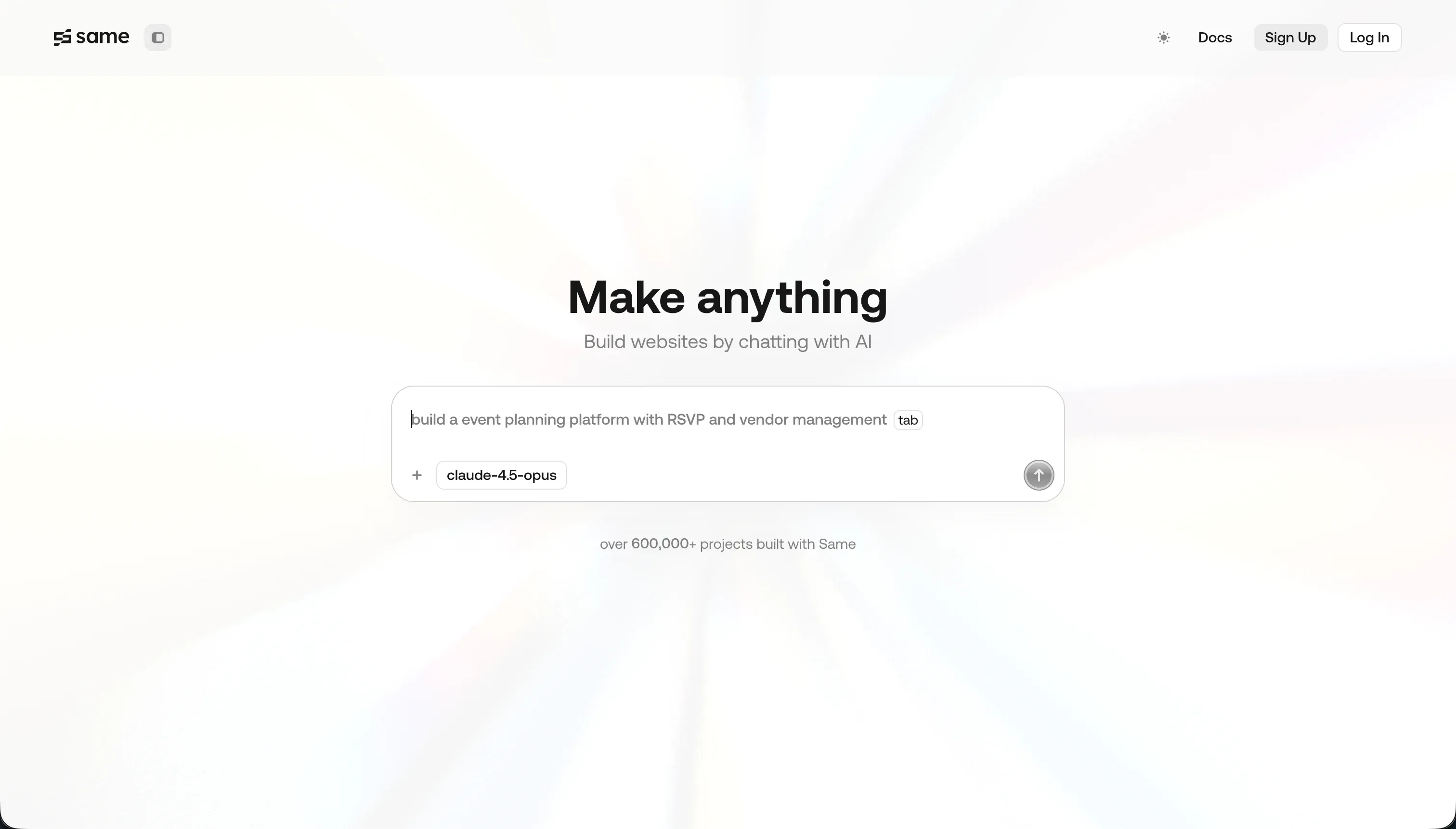
Same.new is a frontend prototyping and website-cloning tool that turns a live URL into a React-based interface you can edit with prompts. It is narrowly focused on replicating visual design rather than building full-stack software.
In practice, you paste in a website URL, let the tool clone layout, typography, and styling, then keep iterating through conversational prompts. It supports forking, code export, and React plus Tailwind output, which makes it useful for rough UI scaffolding or visual experiments.
It is genuinely built for designers, frontend tinkerers, and developers who want to copy a layout or mock up a landing page fast. It becomes frustrating when people expect production-grade reliability, because reviews repeatedly mention destructive updates, broken forks, lost projects after the Same.dev to Same.new transition, and weak handling of complex interactive layouts.
| Spec | Details |
|---|---|
| Primary Stack | AI-generated React and Tailwind frontend code from cloned website designs |
| Interface | URL-based UI cloning plus conversational prompt editing |
| Primary Deployment Target | Frontend prototype output for export to local development environments |
| Key Advantage | Fast visual cloning of simple websites at a very low entry price |
The Core Difference
The biggest difference is scope. Replit is trying to replace part of your development environment, while Same.new is trying to accelerate the visual starting point for a frontend.
- Replit runs like a true browser IDE with AI scaffolding layered on top, so you can code, debug, deploy, and manage infrastructure in one place.
- Same.new runs like a visual cloning tool that generates frontend React code from URLs and prompt edits, but has little answer for backend, data, or production architecture.

Head-to-Head Comparison
We evaluated both platforms across four core categories.
1. Developer Experience & Iteration Speed
Replit is heavier, but in a useful way. You get an actual coding workspace with terminal access, package management, live previews, and multiplayer editing, which means iteration happens inside a real dev loop rather than through a thin prompt layer.
The downside is that iteration can get expensive and annoying once the AI agent starts chasing its own tail. User reports describe infinite fix loops, false claims that bugs were solved, and credit burn during repeated retries, which makes the experience feel powerful when it works and maddening when it does not.
Same.new is faster in the first few minutes if your goal is just visual imitation. Paste a URL, get a cloned layout, then prompt changes to colors, alignment, and sections without booting a project locally.
That speed falls apart once the design gets more complex or you start making structural edits. Reviews mention a simple section reorder destroying 1,500 plus lines of working code, which tells you the iteration model is fast only while the project stays shallow.
Edge: Replit, because it gives you a slower but far more complete iteration loop that can survive beyond surface-level UI edits.
2. Code Quality & Portability
Replit works with real code in a normal-looking workspace, and that matters if a developer may need to take over. You are not boxed into a visual-only canvas, and the tool supports dozens of languages rather than just one frontend output path.
But portability is not perfect. You are still building inside Replit’s hosted environment, and community complaints point to deployment mismatches, VM instability, and a workflow that can keep you dependent on Replit’s infra even though the code itself is real.
Same.new does at least have a clear export story for what it generates: React and Tailwind code you can download and move into a local workflow. For frontend-only experiments, that is appealing and arguably cleaner than many closed AI site builders.
The problem is trust in the generated codebase itself. If prompting can wipe out major chunks of the project or if the fork feature fails on larger files, exportability matters less because you may be exporting something brittle that still needs manual cleanup.
Edge: Replit, because both produce code you can work with, but Replit is closer to a normal engineering workflow and not just a frontend export button.
3. Database & Backend Capabilities
Replit clearly wins on backend scope. It includes managed SQL databases such as PostgreSQL, backup and restoration tooling, migrations, environment secret handling, and the ability to build full-stack apps from the same workspace.
That does not mean the backend story is painless. You still need technical judgment to manage schemas, auth flows, scaling concerns, and deployment quirks, and some user complaints specifically mention database checkpoint charges and costly migrations generating billing surprises.
Same.new basically does not compete here. Its product is centered on cloned frontend interfaces, React output, and prompt-driven visual changes rather than native auth, backend logic, or a serious data layer.
If your project needs user accounts, workflows, record permissions, or even a reasonably durable database model, Same.new leaves that problem for later. That is fine for a UI draft, but it makes the tool a poor fit for anything pretending to be a full app builder.
Edge: Replit, because Same.new is mostly frontend scaffolding and has no meaningful backend answer.
4. Hosting & Deployment Options
Replit is strong here on paper. It offers instant deployment, autoscaling, custom domains, live previews, and hosted infrastructure from the same environment where you write and test the app.
The catch is reliability confidence. Reviews and forum complaints mention production mismatches, latency, VM connection drops, and cases where the agent did not catch deployment issues before go-live, so deployment is easy to trigger but not always easy to trust.
Same.new is not really a deployment platform in the same sense. Its more relevant promise is code export to a local environment, so hosting is something you are expected to handle elsewhere after the design phase.
That makes it lighter, but also less complete. If you want the whole path from draft to live app in one product, Same.new is missing a major part of the stack and effectively hands deployment off to another tool or a developer.
Edge: Replit, because it at least offers a genuine hosted runtime and deployment workflow, even if that workflow has rough edges.
5. AI Quality & Reliability
Replit’s AI agent is ambitious. It can scaffold applications, write documentation, install dependencies, run tests, and attempt self-correction loops, which makes it much more capable than a simple prompt-based page editor.
Unfortunately, ambition is also where many of the public complaints land. Users describe circular bug-fixing, agent hallucinations about completed work, ignored stack instructions like choosing Firebase but getting Postgres instead, and credit-heavy retries that feel like paying for the model’s mistakes.
Same.new’s AI has a narrower job, which helps at the start. Cloning a simple website and making visual edits through prompts is a constrained problem, so the tool can look impressive quickly.
But its public reliability story is weak in a different way. Trustpilot complaints point to destructive updates, broken forks, and projects becoming inaccessible during the Same.dev to Same.new transition, which suggests the AI may be easier to aim but not necessarily safer to trust with ongoing work.
Edge: Replit, because the AI is more capable overall, even though both tools have documented reliability issues once you push them past the happy path.
6. Learning Curve & Onboarding
Replit is easier than traditional local development because there is no machine setup and you can start in the browser across 50 plus languages. For learners and technical founders, that makes onboarding unusually friendly for a real coding environment.
Still, it is a developer tool at heart. The moment you touch secrets, dependencies, migrations, or deployment debugging, the learning curve becomes very real, and non-technical users usually discover that prompts did not actually remove the need to think like a developer.
Same.new is easier to understand immediately because the mental model is obvious: clone this site, then tweak the UI with prompts. The $10 per month Pro plan also lowers the barrier compared with tools that start at much higher monthly pricing.
But that simplicity can be misleading. Same.new is easy only while you stay inside visual cloning territory, and once layouts become interactive or prompt edits break the codebase, you still need frontend knowledge to recover the project or continue outside the tool.
Edge: Same.new, because for pure first-day onboarding it is simpler and cheaper to grasp than a full browser IDE.

Pricing Comparison
Replit:
- Starter - $0 with daily dynamic Agent credits, built-in database, and publishing for up to 1 public project
- Replit Core - $20/mo billed annually or $25/mo billed monthly with $25.00 monthly credits, up to 5 collaborators, 2 parallel agents, and unlimited workspaces
- Replit Pro - $95/mo billed annually or $100/mo billed monthly with $100.00 monthly credits, up to 15 collaborators, 50 viewers, 10 parallel agents, and 28-day database rollbacks
- Enterprise - Custom pricing with custom seat limits, SSO/SAML, advanced privacy, single-tenant setup, and VPC peering
- Replit Pro add-on credit tiers - $250.00 credits for $225/mo, $500.00 for $440/mo, $1,000.00 for $850/mo, and $2,500.00 for $2,050/mo when billed annually
Same.new:
- Free - $0 with limited tokens for basic UI testing and cloning
- Pro - $10/mo with 2 million tokens included, then $10 per 2 million additional tokens or $5 per million
- Fixed tiers - Tiered plans based on token quotas for more predictable billing
Use Case Fit: When to use which?
When to choose Replit
- Choose Replit when you want a genuine in-browser development environment with terminal access, databases, deployment, and AI scaffolding in one place.
- Choose Replit when a developer will stay involved and can handle debugging, schema changes, deployment issues, and the maintenance burden of real code.
- Choose Replit when your project needs more than frontend mockups, such as full-stack logic, collaboration, or hosted apps that actually run.
When to choose Same.new
- Choose Same.new when your main job is cloning or remixing a website UI quickly rather than building a complete application.
- Choose Same.new when you want cheap React and Tailwind frontend scaffolding at $10 per month and plan to move the result into another workflow later.
- Choose Same.new when you are a designer or frontend developer validating visual directions and can tolerate fragile prompt-driven edits.
When neither Replit nor Same.new is the right fit
For internal tools and client portals
Neither Replit nor Same.new is the pragmatic answer if you are trying to build a CRM, partner dashboard, employee portal, or client-facing operations app. Replit gives you code and infra to manage, while Same.new barely addresses auth, permissions, workflows, or data architecture at all.
That is where Softr fits better. It starts with Softr Databases as the native foundation, then layers on user groups, row-level permissions, authentication, workflows, hosting, and AI Co-Builder assistance without forcing you to maintain generated code. For business software used by real employees, clients, or vendors, that day-two maintainability gap matters more than either tool’s flashy first pass.
For native mobile apps
Neither tool is the cleanest route to app-store-ready mobile products. Replit can help you build mobile apps from prompts and prepare configurations, but it is still a developer-centric environment rather than a true mobile-first builder. Same.new is even less suitable because it is fundamentally about cloned web UI, not native mobile flows.
If native iOS and Android shipping are the brief, start with FlutterFlow or Adalo. FlutterFlow is the stronger choice for serious app-store distribution and mobile-first product work, while Adalo is easier for simpler mobile apps when you want less engineering overhead.
For professional local coding workflows
If you already live in a serious local development setup, both tools can feel off-center. Replit is a capable browser IDE, but many experienced developers still prefer local repos, tighter Git control, and deeper editor customization. Same.new is not even trying to be a full coding environment.
That is where Cursor becomes the more natural fit. Cursor gives you AI help inside a real desktop coding workflow, which usually beats both a hosted browser IDE and a fragile frontend cloning tool if your team already knows how to ship production code.

Verdict
Pick Replit if you want an actual development environment in the browser and you are comfortable accepting the cost and complexity that come with that. The tradeoff is obvious: you get terminals, databases, deployment, collaboration, and a much broader product surface, but you also inherit real engineering work, unpredictable credit usage, and the risk of AI bug loops that waste both time and money.
Pick Same.new if your real problem is not application architecture but visual imitation. It is the better fit for designers, frontend experimenters, and cheap landing-page cloning, and its $10 Pro plan makes it much easier to justify for lightweight use. The tradeoff is that you are buying a narrower tool with weaker reliability, weaker project continuity, and very little support for the backend or operational side of software.
The bigger lesson is that neither tool answers the day-two problem for business apps especially well. Replit gives you code ownership, but that also means code maintenance. Same.new gives you fast frontend drafts, but not a credible path to durable operations software. If the project is an internal tool, client portal, CRM, or partner app that needs to keep working for real users, Softr usually ages better because AI speeds up creation without becoming the only way to edit, secure, and maintain the system.

Summary Comparison Table
| Criterion | Replit | Same.new |
|---|---|---|
| Best for | Full-stack browser coding and AI scaffolding | Frontend cloning and quick UI prototypes |
| Build paradigm | Real IDE plus AI agent | URL cloning plus prompt editing |
| Output type | Runnable code projects with hosting | React and Tailwind frontend code |
| Database | Managed SQL databases with backups and migrations | No meaningful native backend layer |
| Pricing metric | Subscription plus effort-priced credits | Low monthly fee plus token quotas |
| Maintenance burden | High, because you own real code and infra choices | Medium to high, because fragile UI output still needs rescue |
| Code export | Real code workspace, but still tied to hosted environment | Direct React and Tailwind export |