

Same.dev and Mocha both promise to turn an idea into working software fast, but they are not really the same kind of tool. Same.dev (now Same.new) is a frontend cloning and prototyping utility that copies a website’s layout from a URL into editable React and Tailwind code. Mocha is an AI app builder that scaffolds a small full-stack app, frontend, SQLite database, and Google login, from a text prompt. One gives you a visual shell, the other gives you a basic working app.
The people weighing these two are usually solo founders, indie hackers, and developers who want to skip boilerplate and get to a demo quickly. What is at stake is more than launch speed. It is whether the tool will still be around, whether prompted edits will quietly destroy your work, and whether you end up owning a pile of generated code you now have to maintain. That last point matters most with Mocha, because the platform is shutting down on August 1, 2026, which reframes this entire comparison before you even start.
Meet the Contenders
What is Same.dev?
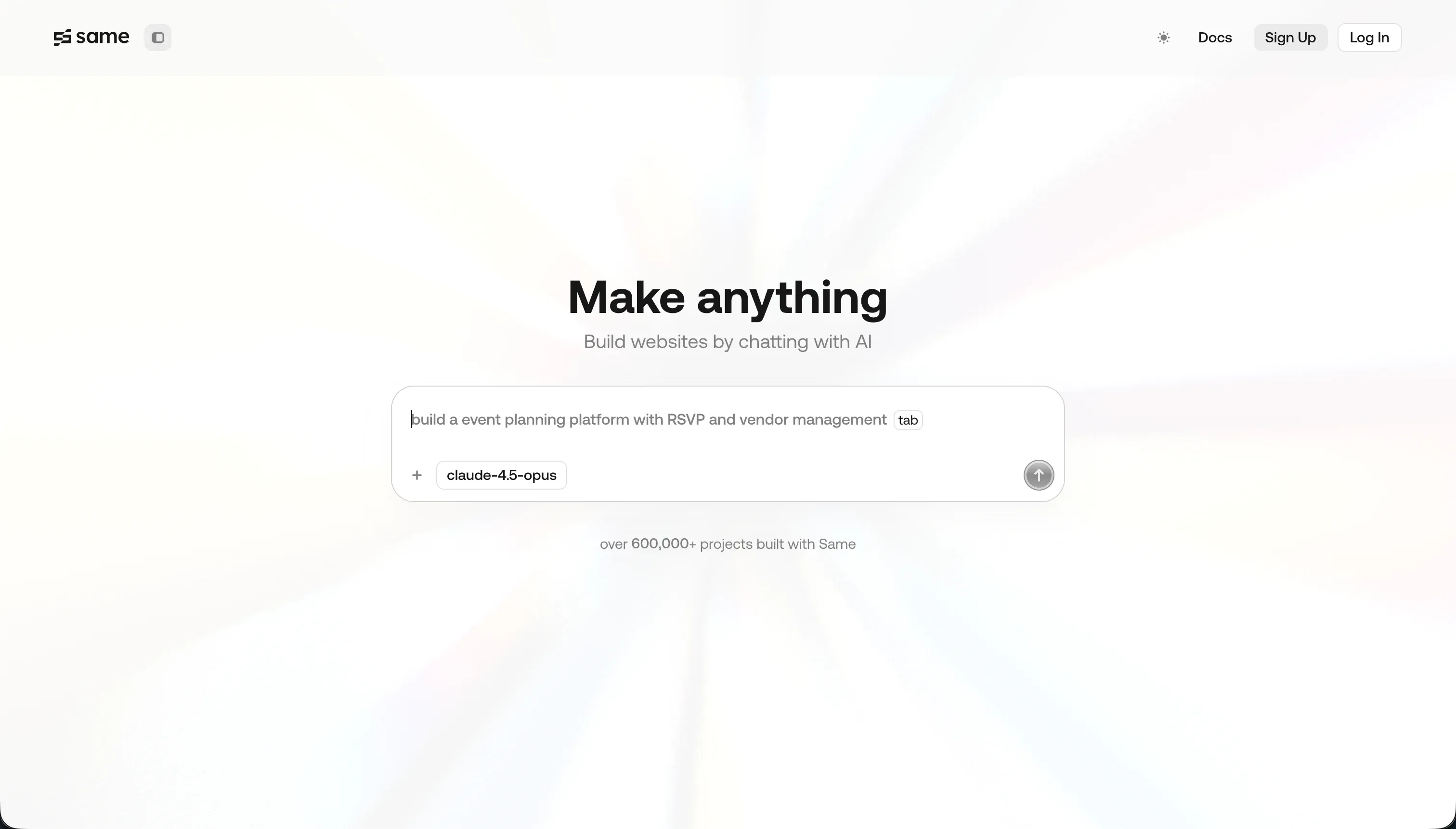
Same.new, formerly Same.dev, is an AI frontend tool that clones the visual design of a website from its URL. Paste a link and its agent parses the page’s HTML structure and CSS, then regenerates the layout, colors, and typography as a React and Tailwind CSS project you can keep editing.
In practice, Same.dev is built around two moves: cloning and conversational editing. You point it at a reference site to scaffold a layout, then change colors, re-align sections, or add components by talking to the AI assistant. You can fork components or whole drafts to branch design versions, and you can export the generated React and Tailwind source to keep working locally. It is deliberately narrow: there are no databases, no APIs, and no authentication built in.
Same.dev genuinely fits frontend developers and designers who want a fast way to replicate a layout or scaffold a visual prototype and then take the code into their own stack. It frustrates anyone expecting a full app. Trustpilot reviewers report that a simple section reorder destroyed 1500+ lines of working code, and the rebrand from Same.dev to Same.new left some paid projects read-only or broken. If you need anything saved, logged in, or secured, this is the wrong tool.
| Spec | Details |
|---|---|
| Primary Stack | Frontend-only React and Tailwind CSS generated from a cloned URL |
| Interface | URL-to-UI cloning plus a conversational AI editor |
| Primary Deployment Target | Exportable React code you host yourself (e.g. Vercel) |
| Key Advantage | Fast visual cloning of a site’s layout into editable frontend code |
What is Mocha?
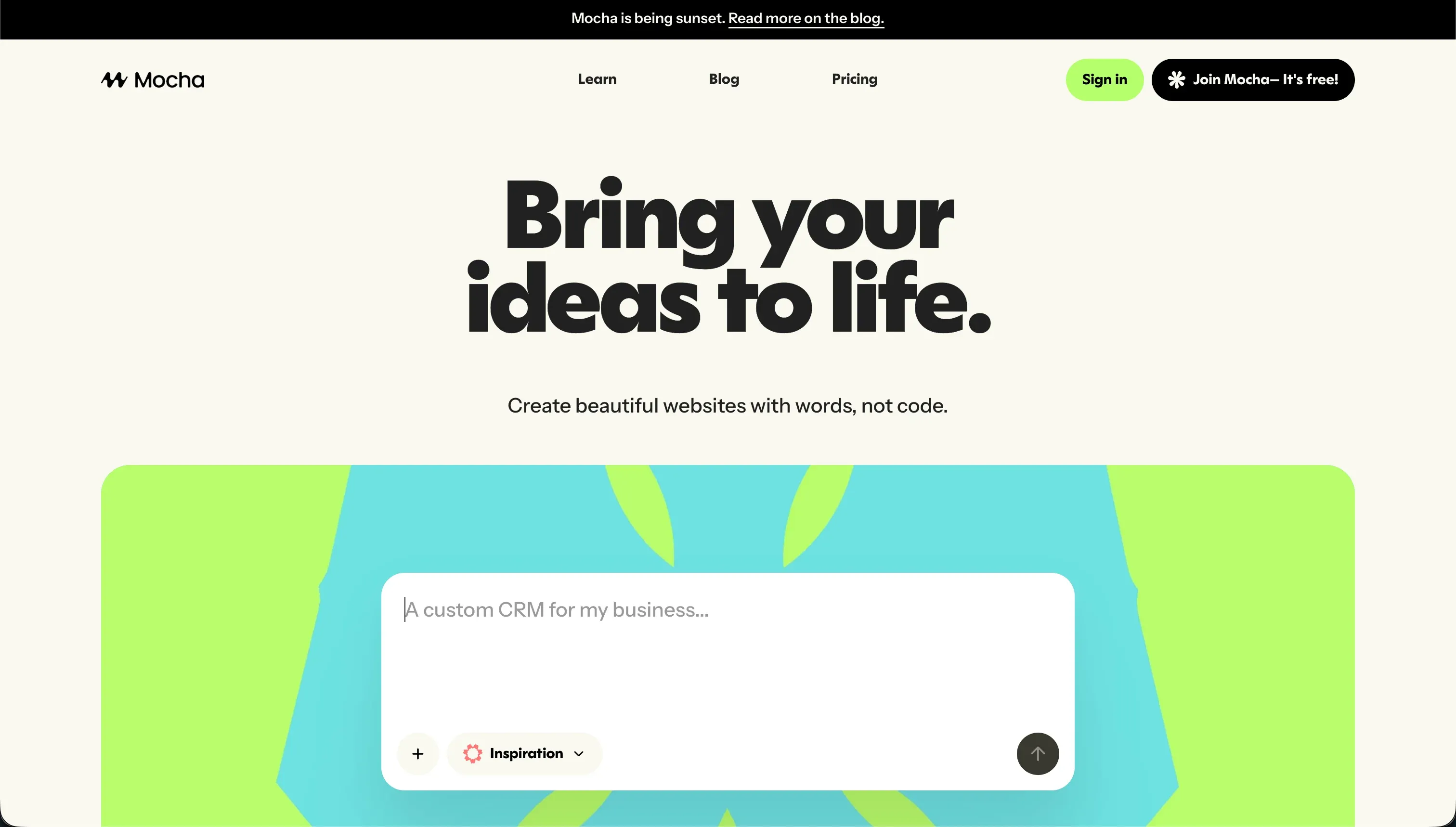
Mocha, formerly Srcbook, is an AI app builder that generates a small full-stack web app from a text prompt. It packages a SQLite database, Google sign-in authentication, and Node.js hosting into one prompt window, so describing what you want produces a frontend, database tables, and server routes together. Note up front that Mocha announced on May 15, 2026 that it is shutting down permanently on August 1, 2026.
In practice, Mocha leans on three things: prompt-to-app generation, a pre-configured backend, and automated bug fixing. The database and Google login work with zero setup, and the AI tries to detect and resolve compile or runtime errors during iteration. You can publish to a Mocha-hosted domain (custom domains on paid tiers) and export the full React and backend codebase, which avoids lock-in and is now the recommended exit before the shutdown.
Mocha was aimed at creators and startup founders building basic MVPs and SaaS concepts. The recurring frustrations are real: the auto-fix agent can burn hundreds of credits looping on a single error and still leave the app broken, customizing beyond the AI’s output needs manual coding, and support is limited to email and Discord with slow response times. The decisive issue today is the shutdown, which means there is no reason to start a new project here.
| Spec | Details |
|---|---|
| Primary Stack | Full-stack scaffold: React frontend, SQLite database, Node.js backend |
| Interface | Conversational prompt-to-app builder with automated error fixing |
| Primary Deployment Target | Mocha-hosted web apps until August 1, 2026, then export only |
| Key Advantage | Zero-config SQLite database and Google auth from a single prompt |
The Core Difference
The biggest difference is scope, but the decision is overshadowed by survival. One tool builds only a frontend, the other builds a full but fragile app, and one of them is closing down.
- Same.dev is a frontend-only cloning tool that turns a website URL into editable React and Tailwind code, with no database, auth, or backend of its own.
- Mocha is a full-stack prompt-to-app builder with a pre-configured SQLite database and Google login, but it is shutting down on August 1, 2026, which makes it unsuitable for any new project.
Head-to-Head Comparison
We evaluated both tools across five core categories, with the shutdown factored in honestly throughout.
1. Developer Experience & Iteration Speed
Same.dev is genuinely fast at the first move. Paste a URL and it clones the layout into React and Tailwind in seconds, which is exactly what frontend developers praise it for. Forking components or whole drafts lets you branch design directions quickly, so the early iteration loop on pure visuals feels quick and low-friction.
The trouble starts when you push past simple changes. Because edits run through the AI agent, asking it to re-order sections or add elements can backfire badly. Trustpilot users describe a single section reorder wiping out 1500+ lines of working code, and the fork feature reportedly fails on larger files. Iteration is fast right up until the agent breaks something, and then you are recovering code rather than building.
Mocha’s first run is impressive in a different way: one prompt produces a frontend, a SQLite database, and Google login, with an auto-fix agent that tries to clear build errors for you. For getting a clickable full-stack demo up, that is a faster start than wiring a backend by hand.
But the iteration loop is where Mocha’s reputation suffers. The same auto-fix agent gets stuck in regression loops, burning hundreds of credits trying to fix a compile error in circles and sometimes leaving the app unusable. Customizing past the AI’s first output means dropping into manual code, and slow email and Discord support makes recovery harder when you are stuck.
Edge: Same.dev, narrowly, because both have rough iteration loops, but Same.dev’s narrow frontend scope makes its failures easier to recover from than Mocha’s credit-burning full-stack loops on a platform that is closing.
2. Code Quality & Portability
Same.dev does compete on code ownership, which is the point of it. It outputs standard React and Tailwind CSS that you can export and run locally or deploy to a host like Vercel. If your plan is to grab a clean layout and finish it in your own stack, that portability is the main reason to use the tool at all.
The weakness is that the exported code is only as good as the clone. Reviewers note the AI struggles with complex interactive state and nested grids, requiring real manual cleanup, and that destructive edits can corrupt the layout before you even export. You own the code, but you may inherit a frontend that still needs significant repair.
Mocha is also export-friendly, arguably more so given the circumstances. It lets you download the complete React and backend SQLite codebase, and the team is explicitly urging users to export before the shutdown so they avoid losing their work entirely.
The catch is what you are exporting and why. You get a generated full-stack app that you now have to host and maintain yourself, and the urgency comes from the platform deactivating its hosting on August 1, 2026. Portability that exists mainly as an evacuation route is not the same as a healthy long-term option.
Edge: Same.dev, slightly, because both export usable code, but Same.dev’s frontend export is a normal workflow while Mocha’s is a forced exit before shutdown.
3. Database & Backend Capabilities
Same.dev has nothing to offer here, by design. There is no managed database, no server routes, and no authentication. If you need to store a form submission securely, you have to write the API endpoints and connect a database such as PostgreSQL yourself, entirely outside Same.dev. For a backend comparison, it essentially does not show up.
That is not a hidden flaw so much as the product’s stated scope. Same.dev is a frontend cloning tool, and judged as one it is honest about what it does. But it means any app needing data, logins, or business logic requires a second tool or a developer to build the entire back half.
Mocha is the clear winner on raw backend capability between these two. It ships a pre-configured SQLite database and Google sign-in that work without setup, plus server routes generated from your prompt. For a single-user MVP or a simple data form, having the backend handled out of the box is a real convenience.
The limits show quickly, though. SQLite is lightweight and not built for multi-tenant business systems, access controls are basic, and anything beyond the AI defaults needs manual code. And once the platform shuts down on August 1, 2026, that managed backend disappears with it, so the capability has a hard expiry date.
Edge: Mocha, because it actually ships a working database and auth while Same.dev ships none, even though that backend is basic and time-limited.
4. Hosting & Deployment Options
Same.dev does not host finished apps for you in any meaningful way; it is a build-and-export tool. The deployment story is that you take the generated React code and ship it on your own host, like Vercel. That gives you control, but it also means there is no managed hosting, no domains handled for you, and no backend running anywhere by default.
For a frontend prototype that is fine, and arguably cleaner than being tied to a platform. The downside is that you are responsible for everything after export, which is more work than buyers sometimes expect from an AI builder.
Mocha does handle hosting, which is a genuine convenience while it lasts. Apps deploy to a Mocha-hosted domain with one click, and paid tiers add custom domain support. For a founder who wants a live URL without touching DevOps, that managed hosting is the appeal.
The decisive problem is permanence. Mocha’s hosting endpoints are being deactivated at the August 1, 2026 shutdown, so any app relying on Mocha hosting goes dark on that date. Convenient hosting that switches off in 2026 is a liability, not a feature, for anything you need to keep online.
Edge: Same.dev, because self-hosting your exported frontend keeps working indefinitely, while Mocha’s managed hosting stops entirely at shutdown.
5. Pricing & Value
Same.dev has the lower entry cost. The Pro plan is $10/month with 2 million tokens included and extra tokens at $5 per million, and there is a free tier for basic testing. For someone scaffolding frontend layouts, that is a cheap playground.
The value risk is token burn. Same.dev historically ran a pure pay-as-you-go model and moved to fixed tiers precisely because users complained about unpredictable billing. Worse, when the AI introduces bugs into a clone, fixing them spends more tokens, so the failures that hurt iteration also quietly raise the bill.
Mocha’s pricing is higher and credit-based: $20/month Bronze for 1,500 credits, $50/month Silver for 4,500 credits, and $200/month Gold for 25,000 credits, with credits consumed during generation, updates, and debugging. The free Starter tier gives 120 credits and one published app.
The value problem is twofold. Credits do not roll over and get devoured in the debugging loops Mocha is known for, and beyond that, you are paying for a platform that shuts down on August 1, 2026. Spending money now on Mocha buys a tool with a fixed expiry date, which is hard to justify at any tier.
Edge: Same.dev, because it is cheaper to enter and at least keeps running, whereas Mocha’s credit plans fund a platform that is closing in 2026.

Pricing Comparison
Same.dev:
- Free - $0, limited tokens for basic UI testing and cloning
- Pro - $10/mo, 2 million tokens included, additional tokens at $5 per million ($10 per 2 million)
- Fixed Tiers - tiered pricing based on token quotas, added for more predictable billing after pay-as-you-go complaints
Mocha (shutting down August 1, 2026):
- Starter (Free) - $0, 120 credits/mo, 1 published app, basic templates
- Bronze - $20/mo, 1,500 credits/mo, up to 5 apps, custom domains
- Silver - $50/mo, 4,500 credits/mo, up to 15 apps, priority support
- Gold - $200/mo, 25,000 credits/mo, up to 25 apps, early access to features
Use Case Fit: When to use which?
When to choose Same.dev
- Choose Same.dev when you just want to clone a website’s layout into React and Tailwind and finish it in your own development stack.
- Choose Same.dev when you need a quick visual prototype or component mockup and accept that there is no database, auth, or backend.
- Choose Same.dev when low entry cost matters and you can tolerate occasional destructive edits by keeping your own backups or git history.
When to choose Mocha
- Honestly, do not start a new project on Mocha, because it shuts down permanently on August 1, 2026.
- If you already have an app on Mocha, use it only to export your React and SQLite codebase before the hosting endpoints are deactivated.
- If you want to keep that exported app running, plan the migration to another platform now rather than waiting for the shutdown date.
When neither Same.dev nor Mocha is the right fit
For internal tools and client portals
If you are building an internal tool, CRM, or client portal that real people log into, neither tool fits. Same.dev produces only a frontend with no auth or data layer, and Mocha’s basic SQLite-based access controls are both shallow and on a platform that disappears in 2026. Business apps need permissions and stored data that hold up under real users, which is exactly what these two cannot guarantee.
For that job, Softr is built for it: native Softr Databases with row-level restrictions, visual user groups, built-in authentication, SOC 2 Type II compliance, and EU data hosting, with plans from $19/month and no per-edit token meter. Retool is the other sensible option when an ops team needs an internal tool wired directly into existing company databases. Both give you a foundation that stays stable as users and permissions grow, instead of a frontend shell or a sunsetting sandbox.
For native mobile apps
If your real requirement is publishing native iOS and Android apps to the App Store and Google Play, neither tool is built for it. Same.dev outputs web-only React and Tailwind code, and Mocha publishes web apps to hosting that ends in 2026. Forcing either into native distribution means a lot of extra engineering you would not otherwise need.
For native mobile, look at FlutterFlow or Adalo. FlutterFlow is the stronger choice when you need serious native-app flexibility and a real path to app-store output, while Adalo is the more beginner-friendly builder if you want a simpler native-mobile app without much engineering overhead.
For professional developer environments
If you want source control, terminal access, package management, and the ability to own a real codebase end to end, a frontend cloner and a sunsetting prompt builder are the wrong abstractions. Same.dev hands you generated frontend code with no backend, and Mocha hands you a generated full-stack app you have to evacuate before shutdown. Neither gives a developer a durable working environment.
In that case, look at Cursor or Replit. Cursor is the better fit for developers already in an IDE who want AI pair-programming on a real codebase, while Replit makes more sense if you want a browser-based coding environment with runtime, database, and deployment tooling that is not being switched off in 2026.

Verdict
Pick Same.dev only for what it actually is: a fast way to clone a website layout into editable React and Tailwind code that you will finish elsewhere. The tradeoff is accepting that it has no backend, that complex layouts need manual cleanup, and that prompted edits can occasionally destroy large chunks of working code. As a frontend scaffolding playground at $10/month, it can earn its place. As anything more, it falls short.
Do not pick Mocha for new work. Its zero-config SQLite database and Google login were a real convenience, and it is the stronger of the two on backend capability, but the platform shuts down permanently on August 1, 2026. If you already use it, the only sensible move is to export your React and SQLite codebase and migrate before the hosting endpoints go dark. Building anything new on a tool with a confirmed end-of-life date just creates an urgent migration later.
The day-two reality is what separates a demo from software you can rely on. The cheap or convenient part is generating the first version; the expensive part is everything after, when real users log in, data has to stay secure, and changes must not break what already worked. Neither Same.dev nor Mocha is built for that durability. For business apps and portals that need to last, Softr ages far better with its native database, visual permissions, and stable hosting, while developers who want to own a real codebase are better served by Cursor or Replit.

Summary Comparison Table
| Criterion | Same.dev | Mocha |
|---|---|---|
| Best for | Cloning a UI layout into React code | Existing users exporting before shutdown |
| Build paradigm | URL-to-UI frontend cloning | Prompt-to-app full-stack scaffolding |
| Backend & database | None (frontend only) | Pre-configured SQLite + Google auth |
| Permissions | None | Basic, requires manual code |
| Hosting | Self-host your export (e.g. Vercel) | Mocha-hosted until Aug 1, 2026 |
| Pricing metric | Token quotas (Pro $10/mo) | Credit tiers ($20-$200/mo) |
| Platform status | Active | Shutting down August 1, 2026 |
| Code export | Yes (React/Tailwind) | Yes (React + SQLite) |