

Mocha and Bubble both promise full-stack app building without traditional coding, but they come from very different eras of the market. Mocha is an AI scaffolding tool built around prompt-to-app generation, while Bubble is a proprietary visual programming platform built around manual workflow logic and database modeling. On paper, both cover frontend, backend, database, auth, and hosting. In practice, one is a fading AI shortcut and the other is a heavyweight visual builder that still demands serious system thinking.
The people comparing these two are usually founders, solo builders, or product teams trying to avoid a long custom build while still shipping something real. What is actually at stake is not just first-day speed, but whether the app can survive iteration, scale, and vendor constraints. Mocha makes the decision weird because the product is shutting down on August 1, 2026. Bubble makes it harder because the tool is alive and capable, but expensive and sticky once your app grows.
Meet the Contenders
What is Mocha?
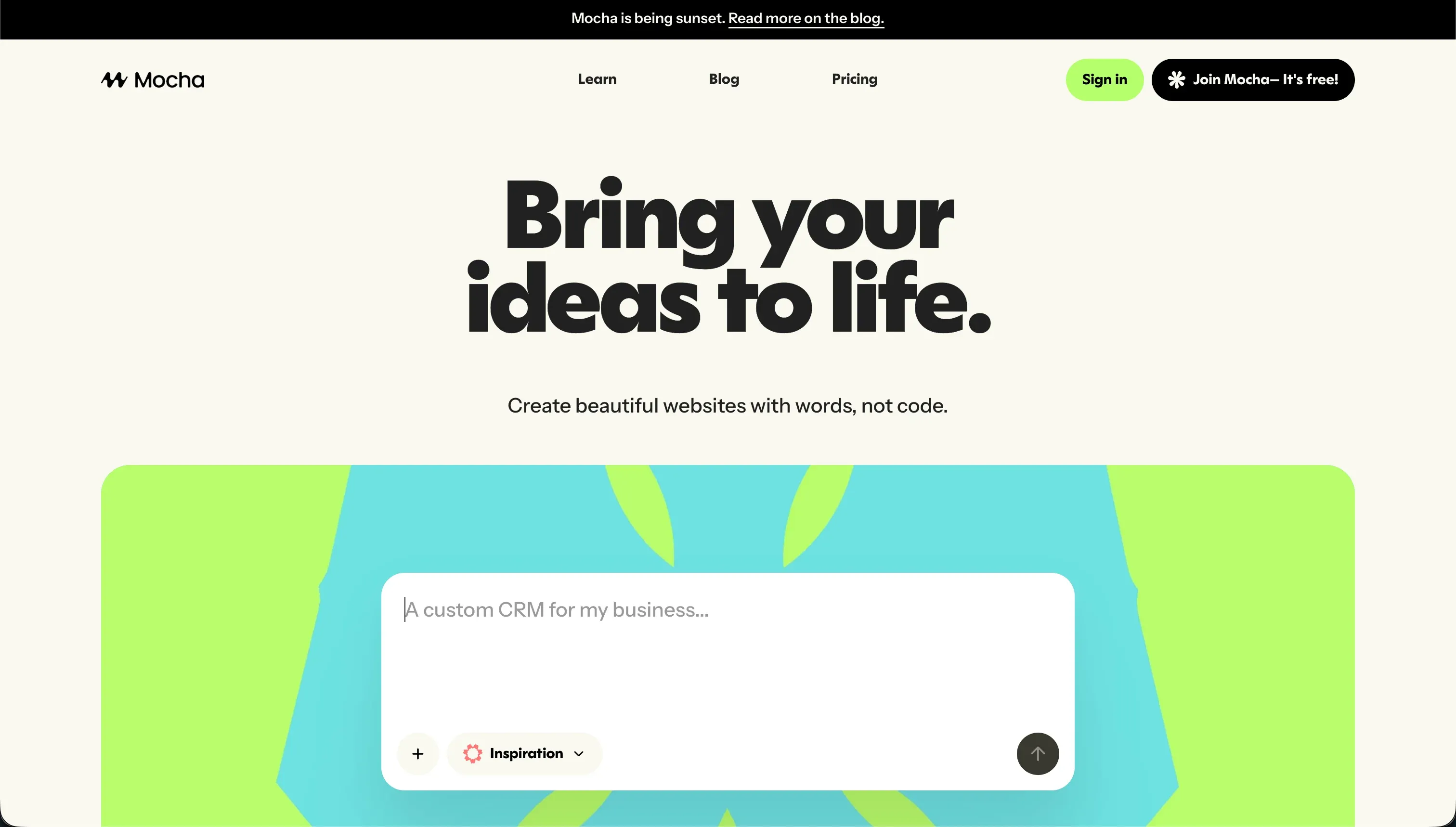
Mocha is an AI-powered no-code app builder, formerly known as Srcbook, that turns text prompts into web apps. It sits in the prompt-first AI scaffolding camp rather than the classic visual-builder camp, and that distinction matters a lot once you move beyond a toy app.
In practice, Mocha gives you a conversational prompt-to-app generator, a built-in SQLite database, Google Sign-in authentication, one-click hosting, and full code export. It also tries to auto-resolve deployment or compilation errors during iteration cycles, which sounds convenient until those repair loops start burning through credits. Pricing was credit-based from the start, with 120 monthly credits on the free tier and paid plans scaling to 25,000 credits on Gold.
It was genuinely built for creators and startup founders who wanted to test a basic MVP, SaaS concept, or directory without setting up infrastructure. The people most frustrated by it were usually the same people who liked the initial demo: non-technical builders who hit debugging loops, unpredictable credit burn, or customization limits that nudged them back toward manual coding. That tension now matters less than the obvious fact that Mocha is being shut down and users are being told to migrate or export.
| Spec | Details |
|---|---|
| Primary Stack | AI-generated web app with managed SQLite database, built-in auth, and hosted deployment |
| Interface | Conversational prompt-to-app builder with automated bug-fixing loops |
| Primary Deployment Target | Hosted web apps on Mocha infrastructure with custom domains on paid plans |
| Key Advantage | Fast prompt-based prototyping plus full React and backend code export |
What is Bubble?
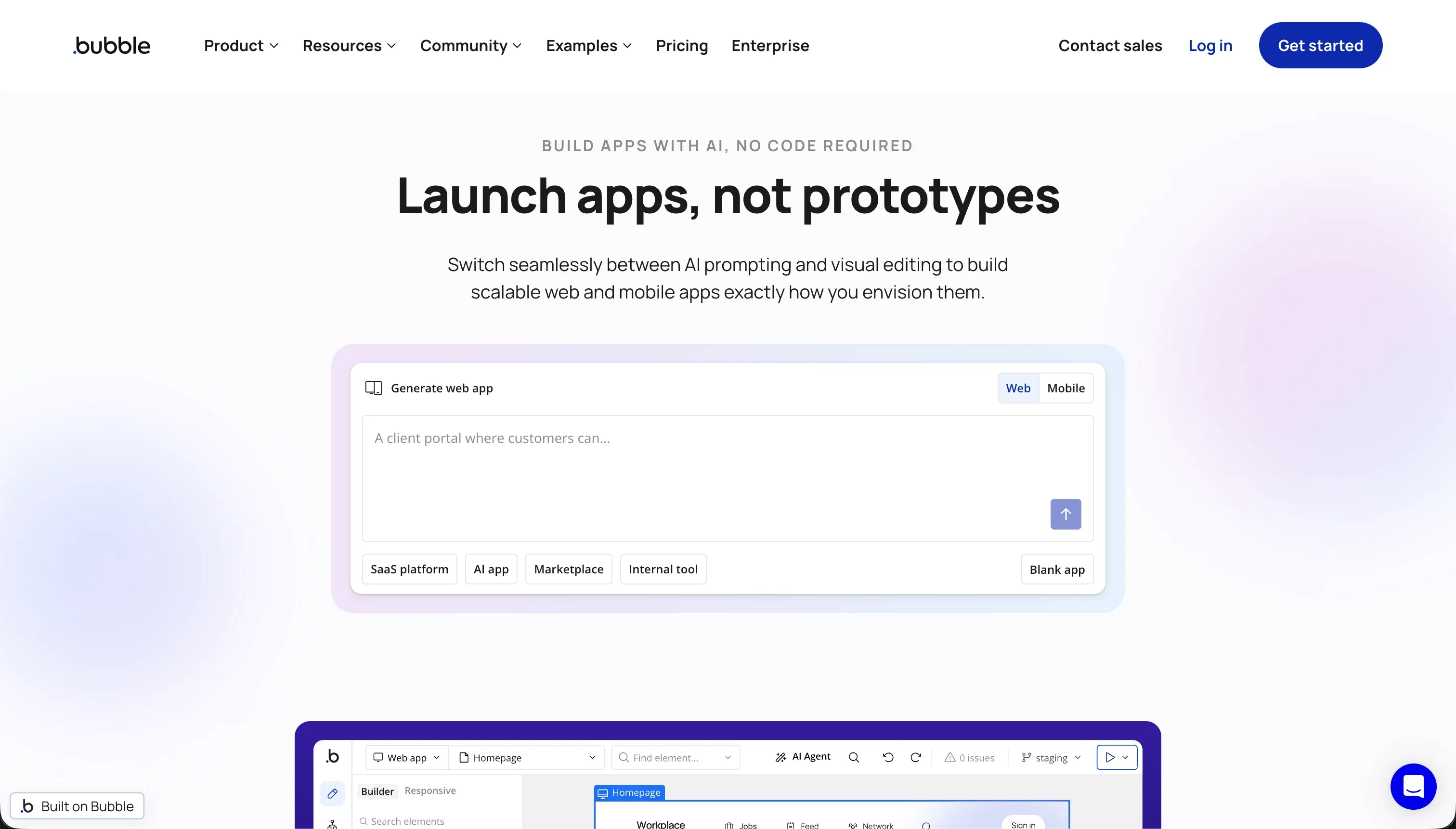
Bubble is a visual programming platform for building and hosting full-stack web applications without writing code. Unlike AI scaffolding tools, Bubble is not mainly about generating an app from one prompt. It is about giving you a proprietary visual environment where you model the database, interface, logic, and integrations yourself.
In practice, Bubble offers a pixel-level drag-and-drop editor, a visual workflow builder, a managed relational database, privacy rules, an API Connector, and a plugin marketplace with more than 8,000 community plugins. It also has responsive design tooling and a maturing native mobile story via BubbleGo and mobile configurations. That breadth is why Bubble still matters, even with all the complaints around WU pricing and editor bloat.
It is genuinely built for ambitious builders who want more custom logic than simpler no-code tools offer, but who still do not want to hand-code the whole stack. The people most frustrated by Bubble are usually the ones who underestimated it: non-technical founders who thought they were buying simplicity and later realized they were effectively learning a proprietary programming model with performance, plugin, and lock-in tradeoffs.
| Spec | Details |
|---|---|
| Primary Stack | Proprietary visual web-app platform with managed relational database and workflow engine |
| Interface | Drag-and-drop visual editor with workflow logic, privacy rules, and plugin ecosystem |
| Primary Deployment Target | Hosted web apps on Bubble, with native mobile support still maturing |
| Key Advantage | Deep custom logic and a large ecosystem without needing traditional code |
The Core Difference
The biggest difference is where the complexity lives. Mocha tries to hide complexity behind AI generation, while Bubble exposes it through a powerful but demanding visual programming model.
- Mocha runs on prompt-first AI scaffolding, which makes the first version fast but leaves reliability, editing, and even debugging tied to credits and model behavior.
- Bubble gives you a far deeper visual programming stack, which is more durable than prompt loops but much closer to learning a proprietary development environment than most beginners expect.

Head-to-Head Comparison
We evaluated both platforms across four core categories.
1. Developer Experience & Iteration Speed
Mocha was built to feel easy in the first session. You describe the app in plain English, it generates UI, backend routes, database models, auth, and hosting, and you are looking at a live prototype faster than you would in most traditional builders. For quick calculators, trackers, or simple MVPs, that first impression is genuinely strong.
The problem is that iteration quality was always fragile. Mocha’s own automated bug resolution could consume hundreds of credits trying to fix a compilation or runtime issue in circles, and user reports called out apps being left in an unusable state after those loops. That means the same AI workflow that creates speed on day one can become a credit-draining stall on day five.
Bubble is slower upfront because you are usually modeling the app deliberately instead of asking an AI to guess it. You lay out pages, define data types, build workflows, set conditions, and connect APIs manually. For a founder who wants an instant demo, that is a worse first-hour experience than Mocha.
But Bubble is much stronger once you understand its logic model. You can iterate directly in the editor, trace workflows visually, and refine privacy rules without spending prompt credits on every change. The catch is that this “better iteration” still comes with heavy editor complexity, and users frequently complain about lag, RAM usage, and a builder that feels bloated on large projects.
Edge: Bubble, because Mocha is faster to start but far less trustworthy once debugging and iteration begin.
2. Code Quality & Portability
Mocha’s best structural advantage was always code export. It lets users download the complete React and backend source code, which is a real escape hatch compared with many closed platforms. If you wanted AI scaffolding first and a handoff to developers later, Mocha had a credible story.
That advantage is now overshadowed by the shutdown. Code export matters most because users need an exit path before August 1, 2026, not because Mocha is a healthy long-term platform. It is still a genuine strength, but now it functions more like a migration tool than a growth advantage.
Bubble has the opposite profile. You can export data rows, but not the app’s underlying code, architecture, workflows, or interface. If you ever migrate away, you are rebuilding the product rather than carrying it forward, which is why so many user complaints frame Bubble as a walled garden.
That said, Bubble gives you more internal control before you ever think about leaving. Its visual logic, API Connector, and privacy system are richer than Mocha’s AI-first output. So while Bubble loses hard on portability, it wins on how much you can still shape inside the garden.
Edge: Mocha, because full code export is a real portability advantage and Bubble still offers no equivalent.
3. Database & Backend Capabilities
Mocha ships with a built-in SQLite database and integrated Google Sign-in, which is enough to make simple web apps feel full-stack without extra setup. That is convenient for lightweight MVPs, internal experiments, and basic directories where you mostly want CRUD and auth handled for you.
The limitation is that SQLite plus prompt-managed logic is not a reassuring backend story for ambitious multi-user apps. Mocha research points to basic access controls, customization limits, and a need for manual coding once you push beyond the generated default. In other words, it removes setup friction but does not remove backend responsibility for serious apps.
Bubble is much stronger here. It has a managed relational database, custom data types, relationships, backend workflows, server-side privacy rules, and bulk operations. For multi-user apps with real roles and more complex logic, Bubble is playing in a different league from Mocha’s bundled SQLite setup.
The weakness is that Bubble’s backend strength comes with operational costs. Performance can degrade on large read/write workloads, users complain about scaling pain, and the database remains fully tied to Bubble’s proprietary system. So Bubble is more capable, but also more demanding and more locked-in.
Edge: Bubble, because its database model, privacy rules, and visual backend logic are far more robust than Mocha’s bundled SQLite foundation.
4. Hosting & Deployment Options
Mocha made deployment feel simple. One-click publishing to a live domain and custom domains on paid tiers meant founders could get from prompt to public link with almost no infrastructure work. That simplicity was a core part of its appeal.
The obvious problem now is platform mortality. A hosted app builder that is shutting down on August 1, 2026 is not a deployment platform you can rationally choose for a new project. Even before the shutdown, reports of crashes and slow support weakened confidence in Mocha as a place to host anything business-critical.
Bubble still offers a more credible long-term hosting story because the platform is active, production-tested, and used by a large builder base. You can host complex apps, add plugins, manage capacity, and keep everything inside a single environment. That is one reason founders still tolerate its complexity.
But Bubble hosting is not cheap or carefree. Workload Units can spike with inefficient workflows or heavy usage, and some users report abrupt app issues when plans downgrade or limits are exceeded. So Bubble wins here mostly because it exists tomorrow, not because its hosting economics are elegant.
Edge: Bubble, because Mocha’s shutdown makes it effectively disqualified for any new hosted deployment.
5. AI Quality & Reliability
Mocha is the more AI-native experience of the two. Its entire pitch is prompt-to-app generation, plus automated bug resolution when things break. For users who want the feeling of an AI building the app for them, Mocha delivers that more directly than Bubble does.
The catch is that its AI dependency is also the source of its biggest pain. Research specifically calls out opaque credit burning, regression loops, and repeated attempts by the builder to fix issues without actually restoring a usable app. That makes Mocha’s AI feel clever in demos and expensive in recovery.
Bubble is not primarily an AI app generator, so if your buying criterion is “I want AI to scaffold most of this,” Bubble is less impressive. You will spend more time designing workflows and structures manually than you would in an AI-first product.
But the upside is that Bubble is less exposed to the exact failure mode that hurt Mocha. Your app is not being continuously rewritten by a chatbot, so changes are more intentional and inspectable. Bubble has plenty of complexity, but at least that complexity is visible rather than hidden inside prompt loops.
Edge: Bubble, because weaker AI is better than AI that repeatedly burns credits trying to repair itself.
6. Learning Curve & Onboarding
Mocha is easier to understand in the first hour. The model is simple: describe your app, let the AI generate it, maybe publish it, and refine via conversation. Even its free plan with 120 credits per month gave newcomers enough room to experiment before paying.
That ease was front-loaded. Once users needed precise control, custom behavior, or reliable fixes, the product often stopped feeling beginner-friendly. A tool that feels simple until the first serious bug is not actually simple, and Mocha’s shutdown removes any reason to invest in mastering its workflow now.
Bubble has the steeper learning curve by a wide margin. Even supportive reviews tend to admit that mastering workflows, API integrations, security rules, and responsive design takes serious time. It is called no-code, but the mental model is much closer to learning app architecture than filling out templates.
Still, Bubble rewards that learning with far more room to grow. If you are willing to think like a systems builder, you can create multi-user applications with nuanced logic that Mocha would struggle to support. So Bubble is harder, but at least the time investment can still compound into a live long-term app.
Edge: Mocha for absolute beginners in the first hour, but Bubble wins overall because it is still worth learning after the first week.

Pricing Comparison
Mocha:
- Free - $0 with 120 credits per month and 1 published app deployment
- Bronze - $20/month with 1,500 credits per month, up to 5 apps, and custom domains
- Silver - $50/month with 4,500 credits per month, up to 15 apps, and priority support
- Gold - $200/month with 25,000 credits per month, up to 25 apps, and early access to features
Bubble:
- Free - $0 with 50k WU per month and 200 records
- Starter - $69/month with 175k WU per month
- Growth - $249/month with 250k WU per month
- Team - $649/month with 500k WU per month
Use Case Fit: When to use which?
When to choose Mocha
- Choose Mocha when you already have a Mocha app and your main priority is exporting the code before the August 1, 2026 shutdown.
- Choose Mocha when you want a quick, disposable prototype and value prompt-based generation more than long-term stability.
- Choose Mocha when code export matters more to you than platform continuity, and you have the technical ability to take the exported project elsewhere.
When to choose Bubble
- Choose Bubble when you need much deeper visual workflows, privacy rules, and database structure than an AI scaffolding tool can usually provide.
- Choose Bubble when you are willing to learn a proprietary builder in exchange for more control over app behavior and integrations.
- Choose Bubble when the app is important enough to justify the learning curve, but not so sensitive to lock-in or WU volatility that those tradeoffs become deal-breakers.
When neither Mocha nor Bubble is the right fit
For internal tools and client portals
Neither Mocha nor Bubble is the clean answer for operational business apps used by employees, clients, vendors, or partners. Mocha is disqualified by its shutdown, and Bubble often pushes non-technical teams into a proprietary logic maze of workflows, privacy rules, plugins, and WU management just to keep everyday software alive.
That is where Softr is the better fit. It starts with Softr Databases as the native option, then gives you visual user groups, row-level permissions, workflows, auth, hosting, and an AI Co-Builder that helps without becoming mandatory. For CRMs, partner portals, intranets, dashboards, and other real business apps, Softr is usually the more maintainable day-two choice.
For native mobile apps
Neither tool is the right answer if your target is true app-store distribution with a mobile-first product experience. Mocha is a web-app generator, and Bubble’s mobile story is still maturing even though it now bootstraps mobile configurations and previews through BubbleGo.
If native iOS and Android are the requirement, start with FlutterFlow or look at Adalo for a simpler mobile-first path. FlutterFlow is the stronger option when you need serious native app flows and store-ready output rather than stretching a web builder into a mobile role.
For professional developer environments
Some teams do not actually want a no-code platform at all. They want AI help inside a real coding environment with files, version control, debugging, terminal access, and architecture they can shape directly. Neither Mocha nor Bubble fully satisfies that audience: one hides too much behind generation, and the other replaces code with a proprietary visual layer.
In that case, Cursor or Replit are better fits. Cursor is stronger if you already work in a serious local dev workflow and want AI assistance there, while Replit is better if you want a browser-based coding environment with actual developer primitives instead of prompt loops or visual lock-in.

Verdict
Pick Mocha only if you are dealing with a legacy Mocha app or you specifically want to salvage exportable code before the platform disappears. The tradeoff is obvious and severe: you are choosing a dead-end product with a history of credit-burning bug loops, thin support, and no future after August 1, 2026.
Pick Bubble if you need a real visual programming environment for a complex web app and you are willing to pay for that control with time, lock-in, and potentially volatile WU costs. The tradeoff is that Bubble can absolutely power serious products, but it asks you to learn a proprietary system that many users still find bloated, expensive, and hard to exit.
The day-two reality is that neither tool is great for non-technical teams who just need stable business software. Mocha is too temporary and too AI-fragile, while Bubble often turns “no-code” into a different flavor of engineering overhead. For internal tools, client portals, CRMs, and workflow apps that need real permissions and easier maintenance, Softr usually ages better than both.
Summary Comparison Table
| Criterion | Mocha | Bubble |
|---|---|---|
| Best for | Short-lived prototypes and code export from legacy projects | Complex web apps with custom workflows and logic |
| Build paradigm | Conversational AI scaffolding | Proprietary visual programming |
| Database | Built-in SQLite | Managed relational database |
| Visual permissions | Basic and less mature | Strong privacy rules and role-based controls |
| Pricing metric | Monthly credits | Workload Units and usage tiers |
| Maintenance burden | High once AI loops break or credits run out | High because of complexity, plugins, and WU optimization |
| Code export | Yes, full React and backend source export | No code export |