

Visual application development has split into completely different camps. On one side stands conversational AI scaffolding designed to generate functional code instantly without any setup, while on the other sits robust cross-platform visual code IDEs designed to build highly complex, production-ready mobile screens.
Founders, designers, and web teams are frequently caught trying to decide between the rapid prototyping speed of conversational prompt builders and the strict development paradigms of visual widget trees. What is actually at stake goes beyond initial build speeds: it is the difference between complete platform lock-in, immediate credit exhaustion during debugging loops, and having to manage complex native app store deployments down the line.
Meet the Contenders
What is Mocha?
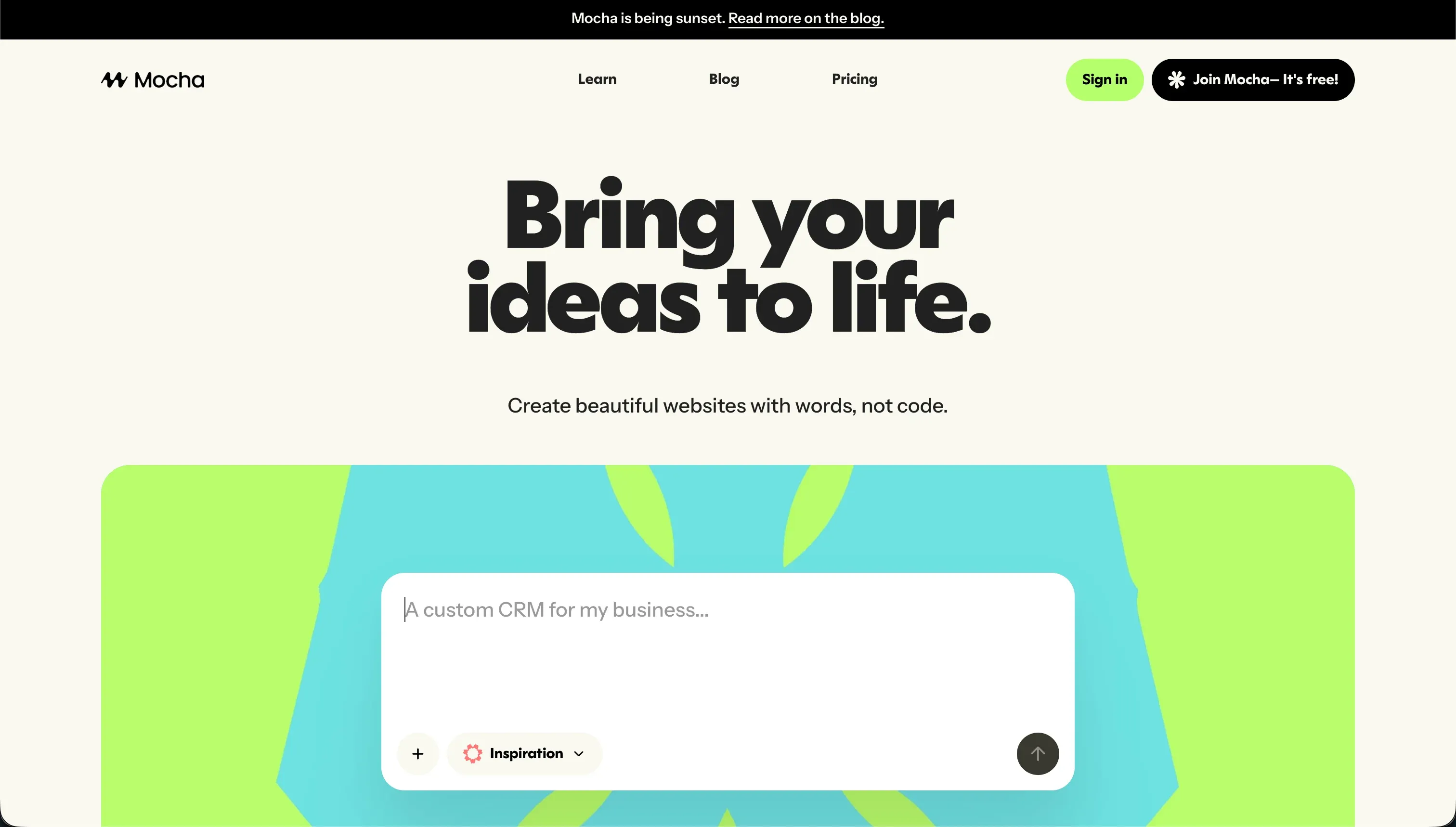
Mocha, previously widely known in open-source circles as Srcbook, is an AI-powered conversational web application builder. It allows users to turn text instructions directly into complete, deployed web applications complete with their own database structures. However, builders need to be highly aware that Mocha is shutting down permanently on August 1, 2026, meaning all projects must export their structures or migrate.
In practice, the platform functions through a central prompt-to-app generator that handles user interfaces, backend routing, and database models. The system features an integrated SQLite database alongside native Google Sign-in authentication, enabling creators to deploy prototypes with a single click. Furthermore, it includes automated bug resolution cycles to catch compilation and compilation crashes before the app goes live.
The platform was originally built to serve startup founders, creators, and marketers looking to quickly test and launch simple directories or SaaS MVPs without writing code. However, the exact users who are most frustrated by Mocha are those forced into expensive iteration loops. The AI frequently wastes hundreds of credits in circles trying to fix crashes, and customer support channels on Discord and email have received criticism for slow response times.
| Spec | Details |
|---|---|
| Primary Stack | React frontend with a managed SQLite database and automated Node.js backend routes |
| Interface | Conversational prompt chat interface with basic visual layout editors |
| Primary Deployment Target | Mocha hosted cloud with custom domains on Bronze plan ($20/month) and above |
| Key Advantage | Rapid full-stack scaffolding with pre-configured database and authentication out of the box |
What is FlutterFlow?
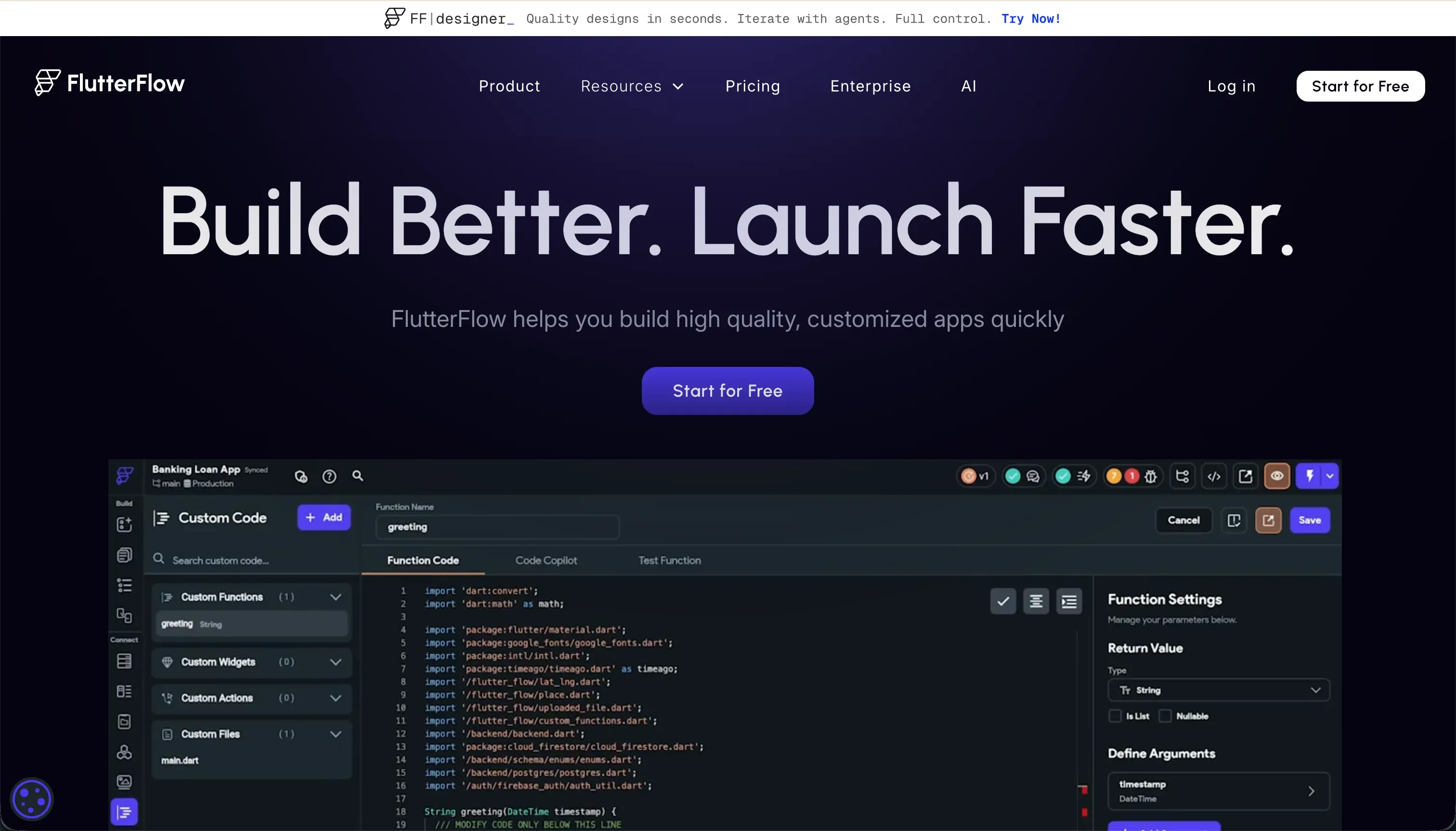
FlutterFlow is a visual development platform specifically designed for building high-performance native mobile and web applications. It serves as a visual layout engine representation of Flutter widget hierarchies, compiling visually configured components directly into production-grade Dart code. Unlike conversational templates, it functions as a highly professional visual development environment for mobile apps.
In practice, the platform operates through a robust drag-and-drop designer featuring Containers, Rows, Columns, and stack widget trees. Builders configure their backend integrations using native connectors for Google Firebase and Supabase, or link custom schemas using a built-in REST API interface. FlutterFlow also provides direct codeless deployment pipelines that compile and push native builds to Google Play and Apple TestFlight.
It is genuinely built for freelance developers, design teams, and startups targeting cross-platform mobile app stores without writing boilerplate styling code. Conversely, the users who struggle most with FlutterFlow are traditional business operators who expect a simple visual experience. The platform demands a strict developer mentality, requiring a steep learning curve regarding application state management, visual responsive layout logic, and database schemas.
| Spec | Details |
|---|---|
| Primary Stack | Flutter framework compiling to Dart with native Firebase and Supabase database integrations |
| Interface | Structural drag-and-drop visual widget tree builder with visual action configurators |
| Primary Deployment Target | Native iOS App Store, Google Play Store, and Flutter Web deployments |
| Key Advantage | Production-ready clean Dart code export with Git integration and native app store publishing |
The Core Difference
The single biggest differentiator lies in how application state, code generation, and deployment targets are structured.
- Mocha runs on a prompt-centric web scaffolding engine that handles all backend mechanics on SQLite behind conversational interfaces, though its upcoming shutdown makes it a terminal choice.
- FlutterFlow acts as an advanced visual IDE compiling directly to clean Dart code, designed for complex native App Store positioning with complete database independence.
Head-to-Head Comparison
We evaluated both platforms across four core categories.
1. Developer Experience & Iteration Speed
Mocha relies almost entirely on its chat prompt interface to shape, design, and modify applications. This prompt-to-app generator is highly effective for spinning up basic utilities, like custom calculators or trackers, because you do not have to map visual widgets manually. Builders start with the Free plan, which provides 120 credits per month to test configurations immediately.
However, this speed degrades into severe frustration when developers hit regression loops. When Mocha encounters a deployment error or compilation crash, the system attempts to auto-resolve bugs in circles. Multiple user reviews report that this loop quickly consumes hundreds of credits without fixing the initial problem, sometimes leaving the app completely broken and the builder out of credits.
FlutterFlow provides a completely different developer experience, choosing a visual drag-and-drop hierarchy over a simple prompt interface. It represents actual Flutter layout structures like Columns, Rows, and Stacks, providing developers with absolute visual precision. While FlutterFlow has introduced its own AI Gen to create single pages or write custom Dart functions from prompts, iterations are driven by manual controls.
The clear tradeoff here is complexity and lag. Working on a project with more than 12 screens can cause significant browser lag within the graphical interface, as noted by G2 and Capterra reviewers. Furthermore, error messages can be notoriously unhelpful, forcing developers to spend hours debugging basic issues without a clear path forward.
Edge: FlutterFlow, because its manual layout and visual action controls allow for precise debugging of screen states, unlike Mocha’s destructive credit-burning loops.
2. Code Quality & Portability
Mocha does provide a full code export option, allowing users to download their complete raw React and backend Node.js code to run outside the platform. This helps teams avoid absolute vendor lock-in, which is a common worry with web app scaffolding tools. Builders can extract their frontend configurations and transition them elsewhere.
However, because Mocha is shutting down on August 1, 2026, this export has transitioned from a nice option to an absolute necessity. Because its SQLite database and Google auth are deeply connected to Mocha’s managed environment, migrating is not as simple as local hosting, and many elements require custom rebuilding.
FlutterFlow is built from the ground up for complete code portability and clean development. On its Pro plan, which starts at $50/month billed annually or $70/month monthly, users can export clean, production-ready Flutter and Dart code at any time. The platform also includes native Git integration to push updates directly to GitHub repositories.
This code can be executed natively in any local IDE, allowing developers to completely transition away from FlutterFlow if needed. The visual interface acts as a production assistant rather than a rigid cage, making it highly attractive to professional software engineering teams.
Edge: FlutterFlow, as its clean Dart export and Git integration represent a functional and enterprise-ready escape path that outlives Mocha’s looming sunset.
3. Database & Backend Capabilities
Mocha provides a managed SQLite database working immediately out of the box with zero configuration. This setup allows absolute beginners to create simple relational tables, links, and forms without understanding backend administration. It also includes pre-integrated Google Sign-in authentication on all landing projects.
The limitation is that the SQLite architecture lacks serious scaling capacity or custom security settings, which are hidden from the visual editor. Since changes to these tables must be requested via conversational prompts, customizing database models beyond the initial AI-generated output is clunky and often requires writing code by hand anyway.
FlutterFlow does not provide the database for you natively. Instead, it relies on deep third-party integrations with professional systems like Google Firebase and Supabase, alongside custom REST APIs. Developers must configure database rules, security models, and table indexes inside Firebase or Supabase directly before linking them.
While this requires noticeable setup overhead and technical background knowledge, it provides production-grade capabilities. The database schemas are secure, robust, and highly scalable, easily supporting transactional data networks, complex backend queries, and real-time operations.
Edge: FlutterFlow, because it connects to robust production infrastructures like Supabase, avoiding the scaling boundaries of Mocha’s managed SQLite setup.
4. Hosting & Deployment Options
Mocha makes web deployment automatic, allowing users to launch apps with one-click publishing directly to live domains. Custom domain support is unlocked on the Bronze plan, which costs $20 per month billed monthly. The platform manages the entire server stack, meaning builders never have to configure cloud servers.
However, this hosting model is entirely bounded by Mocha’s upcoming shutdown. Beyond that specific sunset date, community reviews have highlighted persistent and slow support responses regarding account billing issues and unexpected system crashes.
FlutterFlow is optimized for native app store delivery, offering custom pipelines to push builds directly to the Apple App Store and Google Play Store on Pro and Teams plans. Additionally, FlutterFlow supports Flutter Web hosting with custom domains, which acts as a responsive web app.
The downside is web performance. Since Flutter compiles to a heavy CanvasKit canvas by default, web deployment often suffers from severe initial loading latency. This rendering style is heavy on system resources, making FlutterFlow web pages poor candidates for search-indexed public marketing sites.
Edge: FlutterFlow, because its direct, automated publishing pipes to the Apple App Store and Google Play are unmatched by basic web scaffolding models.
5. Learning Curve & Onboarding
Mocha has a flat learning curve at the beginning since everything operates within a single chat prompt box. Its pre-configured environment means you are up and running with a functional interface in minutes, and you do not need to understand any complex coding syntax.
However, this simplicity is highly misleading. Once the AI-generated interface breaks, the developer is forced to step in, debug the generated React code, and manage the system. This requires a surprising amount of code familiarity, meaning non-technical teams hit a hard visual limit almost immediately.
FlutterFlow has a notoriously steep learning curve that requires a programmer’s perspective. Builders must master complex layout rules - like row nested containers, padding, and stacks - alongside database design and state logic paths.
This visual IDE approach can be overwhelming. Capterra and G2 reviews are filled with users who felt lost among the buried switches, hidden features, and confusing error screens. To build successfully, you must dedicate weeks to learning Flutter’s underlying system architecture.
Edge: Mocha for basic prototyping due to its simple chat interaction, though FlutterFlow is the only viable path for learning native mobile logic.

Pricing Comparison
Mocha:
- Starter (Free): $0/mo, 120 credits/mo, 1 published app deployment, basic templates
- Bronze: $20/mo, 1,500 credits/mo, up to 5 apps, custom domains
- Silver: $50/mo, 4,500 credits/mo, up to 15 apps, priority support
- Gold: $200/mo, 25,000 credits/mo, up to 25 apps, early access to features
FlutterFlow:
- Free: $0/mo, visual builder, Firebase integration, basic UI components
- Standard: $30/mo ($22/mo billed annually), APK downloads, custom domain, code export, local run
- Pro: $70/mo ($50/mo billed annually), full code export, Git integration, push notifications, App Store deployment
- Teams: $70/seat/mo ($50/seat/mo billed annually), collaborative building, shared library, team billing
Use Case Fit: When to use which?
When to choose Mocha
- Choose Mocha if you want to quickly build and test a very basic SaaS draft, tracker, or directory layout in chat before its August 1, 2026 shutdown.
- Choose Mocha if you require a prompt-to-app tool that instantly manages SQLite database and Google auth configuration without any visual setting up.
- Choose Mocha if your primary concern is launching a lightweight web MVP in a single evening without studying complex layout widgets.
When to choose FlutterFlow
- Choose FlutterFlow if you need to build and deploy high-performance native cross-platform mobile apps directly onto the Apple and Google App Stores.
- Choose FlutterFlow if you want to export clean, production-ready Dart code with direct Git integrations to push code into your own repositories.
- Choose FlutterFlow if you have UI design experience and want to visually construct complex mobile application states using Firebase or Supabase.
When neither Mocha nor FlutterFlow is the right fit
For operational team apps and client portals
If you are building transactional business software such as client portals, custom CRMs, internal operations tools, or team directories, both generative chat scaffolding and mobile visual IDEs create unnecessary overhead. Mocha’s upcoming shutdown on August 1, 2026, makes it unusable for reliable business work, while FlutterFlow’s developer-focused layout requires technical expertise and compilers that create slow web loading times. Instead of writing code or organizing widget hierarchies, Softr provides a secure, visual foundation that skips the technical debt of custom development.
With Softr, you build on top of flat-rate billing plans and stable visual components that link natively to scalable Softr Databases before optionally connecting with 17 external sources like Airtable. Every app ships automatically with user authentication, granular group permissions, and responsive web layouts that can be installed directly onto devices as Progressive Web Apps (PWAs). Rather than managing compilers or debugging loop errors, team members can visually adapt layout elements, security options, and workflows on the fly with no single line of code.
For professional developer text environments
If your project demands complete coding flexibility, direct backend server access, and custom software libraries, visual widgets and conversational generators will feel highly locked in. Mocha limits backend SQLite configurations, while visual tools often force builders into nested system logic that is difficult to read. For professional development teams wanting a true interactive coding workspace, using Cursor or Replit is a much better path.
Both Cursor and Replit provide text-editor-first workspaces with active terminals, native npm dependency setups, and advanced AI assistance inside the active environment. This gives developer teams full control over UI layouts, custom frameworks, and hosting resources without visual limitations. This makes them ideal for building custom SaaS platforms, complex AI pipeline workflows, or robust databases that need total code control.
Verdict
Choose Mocha only if you need to quickly whip up a basic, prompt-driven web mockup and are completely prepared to export its React assets before the platform sunsets permanently on August 1, 2026. Accepting Mocha means working with a temporary sandbox environment that handles SQLite and Google auth automatically, but the continuous credit-draining bug loops and lack of visual precision make it a terminal choice for any serious project.
Choose FlutterFlow if you are designing a high-performance native mobile app for iOS and Android app stores and possess the developer patience needed to navigate its complex layout widget hierarchies. The tradeoff here is a steep learning curve and slow loading speeds on public web deployments, but you gain complete code ownership of well-packaged Dart source code files alongside deep Git integrations.
On “Day Two,” however, many business builders realize they did not want to manage mobile compiler environments or debug hallucinated code loops just to run operational business layouts. For internal trackers, multi-tenant portal systems, and client dashboards, skipping native app stores entirely and utilizing Softr to build robust, secure PWAs with granular permissions remains the most maintainable strategy.

Summary Comparison Table
| Criterion | Mocha | FlutterFlow |
|---|---|---|
| Best for | Simple web prototypes | Native mobile applications |
| Build paradigm | AI prompt-to-app generator | Drag-and-drop structural styling |
| Database structure | Pre-configured SQLite database | External Firebase/Supabase models |
| Output file type | Exportable React/Node.js web files | Production-grade Dart mobile code |
| Security compliance | Managed base SQLite security | Visual Firebase rules configuration |
| Maintenance plan | Sunsetting on August 1, 2026 | Active native code maintenance |