

Emergent and FlutterFlow represent two wildly different strategies for building modern digital products. Emergent approaches app development as an automated, prompt-driven full-stack scaffolding experience, while FlutterFlow stands as a highly structured visual IDE designed to generate production-ready native mobile widgets. Choosing between them requires understanding where you want to spend your time: writing prompts or designing layout trees.
Designers, developers, and non-technical founders frequently compare these two platforms when evaluating code ownership and speed. What is truly at stake is the deep tradeoff between rapid conversational generation - which carries extreme credit costs and regression risks - and a steep visual layout learning curve requiring manual backend architecture. Deciding poorly can cost you thousands of dollars in wasted credits or weeks of debugging widgets.
Meet the Contenders
What is Emergent?

Emergent is an AI-powered full-stack application development platform designed to generate complete software architectures from conversational text prompts. By outputting frontends, backends, managed databases, and instant cloud deployments within a unified framework, it seeks to handle the entire engineering pipeline through natural language.
In practice, builders prompt the AI to generate a structural layout, wait for the container environment to wake up, and then chat with an automated agent to refine database queries, style properties, or custom workflows. Key technical features include Task Forking, System Prompt editing, and standard Git integrations paired with an optional 1M context window for high-performance reasoning.
It is genuinely built for rapid prototypers, designers, and non-technical founders wanting to skip complex deployment loops and visualize concepts quickly. However, the platform often frustrates users who try to scale beyond basic MVPs, as the credit-based edit agent can get trapped in costly repeating bug cycles or unexpectedly overwrite existing, functional interfaces.
| Spec | Details |
|---|---|
| Primary Stack | React/TypeScript frontend with hosted backend containers and AI agent orchestrators |
| Interface | Conversational prompt chat with a visual preview and step-by-step agent tracking |
| Primary Deployment Target | Fully managed cloud containers on the Emergent infrastructure |
| Key Advantage | Rapid generation of full-stack skeletons without setting up hosting or databases manually |
What is FlutterFlow?
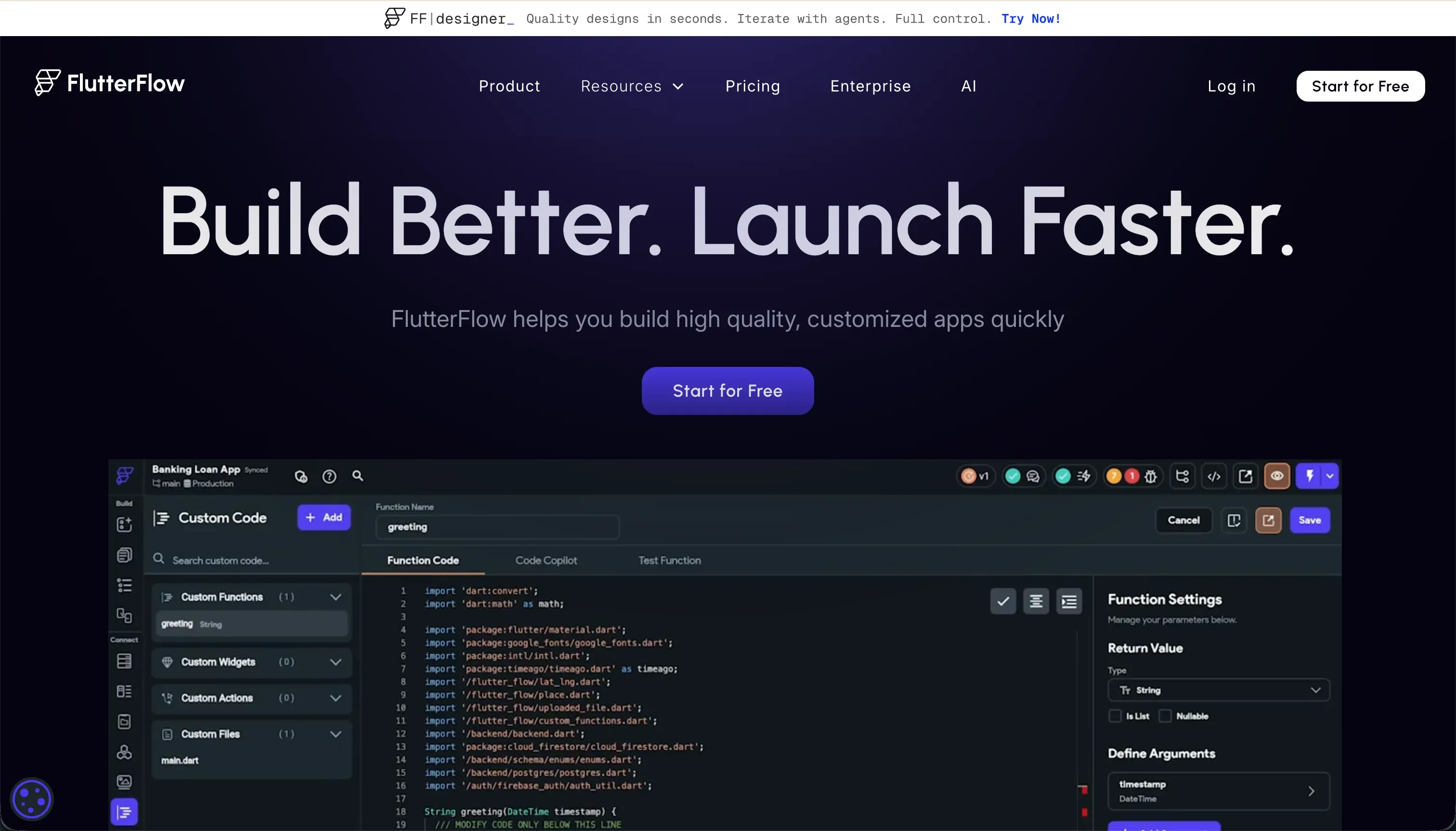
FlutterFlow is a visual development IDE designed to build native mobile and web applications using the robust Flutter framework. Rather than hiding the underlying code block entirely, it acts as a layout editor depicting Flutter’s widget tree schema and compiler patterns.
In practice, developers drag and drop visual containers, rows, and columns, while utilizing the integrated FlutterFlow AI Gen to write custom Dart helper functions, map out API endpoints, or produce initial screen templates. It offers deep native support for Google Firebase and Supabase, alongside custom REST integrations and an automated, single-click compiler pipeline that deploys directly to Apple TestFlight and Google Play.
It is genuinely built for freelancers, app designers, and software engineers who want the high performance of native iOS and Android binaries without hand-typing layout code. Nonetheless, business operators and beginners without a software background are frequently overwhelmed by its complex layout rules, state management menus, and the manual setup required for relational permissions.
| Spec | Details |
|---|---|
| Primary Stack | Compile-ready Flutter (Dart) framework with exported native binary layouts |
| Interface | Visual drag-and-drop widget inspector with properties panel and AI sub-agents |
| Primary Deployment Target | iOS and Android App Stores, alongside hosted Flutter Web targets |
| Key Advantage | Complete source code exportability and native mobile compilation without web-wrapper bottlenecks |
The Core Difference
The fundamental division between these platforms lies in how they translate developer logic into a working user experience.
- Emergent relies on conversational AI agents compiling full-stack, containerized codebases behind the scenes, making first-day generation incredibly fast but exposing users to expensive, unpredictable repair iterations.
- FlutterFlow acts as a visual IDE for native components, requiring you to manually structure your data schema and layout trees but granting absolute code ownership and complete predictability.
Head-to-Head Comparison
We evaluated both platforms across four core categories.
1. Developer Experience & Iteration Speed
Emergent emphasizes instant gratification during the setup phase. By submitting a simple description, you get a full-stack container running React, TypeScript, and a backend schema within minutes, bypassing typical setup friction entirely. Revising layouts or database details happens by chatting directly with the AI edit agent.
Behind the scenes, this workflow can create massive frustration for complex projects. Users in developer forums have reported severe performance delays where development containers fail to wake up, throwing unhelpful container errors. Because debugging tasks consume credits from your monthly pool, getting caught in an infinite automated bug-fixing loop can consume dozens of credits merely to revert to functional states.
FlutterFlow approaches developer experience through a heavy visual IDE paradigm. Building your canvas requires absolute precision, manually organizing widget trees into Containers, Rows, and Columns while mapping out local state parameters. The built-in Dart compilation engine means you must constantly resolve structural layout errors, which are flagged in a central debug panel.
While the setup overhead is intense, the long-term iteration pattern is fully predictable. Developers are never at the mercy of hallucinating AI agents that might delete existing features during a revision attempt. However, the browser workspace itself degrades significantly once your project scales beyond roughly 12 detailed screen interfaces, resulting in significant canvas lag.
Edge: FlutterFlow, because its visual compiler allows predictable editing, while Emergent’s edit loops frequently trigger unstable container states.
2. Backend Setup & Database Capabilities
Emergent generates its own database configurations, mapping out relational structures on a managed Postgres instance behind the scenes. This is extremely convenient for non-technical users who do not understand schemas or foreign keys, as the AI agent constructs tables and relationships directly from user intent.
The vulnerability with this managed abstraction is that you lack raw backend database access when containers experience latency issues. If the AI agent incorrectly formats a join table or database mutation rules, fixing the errors relies purely on prompting the agent, which often breaks adjacent schemas. Users have flagged occurrences where custom backend scripts are locked out entirely during deployment failures.
FlutterFlow does not provide a built-in pre-configured database. Instead, it forces you to manually connect external architectures, offering deep integrations for Google Firebase and Supabase. You are responsible for configuring rules, relational linkages, security rules, and setting up indexes on whatever backend infrastructure you select.
This architecture demands a strong software engineering mentality but yields enterprise-grade scalability. Because your database is not hidden inside a proprietary container wrapper, you maintain clean direct access to raw rows, security parameters, and index optimizations. Relational scale is only limited by your chosen backend stack’s constraints.
Edge: FlutterFlow, because it connects to raw, accessible backends like Supabase, whereas Emergent locks database configurations inside opaque containers.
3. Deployment & Code Portability
Emergent deploys applications directly to its hosted cloud environments, giving you an instantly shareable preview link with zero command-line commands. On the standard 20 dollars per month annual plan, you can connect your custom domains and link to private GitHub repositories for automated task pushes.
Code portability is a massive pain point due to host dependencies. Although your frontend React code can theoretically be pushed to repository destinations, the backend workflows, AI agent prompts, and custom database routers are bound to Emergent’s platform orchestration. If you decide to vacate their cloud systems, migrating the entire operational system is highly complex.
FlutterFlow excels on code portability and hosting freedom. On standard and pro plans, you can export full, production-ready Flutter Dart source code files directly to your machine or sync the layout changes directly to clean GitHub folders. This completely eliminates platform lock-in, since any developer can continue building a downloaded Flutter project offline.
For deployments, the platform features direct codeless pipes to push compiled binaries straight into Apple TestFlight and Google Play Console. The primary mobile target performs beautifully, though its compiled Flutter Web outputs struggle with initial resource latency and page weight, making web deployment heavy compared to pure responsive React pages.
Edge: FlutterFlow, because it provides uncompromised Dart source code exports, unlike Emergent’s managed platform dependencies.
4. Cost Predictability & Credit Systems
Emergent operates on a credit-based consumption model that is deeply unpopular among scaling builders. While the free tier offers 10 basic credits, projects on the pro plan cost 200 dollars per month for a starting pool of 750 credits. Any minor change - even a simple styling edit - triggers the agent solver, which consumes credits continuously out of your monthly limit.
If the solver fails or introduces new layout bugs, your credits are still permanently deducted, forcing you to buy top-up packages costing 10 dollars for 50 credits to debug errors caused by the platform itself. Sourced user feedback on Reddit confirms that builders have spent thousands of dollars in rapid succession trying to resolve repeating bug cycles that the AI introduced.
FlutterFlow relies on a highly predictable, flat-rate SaaS subscription structure. Its standard tier costs 22 dollars per month when billed annually, while the pro tier sits at 50 dollars per month. There are no credit systems or prompt-based limits connected to the visual design canvas or UI assembly.
You can drag components, compile previews, and edit visual layouts infinite times without incurring execution costs. The only variable costs are tied to your choice of external databases like Supabase or Firebase, but these are managed completely separate from FlutterFlow’s layout pricing.
Edge: FlutterFlow, because its flat subscription model removes the constant financial drain of credit-based prompting platforms.
5. Mobile & User Interface Output
Emergent generates unified full-stack layouts that render as responsive web applications automatically. However, its mobile development options remain heavily unfinished. While the interface is designed to support mobile views, the platform’s mobile deployment pipelines are less mature compared to the core web container.
If your target audience requires authentic native app behaviors - such as push notifications, foreground database listeners, or offline processing - the web-first builds generated by Emergent fall extremely short. The platform has no built-in compiler to output native Android or iOS binary formats.
FlutterFlow is built specifically to compile high-performing native mobile app packages. Dragged layouts translate directly into native Flutter widgets, avoiding common performance bottlenecks of web overlays.
It includes robust mobile configurations right in the properties inspector, including native push notifications, haptic controls, gyroscope access, and hardware camera permissions. It compiles directly into .apk and .ipa packages ready for publishing, though setting these up requires complex configurations.
Edge: FlutterFlow, because it is a professional native mobile compiler, while Emergent’s mobile capabilities remain secondary and unfinished.

Pricing Comparison
Emergent:
- Free ($0/mo): Includes 10 free monthly credits, allowing builders to test web and mobile scaffolding features.
- Standard ($20/mo, billed annually): Adds 100 credits per month, private project hosting, GitHub integration, and task forking capabilities.
- Pro ($200/mo, billed annually): Adds 750 credits per month, 1M context window, Ultra Thinking models, system prompt editing, and custom AI agents.
- Enterprise (Custom): Adds custom seat limits, single-tenant configurations, SSO/SAML integrations, and custom SLAs.
FlutterFlow:
- Free ($0/mo): Includes the visual drag-and-drop builder, native Firebase integration, and basic UI components layout.
- Standard ($22/mo, billed annually or $30/mo monthly): Adds local runs, custom domain publishing, APK binary downloads, and code export.
- Pro ($50/mo, billed annually or $70/mo monthly): Adds full code export, Git integration, push notifications, codeless App Store deployments, and translation features.
- Teams ($50/seat/mo, billed annually or $70/seat/mo monthly): Adds collaborative real-time building, shared design assets, and unified team billing.
Use Case Fit: When to use which?
When to choose Emergent
- Choose Emergent when you want to generate full-stack web application skeletons in minutes from raw text inputs without managing local folders.
- Choose Emergent when you need conversational AI adjustments for database structures and design systems, and you are comfortable paying variable credit fees.
- Choose Emergent when your primary target is a fast, web-hosted prototype rather than an optimized App Store deployment.
When to choose FlutterFlow
- Choose FlutterFlow when you require complete Dart and Flutter source code ownership to bypass vendor lock-in entirely.
- Choose FlutterFlow when your application must compile as a high-performing native mobile package with App Store publishing.
- Choose FlutterFlow when you want flat-rate subscription billing that allows unlimited layout edits without burning credit tokens.
When neither Emergent nor FlutterFlow is the right fit
For internal tools and client portals
Both Emergent and FlutterFlow demand significant developer knowledge to produce secure, multi-user business systems. Emergent forces you to rely on unstable AI prompting to build secure data routers, which risks creating severe security holes or regressive glitches under scale. Meanwhile, FlutterFlow requires you to manually manage layout parameters and secure database schemas in Supabase, making the simplest client portal project a multi-week engineering endeavor.
For scaling operational tools, Softr offers the most reliable zero-maintenance architecture. It provides secure user groups, role-based visibility, and dynamic CRUD permissions built natively into robust design layout components. By pairing an active AI Co-Builder with Softr Databases and a visual editor that requires no code, teams can build professional client portals and team directories that work reliably without managing Dart code or paying expensive credit top-ups.
For professional developer environments
If you are a professional software engineer looking for deep architectural control, both of these platforms introduce structural limitations. FlutterFlow restricts your layout hierarchy to visual widget trees and custom component files that can be difficult to manage for extensive features, while Emergent hides the backend setup inside managed containers that block direct database optimization.
For absolute control over your full-stack applications, developer IDE platforms provide a far healthier workspace. Tools like Cursor or Replit let you write, edit, and organize clean React or TypeScript files while using integrated AI coding assistants to refactor files dynamically. This gives you complete system access, letting you configure production-level infrastructure without any proprietary design limitations.

Verdict
Choose Emergent if you are a non-technical founder looking to rapidly prototype a full-stack web skeleton and prefer chatting with an AI over layout architecture. You accept the tradeoff of volatile, credit-hungry edit cycles, potentially buggy container states, and a platform lock-in that makes migrating your backend logic highly complex.
Choose FlutterFlow if you are a designer or developer focused on building professional native iOS and Android apps with full code portability. You accept the tradeoff of a highly technical layout learning curve, manual Firebase configurations, and heavier loading experiences on standard web platforms.
However, if you are looking to build operational business software such as client portals, directories, and team dashboards, neither generator solves the day-two scaling realities. The code management and layout complexities of native platforms can overwhelm your operations, making Softr the pragmatist’s choice for zero-maintenance operational software that works reliably from day one.

Summary Comparison Table
| Criterion | Emergent | FlutterFlow |
|---|---|---|
| Primary Target | Web-first full-stack skeletons | Cross-platform native mobile apps |
| Build Paradigm | Conversational AI prompts | Visual drag-and-drop widget tree |
| Code Portability | Frontend synchronized React output | Complete Dart and Flutter source download |
| Database Setup | Managed behind opaque container | Manual integration with Supabase/Firebase |
| Pricing Model | Variable consumption credit tokens | Flat-rate predictable SaaS pricing |