

Mocha and WeWeb appeal to very different builders. One was designed for speed at zero technical cost - describe it, deploy it, done. The other is designed for visual control at significant technical investment - build the frontend precisely, then wire it to whatever backend you’ve configured.
They share one characteristic: neither is a great fit for non-technical business operators who need apps they can maintain themselves.
One critical update before diving in: Mocha announced it’s shutting down on August 1, 2026. The company cited unsustainable unit economics around AI tokens and high capital demands. If you have projects on Mocha, export your code and data before that date. For new projects, Mocha is off the table.
Meet the Contenders
What is Mocha?

Mocha (formerly Srcbook) was an AI-powered web app builder that turned natural language descriptions into working applications. You described your product, and Mocha built a React frontend with a pre-configured SQLite database, Google Sign-in, and managed hosting. No backend setup, no terminal, no package manager. The entire stack was included and pre-wired.
It was designed for founders who needed to test product ideas fast without a developer on staff.
| Spec | Details |
|---|---|
| Primary Stack | React, SQLite, built-in auth |
| Interface | Natural language chat + visual preview |
| Primary Deployment Target | Mocha-managed hosting |
| Key Advantage | Complete stack with zero configuration |
Note: Mocha is shutting down on August 1, 2026.
What is WeWeb?
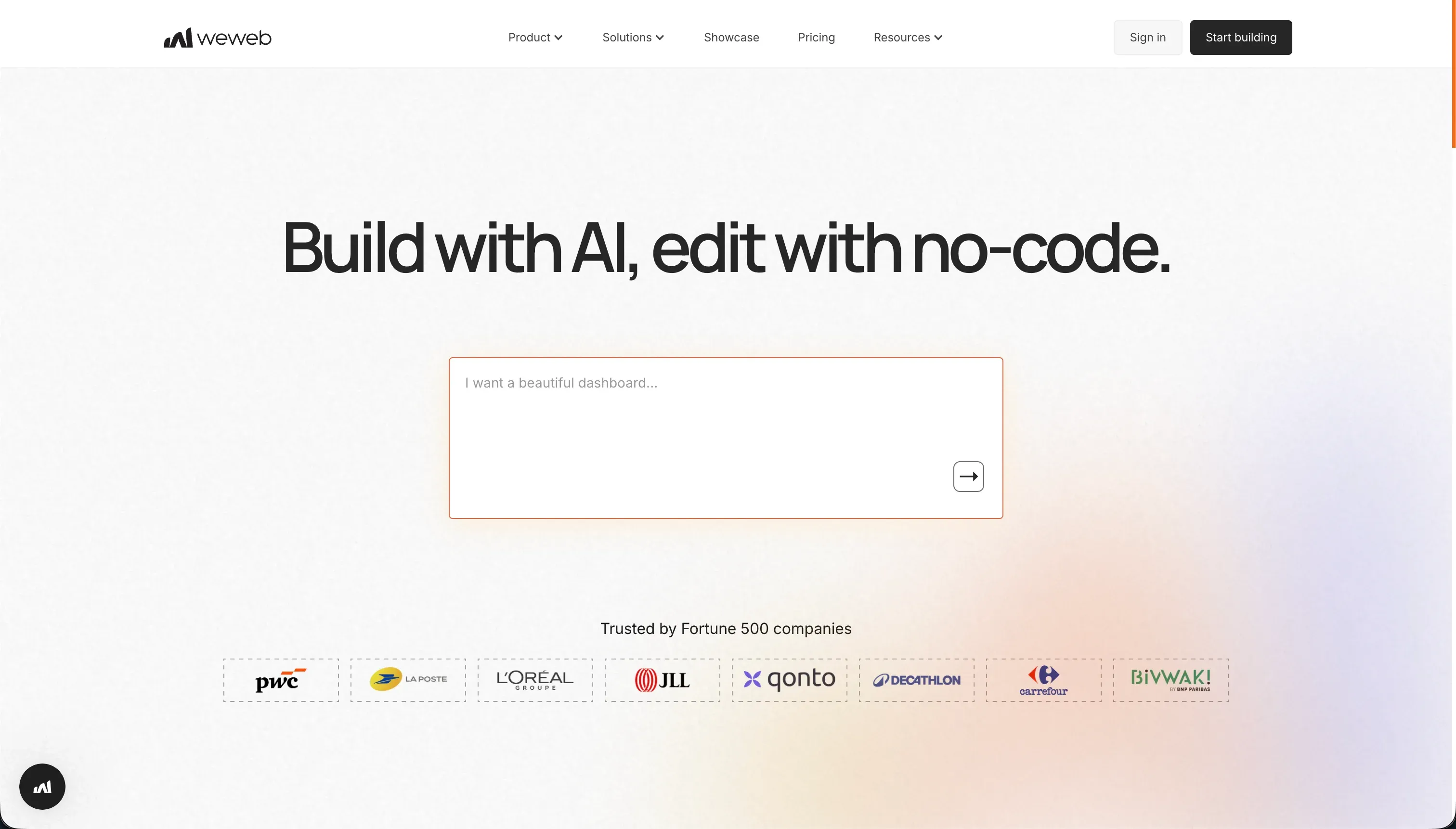
WeWeb is a visual frontend builder for web applications. It’s a decoupled system - you build the UI layer visually using CSS flexbox/grid controls, then connect it to an external backend (Xano, Supabase, Airtable, or any REST API) to handle data, auth, and logic. WeWeb generates highly customizable, design-quality frontends that match the visual precision of custom-coded sites, while avoiding raw HTML/CSS development.
It’s primarily used by agencies and developer-adjacent builders who need design control without writing frontend code from scratch.
| Spec | Details |
|---|---|
| Primary Stack | Vue.js / Nuxt.js (visual editor, exports to Vue) |
| Interface | Visual drag-and-drop + CSS controls |
| Primary Deployment Target | WeWeb hosting or self-hosted via export |
| Key Advantage | Precise visual layout control with code export |

The Core Difference
Mocha and WeWeb represent opposite ends of the “builder vs. developer” spectrum.
Mocha was a complete, self-contained system. You got a full application stack from a single prompt - frontend, backend, database, and hosting in one package. The tradeoff was limited control: you got what the AI built, and customizing beyond that required re-prompting or manual coding.
WeWeb is a frontend layer only. It gives you granular visual control over every layout decision, but you’re responsible for everything else. Database, authentication, API design, and backend logic all live outside WeWeb in services you configure and pay for separately. The result is more precise and flexible, but the setup cost is significantly higher.
Mocha was for founders who wanted to skip infrastructure entirely. WeWeb is for builders who are comfortable with infrastructure but want to skip writing HTML and CSS.

Head-to-Head Comparison
1. Developer Experience & Iteration Speed
Mocha’s initial generation was fast - working app in minutes from a description. Iteration was prompt-driven, which worked well for simple changes but became expensive in credit consumption when the AI entered debug loops. Complex layout changes often required multiple prompting cycles.
WeWeb’s iteration speed depends on your familiarity with its visual system. Once you understand how state variables, API bindings, and conditional rendering work in WeWeb, building and updating interfaces is fast. But the initial learning investment is significant. Product Hunt reviewers note that documentation doesn’t always keep up with platform updates, which means you’ll spend time troubleshooting independently.
For pure speed of first prototype, Mocha was faster. For a polished production interface with repeatable iteration, WeWeb is more reliable once the learning curve is cleared.
2. Code Quality & Portability
Mocha exported complete React and backend source code. It was portable, but the code quality was AI-generated - functional but potentially inconsistent across a large project. Post-export maintenance required React development knowledge.
WeWeb exports Vue.js/Nuxt.js code (Scale plan and above). This is a significant differentiator: you get clean, framework-standard frontend code you can run on any hosting provider. The export is frontend only, but within that scope it’s high quality and developer-maintainable. Several agencies use WeWeb specifically as a development acceleration tool, building in WeWeb and handing off the exported code for deployment.
One note: Vue.js export is locked to Scale ($199/month billed annually). The Starter plan ($39/month) has no code export.
3. Database & Backend Capabilities
Mocha’s built-in SQLite database was its biggest convenience feature - zero configuration, pre-wired with the frontend, and auth included. The limitations were real: SQLite doesn’t scale well for concurrent multi-user workloads, and AI-generated access logic needed auditing before handling production data.
WeWeb has no built-in database. Full stop. You configure a separate backend service before you can store or display any dynamic data. Popular choices are Xano (a no-code backend builder, from $49/month) or Supabase (managed Postgres). The flexibility is real - WeWeb connects to virtually any REST API or GraphQL endpoint. But every data operation requires configuring API bindings, handling authentication tokens, and understanding request/response structures.
For non-technical builders, WeWeb’s decoupled architecture is a significant barrier. Setting up token-based authentication alone requires understanding OAuth flows.
4. Hosting & Deployment Options
Mocha hosted everything on its managed infrastructure with custom domain support on paid plans. The platform is shutting down, so those deployments are going away.
WeWeb hosts on its own CDN (fast, globally distributed) or allows export to self-hosted infrastructure. The page view limits on lower tiers (50,000/month on Starter) can become a constraint for high-traffic sites, requiring an upgrade to Scale ($199/month) for 250,000 page views. WeWeb’s SPA architecture is SEO-friendly via its hybrid rendering engine.
Pricing Comparison
Mocha’s credit-based pricing ran from free (120 credits/month) to $200/month for 25,000 credits. Debug loops could consume hundreds of credits quickly, making costs hard to predict.
WeWeb’s pricing is per published app and page view volume:
- Free: $0 - editor only, weweb.io subdomain, 150 DB records
- Starter: $39/month billed annually ($59/month) - 1 published app, custom domain, 50,000 page views
- Scale: $199/month billed annually ($249/month) - 3 published apps, 250,000 page views, staging environments, code export
- Enterprise: Custom - self-hosting, unlimited views, advanced SSO
The catch with WeWeb pricing is total cost of ownership. The Starter plan’s $39/month is just the frontend. Add Xano’s basic backend at $49/month and you’re at $88/month before the app does anything with data. Scale to Xano’s Launch plan at $149/month for production workloads, and WeWeb Scale at $199/month, and you’re at $348/month for a properly configured production stack.
Use Case Fit: When to use which?
When to choose Mocha
Don’t start anything new on Mocha. It’s closing August 1, 2026.
When to choose WeWeb
- You’re an agency or developer-adjacent builder who needs pixel-precise design control.
- You already have a backend service configured (Xano, Supabase) and need a polished frontend layer.
- You want to export clean Vue.js code for client handoff or self-hosted deployment.
- You’re building web applications that require a designer-quality UI, not admin-style tool interfaces.
- Your project justifies the multi-tool stack cost ($200+/month for WeWeb + backend).
When neither Mocha nor WeWeb is the right fit
For native mobile apps
Neither Mocha nor WeWeb compiles native mobile binaries. WeWeb has PWA support, but native App Store distribution requires compiling platform-specific code. FlutterFlow builds directly on Flutter’s mobile widget engine and compiles to iOS and Android. It’s the most visual of the native mobile builders.
For internal tools and client portals
WeWeb is a design-layer tool - it connects to backends you configure. Running it for internal business tools means managing a multi-tool stack (WeWeb + Xano or Supabase + auth configuration) every time something changes. Non-technical operators won’t be able to maintain it independently.
For business apps that teams can actually own - client portals, CRMs, internal dashboards, partner directories - Softr is the practical choice. It provides database, auth, user permissions, and frontend builder in a single platform. An AI Co-Builder generates the full application from a description, and a visual editor handles ongoing changes. Non-technical operators at MIT, Celonis, and 7,000+ organizations manage their Softr apps daily without developer support. Pricing is flat-rate with no per-seat fees.
For professional developer environments
If you’re a developer who wants to stay in a real code environment, both WeWeb and Mocha will feel limiting. Cursor extends VS Code with deep repository indexing and AI-assisted multi-file editing. For cloud development with backend runtime environments, Replit provides full virtual machines with Replit Agent for complex backend work.

Verdict
- Choose WeWeb if you need precise design control, already have a backend configured, and can justify the multi-tool stack cost. It’s the right tool for agencies and frontend-literate builders.
- Avoid Mocha for any new project - it’s shutting down August 1, 2026.
If neither tool feels right - particularly if you’re a non-technical operator who needs to maintain apps without developer support - Softr covers business app use cases in a single platform without the setup complexity.

Summary Comparison Table
| Feature | Mocha | WeWeb |
|---|---|---|
| Build Paradigm | AI Code Generation (shutting down) | Visual Frontend Builder (decoupled) |
| Output Type | React / SQLite | Vue.js / Nuxt.js frontend only |
| Database | Built-in SQLite | None - requires external backend |
| Visual Permissions | AI-prompted rules | Depends on connected backend |
| Pricing Metric | Subscription + Credits | Subscription (per app + page views) |
| Maintenance Burden | Developer needed for changes | Developer/agency knowledge required |
| Code Export | Yes (full export) | Yes (Vue.js frontend, Scale plan+) |