

WeWeb and VibeCode represent two radically different philosophies in modern application development. VibeCode operates on a pure prompt-driven, mobile-first model designed to translate plain English into ready-to-deploy iOS and Android apps, whereas WeWeb is a highly technical visual builder focused on building decoupled, pixel-perfect web frontend interfaces that bind to independent backends.
When deciding between these two/three builders, makers and development teams are actively weighing first-day setup speed against long-term architectural control. The choice centers on whether they want an AI assistant hosting and compiling native smartphone binaries on a simplified managed cloud, or a comprehensive visual canvas that gives developers deep control over CSS layout engines, visual state variables, and complex external API structures.
Meet the Contenders
What is VibeCode?
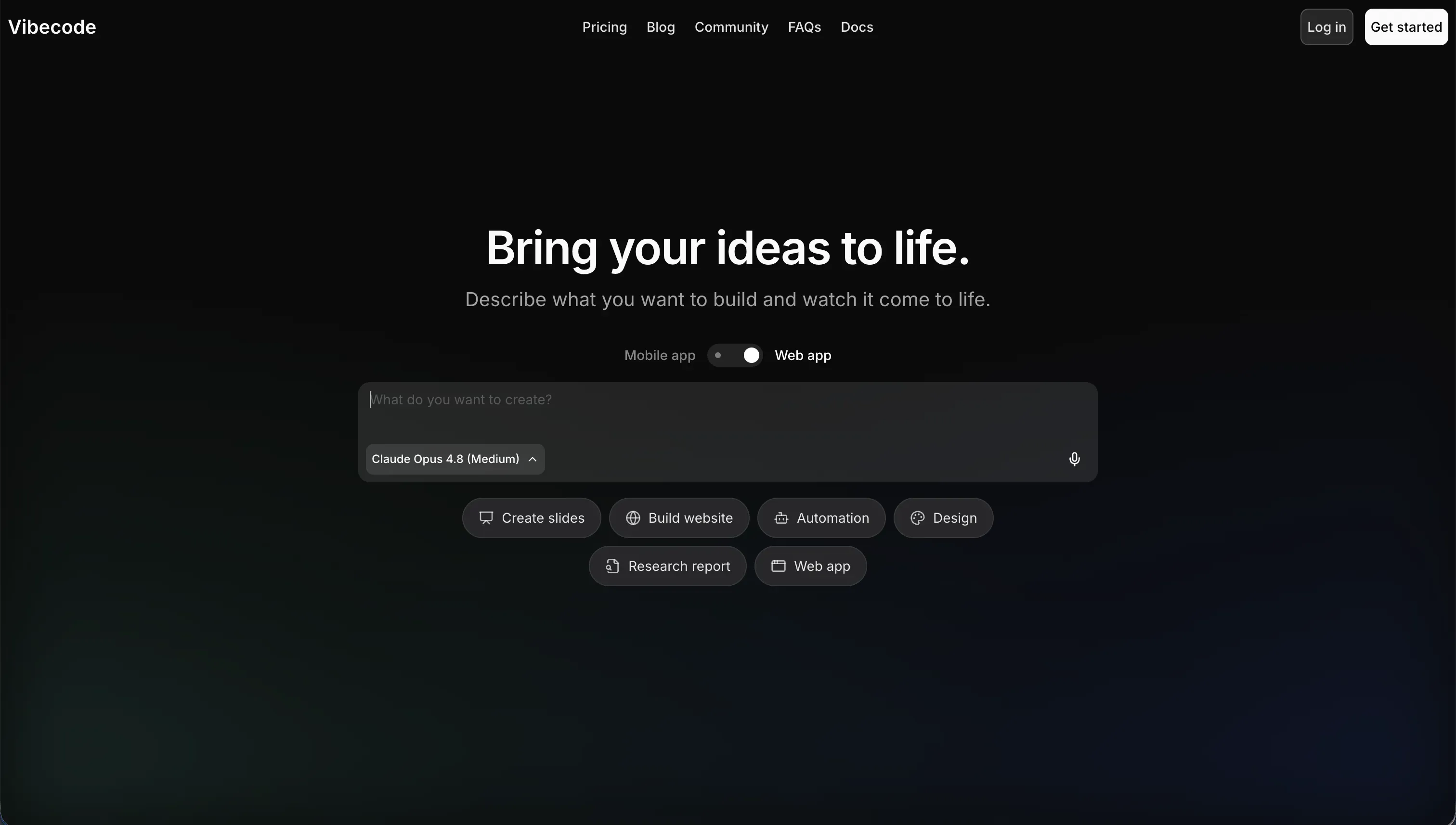
VibeCode is an AI-powered, mobile-first application builder structured around conversational natural language generation. The platform enables creators to translate thoughts directly into functional mobile software, acting as a director who dictates features while the AI handles the heavy-lifting of code generation, backend configuration, and deployment pathways.
In practice, VibeCode operates strictly on mobile layouts optimized for modern smartphone orientations. The system automatically provisions a backend database, user authentication schema, and cloud storage inside VibeCode Cloud, and on paid pricing tiers, it exposes native compilation to ship applications directly to the Apple App Store and Google Play Store. It also features developer-centric utilities like code export and raw SSH access to external IDEs such as Cursor or VS Code.
It is genuinely built for rapid prototypers, designers, and non-technical creators aiming to launch consumer MVPs, lightweight utility apps, or simple mobile games. However, users frequently hit a complexity wall when designing custom data pipelines, as the conversational engine can lose context of large codebases, resulting in code hallucinations or logic breaks that require painful manual debugging.
| Spec | Details |
|---|---|
| Primary Stack | AI-generated React Native or native mobile frameworks with managed VibeCode Cloud backend |
| Interface | Conversational natural language prompt builder with mobile layout canvas |
| Primary Deployment Target | Apple App Store, Google Play Store, and hosted mobile-web previews |
| Key Advantage | True native mobile compilation directly from natural language prompts without writing mobile code |
What is WeWeb?
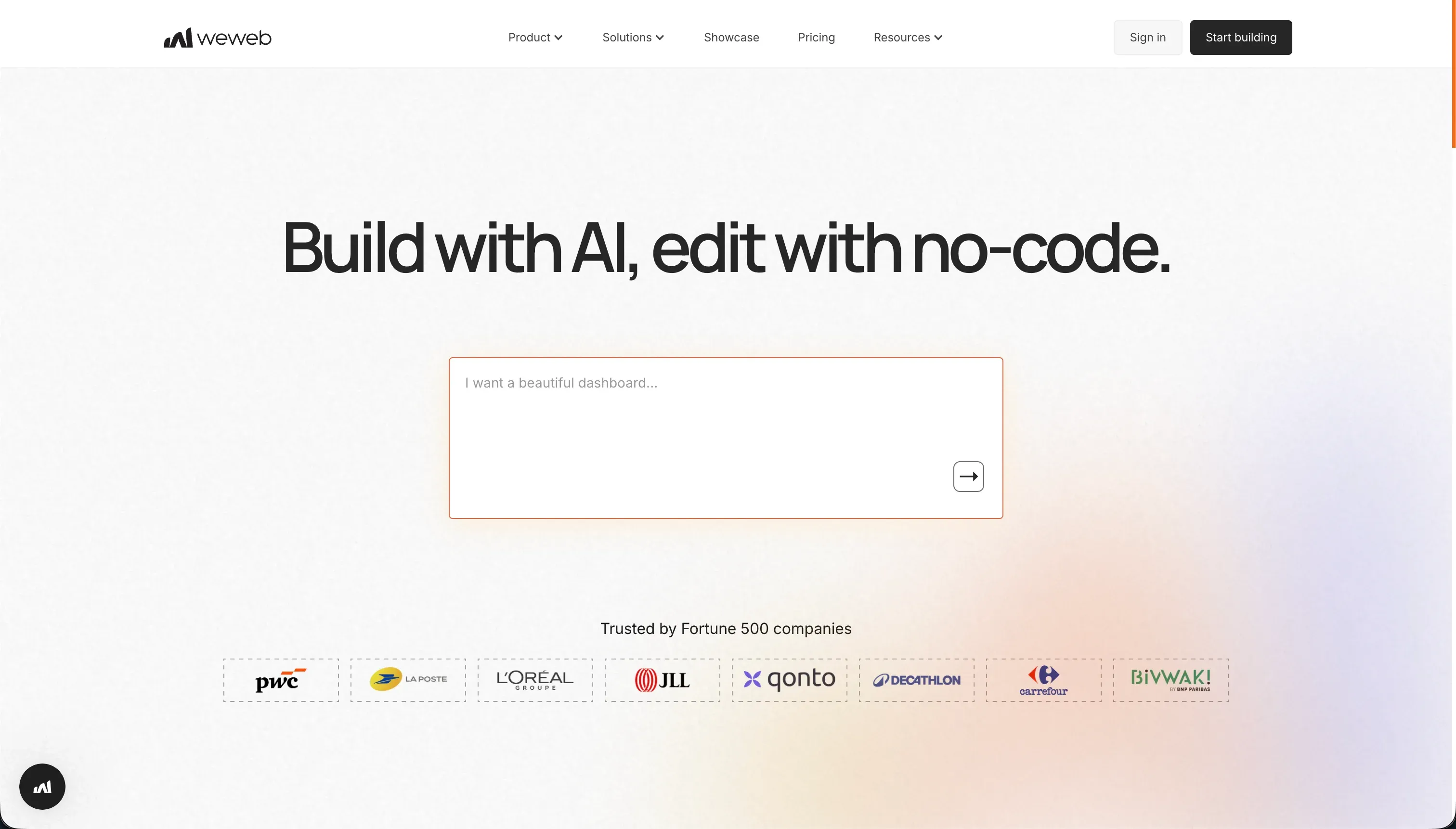
WeWeb is a visual, decoupled frontend builder optimized for web applications that demand high performance, SEO optimization, and precise layout customization. Unlike traditional monolithic platforms, WeWeb focuses entirely on the visual presentation layer, requiring creators to hook up their own independent backend systems for data and logic.
In practice, WeWeb provides a deep layout canvas based on HTML and CSS properties, supporting CSS flexbox, grids, and absolute positioning alongside visual variables and state management. The visual interface connects to external SQL/no-SQL databases or REST APIs like Xano, Supabase, or Airtable, compiling snappy Single Page Applications (SPAs) while utilizing hybrid rendering to maintain indexable, search-engine-friendly pages.
It is genuinely built for frontend developers, digital agencies, and design teams who want total design control and code portability without the speed bottlenecks of writing React or Vue.js boilerplate from scratch. However, the steep learning curve, combined with the lack of a built-in native database, leaves some builders frustrated by the complexity of configuring secure API payloads, token-based authentication, and paying for separate backends.
| Spec | Details |
|---|---|
| Primary Stack | Vue.js and Nuxt.js frontends with external decoupled backends |
| Interface | Advanced visual CSS editor with flexbox, grid layouts, and visual state management |
| Primary Deployment Target | Hosted custom web domains with Vue.js/Nuxt.js source code export |
| Key Advantage | Decoupled visual development with granular design controls and indexable single page applications |
The Core Difference
The core difference lies in the fundamental architecture and deployment paradigm. Where one compiles conversational prompts into a simplified native mobile sandbox, the other serves as a highly precise web builder built to stand independently of your database.
- VibeCode runs on conversational mobile-first code generation to scaffold, host, and publish native mobile applications directly from plain English prompts.
- WeWeb functions as a highly precise, decoupled web builder giving developers manual visual control over native CSS properties, variables, and API connections.

Head-to-Head Comparison
We evaluated both platforms across four core categories.
1. Developer Experience & Iteration Speed
VibeCode is designed for instant gratification in the first hour. By prompting features in plain English, creators can watch the AI construct functional mobile UI screens, set up navigation stacks, and establish draft databases on the fly. The addition of access to premium AI models on all tiers means prototyping lightweight concepts or mobile mockups feels fluid and responsive.
However, iteration speed takes a severe hit when trying to extend apps beyond basic layouts. Because the builder relies heavily on generated code beneath the surface, complex logic edits can cause the AI to suffer context drift, breaking existing components and resulting in frustrating debugging cycles where creators have to spend raw API credits to trace code regression errors.
WeWeb approaches iteration with visual precision instead of conversational guessing. Developers work with an advanced layout engine that gives them immediate control over variables, visual states, and user actions without forcing them to write code. For UI adjustments requiring exact layouts, the visual state manager allows creators to map visual components to state changes instantly.
The limitation appears on day one speed, as WeWeb has no built-in AI to build whole layouts from a single prompt. While you have the WeWeb AI Assistant inside the editor to generate custom JavaScript snippets or CSS classes, you must manually place, style, and map every layout container, which drastically slows down initial prototype generation compared to a conversational builder.
Edge: VibeCode for rapid mobile mockups, but WeWeb wins for predictable, deterministic iterations where you can safely edit without breaking your app.
2. Code Quality & Portability
VibeCode has a strong portability offering for mobile developers once they upgrade to the Pro plan ($50/month) or Max plan ($200/month). On these tiers, creators can download their full source code or connect via raw SSH to external editors like Cursor or VS Code. This offers an essential escape hatch for developers who want to run manual code reviews, optimize compilation files, or transition the codebase off VibeCode entirely.
The weakness is the code’s inherent shape on lower tiers. Because base plans are locked into the VibeCode ecosystem without export access, users are completely dependent on the AI-generated React Native or native files remaining uncorrupted, leaving them vulnerable to vendor lock-in unless they are willing to leap directly to the $50/month tier.
WeWeb is highly regarded for its clean code generation. The platform visual editor compiles highly optimized progressives and single page applications using Vue.js and Nuxt.js under the hood. For teams on the Scale ($199/month billed annually) and Enterprise plans, WeWeb allows a full code export, enabling developers to self-host their applications on they own environments or set up advanced deployment pipelines.
However, this code export represents a significant expenditure requirement for early-stage builders. At $249/month on a raw monthly billing structure for the Scale plan, self-hosting is effectively walled off from bootstrapped developers, meaning starters are locked into using WeWeb’s cloud hosting until they can justify the higher production cost.
Edge: VibeCode, which provides a more affordable code-export path and direct SSH connection on its $50/month Pro tier.
3. Database & Backend Capabilities
VibeCode addresses data storage by bundling a managed backend database directly inside VibeCode Cloud. User authentication, file storage, and data schemas are provisioned automatically when you prompt the creation of the application. This simplifies setup for non-technical creators who do not want to configure external API keys, database tables, or middleware routes to get their app running.
Unfortunately, as mobile apps grow in data complexity (such as custom relational chains or token security validations), VibeCode’s managed backend reveals its limits. Because backend schemas are largely modified via prompts, developers can struggle with database oversight, and migrating or integrating complex data structures is heavily restricted compared to professional third-party database engines.
WeWeb operates on a decoupled architecture, meaning the platform purposefully has no built-in database of its own. While the Free tier allows up to 150 database records for visualization, WeWeb expects developers to configure and pay for a separate professional backend system, natively integrating with Airtable, Xano, or Supabase.
This separation is WeWeb’s greatest structural strength but also its heaviest complexity penalty. Managing relational schemas, user groups, row-level security policy sets, and API token handshakes between WeWeb and platforms like Supabase requires a sophisticated understanding of web development concepts, making it significantly more complex than VibeCode’s automatic setup.
Edge: WeWeb, because connecting to dedicated systems like Supabase or Xano provides enterprise-grade backend power that VibeCode’s simplified PostgreSQL cloud cannot match.
4. Hosting & Deployment Options
VibeCode is designed explicitly around the native mobile experience. On its paid plans, starting at $20/month, the platform offers a direct path to publish and update native applications on the Apple App Store and Google Play Store. It also supports mobile-web previews and testing native environments immediately on actual smartphone layouts via natural language, simplifying mobile releases.
However, compiling and submitting binary packages (IPAs and APKs) to official app stores involves navigation of Apple and Google developer terms, review cycles, and potential crashes. If the AI introduces non-compliant behaviors or edge-case crashes, the app can fail the review process, leaving non-technical users stuck without a way to fix rejection errors.
WeWeb is built strictly for web deployment, supporting rapid rendering of modern Single Page Applications (SPAs). On the Starter plan ($39/month billed annually), builders can deploy a published app on a custom domain, handling upwards of 50,000 monthly page views. The hybrid rendering engine ensures that search engines can read and index layout pages easily, making it great for public web portals.
The limitation is WeWeb’s lack of support for native mobile app compilation. While it can generate clean Progressive Web Apps (PWAs) that users can save to their home screens, it does not output native binary files or support direct deployment to mobile app stores. Furthermore, Product Hunt reviewers note that performance is noticeably weaker on mobile screens than on desktop navigation.
Edge: VibeCode for native smartphone applications; WeWeb for high-performance, search-engine-friendly web apps.
5. Learning Curve & Onboarding
VibeCode features almost zero setup friction for onboarding. Creators write in plain English what they want the application to do, and the AI handles the deployment of the user interface, database tables, and default navigation. The transparent pricing structure uses a raw AI usage model with no markups on API calls, making VibeCode highly approachable for absolute beginners who want to build utilities without learning code.
The learning curve is not smooth, however; it is sudden. Once a creator climbs past basic layouts and needs to configure custom validation states or API payload variables, they hit a custom complexity wall. Because there are few manual visual settings, debugging relies almost entirely on entering repetitive text prompts, turning what should be simple design changes into an unpredictable trial-and-error cycle.
WeWeb has a steep, developer-oriented learning curve that requires weeks of study to master. Because the editor uses visual equivalents of programmatic concepts, users must understand properties like CSS Flexbox, visual data states, variables, and API parameter mapping. WeWeb Academy and detailed docs exist to guide players, but non-technical users often feel overwhelmed by the sheer volume of technical configurations on display.
However, once a developer overcomes this hurdle, the visual interface is incredibly powerful and repeatable. There is no guesswork; you do not have to prompt an AI and hope it preserves the styling of your layout. Every variable is explicitly visible and manual styling options behave exactly as they would in raw CSS, giving builders control and reducing regression issues.
Edge: VibeCode for first-hour accessibility, though WeWeb is much more reliable and predictable once you master its technical concepts.

Pricing Comparison
VibeCode:
- Free - $0/mo, includes $2.50 in premium AI model credits and prompt-based building.
- Plus - $20/mo, includes $20 in AI credits and 1 active app deployment.
- Pro - $50/mo, includes $55 in AI credits, 3 active deployments, code export, and direct SSH access.
- Max - $200/mo, includes $220 in AI credits and 5 active deployments.
WeWeb:
- Free - $0/mo, supports visual editor access on a weweb.io subdomain with up to 150 database records.
- Starter - $39/mo billed annually ($59/mo monthly), includes 1 published custom-domain web app and up to 50,000 monthly page views.
- Scale - $199/mo billed annually ($249/mo monthly), includes 3 published web apps, 250,000 monthly page views, staging environments, and Nuxt.js/Vue.js code export.
- Enterprise - Custom pricing, adds self-hosting options, unlimited page views, advanced SSO, and dedicated SLA contracts.
Use Case Fit: When to use which?
When to choose VibeCode
- You are building a mobile-first utility, client-facing mobile MVP, or simple phone game that must live on the Apple App Store or Google Play Store.
- You want to utilize conversational natural language prompting to generate initial layouts, databases, and assets instantly from scratch.
- You are a developer looking to scaffold mobile interfaces fast and intend to export files to Cursor or VS Code using SSH.
When to choose WeWeb
- You need a visually complex web application or dashboard with total control over CSS layout models, fluid design grids, and absolute sizing.
- You are connecting to a robust external backend database such as Supabase, Xano, or Airtable to maintain maximum data portability.
- You are building public-facing content channels where SEO optimization, fast hybrid rendering, and single page speed are crucial.
When neither VibeCode nor WeWeb is the right fit
For internal tools and client portals
If you are a business builder looking to create internal tools, client portals, inventory systems, or team databases, both WeWeb’s decoupled complexity and VibeCode’s native code generation represent unnecessary overhead. Installing multiple systems just to connect a frontend to a database, or relying on vulnerable, generated mobile code, often results in a maintenance problem where non-technical operators are terrified of breaking their software.
This is where Softr serves as the logical business-use choice. Instead of forcing you to build interfaces from individual layout blocks or generate unmaintained code, Softr provides an all-in-one platform with visual user authentication, automated layouts, and native Softr Databases. Because it features a visual AI Co-Builder alongside manual visual editing, systems are secure from day one and can be updated by non-technical managers using a simple drag-and-drop editor, while custom features can be safely isolated inside its built-in Vibe Coding block without risking the rest of the application’s stability.
For native mobile apps with visual drag-and-drop complexity
For creators who require a visual mobile-first app builder but find VibeCode’s conversational AI too unpredictable for logical validations, another approach is needed. While VibeCode gets you from idea to code quickly, its text-prompting interface cannot offer the granular visual control required for complex multi-screen navigation or native device integrations like native camera triggers or background GPS polling.
In this case, FlutterFlow or Adalo are much stronger alternatives. FlutterFlow provides a visual editor containing absolute design control, compiling down to clean Flutter code while offering deep integrations with Firebase databases. Similarly, Adalo offers a simpler visual canvas for publishing native application store binaries, bypassing the unstable generation loops found in purely conversational vibe coding engines.
Verdict
VibeCode is the correct choice if you are building an independent smartphone utility, consumer native MVP, or visual app experiment where fast generation is paramount. By choosing VibeCode, you accept the tradeoff of potential code instability and context loss as the app expands, but you gain an incredibly fast, visual mobile testing loop and a direct, affordable pathway to export React Native code on the $50/month Pro tier.
WeWeb is the superior option if you are a frontend professional or agency tasked with building bespoke, high-performance web directories or customer portals that demand custom CSS sizing and data portability. Preparing to build with WeWeb means accepting a steep technical learning curve and paying for a separate backend service, but you get clean, indexable Vue.js code structures that run reliably in the browser.
However, if your project is a business operations tool like a client portal, team tracker, or localized CRM, both options generate unnecessary technical debt. For modern operational software, utilizing Softr offers the perfect middle ground, letting systems operators generate structures instantly with its AI Co-Builder and continue editing manually with standard visual blocks. This visual safety net prevents day two crashes, saves on seat licenses, and avoids the complexity of stitching multiple platforms together.

Summary Comparison Table
| Criterion | VibeCode | WeWeb |
|---|---|---|
| Build Paradigm | Conversational AI generation | Technical visual frontend editor |
| Primary Output | Native mobile binaries (iOS/Android) | Web apps & Progressive Web Apps |
| Database Model | Simplified PostgreSQL cloud | Decoupled external databases only |
| Code Export | Available on $50/mo Pro tier | Available on $199/mo Scale tier |
| Learning Curve | Low entry, steep complexity wall | High entry, highly professional |
| Key Limitation | Regression risk in larger codebases | High setup complexity and multi-tool bill |