

Choosing between VibeCode and Adalo is a choice between two entirely different ways of building mobile apps. VibeCode belongs to the emerging class of conversational “vibe coding” tools, translating natural language prompts into native mobile applications with editable code. Adalo, on the other hand, represents the classic visual no-code movement, relying on a Drag-and-Drop canvas editor and structured relational database to compile screens.
This choice is typically faced by founders, product teams, and solo creators trying to launch a mobile MVP without a six-month development timeline. At stake are the critical decisions around development speed, code ownership, and platform lock-in. Choosing wrong can mean hitting a hard wall as soon as your app logic gets complex, or burning thousands of dollars on unpredictable API tokens when a stable, predictable visual layout would have worked from the start.
Meet the Contenders
What is VibeCode?
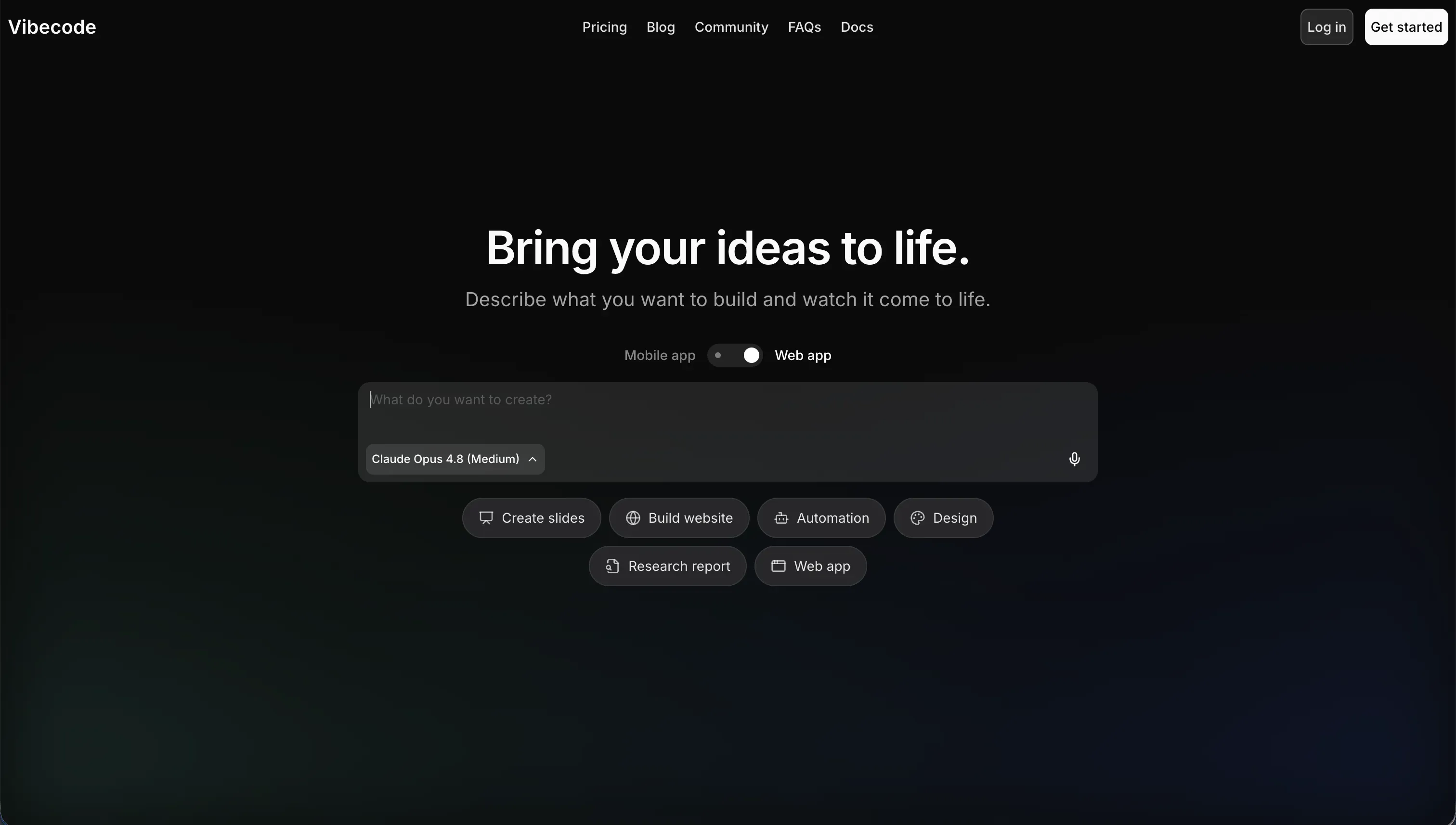
VibeCode is an AI-powered, mobile-first app builder designed to let you build, test, and publish native mobile applications using natural language. It belongs to the brand-new category of vibe-coding platforms, where you take on the role of system director, describing requirements in plain English while the underlying artificial intelligence writes code, sets up state, and manages the build pipeline.
In practice, the platform provisions a managed backend database (VibeCode Cloud), coordinates user authentication flows, and lets you preview drafts on simulated mobile layouts instantly. Once you upgrade to paid plans like the Pro tier, you gain direct code export capabilities and SSH access, meaning you can hook the app directly into external IDEs such as Cursor or VS Code to debug what the AI created.
This builder is genuinely designed for rapid mobile prototypers and non-technical builders who want to spin up native utilities, lightweight consumer concepts, or simple games. However, users trying to scale past basic features can face a complexity wall, where the LLM loses context of large files, leading to frequent code hallucinations and fragile deployment loops that break under review.
| Spec | Details |
|---|---|
| Primary Stack | React Native and cloud-managed server infrastructure |
| Interface | Natural language conversational prompt assistant |
| Primary Deployment Target | Hosted mobile previews with direct publishing to official App Stores |
| Key Advantage | Fast native mobile drafting with raw code export and developer SSH connections |
What is Adalo?
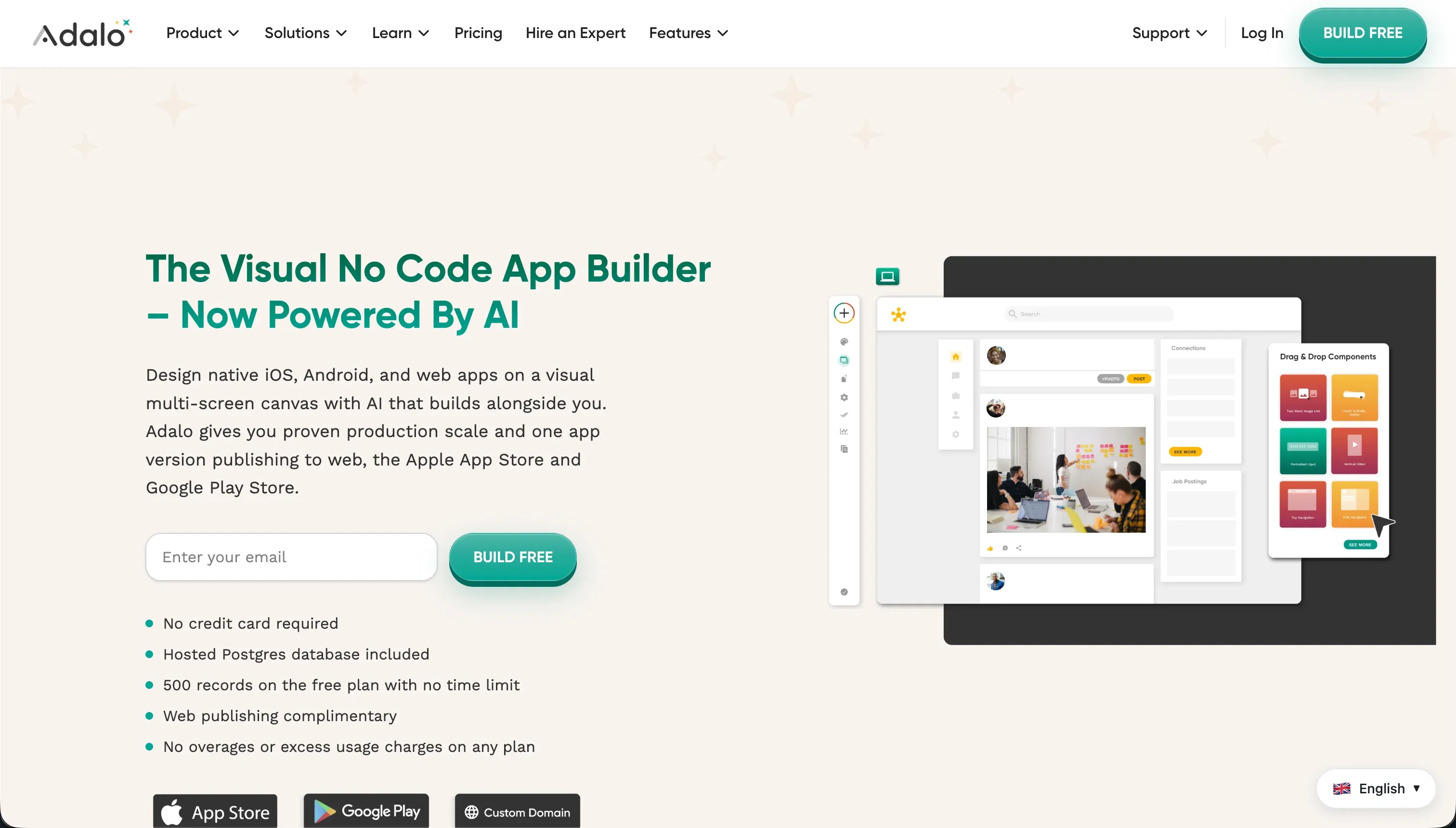
Adalo is a visual, no-code database and interface builder that compiles Web applications and native mobile packages for the major app stores. Established as a pioneer of visual development, it bypasses prompt engineering entirely, giving you a fixed-width visual canvas where you place elements like inputs, texts, forms, and custom components manually.
In practice, you design apps by laying out screens, defining action workflows (like user navigation or custom notifications), and managing data in its integrated relational database. It relies on a component marketplace to handle payments (via Stripe) or add media players, alongside custom API configurations to link screens to external tools.
It is explicitly built for creators, small startup founders, and design teams who want to build structured mobile platforms without writing raw code or managing deployment binaries. Yet, builders frequently grow frustrated when trying to scale, reporting sluggish loading performance, strict record limits on standard tiers, and a lack of built-in AI generators to speed up tedious manual screens.
| Spec | Details |
|---|---|
| Primary Stack | Proprietary visual framework and internal database structure |
| Interface | Drag-and-drop structural canvas editor |
| Primary Deployment Target | Native iOS/Android app store packages and basic web subdomains |
| Key Advantage | Highly structured visual layout control with guided app store packaging workflows |
The Core Difference
The fundamental divide between these two tools comes down to how your application logic is written and managed.
- VibeCode runs on deep natural language code generation, meaning its logic is written as raw code by an AI engine beneath a chat box.
- Adalo centers on a visual diagramming environment, where logic is represented by manual layout widgets and explicit visual database actions on a canvas.

Head-to-Head Comparison
We evaluated both platforms across four core categories.
1. Developer Experience & Iteration Speed
VibeCode is incredibly fast during the first hour of building. You do not need to think about drag-and-drop alignment or wiring relational tables manually: you simply state your purpose in plain English, and the AI scaffolds the native mobile layout instantly. If you need a currency converter or a custom fitness logged-event list, type it, watch the code formulate, and preview it on simulated layouts. The system gives you $2.50 in free credit, allowing you to iterate on simple views immediately without getting stuck in layout menus.
However, long-term iteration speed can drop off a cliff when handling complex multi-screen requirements. Because the builder relies on AI interpreting previous files, subsequent prompts can introduce regressions, overwrite working elements, or loop repeatedly on a single dependency issue. For larger codebases, you will find yourself waiting for long AI generation runs just to fix a single misplaced mobile button, turning what began as a rapid prototype into an expensive credit-burning loop.
Adalo operates at a slower, more deliberate manual pace. You build by physically dropping elements onto a visual canvas, resizing buttons, and explicitly setting up screen navigation links. This manual setup feels tedious compared to a single prompt, especially when building basic screens like user profiles, onboarding walkthroughs, or transactional receipts from scratch.
The advantage of this visual editing model is absolute predictability. If you want a button exactly 20 pixels from the bottom of the screen, you slide it there, and it stays. There are no AI hallucinations or broken code paths to debug, and you never have to worry about an edit to screen C breaking a database schema on screen A. Once the baseline screens are set up, updating them is a matter of seconds, without any tokens consumed or conversational prompts required.
Edge: Adalo, because predictable manual canvas editing avoids the fragile regression loops and burnt-credit issues common in VibeCode’s prompt-only workflow.
2. Code Quality & Portability
VibeCode excels in code ownership and developer escape hatches compared to classic no-code builders. Once you move to its Pro tier ($50 per month), the app unlocks raw React Native source code packages, which you can export to a local machine or push directly to GitHub. Developers can also connect an external editor like Cursor via SSH directly into the VibeCode Cloud workspace, enabling you to inspect, refine, or write code beside the AI.
The catch is that code quality is entirely dependent on the context window of the underlying LLM. For simple mobile applications, the generated React Native code remains structured and readable, but as database tables and custom APIs grow, the AI can structure inefficient components. Furthermore, while the frontend code is fully portable, the backend is hosted on the VibeCode Cloud database, which means taking your app completely off-platform still requires a manual backend rewrite.
Adalo is a completely locked, proprietary system. There is absolutely no code export option, no GitHub integration, and no way to inspect the underlying source code of your mobile application. If you build an app on Adalo, it must live on Adalo’s hosting infrastructure and run inside their visual runtime environment forever.
This total lock-in is a significant risk for technical startups. If the platform experiences server latency, or if your application runs slowly - which G2 reviewers frequently report on Android - your only course of action is to submit a support ticket and wait. You cannot write a custom package, optimize memory allocations, or hire a contractor to clean up the compiled JavaScript structure to bypass platform bottlenecks.
Edge: VibeCode, because code export and SSH file access prevent total seller lock-in and allow technical teams to graduate to professional tools like Replit.
3. Database & Backend Capabilities
VibeCode provisions a managed cloud database automatically behind the scenes for user accounts, app assets, and application data. Setting it up is transparent: your natural language prompt defines the table structures, and the AI creates the fields, sets the types, and connects records for you.
However, this hands-off convenience hides a major lack of direct control. Since structural database adjustments must be made via prompts, you cannot easily open a structural database editor, inspect indexes, or configure complex nested relational queries without relying on the AI to interpret your request correctly. For data-heavy operational apps with multiple relational structures, this prompt abstraction model can feel chaotic and lead to serious query sluggishness.
Adalo comes with a dedicated visual relational database engine with explicit collections, fields, and relational links (like one-to-many or many-to-many records). You possess direct control, adding new fields manually as lists, Select elements, or text strings, and linking tables cleanly in a visual spreadsheet layout.
Despite its transparent database editor, Adalo imposes severe limits that quickly pinch scaling projects. Its free tier caps database records at a low limit of 200 items per app, forcing upgrades to Starter (10,000 records) or Team (100,000 records) as your users interact. Users on Capterra also report significant slow-downs when databases grow, with query latency and image rendering lag making apps feel clunky in real use.
Edge: Adalo, because its visual spreadsheet layout gives you explicit, visual control over structured columns and row connections without translating requests through a chatbot.
4. App Store Publishing & Native Mobile Deployment
VibeCode is a mobile-first app compiler built specifically to ship to official Apple and Google app environments. On paid plans, it offers automated publishing workflows, taking your natural language application and compiling native package binaries for store submission.
The friction step is store review compliance. Because VibeCode’s apps are constructed of prompt-generated code scripts, they face higher risks of encountering visual design glitches, crash states, or navigation loops that conflict with Apple review guidelines. Without technical skills to run manual diagnostics in Xcode or Android Studio via exported source code, fixing a store rejection can degrade into an expensive and slow trial-and-error cycle of prompting the AI.
Adalo possesses years of experience navigating App Store guidelines, offering a highly guided, visual submission flow built into its interface. It handles iOS and Android packaging processes reliably, and because components conform to a standard, predictable visual architecture, your apps are less likely to contain random runtime crashes.
However, Adalo’s actual native performance leaves a lot to be desired. Capterra reviews from developers note that Adalo apps on Android can run up to ten times slower than corresponding web applications on the same device. This performance lag can cause noticeable scrolling stutters and sluggish load states, leading to poor customer reviews on the Play Store.
Edge: Adalo, because its guided publishing wizard and fixed visual framework deliver a more predictable store submission path for non-developers.
5. Learning Curve & Onboarding
VibeCode is incredibly welcoming to beginners on day one. You do not need to read documentation, attend video academies, or understand layout parameters to get started; you only need to type a simple sentence to see an app appear in seconds.
The onboarding curve changes as soon as you hit your first complex workflow. Because there is no visual layout control or manual interface builder, you must learn to prompt like an experienced engineer. If you cannot explain abstract computing terms - like state variables, asynchronous network queries, or token parsing - the AI will struggle to generate what you mean, turning the apparent simplicity of natural language into a highly confusing communication bottleneck.
Adalo has a slightly steeper learning curve in the first ten minutes because you must learn its drag-and-drop interface, understand screen connections, and link visual widgets directly to database collections. Fortunately, its design canvas operates on terms very similar to PowerPoint, making it highly intuitive for designers.
Once you grasp the basics of the visual layout canvas and visual action triggers, the learning curve is entirely flat. Because the platform uses standard visual structures for classic features like password resets or form validation, there are no hidden programming concepts to master. Its large community, documented video guides within Adalo Academy, and decades of visual no-code tutorials mean finding answers online is always straightforward.
Edge: Adalo, because using a drag-and-drop editor canvas is far easier to learn and master long-term than trying to debug complex code lines via text chat prompts.

Pricing Comparison
VibeCode:
- Free: $0 per month. Includes $2.50 in AI credits, access to premium AI models, and natural language prompt-based mobile building.
- Plus: $20 per month. Includes $20 in AI credits, additional tool features, and 1 active application deployment.
- Pro: $50 per month. Includes $55 in AI credits, 3 active deployments, complete raw React Native code export, and developer SSH access.
- Max: $200 per month. Includes $220 in AI credits and up to 5 active mobile application deployments.
Adalo:
- Free: $0 per month. Allows publishing 1 web application capped at 200 database records with Adalo visual branding.
- Starter: $36 per month when billed annually ($45 monthly). Includes 1 published web app, custom domain, and up to 10,000 database records.
- Professional: $52 per month when billed annually ($65 monthly). Supports 2 published apps (with 1 native mobile deployment), custom font files, Airtable data integration, and up to 30,000 database records.
- Team: $160 per month when billed annually ($200 monthly). Supports 5 published apps with native mobile packages, basic team workspace collaboration, and up to 100,000 database records.
- Business: $200 per month when billed annually ($250 monthly). Includes up to 10 published apps, priority support channels, and up to 250,000 database records.
Use Case Fit: When to use which?
When to choose VibeCode
- You want to kickstart a mobile app MVP using text prompts and value immediate interactive drafting over manual grid layouts.
- You need real source-code portability, including visual code exports or direct SSH workspace connections to Cursor.
- You are building simple mobile utilities, lightweight client concepts, or personal helper tools that can be managed entirely through AI generation without complex nested relational structures.
When to choose Adalo
- You prefer absolute, visual control over your screens, with a visual canvas to resize, position, and align components manually.
- You want a guided publishing workflow to submit native iOS and Android packages to the official app stores without managing app binaries or code files.
- You can manage your data using a structured, visual database editor and do not need advanced conversational AI features or customized script generation.
When neither VibeCode nor Adalo is the right fit
For internal tools and client portals
Both VibeCode and Adalo fall short if your goal is to build secure, robust business software like customer portals, CRMs, team project trackers, or operational systems. VibeCode’s code-generation models can introduce bugs into multi-tenant setups, while Adalo’s fixed mobile canvas stretches into poor formats on laptop screens, making desktop portals look amateurish. More importantly, both platforms lack the granular user roles, enterprise security rules, and real-time syncing needed to run business workflows safely.
This is where Softr is the logical, production-grade alternative. Softr connects natively to Softr Databases as your database, delivering granular, block-level permissions that keep client data isolated from internal staff. With pre-built layouts optimized for web and mobile PWAs, and an AI Co-Builder to handle the heavy lifting without generating fragile technical debt, Softr allows business operators to build, publish, and maintain robust business software on day one without writing a single line of code.
For enterprise-grade native mobile apps
If your project requires high-performance native iOS and Android apps, rich device hardware integrations (like bluetooth, custom background positioning, or direct storage operations), and absolute codebase control, both of these tools will quickly hit limits. VibeCode will struggle under prompt-context drift as your logic expands, while Adalo will suffer from sluggish screen load latency and Android performance stutters.
The preferred alternative here is FlutterFlow. It is a visual development interface built on top of Google’s Flutter framework, producing clean Dart code that can be deployed directly to the App Store. Unlike Adalo’s locked proprietary ecosystem, FlutterFlow allows you to download clean source code, insert custom packages, connect to enterprise databases like Supabase, and maintain full mobile performance.

Verdict
Choose VibeCode and accept its trade-offs if you are a technical founder or mobile prototyper who wants to draft native mobile apps using natural language and write clean React Native code. You will gain early prototyping speed, GitHub sync, and SSH terminal access, but you must accept the risk of AI regression loops, unpredictable credit usage, and the eventual responsibility of debugging prompt-generated code structures when store submissions hit guidelines.
Choose Adalo if you want a reliable visual canvas editor to align buttons, map fields manually, and package working iOS and Android drafts without dealing with code files. You will leverage a straightforward powerpoint-like builder and structured database collections, but you accept total platform lock-in, sluggish loading speed on Android devices, and a complete lack of AI-led shortcuts.
However, if your project is not a consumer mobile app but a B2B operations tool, customer client portal, or internal dashboard, both environments represent unnecessary technical debt and poor desktop layouts. In these scenarios, deploying a structured no-code platform like Softr provides the visual security, granular user roles, and native relational databases needed to go live reliably on day one. Softr handles the foundational hosting, security, and permissions visually so your operations team can expand their software without worrying about code crashes or scaling limits.

Summary Comparison Table
| Criterion | VibeCode | Adalo |
|---|---|---|
| Build Paradigm | Conversational AI Prompting | Visual Drag-and-Drop Canvas |
| Output Type | Native iOS & Android Source Code | Compiled web and proprietary native apps |
| Database | Managed VibeCode Cloud backend | Internal database with strict plan limits |
| Visual Permissions | Highly basic role filters via code scripts | Basic conditional filters on elements |
| Pricing Metric | Credit-based model on LLM usage | Base plans rising with record-volume limits |
| Code Export | Available on Pro and Max plans | Entirely locked visual proprietary platform |