

VibeCode and Dyad both turn natural-language prompts into working software, but they aim at almost opposite users. VibeCode is a hosted, mobile-first builder for creating native iOS and Android apps from plain English and pushing them to the app stores. Dyad is a local-first, open-source workspace that generates full-stack web code on your own machine and keeps everything in Git.
The people choosing between them are rarely the same person. One is a creator or designer who wants a native mobile MVP live this week without learning Swift. The other is a developer who wants AI to write React and Node code they can own, version, and deploy anywhere. What is at stake is not just speed to a first build, but who controls the code afterward, how much setup you tolerate, and what happens when the app grows past a simple prototype.
Meet the Contenders
What is VibeCode?
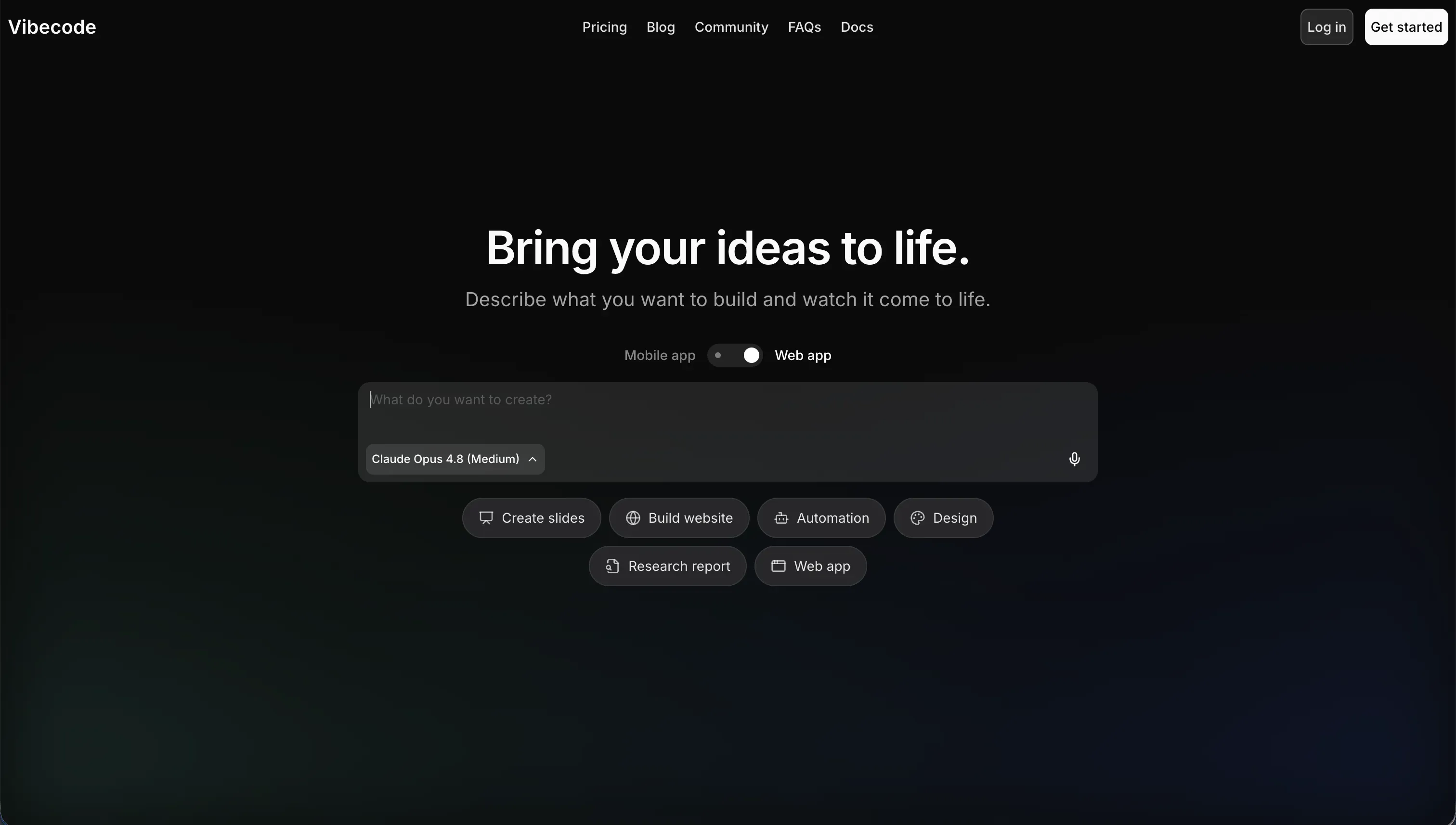
VibeCode is an AI-powered, mobile-first app builder that lets you create, test, and publish native mobile applications using natural language. You act as the director, describing features in plain English while the AI generates the underlying software. Unlike web-first platforms, it is built specifically for native iOS and Android apps, complete with a built-in backend database, user authentication, and API integrations.
In practice, VibeCode shines at quick mobile prototyping. It provisions a backend automatically through VibeCode Cloud, previews layouts optimized for smartphones, and lets paid users deploy straight to the Apple App Store and Google Play Store. Its credit model is unusually transparent, with $1 in credits mapping to $1 of raw AI usage from providers like Anthropic and OpenAI, no markup added. Pro and Max tiers also unlock full code export and SSH access to editors like Cursor, which gives developers a real escape hatch.
VibeCode is genuinely built for mobile prototypers and non-technical creators who want a native app fast. It gets harder to recommend as apps grow complex, because the AI can lose context in larger codebases and hit a complexity wall on advanced data pipelines or custom native integrations. Code export and SSH are also locked behind the $50 per month Pro tier, so cheaper plans carry real lock-in.
| Spec | Details |
|---|---|
| Primary Stack | Prompt-to-app generator with built-in VibeCode Cloud backend (database, auth, storage) |
| Interface | Browser-based natural-language builder with on-device mobile preview |
| Primary Deployment Target | Native iOS and Android apps published to the Apple App Store and Google Play |
| Key Advantage | Direct native app-store publishing from prompts, with no-markup credit pricing |
What is Dyad?
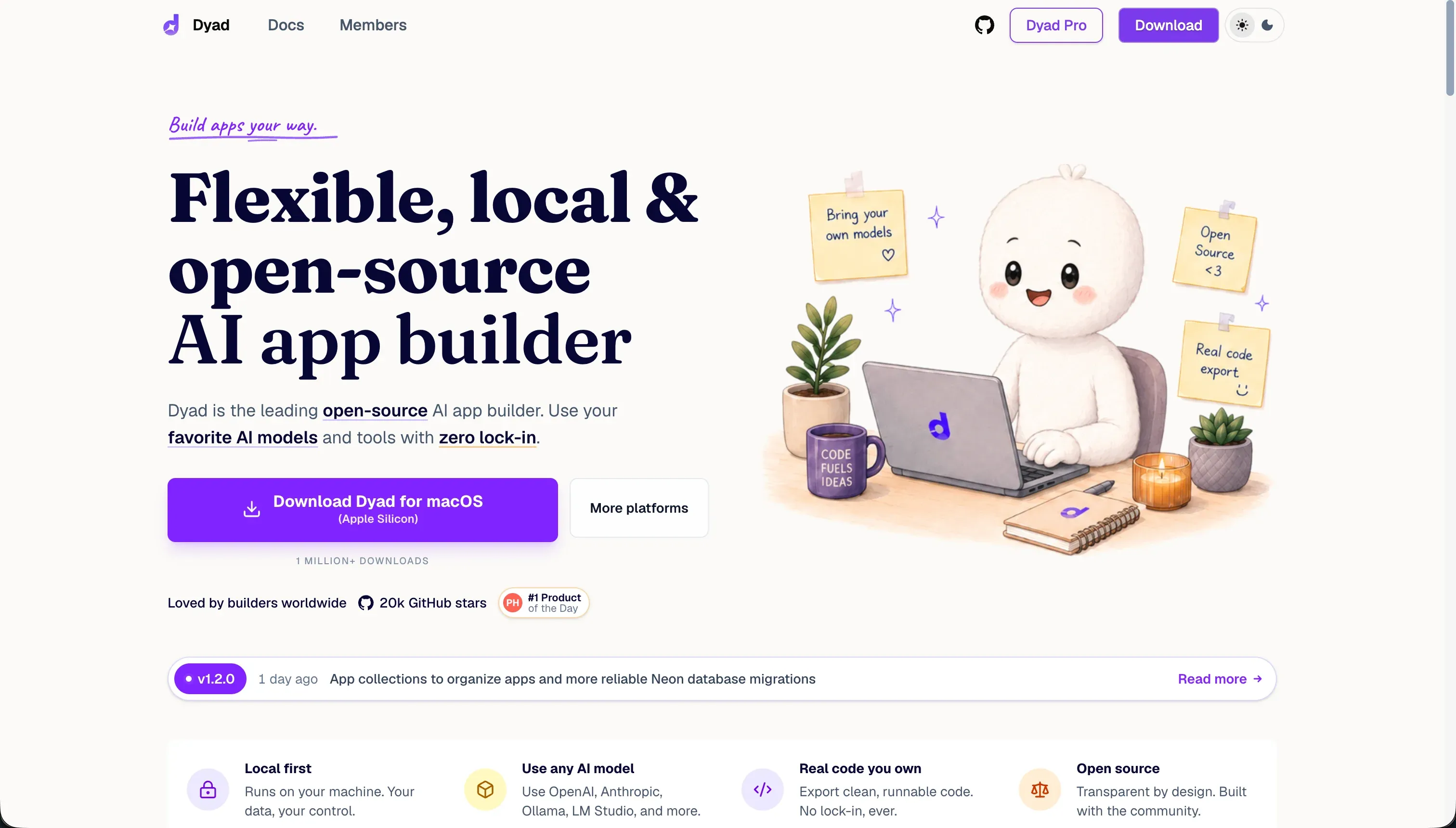
Dyad is a local, open-source AI application builder that runs on macOS, Windows, and Linux. It generates full-stack web apps - React and Tailwind front ends, Node API logic, and SQLite or PostgreSQL schemas - while keeping the codebase and its history entirely on your local machine. It is built around code privacy and zero hosting lock-in.
In practice, Dyad behaves more like a developer utility than a hosted platform. It supports model interoperability across GPT-4, Claude Sonnet, Gemini Pro, and local models through Ollama, and uses a Bring-Your-Own-Key model so you pay providers directly for tokens. Because raw source files sit on your hard drive, you can version them with standard Git and deploy to Vercel, Netlify, or AWS whenever you choose. It also integrates directly with VS Code and Cursor for moving between AI prompting and manual coding.
Dyad is built for developers and privacy-conscious teams who want local codebase control and portability without platform lock-in. It is much harder for non-technical users, since it requires installing Node.js, Git, and local model tooling, and offers no one-click live URL. It also has no native mobile path, lacks automated database rollback, and runs slowly on standard laptops when using local models.
| Spec | Details |
|---|---|
| Primary Stack | Local-first generator producing React/Tailwind front ends with Node and SQLite/PostgreSQL backends |
| Interface | Desktop app with AI prompting plus VS Code and Cursor integration |
| Primary Deployment Target | Self-hosted web apps deployed manually to Vercel, Netlify, or AWS |
| Key Advantage | Local code ownership, Git history, and BYOK pricing with no platform markup |
The Core Difference
The biggest difference is not which one writes better code. It is who the tool is for and where your app lives once it is built.
- VibeCode is a hosted, mobile-first builder that prioritizes getting a non-technical creator from prompt to a published native app, accepting platform dependence on cheaper tiers as the tradeoff.
- Dyad is a local-first developer workspace that prioritizes code ownership, privacy, and portability, accepting heavy setup and a steep technical bar as the tradeoff.

Head-to-Head Comparison
We evaluated both platforms across five core categories.
1. Ease of Use & Onboarding
VibeCode is designed to remove every barrier between an idea and a running app. It runs in the browser, provisions the backend for you, and previews the result on your phone, so a non-technical creator can go from a prompt to a working mobile mock in one afternoon. There is no environment to install and no terminal to learn, which is exactly why prototypers gravitate to it.
That accessibility has a ceiling, though. When the AI introduces a compilation bug or an invalid API call, a non-technical builder can struggle to debug it without exporting the code, and export only exists on the $50 Pro tier. So onboarding is smooth right up until something breaks in a way the prompt interface cannot fix.
Dyad asks far more of you before you build anything. You must install Node.js, set up Git, manage your own API keys, configure local database libraries, and clear macOS or Windows Defender security prompts on first run. Reviewers say plainly that basic terminal and Git skills are required just to debug compile errors and run dev servers.
For the right user that overhead is a fair price for control, but for everyone else it is a hard stop. Dyad explicitly notes that users uncomfortable with prompting and debugging, or those wanting zero-setup cloud workflows, should avoid it. This is a tool that assumes you already think like a developer.
Edge: VibeCode, because it gets a non-technical creator to a working app with no setup, while Dyad demands real developer tooling before the first prompt.
2. Code Ownership & Portability
Dyad is built around ownership in a way few AI builders match. Raw source files live on your hard drive from the first prompt, every change becomes a Git commit, and the standard React and Node output is unlocked, so you can branch, audit, or move it to any host. There is no proprietary platform to escape because the code was never trapped in one.
The only friction is cosmetic and operational. Dyad tags every automatic commit with a [dyad] prefix that solo devs find messy for clean public repos, and deployment is fully on you, since there is no built-in hosting and you must wire up Vercel, Netlify, or AWS yourself. Those are real chores, but they are the cost of total control rather than signs of lock-in.
VibeCode does offer ownership, but with a paywall in front of it. Full code export and SSH access to editors like Cursor exist only on the Pro plan at $50 per month and above. On Free and Plus you are entirely dependent on the in-browser prompting interface with no way to take the code out.
That makes VibeCode’s portability conditional. If you commit to Pro, you get a genuine escape hatch and a clean path to manual refinement. If you build something meaningful on a cheaper tier first, you can find yourself locked into the platform exactly when you most want out.
Edge: Dyad, because local, unlocked, Git-tracked code beats an export path that only appears once you pay for the $50 tier.
3. Deployment & Hosting
VibeCode handles deployment as a core feature, and for its target user that is the whole point. It packages your generated app and publishes directly to the Apple App Store and Google Play on paid tiers, with one active deployment on Plus, three on Pro, and five on Max. For a creator who just wants a native app in the stores, that is a short, managed path.
The limits are about scope rather than effort. Deployments are capped per tier, app-store submissions still face review and approval cycles, and the deeper your app’s logic gets, the more likely the AI hits a complexity wall before the app is store-ready. So deployment is easy to trigger but not unconditional.
Dyad gives you nothing here, by design. It does not provide cloud hosting at all; your app runs locally, and making it public means manually pushing code to a repository and configuring a host like Vercel, Netlify, or AWS yourself. There is no one-click live URL, which is a real friction point compared with any hosted platform.
The upside is total freedom in where the app ends up. Because the output is standard code, you can deploy it to any provider, on any infrastructure, with any pipeline you prefer. That suits developers who want control over their stack and frustrates anyone hoping to skip DevOps entirely.
Edge: VibeCode, because it actually publishes native apps to the stores, while Dyad makes you stand up and configure your own hosting before anyone can use what you built.
4. Database & Backend Capabilities
VibeCode includes a backend out of the box. It automatically provisions a database, user authentication, and cloud storage through VibeCode Cloud, plus built-in tools to connect external APIs like GPT, Gemini, weather, and maps using your plan’s credits. For a mobile MVP that needs to store data and log users in, you do not assemble any of this yourself.
The weakness shows up at scale. As mobile apps grow in logic complexity, with custom data pipelines or unusual authentication patterns, the AI can struggle and produce hallucinated code or broken logic. In larger codebases it loses context of the overall structure, which makes the backend harder to extend cleanly once the app is more than a prototype.
Dyad generates a real backend too, producing Node API logic alongside SQLite or PostgreSQL schemas, all stored locally. For a developer this is appealing because it is standard, inspectable code you can shape directly rather than a black-box hosted backend.
But Dyad’s backend handling has a sharp edge. It lacks automated database rollback, so when the AI modifies tables or structures and introduces breaking changes, recovery can mean manually deleting database logs and restarting. One community member described database and edge-function changes as the place they hit the most problems because they could not roll back. That fragility makes its backend powerful for skilled users and risky for everyone else.
Edge: Even, because VibeCode gives you an instant managed backend that strains under complexity, while Dyad gives you real owned code that can break hard without rollback tools.
5. AI Quality & Reliability at Scale
VibeCode’s AI is the entire build engine, and for small apps it performs well, translating plain English into mobile interfaces, databases, and integrations quickly. The transparent credit model also means you are paying real provider rates for that generation, so heavy AI use is at least honestly priced rather than marked up.
Reliability slips as projects grow. The AI can lose context of a large codebase and overwrite existing blocks or generate bugs, and experienced developers warn that relying purely on vibe coding for production apps risks structural issues, unoptimized assets, and security gaps that can fail store review. Without a manual code audit, a complex VibeCode app is a gamble.
Dyad’s reliability depends heavily on which model you point it at. Community feedback notes that weaker free models plan and code poorly, adding redundant lines until the codebase bloats and collapses under its own weight. Stronger cloud models help, but you are paying for them through BYOK.
Context limits compound the issue. Users report that prompt history quickly exceeds the model’s context window in larger projects, that managing context by hand is tedious, and that token usage climbs sharply past a few thousand lines of code. Both tools, in other words, are reliable for first versions and fragile for big ones, just for different underlying reasons.
Edge: Even, because both are quick and capable on small builds but degrade in large codebases, VibeCode through context loss and Dyad through token limits and model-dependent bloat.
Pricing Comparison
VibeCode:
- Free - $0/mo, $2.50 included AI credits, access to premium models, prompt-based building, no app-store deployments
- Plus - $20/mo, $20 included credits, 1 active deployment, custom domains
- Pro - $50/mo, $55 included credits, 3 active deployments, full code export and SSH access, 24/7 priority support
- Max - $200/mo, $220 included credits, 5 active deployments, full code export and SSH access, 24/7 priority support
Credits map directly to raw AI usage with no markup, roll over month to month, and do not expire. Annual plans offer typical discounts.
Dyad:
- Community (Open Source) - Free, unlimited local apps, local model support via Ollama, Bring Your Own Keys, no visual page editor
- Pro - Custom subscription, cloud model credit access, visual page editor, advanced reasoning agents, dedicated developer support
Dyad’s BYOK model means you pay Anthropic, OpenAI, or Google directly for tokens, bypassing platform markup. Local models through Ollama can run at no token cost, but require capable hardware.
Use Case Fit: When to use which?
When to choose VibeCode
- Choose VibeCode when your goal is a native iOS or Android app published to the app stores and you do not want to learn Swift, Kotlin, or React Native.
- Choose VibeCode when you are a non-technical creator who wants an instant managed backend with database, auth, and storage handled for you.
- Choose VibeCode when you plan to start on Pro or higher so code export and SSH access to Cursor are available if you outgrow pure prompting.
When to choose Dyad
- Choose Dyad when you are a developer who wants AI-generated full-stack web code that lives locally, stays in Git, and deploys to any host you like.
- Choose Dyad when code privacy matters and you want everything running on your own machine with Bring-Your-Own-Key pricing instead of platform markup.
- Choose Dyad when you have capable hardware and are comfortable installing Node.js, managing keys, and debugging in a terminal.
When neither VibeCode nor Dyad is the right fit
For business apps, internal tools, and client portals
Neither tool is built for operational business software. VibeCode targets consumer mobile apps and utilities, while Dyad hands you raw code and expects you to bolt on authentication with Clerk or Auth0 and configure secure database roles yourself. For an ops manager who needs a CRM, vendor portal, or client portal, that is a lot of technical work for the wrong shape of result.
For that job, look at Softr or Bubble. Softr ships every app with authentication, granular user groups, row-level permissions, hosting, and SOC 2 Type II security from day one, and its AI Co-Builder generates the database, pages, and roles from a prompt while leaving every change editable by hand, so AI credits never block you from shipping. Bubble is the heavier option when the web app needs deeply custom logic and you are willing to manage more complexity to get it.
For a professional code-first IDE workflow
If you want AI pair-programming inside a full developer environment with terminal access, package management, and complete control over the stack, both of these tools sit at the wrong altitude. VibeCode abstracts the build behind prompts, and Dyad, while local, is still its own generation workspace rather than a general IDE.
In that case, look at Cursor or Replit. Cursor is the stronger fit for developers already living in an IDE who want AI working directly on a real codebase, while Replit makes more sense if you want a browser-based coding environment with deployment and runtime tooling built in.
For polished native mobile beyond quick prototypes
VibeCode is good at fast native prototypes, but if you need serious native flexibility and a more dependable path to production app-store output, its prompt-driven approach can hit a complexity wall. Dyad does not do native mobile at all.
For more demanding native work, compare FlutterFlow and Adalo. FlutterFlow is the stronger choice when you need real native-app flexibility and closer control over store output, while Adalo is the simpler, more beginner-friendly native-mobile builder.

Verdict
Pick VibeCode if you want to prompt a native mobile app into existence and get it into the Apple App Store or Google Play without learning to code. It handles the backend, previews on your phone, and prices AI honestly at raw cost. The tradeoffs are real: the AI loses context as apps grow, complex logic can break, and code export only arrives on the $50 Pro tier, so commit to a plan that keeps your exit open.
Pick Dyad if you are a developer who wants to own what the AI writes. Local execution, Git history, BYOK pricing, and standard React and Node output give you control and portability that VibeCode only offers behind a paywall. The cost is steep setup, no built-in hosting, missing database rollback, and slow local generation without strong hardware, so it rewards skill and punishes the unprepared.
The honest read is that these tools serve narrow, opposite audiences and both get fragile once an app grows past a prototype. If you actually need durable business software rather than a mobile MVP or a developer’s local codebase, neither is the right home; Softr is the more practical fit for non-technical teams building portals and internal tools, while Bubble or Cursor make more sense depending on how much custom logic or code control you want.

Summary Comparison Table
| Criterion | VibeCode | Dyad |
|---|---|---|
| Best for | Native mobile MVPs from prompts | Developers owning local full-stack code |
| Build paradigm | Hosted browser-based prompt builder | Local-first desktop generator with IDE integration |
| Deployment | Direct to Apple App Store and Google Play | Manual self-hosting on Vercel, Netlify, or AWS |
| Backend | Built-in database, auth, and cloud storage | Generated Node plus SQLite/PostgreSQL, no rollback |
| Pricing model | Credits at raw AI cost, plans $20 to $200/mo | Free open-source plus BYOK token costs, Custom Pro |
| Code ownership | Export and SSH on Pro ($50/mo) and up | Full local code in Git, free from day one |
| Ease for non-developers | High, no setup required | Low, needs terminal, Git, and local tooling |