What is Dyad?
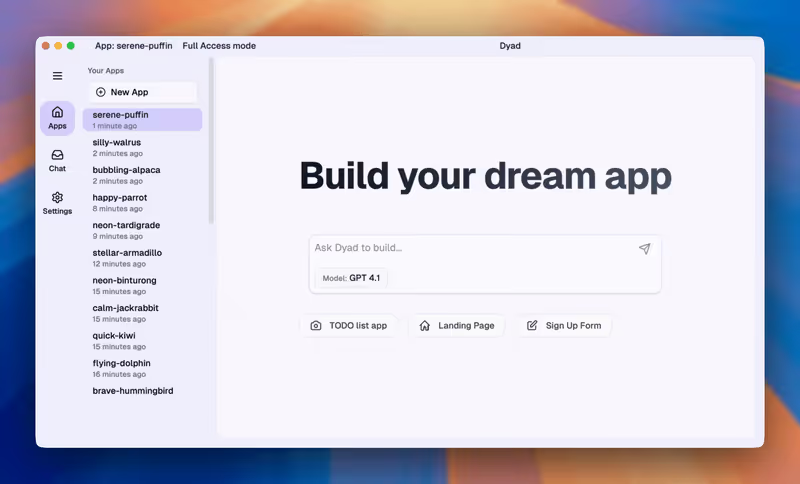
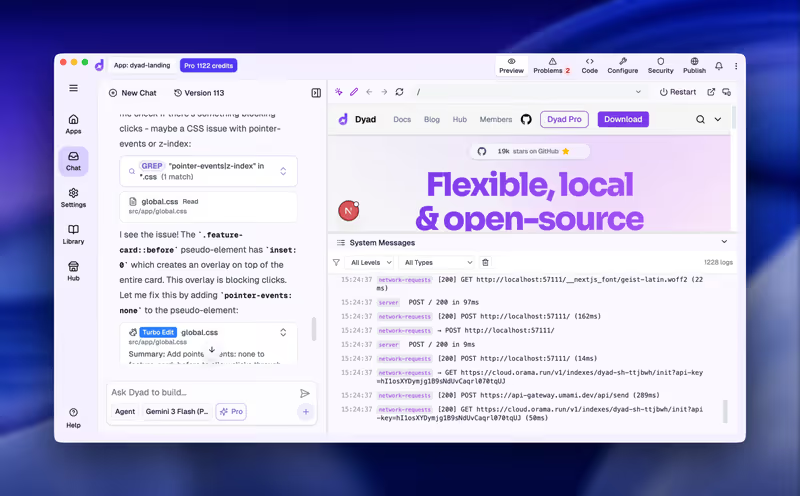
Dyad is an open-source, local-first application development workspace designed to compile web systems directly on your computer’s hard drive. Built to address codebase privacy concerns, Dyad allows developers to build and test full-stack web applications (React frontend, Node API backend, SQLite/PostgreSQL databases) without relying on closed cloud environments.
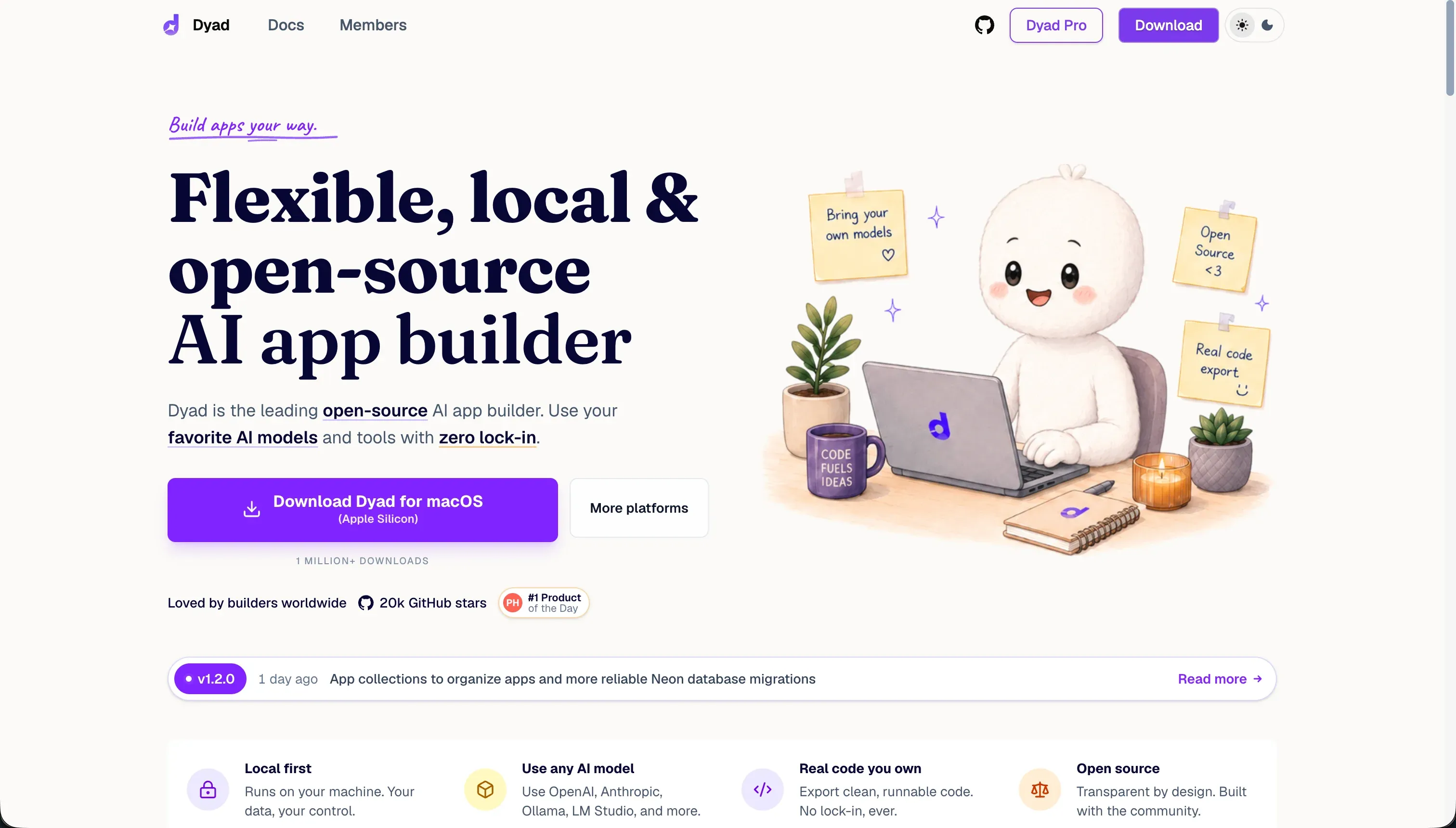 Dyad product snapshot
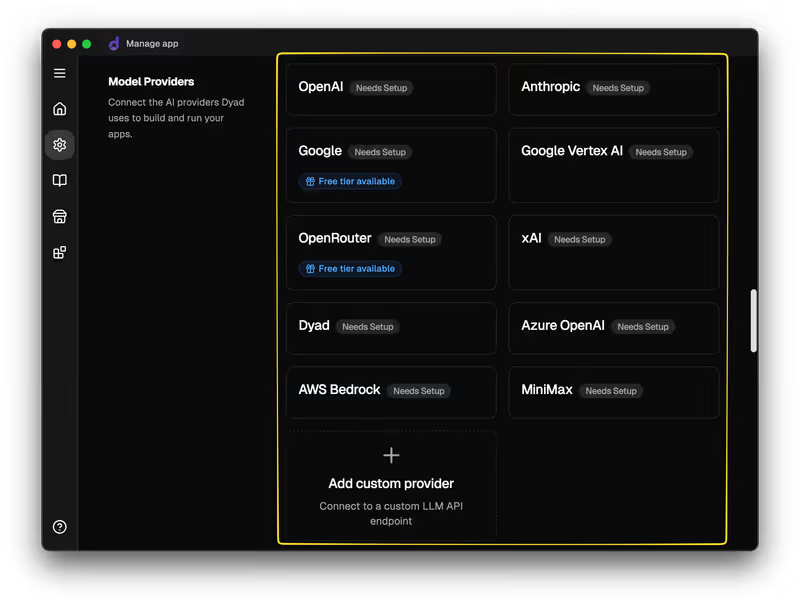
The system supports a Bring-Your-Own-Key (BYOK) model, enabling you to connect your Anthropic, OpenAI, or Ollama keys directly to prompt updates, avoiding middleman SaaS markups.

What types of applications can you build with Dyad?
Because Dyad operates locally on standard JavaScript libraries, it can scaffold:
- Custom Full-Stack JavaScript Apps: Build React screens powered by Node Express backend controllers.
- Local Database Utilities: Configure SQLite schemas, test API routers, and build dashboard cards.
- Custom Software Prototypes: Write local automation scripts and prototype layout concepts.
However, because Dyad does not include cloud deployment, converting your local project into a secure B2B platform with online user roles and portals requires manually configuring hosting servers.
Where Dyad genuinely shines
Dyad’s biggest asset is privacy and lack of lock-in. Since your code files are stored locally on your hard drive, you keep full ownership of your data and intellectual property. You can use standard Git commands to track updates and branch your project, making it easy to transition development into IDEs like VS Code or Cursor.
By supporting local model servers (like Ollama), technical builders can prompt and write code offline without spending money on model tokens, making it a cost-effective choice for developers.
The engineering overhead & setup complexity
Running a local-first AI workspace introduces significant setup complexity:
- Local Environment Setup: Beginners face a steep technical barrier. You must install Node.js, set up Git, configure local DB libraries, and handle Windows Defender or macOS security approvals manually before your project runs.
- Lack of DB Rollback Tools: When the AI modifies database tables or structures, it occasionally introduces breaking changes. Because the platform lacks automated database schema migrations, recovering your project often requires manually deleting database logs and restarting.
- Token and Context Drift limits: In larger codebases, prompt history quickly exceeds the LLM context window. As a result, the AI struggles to keep track of distant files, sometimes bloating the codebase with redundant modules.
The pricing gotchas & token/credit model
Dyad uses an open-source model that avoids standard platform markup subscriptions:
- Token Token Cost Savings: Under the BYOK model, you pay Anthropic or OpenAI directly for token consumption, which is much cheaper than buying monthly credit tiers from white-labeled AI builders.
- Hardware Requirements: Running advanced coding models locally (using Ollama) requires high-end hardware, such as Apple Silicon M-series or Nvidia graphics cards. On standard laptops, local generation is slow.
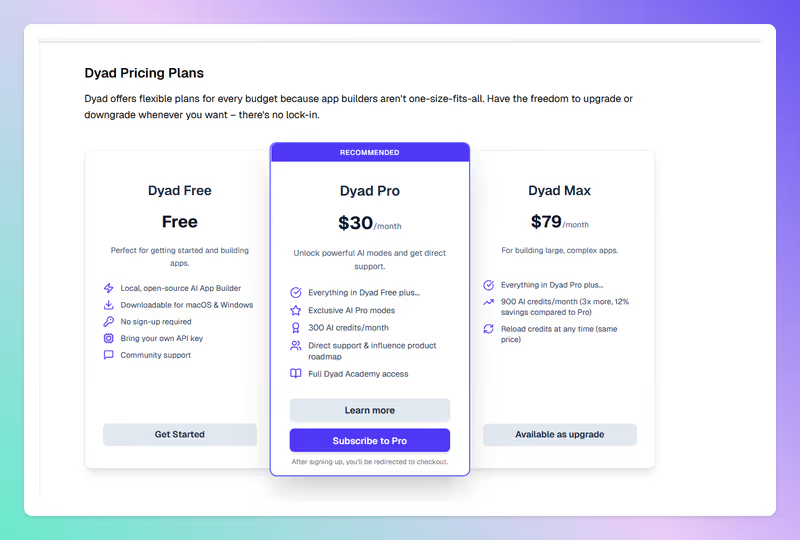
- Visual Editor Pricing Gaps: While the Community plan is open-source and free, advanced features (like click-to-edit visual controls) are restricted to paid Pro tiers.
Public Sentiment & Community Consensus
Discussions on developer boards and GitHub highlight key tradeoffs:
- Code Ownership Praise: Builders value the ability to version-control their projects via standard Git repositories with no vendor lock-in.
- Regression and App Breakage: Users warn that attempting to optimize complex features via prompts frequently breaks the application, forcing them to restore older Git commits.
- Git Commit Pollution: By default, Dyad labels every automatic change with a
[dyad]prefix, which developers find messy for public repositories.
For operations teams and business owners looking to build client portals, customer dashboards, or internal tools, managing local servers and Git repositories is an expensive distraction. Every broken feature in Dyad means hunting through commit history and re-prompting from scratch - which is exactly the kind of Day Two fragility that business operators can’t afford. In these cases, Softr is a much more practical fit. Softr’s AI Co-Builder lets you describe your app in a prompt and generates a complete working product - Softr Databases, pages, user groups, and permissions all included. There’s no generated code to debug and no re-prompting when something breaks, because the visual foundation stays stable. Auth, hosting, and security are built in from day one. Plans start at $19/mo, and every AI action can also be done manually, so AI credits never block you from shipping.

Verdict: Who is it actually for?
Best for: Developers, privacy-conscious programmers, and technical teams who want local codebase control, Git version tracking, and direct API pricing using cloud or offline LLMs.
Not for: Non-technical operators or business managers who need a quick, zero-setup B2B web application without local package installations or hosting configurations.