
Why people look for Dyad alternatives
Dyad is a genuinely appealing tool for a specific kind of builder: it’s local-first, open-source, and runs on a bring-your-own-key model that skips platform markups. Your code lives on your hard drive, version-controlled with Git and deployable anywhere. For developers who value privacy and zero lock-in, that’s a strong pitch. But the same things that make Dyad powerful for developers make it a poor fit for many people who just want a working app, and even experienced users hit real limits.
Local setup and environment overhead
Dyad runs on your machine, which means you have to set up the machine. That includes Node.js, Git, and, if you want to run local models through Ollama, Docker and a capable GPU. Advanced local AI models realistically need Apple Silicon M-series hardware or an Nvidia card. First-run setup can also trip over Node.js detection issues or Windows Defender flags on download. For a non-technical builder, this is a wall before you write a single prompt.
You still need to code to recover from problems
The AI writes the code, but you maintain it. Users report needing basic terminal and Git experience to debug compile errors, manage API keys, and run dev servers. As one reviewer put it, the tool is best avoided by “users uncomfortable with basic prompting/debugging.” When the AI gets something wrong, you’re the one in the editor fixing it.
No instant deployment
Cloud builders hand you a live URL with one click. Dyad doesn’t. Because everything runs locally, you have to configure your own hosting and database provider (Vercel, Netlify, Supabase, AWS) to make an app public. That’s real control, but it’s also real work, and it’s a step that trips up anyone expecting a “share this link” moment.
Token burn and context limits on larger codebases
Dyad’s BYOK model means you feel every token. The community’s most common complaint is exactly this: AI app builders like Dyad “consume tokens at an alarming rate, particularly when projects exceed a few thousand lines of code.” Users on a 128k-token model describe it as “quite difficult to keep the apps below it,” with painful manual file-by-file context trimming when projects grow.
Codebase bloat and fragile rollbacks
Weaker or free models tend to add redundant code until, in one user’s words, “your codebase may bloat and collapse under its own redundant weight.” Others describe breaking their app so badly they “end up deleting everything and starting again.” The hardest cases involve the database: “I seem to run into the most problems when the AI makes changes to the database and/or edge functions and I can’t rollback.” For business-critical apps, that instability is the dealbreaker.

The best Dyad alternatives, by use case
If you want a local, code-first developer environment
If the appeal of Dyad is local control and real code ownership, but you want a more mature editor and a smoother debugging loop, these tools keep you on your own machine with full Git control.
Cursor
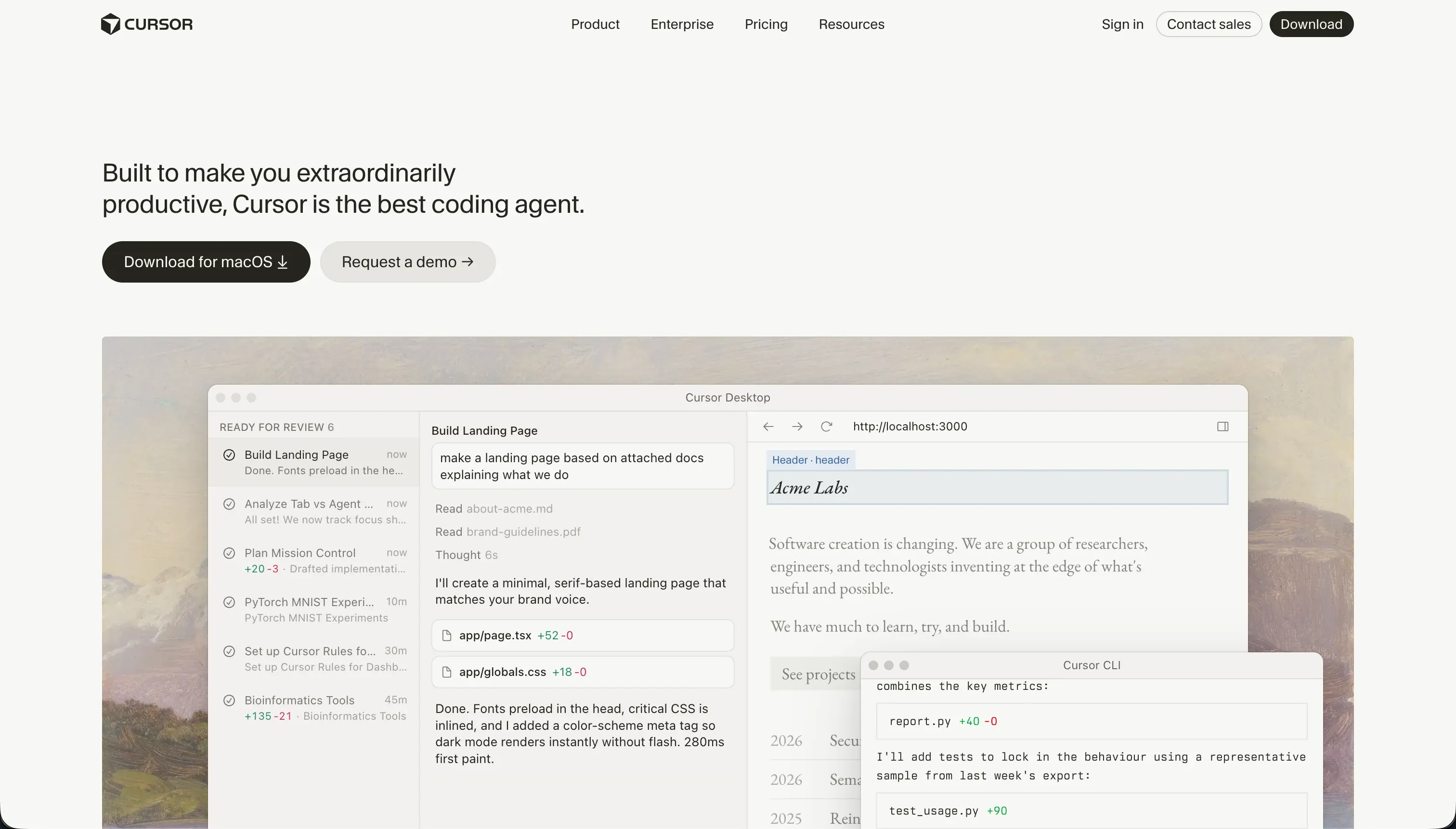
Cursor is a fork of VS Code with AI built in. It reads your entire project directory for context, lets you refactor and generate files inline, and runs entirely on your local machine, so you keep the privacy and code ownership that draw people to Dyad. The difference is maturity: you’re working in a full-featured editor with the entire VS Code extension ecosystem, and you can revert any buggy AI iteration instantly through Git. There’s no [dyad] commit prefix to clean up either.
Pricing: Free tier includes basic queries. Pro plan is $20/month for unlimited completions and high-speed models. You bring your own model usage much like Dyad’s BYOK approach.
Replit
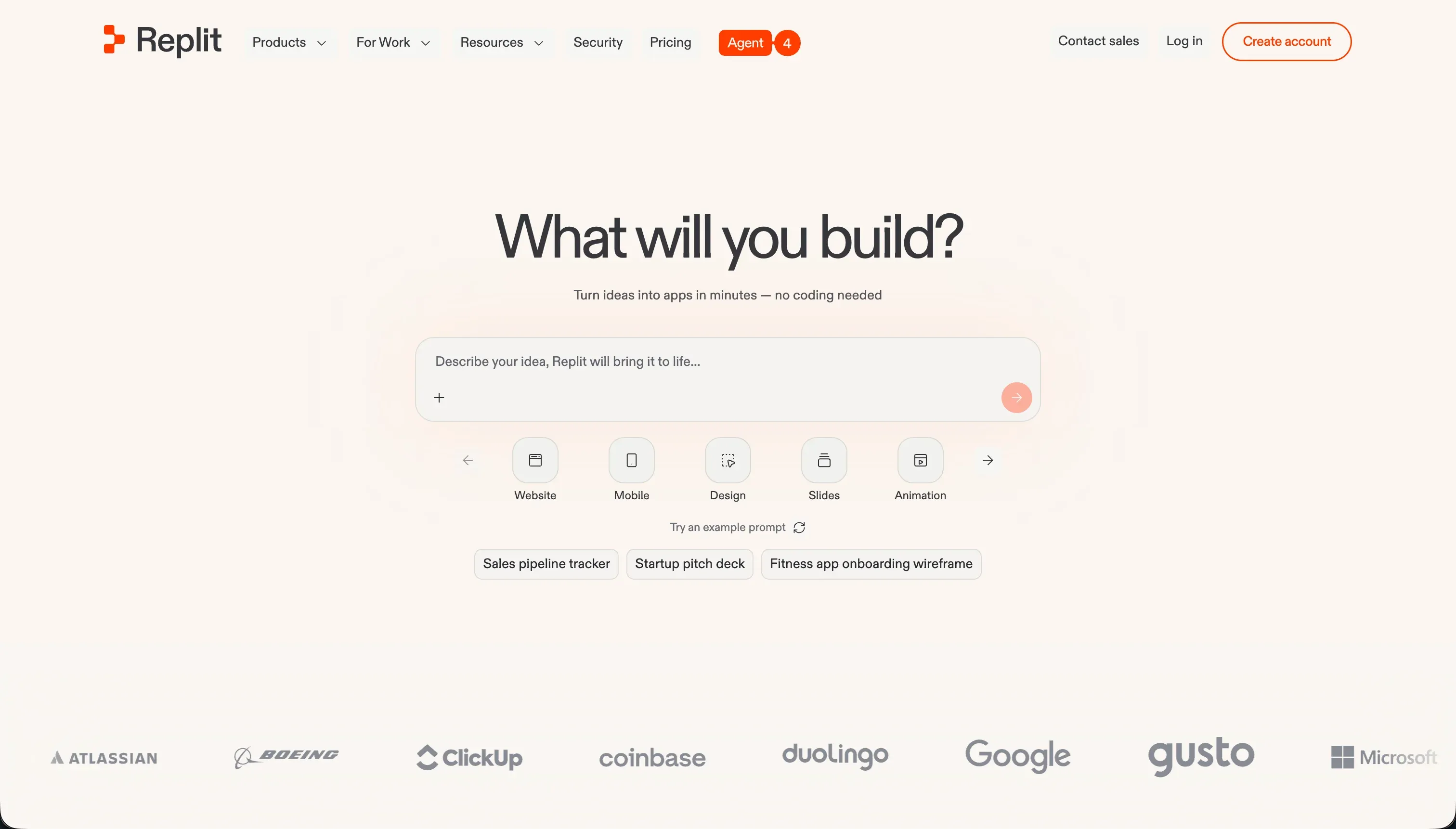
Replit gives you a full development environment with AI agents, but in the cloud instead of on your hardware. You get terminal access, package installation, and backend language support, plus one-click deployment that Dyad makes you configure yourself. It’s a good middle ground if you like Dyad’s code-first philosophy but don’t want to manage local dependencies or a GPU.
Pricing: Core tier is $15/month, with advanced developer features and compute scaling on higher plans.
If you’re building internal tools your team needs to maintain
If you’re building operational apps like inventory trackers, approval workflows, or team dashboards, the local-setup and self-hosting overhead of Dyad is pure cost with no upside. You don’t want raw code your team has to debug and host.
Softr
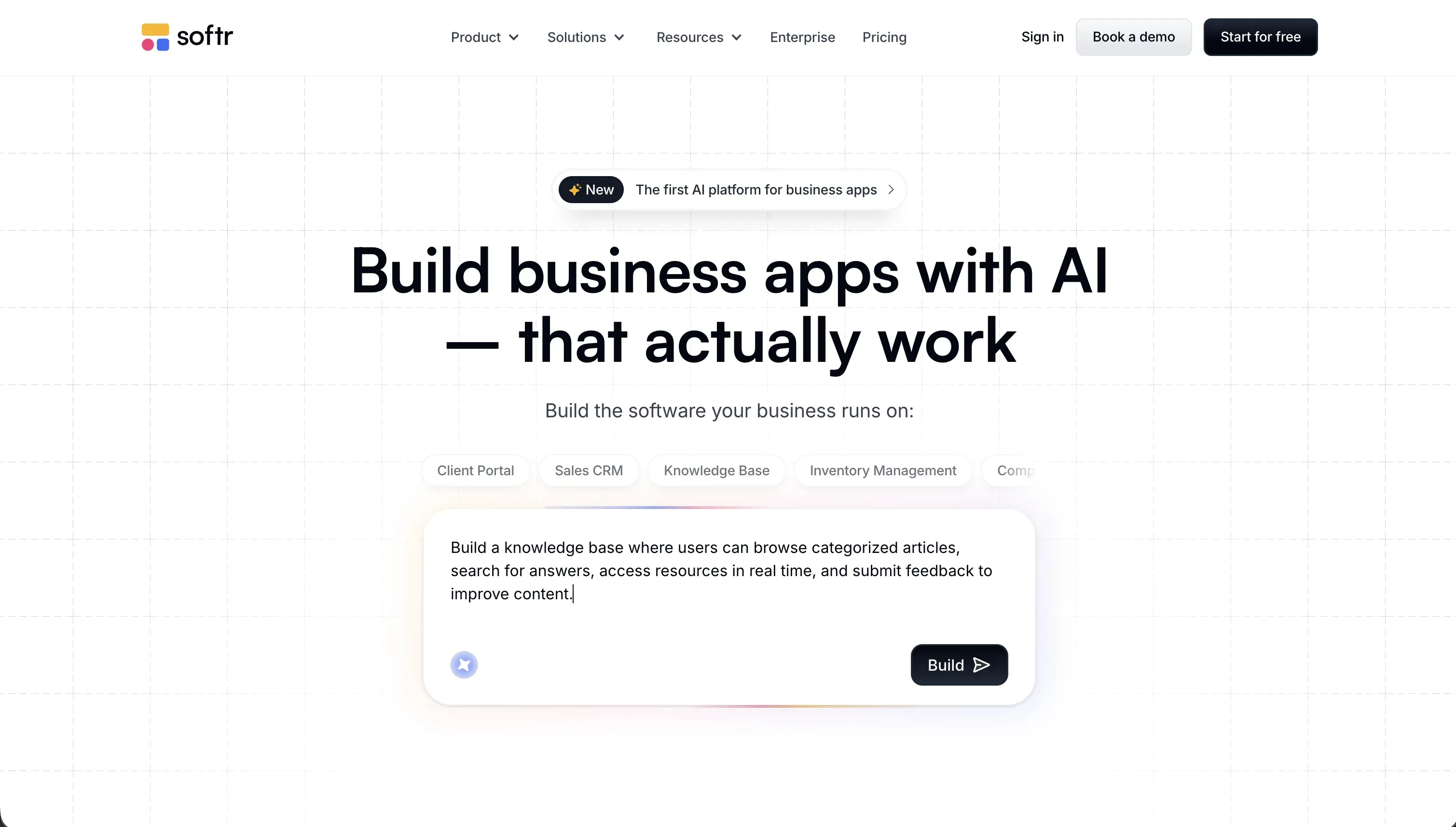
Softr is built specifically for business applications. Its AI Co-Builder generates a complete app (database tables, pages, layouts, user roles, and permissions) from a single plain-language prompt. The key difference from Dyad is what you get at the end: not raw code you have to run, debug, and deploy, but a stable no-code application already connected, secure, and hosted on Softr’s tested platform.
How it compares to Dyad for business tools:
- No setup, no hosting: There’s nothing to install and no dev server, database, or deployment pipeline to configure. The app is live from day one.
- Maintenance without code: Non-technical team members edit layouts, fields, and permissions visually. With Dyad, fixing a broken route or database migration means opening the terminal.
- No token roulette: Softr uses flat-rate plans. Basic is $19/month (5 Team + 5 Client users, 50k records), Pro is $99/month (10 Team users expandable to 50, plus 50 Client users expandable to 250, 500k records), and Business is $329/month (30 Team users expandable to 100, plus 100 Client users expandable to 500, 1M records). Running the app doesn’t burn tokens, and AI credits are a fixed monthly allowance rather than a meter you watch nervously on every prompt.
- Stable foundation: Auth, permissions, and CRUD aren’t hallucinated by an AI on each build. They’re battle-tested infrastructure your custom blocks inherit, so the app doesn’t collapse under its own weight as it grows.
If you want fast cloud prototyping without local setup
If what you actually want is to go from idea to working prototype quickly, and Dyad’s local environment is just friction, browser-based builders skip the setup entirely.
Bolt

Bolt runs a complete Node.js development environment in your browser using StackBlitz WebContainers. You prompt it to generate a web app, install npm packages, edit files directly, and see a live preview, with no Node, Git, or Ollama to install first. Deployment is built in rather than something you wire up yourself. For builders who like that Dyad generates real, editable code but don’t want to manage a local toolchain, Bolt hits a similar note with far less overhead.
Pricing: Pro plan is $25/month for 10M tokens.
Replit
Replit also fits here as a zero-install option: prompt its AI agent to scaffold a project, then deploy it with one click. Unlike Dyad, there’s no local hardware requirement and no separate hosting step to configure, which makes it a quick way to get something running and shareable.
If you need client portals or external-facing apps
For client portals, member directories, and partner dashboards, the risk isn’t setup time, it’s security. Hand-coded auth and database roles are exactly the kind of thing Dyad’s community reports breaking and struggling to roll back.
Softr
Softr provides a secure, visual user permissions model out of the box. You define user groups (Clients, Partners, Admins) and configure exactly which pages, blocks, and records each can see, so a client who logs in sees only their own files and invoices. None of that is custom auth code you have to write, test, and maintain. Softr also includes built-in login, signup, password reset, and SSO pages, and supports custom domains so you can white-label the portal under your own brand.
If you need AI-generated UI for a codebase you already own
If you’re a developer who likes owning your code, like Dyad’s whole premise, but mostly want fast, clean UI generation to drop into an existing project, a focused component generator beats a full app builder.
v0
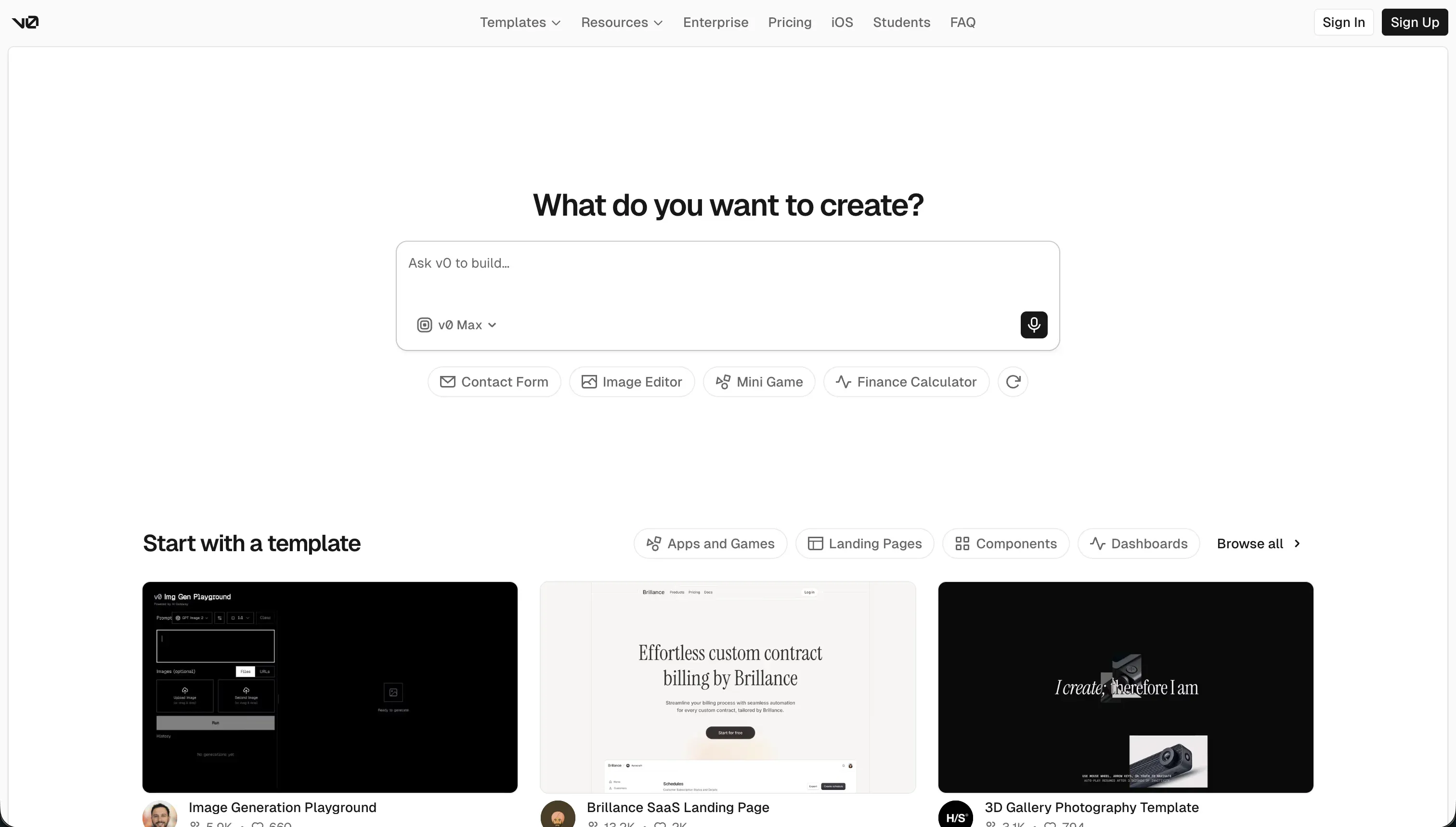
v0 by Vercel generates React components built on shadcn/ui and Tailwind CSS. Because it outputs clean, modular code, you can copy the generated UI straight into the codebase you already control, no local runtime or proprietary platform involved. It pairs naturally with an editor like Cursor: generate the interface in v0, refine the logic locally.
Pricing: Free tier includes basic credits. Pro plan starts at $20/month.
Cursor
Cursor fits here too for the generation-plus-ownership workflow. Where v0 focuses on producing polished UI, Cursor works across your whole repository, so you can generate a component and then wire it into your existing files, state, and routes without leaving the editor.

Bottom line
Dyad is a great pick for developers who want local execution, open-source code, and BYOK pricing, and who are comfortable running their own toolchain. If you want that same code-first control with a more mature editor, Cursor is the cleaner choice, and Bolt or Replit remove the local setup entirely. But if you’re building internal tools or client portals that a non-technical team has to maintain, raw generated code is a liability, not an asset. For those, Softr gives you a secure, hosted app with no setup and no code to debug.
→ See how Bolt compares to Softr to dig into generated-code versus no-code architectures.
