

Choosing between v0 and WeWeb is a real tradeoff, not a simple feature checklist. v0 is Vercel’s AI UI generator: you describe a screen and it scaffolds a React and Tailwind component built on shadcn/ui, ready to sync to GitHub or deploy to Vercel. WeWeb is a visual frontend builder that renders to Vue.js and Nuxt.js and connects to an external database or API you bring yourself, like Xano, Supabase, or Airtable. The overlap can look bigger on landing pages than it feels in day-to-day use, because v0 stops at the component and WeWeb stops at the frontend - neither one ships a backend.
The people actually deciding between these two are usually developers or agencies, not first-time builders. v0 users are typically weighing how fast they can turn a design into shippable React code against how much credit-metered token usage that process burns. WeWeb users are typically agencies who already picked a backend and need a visual layer that won’t lock them into one specific database.
Meet the Contenders
What is v0?
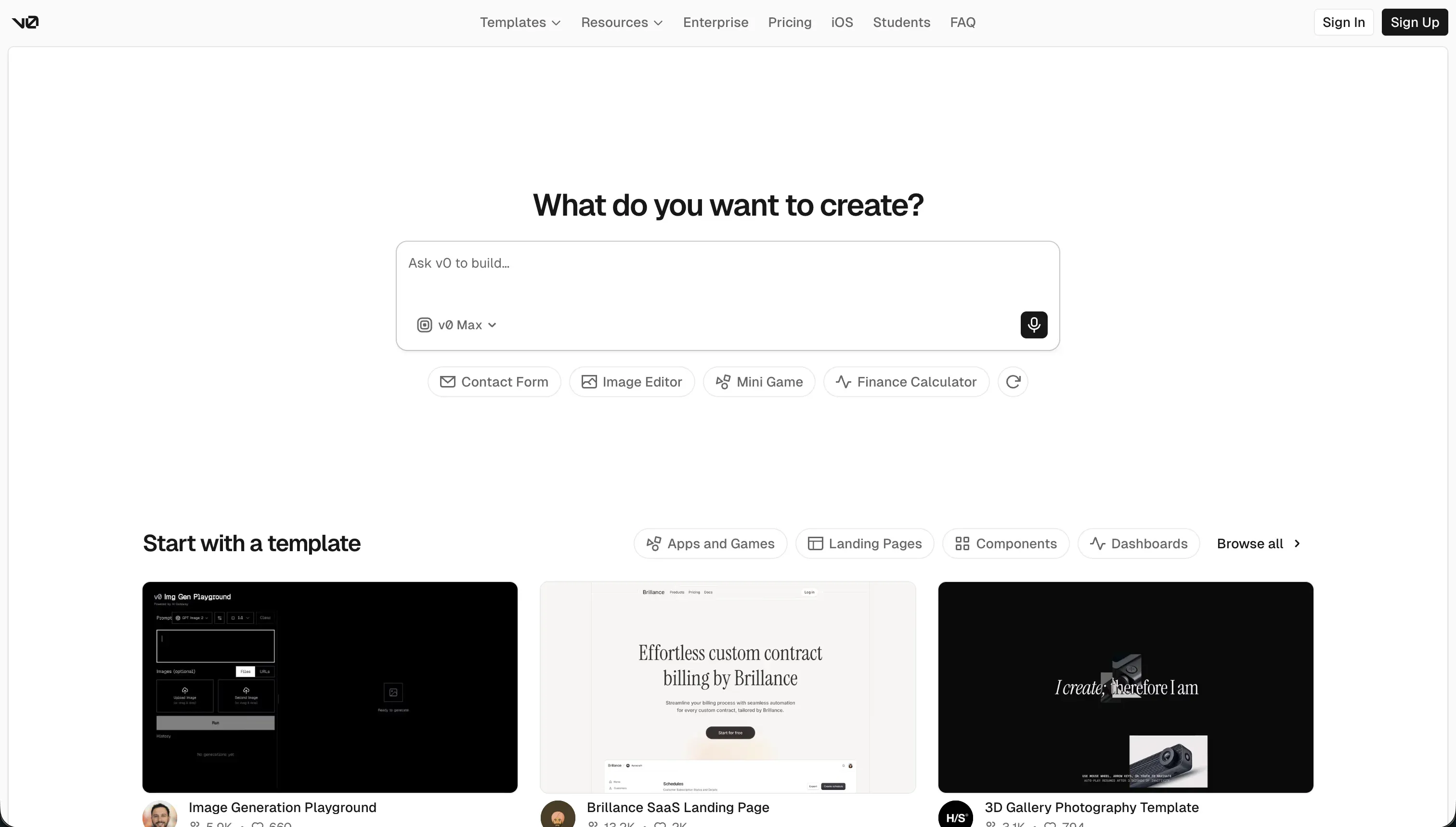
v0 is Vercel’s AI-powered frontend generator: you describe an interface in a chat prompt or upload a sketch, and it generates a matching React component styled with Tailwind CSS and shadcn/ui. It’s typically evaluated by developers and designers who want a working UI fast, not by people looking for a full application platform.
In practice, v0 is strictly a frontend tool. It doesn’t ship a built-in database, backend logic, or authentication - generated components have to be wired manually into a real backend and hosting setup. What it does provide is genuinely useful: editable, inspectable React and TypeScript code with GitHub sync and one-click Vercel deployment, so there’s no proprietary export format to fight.
v0 is genuinely built for people who value design speed and clean, portable code over an all-in-one build environment. It tends to frustrate users past roughly the fifth prompt in a chat session, when Reddit threads describe code quality dropping off and generation drifting toward buggy or bloated output.
| Spec | Details |
|---|---|
| Primary Stack | Opinionated product-building workflow |
| Interface | Guided app-building environment |
| Primary Deployment Target | Projects built within its own workflow |
| Key Advantage | Faster path from idea to usable prototype |
What is WeWeb?
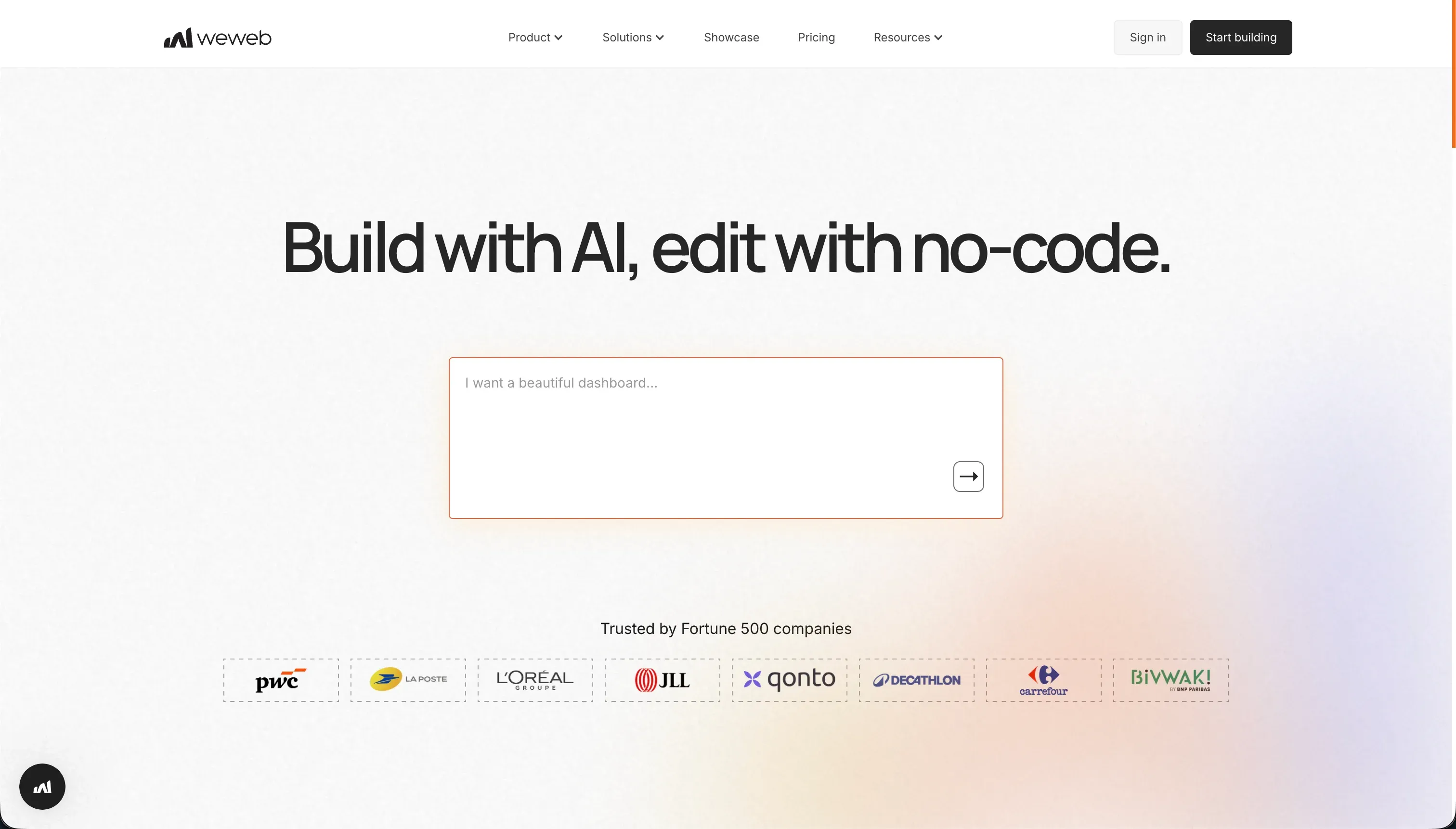
WeWeb is a visual frontend builder with a decoupled architecture: you design the layout with a flexbox and grid editor, then connect it to a database or API you host separately, such as Xano, Supabase, or Airtable. It’s usually considered by agencies and frontend developers who already have a backend decision made and need a visual layer that renders to real Vue.js and Nuxt.js code.
In practice, WeWeb doesn’t store any data of its own. Buyers have to budget for and configure a separate backend service on top of WeWeb’s own pricing, then handle token-based authentication and API payloads by hand - Capterra reviewers describe a real learning curve around WeWeb’s conditional routing and visual state logic before it clicks.
WeWeb is genuinely built for teams who want frontend flexibility without being tied to one specific backend, and who are willing to trade a steeper setup for that portability. It can frustrate people who mainly want the shortest path to a working app, since there’s no included database to get started with beyond a 150-record free-tier cap.
| Spec | Details |
|---|---|
| Primary Stack | Alternative product-building workflow |
| Interface | Project environment with broader flexibility |
| Primary Deployment Target | Projects adapted to varied team needs |
| Key Advantage | Better fit when flexibility matters more than strict speed |

The Core Difference
The biggest difference is not branding or templates. It’s what each tool actually owns in the stack, and what you’re left to assemble yourself.
- v0 owns the component generation step: prompt to React/Tailwind code, styled by shadcn/ui, deployable to Vercel in one click. It stops there - no database, no auth, no backend logic.
- WeWeb owns the visual layout and state-management layer, rendering to Vue.js/Nuxt.js, but requires you to bring and pay for your own backend (Xano, Supabase, or Airtable) separately.

Head-to-Head Comparison
We evaluated both platforms across four core categories.
1. Developer Experience & Iteration Speed
v0 is usually faster for the first pass: describe a screen in chat, or upload a screenshot, and you get a styled React component within a minute or two. For a single component or a quick prototype screen, that loop is hard to beat.
The tradeoff shows up in longer sessions. Reddit threads (r/vercel, r/nextjs) describe code quality degrading past roughly five to ten prompts in the same chat, with generation drifting toward buggy or bloated output as context accumulates.
WeWeb asks for more upfront setup because you’re configuring a real layout engine (flexbox, grid, absolute positioning) plus a connection to an external data source before anything renders. First-time onboarding is heavier than a chat prompt.
Once the data bindings and page structure are in place, WeWeb’s visual editor supports repeated iteration reasonably well, though its own AI assistant is limited to generating JavaScript snippets and CSS classes rather than full screens.
Edge: v0, because a single-prompt-to-component loop is faster than configuring a layout engine and data source before you see anything.
2. Code Quality & Portability
v0’s output is genuinely portable within its lane: clean, editable React and TypeScript that syncs to GitHub with no proprietary wrapper. That’s a real strength - what you get is a component, not a black box.
Its limits are scope, not lock-in. v0 generates frontend only, so “portability” still leaves you to hand-wire a backend, and Reddit users report friction running exported projects locally, including dependency conflicts on npm install and Tailwind version mismatches between v0’s default and a local setup.
WeWeb exports to Vue.js and Nuxt.js code on its Scale and Enterprise plans, which is a genuine portability path, but the free and Starter tiers don’t include code export at all.
Because WeWeb never owns your data layer to begin with, switching backends later doesn’t mean rebuilding the frontend, which is a different kind of portability than v0’s clean-but-scope-limited exports.
Edge: WeWeb, because decoupling the frontend from the backend from day one avoids the rebuild v0 users hit when they outgrow a frontend-only tool.
3. Database & Backend Capabilities
v0 has no built-in database, custom backend logic, relational models, or native authentication. Every one of those has to be built and connected separately - it’s a designer’s scratchpad that outputs code, not an app platform, as G2 and Product Hunt reviewers put it.
That’s fine if the plan was always “generate the UI, wire it into an existing backend myself,” but it’s a real gap for anyone expecting v0 to store data out of the box.
WeWeb is architecturally decoupled: it connects to Xano, Supabase, Airtable, or a custom API, but stores nothing natively beyond a 150-record cap on the free plan. You’re paying for and maintaining a second platform to get a working database.
Both tools land in the same place here for a non-technical team: neither ships a backend, so someone has to design, provision, and secure one on top of either builder.
Edge: Neither. v0 and WeWeb are both frontend-only by design - the backend decision (and its cost) belongs to a separate platform either way.
4. Hosting & Deployment Options
v0 deploys with one click to Vercel’s global CDN, which is about as simple as launch gets - but it also means you’re on Vercel’s infrastructure and pricing by default.
WeWeb publishes apps under a weweb.io subdomain on the free plan, or a custom domain starting on the Starter plan ($59/month billed monthly, $39/month billed annually), with page-view caps that scale by tier (50,000/month on Starter, 250,000/month on Scale).
WeWeb’s hybrid rendering engine compiles to fast single-page apps while staying SEO-indexable, and Enterprise plans add self-hosting - a deployment option v0 doesn’t offer at any tier.
Edge: v0, because a one-click Vercel deploy is simpler than WeWeb’s tiered page-view and domain limits, though WeWeb’s self-hosting option matters for teams that need infrastructure control WeWeb offers and v0 doesn’t.
5. Community Sentiment & Reliability
v0’s biggest complaint by volume is pricing, not quality. Reddit threads describe the 2025 shift to usage-based credits as breaking “fundamental developer tool economics,” with some users burning a full $20 of credits in a single day and traffic reportedly dropping after the change.
Beyond pricing, v0 users flag hallucinated imports of non-existent npm packages, and styling limited mostly to Tailwind color and spacing tweaks rather than genuine layout redesign.
WeWeb’s loudest recurring complaint on Product Hunt is customer support - reviewers describe being billed after cancellation and getting no response to tickets, with one flatly calling it “awful customer service.” Capterra reviewers separately note documentation lagging behind product updates.
Edge: v0, because its complaints center on cost predictability rather than the vendor relationship itself, while WeWeb’s support and billing complaints are harder to work around.
6. Learning Curve & Onboarding
v0 is approachable for anyone who can describe a screen in plain language - founders and designers without engineering backgrounds can get a usable component quickly, per its target-audience profile of builders, operations teams, and non-technical founders alongside developers.
The catch is that “approachable” only covers the UI layer. The moment a project needs real backend logic, the learning curve shifts entirely outside v0 to whatever database and auth tooling you connect.
WeWeb has a steeper curve from the start: mastering its visual state management, conditional routing, and API bindings takes real time, and Capterra reviewers note the documentation doesn’t always keep pace with new features.
Edge: v0, because generating a component from a prompt has a lower floor than learning WeWeb’s visual state and routing model before shipping a first screen.

Pricing Comparison
v0:
- Free - $0/mo, $5 of included monthly credits, 7 messages/day, deploy to Vercel.
- Team - $30/user/mo, $30 of included monthly credits per user plus $2 free daily credits on login, shared chats, centralized billing.
- Business - $100/user/mo, same credit allowance as Team, training opt-out by default.
- Enterprise - custom pricing, SAML SSO, RBAC, priority access, support SLAs.
- Credits are consumed by model token usage, from $1/1M input tokens on v0 Mini up to $30/1M input and $150/1M output on v0 Max Fast, so debugging loops can burn through a plan’s included credits fast.
WeWeb:
- Free - $0/mo, editor access, up to 150 database records,
weweb.iosubdomain. - Starter - $59/mo billed monthly ($39/mo billed annually), 1 published app, custom domain, 50,000 monthly page views.
- Scale - $249/mo billed monthly ($199/mo billed annually), 3 published apps, 250,000 monthly page views, staging environments, code export.
- Enterprise - custom pricing, self-hosting, unlimited page views, advanced SSO.
- WeWeb’s price does not include a database. Budget for Xano, Supabase, or Airtable on top of whichever WeWeb tier you pick.
Use Case Fit: When to use which?
When to choose v0
- Choose v0 when you need a polished React/Tailwind component fast and already have somewhere to wire it in.
- Choose v0 when clean, exportable code and a one-click Vercel deploy matter more than an all-in-one platform.
- Choose v0 when the project is a design sprint or a prototype, not a session that will run past ten prompts on the same screen.
When to choose WeWeb
- Choose WeWeb when you’ve already picked a backend (Xano, Supabase, Airtable) and want a visual frontend that won’t lock you to one of them.
- Choose WeWeb when you need real code export in Vue.js/Nuxt.js on the Scale plan and later, not just an editable preview.
- Choose WeWeb when your team can absorb the setup cost of a second platform and a steeper learning curve in exchange for that decoupling.
When neither v0 nor WeWeb is the right fit
For internal tools and business apps
If your real goal is an internal dashboard, CRUD workflow, or client portal, both tools are the wrong comparison. Neither v0 nor WeWeb ships a database, user roles, or permissions - you’d be assembling those from scratch on top of either one. A platform like Softr fits better because it bundles database, authentication, roles, and a visual frontend builder in one product.
That matters when the app’s value comes from shipping forms, tables, approvals, and role-based access quickly, without maintaining a separate backend service the way WeWeb requires or wiring one up by hand the way v0 requires. Operators can build on top of Airtable, Google Sheets, or a native Softr database in a single day rather than weeks of visual state and API-binding setup.
For professional developer environments
If the team expects deep engineering control over a full application, not just a frontend layer, a more developer-native option can beat both of these tools. Consider Replit when you need a coding environment closer to traditional development workflows, with a real backend and infrastructure in the same place instead of assembled from two or three separate platforms.
The reason is simple: v0 stops at the component and WeWeb stops at the frontend, so once the project depends on custom backend logic, architecture choices, or a broader engineering process, stitching two frontend-focused tools together can become more overhead than a single code-centric environment that owns the whole stack.
Verdict
Pick v0 if your main job is to launch something usable fast and your project fits an opinionated path. The tradeoff is accepting tighter boundaries later if the app needs to evolve beyond the tool’s default model.
Pick WeWeb if you expect more complexity, want stronger flexibility, or care about preserving options as the product grows. The tradeoff is a steeper learning curve and more responsibility up front before you get the payoff.
The day-two reality is that early convenience and long-term fit are rarely the same thing. If the app is really a business workflow product rather than a broader software product, a tool like Softr will often age better than either of these because it is built for that operating model directly.
Summary Comparison Table
| Criterion | v0 | WeWeb |
|---|---|---|
| Best for | Fast first version | Longer-term flexibility |
| Workflow style | More opinionated | More adaptable |
| Learning curve | Lower | Higher |
| Portability | More constrained | Stronger |
| Deployment control | Simpler path | Broader options |
| Best stage | Prototype and validation | Growth and expansion |