

Bolt and Retool occupy very different corners of the app-building world. Bolt is a generative code platform - you describe a web app, it generates React and Node.js, and you get a real exportable codebase. Retool is a visual internal-tools builder - you drag data tables and query forms onto a canvas and wire them to your SQL databases and APIs.
Comparing them directly is slightly unusual because they don’t compete head-on for the same projects. But builders regularly find themselves evaluating both when the question is “what’s the fastest way to get an internal tool or dashboard running?” The answer depends heavily on who’s building and what they actually need to maintain afterward.
Meet the Contenders
What is Bolt?

Bolt is a browser-native AI development environment built on StackBlitz’s WebContainers technology. It runs a full Node.js environment inside a browser tab - live terminal, npm package manager, and a code editor alongside an AI chat interface. You describe what you want to build, Bolt generates the React scaffolding, and you can immediately run, edit, and debug it in the same browser window.
| Spec | Details |
|---|---|
| Primary Stack | React, Node.js, TypeScript, Tailwind CSS |
| Interface | Chat prompt + browser-native code IDE with terminal |
| Primary Deployment Target | Bolt Host, Netlify, GitHub sync |
| Key Advantage | Full in-browser dev environment with direct code editing |
What is Retool?
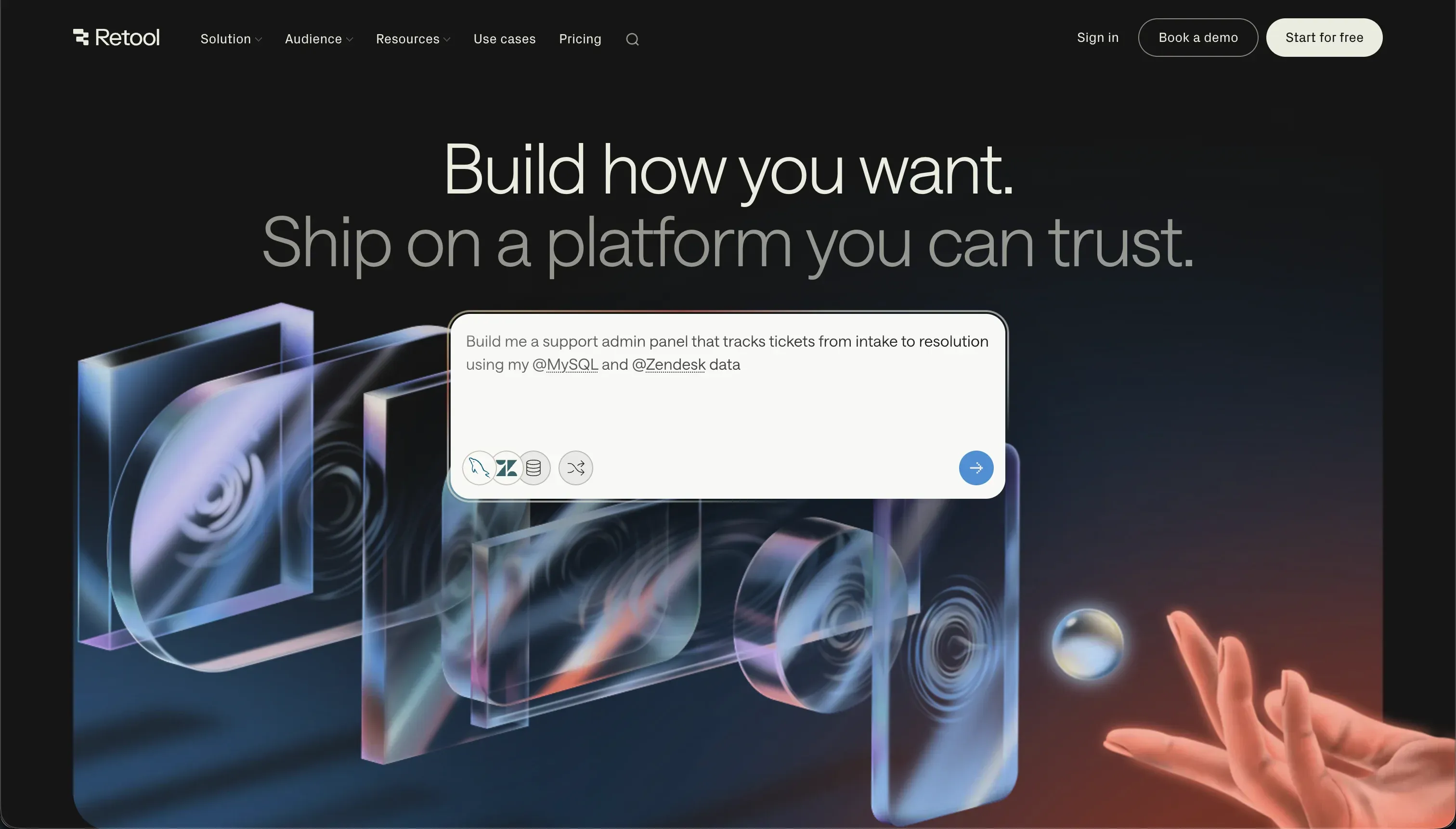
Retool is a low-code visual builder specifically designed for internal tools and data dashboards. You drag components (tables, charts, forms, JSON editors) onto a canvas and connect them to databases, APIs, and custom JavaScript queries. It’s been around since 2017 and is positioned as the professional tool for ops and engineering teams that need data-dense admin panels without building everything from scratch.
| Spec | Details |
|---|---|
| Primary Stack | Proprietary visual canvas + SQL + JavaScript |
| Interface | Visual drag-and-drop component builder |
| Primary Deployment Target | Retool Cloud or self-hosted |
| Key Advantage | Deep database connectivity and SQL query integration |

The Core Difference
Bolt is a code generation tool. Its output is a real React codebase you own and can take anywhere. The platform is essentially a supercharged IDE where an AI writes the initial scaffolding and you refine it. The result is a fully custom web application.
Retool is a visual configuration tool. You build apps by assembling pre-built components and writing SQL queries. The output stays on Retool’s platform. You get faster internal tool scaffolding, but you trade code ownership for configuration speed.
Put directly: Bolt gives you maximum flexibility at the cost of maintenance overhead. Retool gives you faster internal tooling at the cost of vendor lock-in and per-seat pricing.

Head-to-Head Comparison
1. Developer Experience & Iteration Speed
Bolt is genuinely fast for the first version of a project. Describe an app in plain English, and within minutes you have a React UI with routing, basic state management, and Tailwind styling. If you know how to code and can intervene when the AI misses something, the iteration loop is tight.
The problem appears on larger projects. Bolt’s “Project too large” error blocks new prompts even when you have millions of unused tokens. Users on Reddit have reported starting a completely new project and hitting the same wall after just a few prompts. The token-burning issue during debug loops is also well-documented - the AI can repeatedly attempt the same broken fix, draining your monthly budget without resolving the underlying error.
Retool’s iteration experience is different. Adding a new data table, a query, or a chart is a matter of minutes if you already know SQL. But customizing anything beyond the standard components - adding custom CSS, building multi-step conditional forms, changing the visual style - requires JavaScript. The baseline experience is fast for standard internal tool layouts; anything outside that baseline slows down significantly.
2. Code Quality & Portability
Bolt’s output is standard React and Vite - no proprietary formats. You can export the entire project directory, push it to GitHub, and pick it up in Cursor or VS Code. Code quality varies: initial scaffolding tends to be clean, but iterative prompting on large projects is known to cause visual regressions, where a small feature request triggers an overhaul of unrelated UI sections.
Retool has no portable code output. Your application is a configuration in Retool’s system. You can export individual JavaScript functions or SQL queries, but the app structure itself cannot be migrated to another platform. If Retool changes its pricing or deprecates a feature, rebuilding is the only option.
3. Database & Backend Capabilities
Bolt is backend-agnostic, which means you’re on your own for data persistence. Connecting Supabase, configuring Row Level Security rules, handling authentication - all of this requires either careful prompting or manual code. There’s no native database UI. The AI will write the connection logic, but security auditing is your responsibility.
Retool includes a built-in managed PostgreSQL database (Retool Database) and connects to over 100 external data sources including Postgres, MySQL, MongoDB, REST APIs, and GraphQL. Database operations are central to its design. The catch: permissions, row-level filtering, and security logic require SQL WHERE clauses and JavaScript logic rather than point-and-click configuration.
4. Hosting & Deployment Options
Bolt deploys to .bolt.host staging domains or integrates with Netlify for one-click deployment. GitHub sync means you can also bring your own CI/CD pipeline. Custom domains are available on paid plans.
Retool runs on Retool Cloud by default, with Enterprise plans offering self-hosted deployment on your own AWS or Azure infrastructure. For regulated industries where data cannot leave your environment, Retool’s self-hosting is a real advantage. For most teams, the cloud version is standard.
Pricing Comparison
Bolt starts at $25/month for 10 million tokens on the Pro plan. Tokens roll over for up to two months, but only if you maintain an active paid subscription. The key problem isn’t the base cost - it’s the token burn during debug loops and the “Project too large” lock that can strand millions of unused tokens.
| Plan | Price | Tokens |
|---|---|---|
| Free | $0 | 1M/month (150K daily cap) |
| Pro | $25/month | 10M/month |
| Teams | $30/member/month | 10M per member |
Retool charges per seat on a monthly basis. The Free plan supports up to 5 users. Beyond that, pricing scales with every user added:
| Plan | Price (Monthly) | Key Features |
|---|---|---|
| Free | $0 | Up to 5 users |
| Team | $10/user/month | Unlimited users, commit history |
| Business | $50/user/month | SSO, granular access controls |
| Enterprise | Custom | Self-hosting, audit logs, SLAs |
The per-seat model looks affordable at first. For a team of 5, Team plan costs $50/month. For a team of 20, it’s $200/month. Add external users (clients, partners) and costs grow further - Retool charges for end users too.
Use Case Fit: When to use which?
When to choose Bolt
- You’re a developer or technical founder building a consumer SaaS MVP or web app prototype.
- You want clean, exportable React code you can hand off to a local IDE or team.
- You need a generous token tier for heavy iteration cycles before your first deployment.
- You’re comfortable debugging JavaScript and configuring backend connections yourself.
When to choose Retool
- Your team has developers with SQL and JavaScript skills who need internal dashboards fast.
- You need deep, native connectivity to existing SQL databases or internal APIs.
- You’re building admin panels, data tables, and operational UIs - not public-facing consumer products.
- Your company is in a regulated industry where self-hosted data processing is required.
When neither Bolt nor Retool is the right fit
For native mobile apps
Both Bolt and Retool are web-focused platforms. Neither compiles native mobile packages for app store distribution. If you need iOS and Android apps with push notifications and offline storage, FlutterFlow is the dedicated option - it builds on Flutter’s widget engine and deploys directly to App Stores via codeless pipelines.
For internal tools and client portals
If your team includes non-developers who need to build and maintain operational software - client portals, employee directories, vendor dashboards, approval workflows - neither Bolt nor Retool is accessible without a developer in the loop.
Bolt generates a raw codebase that non-technical users can’t update independently. Retool requires SQL and JavaScript for anything beyond dragging a pre-built table. Both keep the technical overhead firmly in place.
Softr removes that overhead entirely. Its AI Co-Builder generates the database, pages, user roles, and navigation from a plain-language description. Once built, non-technical team members can update layouts, add fields, and adjust permissions visually - no re-prompting, no SQL. Softr also handles external users out of the box: clients and partners log in with secure portals, granular data access rules, and white-label branding, all configurable without code.
For professional developer environments
If you’re an experienced engineer, Bolt’s browser-based AI generation can feel constrained. You’ll likely move faster inside a local IDE. Cursor is a fork of VS Code that indexes your entire local codebase and offers context-aware multi-file editing. For teams that need cloud-based collaborative development with full virtual machine access, Replit runs real servers alongside an integrated AI agent.

Verdict
- Choose Bolt if you’re a developer who wants to scaffold a React web app fast, own the code completely, and are comfortable maintaining it yourself or handing it to a local IDE.
- Choose Retool if your ops or engineering team needs data-dense internal dashboards wired to existing SQL databases and is comfortable writing queries to configure behavior.
Summary Comparison Table
| Feature | Bolt | Retool |
|---|---|---|
| Build Paradigm | AI Code Generation | Visual component configuration |
| Output Type | React / Node.js (exportable) | Proprietary app (no export) |
| Database | Third-party (manual setup) | Built-in PostgreSQL + 100+ connectors |
| Visual Permissions | Prompt-based RLS rules | SQL/JavaScript logic required |
| Pricing Metric | Subscription + Tokens | Per-seat subscription |
| Maintenance Burden | High (Developer needed) | Medium (SQL/JS knowledge needed) |
| Code Export | Yes (full GitHub sync) | No |