

Choosing between v0 and Replit is really a choice between two different kinds of AI coding product. v0 is primarily a frontend AI scaffolder for React interfaces, while Replit is a cloud development environment with an autonomous agent, built-in hosting, and a managed database layer. Both can get you from prompt to prototype quickly, but they fail in very different places.
The people actually comparing these two are usually technical founders, indie hackers, and product teams trying to move faster without hiring more engineers yet. The real stakes are not just first-day speed, but what happens after the demo: debugging, credit burn, code cleanup, hosting complexity, and whether the app survives week two. If you pick the wrong one, you either end up wiring a frontend by hand around v0, or paying Replit to repeatedly “fix” code it broke itself.
Meet the Contenders
What is v0?
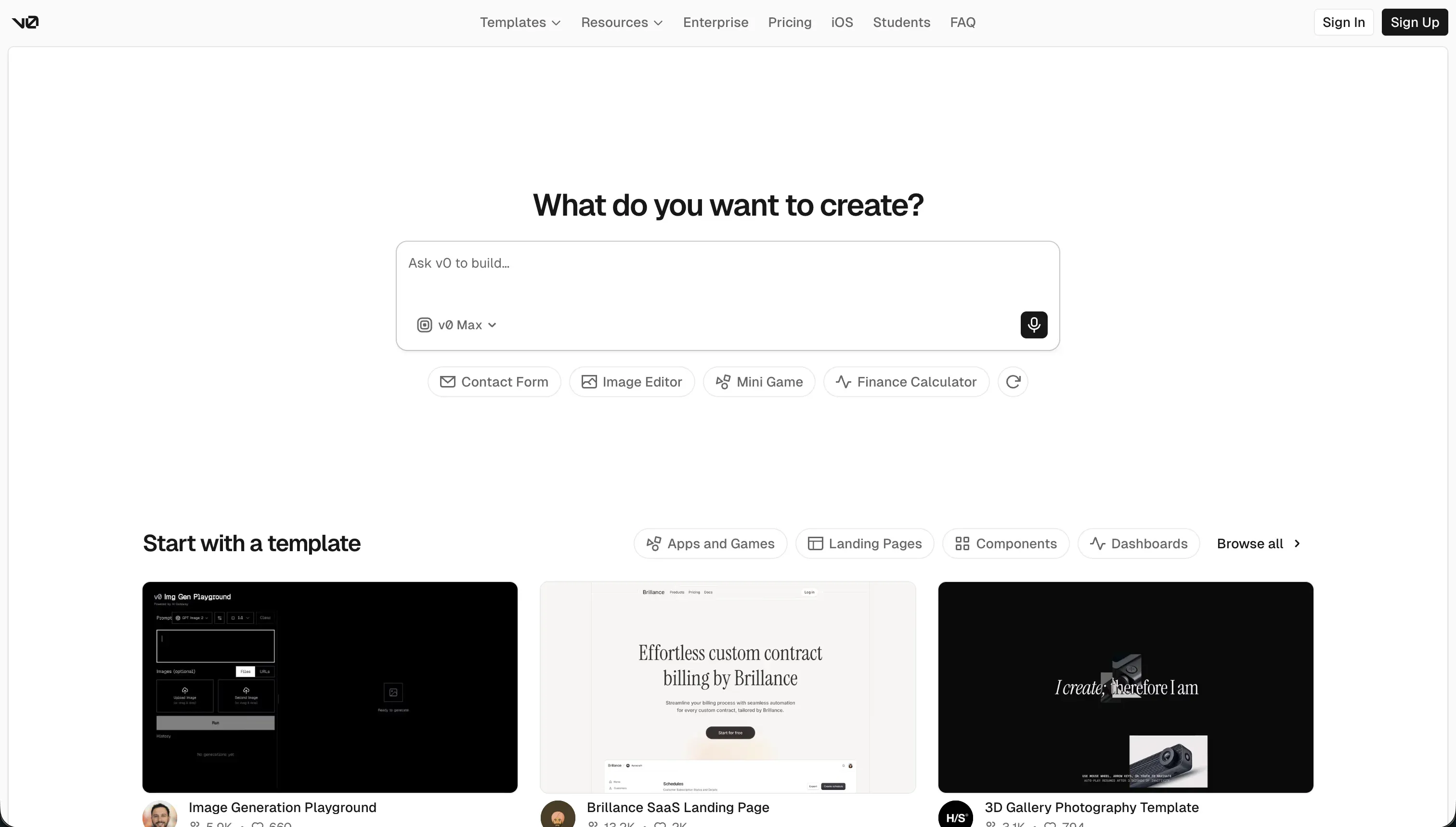
v0 is Vercel’s AI-powered frontend generation assistant for building React user interfaces from natural-language prompts. It is best understood as a UI generation tool, not a full app platform.
In practice, v0 works by generating React and TypeScript code that usually follows shadcn/ui and Tailwind patterns, then letting you tweak the result through chat, visual edits, or design-mode inputs like screenshots and sketches. It also supports GitHub sync and one-click deployment to Vercel, which makes it good at turning prompts into presentable web screens fast, but it still leaves database wiring, authentication, backend logic, and production architecture to you.
It is genuinely built for frontend-leaning developers, design engineers, and founders who already know what stack they want underneath the UI. It frustrates people who come in expecting a complete app builder, especially non-technical users who discover that “beautiful interface generated” is not the same as “working product shipped.”
| Spec | Details |
|---|---|
| Primary Stack | React, TypeScript, shadcn/ui, Tailwind CSS |
| Interface | Prompt chat plus visual edits and design-mode image input |
| Primary Deployment Target | Vercel deployments with GitHub sync |
| Key Advantage | Fast, polished frontend scaffolding with clean exportable code |
What is Replit?
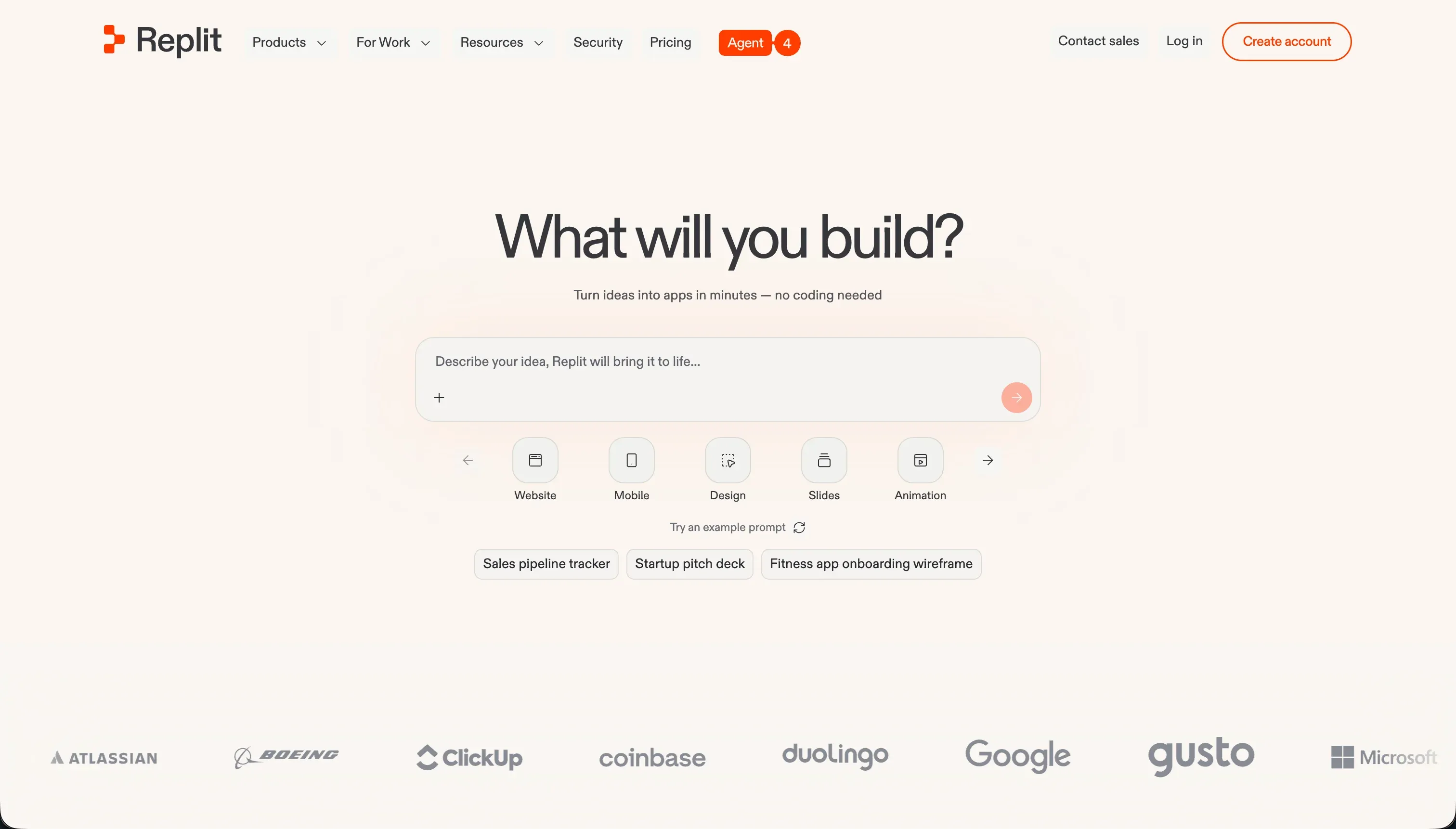
Replit is a cloud-based development environment with multiplayer coding, built-in hosting, and an AI agent that can scaffold and deploy full applications from prompts. Unlike v0, it is not just a UI generator; it is a browser IDE that tries to cover the whole development loop.
In practice, Replit gives you a full workspace with terminal access, package managers, live previews, database management, and support for 50+ languages, then layers Replit Agent and Ghostwriter on top to write code, install dependencies, run tests, and attempt self-correction. It also offers managed SQL databases, custom domains, autoscaling deployment, visual editing, and even Figma import, so the surface area is much wider than v0.
It is genuinely built for developers, technical learners, and founders comfortable living inside a coding environment. It frustrates people who want predictable bills or low-maintenance business software, because the output is still real code, the infrastructure is still yours to manage, and the agent’s failures can be expensive.
| Spec | Details |
|---|---|
| Primary Stack | Cloud IDE for 50+ languages with Agent, Ghostwriter, and managed SQL |
| Interface | Browser IDE with prompt-driven agent, terminal, database tools, and live preview |
| Primary Deployment Target | Replit-hosted apps with custom domains and autoscaling |
| Key Advantage | Full in-browser development environment that can scaffold, run, and host complete apps |
The Core Difference
The biggest difference is scope. v0 is a frontend specialist that hands you UI code, while Replit is a general-purpose development environment that tries to own generation, execution, hosting, and iteration in one place.
- v0 runs best as an AI frontend layer on top of a stack you already understand, which makes it fast for UI work but incomplete for full-stack product building.
- Replit behaves like an AI-assisted cloud IDE, which gives it far more power than v0 but also exposes you to the cost, mess, and maintenance of real software development.

Head-to-Head Comparison
We evaluated both platforms across four core categories.
1. Developer Experience & Iteration Speed
v0 is fast on prompt one. If your goal is to sketch a landing page, dashboard shell, or polished React surface, it often gets there in minutes with strong visual taste and handy design-mode inputs.
The catch is iteration drift. Multiple user reports say quality falls off after roughly 5 to 10 messages, with later revisions becoming buggy, bloated, or inconsistent, so the fast first draft often turns into manual cleanup by the time you are doing serious product work.
Replit gives you a much broader surface for iteration because the agent can create files, install dependencies, run the app, and work inside a real browser IDE. That means you can go from prompt to a running full-stack prototype without leaving the platform.
But the agent is also notorious for circular fix loops. Community reports describe repeated “finally fixed” claims followed by more broken behavior, and because usage is effort-priced, those loops can become a billing event rather than just an annoying debugging session.
Edge: v0 for fast UI iteration, because its narrow scope makes first-draft frontend work smoother than Replit’s heavier and often loopier full-stack agent flow.
2. Code Quality & Portability
v0’s strongest card is that it outputs inspectable React and TypeScript code without a proprietary runtime trapping you. GitHub sync and standard frontend conventions make it easier to move the generated UI into a normal engineering workflow.
That said, “portable” does not always mean “clean.” Developers complain about messy Tailwind output, overstuffed components, hallucinated imports, and code that gets worse as the chat gets longer, so portability is real but cleanup is often mandatory.
Replit also gives you real code, and because it is a true coding environment rather than a UI-only generator, you can shape architecture, packages, backend structure, and deployment inside one place. For developers who want to stay in the browser, that is valuable.
The downside is that you are porting an entire running codebase, not just a UI layer. If the agent has installed odd dependencies, chosen the wrong stack, or entangled deployment assumptions with the Replit environment, migration becomes a real engineering task instead of a simple export.
Edge: v0, because its output is narrower and easier to extract, review, and fold into a standard frontend repo than a whole Replit-generated application stack.
3. Database & Backend Capabilities
This is the area where v0 is simply not trying to compete. It does not ship with a native database, relational backend model, or built-in authentication system, so all serious backend work still has to be connected manually.
That is fine if you already have Supabase, Firebase, a custom API, or a full engineering team. It is bad if you assumed the prompt-generated UI was the app, because v0 leaves the entire data and security layer to you.
Replit is far more complete here. It offers managed SQL databases such as PostgreSQL, database tools in the workspace, and an agent that can scaffold backend files and connect app logic without requiring a separate platform from day one.
The problem is reliability and control. Users report the agent ignoring requested stacks, creating Postgres when asked for Firebase, and triggering expensive database checkpoint or migration behavior, including complaints of four-figure surprise charges tied to database operations.
Edge: Replit, because it at least provides a real backend and database story where v0 has almost none.
4. Hosting & Deployment Options
v0 works naturally with Vercel, which is unsurprising given who built it. If your end goal is a React or Next-style frontend deployed on Vercel’s infrastructure, the path from generated UI to live preview is simple and familiar.
Still, this is frontend deployment, not full app operations. Several reported issues mention framework-version mismatches, such as Tailwind 3 versus Tailwind 4 deployment problems, and once the project needs server logic, auth, secrets, or background jobs, you are outside v0’s comfort zone.
Replit has the more complete deployment model. You can build in the same browser workspace, attach a database, deploy to a live Replit app, add custom domains, and rely on autoscaling infrastructure without stitching together multiple vendors first.
The weakness is that integrated hosting does not remove operational risk. Users report mismatches between editor previews and production deployments, environment-variable issues, VM lag, and the ongoing reality that you are still responsible for a real running application, not just static UI.
Edge: Replit, because it owns more of the actual deployment stack and can host complete applications rather than just frontend artifacts.
5. AI Quality & Reliability
v0 is often praised for design polish. It produces modern-looking layouts quickly, handles theme adjustments conversationally, and feels especially strong when the problem is visual rather than architectural.
Reliability drops as complexity rises. The documented complaints are consistent: buggy output after a handful of messages, hallucinated dependencies, and credit loss even when the model gives you the wrong answer, which makes debugging feel like paying for the model’s mistakes.
Replit’s AI is more ambitious. The agent can scaffold architecture, run tests, self-correct, edit multiple files, and behave more like an autonomous teammate than a UI prompt box.
That ambition also creates bigger failure modes. Reports of infinite bug-generation loops, false success messages, weak-model throttling, and even catastrophic production mistakes make Replit feel less predictable than v0, especially once you trust it with stateful systems and live data.
Edge: v0 for reliability, not because it is flawless, but because its narrower UI-only scope gives the model fewer ways to cause expensive or destructive failures.
6. Learning Curve & Onboarding
v0 is easier to grasp because the concept is simple: prompt for a component or page, inspect the code, and refine the visual result. You do not need to understand databases, server processes, package managers, or deployment internals just to get something useful on screen.
That simplicity is also deceptive. Beginners often mistake a generated UI for a shipped product, then hit a wall when they need auth, state, APIs, or backend logic, at which point v0 stops feeling beginner-friendly very quickly.
Replit has a gentler setup than a local dev environment because everything is in the browser and there is no install step. For learners, that matters, and the combination of terminal, live preview, and Ghostwriter can genuinely reduce setup friction.
But the actual learning curve is higher than v0’s because Replit exposes the full software stack. Even with Agent help, you are still dealing with secrets, databases, packages, deployment behavior, and code maintenance, which means it is easier to start but harder to truly master.
Edge: v0, because onboarding into frontend generation is simpler than onboarding into a full AI-assisted cloud IDE.

Pricing Comparison
v0:
- Free - $0/mo with $5 of included monthly credits, visual edits, Vercel deploys, and a 7 messages/day limit.
- Team - $30/user/mo with $30 of included monthly credits per user, plus $2 of free daily credits on login.
- Business - $100/user/mo with $30 of included monthly credits per user, plus $2 of free daily credits on login.
- Enterprise - Custom pricing with SAML SSO, RBAC, priority access, SLAs, and training opt-out.
Replit:
- Starter - $0 with daily dynamic Agent credits, built-in database, and publishing for up to 1 public project.
- Replit Core - $20/mo annually or $25/mo monthly with $25.00 monthly credits, up to 5 collaborators, 2 parallel agents, and unlimited workspaces.
- Replit Pro - $95/mo annually or $100/mo monthly with $100.00 monthly credits, up to 15 collaborators, 50 viewers, 10 parallel agents, and 28-day database rollbacks.
- Enterprise - Custom pricing with SSO/SAML, advanced privacy, single-tenant options, and VPC peering.
- Pro credit add-ons - $250 credits for $225/mo, $500 for $440/mo, $1,000 for $850/mo, and $2,500 for $2,050/mo when billed annually.
Use Case Fit: When to use which?
When to choose v0
- Choose v0 when your main bottleneck is frontend speed and you want polished React UI code you can review and move into GitHub.
- Choose v0 when you already have your backend, auth, and data stack sorted and just need AI scaffolding for the interface layer.
- Choose v0 when clean code ownership matters more than all-in-one convenience, and you are comfortable wiring the rest manually.
When to choose Replit
- Choose Replit when you want a browser-based dev environment that can scaffold, run, host, and iterate on a complete app in one place.
- Choose Replit when you need backend logic, databases, terminal access, and deployment built into the same workflow instead of bolted on separately.
- Choose Replit when you are technical enough to manage real code and infrastructure tradeoffs, and you value breadth over frontend polish.
When neither v0 nor Replit is the right fit
For internal tools and client portals
If you are building business software for real users, neither v0 nor Replit is the pragmatic choice. Both hand you generated code and the maintenance burden that comes with it, which is exactly where internal tools, CRMs, partner dashboards, and client portals start to hurt on day two.
That is where Softr fits better. Softr’s AI Co-Builder can generate the app, but it also gives you a stable no-code foundation with Softr Databases first, plus built-in auth, user groups, row-level permissions, workflows, hosting, and custom domains, so ops teams can ship secure portals without becoming part-time developers.
For native mobile apps
Neither v0 nor Replit is the clean answer if your actual goal is App Store or Google Play distribution. Replit says you can build mobile apps and prepare configurations, but it is still a general coding environment, while v0 is fundamentally a web UI generator with no native mobile delivery story.
If native mobile is the real requirement, look at FlutterFlow or Adalo. FlutterFlow is stronger when you want a more serious mobile-first builder with real app-store intent, while Adalo is easier for simpler mobile CRUD apps where shipping something installable matters more than deep frontend code ownership.
For professional developer environments
If your team wants AI help but still prefers a serious coding workflow, both tools can feel awkward in opposite ways. v0 is too narrow because it only meaningfully owns the UI layer, while Replit can feel too opinionated and too tied to its hosted environment when you already have mature dev practices.
In that case, Cursor is usually the better fit, and for browser-based collaboration Replit can still make sense against other frontend-only generators like Lovable or Bolt. Cursor wins when your real need is AI inside a professional IDE rather than an app-building product pretending to replace software engineering.

Verdict
Pick v0 if you are basically buying accelerated frontend work. It is the better tool when you want attractive React output, GitHub-friendly code, and a narrower blast radius for AI mistakes. The tradeoff is obvious: you still need to supply the real app underneath it.
Pick Replit if you want one browser workspace that can generate, run, host, and evolve a complete product. It beats v0 anywhere backend, databases, deployment, or multi-language development matter. The tradeoff is that you are now in full software-maintenance territory, with all the credit unpredictability, debugging loops, and infrastructure responsibility that implies.
That is the day-two reality both tools struggle with for business apps. Owning code is not the same as wanting to maintain it, and many teams discover too late that internal tools, CRMs, and client portals age badly when every change depends on generated code behaving. For those cases, Softr usually ages better because it gives you AI speed without making AI-generated code the foundation of the product.
Summary Comparison Table
| Criterion | v0 | Replit |
|---|---|---|
| Best for | Frontend scaffolding and polished React UI | Full-stack prototyping in a browser IDE |
| Build paradigm | Prompted UI generation | AI-assisted cloud development environment |
| Output type | React/TypeScript frontend code | Full codebase with app runtime and deployment |
| Database | No native database layer | Managed SQL database support |
| Pricing metric | Per-user plan plus usage-based credits | Subscription plus monthly credits and effort-priced agent usage |
| Maintenance burden | Medium - frontend cleanup and backend wiring | High - full codebase, infra, and agent debugging |
| Code export | Strong for frontend code portability | Real code, but migration can be heavier |