

VibeCode and Glide both promise an app without traditional development, but they are not really competing for the same project. VibeCode is an AI-powered, mobile-first builder that turns plain-English prompts into native iOS and Android apps you can publish to the app stores. Glide is a low-code platform that turns spreadsheets and database tables into responsive web and mobile-style apps, optimized for internal operational tools.
The people choosing between these two are usually solo builders, founders, and operators trying to ship something fast without hiring engineers. What is at stake is more than launch speed. It is the kind of app you end up with: a self-contained native mobile product whose code came from an AI, or a hosted web tool wired to your existing spreadsheet data. Pick wrong, and you either fight the AI to maintain a growing codebase or hit a layout and pricing ceiling right when the tool starts mattering.
Meet the Contenders
What is VibeCode?
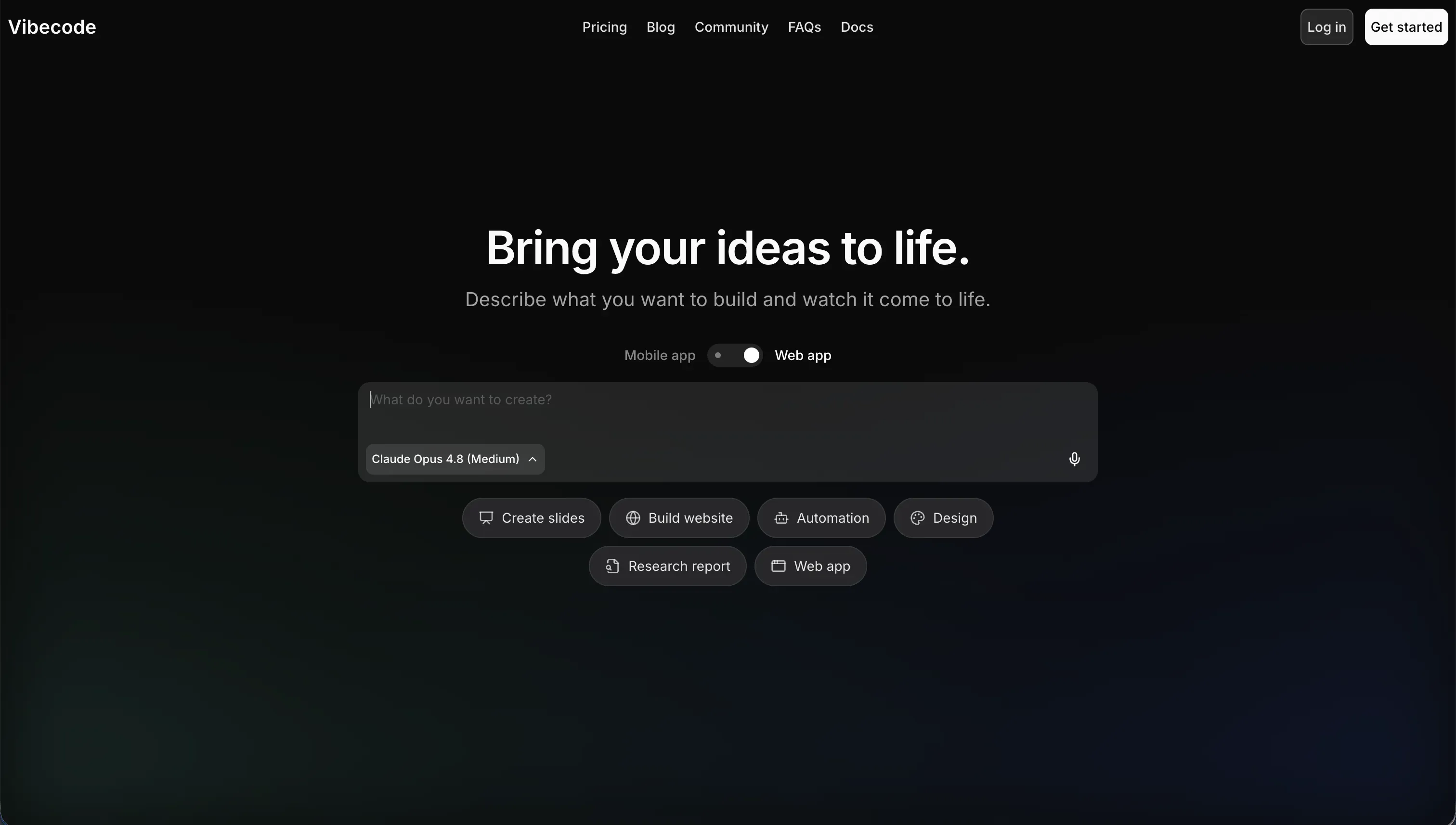
VibeCode is an AI-powered, mobile-first app builder that creates, tests, and publishes native mobile applications from natural language. It runs on the “vibe coding” idea, where you act as a director describing features in plain English while the AI generates the underlying software. Unlike web-first platforms, it is specifically tailored for building and shipping native iOS and Android apps.
In practice, VibeCode does a lot for you out of the box. It automatically provisions a backend database, user authentication, and cloud storage through VibeCode Cloud, and it includes built-in tools to connect external APIs like GPT, Gemini, weather, and maps using your plan’s AI credits. Paid tiers add direct App Store and Google Play deployment, and on Pro and above you can download your full source code or connect via SSH to external editors like Cursor and VS Code. The credit model is unusually transparent, with one dollar of credit mapping to one dollar of raw AI usage and no markup.
VibeCode is genuinely built for mobile app prototypers and non-technical mobile creators who want to launch lightweight native utilities, simple games, or MVPs without learning Swift, Kotlin, or React Native. It gets frustrating for anyone pushing past early-stage prototypes, because as the app grows in logic complexity the AI can lose context of the overall structure, overwrite existing code, and introduce bugs that are hard to debug without exporting the code.
| Spec | Details |
|---|---|
| Primary Stack | AI-generated native mobile codebase with a built-in VibeCode Cloud backend |
| Interface | Prompt-driven mobile-first builder with instant on-device preview |
| Primary Deployment Target | Native iOS and Android apps published to the Apple App Store and Google Play |
| Key Advantage | True native app-store publishing from prompts, plus code export and SSH on Pro |
What is Glide?
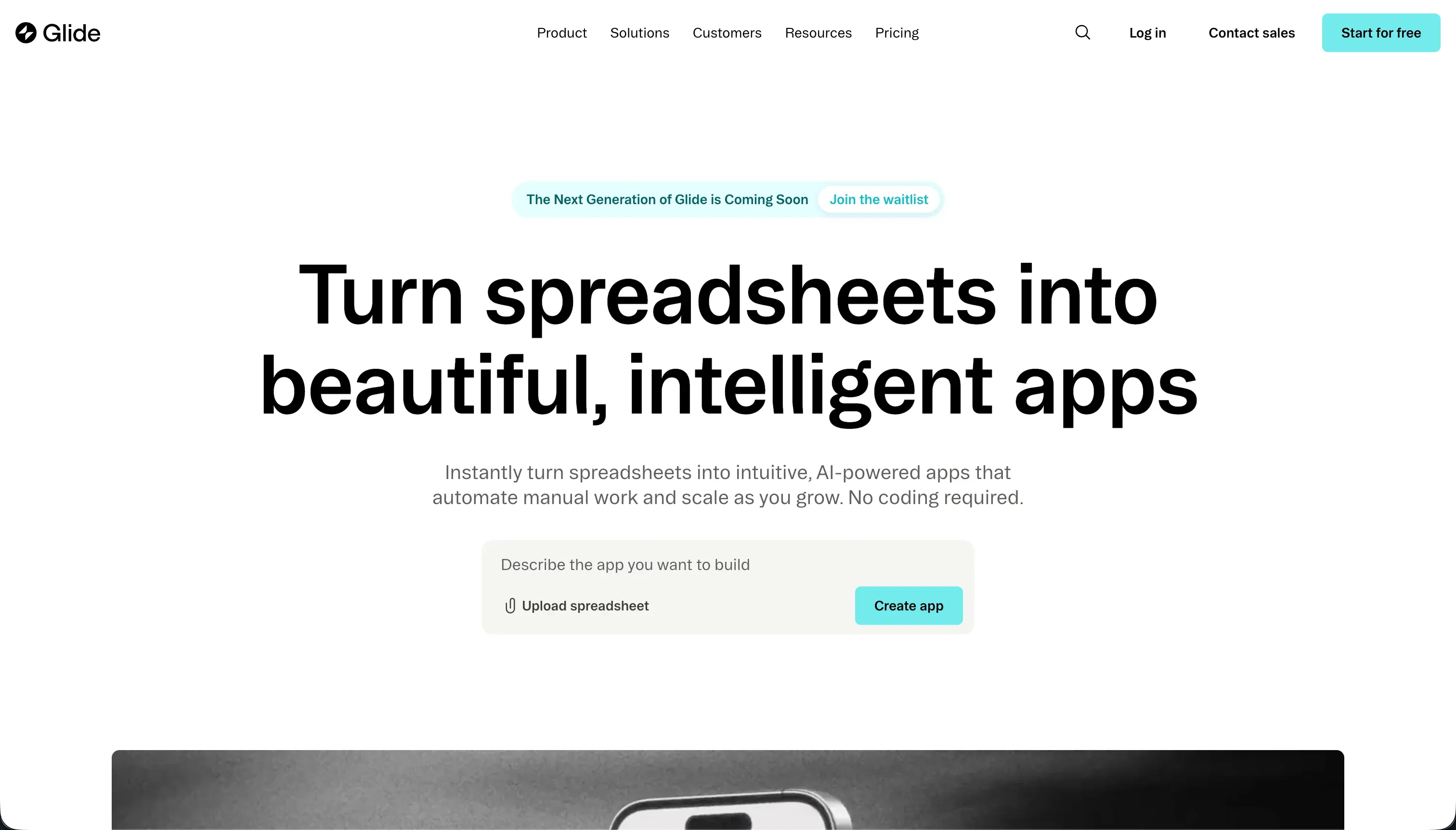
Glide is a low-code app builder that turns spreadsheets and database tables into web and mobile-style apps. Its core appeal is speed: point it at structured data and it scaffolds a usable interface quickly, which is why it is popular for inventory trackers, simple CRMs, field tools, and internal dashboards.
In practice, Glide works best when your app is data-centric and the interface fits Glide’s packaged patterns. It connects to Google Sheets, Airtable, Excel, and its native Glide Tables, and supports relations, lookups, rollups, formulas, and Glide AI columns for tasks like summarization, transcription, and image classification directly inside the database. The tradeoff is that layout freedom is limited, you cannot drag elements freely or adjust padding, and custom CSS is gated to higher tiers, so the polished defaults eventually feel like a locked room.
Glide is built for operations managers, SMB founders, and logistics teams who want an internal tool live fast without code. It gets more frustrating for teams that need pixel-level branding, nuanced role-based visibility, or large external user bases, because that is where its shared-user pricing and rigid layouts start working against you, and users specifically report a hard ceiling once an app needs deeper logic.
| Spec | Details |
|---|---|
| Primary Stack | Spreadsheet-connected builder with Glide Tables as the native database layer |
| Interface | Visual low-code editor with pre-configured components and fixed layouts |
| Primary Deployment Target | Responsive web app and PWA for internal and data-centric business tools |
| Key Advantage | Very fast spreadsheet-to-app scaffolding with polished default UI |
The Core Difference
The biggest difference is not how fast you reach a first version. It is what each tool produces and who maintains it afterward: an AI-written native mobile codebase, or a hosted web tool bolted onto your spreadsheet.
- VibeCode generates a native iOS and Android codebase from prompts and ships it to the app stores, trading raw AI flexibility for the risk of code drift as the app grows.
- Glide turns existing spreadsheet data into a polished web and PWA interface fast, trading layout freedom and code ownership for speed and a familiar mental model.

Head-to-Head Comparison
We evaluated both platforms across six core categories.
1. Developer Experience & Iteration Speed
VibeCode is built for the moment of inspiration. You describe a mobile app in plain English and the AI scaffolds the interface, backend database, and authentication, then lets you preview it instantly in a mobile browser or on a local device. Non-technical creators report going from an idea to a running mobile mock in one afternoon, which is the entire appeal of the vibe coding approach.
The friction shows up on iteration. Because every change flows through prompts, fixing something specific can mean coaxing the AI rather than clicking a control, and on the Free and Plus tiers you cannot drop into the code to make a surgical edit. As the codebase grows, the AI can lose context and overwrite working blocks, so iteration speed that felt great on day one can degrade once the app has real surface area.
Glide is excellent at the first hour for a different reason. Connect a sheet or table, let it infer the structure, and a functional CRUD app is live in under five minutes. For operators who just want an internal tool fast, that is hard to beat.
The problem is what happens after the clean demo. Glide’s strict layout patterns mean later iteration often means working around the builder rather than shaping it freely, and community complaints about CSS being gated and rollups triggering a Big Table upsell point to the same thing: iteration is fast until the app asks for more than Glide wants to expose.
Edge: Glide, for the fastest path to a working data tool, while VibeCode is quicker only when the target is specifically a native mobile app.
2. Code Quality & Portability
VibeCode is the rare AI builder that takes code ownership seriously. On Pro at $50 per month and above, you can download your full source code or connect over SSH to Cursor or VS Code, which gives technical builders a real escape hatch from lock-in. That matters when the AI introduces an opaque logic error, because a developer can drop into a local editor and fix it directly.
The weakness is the quality of what gets generated. Relying purely on vibe coding for a production app risks structural issues, unoptimized assets, and security vulnerabilities if no one reviews the code, and larger codebases can come out messy and hard to manage. The escape hatch is also paywalled, so anyone on Free or Plus is locked into the in-browser interface with no way to take the code out.
Glide does not compete on code ownership at all. It is a proprietary hosted builder with no meaningful code export, and users explicitly call out the lack of export as part of the pricing pain. If your long-term plan involves taking the app out and running it yourself, Glide gives you very little landing gear.
That said, Glide never promised exportable code in the first place. It abstracts implementation away, which is fine if you accept the lock-in and just want the app to work. It is much less fine for a technical founder who suspects the app may need to outgrow the platform, since the only exit is a rebuild.
Edge: VibeCode, because it offers real code export and SSH access on Pro, while Glide offers no code portability at all.
3. Database & Backend Capabilities
VibeCode provisions a backend database, authentication, and cloud storage automatically, so a mobile app has a working data layer without any setup. For a self-contained native app, that bundling is convenient and removes a lot of plumbing.
The concern is durability under complexity. Because the data layer is generated and managed by the AI, growing apps can hit a complexity wall on custom data pipelines or unusual authentication patterns, where the model struggles and produces fragile logic. There is no separate, inspectable database product you tune by hand unless you export the code, so backend reliability is tied to how well the AI holds context.
Glide’s backend is solid for lightweight operational data. Glide Tables support relations, lookups, rollups, formulas, and AI columns, and it syncs with Google Sheets, Airtable, and Excel, which is enough for plenty of simple apps where the spreadsheet is already the source of truth.
But Glide’s ceiling arrives sooner than teams expect. Users report being pushed to Big Tables mid-project just to keep using rollups and lookups, and broader feedback describes a hard wall once an app needs deeper logic or a more capable backend. That makes Glide good at structured CRUD but shaky for anything that turns into a real system of record.
Edge: Glide, narrowly, because its database supports inspectable relations and rollups today, while VibeCode’s AI-managed backend is convenient but harder to trust as logic grows.
4. Hosting & Deployment Options
VibeCode’s deployment story is its headline feature. On paid tiers it packages and publishes native apps directly to the Apple App Store and Google Play, which neither Glide nor most no-code builders can do. Plans gate the number of active deployments, from one on Plus up to five on Max, so the count scales with price.
The catch is that native publishing carries native consequences. App stores review submissions, and an app generated purely by vibe coding without a manual security and performance audit risks failing review or shipping edge-case crashes. So deployment is uniquely capable here, but it asks more of you before you hit publish.
Glide handles hosting for you and produces responsive apps that feel good on mobile, which is one of its enduring strengths. For internal teams that just want to publish a browser-based tool without any DevOps, that convenience is real and immediate.
The limits are about packaging and reliability rather than setup. Glide is a PWA-style deployment with no native app-store path, and users report system lags several times a year alongside poor support response. So deployment is easy, but it is neither flexible toward native distribution nor especially reassuring once the app becomes business-critical.
Edge: VibeCode, because native app-store publishing is a capability Glide simply does not have, even though Glide makes web deployment easier.
5. AI Quality & Reliability
VibeCode puts AI at the center of the whole build. The AI generates the app, the backend, and the integrations from prompts, and the transparent credit model means you pay raw API rates for that work with no markup. When it works, you get a complete native app from a description, which is a genuinely high ceiling.
Reliability is the soft spot. Larger apps can suffer context loss where the AI forgets the overall structure and produces messy or conflicting code, and there is no manual fallback on lower tiers if a generation goes wrong. Because AI is the only path on Free and Plus, running into a bad generation or running low on credits can stall the project rather than just slow it down.
Glide’s AI is additive rather than foundational. Glide AI columns can summarize text, transcribe audio, classify images, and translate directly inside the database, which is useful when your app is essentially a structured data workflow with a few smart enrichments.
What Glide does not offer is full-app AI scaffolding or cross-layer co-building. Its AI helps the data model do more work, but it does not change how you maintain layouts, permissions, or workflows. That makes it dependable and low-risk, but modest in scope compared to VibeCode’s prompt-the-whole-app approach.
Edge: VibeCode, for ambition and transparent pricing, though Glide’s narrower AI is more predictable because it never tries to generate the entire app.
6. Learning Curve & Onboarding
Glide is easier to grasp in the first sitting for anyone who thinks in rows and columns. If you understand spreadsheets and forms, Glide’s model is immediately legible, which is why it stays attractive to small teams that want a quick internal tool without studying a platform.
The flip side is that its simplicity partly comes from saying no. Once you need nuanced permissions, richer navigation, or custom layouts, the learning curve becomes a frustration curve, because the builder does not open up much more power. You end up discovering Glide’s limits rather than learning advanced features.
VibeCode lowers a different barrier. You do not need to know Swift, Kotlin, or React Native, and describing what you want in plain English removes the blank-canvas fear for mobile creators. For a first simple utility, that is a gentle on-ramp.
The hidden curve is debugging. When the AI ships a compilation bug or an invalid API call, a non-technical builder can get stuck, because fixing it often means exporting the code to a local editor, which requires the Pro tier and some technical comfort. So the easy start can give way to a steep wall the moment something breaks.
Edge: Glide, for an easier and more self-contained learning curve, since VibeCode’s onboarding is friendly until the AI produces an error you have to debug.
Pricing Comparison
VibeCode:
- Free - $0/mo, $2.50 included AI credits, access to premium models, prompt-based building, no app-store deployment
- Plus - $20/mo, $20 included AI credits, 1 active deployment, custom domains
- Pro - $50/mo, $55 included AI credits, 3 active deployments, full code export and SSH access, 24/7 priority support
- Max - $200/mo, $220 included AI credits, 5 active deployments, full code export and SSH access
- Note: credits map one-to-one to raw AI usage with no markup, and unused credits roll over.
Glide:
- Free - $0, 1 published app, 100 rows of data, Glide branding
- Maker - $49/mo annually or $60/mo monthly, unlimited personal users, up to 25 shared users, 25,000 rows, custom domain
- Team - $99/mo annually or $125/mo monthly, up to 50 shared users, 50,000 rows, Airtable and Excel integrations, Glide AI features
- Business - $249/mo annually or $310/mo monthly, up to 100 shared users, 100,000 rows, advanced integrations, high-capacity Glide AI
- Enterprise - Custom pricing
Use Case Fit: When to use which?
When to choose VibeCode
- Choose VibeCode when you need a genuine native iOS or Android app published to the Apple App Store or Google Play, not a web app or PWA.
- Choose VibeCode when you want transparent credit pricing and a real escape hatch, since Pro at $50 per month unlocks full code export and SSH access to editors like Cursor.
- Choose VibeCode when you are prototyping a mobile MVP, utility, or simple game and can review or audit the generated code before shipping.
When to choose Glide
- Choose Glide when your source of truth already lives in Google Sheets, Airtable, or Excel and you want a lightweight internal web tool live this week.
- Choose Glide when polished default layouts matter more than deep branding, code ownership, or backend flexibility.
- Choose Glide when the user base is small enough to fit comfortably inside its shared-user caps and you do not expect the app to become a complex system.
When neither VibeCode nor Glide is the right fit
For internal tools and client portals
Neither tool is built for secure, multi-user business software. VibeCode aims at native mobile MVPs where compiling an app store binary is overkill for an internal dashboard, and Glide’s shared-user pricing makes external client portals climb fast while its rigid layouts and lack of granular permissions limit serious portal work.
For this job, look at Softr paired with Retool. Softr is purpose-built for CRMs, intranets, vendor portals, and client portals, with native Softr Databases, built-in authentication, granular user groups, row-level restrictions, custom domains, and SOC 2 Type II compliance, plus flat per-app pricing that supports hundreds of external users without per-seat costs. Retool is the stronger choice when the work leans toward data-dense internal operational dashboards wired to existing production databases. Both treat permissions as a first-class feature instead of an afterthought.
For native mobile apps with deeper logic
VibeCode handles native mobile from prompts, but it can hit a complexity wall when an app needs custom data pipelines, complex authentication, or native device integrations, and Glide never compiles to the app stores at all. If you want native distribution plus more deterministic control over the build, a dedicated native builder is the safer bet.
For that, look at FlutterFlow or Adalo. FlutterFlow is the stronger option when you need serious native-app flexibility and a closer path to real app-store output with visual control over logic, while Adalo is simpler if you want a more beginner-friendly native-mobile builder without leaning entirely on AI generation.
For professional developer environments
If your team wants source control, terminal access, package management, and the ability to own the stack end to end, neither tool is the right abstraction. VibeCode only exposes code on its Pro tier and Glide never exposes it, so both are managed platforms first.
In that case, look at Cursor or Replit. Cursor suits developers already living in an IDE who want AI pair-programming on a real codebase, while Replit makes more sense if you want a browser-based coding environment with deployment and runtime tooling built in.

Verdict
Pick VibeCode if your goal is a native iOS or Android app and you accept the tradeoffs of AI-generated code. It is one of the few prompt-first tools that publishes directly to the app stores, its credit pricing is honest, and on Pro you can export the code or jump into Cursor when the AI gets stuck. The cost of that ambition is reliability: large apps can drift, and shipping without a manual review risks failing store approval or carrying security gaps.
Pick Glide if your data already lives in a spreadsheet and you need a clean internal web tool fast. It remains one of the quickest ways to turn rows and columns into something a team can actually use, and the default UI looks good with zero effort. The tradeoff is real: template rigidity, no code export, tighter shared-user caps, and a backend ceiling that tends to appear right when the app starts succeeding.
The day-two reality is what separates a launch from a long-lived tool. The first version is rarely the expensive part. The expensive part is every change after that, especially once more people depend on the app and mistakes touch real operations. VibeCode hands maintenance back to you through prompts and code, and Glide hands you a wall when complexity grows. For business apps with real users and permissions, a platform like Softr, often alongside Retool for data-heavy dashboards, ages better because permissions, hosting, and security are built in and you are never locked into re-prompting to keep the app alive.

Summary Comparison Table
| Criterion | VibeCode | Glide |
|---|---|---|
| Best for | Native mobile apps and MVPs from prompts | Fast internal web tools from spreadsheets |
| Build paradigm | AI prompt-to-code vibe coding | Spreadsheet-first visual low-code |
| Output type | Native iOS and Android apps | Responsive web app and PWA |
| Database | AI-managed VibeCode Cloud backend | Glide Tables plus Sheets, Airtable, Excel |
| Pricing metric | Credits at raw AI cost, no markup | Shared-user tiers and row caps |
| App store publishing | Yes, Apple App Store and Google Play | No, PWA only |
| Code export | Yes, on Pro ($50/mo) via download or SSH | No |