

When FlutterFlow and Softr get compared, it’s usually because someone is asking a broader question: “I need to build an app for my business - which of these tools is right?” The answer depends almost entirely on one question: does the app need to live in the Apple App Store or Google Play Store?
FlutterFlow exists to build native mobile apps. Softr exists to build production business apps - portals, internal tools, CRMs, and dashboards - that non-technical teams can build and maintain. The overlap between those use cases is narrow.
Meet the Contenders
What is FlutterFlow?
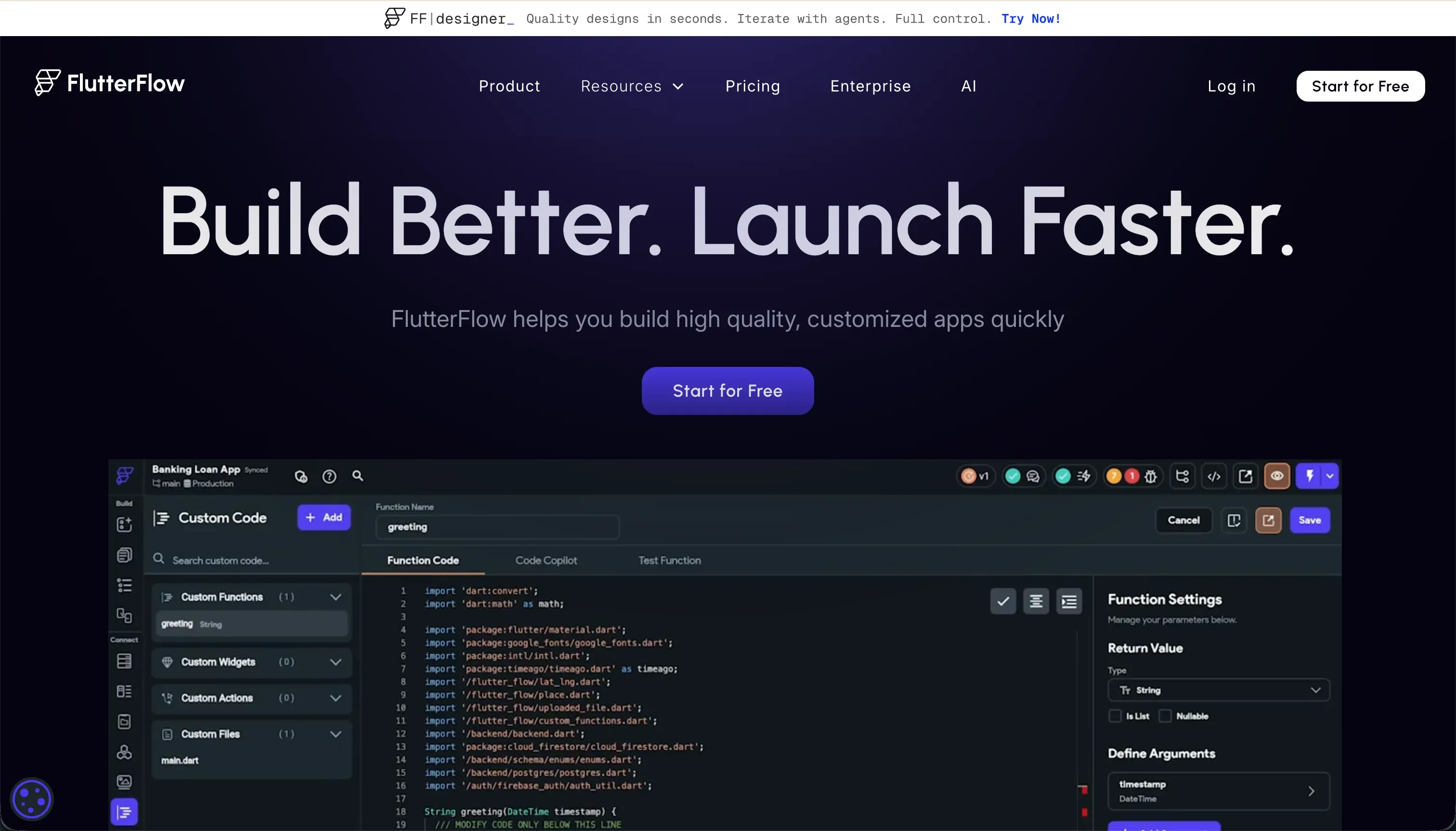
FlutterFlow is a visual builder on top of Flutter, Google’s cross-platform mobile framework. It represents Flutter widget trees in a drag-and-drop interface, connects to Firebase or Supabase for backend data, and compiles native Dart code for iOS, Android, and web. Its AI Gen feature generates screens, components, and database schemas from text prompts. For teams that need to ship to app stores, it’s the most capable visual option available.
| Spec | Details |
|---|---|
| Primary Stack | Flutter (Dart), Firebase, Supabase |
| Interface | Visual widget builder + AI Gen |
| Primary Deployment Target | iOS App Store, Google Play Store, Web |
| Key Advantage | Native compilation with codeless App Store deployment |
What is Softr?
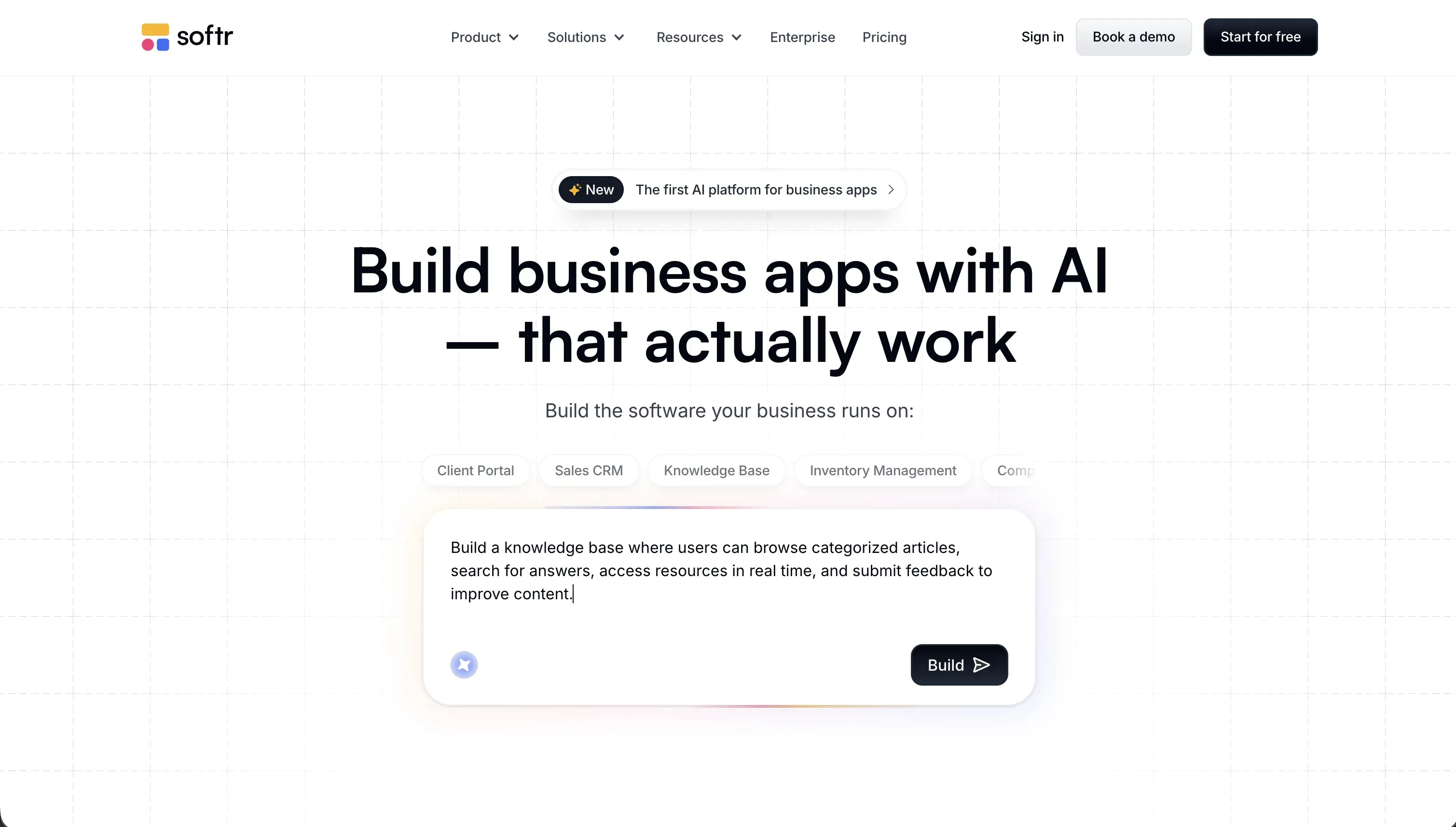
Softr is an AI-powered platform for building business apps without code. Its AI Co-Builder generates complete applications from a plain-language description - database, pages, blocks, user groups, and navigation - and then keeps working inside the editor to make changes on request. Every component the AI creates can also be configured manually in the visual editor. Softr ships with built-in authentication, granular role-based permissions, Softr Databases (its own native relational database), workflow automation, and enterprise-grade security as standard.
| Spec | Details |
|---|---|
| Primary Stack | Visual no-code builder (no framework dependency) |
| Interface | AI Co-Builder + visual block editor |
| Primary Deployment Target | Web (browser-based) with PWA support |
| Key Advantage | Production-ready business apps with zero code and zero maintenance overhead |
The Core Difference
FlutterFlow and Softr share a visual-first approach to app building, but their target outputs, required skill levels, and ongoing maintenance models are completely different.
FlutterFlow outputs native mobile apps. The visual environment is built around Flutter’s widget tree, which means you’re effectively making layout decisions that a Flutter developer would make in code - just using a visual interface instead. Backend setup, state management, and security configuration still require technical knowledge. The app you produce runs natively on mobile devices and can be submitted to app stores.
Softr outputs business web applications. The visual environment is built around pre-built, battle-tested blocks (tables, forms, kanbans, charts) that connect directly to data and respect user permissions. There’s no underlying framework to understand, no backend to configure, and no security rules to write. The AI Co-Builder generates a complete, working app from a description - and non-technical team members can maintain it themselves as requirements change.
If native app store distribution is your requirement, the comparison ends here: FlutterFlow is the answer. If you’re building a portal, dashboard, or internal tool for your business, Softr is the better fit in nearly every case.

Head-to-Head Comparison
1. Developer Experience & Iteration Speed
FlutterFlow is faster than writing Flutter from scratch, but it’s not fast for non-developers. Widget tree logic, state variable configuration, and Firebase/Supabase setup each have learning curves. Product Hunt reviewers describe a “hate-love” relationship with the platform - fast when things work, time-consuming when they don’t. Browser editor lag on projects with more than 12 screens is a common complaint on Capterra.
Softr’s iteration speed for non-technical builders is genuinely fast. Adding a new page, changing what data a user group can see, or updating a workflow takes minutes in the visual editor - no AI prompt required. For changes that would be repetitive or complex to configure manually (setting action buttons across many blocks, generating a complete app schema), the AI Co-Builder handles them from a plain-language request. Builders reported shipping working portals in a single day in G2 reviews.
2. Code Quality & Portability
FlutterFlow generates real Flutter (Dart) code that you can export on paid plans. For teams with Flutter developers, this is a real advantage - you can start in FlutterFlow, export the code when you need finer control, and continue in a standard IDE. The generated code quality is generally good for the UI layer, though backend configurations still need developer review.
Softr doesn’t generate a codebase - it maintains your app as a visual configuration. Your data is portable: export it from Softr Databases via CSV, or connect to external sources like Airtable or Google Sheets that you already own. Your app logic is visually configured and can be rebuilt elsewhere, but there’s nothing to “export.” This isn’t a weakness for the target user: non-technical operators don’t want to inherit a codebase to maintain. They want an app that keeps working.
3. Database & Backend Capabilities
FlutterFlow requires external database setup. Firebase and Supabase are the primary options. Firebase is more accessible for beginners; Supabase requires understanding PostgreSQL and Row Level Security. Both add setup time before your app does anything useful with real data, and both need ongoing maintenance as your schema evolves.
Softr ships with its own native relational database - Softr Databases - built specifically for business applications. Tables, fields, and relationships are set up through a visual interface - or generated by the AI Co-Builder from a description. Connecting to Airtable, Google Sheets, or SQL databases is equally straightforward for teams that already have data there. Row-level security is configured by setting user group rules visually: “users in the Client group can only see records where ClientID matches their profile.” No SQL. No code. SOC 2 Type II compliance and GDPR-ready hosting in Germany are included on paid plans.
4. Hosting & Deployment Options
FlutterFlow deploys to the web, and more importantly, to app stores. The codeless App Store deployment pipeline handles certificate management, build configuration, and TestFlight/Play Store submission. This is genuinely valuable - setting up iOS and Android deployment pipelines from scratch is painful even for experienced developers.
Softr hosts all apps on its own infrastructure. Custom domains are supported on all paid plans. Apps are mobile-responsive and can be set up as Progressive Web Apps - users add them to their home screen from a link and the experience is app-like, without going through App Store review. This is sufficient for most business app use cases, but it’s not native app store distribution.
Pricing Comparison
FlutterFlow pricing (billed annually):
- Free: $0 - visual builder and Firebase integration
- Standard: $22/month - code export, APK downloads, custom domain
- Pro: $50/month - full code export, Git integration, codeless store deployment, push notifications
- Teams: $50/seat/month - collaborative building, shared design library
Softr pricing (billed annually):
- Free: $0 - unlimited apps, 5 app users, 5,000 DB records
- Basic: $19/month - 5 Team + 5 Client app users, 50,000 records
- Pro: $99/month - 10 Team (up to 50) + 50 Client (up to 250) app users, 500,000 records, custom user groups
- Business: $329/month - 30 Team (up to 100) + 100 Client (up to 500) app users, 1,000,000 records, HubSpot, SQL integrations
- Custom: Custom - enterprise security, SSO, SLAs
Both platforms have a free tier for testing. For production apps, FlutterFlow’s Pro at $50/month is competitive for a single app workspace. Softr’s Pro at $99/month covers 10 Team and 50 Client app users - which for a client portal or internal tool accessed by a team means the per-user cost is very low compared to per-seat alternatives.
Use Case Fit: When to use which?
When to choose FlutterFlow
- Your app must be distributed through the Apple App Store or Google Play Store.
- You need native mobile features - push notifications, offline storage, camera access, or other device APIs.
- Your team includes Flutter developers who can maintain the exported Dart code.
- Cross-platform (iOS + Android + Web) from a single codebase is a technical requirement.
When to choose Softr
- You’re building a business app - client portal, internal tool, CRM, inventory system, vendor management, or team intranet.
- Your team has no dedicated developer and can’t afford to maintain a codebase.
- You need granular user permissions out of the box (different roles see different data and different features).
- You want to go live quickly with a production-ready app, not a prototype that needs developer cleanup.
- You need to invite external users (clients, partners, customers) with their own secure login.
When neither FlutterFlow nor Softr is the right fit
For AI-generated code with developer control
If your project is a consumer SaaS product and you want to own clean, exportable code generated by AI prompts, FlutterFlow and Softr aren’t built for that. Tools like Lovable or Bolt generate React and TypeScript codebases from prompts with GitHub sync. These are for developers building code-owned SaaS products, not business operators building operational tools.
For internal developer tools and SQL dashboards
If your primary need is an internal dashboard for technical teams that queries multiple databases directly with SQL, Retool handles that use case with a large component library and broad database connectivity. Note that Retool’s per-seat pricing and SQL requirements make it unsuitable for non-developer teams or external-facing portals.
For professional developer environments
If you want AI-assisted coding in a local editor rather than a visual builder, Cursor integrates AI deeply into VS Code with full codebase context. This is for developers who already know how to code and want to move faster.

Verdict
- Choose FlutterFlow if native iOS and Android app distribution is a firm requirement and your team has the Flutter knowledge (or budget to hire it) to build and maintain the app.
- Choose Softr if you’re building a business app that a non-technical team needs to build, launch, and maintain - portals, dashboards, internal tools, or any operational software where reliability and user permissions matter more than native mobile features.
The honest summary: if you’re reading this comparison because you need to build a client portal, an internal CRM, or a team intranet, Softr is almost certainly the faster and more maintainable path.
Summary Comparison Table
| Feature | FlutterFlow | Softr |
|---|---|---|
| Build Paradigm | Visual Flutter widget builder + AI Gen | AI Co-Builder + visual no-code block editor |
| Output Type | Native iOS/Android apps + Flutter Web | Web apps (mobile-responsive + PWA) |
| Database | Firebase / Supabase (external setup required) | Native Softr Database + 17 integrations |
| Visual Permissions | Conditional logic via action editor | Visual user groups with row-level security |
| Pricing Metric | Per workspace (flat monthly) | Per app-user tier (flat monthly) |
| Maintenance Burden | High (Flutter knowledge required) | Low (visual editor, no code) |
| Code Export | Yes - Flutter (Dart) source code | No - configuration-based, data is portable |