
Why people look for Glide alternatives
Glide is genuinely good at one thing: pointing it at a Google Sheet or Airtable base and getting a clean, mobile-friendly app out the other side in minutes. The pre-built components are polished, the mobile layouts are sharp by default, and the AI columns that enrich data right inside the table are a real convenience. For a quick internal tracker, it’s hard to beat. The problems show up later, when the app needs to grow, look like your brand, or serve people outside your team.
The design is locked to strict templates
Glide enforces fixed layout structures. You can’t drag elements freely, set exact padding or margins, or drop in custom CSS the way you can in a more flexible builder. Every app conforms to Glide’s pre-packaged layouts, which is why one long-time Pro user ($99/month) wrote that they “REALLY want to change it from the bland look it has now” but found the CSS pricing “just OTT.” A competitor review put it bluntly: the template-focused approach “creates relatively generic apps with limited creative freedom.” Fine for an internal tool. A problem for anything client-facing that needs to carry your brand.
Seat-based pricing punishes external users
This is the complaint that comes up most. Glide prices around shared-user tiers, so the moment you build a portal for clients, members, or partners, the per-external-user cost stacks up fast. Users describe it plainly: “the per external-user cost is prohibitively high,” and “Glide is for web apps made for enterprise where you will pay per user. Not the best platform for entrepreneurial ventures just based on pricing.” The tier structure itself draws fire too - one Business-plan customer was “shocked” that their plan capped shared users while the cheaper Maker plan offered more, calling the structure “confusing” and a “blatant scam.”
Features keep sliding behind higher tiers
Several users describe starting a project on one plan, then hitting a wall when a capability they were already using got moved up a tier. One reported “randomly getting error messages” when using rollups and lookups, with Glide claiming they needed to move to a Big Table. Another summed up the pattern: “more and more features are moved to higher pricing steps and bringing an app to the public is a pain.” Building on a platform where the goalposts move mid-project is a hard thing to plan a budget around.
There is no code export
Glide gives you no way to take your app with you. As one user put it, Glide “has arguably the best UI, but its pricing structure felt prohibitive without an option to export the code.” For an internal tool you’ll run for a year, that may not matter. For anything you intend to scale, raise on, or sell, it’s a real ceiling - one builder described it memorably: “GlideApps gave them wings, but no landing gear.” Leaving Glide means rebuilding from scratch.
It hits a ceiling on logic and backend depth
Glide is fast for surfacing structured data, but users report running out of road when an app needs real logic. “Glide is solid if you want something quick and mobile-friendly, but once you start needing more logic or a deeper backend, it can feel super limited.” There’s also no path to the App Store - Glide ships PWAs only, which works for internal distribution you control but leaves consumer apps without store discoverability. And support draws consistent criticism, with one two-year customer calling the response rate “the absolute worst” during the system lags they hit several times a year.

The best Glide alternatives, by use case
If you need client portals and external-facing apps
This is the exact spot where Glide’s seat-based pricing hurts most, and where most teams start shopping. You want clients, partners, or members to log in and see only their own data, on a portal that carries your branding - without the per-external-user bill climbing every time you add a user.
Softr
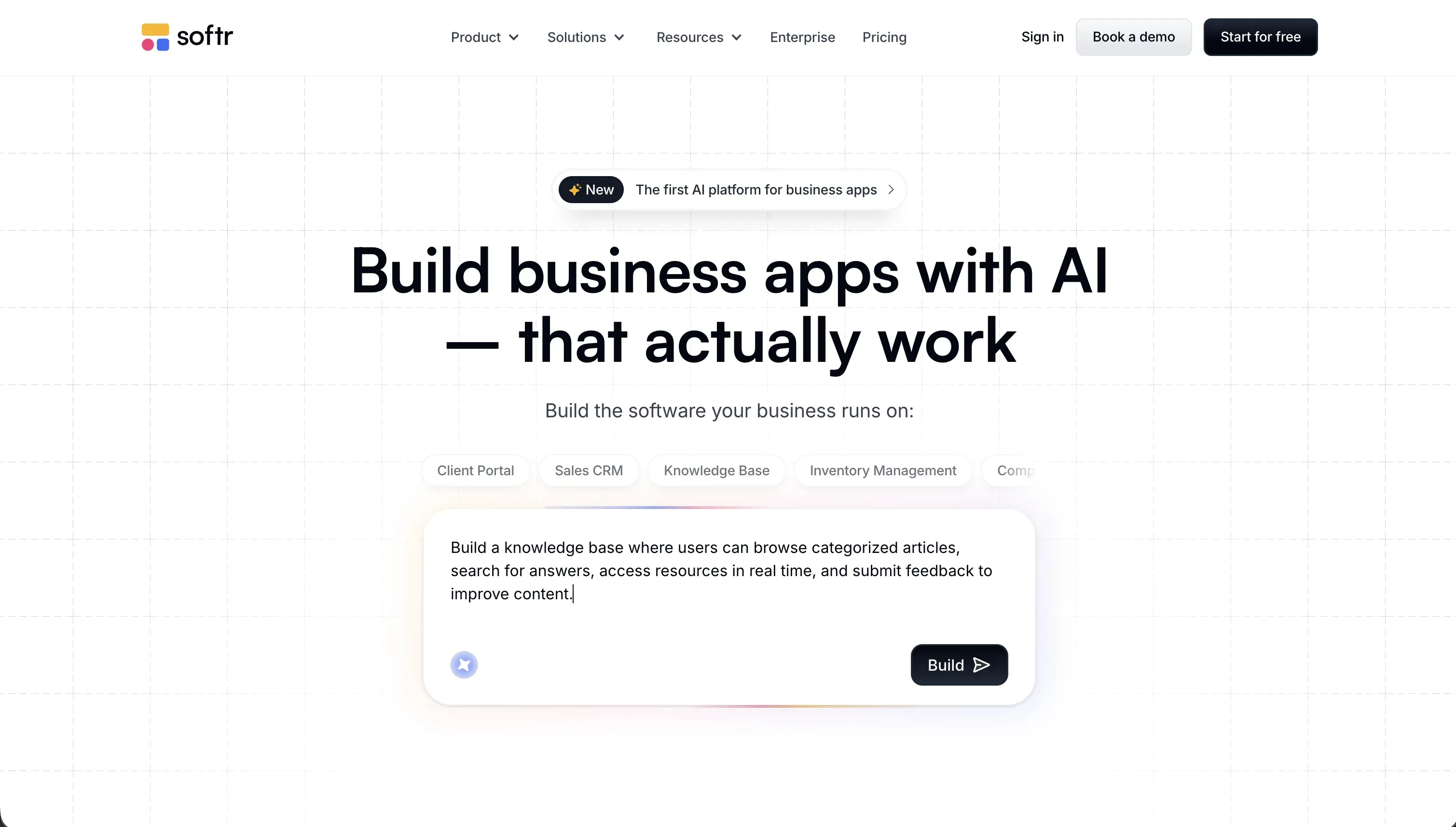
Softr and Glide are direct competitors: both are spreadsheet and database-driven no-code builders. The difference is where each one leans. Glide focuses on internal operational and field apps (and openly shifted its focus there, which one builder said cost them a client). Softr is built around external-facing portals, and it’s a strong fit precisely where Glide gets expensive and rigid.
On pricing, Softr charges by plan rather than per external seat. The Business plan at $329/month supports 30 Team and 100 Client app users, so a client portal or member directory stays on a predictable flat fee instead of climbing toward an Enterprise contract as your user list grows. On permissions, you define user groups - clients, partners, members, admins - and set what each group can see down to the page, block, and record level, all visually. “This group sees only records where the Client field matches the logged-in user” is a point-and-click setting, not a paywalled feature.
On design, the constraint that frustrates Glide users mostly disappears: Softr has a flexible block system with global style controls, custom CSS injection, and a Vibe Coding block for custom React components, so portals can carry your brand rather than looking template-generic. White-label support, native auth pages (login, signup, password reset, SSO), and custom domains are all included. Real teams run this at scale: THE BOARD replaced four disconnected tools with a single member platform managing 270+ members, and Caddy Moving runs a self-service portal for 3,000+ approved movers.
The honest trade-off: if your portal is really a consumer app that needs App Store distribution, neither Softr nor Glide is the right tool - see the native mobile section below.
If you’re building internal tools your team needs to maintain
Glide’s home turf is internal tools, and it’s quick to start. But two things wear on teams over time: features sliding behind higher tiers mid-project, and the fact that meaningful changes still route through whoever knows Glide. For trackers, approval flows, team dashboards, CRMs, and inventory tools, you want something a non-developer can own outright on pricing that doesn’t move.
Softr
Softr (introduced above) fits internal tools for a reason specific to this use case: your operations, HR, or finance team can maintain the app themselves. Add a database field, change who sees a record, adjust a page, or update an automation - all visually, no prompting and no waiting on a developer. Its AI Co-Builder can generate a complete app (database schema, pages, blocks, user roles, navigation) from a plain-language description in minutes, but the hybrid model is the real point: every feature the AI can build, you can also configure by hand, so running low on AI credits never blocks you from maintaining the app. Pricing is flat per plan (Basic $19/month, Pro $99/month), with unlimited collaborators and no features waiting behind the next tier to surprise you mid-build.
Retool

If your team is technical and your data already lives in a SQL database or behind an API, Retool is worth a serious look. It connects directly to PostgreSQL, MySQL, REST, and GraphQL, and ships 100+ pre-built components built for data operations. For internal dashboards on top of infrastructure you already run, it’s faster than rebuilding the data layer in Glide. The trade-off: Retool isn’t true no-code - anything beyond a basic layout means writing SQL and JavaScript - and pricing is per builder, so it’s a fit for technical teams rather than non-developers.
If your main problem is escaping the pricing and the limits
Sometimes the issue isn’t the design or the use case - it’s that you’ve outgrown Glide’s seat model, hit a feature paywall, or want a data layer you control. Two directions make sense here depending on how technical you are.
For internal dashboards on a database you already own, Retool (covered above) lets you pay for builders and connect straight to your existing data instead of paying Glide per viewer. For external-facing portals where the per-seat math is the whole problem, Softr (covered above) moves you to flat per-plan pricing that supports hundreds of external users. The decision comes down to audience: Retool for technical internal teams on existing infrastructure, Softr for external users and non-developer maintainers.
If you need native iOS and Android apps
Glide ships PWAs only. That works when you control distribution, but as one review noted, “consumer apps benefit enormously from app store discoverability” - and Glide can’t put you in the App Store or Google Play. If native distribution is a hard requirement, you need a platform built for it.
FlutterFlow
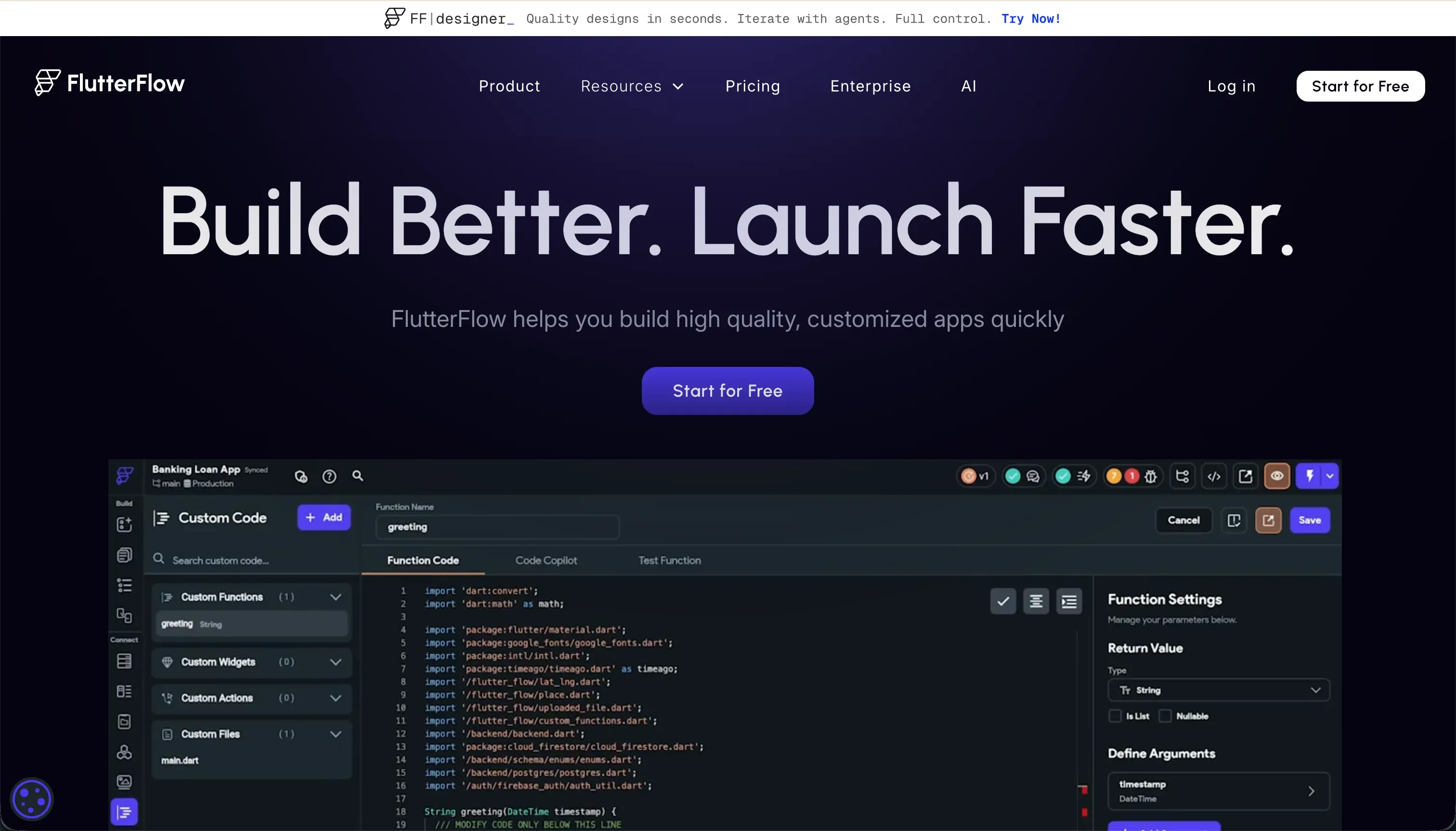
FlutterFlow compiles to native Flutter (Dart) apps that ship to the Apple App Store and Google Play. It’s a visual drag-and-drop builder over a Flutter widget tree, with AI screen generation, direct Firebase and Supabase integration, and full code export - the exit path Glide doesn’t give you. For real native apps with native performance, it’s the strongest no-code option. The catch is a genuine learning curve: you’ll need to understand Flutter’s layout model and state management, and users describe debugging without clear error messages as painful. The Pro plan is $50/month billed annually and includes code export and codeless store deployment.
Adalo
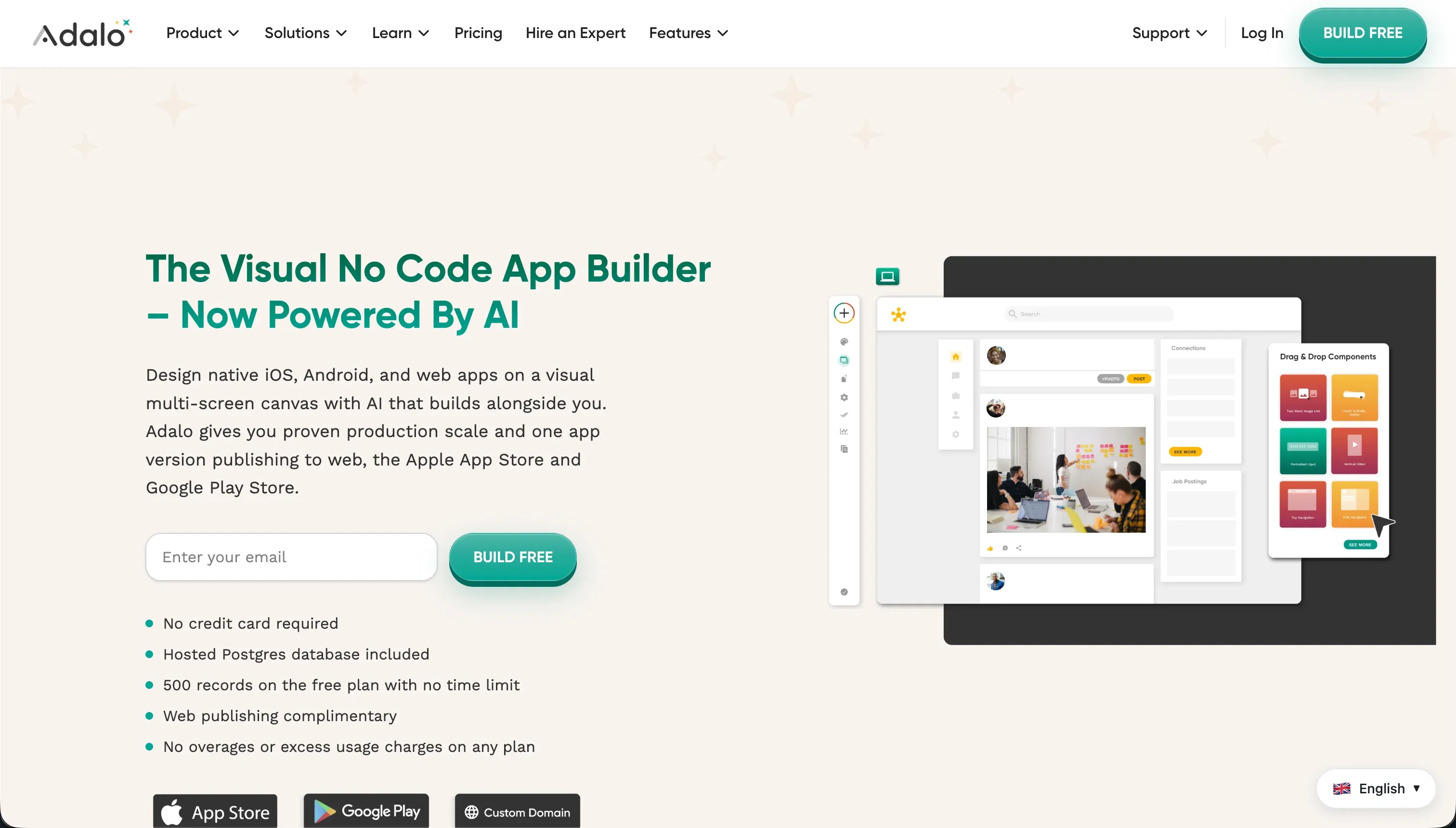
Adalo is the gentler on-ramp to native mobile. Its canvas is more approachable than FlutterFlow’s, and it publishes directly to the app stores. The ceiling is lower, though - production apps hit record limits (30,000 records on the $52/month Professional plan), performance issues, and a weak permissions model, with multiple users reporting data loss and slow support. Treat Adalo as a route for simple mobile MVPs and prototypes, not a platform to scale on.
If your “mobile” need is really a team-facing internal app rather than a store-listed consumer product, note that Softr generates PWAs that install to the home screen and work in mobile browsers - the same distribution model as Glide, but without the per-seat pricing on external users.
If you want AI to generate an app you actually own the code for
One of the loudest Glide complaints is the lack of code export. If you’re leaving partly because you want to own and scale a real codebase, AI code generators are the logical exit - they hand you the source from day one.
Replit
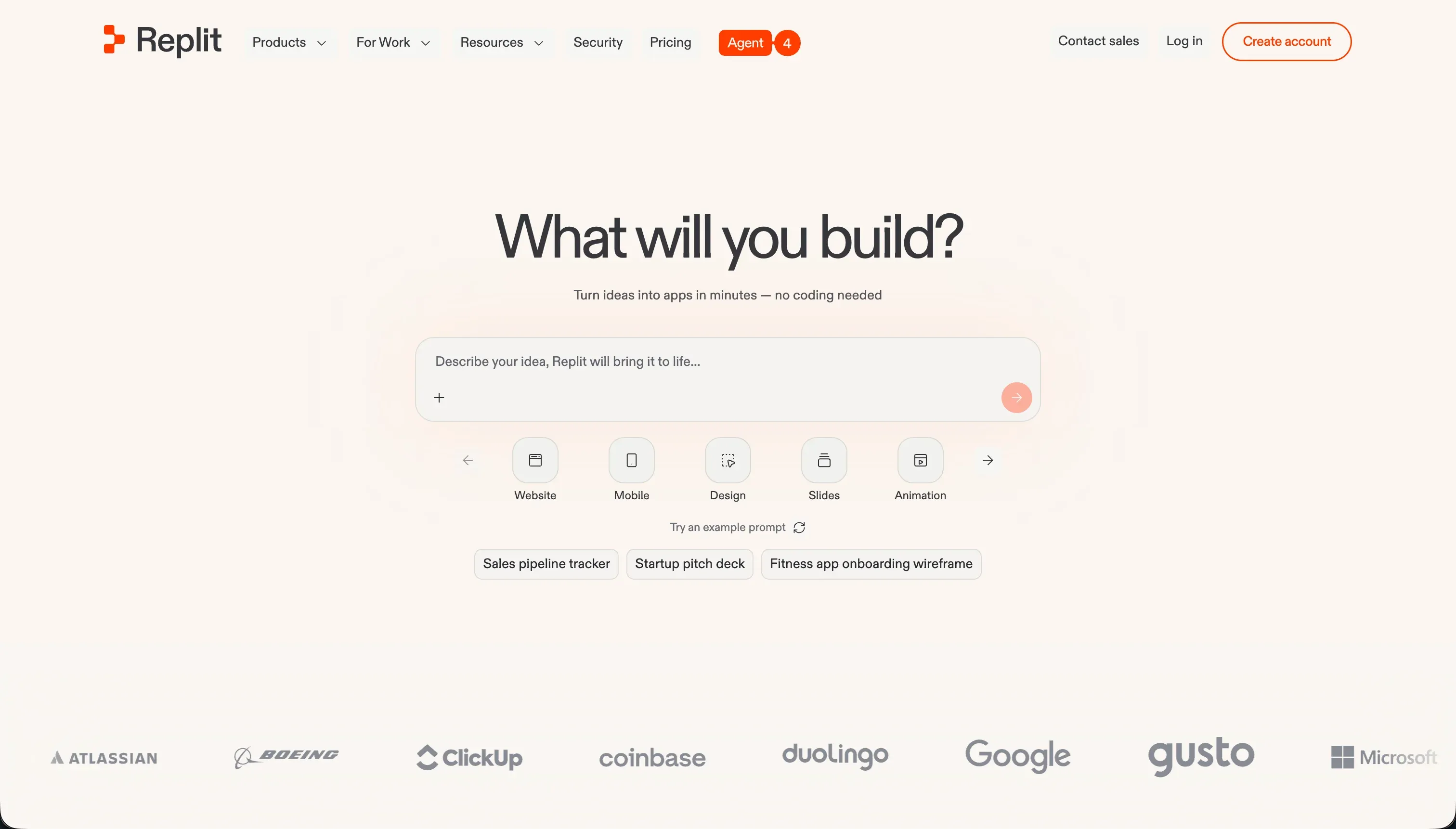
Replit pairs AI app generation with a full in-browser IDE, so you get scaffolding speed plus real control: install packages, run a terminal, edit the code directly, and deploy from one place. Crucially, you own the codebase and can take it with you, which removes the exact ceiling Glide hits. The trade-off is the one every AI code generator shares: what you get is real code, and maintaining, securing, and debugging it is a developer’s job. This is a different bargain than Glide, not a free lunch.
Bolt

Bolt takes the same generate-then-edit approach, running a full Node.js environment in-browser via StackBlitz WebContainers. You describe the app, Bolt scaffolds it, and you keep a live preview and a real editor to iterate. Pro is $25/month for 10M tokens, which buys a lot of iteration. As with Replit, the output is code you own - which solves the export problem but moves you firmly into territory where development skills matter. If the appeal of Glide was never writing code, weigh that honestly before switching.

Bottom line
If you’re leaving Glide over external-user pricing or the rigid look, Softr is the closest match and the strongest pick - it’s the same spreadsheet-driven no-code model built for portals, with flat pricing and real design control. For internal tools on a database you already run, Retool fits technical teams. For native App Store apps, FlutterFlow is the only option with genuine native output. And if the real motivation is owning exportable code you can scale, Replit or Bolt hand you the source - at the cost of needing a developer to maintain it. Before you migrate, export your Glide data and map which features you actually use; most data-driven apps lean on a small slice that simpler tools cover at a more predictable price.
→ Compare Glide vs Softr in detail for a side-by-side on pricing, permissions, and design control. → See how Adalo stacks up against Glide if native mobile is part of your decision. → Browse all reviewed tools for the full comparison across AI app builders.