

Comparing Mocha and Softr means comparing two fundamentally different philosophies about what “building an app without code” should mean.
Mocha believed the answer was AI that generates code you don’t have to write. Softr believes the answer is infrastructure that removes the need for code in the first place. One produces a codebase. The other produces a running application.
That distinction matters a lot when it’s 6 months after launch and something needs to change.
There’s also an unavoidable piece of context here: Mocha announced it’s shutting down on August 1, 2026. The team cited high user acquisition costs, expensive AI token unit economics, and capital demands they couldn’t sustain. If you have projects on Mocha, export everything before that date. For new projects, Mocha is not a viable option.
Meet the Contenders
What is Mocha?
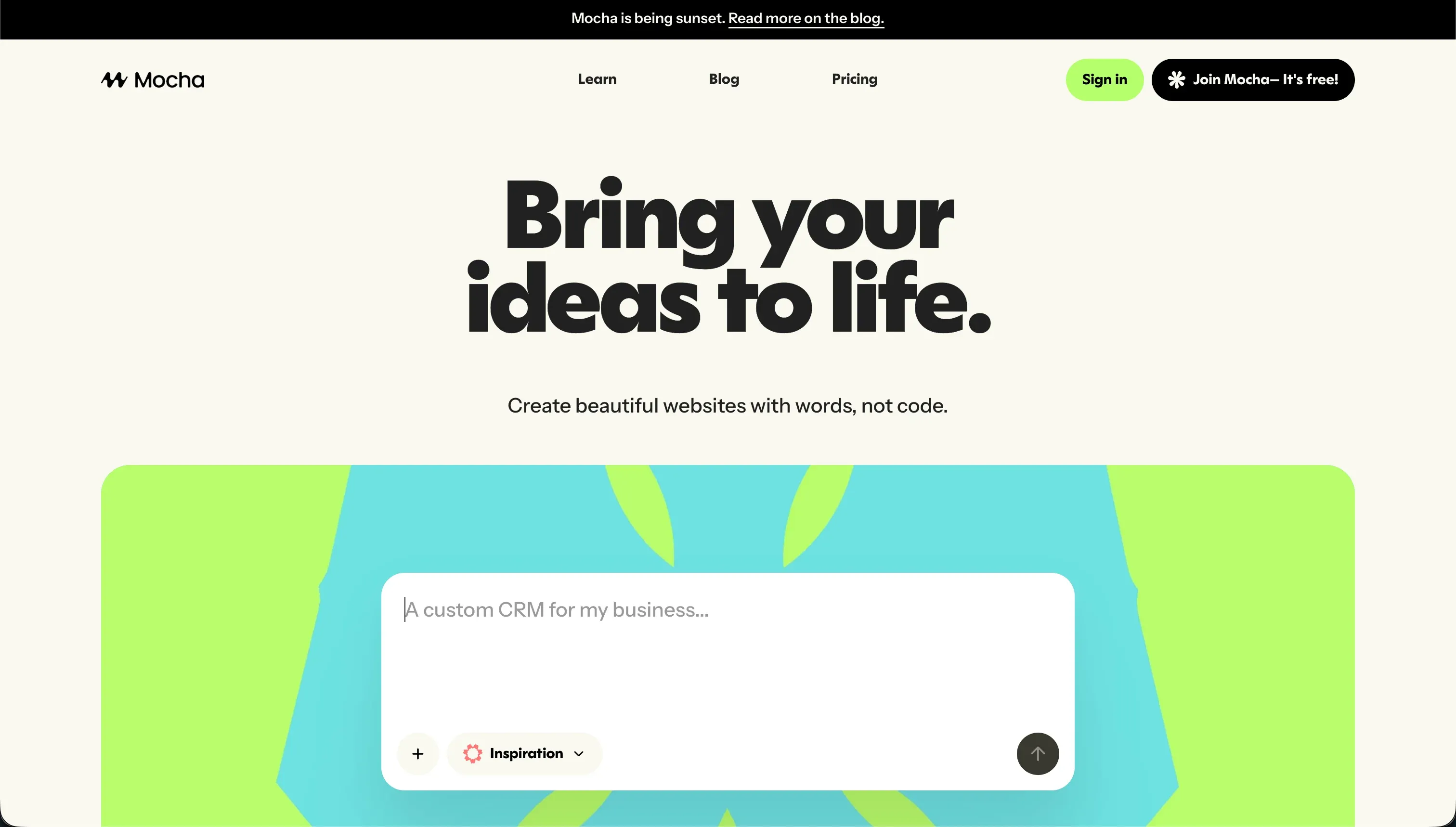
Mocha (formerly Srcbook) was an AI-powered web app builder that converted plain-language descriptions into working applications. You described what you wanted, and Mocha generated a React frontend with backend routes, a pre-configured SQLite database, Google Sign-in authentication, and one-click hosting. The entire setup required zero configuration - no terminal, no package manager, no database migrations.
The platform supported full code export and custom domains on paid plans, and it attracted founders who wanted to test product ideas without a development team.
| Spec | Details |
|---|---|
| Primary Stack | React, SQLite, built-in auth |
| Interface | Natural language chat + visual preview |
| Primary Deployment Target | Mocha-managed hosting |
| Key Advantage | Zero-setup prototyping with database and auth included |
Note: Mocha is shutting down on August 1, 2026. Existing users must export their data before that date.
What is Softr?
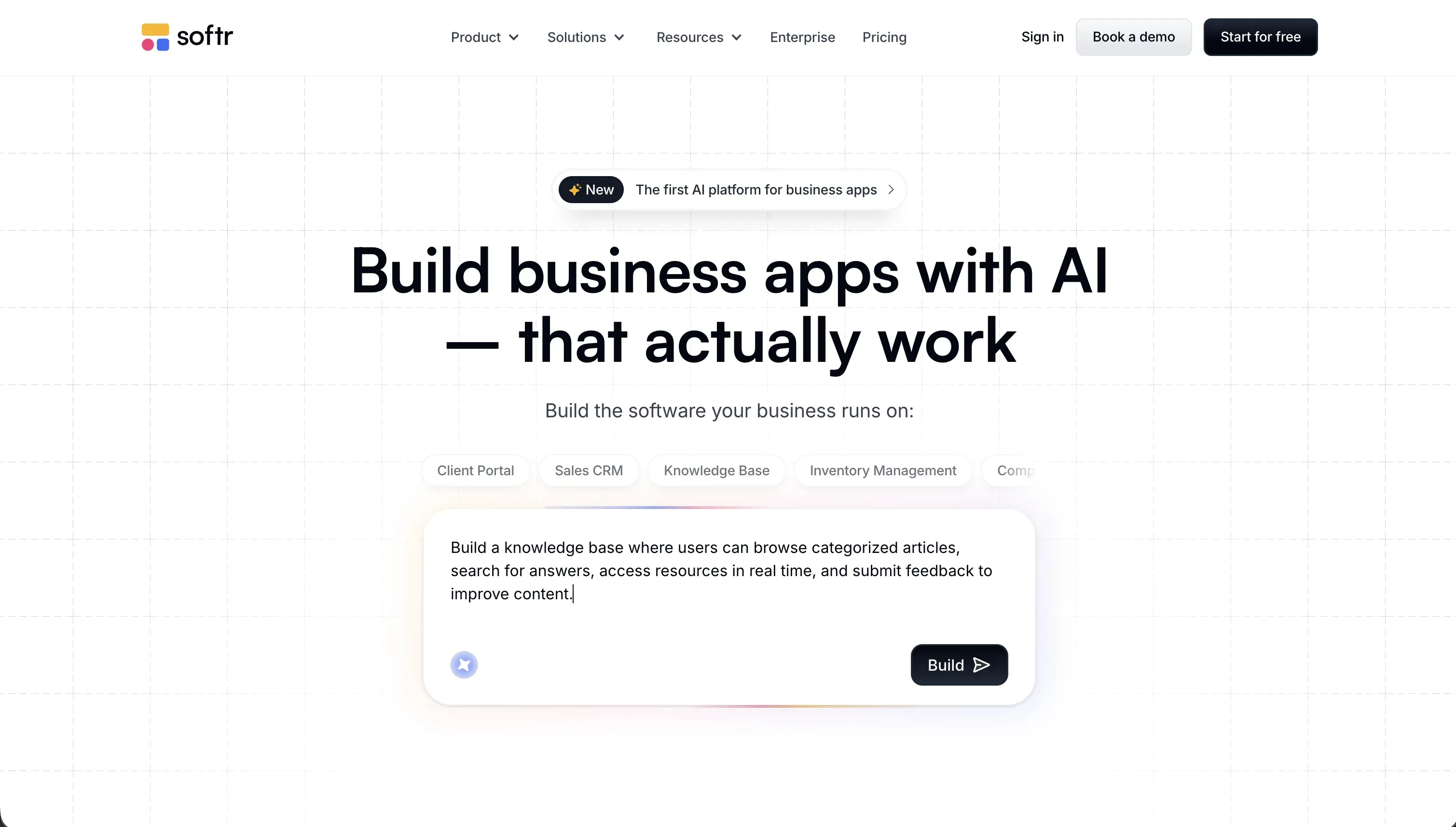
Softr is an AI-powered business app platform that lets operators build production-ready software without writing code. Its AI Co-Builder generates a complete application - database, pages, user groups, and navigation - from a single prompt. Builders can also start from a pre-built template or build from scratch manually, then manage everything through a visual editor, maintaining and evolving the app without any developer involvement.
Softr’s core use cases are internal tools (CRMs, intranets, project trackers, inventory apps) and external portals (client portals, partner dashboards, member directories). Apps are built on Softr Databases - a production-ready relational database built for business apps. For teams that already have data elsewhere, Softr also connects to 17+ external data sources including Airtable, Google Sheets, HubSpot, and PostgreSQL.
| Spec | Details |
|---|---|
| Primary Stack | No-code visual editor + AI Co-Builder |
| Interface | AI generation, pre-built templates, or manual build - visual editor throughout |
| Primary Deployment Target | Softr Cloud with custom domain |
| Key Advantage | Production-ready business apps with zero maintenance burden |

The Core Difference
Mocha generated code. Softr builds working applications on a stable, no-code infrastructure.
That sounds like a subtle distinction, but it has massive practical implications.
When Mocha built your app, it produced a React codebase with a SQLite backend. That code ran fine on day one. But every subsequent change - a new field, a permission update, a layout tweak - required prompting the AI to modify the code. If the AI’s changes introduced a regression, you were in a debugging loop that burned credits and might not resolve cleanly. And if the code ever needed real production security auditing, you needed a developer.
When Softr builds your app, it configures pre-built, battle-tested components connected to a structured database. There’s no generated code underneath. Adding a new field means clicking “add field” in the database editor. Changing a permission means adjusting a user group rule in the visual interface. Nothing can silently break because nothing is being rewritten - you’re configuring a system, not maintaining a codebase.
Put plainly: Mocha gave you something that looked finished on day one but required developer care as it grew. Softr gives you something you can actually maintain yourself on day 100.

Head-to-Head Comparison
1. Developer Experience & Iteration Speed
Mocha’s initial generation was genuinely fast. Describe an app, get a working prototype with data and auth in minutes. For proof-of-concept work, that speed was compelling.
The friction appeared during iteration. Every design change, every new feature, every bug fix required prompting. And Mocha’s AI would sometimes enter regression loops - fixing one issue while breaking something else, consuming large chunks of monthly credits without stable progress. Reddit users documented cases where debugging sessions consumed hundreds of credits in a single afternoon.
Softr’s AI Co-Builder is equally fast at initial generation - you get a full app with database, pages, and user groups from a single description. But iteration is a different story. Once the app is live, you update it the same way you’d use any visual editor: click to add a block, drag to reorder sections, toggle to change a permission. The AI is available when you want to accelerate, not a dependency for every change. That makes the day-to-day maintenance experience dramatically lighter.
2. Code Quality & Portability
Mocha’s output was exportable React code. You owned it and could run it outside the platform. The quality was functional but AI-generated, which meant inconsistent patterns across larger projects and potential security gaps in the database access layer.
Softr doesn’t produce exported code - it’s a no-code system. The portability story is different: your data in Softr Databases is always exportable via CSV or API. If you connect Softr to Airtable or Google Sheets, that data lives outside Softr entirely. The app interface is Softr-specific, but the underlying data isn’t locked in.
Whether that tradeoff works for you depends on your priorities. Developers who want to own a codebase will find Softr limiting. Non-technical operators who want an app they can maintain without touching code will find Softr’s model much more practical.
3. Database & Backend Capabilities
Mocha’s SQLite database was pre-configured and zero-setup, which was its main appeal. SQLite works fine for single-user or very small-scale apps, but it doesn’t handle concurrent writes reliably and isn’t designed for production multi-user business applications. The access logic was AI-generated, meaning security rules needed developer auditing before real user data went in.
Softr’s native database - Softr Databases - is a production relational database with linked records, rollups, row-level security, and real-time triggers. Permissions are configured visually: you define which user groups can read or edit which records, and Softr enforces it at the infrastructure level, not via AI-generated code. Softr is SOC 2 Type II certified, with data hosted in Germany for GDPR compliance. That’s enterprise-grade security without writing a single security rule.
Softr also connects to 17+ external data sources - Airtable, Google Sheets, HubSpot, Postgres, Supabase, and more - for teams that already have data elsewhere. Mocha was limited to its own SQLite backend.
4. Hosting & Deployment Options
Mocha hosted apps on its managed infrastructure with custom domain support on paid plans. That infrastructure is going away on August 1, 2026.
Softr hosts on its own cloud with custom domain support, automatic SSL, and a single-page application mode for a snappy user experience. PWA mode lets you package the app for mobile home screen installation. For enterprise teams with data residency requirements, Softr’s EU-based hosting (Germany) provides GDPR-compliant infrastructure by default.

Pricing Comparison
Mocha’s pricing was credit-based:
- Starter: Free (120 credits/month, 1 deployment)
- Bronze: $20/month (1,500 credits, 5 apps)
- Silver: $50/month (4,500 credits, 15 apps)
- Gold: $200/month (25,000 credits, 25 apps)
Credit consumption was unpredictable. Debugging sessions could drain 200-300 credits in an afternoon. The free tier’s 120 credits disappeared after a handful of meaningful edits.
Softr’s pricing is flat-rate by plan (billed annually):
- Free: $0 (10 app users, 5,000 DB records, 5 AI credits)
- Basic: $49/month (20 app users, 50,000 records, 10 AI credits)
- Professional: $139/month (100 app users, 500,000 records, 50 AI credits)
- Business: $329/month (100 Team app users expandable to 500 Client users, 1,000,000 records, 100 AI credits)
Softr includes AI credits for its Co-Builder, but critically, running out of AI credits never blocks building or maintaining your app. Every feature the AI can configure is also manually configurable in the visual editor. That’s the key difference from platforms where every change requires a prompt.
For a team needing up to 10 Team plus 50 Client app users, that’s Softr Pro at $99/month - predictable, no surprises.
Use Case Fit: When to use which?
When to choose Mocha
Don’t start a new project on Mocha. It’s shutting down August 1, 2026. If you have existing projects, export your code and data immediately.
When to choose Softr
- You’re building internal tools or client-facing portals that real users will depend on daily.
- You need production-grade security with user authentication, role-based permissions, and SOC 2 compliance.
- Your team is non-technical and needs to maintain the app without developer support.
- You want a built-in production database (Softr Databases) with the option to connect to Airtable, Google Sheets, HubSpot, or a SQL database you already use.
- You want predictable monthly pricing that doesn’t scale with usage volume.
- You need your app live with real users the same day you build it.
When neither Mocha nor Softr is the right fit
Since Softr is one of the two tools in this comparison, the alternatives below focus on the gaps Softr itself doesn’t cover.
For native mobile apps
Softr generates Progressive Web Apps that run on mobile browsers and can be installed to the home screen. But if you need native App Store distribution with push notifications, hardware sensor access, and iOS/Android binary compilation, FlutterFlow is purpose-built for that. It provides a visual builder on top of Flutter and compiles directly to native iOS and Android code.
For AI code generation
If you specifically want to own a React or TypeScript codebase - for developers who want generated code they can extend freely - Softr’s no-code model isn’t the right fit. For that use case, Bolt gives you a browser-native Node.js terminal alongside the AI assistant, or Replit provides cloud-based virtual machines with AI coding assistance and backend scaling for more complex projects.
For professional developer environments
If you’re a developer building complex applications that require custom backend logic, microservices, or framework-level control, a no-code builder like Softr will eventually hit its limits. Cursor is the industry-standard AI-assisted IDE for developers who want to stay in a real code environment. Replit provides cloud-based virtual machines with AI coding assistance and backend scaling for more complex projects.

Verdict
- Choose Softr if you’re building business apps that need to stay functional and maintainable beyond the prototype stage - internal tools, client portals, CRMs, team dashboards.
- Avoid Mocha for any new project. It’s shutting down August 1, 2026.
For the use case Mocha was targeting - rapid app generation with zero setup - Softr covers it and stays usable long after launch.
Summary Comparison Table
| Feature | Mocha | Softr |
|---|---|---|
| Build Paradigm | AI Code Generation (shutting down) | AI Generation + Visual No-Code Editor |
| Output Type | React / SQLite codebase | No-code app (no generated code) |
| Database | Built-in SQLite | Softr Databases (native) + 17 external integrations |
| Visual Permissions | AI-prompted rules | Click-to-configure user groups + row-level security |
| Pricing Metric | Subscription + Credits | Flat monthly plan (+ AI credits) |
| Maintenance Burden | Developer needed for changes | Self-maintainable by non-technical teams |
| Code Export | Yes (full export) | Data export yes; app is no-code infrastructure |