

Zite and Softr are both pitching to the same audience: business teams and operators who want to build custom apps without hiring a developer. They’re solving the same surface problem from very different angles, and those angles matter a lot once you’re past the first week.
Zite (formerly Fillout) is an AI-first generator. You prompt, it builds. The interface is clean, the generated apps look solid, and the free plan is genuinely generous. Softr’s AI Co-Builder also starts from a prompt, but then hands you a visual no-code editor where you’re never dependent on the AI again.
That distinction - what happens after the first prompt - is where this comparison actually lives.
Meet the Contenders
What is Zite?
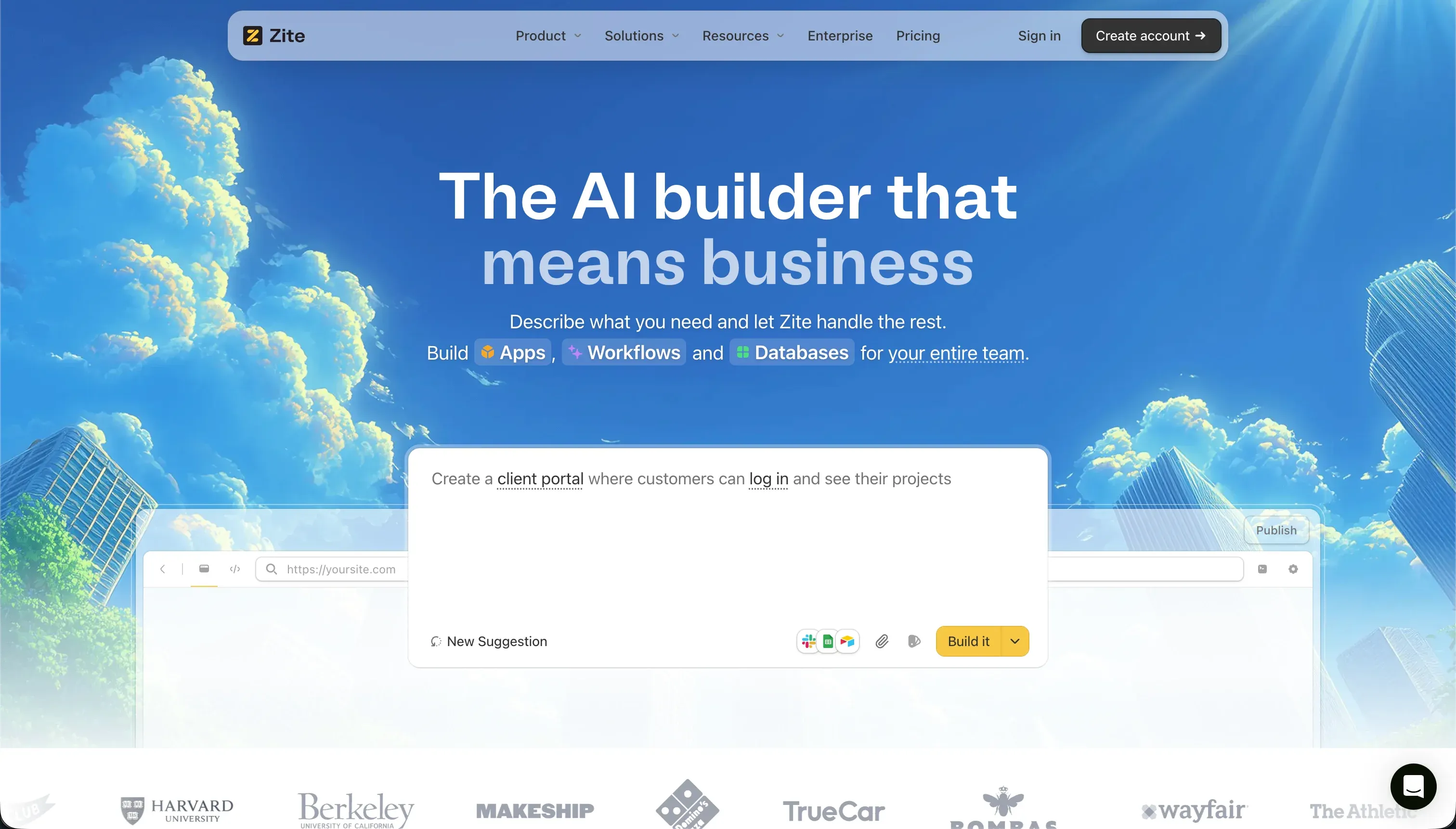
Zite is an AI-first no-code application builder, formerly known as Fillout (a well-regarded form builder). It generates custom business apps, portals, and internal tools from natural language prompts, backed by a built-in SQL database with spreadsheet-style editing. A distinctive feature is Plan Mode, which lets you review the AI’s markdown plan of changes before execution - helping prevent accidental credit waste.
| Spec | Details |
|---|---|
| Primary Stack | Proprietary visual editor + built-in SQL database |
| Interface | Natural language chat + plan review + visual editor |
| Primary Deployment Target | Zite Cloud (hosted) |
| Key Advantage | Generous free plan with unlimited users across all tiers |
What is Softr?
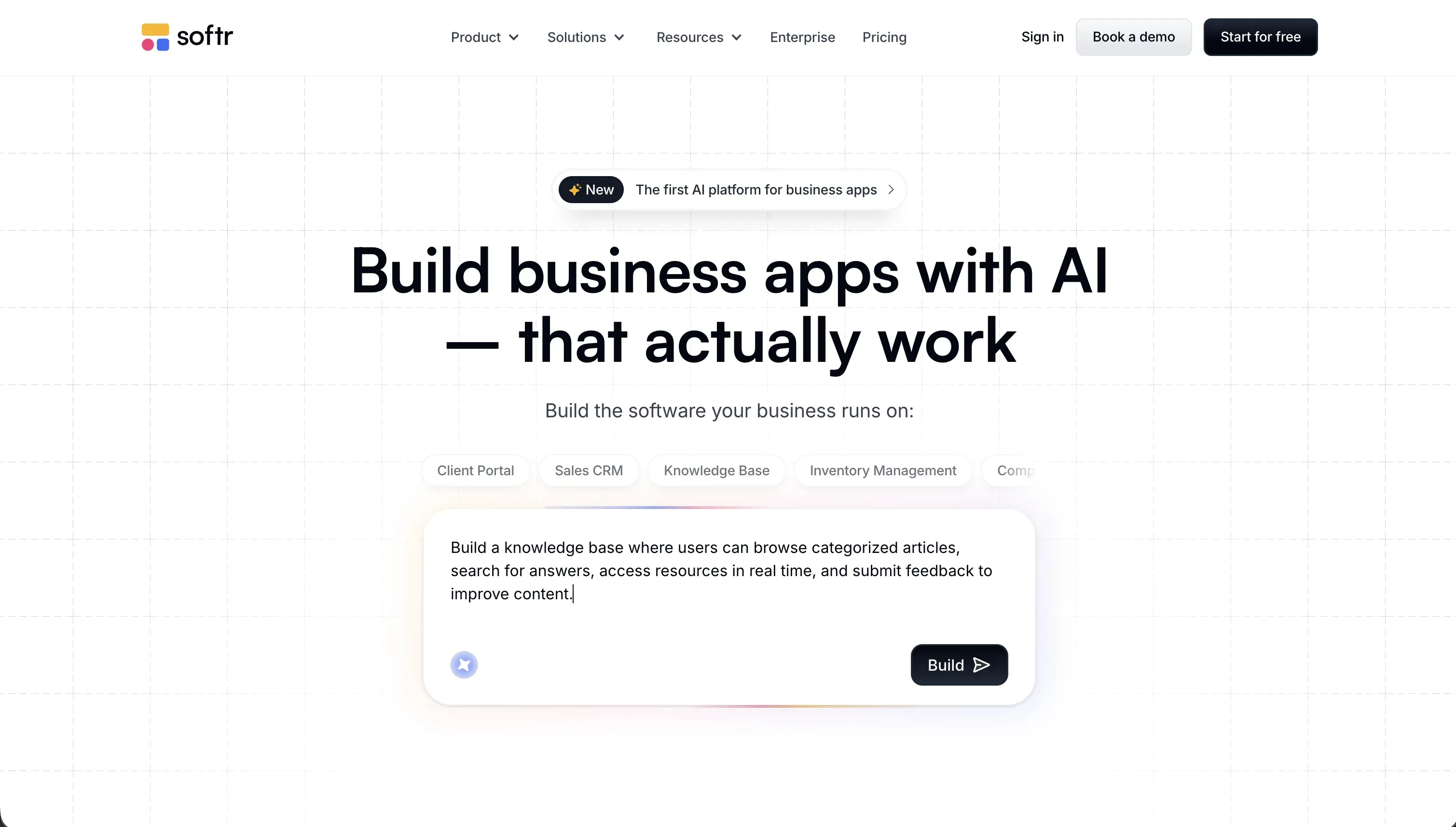
Softr is an AI-powered platform for building business software without code. Its AI Co-Builder generates a complete app from a plain English description - database tables, pages, navigation, user groups, and business logic - and then you edit everything through a visual block editor. You can also start from a template or build manually if you prefer. Unlike AI code generators, Softr’s output is always a structured no-code app, meaning every change after launch is a visual edit, not a prompt or a code fix.
| Spec | Details |
|---|---|
| Primary Stack | Visual no-code block editor + Softr Databases + 17+ external data integrations |
| Interface | AI Co-Builder for generation + visual editor for all ongoing changes |
| Primary Deployment Target | Softr Cloud (hosted), custom domains |
| Key Advantage | Visual permissions and maintenance without requiring AI credits |
The Core Difference
Both platforms generate apps from prompts. The difference is what you can do without a prompt afterward.
Zite is AI-dependent in a meaningful way. Adding a page, adjusting a layout, or building a workflow means returning to the chat interface and prompting the AI. If your monthly credits run out mid-project, your ability to change the app effectively stops until next billing cycle. Zite’s design controls are also closely tied to its generated layouts - users frequently note that making visual changes outside what the AI naturally produces feels rigid and unintuitive.
Softr treats the AI Co-Builder as the fast path for initial generation, then hands control to a full visual editor. Once the AI creates your app, you can click into any block, change any field, update any permission, and add any page entirely without prompting. AI credits in Softr exist for things like using the Vibe Coding block or running AI-powered features inside the app - they don’t gate your ability to build and maintain.
That’s the real fork: one platform keeps you in a prompting loop, the other gets you out of it.

Head-to-Head Comparison
1. Developer Experience & Iteration Speed
Zite’s Plan Mode is genuinely useful. Before executing changes, the AI shows you a markdown breakdown of what it intends to do. You can edit the plan, reject parts, or approve it before it burns any credits. This reduces wasted generation cycles and gives you a sense of control that most prompt-to-app builders lack.
However, when you want to make precise visual changes - a specific padding adjustment, a custom layout component, a conditional visibility rule based on a user attribute - Zite’s editor starts to show its limits. You’re either prompting the AI for something small (credit-expensive) or working around rigid generated structures.
Softr’s iteration experience is different. After AI generation, you’re in a drag-and-drop visual editor where blocks are configurable directly. Adding a record to a table, changing a column, updating a user permission, or tweaking a layout takes seconds. There’s no prompting required for these changes. The AI remains available but is never required.
For non-technical teams that need to iterate continuously, Softr’s edit model is faster in practice, even if Zite’s initial generation is comparable in speed.
2. Code Quality & Portability
Neither Zite nor Softr exports raw code. Both are no-code platforms with proprietary interfaces. The portability question is really about data.
Zite’s data lives in its built-in SQL database. Export of data is possible, but the app logic, workflow configurations, and UI are Zite-proprietary. If you want to rebuild the app elsewhere, you’re starting from scratch on the interface layer.
Softr’s data lives in Softr Databases, which expose a full REST API and a native MCP server - your data is never a black box. You can also connect the interface to external sources you already own (Airtable, Google Sheets, PostgreSQL, HubSpot), meaning your underlying data stays portable. The Softr interface itself is proprietary, but your data layer isn’t locked in.
3. Database & Backend Capabilities
Zite’s built-in SQL database looks like a spreadsheet and works well for straightforward use cases. However, it currently lacks advanced formula fields, complex rollup calculations, and custom SQL views. Access control is mostly handled through prompted workflows, not a dedicated visual permissions system.
Softr’s database layer is more comprehensive. Softr Databases support linked records, rollup fields, granular row-level security, and AI Agents that can enrich records automatically (using LLMs to fill fields, categorize data, or pull live web data). The permissions model is visual and hierarchical - user groups, block visibility, action button rules, and row-level data restrictions are all configured through a visual panel. For teams that also have data in Airtable, HubSpot, PostgreSQL, or other systems, Softr connects to 17+ external integrations so you can build on top of existing business data.
For multi-tenant apps where different users need different data access, Softr’s permissions depth is a significant advantage.
4. Hosting & Deployment Options
Both platforms host on their own cloud infrastructure. Zite supports custom domains on the Pro plan and higher. Softr supports custom domains on all paid tiers, including white-label branding for client-facing portals.
One area where Zite has a real advantage is unlimited users on every plan, including free. Softr’s plans cap app users (5 total on Free, 5 Team and 5 Client on Basic, 10 Team and 50 Client on Pro, 30 Team and 100 Client on Business) with higher caps on Enterprise. For apps serving large internal teams or public-facing audiences, Zite’s unlimited user model is genuinely better value.
Both platforms produce web applications. Neither deploys to native mobile app stores.

Pricing Comparison
| Plan | Zite | Softr |
|---|---|---|
| Free | $0 / 50 credits/month / unlimited users | $0 / 5 app users / 5 AI credits |
| Entry paid | $15/month (Pro, 100 credits) | $19/month (Basic, 5 Team + 5 Client app users) |
| Mid tier | $55/month (Business, 200 credits) | $99/month (Pro, 10 Team + 50 Client app users) |
| Credit scaling | $89–$3,769/month as credits increase | N/A - flat pricing per plan |
| User limits | Unlimited across all plans | Capped by plan tier |
The credit scaling is where Zite’s pricing model diverges sharply from Softr’s. Zite’s base paid plans include 100 - 200 monthly credits, which sounds comfortable. In practice, users building or iterating actively report burning through monthly credits in hours. The Reddit thread on Zite’s pricing captures it bluntly: “I paid for the Pro version and all my credits got used up in a day.”
Beyond AI credits, Zite has a workflow execution limit that acts as a major bottleneck. Although they advertise “unlimited users,” any CRUD data action - including every database read when a page loads or is reloaded - counts as a workflow execution. This means a few active users loading directories or dashboard records can burn through a Pro plan’s 5,000 monthly workflow runs in days. When these limits are reached, Zite has no clear self-serve add-ons, forcing users directly into custom Enterprise plans.
Additionally, Zite gates critical design and operational capabilities under its Business plan ($55/month billed annually) without highlighting them on its pricing page:
- Custom login screens require a Business subscription, whereas the pricing structure implies the Pro plan includes all styling capabilities.
- Recurring schedule triggers for workflows are also Business-only.
Finally, because Zite translates almost every operation into a workflow, builders quickly face severe “workflow bloat” in their workspace. Generating a simple CRM via a couple of prompts can result in dozens of separate workflows, making the workspace extremely cluttered and difficult to navigate for larger apps.
Softr’s pricing is flat and predictable. You pay a fixed amount per month and get a stable visual editor that does not run on a credit meter. Your users can load, read, and write database records as much as they need without consuming workflow executions. Softr does have AI credits (for the AI Co-Builder, Vibe Coding blocks, and AI fields), but standard app operations and layout updates never consume them.
For teams that need predictable software costs and simple maintenance, Softr’s flat pricing is a much safer bet.
Use Case Fit: When to use which?
When to choose Zite
- You need a large number of app users with predictable costs (Zite’s unlimited user model is genuinely strong here).
- You’re building a simple internal tool or portal and are comfortable working within Zite’s generated layout structures.
- You prefer AI-guided, plan-first generation where you can review changes before execution.
- Your project has a clear scope that won’t require constant visual iteration or complex permissions.
When to choose Softr
- You want a platform that scales from SMBs running their core operations to large Enterprises.
- You want to empower non-technical builders to build custom tools, replace spreadsheets, automate workflows, and deploy AI in a safe, IT-governed environment that prevents shadow IT.
- You or your team need to maintain the app regularly without touching prompts or worrying about credit budgets.
- You need enterprise-grade security - Softr is SOC 2 Type II compliant with data hosted in Germany.
- You want a production-ready platform with built-in auth, user groups, and a full database from day one - whether you build fresh in Softr Databases or connect to tools you already use.
When neither Zite nor Softr is the right fit
For native mobile apps
Neither Zite nor Softr compiles native mobile binaries for the App Store or Google Play. Softr produces PWAs that install via browser. If you specifically need native app store distribution with push notifications and offline-first storage, FlutterFlow builds on Flutter’s widget engine and compiles to native iOS and Android packages.
For professional developer environments
If you’re a developer and want to write and own the code, neither Zite nor Softr is the right tool. Cursor integrates AI assistance directly into a local VS Code environment with full codebase context. Replit runs full virtual machines with a collaborative cloud editor for teams that want AI-assisted coding without leaving the browser.

Verdict
- Choose Zite if unlimited users and a low entry price are your priorities, and you’re comfortable with credit-gated iteration.
- Choose Softr if you need visual control after generation, predictable pricing, mature permissions, and a platform designed for production business apps rather than MVP prototypes.
Summary Comparison Table
| Feature | Zite | Softr |
|---|---|---|
| Build Paradigm | AI Code Generation (no-code output) | AI Co-Builder + Visual No-Code Editor |
| Output Type | Hosted web app (proprietary) | Hosted web app (proprietary) |
| Database | Built-in SQL (basic formula support) | Softr Databases + 17 external integrations |
| Visual Permissions | Prompt-based workflow rules | Visual user groups + row-level security |
| Pricing Metric | Subscription + AI credits (scales fast) | Flat subscription tiers |
| Maintenance Burden | Medium - requires prompting for changes | Low - fully visual after launch |
| User Limits | Unlimited across all plans | Capped per plan tier |
| Code Export | No | No |
| Native Mobile | No (web only) | No (PWA-ready) |
| SOC 2 Compliance | Enterprise plan only | Yes (Business and above) |