
Same.dev (same.new) and Softr regularly appear in the same “AI app builders” conversations, but they solve genuinely different problems for genuinely different users. One is a developer tool for cloning and scaffolding React frontends. The other is a complete business application platform for building, launching, and maintaining operational software without code. Comparing them in a single article makes sense because people do evaluate both - but choosing between them usually comes down to one question: are you building a design prototype, or are you building software your team will use every day?
Meet the Contenders
Understanding the architectural difference between these two tools is essential before comparing them on any specific feature.
What is Same.dev?
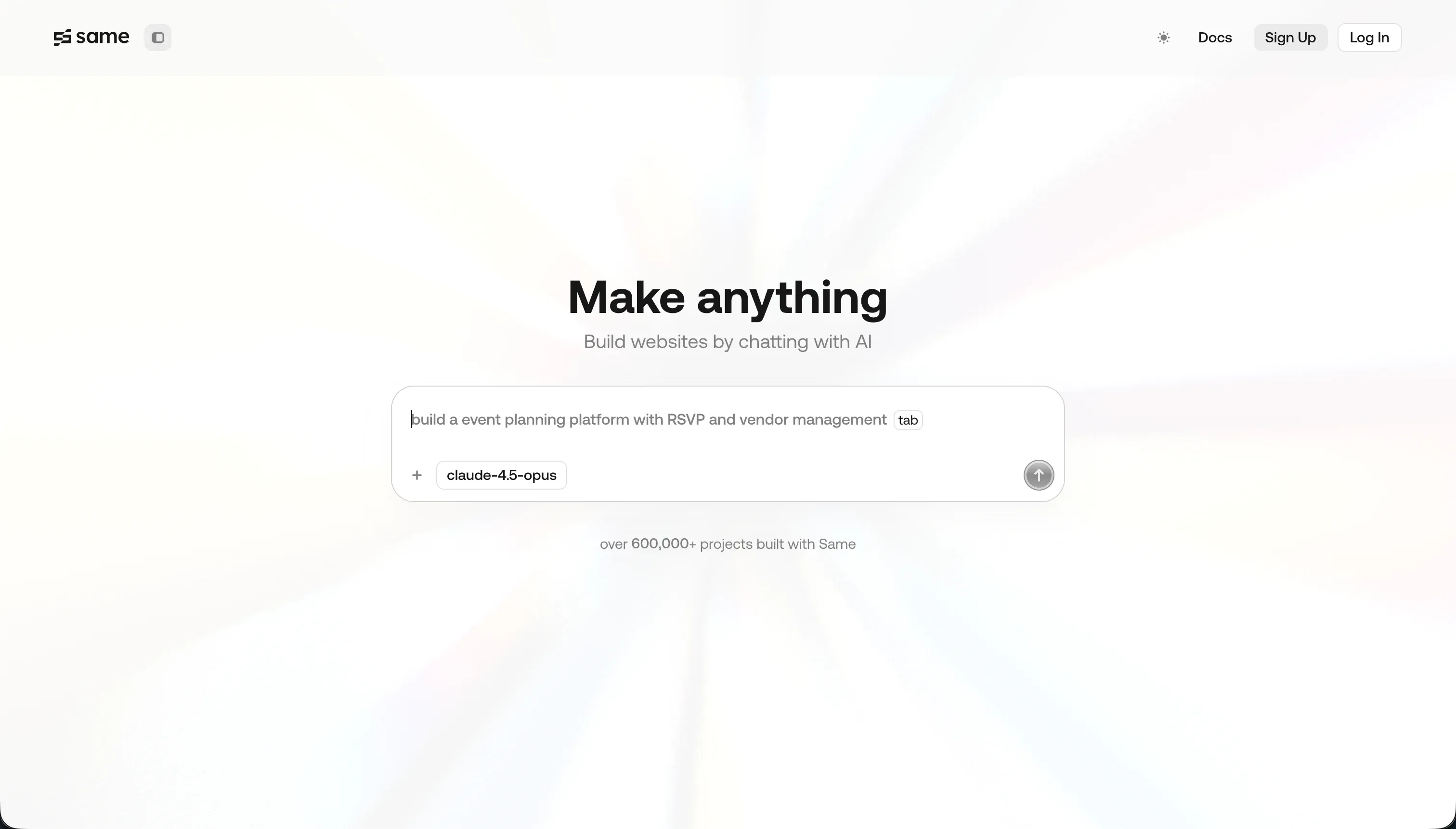
Same.dev (now at same.new, formerly same.dev) is a frontend prototyping assistant that replicates the visual layout of any live website from its URL. Paste a link, and the AI clones the design - colors, typography, section structure, and spacing - into a React and Tailwind CSS project you can modify through conversational chat prompts. It’s primarily a design scaffolding tool for developers who want to start from an existing visual reference rather than a blank file.
| Spec | Details |
|---|---|
| Primary Stack | React, Tailwind CSS, Vite |
| Interface | URL cloning input + chat prompt editor |
| Primary Deployment Target | Same.new staging environment |
| Key Advantage | Rapidly cloning frontend layouts from existing live websites |
What is Softr?
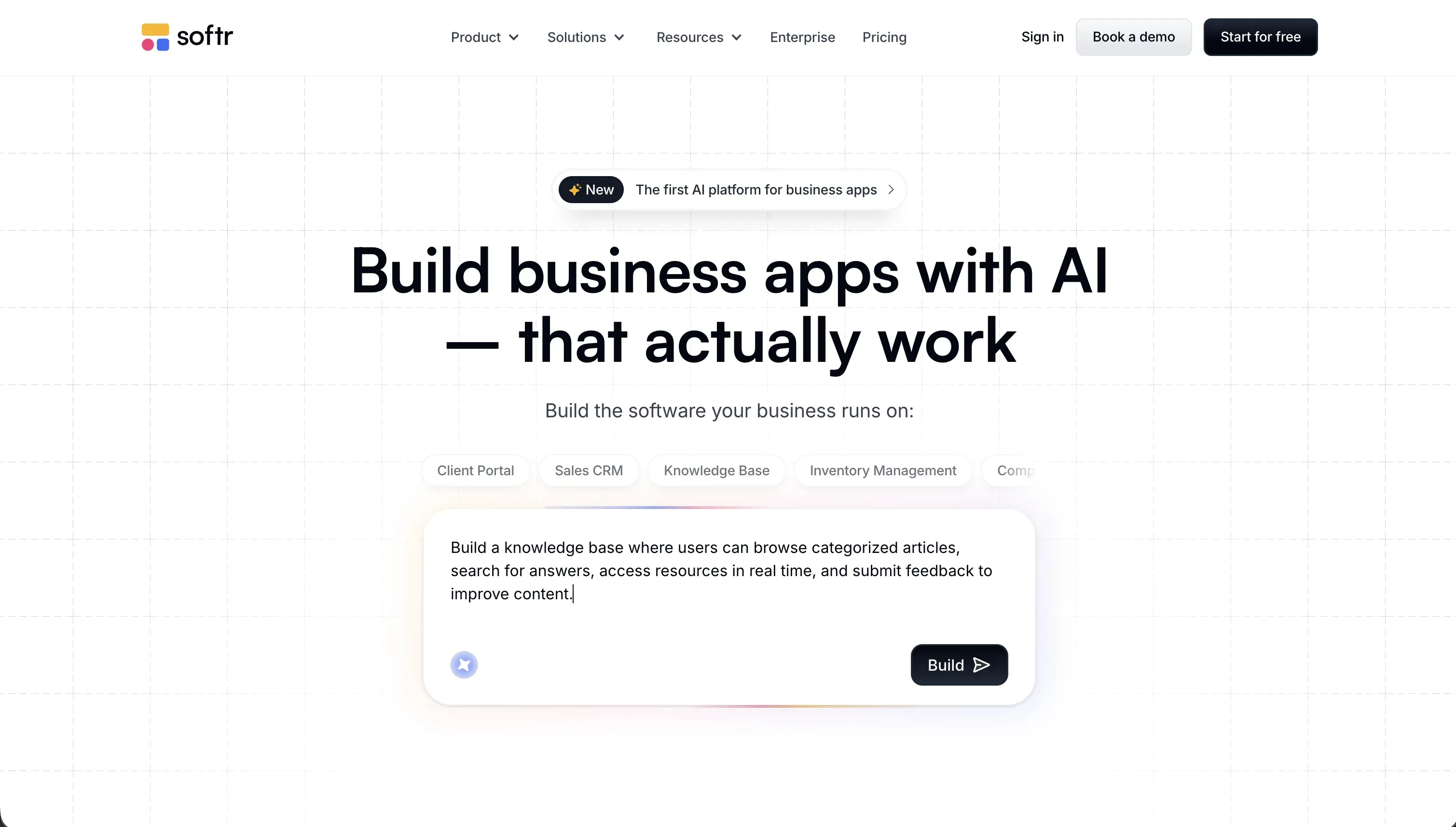
Softr is an AI-powered platform for building business software without writing code. Its AI Co-Builder generates complete applications from a single description - relational database tables, authenticated pages, user groups, blocks, and navigation - and then hands control to a visual drag-and-drop editor where teams configure permissions, connect data sources, build automation workflows, and fine-tune layouts. Builders who prefer a different starting point can also choose from pre-built templates or build from scratch; every configuration the AI can do is equally available through the visual editor. Softr is used by 1 million+ builders and 7,000+ organizations including Netflix, Google, and Stripe for client portals, internal tools, CRMs, and team dashboards.
| Spec | Details |
|---|---|
| Primary Stack | React-based frontend blocks, native Softr Databases, 17 external data source connectors |
| Interface | AI Co-Builder + drag-and-drop visual editor |
| Primary Deployment Target | Fully managed Softr hosting (SOC 2 Type II, EU data residency) |
| Key Advantage | Zero-maintenance production business apps with enterprise permissions and native databases |
The Core Difference
The fundamental difference isn’t about technical sophistication - it’s about what problem each tool was designed to solve.
Same.dev is built for a specific developer workflow: you see a website design you like, you want a React version of it to build on, and you don’t want to spend time recreating the layout from scratch. The AI does the cloning, you refine through prompts, you download the code. Same.dev is a frontend scaffolding accelerator. It has no ambition to become a full-stack platform, handle user authentication, or manage business data. That’s not a gap or a weakness - it’s a deliberate scope decision.
Softr is built for a different problem entirely: business teams that need working software but can’t or won’t maintain a codebase. The AI Co-Builder doesn’t generate code for you to maintain - it configures a production-ready application on Softr’s managed infrastructure, including the database, the authentication, the user permissions, and the hosting. You can also build the same way using templates or the visual editor directly, without involving the AI at all. When you’re done building, the application just runs. There are no package updates to manage, no security patches to deploy, no deployment pipelines to configure.
The comparison matters because both appear in searches for “AI app builders” - but a developer wanting to scaffold a UI and an operations manager wanting to build a client portal need completely different tools. Using Same.dev for the second use case requires building an entire backend from scratch. Using Softr for the first use case means accepting a managed platform where you don’t own or modify the underlying code.

Head-to-Head Comparison
1. Developer Experience & Iteration Speed
Same.dev’s URL-to-clone workflow is fast for its specific use case. You paste a URL, the AI generates a React layout that approximates the original design, and you’re working with a real codebase within minutes. The chat-based editing interface lets you refine sections, adjust colors, and restructure layouts without touching the raw code directly. For developers who know React and Tailwind, this is a legitimate productivity boost - getting from zero to a working design scaffold in an hour rather than half a day.
The instability is the main caveat. Multiple verified Trustpilot reviews describe Same.dev generating destructive changes from simple prompts. One reviewer documented losing over 1,500 lines of working code after a layout reorder request. Others describe the fork and duplicate features - which should allow safe iteration - failing consistently on larger files. The platform also went through a rebrand from Same.dev to Same.new that left some paid-tier users with projects they could no longer edit. This kind of instability is workable for throwaway prototypes, but not for anything you plan to use in production.
Softr’s iteration model is fundamentally different - and it’s where the Day Two problem gets solved in practice. The AI Co-Builder handles the initial scaffolding pass, but then you switch to direct visual editing for everything that follows. Want to add a block? Drag it in. Want to change a permission? Click the user group. Want to add a database field? Click the column header. Nothing requires re-prompting the AI, and nothing requires the AI to reinterpret a working layout and risk breaking it. If you’d rather build the whole thing manually or from a template, that option is fully available at every step.
This is the key contrast with prompt-driven tools: in Softr, you’re never one bad prompt away from losing a working section. The visual foundation is stable. The AI accelerates the work, but it doesn’t hold the app together.
2. Code Quality & Portability
Same.dev produces standard React and Tailwind CSS. The output quality for simple layouts is generally good, and the code is completely portable - no proprietary formats, no vendor lock-in, no custom runtime. You can download the project directory and deploy it anywhere. The portability advantage is real.
The quality caveats are equally real. Same.dev struggles with complex interactive states and nested responsive grids. Reviewers consistently note that replicating dynamic behavior, hover states, and scroll-triggered animations requires significant manual developer cleanup after the initial clone. The initial scaffold is often the easy part; getting it production-ready can take as much time as building it from scratch.
Softr doesn’t export source code - the application runs on Softr’s managed infrastructure rather than on a codebase you own. This is the most significant trade-off for developers evaluating the platform. What you gain in exchange is a completely maintenance-free application: no dependency updates, no security patch cycles, no compatibility breaks when Node versions change. Every improvement Softr ships to its platform benefits your app automatically. For non-technical teams running internal tools, this is a far better deal than owning code they can’t maintain.
3. Database & Backend Capabilities
Same.dev has no backend capabilities. It is a frontend-only tool. There’s no database, no authentication system, no user management layer, and no API integration framework. If your application needs to store user data, enforce access rules, or display information from a database, you’re building all of that yourself - connecting Supabase tables, writing API routes, configuring RLS policies, setting up authentication providers. Same.dev generates the visual layer; the rest of the stack is entirely your problem.
Softr’s backend starts with its own native layer. Softr Databases provides relational tables with linked records, rollup fields, formula helpers, and a visual schema editor - this is the primary way most teams store and manage their application data. For teams already using other tools, Softr also connects to 17 external data sources including Airtable, Google Sheets, Supabase, HubSpot, and PostgreSQL, so you can pull in data from wherever it already lives without migrating it. Authentication is built in and covers email/password, Google Sign-in, Magic Links, one-time codes, 2FA, and enterprise SSO (SAML/OpenID). User Groups and row-level permissions are configured visually, so an admin and a client can log into the same application and see completely different data, pages, and action buttons - without a single line of backend code.
The gap here is categorical. Same.dev + a backend you build yourself is theoretically equivalent to a full-stack application, but the “backend you build yourself” part is where projects stall, security issues emerge, and timeline estimates collapse.
4. Hosting & Deployment Options
Same.dev’s staging environment is designed for previewing and sharing prototypes. It’s not a production hosting environment - serious deployments of Same.dev projects happen on external platforms like Vercel, Netlify, or AWS after you’ve downloaded the code. For quick demos or design reviews, the staging URLs are functional. For production applications with real users, you’re responsible for all hosting infrastructure.
Softr handles production hosting as a core platform feature. Every app gets managed hosting with custom domain support, automatic SSL, and a global CDN. Enterprise plans add SOC 2 Type II compliance documentation and EU data residency (hosted in Germany), which are mandatory for many corporate and GDPR-regulated deployments. There are no servers to configure, no deployment pipelines to maintain, and no infrastructure scaling decisions to make. The platform handles all of it.

Pricing Comparison
The two platforms operate on entirely different pricing philosophies.
Same.dev is priced for developers doing lightweight design work:
- Free: Limited tokens for basic cloning and testing.
- Pro: $10/month - includes 2 million tokens. Additional tokens cost $10 per 2 million tokens ($5 per million).
The low entry cost is genuine. For a developer cloning a few layouts per month, the Pro plan at $10/month is fair value. The risk comes with iterative refinement - debugging, restructuring, and refining designs can burn through tokens quickly, and the historical pay-as-you-go model (before fixed tiers were introduced) generated significant user complaints about unpredictable token burn.
Softr is priced for business teams building and maintaining applications long-term:
- Free: $0 - 5 app users, 5,000 database records, 500 workflow actions per month.
- Basic: $19/month (billed annually) - 5 Team and 5 Client app users, 50,000 records.
- Pro: $99/month (billed annually) - 10 Team (expandable to 50) and 50 Client (expandable to 250) app users, 500,000 records, custom user groups, conditional form blocks.
- Business: $329/month (billed annually) - 30 Team (expandable to 100) and 100 Client (expandable to 500) app users, 1 million records, HubSpot, SQL database integrations.
- Custom: Enterprise pricing with SSO, advanced security SLAs, and dedicated support.
All Softr plans include unlimited builders - the people building and managing the application don’t cost extra. This is a significant differentiator for operations teams where multiple managers and admins need access to maintain the tool over time. The pricing scales on app users (the end users logging into the portal), not on the people building it.
Use Case Fit: When to use which?
When to choose Same.dev
- You’re a developer who spotted a UI design you want to replicate for a new project.
- You need a React/Tailwind scaffold generated quickly as a starting point for a local development project.
- You’re building a throwaway prototype that won’t handle real user data or need authentication.
- Your project is frontend-only and you’re already planning to build the backend separately.
- Budget is tight and you just need a few pages cloned for a client presentation.
When to choose Softr
- You’re building software that real people will use daily - a client portal, a team dashboard, a custom CRM, an intranet.
- You need user authentication, role-based access controls, and row-level data security without coding them yourself.
- You want non-technical team members to be able to build, update, and maintain the application without developer help.
- You need to store and manage your application data in a native relational database, or connect to existing business data in Airtable, Google Sheets, HubSpot, or a SQL database.
- You want a production application on day one, not a prototype that needs months of backend development to become functional.
When neither Same.dev nor Softr is the right fit
For native mobile apps
Neither platform compiles native mobile binaries for App Store or Google Play distribution. Same.dev generates responsive web apps. Softr supports Progressive Web Apps that can be installed from a browser link, which covers many mobile use cases without an app store submission. For true native iOS and Android distribution with App Store listings, push notifications, and device hardware access, FlutterFlow is the purpose-built option. It compiles directly to native Dart code using Flutter’s widget engine.
For professional developer environments
If you’re an experienced developer who wants AI assistance while writing and editing a real codebase - not generating a UI scaffold but building actual application logic - Cursor is the more appropriate environment. Cursor is a VS Code fork with codebase-wide indexing, multi-file AI agent editing (Composer mode), and semantic search across your project. For cloud-based collaborative development with full virtual machine access, Replit provides a complete dev environment that goes well beyond what a frontend cloning tool can offer.

Verdict
This comparison has a clearer answer than most. Same.dev and Softr are built for different users doing different things.
Same.dev is the right tool if you’re a developer who wants to clone a frontend layout quickly, output clean React/Tailwind code, and build the rest of the stack yourself. The $10/month price point is fair for occasional use. The instability around complex prompts and the destructive code regressions some users experience are real risks, but for throwaway prototypes, they’re manageable.
Softr is the right tool if you’re building software that real people will use - a client portal, a team dashboard, a custom CRM - and you want a complete, production-ready application without the ongoing maintenance burden of a custom codebase. You can start with the AI Co-Builder for a fast initial scaffold, use a pre-built template, or build from scratch entirely; every path leads to the same stable visual editor where non-technical teams can own the application long-term. You’re never one bad prompt away from a broken layout, because the visual foundation holds regardless of how you got there.
The question to ask yourself is simple: do you need React code to work with, or do you need a working application?

Summary Comparison Table
| Feature | Same.dev | Softr |
|---|---|---|
| Build Paradigm | AI UI cloning + chat prompts | AI Co-Builder + visual drag-and-drop editor |
| Output Type | React / Tailwind CSS codebase | Fully managed business application |
| Database | None (external required) | Native Softr Databases + 17 external connectors |
| Visual Permissions | None | Click-to-configure User Groups with row-level security |
| Pricing Metric | Subscription + token consumption | Flat monthly subscription (unlimited builders) |
| Maintenance Burden | High (React developer required) | Zero (platform-managed infrastructure) |
| Code Export | Yes | No (data fully portable) |