
These two tools have almost nothing in common except that both involve some form of AI-assisted building. Same.dev is a frontend prototyping shortcut - you point it at a website, and it replicates the visual design as React code. FlutterFlow is a visual development environment that compiles real native mobile apps for the App Stores. Comparing them directly only makes sense if you’re genuinely deciding between “quick web UI scaffold” and “native mobile app” - and if that’s your actual decision, you probably already know the answer.
Still, there are builders who end up evaluating both - usually because they’re not fully sure what they need yet, or because they’ve seen both names in the same “AI app builder” roundup. This comparison breaks down exactly what each tool does, where each one falls short, and when you’d be better served by something else entirely.
Meet the Contenders
What is Same.dev?
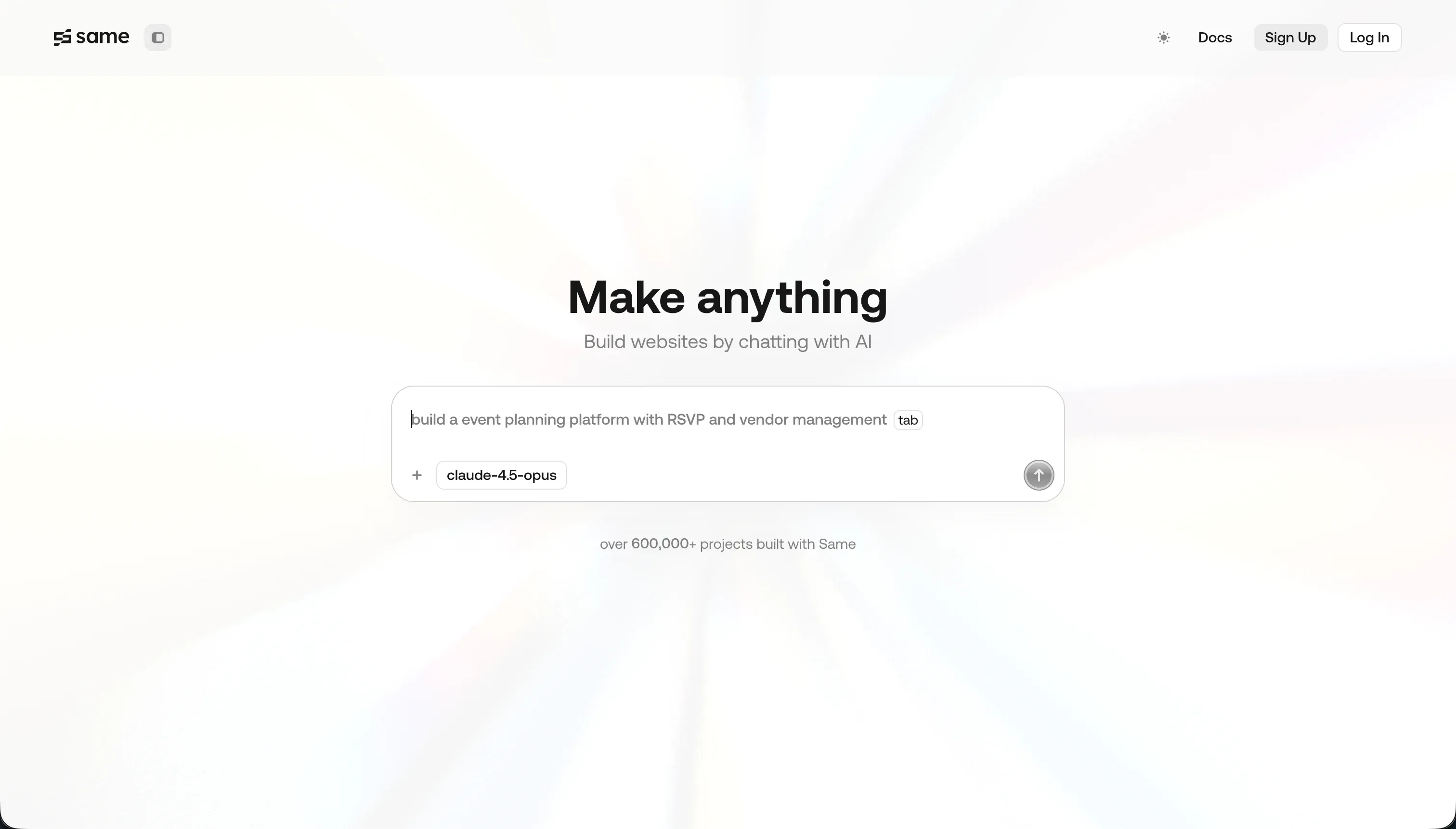
Same.dev (now at same.new after a rebrand) is a frontend prototyping tool that replicates visual designs from a URL. You paste any live website address into the editor, and the AI agent clones its layout, colors, typography, and structure into a React and Tailwind CSS project you can then modify via text prompts.
It’s primarily a design scaffolding tool. Useful for quickly stealing the aesthetic shape of a UI you like, or for generating a rough starting point you’ll take into a real development environment.
| Spec | Details |
|---|---|
| Primary Stack | React, Tailwind CSS |
| Interface | URL input + conversational prompt editor |
| Primary Deployment Target | Code export to local IDE or hosting of choice |
| Key Advantage | Rapid visual cloning from any live URL |
What is FlutterFlow?
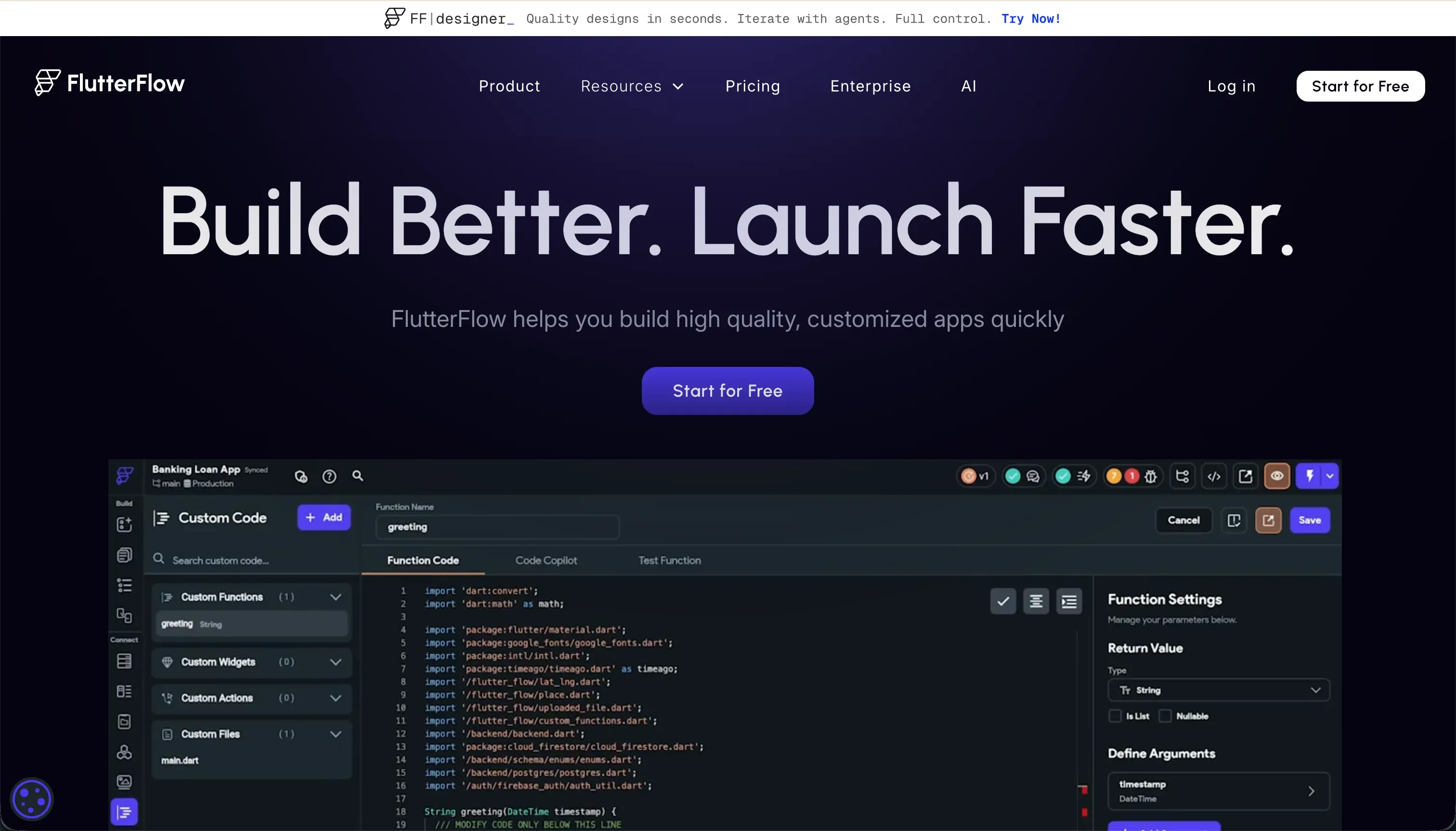
FlutterFlow is a visual development environment built on top of Google’s Flutter framework. It lets you design app screens using a drag-and-drop widget tree (which directly maps to Flutter’s Containers, Rows, Columns, and Stack layouts), add logic through a visual action editor, connect to Firebase or Supabase as a backend, and then compile the entire project into native iOS and Android binaries.
It includes an AI generation feature (FlutterFlow AI Gen) that can scaffold UI screens and components from text prompts, but the platform is fundamentally a visual IDE - not a prompt-to-app system.
| Spec | Details |
|---|---|
| Primary Stack | Flutter (Dart), Firebase, Supabase |
| Interface | Visual drag-and-drop widget builder + AI Gen |
| Primary Deployment Target | iOS App Store, Google Play Store, web |
| Key Advantage | Native mobile compilation with full Dart code export |

The Core Difference
Same.dev is a frontend skin generator. It produces visual code quickly and cheaply, but the output is purely cosmetic - there’s no backend, no data persistence, no authentication layer.
FlutterFlow is a mobile development platform. It takes significantly more time and skill to use, but the output is a fully compiled, deployable native app that can live on someone’s iPhone or Android home screen.
The gap between these two tools isn’t a matter of degree - it’s a categorical difference in what they produce. Same.dev outputs a React scaffolding file. FlutterFlow outputs a production app binary.

Head-to-Head Comparison
1. Developer Experience & Iteration Speed
Same.dev is genuinely fast for its specific use case. If you want a rough visual replica of a competitor’s landing page, or a quick UI scaffold to present to stakeholders, you can get there in minutes. The conversational editor is straightforward, and token consumption is low on simple tasks.
Where Same.dev breaks down is on complexity. Users report that simple prompts like reordering a section can trigger destructive code loss - one Trustpilot reviewer described losing over 1,500 lines of working code from a single section reorder request. The fork and duplicate features that should protect against this frequently fail on larger projects.
FlutterFlow’s iteration loop is slower by default because the platform is more complex. You’re working inside something closer to an IDE than a chat interface. But when you make a change in FlutterFlow, it’s precise - you’re directly manipulating widget properties, not hoping the AI re-generates your layout correctly. The tradeoff is that the editor itself becomes slow and laggy on projects with more than 12 screens.
2. Code Quality & Portability
Same.dev exports standard React and Tailwind CSS. There’s no proprietary lock-in at the code level. However, the quality of generated code varies significantly - complex interactive layouts often produce messy or incomplete Tailwind output that needs developer cleanup before it’s usable in production.
FlutterFlow exports complete Flutter (Dart) source code on Pro plans. The output is well-structured and closely mirrors what you’d write manually in Flutter. Developers who’ve used both report that the FlutterFlow-generated Dart code is genuinely production-quality, though moving a partially-built project out of FlutterFlow and into a local Flutter IDE mid-project is a significant undertaking.
3. Database & Backend Capabilities
Same.dev has no database. Full stop. It’s a frontend tool. Any data persistence, user authentication, or backend logic must be built and managed entirely outside the platform.
FlutterFlow integrates natively with Firebase (Firestore + Firebase Auth) and Supabase. It can scaffold database schemas, authentication flows, and API calls visually. Backend setup is one of the more challenging parts of the FlutterFlow learning curve - Firestore security rules and Supabase Row Level Security policies need manual configuration and auditing. But compared to Same.dev, FlutterFlow at least has a backend story.
4. Hosting & Deployment Options
Same.dev apps need to be hosted externally. You export the React code and deploy it yourself to Vercel, Netlify, or any static hosting provider. There’s no integrated deployment pipeline.
FlutterFlow’s Pro plan includes codeless deployment pipelines that push builds directly to Google Play and Apple TestFlight/App Store. This is the platform’s core value proposition. For web, FlutterFlow compiles to Flutter Web, which uses CanvasKit for rendering - this can produce heavy initial page loads and may cause issues with SEO-indexed public pages.
Pricing Comparison
Same.dev’s pricing is simple: the Pro plan is $10/month for 2 million tokens. Additional tokens are $10 per 2 million. For basic UI tasks, this is affordable. The platform shifted from pure pay-as-you-go to fixed tiers after user backlash about unpredictable billing, so the current structure is more predictable than it used to be.
FlutterFlow pricing tiers:
- Free: Basic visual builder, Firebase integration
- Standard: $22/month (annual) or $30/month - adds APK downloads, code export, local run
- Pro: $50/month (annual) or $70/month - full code export, Git integration, push notifications, App Store deployment
- Teams: $50/seat/month - collaborative building, shared design library
If App Store deployment is your goal, you need the Pro plan at minimum. For teams, costs scale with headcount.
Use Case Fit: When to use which?
When to choose Same.dev
- You need a quick visual scaffold of an existing website’s UI to use as a starting point in a local IDE.
- You’re a frontend developer who wants to skip the initial layout work and start customizing from an existing design pattern.
- Your project is purely cosmetic and doesn’t require any backend, authentication, or persistent data.
When to choose FlutterFlow
- Your goal is a native iOS or Android app with App Store distribution.
- You’re comfortable with Flutter’s layout model and can navigate a complex visual builder.
- You need a mobile app with offline functionality, push notifications, or device hardware access.
When neither Same.dev nor FlutterFlow is the right fit
Both tools are narrowly scoped. If your project doesn’t fit their specific sweet spots, forcing it into either platform will cost you time and frustration.
For native mobile apps
This is FlutterFlow’s domain, not Same.dev’s. But if you find FlutterFlow’s learning curve too steep, Adalo offers a simpler drag-and-drop approach for mobile apps. FlutterFlow remains the industry standard if you need clean Dart code output and direct App Store deployment.
For internal tools and client portals
Neither tool handles this category well. Same.dev has no backend. FlutterFlow is optimized for mobile experiences, not web-based multi-user portals.
For database-driven business software - client portals, intranets, custom CRMs, team dashboards - Softr is the more practical choice. Softr’s AI Co-Builder generates a complete app with database, pages, user roles, and navigation from a plain-language prompt, and the result ships with authentication, granular permissions, and data security already configured. Non-technical teams can maintain and extend these apps without developer involvement. Companies like MIT replaced a $100K custom-coded app with a Softr portal built by one person.
For professional developer environments
If you’re a developer wanting AI-assisted frontend work without the limitations of a browser-based tool, Cursor integrates directly into your local VS Code workflow with context-aware multi-file editing. For full cloud development environments, Replit provides virtual machines with AI assistance and collaborative features.

Verdict
- Choose Same.dev if you need a fast React UI scaffold based on an existing design, and you’re a developer who’ll clean up and extend the output yourself.
- Choose FlutterFlow if you’re building a native mobile app for the App Stores and you have the developer patience for its learning curve.
Summary Comparison Table
| Feature | Same.dev | FlutterFlow |
|---|---|---|
| Build Paradigm | AI UI cloning + prompt editing | Visual widget builder + AI Gen |
| Output Type | React / Tailwind CSS | Flutter (Dart) - native iOS/Android/web |
| Database | None (external only) | Firebase / Supabase |
| Visual Permissions | None | Conditional logic (manual config) |
| Pricing Metric | Token-based subscription ($10/mo) | Per-seat plans ($22-$70/mo) |
| Maintenance Burden | High (developer required for backend) | High (Flutter knowledge required) |
| Code Export | Yes (React / Tailwind) | Yes (Dart, Pro plan+) |
| App Store Deployment | No | Yes (Pro plan) |