

Same.dev and WeWeb are both frontend-focused tools that generate or build web interfaces, but they are solving different problems for different audiences. Same.dev is an AI cloning assistant that replicates visual layouts from URLs and generates React code from prompts - it is fast, cheap, and fragile. WeWeb is a professional decoupled frontend builder designed for developers and agencies who need to construct complex, data-connected SaaS interfaces with precise visual control. Treating them as direct alternatives requires understanding what you are actually building and how much technical capability your team brings.
Meet the Contenders
The architecture of each tool reflects the job it was designed to do.
What is Same.dev?
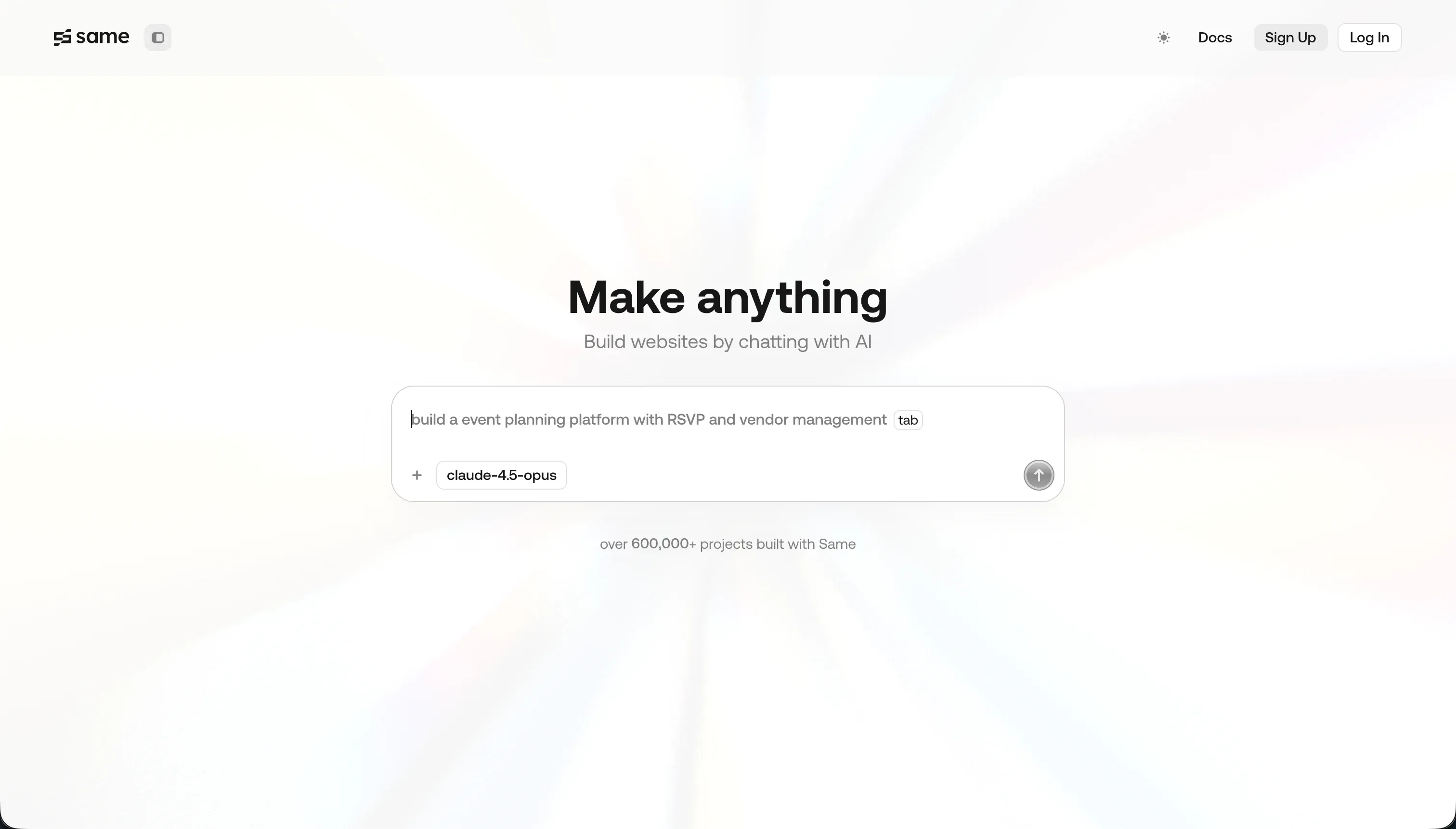
Same.dev (now operating as Same.new) is a frontend prototyping tool with a distinctive core capability: paste any live website URL, and its AI agent clones the visual design into a React-based project automatically. It captures the layout structure, color palette, typography, and basic component organization, then lets you modify the result through conversational prompts. The platform also supports building layouts from scratch via chat. Same.dev has experienced significant platform instability during its transition from same.dev to same.new, with paid users reporting lost project access and read-only accounts during the rebrand period.
| Spec | Details |
|---|---|
| Primary Stack | React, Tailwind CSS, Vite |
| Interface | URL cloning input + conversational chat prompt editor |
| Primary Deployment Target | Same.new managed hosting |
| Key Advantage | Instant visual layout replication from any live website URL |
What is WeWeb?
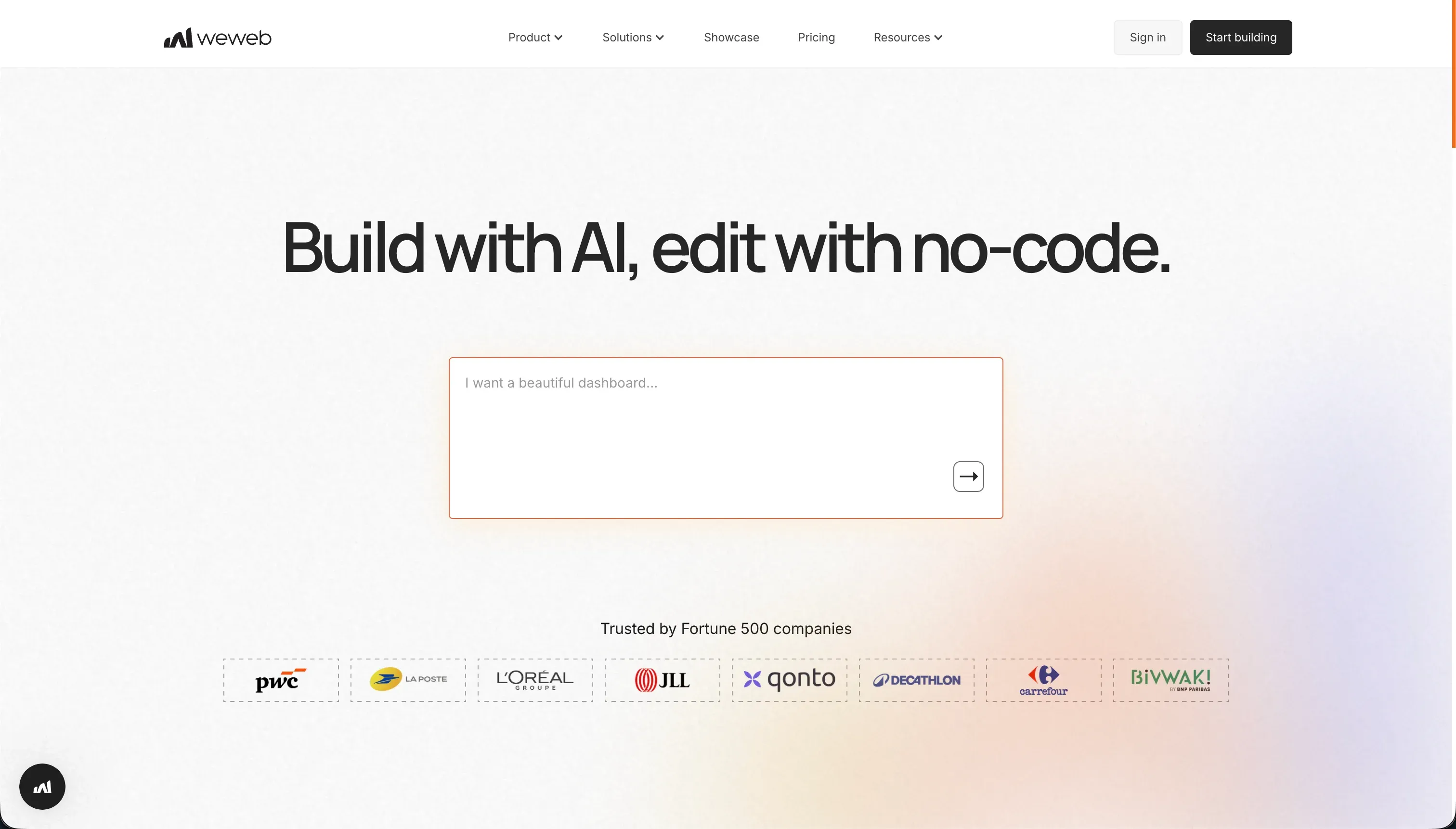
WeWeb (weweb.io) is a visual frontend builder designed for teams building production SaaS products and complex data-connected web applications. It operates on a decoupled architecture model: WeWeb manages the frontend (visual components, routing, state management) while connecting to any external backend via REST APIs, Supabase, Xano, or custom data sources. Its visual state manager and CSS layout controls give frontend developers a no-code interface over concepts they already understand. WeWeb also compiles single-page applications (SPAs) with SEO-friendly rendering and supports Progressive Web App configuration.
| Spec | Details |
|---|---|
| Primary Stack | Vue.js, Nuxt.js, Tailwind CSS |
| Interface | Visual drag-and-drop IDE + state manager + API data-binding |
| Primary Deployment Target | WeWeb CDN (or Vue.js/Nuxt.js code export on Scale plans) |
| Key Advantage | Decoupled frontend with visual API connectivity and CSS-level layout control |
The Core Difference
Same.dev and WeWeb differ not just in capability depth but in the underlying premise of what a frontend tool should do.
Same.dev starts from a visual source - either a live URL or a text description - and generates code that approximates what it sees. The builder is working backward from an existing design. This makes it genuinely useful for one specific task: replicating a layout concept quickly to use as a scaffold or to show a client a rough prototype. The limitation is that this backward-generation process is inherently fragile. The AI is guessing at layout intent, and as you iterate, the risk of code regressions - where new changes break existing sections - is high and well-documented.
WeWeb starts from a blank canvas and builds forward. You construct layouts using visual primitives (containers, grids, repeated collections, conditionals) that correspond directly to web development patterns. You connect data from external APIs and bind it to UI components explicitly. You define state variables, routing rules, and user authentication flows visually. This forward-construction approach is far more stable and scalable than Same.dev’s AI cloning, but it requires that you bring the frontend mental model to the tool rather than having the AI infer it for you.
The practical consequence: Same.dev has a much lower floor for getting started, but a much lower ceiling for what it can reliably build. WeWeb requires more skill and setup, but can produce significantly more complex and maintainable applications.

Head-to-Head Comparison
1. Developer Experience & Iteration Speed
Same.dev’s speed on first contact is its biggest selling point. Paste a URL to any website with a design you want to replicate, and within seconds you have a functional React layout with Tailwind classes applied. For rapid design exploration, client prototyping, and early-stage mockups, the initial experience is genuinely impressive. The speed collapses during sustained iteration. The AI has a documented tendency to make destructive changes when responding to modification prompts - one Trustpilot reviewer described a simple section reordering that “destroyed 1,500+ lines of working code,” calling the behavior “completely unacceptable.” The fork and duplicate features, meant to let you branch versions safely, “frequently fail on larger files” according to user reports. Same.dev’s iteration speed is fast when the AI cooperates and can become a significant time sink when it does not.
WeWeb is slower to start but dramatically more stable during iteration. Because you are building components manually rather than asking an AI to infer layout intent from prompts, changes are surgical and predictable. Moving a component, updating a data binding, changing a conditional display rule - these happen through direct interaction with the visual editor, not through AI prompts that may or may not interpret your intent correctly. WeWeb’s AI assistant within the editor generates JavaScript code snippets and CSS classes for custom components, which is a more limited but more targeted use of AI than Same.dev’s all-or-nothing generation approach. The downside of WeWeb’s stability is the initial setup time - connecting an external backend, configuring data sources, and setting up routing and authentication can take days rather than minutes for complex applications.
2. Code Quality & Portability
Same.dev outputs React and Tailwind CSS code that is clean in the initial generation but frequently degrades in quality during sustained iteration. The initial clone of a simple layout can be solid enough to use as a starting scaffold in a real project. But the codebase that emerges after multiple rounds of chat-based modifications tends to accumulate redundant Tailwind classes, improperly nested components, and occasional hallucinated imports for components that do not exist. One G2 reviewer described the output as requiring “a lot of time cleaning up” before it is usable. Code export is available across all plans, which is a genuine advantage - there is no tier gate on your ability to download what you have built.
WeWeb’s code export produces Vue.js and Nuxt.js files that are well-structured and idiomatic. The visual builder maps closely to Vue’s component model, so the exported code reflects patterns that any Vue developer would recognize and can extend. The significant catch is that code export is locked to the Scale plan ($199/month billed annually). On the Starter plan, you cannot export your code. This creates a meaningful lock-in dynamic: builders who start on Starter and build a substantial application are then trapped without code portability unless they upgrade to a plan that costs five times more. For teams that value code export as either a portability guarantee or a customization path, the tier gate is a planning consideration that needs to be addressed before you invest time in building.
3. Database & Backend Capabilities
Same.dev has no backend capability. The tool generates frontend code and stops there. Any data persistence, user authentication, session management, or API connectivity must be added manually by a developer after the fact. This is not a gap being iterated on - it is a deliberate scope decision. Same.dev positions itself as a layout generation and cloning tool, not an application platform. If your project requires any kind of data persistence or user accounts, you will immediately need a separate backend service and a developer to wire it up.
WeWeb is built around the assumption that you have a backend and need a frontend that connects to it. Its API browser and data-binding interface let you connect to REST endpoints, browse available data fields from an API response, and bind those fields to visual components without writing Vue code manually. The Supabase and Xano integrations go deeper than raw REST connectivity, providing more automated handling of authentication, real-time subscriptions, and database query construction. WeWeb’s visual state manager allows you to define global variables, route-level state, and component-level state using the same mental model a developer would use in code, just expressed visually. The limitation is what is not provided: WeWeb does not host a database, does not manage backend security rules, and does not protect you from misconfigured API permissions. Reviewers note that documentation and tutorials sometimes lag behind the current version, which means builders occasionally have to figure out working patterns through community forums and trial and error.
4. Hosting & Deployment Options
Same.dev hosts generated layouts on its managed platform for quick previews. There is no CI/CD pipeline to configure - you build, preview, and publish within the Same.dev interface. The hosting story has been complicated by the platform’s rebrand from same.dev to same.new, during which multiple paid-tier users reported that their existing active websites became read-only or broke entirely. One Trustpilot reviewer specifically noted: “One day I got the notification that the rebrand would make existing projects impossible to edit anymore.” For teams relying on Same.dev for anything beyond a temporary prototype, this incident represents a meaningful platform reliability concern.
WeWeb deploys to its global CDN with custom domain support, staging environments on Scale plans, and self-hosted deployment on Enterprise plans. The CDN deployment is fast and reliable for production web applications, and the staging environment feature - letting you test changes before they go live - is a meaningful operational feature that Same.dev does not offer. WeWeb also supports PWA configuration, allowing web apps to be installed on mobile home screens. The mobile performance concern expressed by reviewers is worth noting: “the experience is way better on laptop than mobile” and “in the long-term, we will keep WeWeb for web navigation, but probably going for another solution for mobile.”

Pricing Comparison
Same.dev’s current pricing is structured around fixed tiers with a token quota:
- Free: Limited tokens for basic UI testing and cloning
- Pro: $10/month - 2 million tokens included per month, with additional tokens at $5 per million
The platform previously operated as pure pay-as-you-go at $10 per 2 million tokens, switching to fixed tiers after community complaints about unpredictable costs. The Pro plan’s $10/month entry point is extremely accessible, but token consumption during active design sessions can exhaust the monthly quota faster than expected. A reviewer noted that comparable tools with fully featured toolchains (like Lovable or Bolt) cost around $25/month and offer significantly more complete feature sets - suggesting Same.dev’s pricing advantage diminishes once you account for what it cannot do.
WeWeb’s pricing reflects its positioning as a production-grade developer tool:
- Free: Visual builder access, up to 150 database records, weweb.io subdomain only
- Starter: $39/month (billed annually) / $59/month (monthly) - 1 published app, custom domain, 50,000 page views/month, basic integrations
- Scale: $199/month (billed annually) / $249/month (monthly) - 3 published apps, 250,000 page views/month, staging environments, code export
- Enterprise: Custom - self-hosting, unlimited page views, advanced SSO, SLAs
WeWeb’s Starter plan at $39/month is expensive for what it offers: a single published app with no code export and a 50,000 page view cap. For most production use cases, the Scale plan at $199/month is the minimum viable tier - code export, staging environments, and three published apps represent the feature set needed for a real product. On top of WeWeb’s subscription, any application that connects to Supabase or Xano also pays for those backend services separately. The total stack cost for a WeWeb-powered production application is considerably higher than the WeWeb plan price alone.
Customer support quality has been a consistent complaint about WeWeb. Product Hunt reviews include “WEWeb.io has awful customer service” and multiple reviewers describing billing issues that persisted after cancellation, including charges continuing “over a year” after cancellation.
Use Case Fit: When to use which?
When to choose Same.dev
- You want to clone an existing website’s visual layout quickly and get a React/Tailwind codebase to work from.
- You need a rough frontend mockup for a pitch, client presentation, or design exploration - not a production application.
- You are a developer who wants a fast starting scaffold for a new frontend before taking the codebase into your own development environment.
- Budget is the primary constraint and you understand the reliability limitations.
When to choose WeWeb
- You are a frontend developer or technical agency building a production SaaS product or complex dashboard connected to an external backend.
- Your application requires precise CSS layout control, visual state management, and structured API data-binding without writing Vue code manually.
- You need staging environments and are willing to pay the Scale plan cost for the full production feature set.
- You are comfortable managing a separate backend service (Supabase, Xano, or custom API) alongside the WeWeb frontend layer.
When neither Same.dev nor WeWeb is the right fit
Both tools are frontend-only builders that require either a developer’s attention (WeWeb) or accepted fragility (Same.dev). There are several use cases where neither is appropriate.
For native mobile apps (iOS & Android)
Neither Same.dev nor WeWeb compiles native mobile applications. Same.dev generates web code. WeWeb produces Vue.js web apps with PWA support but explicitly poorer mobile performance compared to desktop. Neither can submit to the Apple App Store or Google Play Store. For native mobile development with App Store distribution, FlutterFlow is purpose-built for this workflow. It provides a visual builder over Flutter’s widget tree and codeless deployment pipelines to both major mobile platforms.
For internal tools and client portals
Same.dev’s fragility and complete absence of backend tooling makes it unsuitable for operational business software. WeWeb’s decoupled architecture and developer-grade complexity puts it out of reach for non-technical business teams that need to maintain their own tools. For building operational business software - client portals, internal dashboards, team databases, CRMs - without a frontend developer, Softr is the more appropriate platform. Softr provides an AI Co-Builder that generates entire applications from a description, a visual editor that business operators can use without coding knowledge, and a native database with granular user group permissions. Unlike Same.dev, there is no risk of code regressions. Unlike WeWeb, there is no need for a separately configured backend. Unlike both, non-technical operators can manage and update the application independently after it is built.
For professional developer environments
Developers who want full control over their frontend code without the constraints of a visual builder will find both tools limiting in different ways. Same.dev’s AI-generated code can be used as a starting point but requires cleanup and lacks any IDE-level tooling. WeWeb’s visual builder is powerful for no-code frontend work but stops short of the full code control that developers want. For full-stack AI-assisted development in a local IDE, Cursor is the professional standard - a VS Code fork with codebase indexing, multi-file editing, and context-aware AI suggestions across any language and framework. For cloud-based development with a virtual machine and terminal access, Replit provides collaborative cloud development with AI assistance and built-in hosting.

Verdict
Same.dev and WeWeb represent two very different points on the spectrum of frontend building tools, and the gap in their capability, stability, and cost reflects genuinely different design intents.
Same.dev is a tool for speed at the cost of reliability. If your goal is to get a React layout in your hands quickly - for a prototype, a pitch deck, a design exploration, or a scaffold you plan to hand to a developer - it does that job at a price that is hard to beat. If your goal is building something you plan to ship and maintain, Same.dev’s documented fragility, destructive prompt behavior, and platform instability during rebranding are serious risks.
WeWeb is a tool for serious frontend development at a serious price. Developers and agencies who understand Vue.js, REST APIs, and state management will find WeWeb’s visual layer genuinely productive for building complex, data-connected interfaces without writing the entire frontend from scratch. Non-technical builders, or anyone who cannot justify $199/month for the features that actually matter, will find WeWeb’s cost and learning curve prohibitive.
The only builders for whom this comparison is not immediately resolved by those two paragraphs are developers considering whether to use Same.dev as a rapid initial scaffold before migrating into their own environment - a use case where Same.dev’s React export and $10/month pricing are legitimately attractive, provided you go in expecting to clean up the code.
Summary Comparison Table
| Feature | Same.dev | WeWeb |
|---|---|---|
| Build Paradigm | AI UI Cloning + Prompt-Based Generation | Visual Decoupled Frontend IDE |
| Output Type | React / Tailwind CSS | Vue.js / Nuxt.js |
| Database | None (frontend only, no data layer) | None (external backend required) |
| Visual Permissions | None | JWT auth and API-level access control |
| Pricing Metric | Subscription + Token quota ($10/month Pro) | Subscription tiers ($39-$199/month) |
| Maintenance Burden | High (risk of AI-caused code regressions) | Medium (frontend developer needed) |
| Code Export | Yes (all tiers, React/Tailwind) | Yes (Scale and Enterprise plans only, Vue.js) |