

VibeCode and Softr both use AI to help you build applications from prompts. The similarity mostly ends there. These tools are designed for different platforms, different users, and different definitions of what a successful app looks like.
The comparison is worth making because teams shopping for AI app builders often evaluate both in the same breath - and choosing the wrong one means months of rebuilding for the wrong environment.
Meet the Contenders
What is VibeCode?
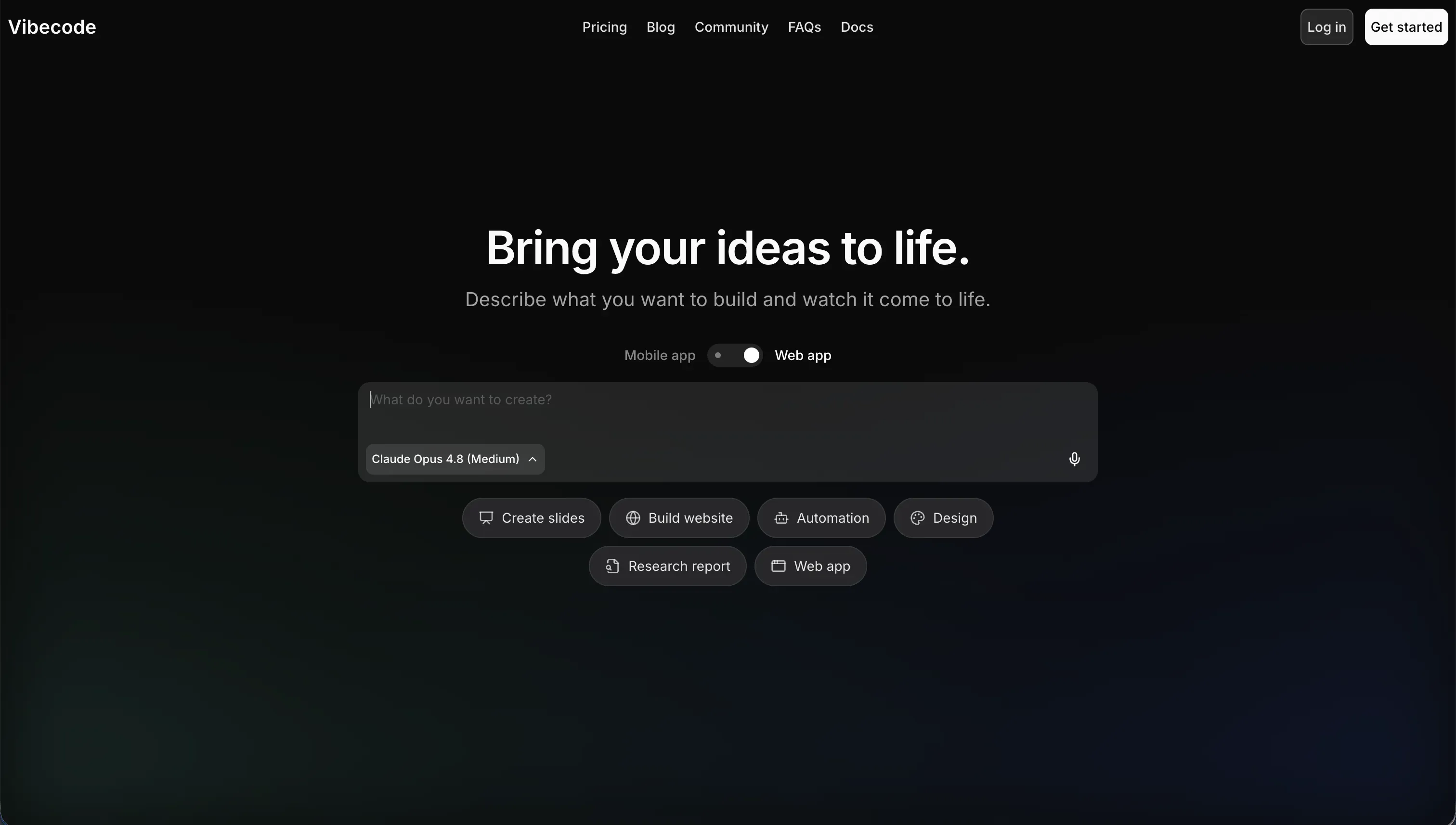
VibeCode is an AI-powered mobile-first app builder. You describe your app in plain English, and VibeCode generates native iOS and Android app structures. It’s built for prototyping and shipping consumer utilities, lightweight games, and personal tools directly to mobile app stores. Higher paid plans include code export and SSH access to continue development in external editors like Cursor or VS Code. VibeCode’s pricing passes raw AI API costs to users with no markup - $1 in credits equals $1 in LLM usage.
| Spec | Details |
|---|---|
| Primary Stack | AI-generated native mobile app code |
| Interface | Natural language prompt + mobile preview |
| Primary Deployment Target | Apple App Store / Google Play Store |
| Key Advantage | True native mobile builds with direct app store publishing |
What is Softr?
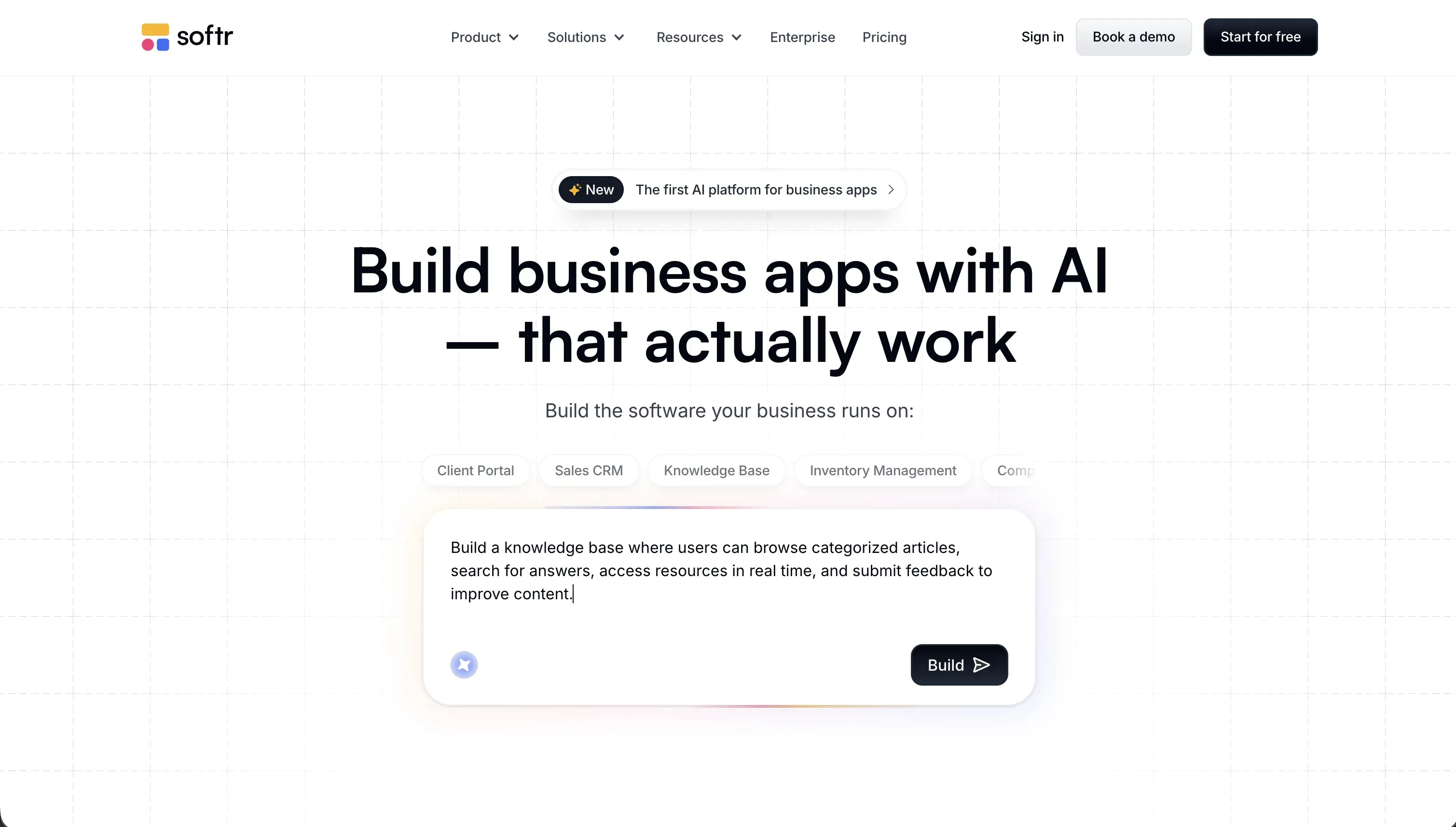
Softr is an AI-powered platform for building business software without code. Its AI Co-Builder generates a complete app from a plain English description - database, pages, navigation, user groups, and business logic - and then you edit everything through a visual block editor. Softr produces web applications and Progressive Web Apps (PWAs), not native mobile files. Its focus is operational business software: client portals, internal tools, CRMs, and team intranets that need to run reliably for real business users.
| Spec | Details |
|---|---|
| Primary Stack | Visual no-code block editor + Softr Databases + 17 external data integrations |
| Interface | AI Co-Builder for generation + visual block editor for all ongoing changes |
| Primary Deployment Target | Softr Cloud (web + PWA), custom domains |
| Key Advantage | Visual permissions, zero-maintenance operations, flat predictable pricing |
The Core Difference
The fundamental split is the deployment target and what happens after initial generation.
VibeCode builds apps for mobile app stores. The output is native mobile code (iOS/Android), the UX is optimized for small touchscreens, and the deployment path goes through Apple and Google’s review and distribution pipelines. That’s the whole product.
Softr builds apps for business browsers and devices. The output is a hosted web app that’s mobile-responsive and PWA-installable. The deployment path is a custom domain or Softr subdomain - your users access it from any device without app store involvement.
Beyond platform, the other key difference is what the AI produces. VibeCode generates custom app code - changeable, exportable, but also fragile as it grows. Softr’s AI Co-Builder generates a structured no-code configuration. There’s no code to break, no AI context to lose, and no prompting required for ongoing maintenance.

Head-to-Head Comparison
1. Developer Experience & Iteration Speed
VibeCode’s prompt-to-prototype speed for mobile apps is its strongest point. Describe a simple mobile utility - a habit tracker, a task manager, a local listing app - and VibeCode generates a working mobile layout in minutes. The initial output is genuinely impressive.
Where VibeCode slows down is in the second and third iteration cycles. As the app grows, the AI can lose context of the overall codebase structure, leading to regressions where a new feature breaks something that was working. Debugging these regressions requires either extensive re-prompting or diving into the exported code directly - neither is fast.
Softr’s iteration model is different by design. After AI generation, you’re in a visual editor where every change is direct and immediate. Adding a database column, changing which user group sees a particular page, or updating a form field takes seconds without any prompting. There’s no context loss and no regression risk from visual edits. The AI remains available for new features, but it’s never the only path.
2. Code Quality & Portability
VibeCode generates real, exportable code. On Pro plan and above, you get full source code download and SSH access to connect external editors. This is a real developer escape hatch - you can start in VibeCode for speed and finish in a proper IDE. The generated code is standard enough to continue building with a developer on the team.
Softr doesn’t generate code. You can’t export the interface logic because there is no code - it’s a visual configuration. Your data lives in Softr Databases, which exposes a full REST API and MCP server so it’s always accessible outside the platform. Softr also connects to 17 external data sources like Airtable, PostgreSQL, and Google Sheets if you’re working with data you already have elsewhere.
3. Database & Backend Capabilities
VibeCode automatically provisions a backend database and authentication system for each app. For simple use cases, this works well. The challenge is that business-critical apps require nuanced access control - different users seeing different data, multi-team permissions, conditional visibility based on user attributes - and VibeCode’s AI-generated backend struggles with these patterns. Complex permission logic is hard to prompt correctly and even harder to audit.
Softr’s entire database and permissions layer is visual and pre-built for business security. Softr Databases is a built-in relational database where row-level access rules, user group hierarchies, and conditional page routing are all configured through a visual panel - not generated by AI. The platform is SOC 2 Type II compliant, with all data hosted in Germany. For regulated industries or enterprise clients, this compliance is table-stakes that VibeCode doesn’t address.
4. Hosting & Deployment Options
VibeCode’s apps deploy to the Apple App Store and Google Play Store through its native publishing pipeline. This is the platform’s core advantage and the reason you’d choose it.
Softr deploys to its hosted cloud with custom domain support. All Softr apps are mobile-responsive by default, and they can be configured as Progressive Web Apps with a custom icon, splash screen, and offline loading behavior. Users install them from a link - no app store submission, no review delay, no $99/year developer account required.
For internal tools and client portals, PWA deployment is usually the right choice. Your users are invited, not browsing an app store. A tap-to-install PWA from a shared link is faster and simpler than routing them through App Store review.

Pricing Comparison
| Plan | VibeCode | Softr |
|---|---|---|
| Free | $0 / $2.50 in credits / access to premium AI models | $0 / 5 app users / 5 AI credits |
| Entry paid | $20/month (Plus, $20 credits, 1 active deployment) | $19/month (Basic, 5 Team + 5 Client app users) |
| Mid tier | $50/month (Pro, $55 credits, 3 deployments, code export) | $99/month (Pro, 10 Team app users expandable to 50, plus 50 Client users expandable to 250) |
| Top tier | $200/month (Max, $220 credits, 5 deployments) | $329/month (Business, 30 Team app users expandable to 100, plus 100 Client users expandable to 500) |
| Credit system | $1 credit = $1 raw AI cost (no markup) | AI credits for Co-Builder only; visual edits are credit-free |
VibeCode’s no-markup credit model is honest and developer-friendly. You know exactly what your AI usage costs because it maps directly to LLM API pricing. For teams doing heavy iteration, this transparency is valuable.
The practical constraint is that credits gate your ability to generate and change the app. Building complex functionality or debugging regressions through prompting can burn through a month’s credit allocation quickly. Softr’s AI credits are only consumed for specific AI-powered operations (Co-Builder generation, Vibe Coding blocks, AI workflow steps) - not for the ongoing visual editing and maintenance that makes up most post-launch work.
Use Case Fit: When to use which?
When to choose VibeCode
- You’re building a consumer-facing native mobile app intended for public App Store or Google Play distribution.
- Your target users specifically expect a native mobile experience with app store discovery.
- You’re a developer or technical founder who plans to export the code and continue development in Cursor or VS Code.
- Your app is a focused mobile utility (habit tracker, simple game, personal productivity tool) rather than a multi-user operational platform.
When to choose Softr
- You’re building operational business software: client portals, team intranets, custom CRMs, inventory trackers, partner dashboards.
- Your users are invited business users (employees, clients, partners) who need secure, role-based access to data.
- You need a built-in database with visual permissions and row-level security - or you want to connect to an existing data source like Airtable, HubSpot, or PostgreSQL alongside it.
- Your team needs to maintain and update the app post-launch without developer involvement.
- Mobile access is needed but app store distribution isn’t - a PWA covers this well.
When neither VibeCode nor Softr is the right fit
For native mobile apps
VibeCode covers this category for simple to mid-complexity apps. For more demanding native mobile projects - complex animations, offline-first architecture, deep device hardware integration (camera, GPS, Bluetooth) - FlutterFlow provides a more mature mobile-first visual builder that compiles directly to production-grade Flutter code.
For professional developer environments
If you want AI assistance in a real coding environment rather than a platform that generates apps for you, neither tool is the right match. Cursor brings context-aware AI into VS Code with full local codebase indexing. Replit provides cloud-hosted virtual machines with collaborative coding and AI assistance for teams that want to build and host without local setup.

Verdict
- Choose VibeCode if you’re prototyping a mobile-centric consumer utility and need native app store packaging.
- Choose Softr if you’re building business apps, client portals, or internal tools that need to run securely across mobile and desktop without requiring developer maintenance.
Summary Comparison Table
| Feature | VibeCode | Softr |
|---|---|---|
| Build Paradigm | AI code generation (native mobile) | AI Co-Builder + Visual No-Code Editor |
| Output Type | Native iOS / Android app | Hosted web app + PWA |
| Database | Auto-provisioned backend (VibeCode Cloud) | Softr Databases + 17 external integrations |
| Visual Permissions | Prompt-based configuration | Visual user groups + row-level security |
| Pricing Metric | Credit-based ($1 = $1 LLM cost, no markup) | Flat subscription tiers |
| Maintenance Burden | Medium-High (re-prompting or code editing) | Low - fully visual after launch |
| Code Export | Yes (Pro plan and above) | No |
| App Store Publishing | Yes (Apple + Google Play) | No (PWA only) |
| SOC 2 Compliance | Not published | Yes (Business and above) |
| Data Portability | Medium (code export, but VibeCode Cloud backend) | High (Softr Databases with open API + optional external source connections) |