

Choosing between Lovable and Bolt is one of the most common decisions for builders entering the generative development space. Both platforms target the same fundamental goal: translating natural language prompts into working, full-stack applications with clean code you can actually own - bypassing the vendor lock-in of traditional proprietary builders.
However, the day-to-day developer loop, workspace control, and backend stability of the two systems differ significantly.
Meet the Contenders
Before comparing their code generation and pricing, it is important to understand the different architectural philosophies behind Lovable and Bolt.
What is Lovable?
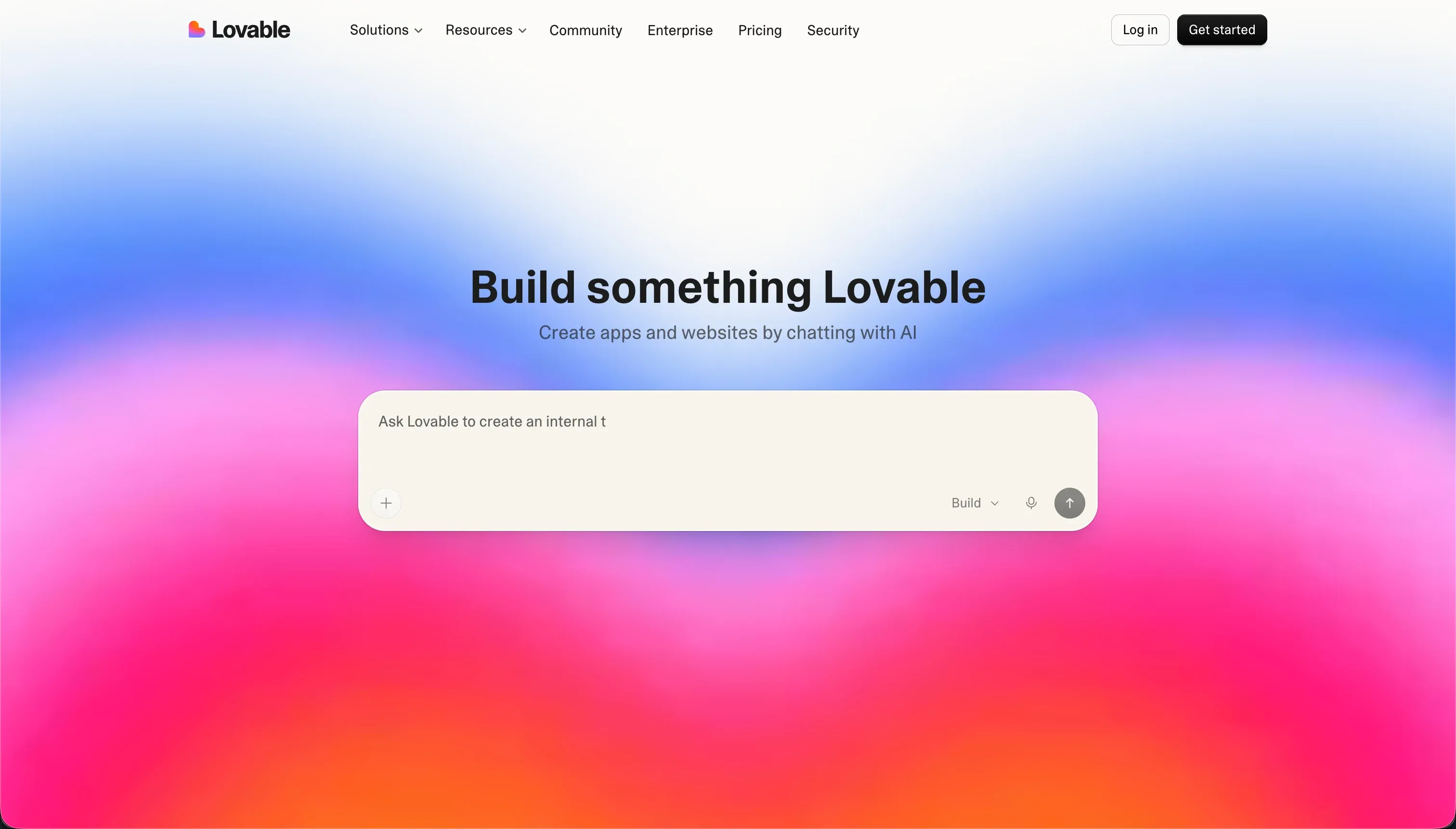
Lovable acts as an autonomous AI software developer. You describe your product in plain text, and Lovable handles the generation of the database schema, frontend components, and backend API routes in a unified pipeline. The editor focuses on visual preview tabs and simple text prompting. Lovable pushes code changes directly to a linked GitHub repository, allowing developers to work locally while the AI continues editing in the cloud.
| Spec | Details |
|---|---|
| Primary Stack | React, TypeScript, Vite, Tailwind CSS, Supabase |
| Interface | Natural language chat + visual preview editor |
| Primary Deployment Target | Lovable Cloud (Staging) or GitHub Push |
| Key Advantage | Clean multi-file edits with less code regression |
What is Bolt?

Bolt is a browser-native development environment. Built on StackBlitz’s WebContainers technology, it runs a virtual Node.js container directly in your browser tab. This gives you a live terminal, a package manager (npm), and an active dev server alongside the AI assistant. It is built for developers who want the speed of AI generation but also need to run custom scripts, install custom npm modules, and run terminal commands client-side.
| Spec | Details |
|---|---|
| Primary Stack | React, Node.js, Tailwind CSS, WebContainers |
| Interface | Chat prompt + full browser-native code IDE |
| Primary Deployment Target | Bolt Host, Netlify, or GitHub sync |
| Key Advantage | High terminal flexibility and custom package support |
The Core Difference
The fundamental difference lies in their execution environments:
- Lovable operates as a collaborative developer in the cloud. It manages the environment, databases, and dependencies for you, presenting a clean visual sandbox.
- Bolt gives you a full, local-style computer terminal running inside your browser.
Put simply: Lovable feels like chatting with a developer who writes your code and hosts it. Bolt feels like sitting in front of a real IDE with a built-in terminal, with the AI working as an active peer programmer.

Head-to-Head Comparison
We evaluated both platforms across four core categories to understand where they perform and where they fall short.
1. Developer Experience & Iteration Speed
Lovable provides a highly polished initial generation experience. You describe a SaaS application, and Lovable scaffolds the layout, styles, and basic logic in a few minutes. If you hit a bug, you prompt the AI to fix it. However, if the bug is complex, Lovable can enter “regression loops” where it claims to have resolved a bug but repeatedly generates the same faulty code, burning through your monthly credits without making progress.
Bolt offers unmatched control because you can bypass the AI entirely. If the AI introduces a syntax error, you do not have to prompt it to fix it; you can open the built-in code editor, run npm install in the terminal, or edit the file manually. The downside is that running WebContainers inside a browser is highly resource-intensive. Users with large projects report constant page freezes, memory crashes, and container timeouts that interrupt development.
2. Code Quality & Portability
Both platforms generate standard React and TypeScript code styled with Tailwind CSS. Neither locks you into proprietary visual schemas.
Lovable is generally better at generating clean, modular file structures. However, users running security audits on Lovable projects have flagged issues where the AI injects tracking tags (such as “lovable tagger”) and telemetry modules directly into package.json and React files.
Bolt compiles a standard Vite project directory. While the initial code quality is high, Bolt is prone to complete layout regressions. When you prompt Bolt to add a small feature to a large project, it has a tendency to overhaul the visual appearance of unrelated pages, occasionally dropping custom CSS rules or breaking working features in the process.
3. Database & Backend Capabilities
Both platforms rely on external databases to handle persistent user records:
- Lovable uses Supabase as its primary backend. It bootstraps database tables, connects APIs, and sets up authentication. The problem is security: Lovable’s AI configures Supabase Row Level Security (RLS) rules, which are occasionally generated incorrectly or omitted. This can lead to security flaws where one user can access another’s data. You must audit these rules manually inside Supabase.
- Bolt is backend-agnostic but requires more configuration. It can spin up local mock databases, but connecting a production database (like Supabase or Xano) requires manual prompt engineering. The AI will write the connection code, but you must manually handle database migrations and security setups.
4. Hosting & Deployment Options
Both tools support one-click staging URLs and Git synchronization.
Lovable staging is hosted on Lovable Cloud. However, a major complaint among developers is Lovable’s “Hotel California” database policy. If you do not connect your own private Supabase instance from day one, Lovable will migrate your private databases and tables onto Lovable Cloud automatically, adding custom database compute fees on top of your subscription.
Bolt deploys to its staging platform or directly to Netlify. It is primarily built for web applications; packaging a Bolt project for native App Store deployment (iOS/Android) requires manual extraction and mobile packaging libraries (like Capacitor), which the AI cannot configure autonomously.

Pricing Comparison
Both builders start paid plans at $25/month, but their billing metrics are entirely different:
- Lovable Pro starts at €25/month ($25) for 100 credits. Unused credits roll over. However, users report credit inflation: prompts that used to cost 1 credit now cost 3–4. During debugging loops, a single bug fix cycle can consume 20–30 credits in an hour. If you scale credits, prices rise quickly: Pro costs €100/month for 400 credits and €2,250/month for 10,000 credits.
- Bolt Pro starts at $25/month for 10 million tokens. Unused tokens roll over for up to two months, provided you maintain an active subscription. Bolt plans scale to $100/month for 55 million tokens and $2,000/month for 1.2 billion tokens.
The catch: Bolt users frequently hit a “Project too large” account lock. Even if you have 50 million unused tokens remaining, the Bolt editor will block new prompts if the codebase exceeds internal workspace size limitations.
Use Case Fit: When to use which?
When to choose Lovable
- You want to go from a text prompt to a functional SaaS prototype in minutes.
- You plan to export the codebase to a local IDE (Cursor/VS Code) immediately after scaffolding.
- You want a clean, cloud-hosted editor that does not crash your local browser memory.
When to choose Bolt
- You are a developer who needs real-time terminal access to run custom npm scripts or CLI tools.
- You want to edit code files directly in the browser editor rather than relying solely on prompting.
- You need a builder with a generous starter token tier for heavy iteration cycles.
When neither Lovable nor Bolt is the right fit
Lovable and Bolt are designed for a specific job: generating raw React and TypeScript codebases. They are excellent if you are a developer or technical founder launching a SaaS MVP. But if your project does not fit that mold, forcing it into a code-generation assistant will lead to frustration.
Depending on your actual goals, other specialized platforms are far better adapted:
For native mobile apps (iOS & Android)
Neither Lovable nor Bolt can package applications for mobile app stores without significant manual development. If you need a native mobile app with push notifications, offline storage, and direct App Store distribution, FlutterFlow is the industry standard. It provides a visual builder over Flutter’s layout engine and compiles directly into native Dart code.
For internal tools and client portals
If you are building database-driven business software (such as client portals, intranets, custom CRMs, or inventory managers), managing a generated codebase is a liability. Non-technical teams will struggle with dependency bugs and database security rules. For these operational tools, Softr is the most stable option. Softr’s AI Co-Builder creates secure portals and dashboards directly on top of Softr Databases or Airtable, keeping configuration visual and maintenance-free.
For professional developer environments
If you are an experienced developer, prompt-to-preview systems can feel limiting. You will likely work faster inside a local editor using AI assistants. Cursor is a fork of VS Code that indexes your local repository, offering context-aware chat and multi-file code editing. For collaborative cloud development, Replit runs full virtual machines and integrates Replit Agent, providing backend database scaling and live multiplayer coding.

Verdict
- Choose Bolt if you are a developer who wants an in-browser Node.js terminal and direct code editing control.
- Choose Lovable if you want the smoothest prompt-to-app flow and are comfortable managing the Supabase backend.
Summary Comparison Table
| Feature | Lovable | Bolt |
|---|---|---|
| Build Paradigm | AI Code Generation | AI Code Generation |
| Output Type | React / TypeScript | React / Node.js |
| Database | Supabase | Third-party (Supabase/Xano) |
| Visual Permissions | Prompt-based Supabase RLS | Prompt-based custom rules |
| Pricing Metric | Subscription + Credits | Subscription + Tokens |
| Maintenance Burden | High (Developer needed) | High (Developer needed) |
| Code Export | Yes (GitHub Sync) | Yes (GitHub Sync) |