

Zite and WeWeb are both non-traditional app builders, but they’re aimed at very different users. Zite is betting on AI generation lowering the barrier to entry. WeWeb is betting that frontend developers want visual control without writing boilerplate HTML and CSS. These aren’t really the same product competing for the same buyer.
That said, there is real overlap: teams looking for a no-code or low-code way to build web apps with custom data sources frequently evaluate both. Here’s how they stack up.
Meet the Contenders
What is Zite?

Zite is an AI-first application builder, evolved from Fillout’s form-builder roots. You describe your app in plain text, Zite’s AI generates the interface, database structure, and workflows, and you then edit and extend using its visual editor. The platform bundles a built-in SQL database and includes unlimited users across all plans - including free. A Plan Mode feature lets you review the AI’s intended changes as a markdown outline before execution, giving you more control over credit usage.
| Spec | Details |
|---|---|
| Primary Stack | Proprietary visual editor + built-in SQL database |
| Interface | Natural language chat + plan review + visual editor |
| Primary Deployment Target | Zite Cloud (hosted) |
| Key Advantage | Unlimited users on all plans, Plan Mode for credit-efficient generation |
What is WeWeb?
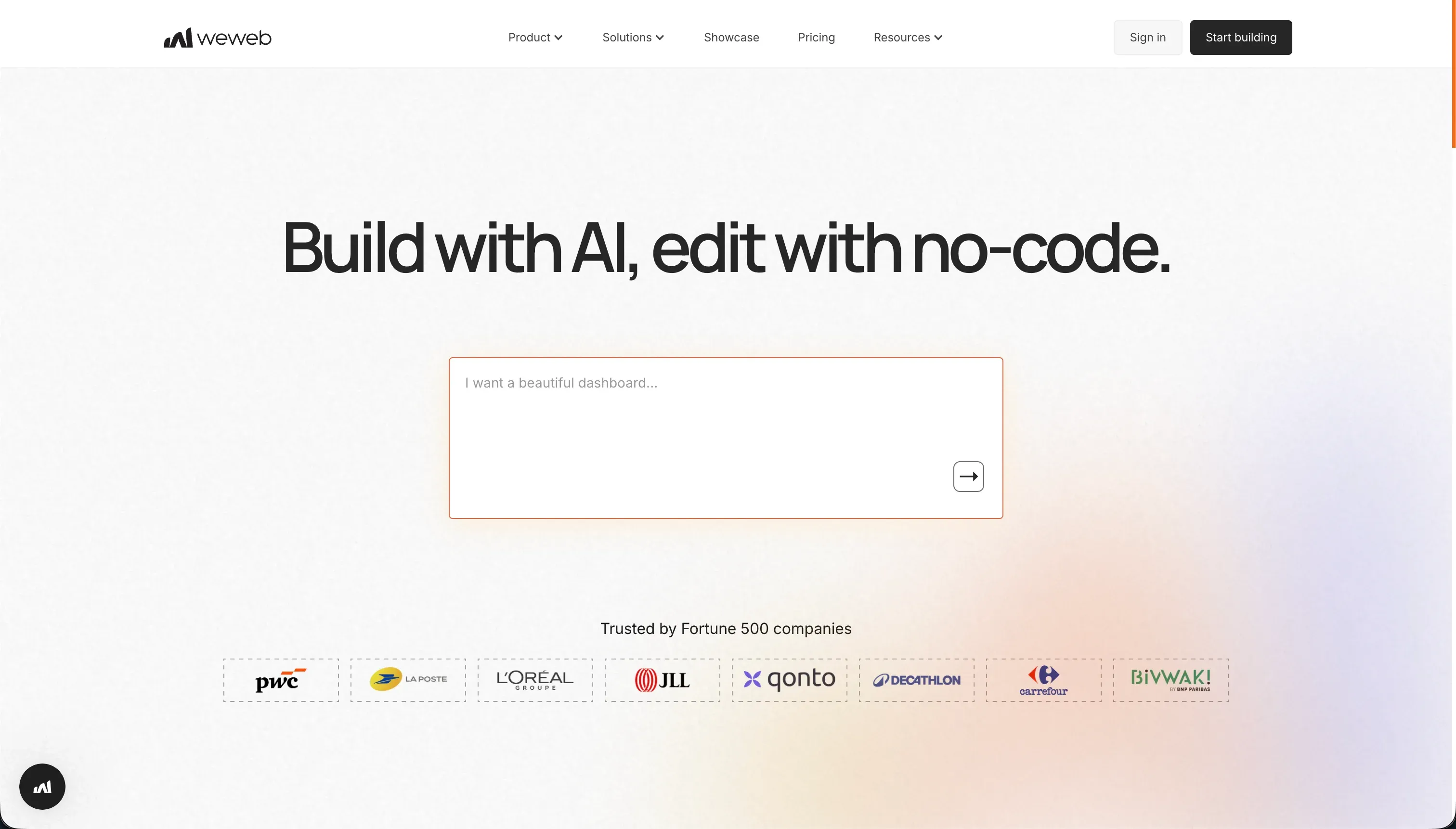
WeWeb is a visual frontend builder designed for agencies and frontend developers. It lets you build responsive web applications by connecting to external databases and APIs - it has no native database of its own. The visual editor supports CSS flexbox and grid layouts with fine-grained positioning control. An AI assistant inside the editor can generate JavaScript snippets and CSS classes, but WeWeb is fundamentally a frontend tool requiring a separate backend service (like Xano, Supabase, or Airtable) for any data-driven app.
| Spec | Details |
|---|---|
| Primary Stack | Vue.js-based visual editor (code-export as Vue.js/Nuxt.js on Scale+) |
| Interface | Visual drag-and-drop layout builder + external API bindings |
| Primary Deployment Target | WeWeb Cloud (hosted), or self-hosted on Enterprise |
| Key Advantage | Precise CSS-level visual control + Vue.js code export for developer exit |
The Core Difference
Zite generates the full app stack from a prompt - frontend, database, workflows, and auth - in one environment. WeWeb gives you precise frontend control but requires you to bring your own backend, configure API connections, and set up authentication separately.
In practical terms: Zite is the faster path to a working app, especially for teams without a developer. WeWeb is the better tool if you already have a Supabase or Xano backend and want precise visual control over the interface layer.
The real tension in this comparison is between Zite’s AI-dependency risk (credits running out, rigid generated layouts) and WeWeb’s backend configuration overhead and steep learning curve. Neither platform is easy once you move past the basics.

Head-to-Head Comparison
1. Developer Experience & Iteration Speed
Zite’s Plan Mode sets it apart from most AI builders. Before executing changes, the AI drafts a plain-language plan for you to review - you can edit or reject individual steps before they consume credits. This makes iteration more deliberate and reduces the frustrating “the AI changed the wrong thing and wasted my credits” experience that plagues other vibe-coding tools.
The downside is that even with Plan Mode, Zite’s layout controls are anchored to the AI’s generated structures. Fine-grained visual adjustments - specific padding, a custom component, a non-standard layout - often require re-prompting rather than direct editing.
WeWeb’s iteration experience is entirely different. There’s no AI generation of layouts - you build them yourself with CSS flexbox and grid controls, dragging components into place and configuring bindings manually. For an experienced frontend developer, this is highly productive. For someone without CSS or API knowledge, the learning curve starts steep and stays steep. Product Hunt and Capterra reviewers consistently flag WeWeb’s documentation as lagging behind platform updates, adding another layer of friction.
2. Code Quality & Portability
WeWeb’s code export (Vue.js/Nuxt.js on Scale and Enterprise plans) is a genuine differentiator. Agencies building client projects can deliver a running Vue.js application that the client’s dev team can maintain or extend independently. This is uncommon in the no-code space and valuable for certain workflows.
Zite has no code export. What you build in Zite stays in Zite. If you want to move the app elsewhere, you’re rebuilding the interface from scratch, though your data can be exported from the SQL database.
3. Database & Backend Capabilities
This is the starkest difference between the two platforms.
Zite ships with a built-in SQL database. Basic tables, linked records, bulk operations, REST API access, and webhook support are all included. You don’t need to set up or pay for any external service to store data. The limitations are formula fields (limited), complex rollups (not natively supported), and access control (handled through prompts rather than a visual permissions panel).
WeWeb has no database. Building any data-driven app with WeWeb means setting up a separate backend service - typically Xano ($49/month+), Supabase (free with limits, or paid), or an external API. This adds cost, setup time, and a second platform to maintain. A Product Hunt reviewer captured it plainly: the experience of setting up backend integrations in WeWeb feels like “a pain” for teams without developer experience.
4. Hosting & Deployment Options
Zite hosts on its own cloud. Custom domains are available on Pro and above. All plans include unlimited published apps.
WeWeb’s Starter plan ($59/month billed monthly, or $39/month billed annually) covers only one published app. If you need three, you move to Scale at $199/month. Self-hosting is available on Enterprise for teams that need it.
WeWeb also has a well-documented history of customer service complaints. Multiple Product Hunt reviewers describe being billed after cancellation, getting no support responses to tickets, and discovering that updated features aren’t reflected in documentation for weeks. This is worth knowing before signing a contract for an agency client project.

Pricing Comparison
| Plan | Zite | WeWeb |
|---|---|---|
| Free | $0 / 50 credits/month / unlimited users | $0 / editor access only / 150 DB records / no custom domain |
| Entry paid | $15/month (Pro, 100 credits, billed annually) | $39/month (Starter, 1 app, custom domain, billed annually) |
| Mid tier | $55/month (Business, 200 credits, billed annually) | $199/month (Scale, 3 apps, code export, billed annually) |
| Credit/page scaling | $15 → $3,769/month as credits increase | Flat per published app count |
| User limits | Unlimited across all plans | Unlimited (page view caps instead) |
WeWeb’s page view limits on the Starter plan (50,000/month) are unlikely to be a constraint for most internal tools. For high-traffic public apps, the Scale plan’s 250,000/month cap applies.
For Zite, the credit scaling is the cost risk. A team doing heavy AI-guided development can hit the limit within hours. Community feedback on Reddit is consistent: “I paid for the Pro version and all my credits got used up in a day.” Credits are not the only meter, either. Despite the “unlimited users” headline, standard CRUD operations, including every database read when a page loads or reloads, count against the monthly workflow runs (5,000 on Pro), so a few active users can exhaust the quota in days, with no clear self-serve add-ons before a custom Enterprise plan.
Use Case Fit: When to use which?
When to choose Zite
- Your team doesn’t have frontend development expertise and needs an AI to generate the initial interface.
- You want everything in one place - database, auth, workflows, and hosting - without configuring external services.
- Your app primarily serves internal users, and Zite’s basic permissions model is sufficient.
- The unlimited users across all plans matter for your budget (important for large team tools).
When to choose WeWeb
- You’re a frontend developer or agency building custom interfaces connected to an existing backend.
- Your client or team already has a Supabase or Xano backend you want to build a UI for.
- Code export to Vue.js is a requirement (for client handoffs or long-term maintainability).
- You need precise CSS-level layout control that AI generation can’t reliably provide.
When neither Zite nor WeWeb is the right fit
For native mobile apps
Neither Zite nor WeWeb compiles native mobile packages for app store distribution. Both produce web applications. For native iOS and Android builds with official App Store distribution, FlutterFlow compiles directly from a visual editor to Flutter’s native widget tree.
For internal tools and client portals
If you need a production-ready business app with secure multi-user permissions, workflow automation, and minimal ongoing maintenance, the Zite + WeWeb stack both have meaningful gaps. Zite’s permissions are shallow; WeWeb’s setup is complex.
Softr closes both gaps. Its AI Co-Builder generates a complete app - database, pages, user groups, and navigation - in one step, then hands you a full visual editor where you maintain everything without credits or code. Client portals, team intranets, partner dashboards, and custom CRMs are Softr’s primary use case, not an afterthought. It’s SOC 2 Type II compliant, with data hosted in Germany, and scales affordably to hundreds of users.
For professional developer environments
If your team is primarily developers who want AI in their coding workflow rather than a visual builder, Cursor or Replit are more appropriate. Cursor brings AI into a local VS Code setup with full codebase indexing. Replit runs full virtual machines with collaborative coding and AI assistance.

Verdict
- Choose Zite if speed of initial launch is the priority, you want everything bundled, and you’re comfortable managing credit economics.
- Choose WeWeb if you’re a frontend developer needing precise visual control over a custom interface connected to a backend you already manage, and code export is a requirement.
Neither tool handles complex business app permissions or zero-maintenance operations particularly well. For that, you’re looking at a different category entirely.
Summary Comparison Table
| Feature | Zite | WeWeb |
|---|---|---|
| Build Paradigm | AI generation + visual editor | Visual frontend builder (developer-focused) |
| Output Type | Hosted web app (proprietary) | Hosted web app (Vue.js/Nuxt.js export on Scale+) |
| Database | Built-in SQL (basic) | None - requires external backend (Xano, Supabase) |
| Visual Permissions | Prompt-based workflow rules | Depends on backend configuration |
| Pricing Metric | Subscription + AI credits (scales fast) | Flat per published app count |
| Maintenance Burden | Medium - AI prompting for layout changes | High - developer needed for backend changes |
| User Limits | Unlimited across all plans | Unlimited (page view caps apply) |
| Code Export | No | Yes (Vue.js/Nuxt.js on Scale and Enterprise) |
| Native Mobile | No (web only) | No (responsive web + PWA) |
| Backend Included | Yes (SQL database) | No (frontend only) |